
Community listing page, reviews here may not be monitored by the author.
Zoom In

No reviews yet
A Zoom In mod with customizations - Zoom in with a single keypress -Enable scroll zoom and more! 4x-Infinite Zoom with scroll
Community voices
Reviews
No reviews yet. Be the first to review this project!
Get it on
Available Platforms
Compatibility
Supported Environments
Runs entirely on the client. Works on vanilla servers.
About
Project Details
For authors
Embed Badge
If you're the author of this project, you can embed a live badge anywhere that supports HTML or Markdown. It updates automatically whenever ratings change.
Use HTML for any page that supports it, or Markdown for README files and Markdown-based descriptions.
Identifiers
Platform IDs
Resources
External Links
About
Description
A Complete lightweight zoom mod that lets you zoom in with a single keypress.
Now includes optional Zoom In & 3rd Person Zoom Out, both off by default.
Now includes Zoom To Max Depth Keybind - Hold Zoom + Keybind to Zoom in/Out to set zoom level.
How to Use
Press Q to zoom in, default 4x (rebindable in Controls > Keybinds)
Zoom To Max Depth Keybind (off by default)
*New v26.2=0.4.5+
Enable Scroll Zoom > Hold Zoom + Max Depth Keybind to zoom in/out to max depth level.

or Open Settings
Enable Scroll Wheel Zoom (off by default) -
hold Q and scroll to zoom in further
Third Person Zoom Out is a separate opt-in (also off by default)
3rd Person: Hold Q and scroll to zoom in & out from player.

Settings Access
- Set a Settings keybind to access the
Settings Screen - Slash command:
/zoom menuto accessSettings Screen - Open Mod Menu to access the
Settings Screen(Optional)
Options/Settings - Defaults

Zoom Transition - Smooth or Instant
Cinematic Camera - Floaty and smooth, or Instant
Scroll Wheel Zoom - Hold the zoom key and scroll to zoom in further. Off by default - the base 4x zoom-in works exactly the same whether this is on or off.
*Scroll Zoom has relative mouse sensitivity built in, (skipped while Cinematic Camera is on)
Max Zoom Depth - * New in v26.2-0.3.1+ - 10x, 25x, 50x, 100x, Infinite (1000x). Only applies while Scroll Wheel Zoom is on.
Max Zoom Out Distance - *New in v26.2-0.4.3+ - Default (off), 2x, 4x, 8x, 16x. Independent of Max Zoom Depth - set to Default to keep deeper zoom-in without any camera pull-back.
Zoom Out only works in 3rd person perspective.
Defaults to off (Vanilla), even when Scroll Wheel Zoom is enabled.
Hide Hotbar while Zoomed - Toggle to show or hide the Hotbar while zoomed
Disable View Bobbing While Zoom - Toggle view bobbing while zoomed
Spyglass Overlay - Classic scope overlay while zoomed
Spyglass Style - Stretched or Framed overlay
Spyglass View - First Person Only or All Perspectives
Spyglass Sound - Plays the spyglass use/stop sound on zoom
Commands
Every command below toggles when run with no argument, or takes an explicit value:
/zoom transition [smooth|instant]/zoom cinematic [on|off]/zoom scroll [on|off]- Scroll Wheel Zoom/zoom maxzoom [10|25|50|100|infinite]- Max Zoom Depth (zoom-in)/zoom zoomout [default|2|4|8|16]- Max Zoom Out Distance (third-person zoom-out)/zoom bobbing [on|off]- View Bobbing While Zoom/zoom hotbar [on|off]- Hide Hotbar While Zoom/zoom spyglass [on|off]- Spyglass Overlay/zoom style [stretched|framed]/zoom perspective [first|all]/zoom sound [on|off]/zoom menu- open the settings screen/zoom reset- reset all settings to default/zoom settings- print all current settings in chat
Credits
Built by ChapmanOfficial
Screenshots
Gallery
-
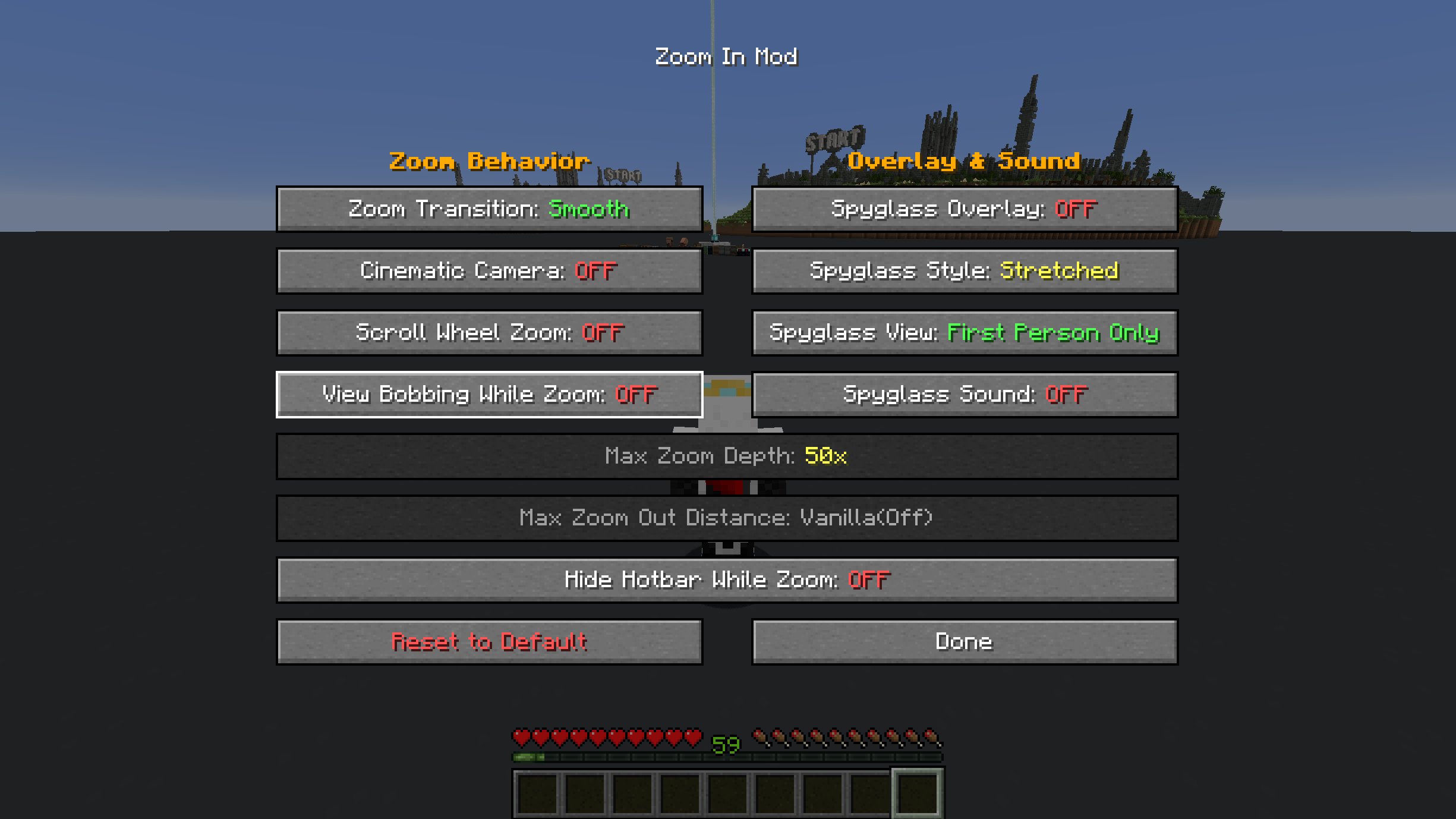 Menu Includes Zoom out and default off options for scroll zoom
 -
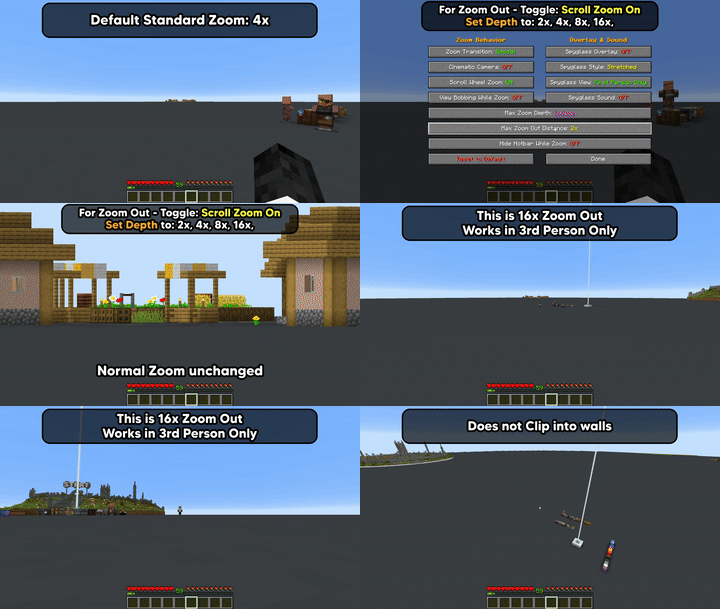 Zoom Out Demo Testing the 16x (max) Zoom out. Off by default
 -
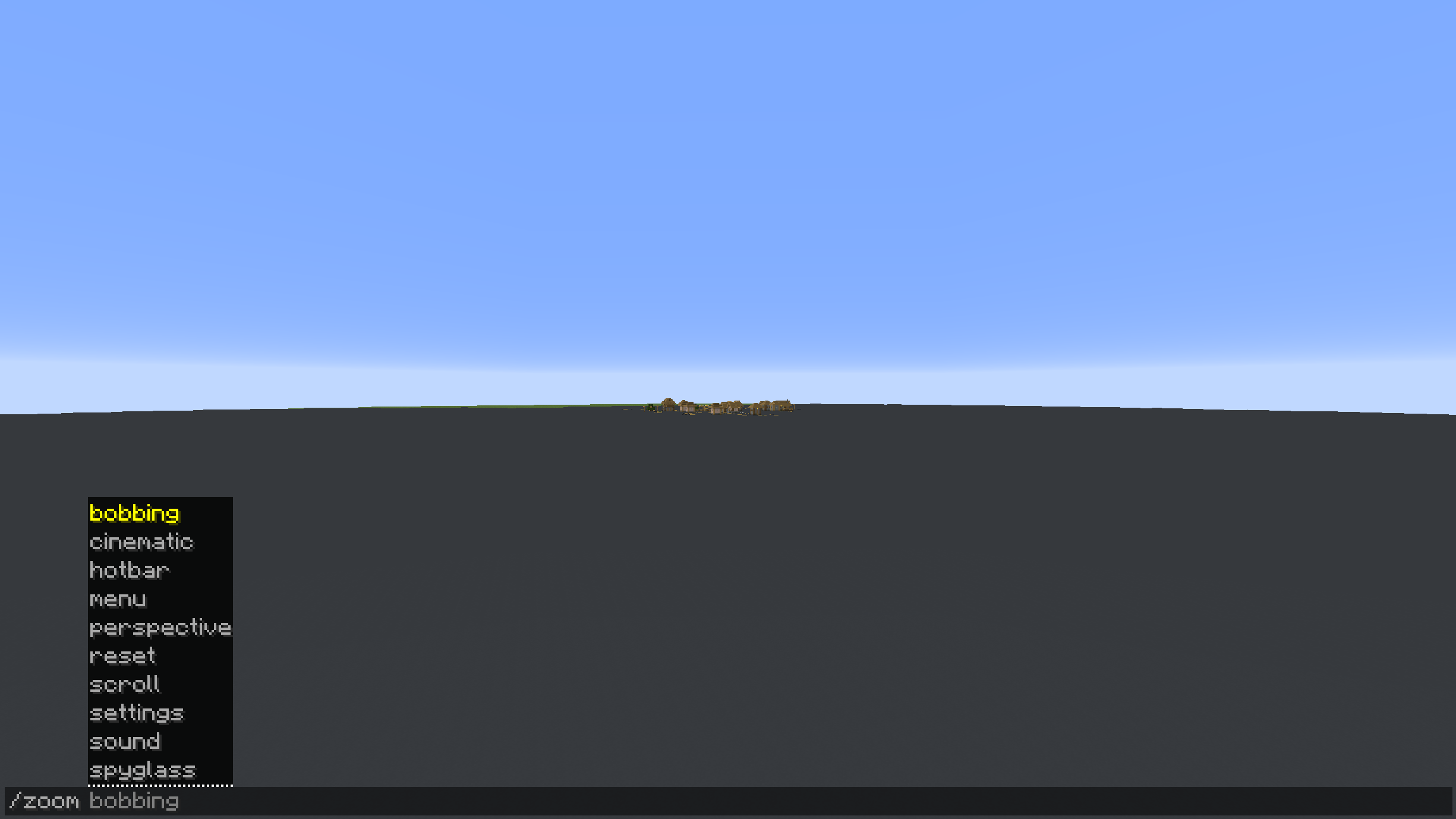 Slash Commands Slash commands to control all configuration and settings
 -
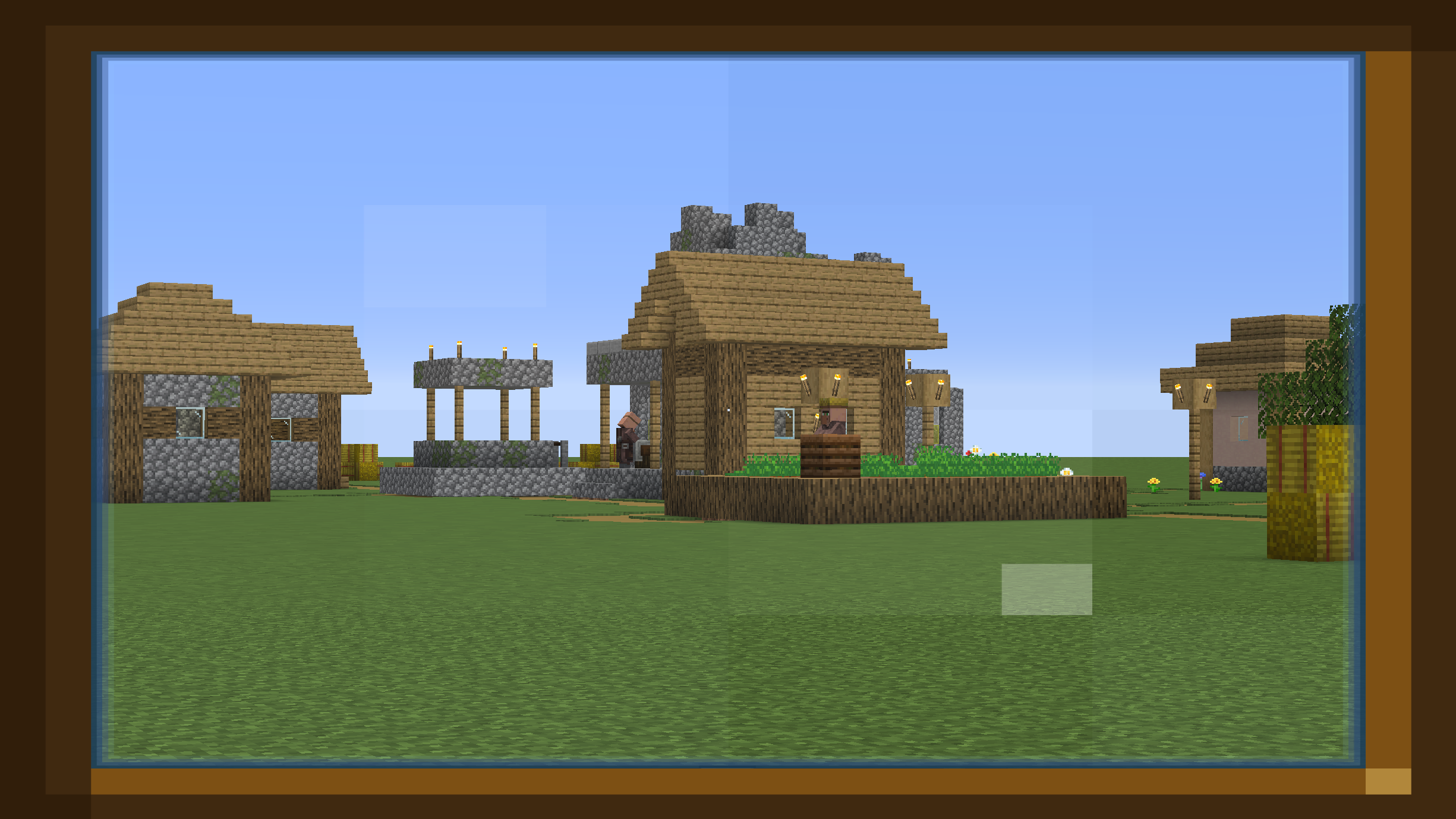 Stretched Zoom Overlay this is the stretched zoom overlay (more styles coming soon)
 -
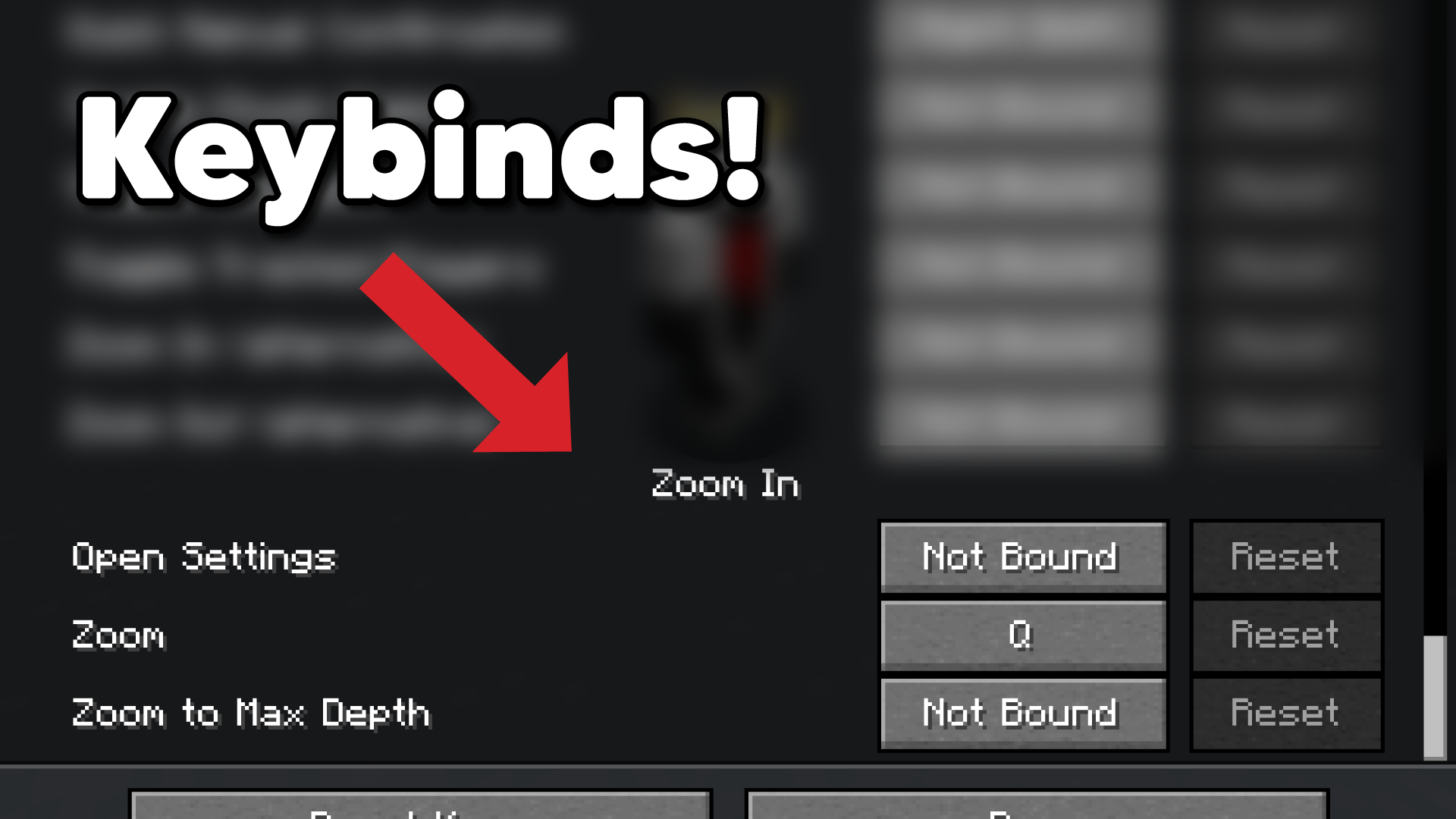 Keybinds Keybinds as of 26.2-0.4.5
Versions
Files
Relations
Project Relations
More like this
Similar Mods
Suggestions use data such as tags, dependencies, dependents, descriptions, titles, and more to rank how much they overlap with this mod.
On ModDex
Community snapshot
By the numbers
Statistics

Want to reach Minecraft players?
We're looking for a server hosting partner to feature here and other parts of the site. Interested? Send us a message!
Get in touchGet it on
Available Platforms
On ModDex
Community snapshot
By the numbers
Statistics
Resources