Community listing page, reviews here may not be monitored by the author.
ZV-Houses

No reviews yet
Hand-authored houses you can build in survival with a Blueprint (26 stonecutter options, your own materials) — or install alongside Zombie Village and let villagers build them. Includes furniture, shelves, hearths, shingles, and shutters.
Community voices
Reviews
No reviews yet. Be the first to review this project!
Get it on
Available Platforms
About
Project Details
For authors
Embed Badge
If you're the author of this project, you can embed a live badge anywhere that supports HTML or Markdown. It updates automatically whenever ratings change.
Use HTML for any page that supports it, or Markdown for README files and Markdown-based descriptions.
Identifiers
Platform IDs
Resources
External Links
About
Description
ZV-Houses
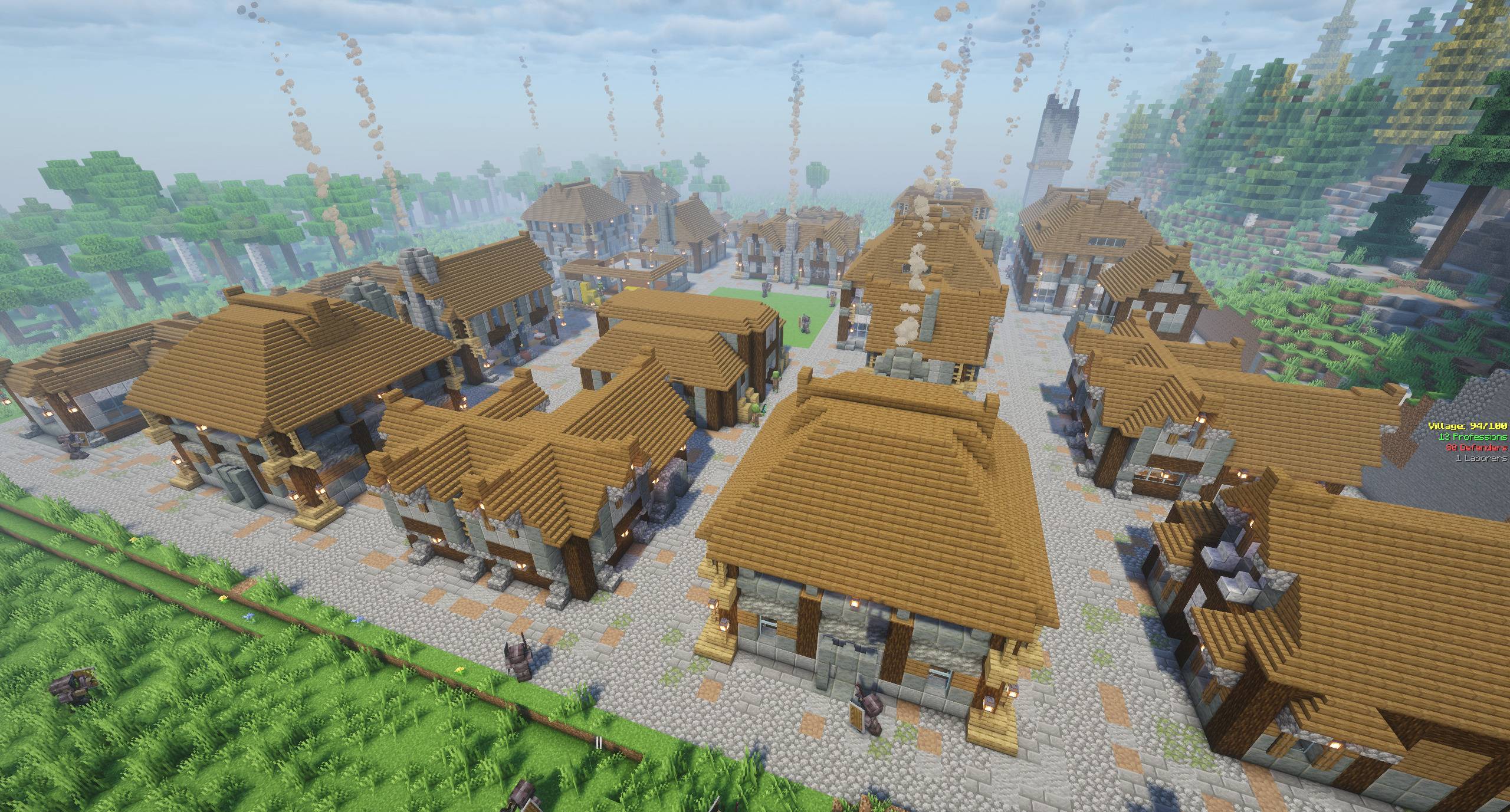
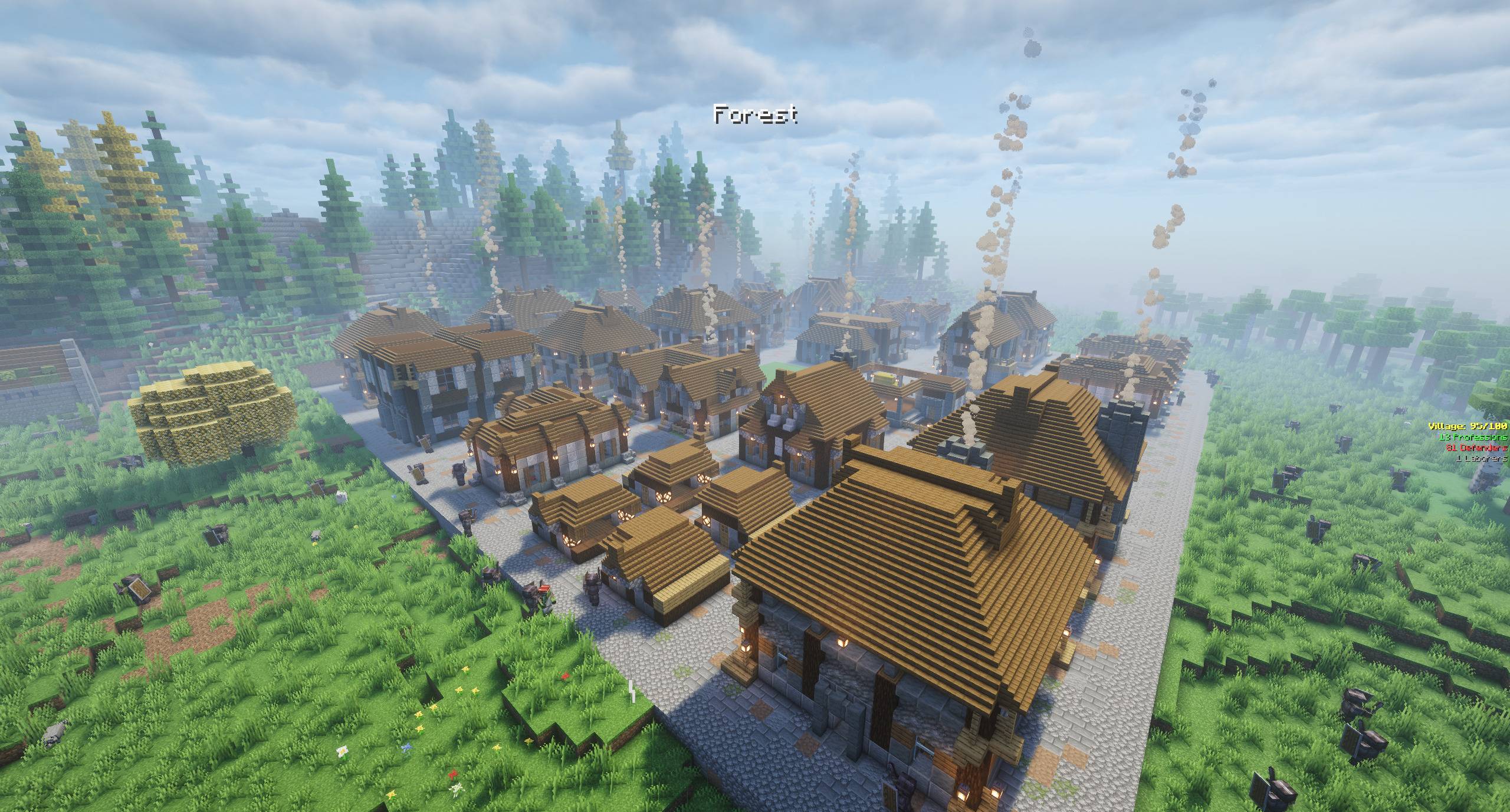
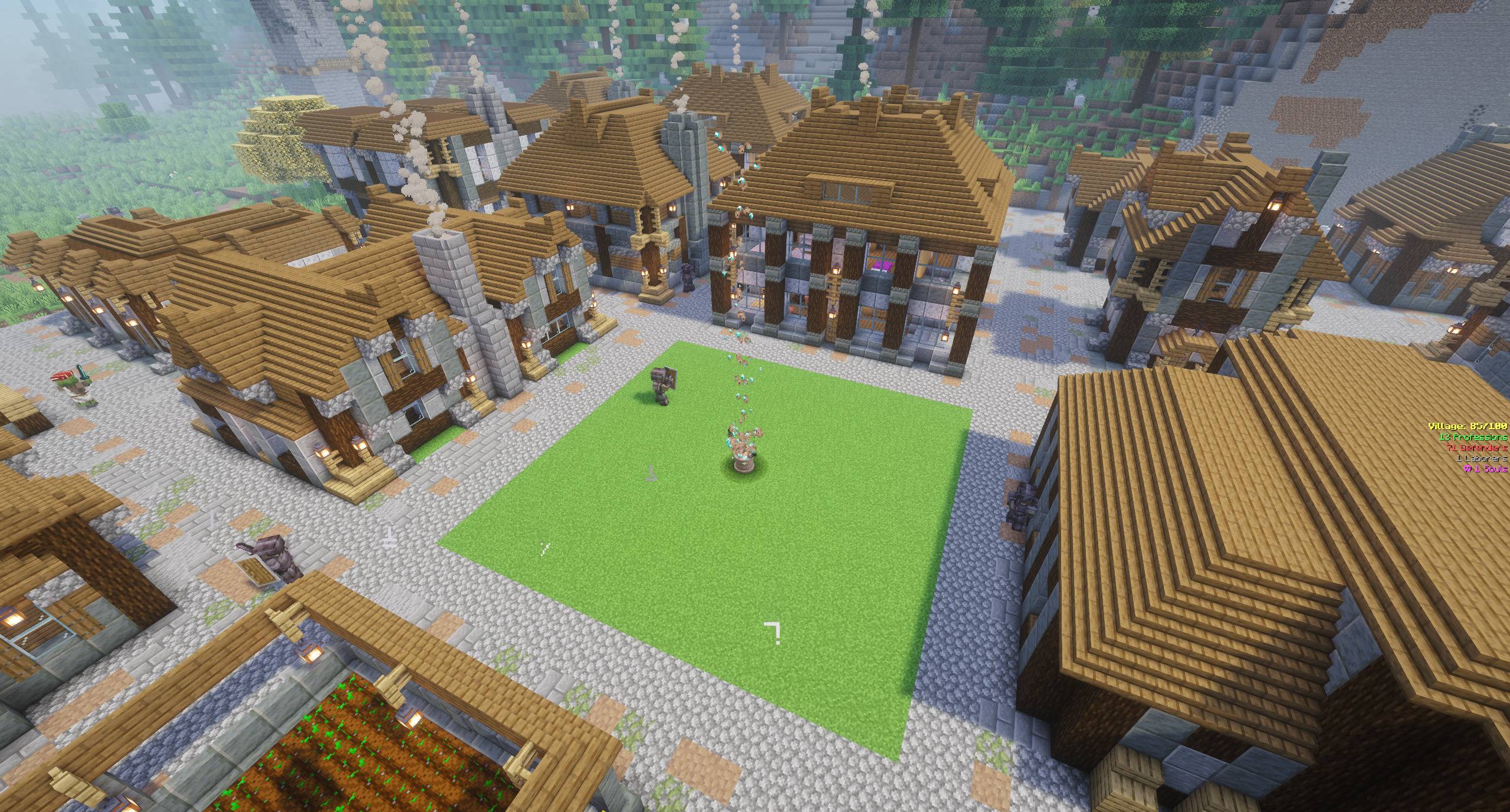
Hand-crafted houses, furniture, and decoration blocks — build any of the 26 blueprint designs in survival with the in-game Blueprint system, or install alongside Zombie Village and let the villagers build them for you.
ZV-Houses is a NeoForge mod for building well-designed houses. As of version 1.0, it runs fully standalone: craft a Blueprint, choose from 26 designs in a stonecutter, place it in the world, and deposit the materials to have the house rise block by block in the materials you supplied. Installed alongside Zombie Village, the same templates are also what villagers build in the auto-generated villages.
Two live versions — Minecraft 26.1.2 and Minecraft 1.21.1. Check the Requires section before you download; the two builds are not interchangeable.
Blueprint: build houses in survival
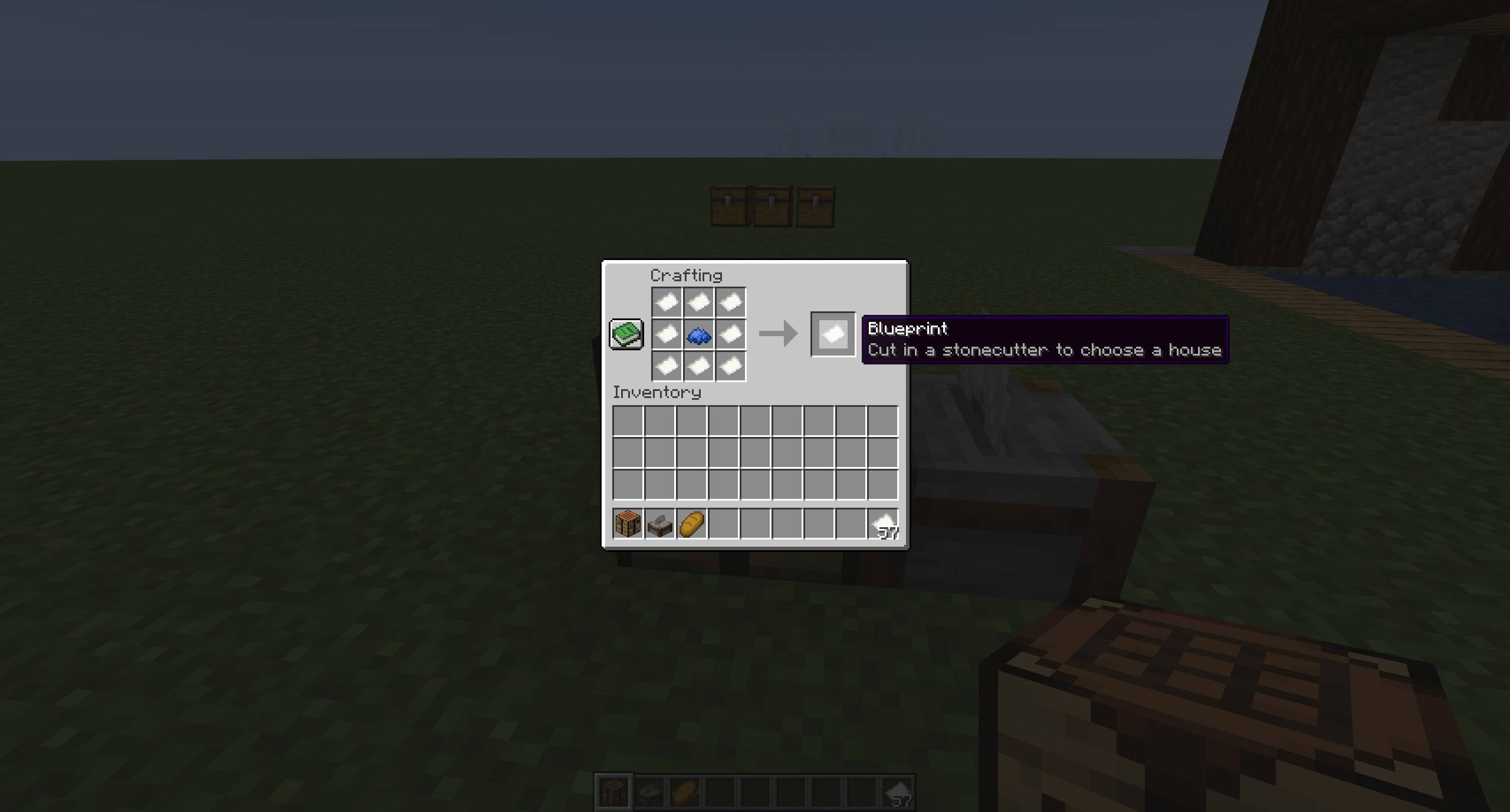
- Craft a Blueprint — eight paper around a single blue dye (or lapis lazuli) crafts a blank Blueprint.
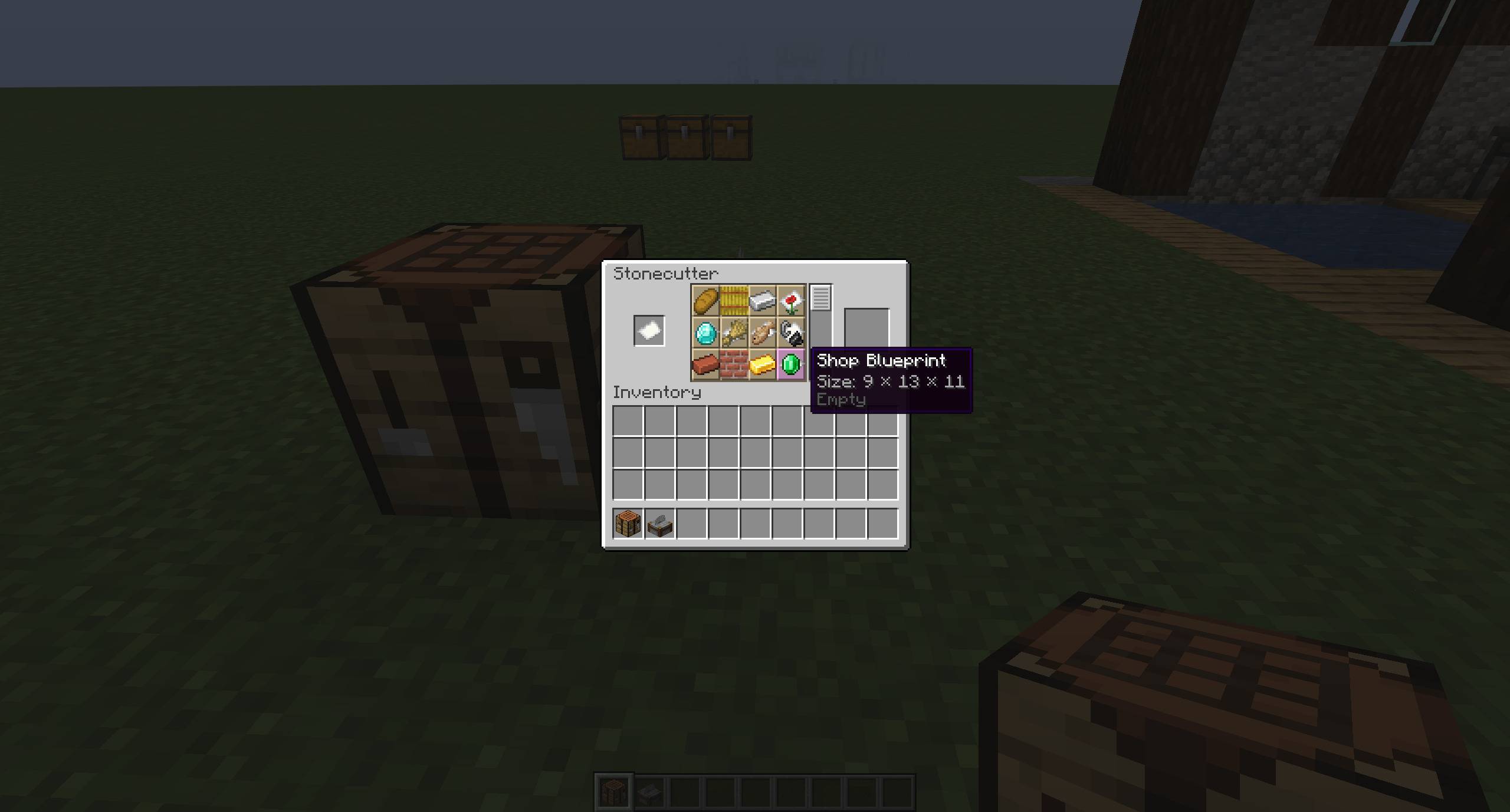
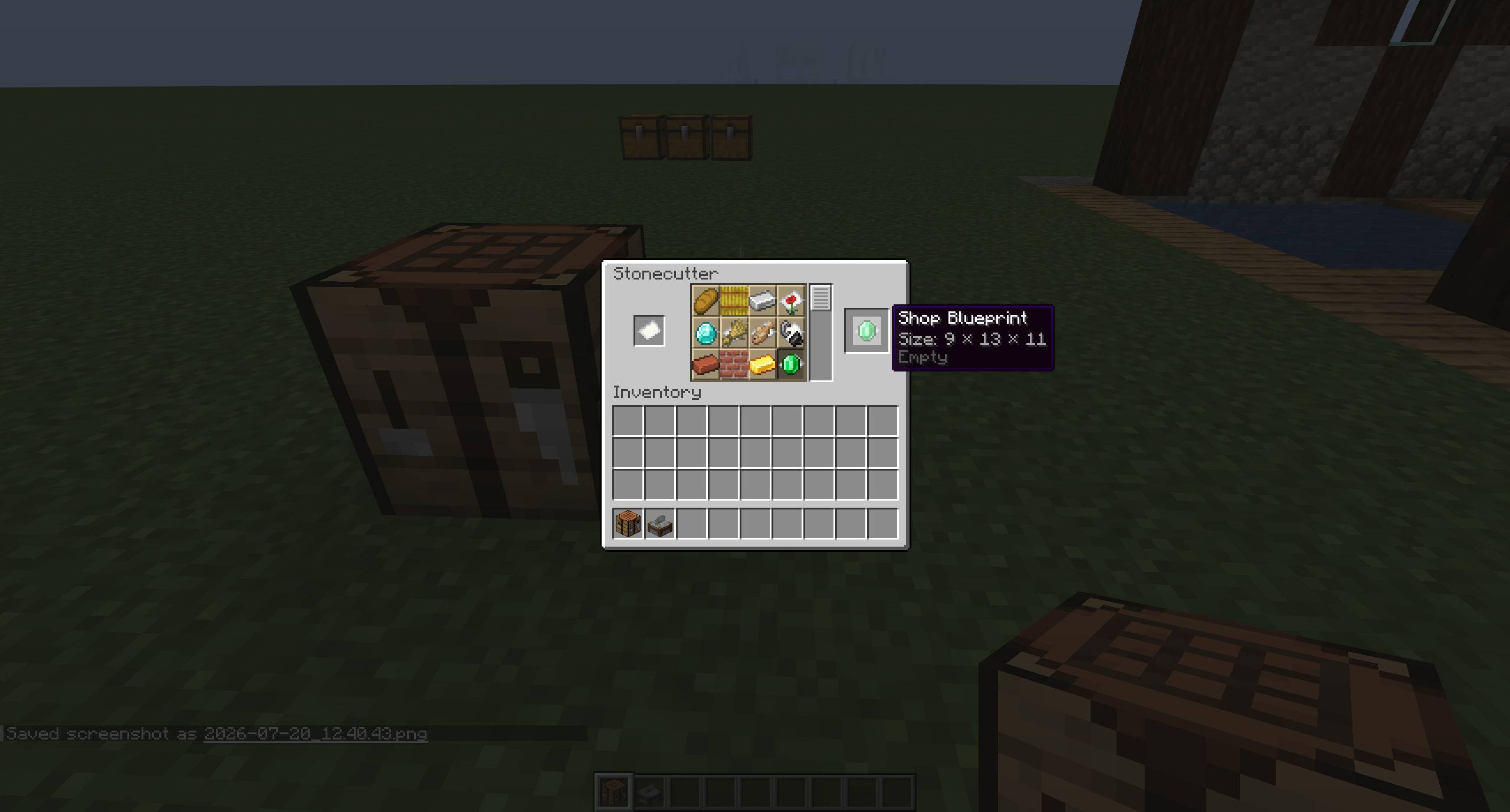
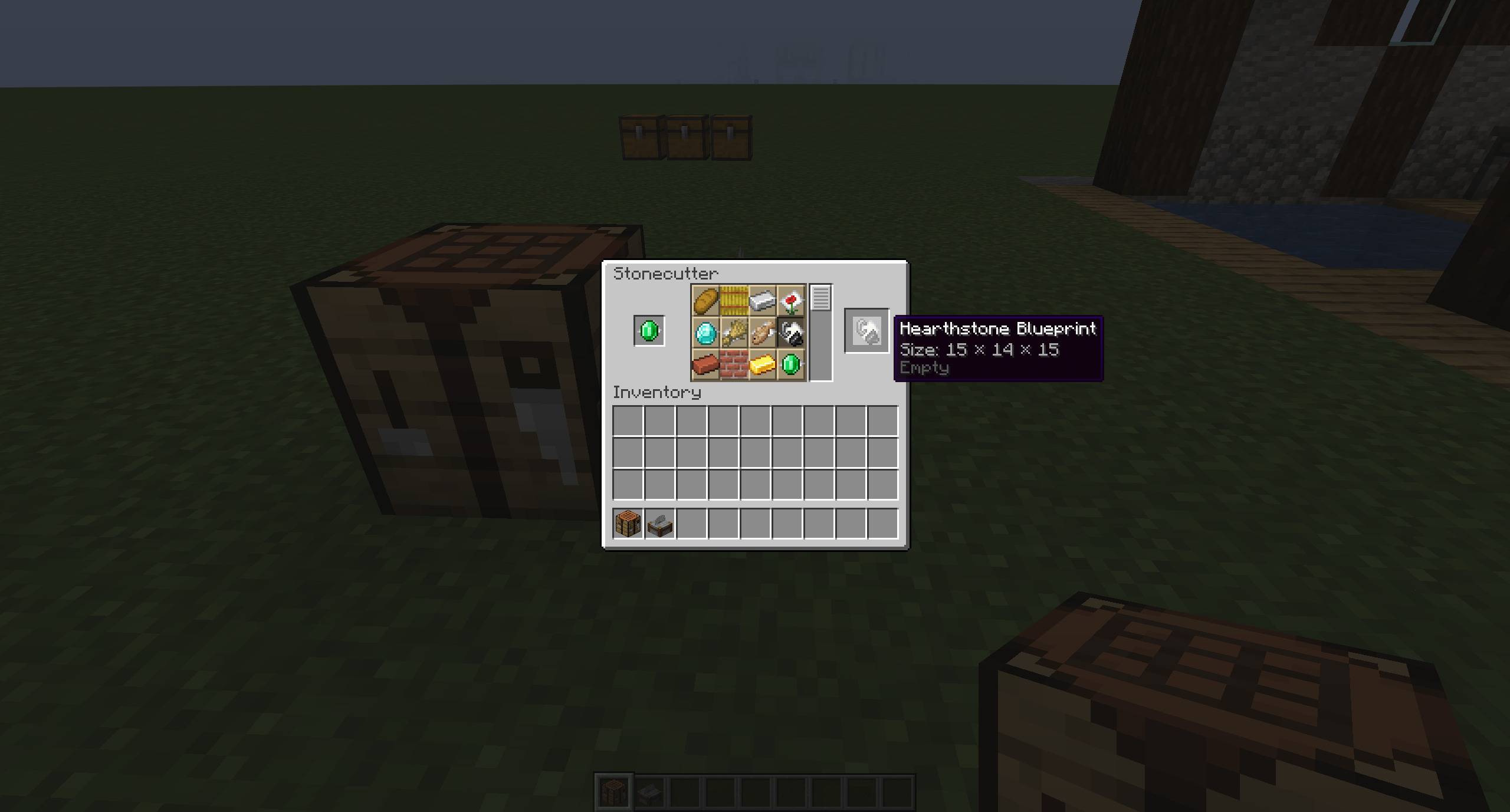
- Choose a house — put the Blueprint into a stonecutter and pick from the list of 26: 14 surface houses and 12 subterranean rooms. Each option shows the house's footprint size.
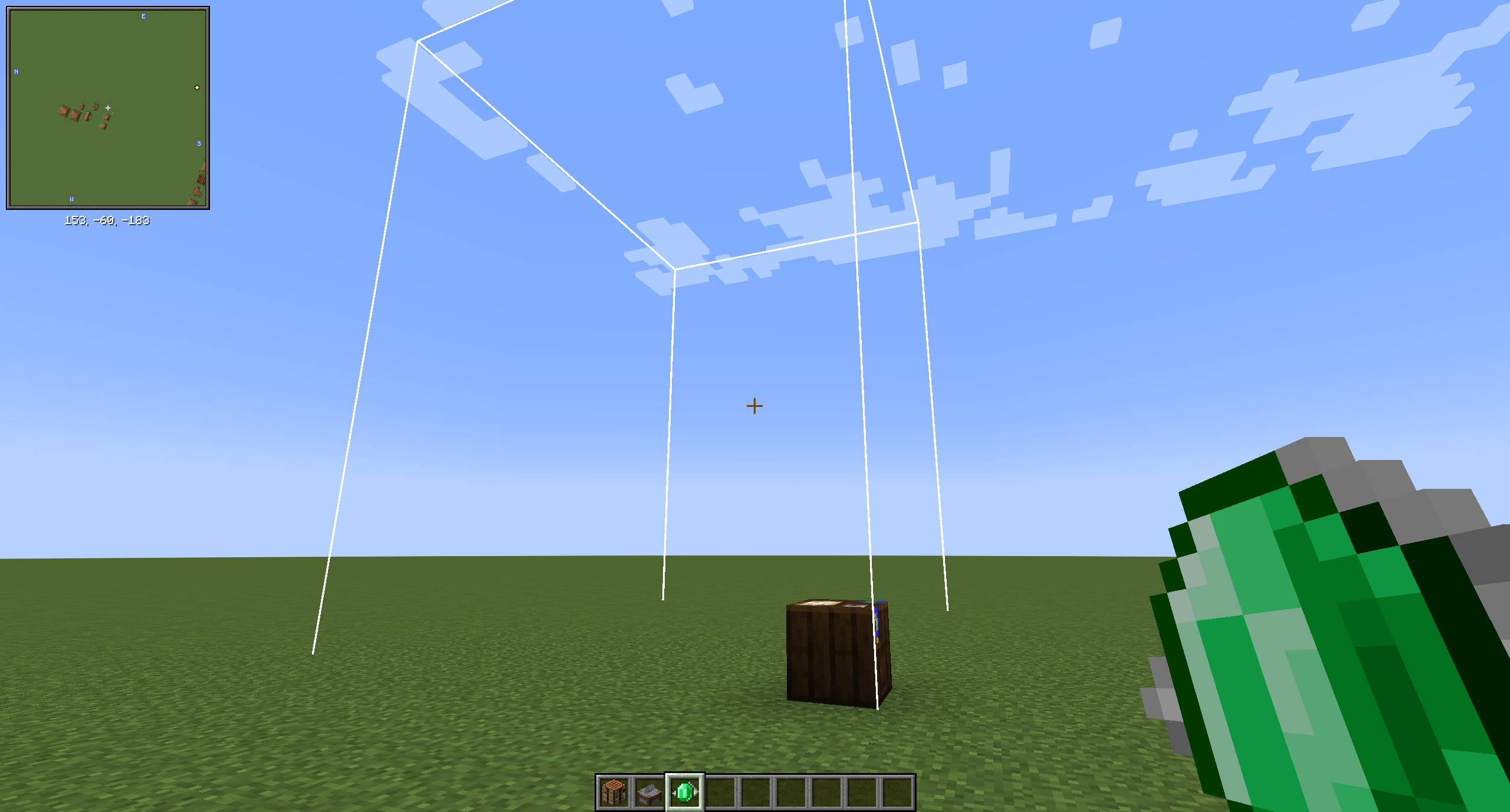
- Place it — right-click the ground to set down a Blueprint Station. A white wireframe marks the exact space the finished house will occupy — walk around and inside before committing.
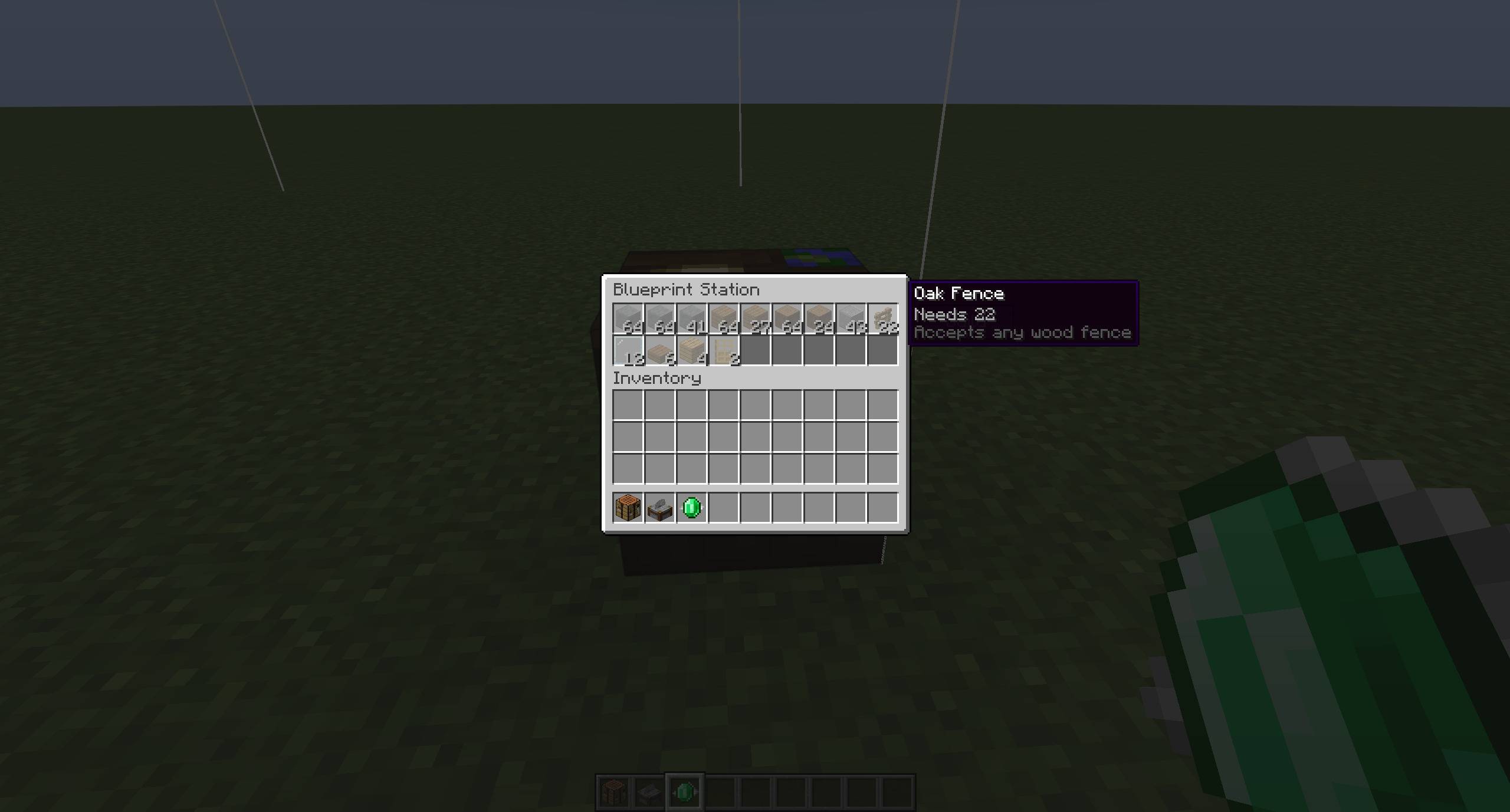
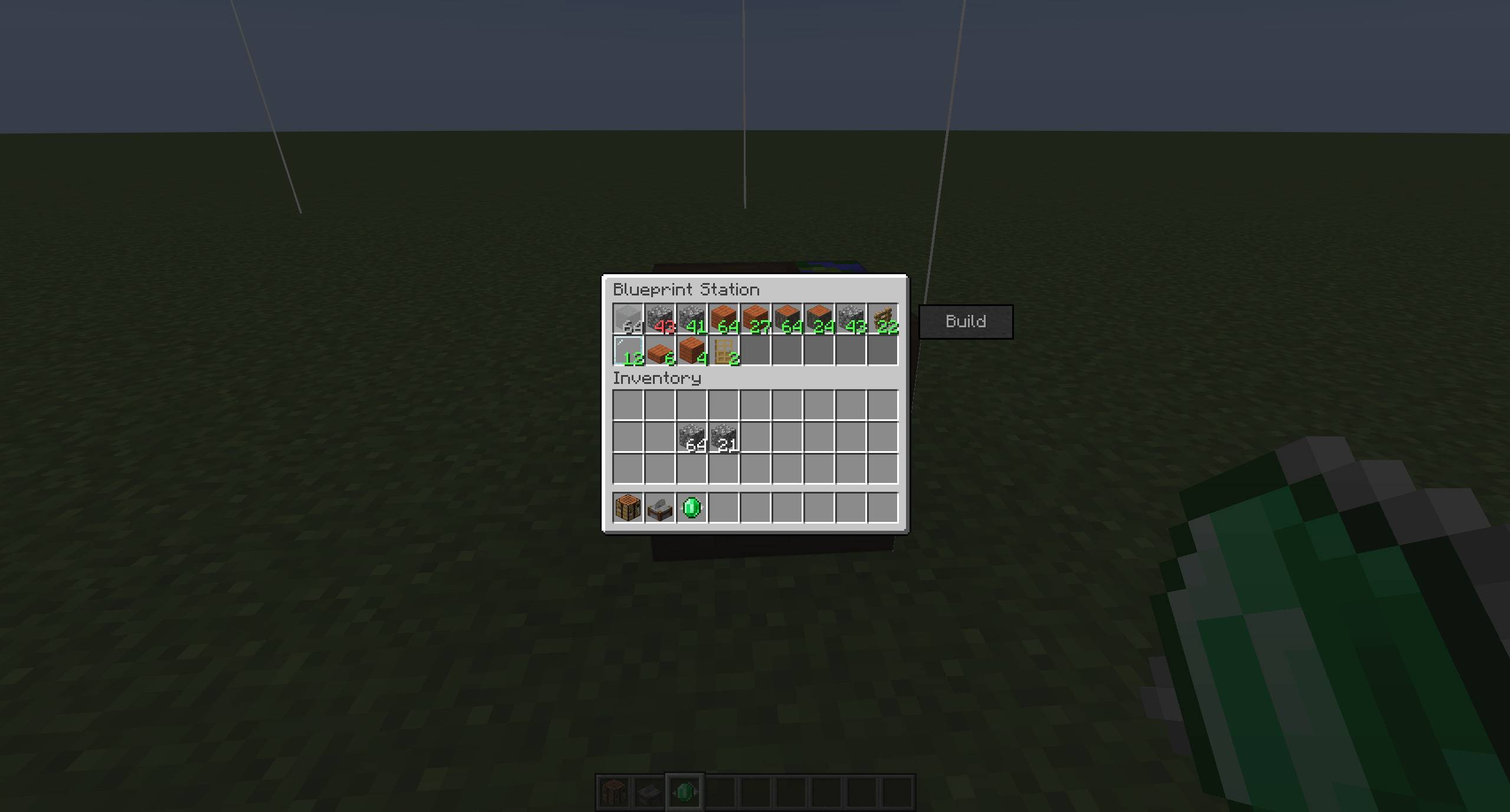
- Deposit materials — open the station and fill its slots. Each slot's count shows red while it is short and turns green once satisfied. Only the structure costs materials; furniture, decoration, and workstations are included free.
- Build — when every slot is green, press Build. The house rises from the ground up in the materials you supplied. A built house is permanent.
Build it your way. Deposited materials substitute within their family — any log for any log, and any stone for another stone of the same tier. Stone comes in two tiers: rough (cobblestone, andesite, diorite, granite, tuff, deepslate) and refined (polished stone, stone bricks, smooth stone, deepslate bricks and the like), and a slot wanting refined stone will not take raw cobblestone — a quick stonecutter pass fixes that. Slabs and walls follow their base block's tier, so a cobblestone slab counts as rough while a stone slab counts as refined, because stone itself comes out of a furnace. Mix materials across slots and they all appear in the finished house, so the same house can be built many different ways.
Portable. A Blueprint holding materials shimmers and its tooltip shows “Materials X / Y”. Break the station and the Blueprint returns to you with its contents intact — carry a half-stocked build and finish it elsewhere. (Only pressing Build is irreversible.)
What is in the pack
97 hand-authored building templates ship with the mod, alongside 160+ furniture and decoration blocks. 26 of the templates are Blueprint-buildable in survival; Zombie Village can place all of them.
Surface buildings
22 above-ground homes and workplaces — cottages, cabins, a tavern, blacksmith, bakery, fishery, farmhouse, barn, estate, longhall, manor, townhouse, and more. Each has its own footprint and interior layout so no two houses in a village feel identical. 14 of the 22 are available as Blueprints.
Subterranean rooms
Underground villages assemble from a full set of interconnected rooms:
- Six universal building families across five connection categories (PLUS, T, L, I, DEAD_END) so any layout the placer generates has valid geometry — every archway leads somewhere real, no orphan doors.
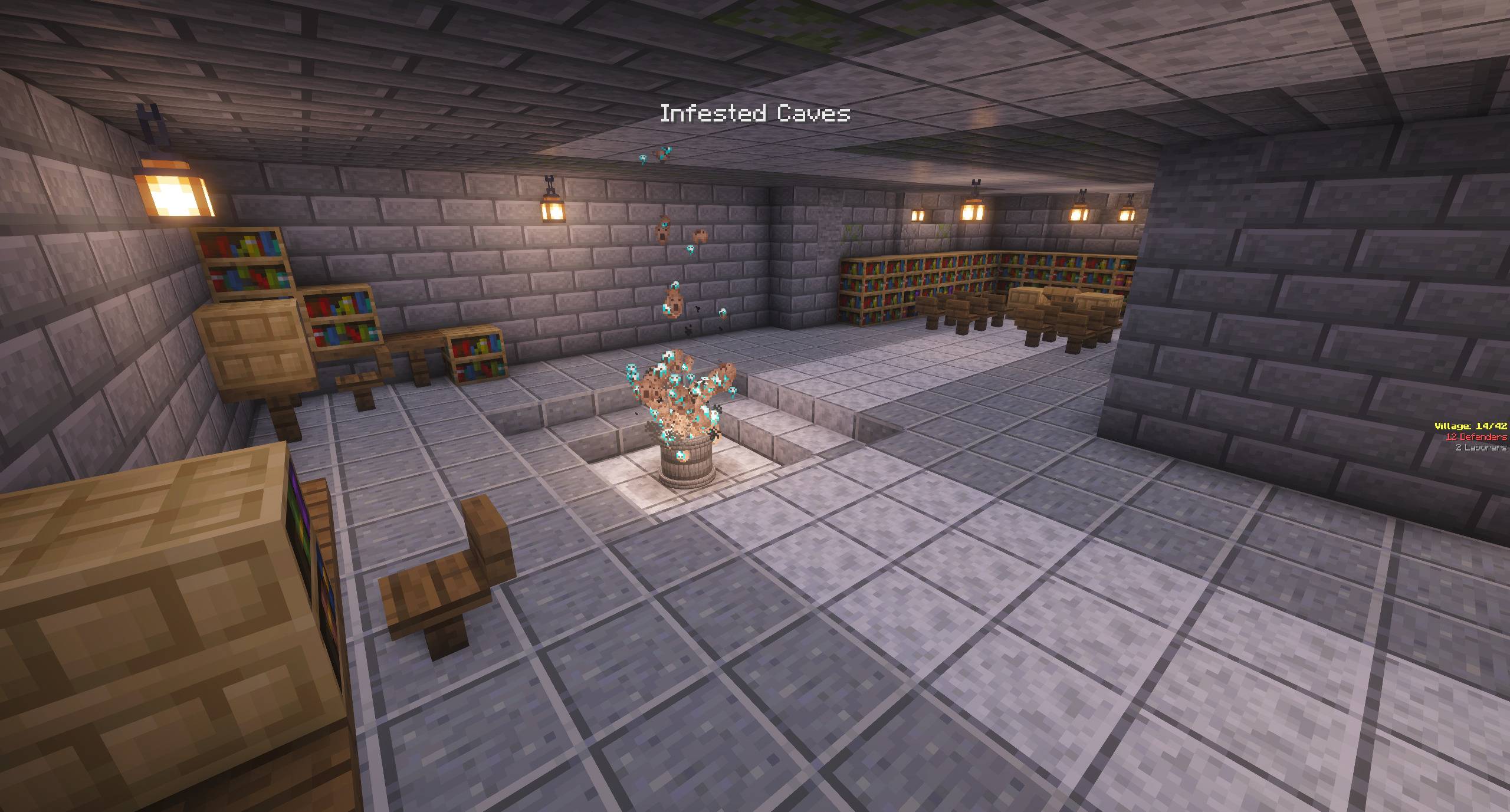
- Single-category specialties — barracks, library, smithy, villa, warehouse
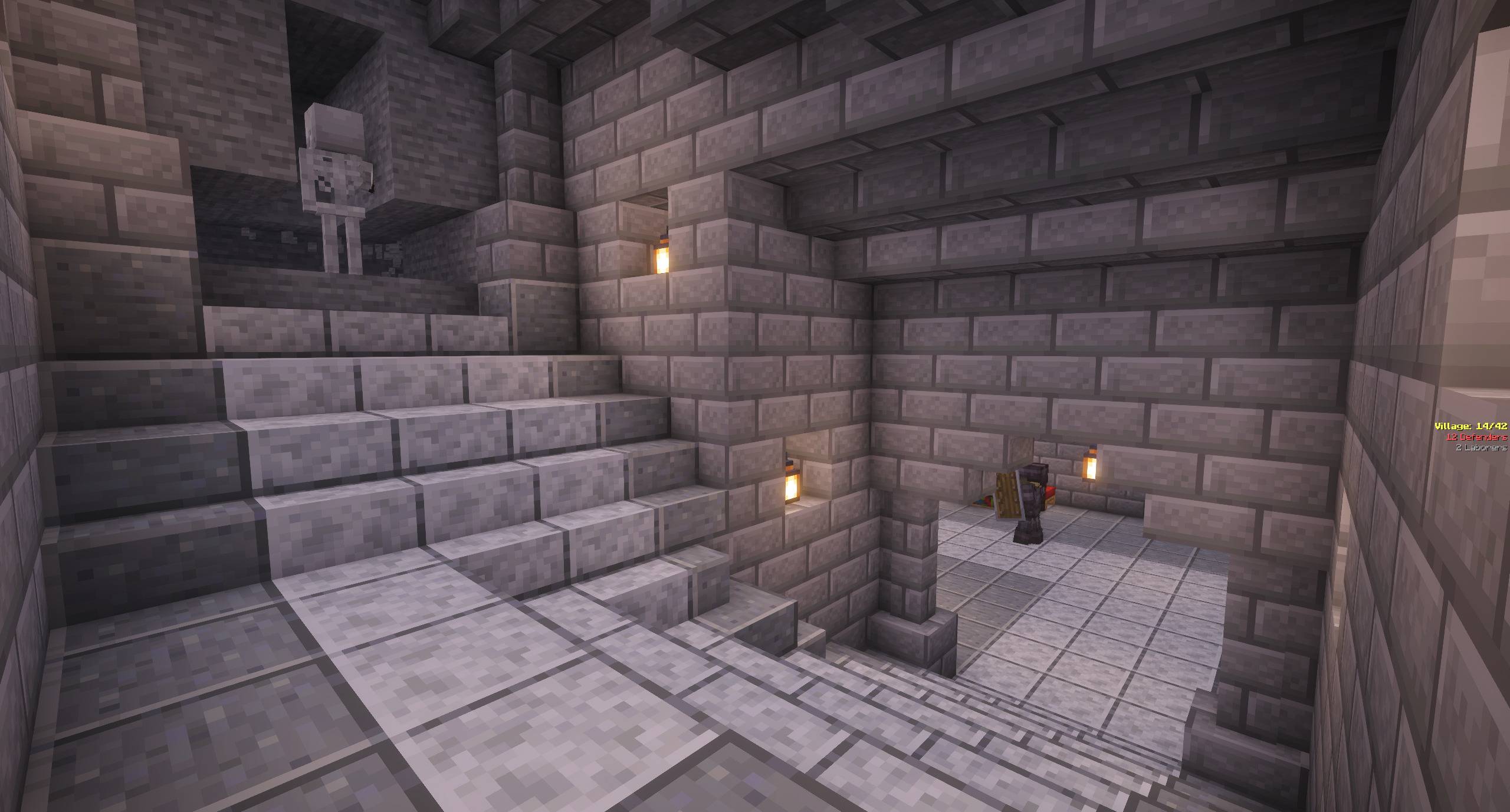
- Vertical stair bridges — how the catacomb changes floors. Four are available to the village generator; two of those (a straight run and an L-turn) are also craftable as Blueprints.
- Two visual styles for rooms —
_ybr(Yellow Brick Road: tight interiors, defined rooms) and_ofp(open floor plan: fewer walls, more contiguous space)._ofpis the current default; issue the ZV command/zv templateset ofp|ybrbefore placing your Soul Well to switch (the choice locks in at Soul Well placement). Stair bridges are shared between the two styles rather than duplicated, which is why 2 of the 12 subterranean Blueprints are_ybrstairs alongside 10_ofprooms.
Custom furniture + decoration blocks
160+ furniture and decoration blocks — tables, benches, counters, drawers, shelves, hearths, shingles, thin wood panels, openable wall shutters, and more — the blocks that give each building its character. In a Zombie Village build, the builder opens each shutter as it places it, so villagers path straight through instead of getting walled out mid-build.
How it works
- Zombie Village decides where to place buildings (surface vs subterranean, which categories).
- ZV-Houses supplies the NBT templates for those slots.
- The templates auto-extract to
world/generated/zvhouses/structures/on first server start. - ZV villagers build them cell by cell, laborer by laborer.
Requires / compatible with
Two live builds. Pick the file that matches your Minecraft version — they are not interchangeable.
For Minecraft 26.1.2 — zvhouses-1.0.x+mc26.1.2.jar
- Minecraft 26.1.2 exactly. This build pins that version and will not load on 26.1.3 or later.
- NeoForge 26.1.2.99 or newer
- Java 25
For Minecraft 1.21.1 — zvhouses-1.1.x.jar
- Minecraft 1.21.1
- NeoForge 21.1.224 or newer
- Java 21
No hard mod dependencies on either line — installs cleanly.
Designed for use with: Zombie Village. Without ZV installed you can still craft Blueprints and build every design by hand; what you lose is the villagers building them for you and the auto-generated villages.
Modpack authors
Safe to include. No configuration, no client-server split (everything is data + block registrations that ship on both sides), no world modification unless ZV is also present. Ships with the Risen — Undead Army modpack.
Credits
House designs are original to this project, adapted from freely-licensed builds, or inspired by designs shared publicly by community creators.
Particular thanks to AxianErve on YouTube — several of the surface buildings draw on their designs, used with permission.
License
All Rights Reserved. Free to use for players and to include in modpacks. See LICENSE.md in the source repo for the full grants.
Screenshots
Gallery
-
 2026-07-19_10.14.44.jpg 2026-07-19_10.14.44.jpg
 -
 2026-07-19_10.15.23.jpg 2026-07-19_10.15.23.jpg
 -
 2026-07-19_10.26.48.jpg 2026-07-19_10.26.48.jpg
 -
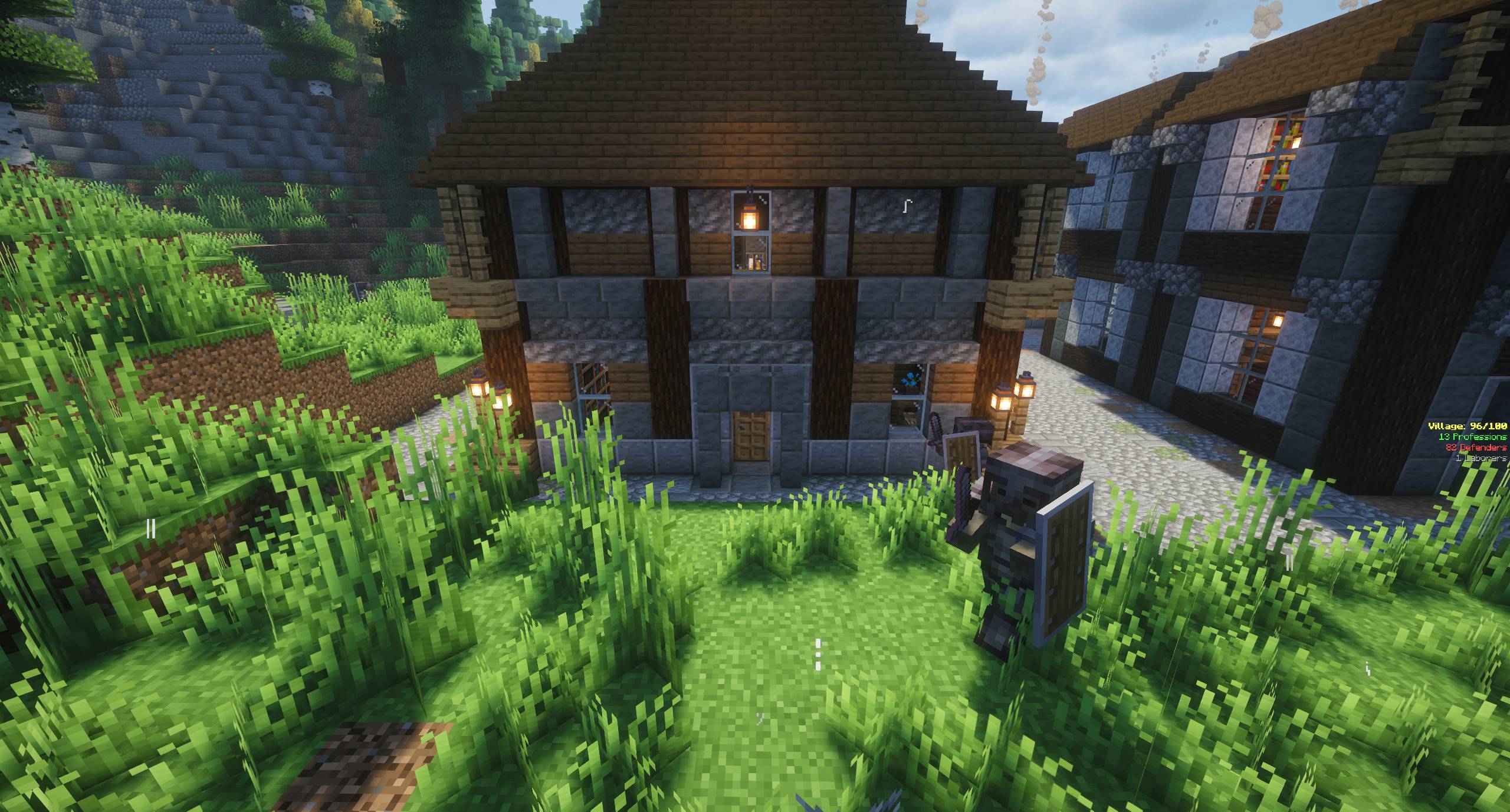 2026-07-19_10.15.37.jpg 2026-07-19_10.15.37.jpg
 -
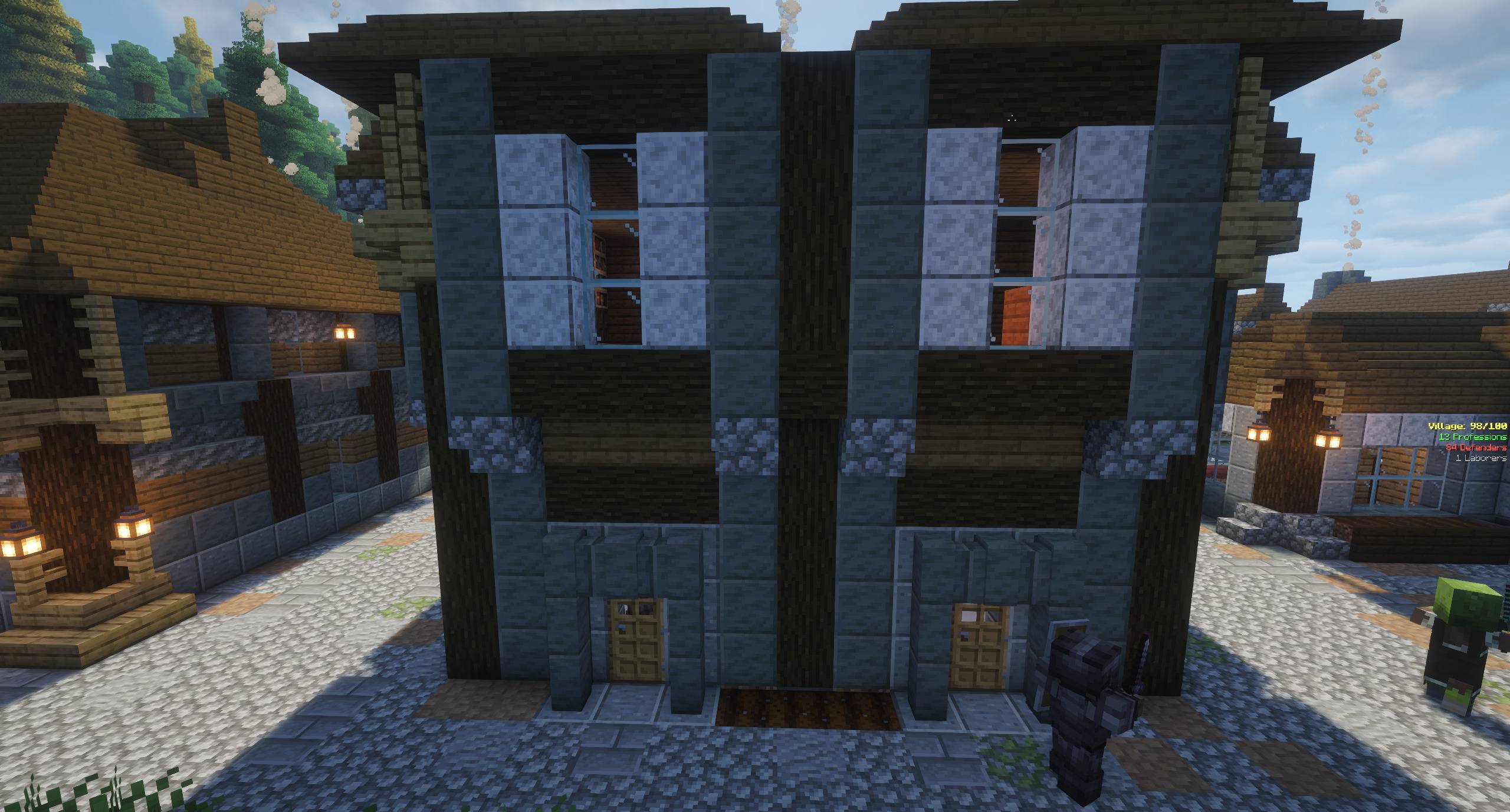 2026-07-19_10.15.45.jpg 2026-07-19_10.15.45.jpg
 -
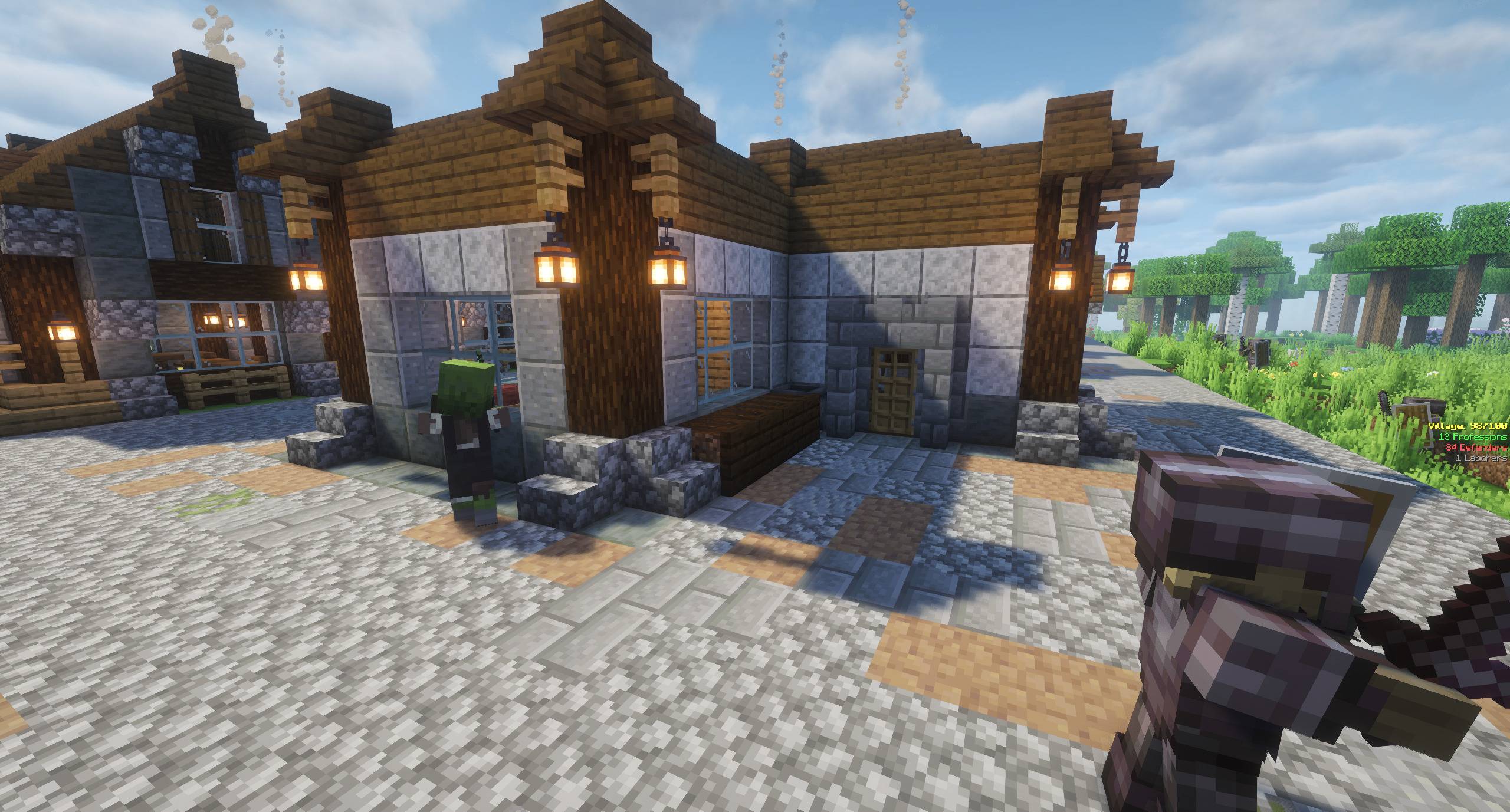 2026-07-19_10.15.52.jpg 2026-07-19_10.15.52.jpg
 -
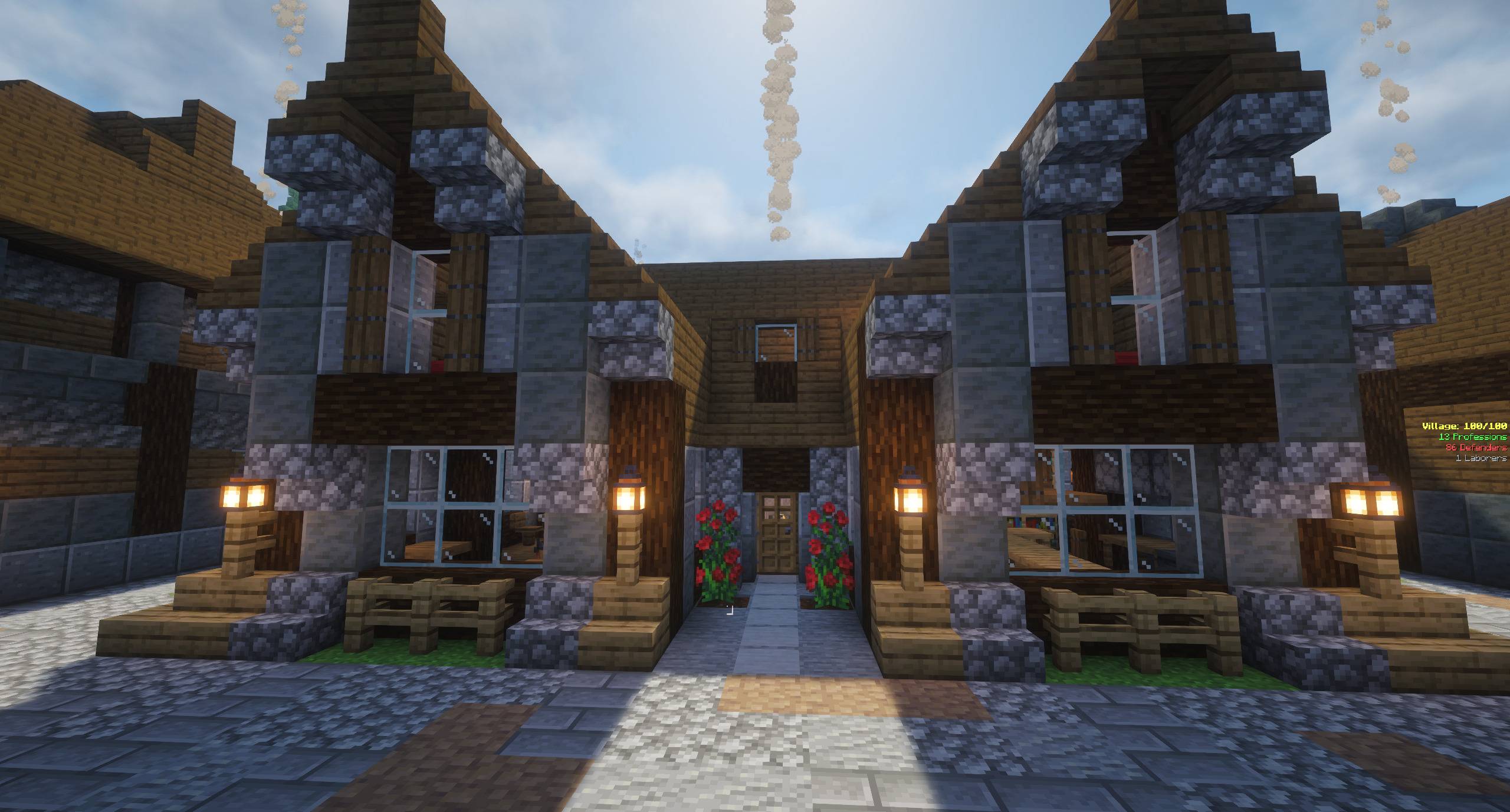 2026-07-19_10.16.00.jpg 2026-07-19_10.16.00.jpg
 -
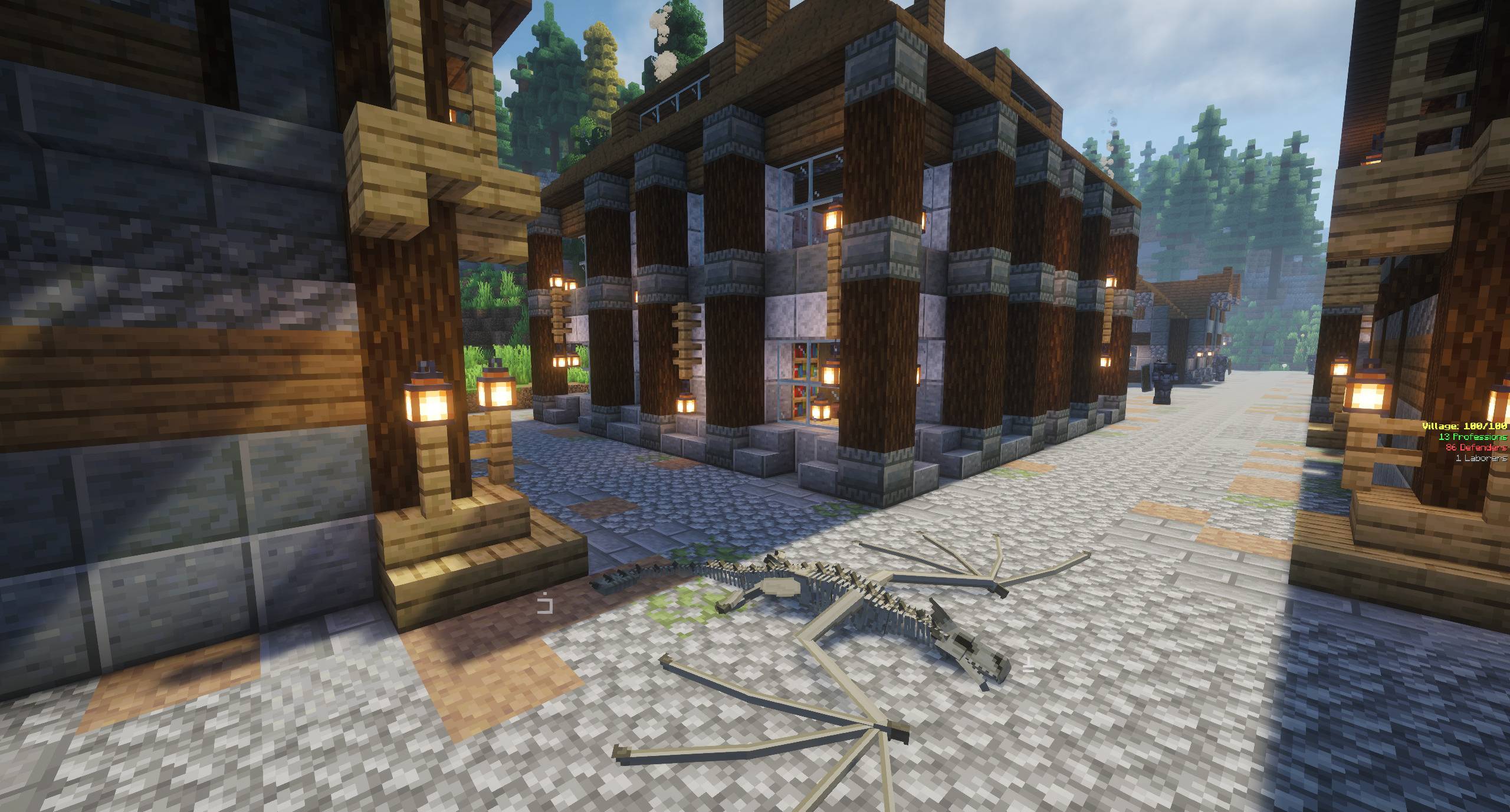 2026-07-19_10.16.20.jpg 2026-07-19_10.16.20.jpg
 -
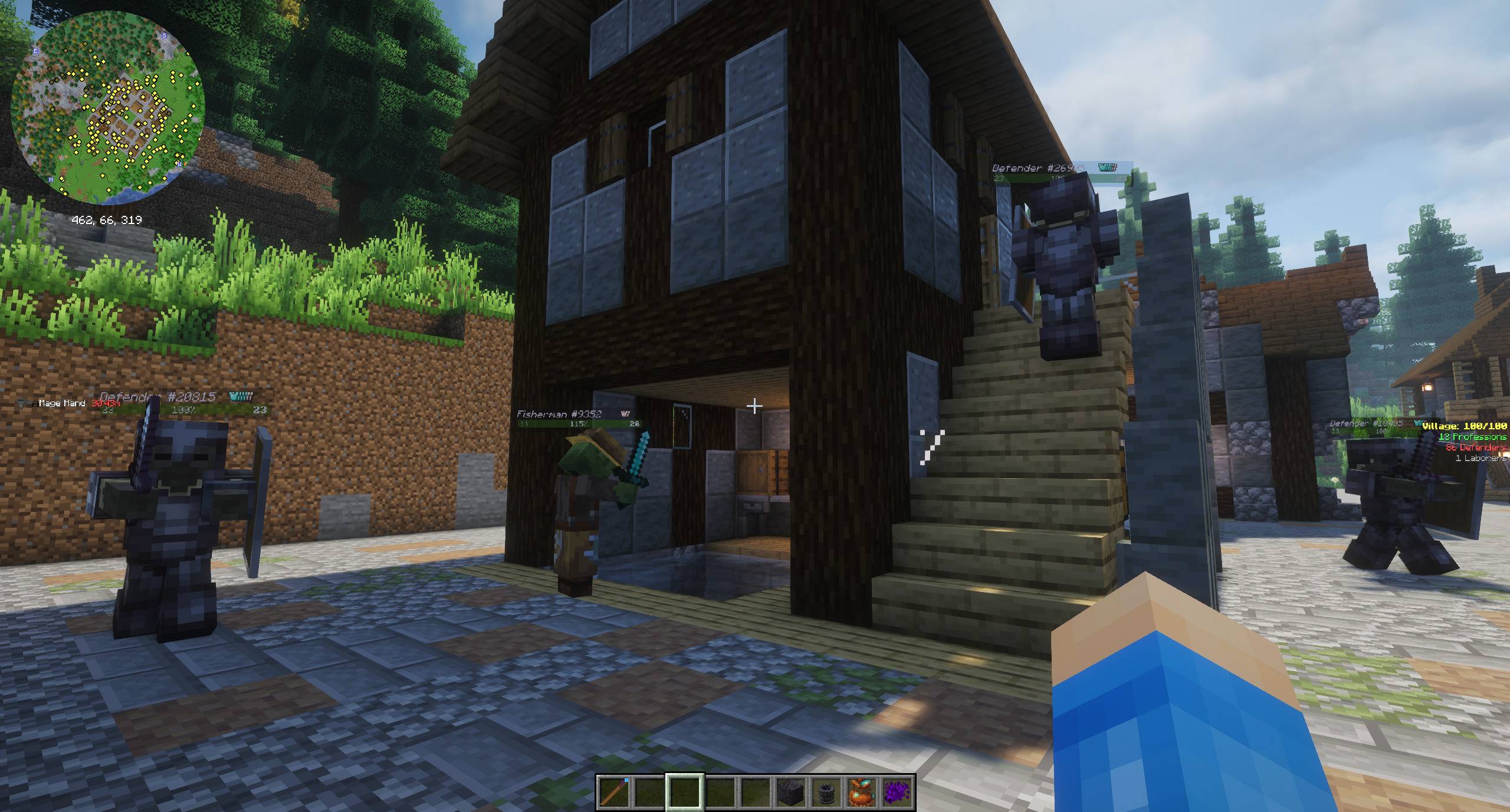 2026-07-19_10.18.45.jpg 2026-07-19_10.18.45.jpg
 -
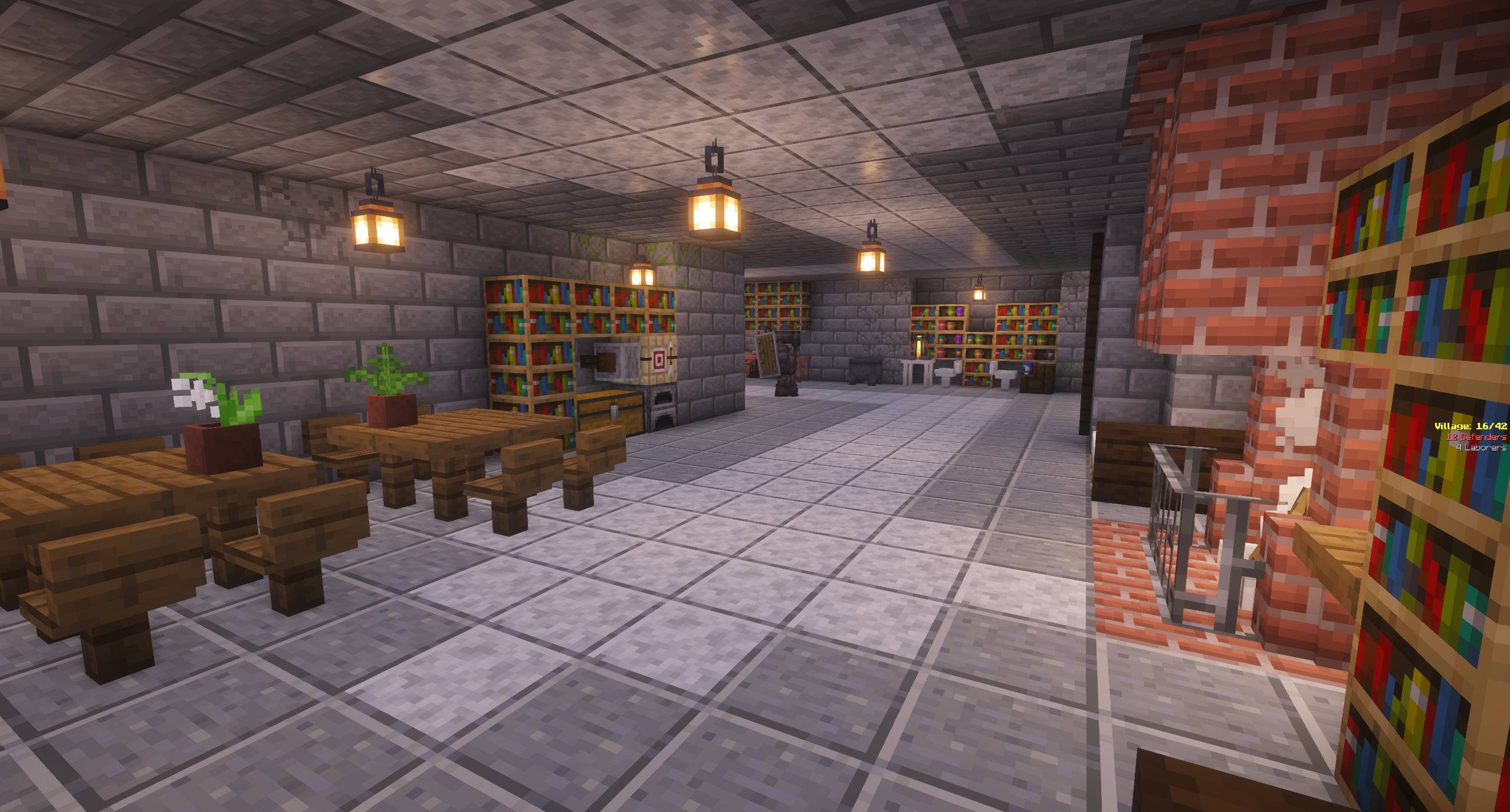 2026-07-19_11.02.01.jpg 2026-07-19_11.02.01.jpg
 -
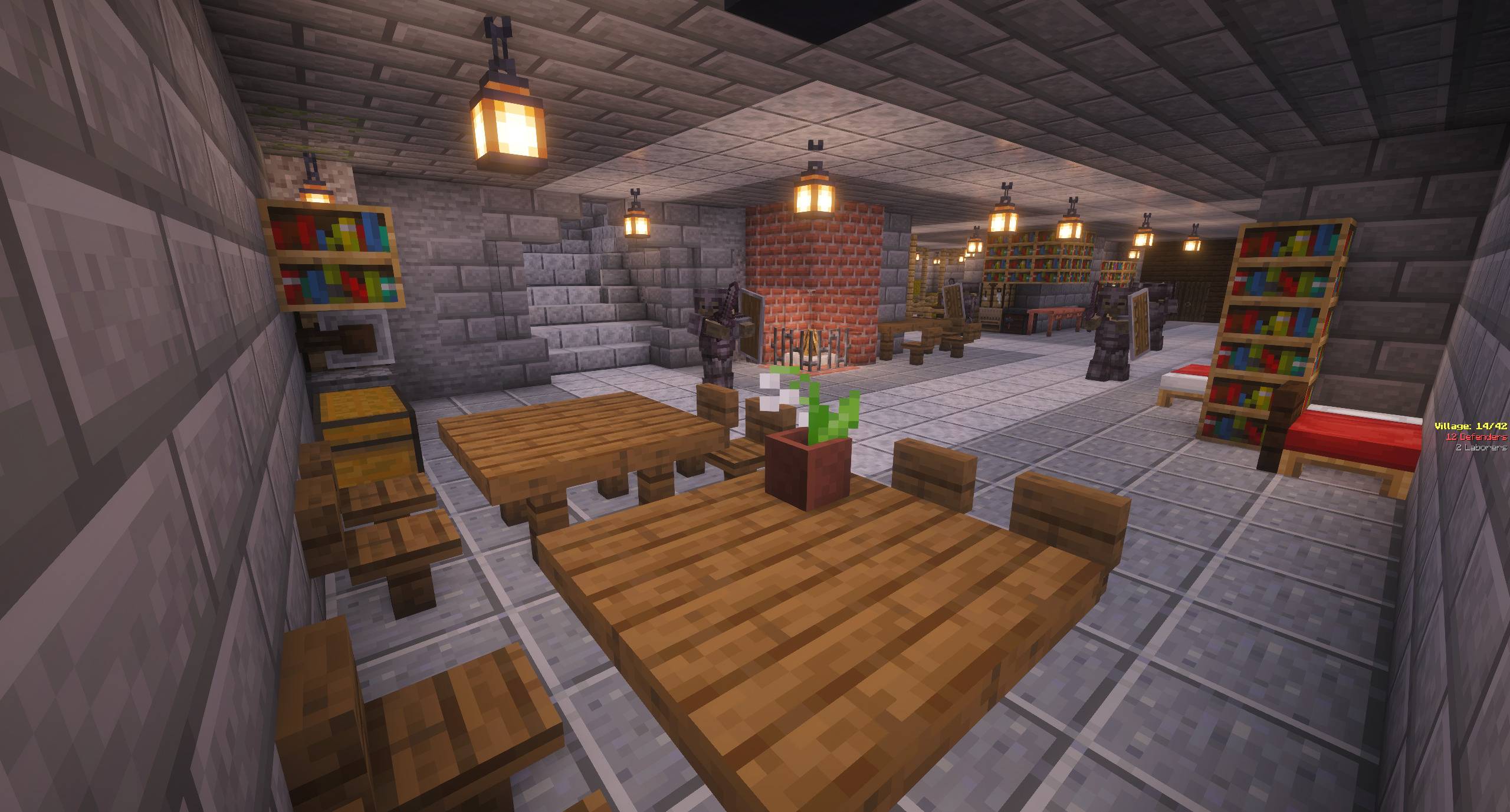 2026-07-19_11.03.38.jpg 2026-07-19_11.03.38.jpg
 -
 2026-07-19_11.03.55.jpg 2026-07-19_11.03.55.jpg
 -
 2026-07-19_11.04.16.jpg 2026-07-19_11.04.16.jpg
 -
 2026-07-20_12.40.08.jpg 2026-07-20_12.40.08.jpg
 -
 2026-07-20_12.40.43.jpg 2026-07-20_12.40.43.jpg
 -
 2026-07-20_12.40.50.jpg 2026-07-20_12.40.50.jpg
 -
 2026-07-20_12.41.02.jpg 2026-07-20_12.41.02.jpg
 -
 2026-07-20_12.41.16.jpg 2026-07-20_12.41.16.jpg
 -
 2026-07-20_12.41.28.jpg 2026-07-20_12.41.28.jpg
 -
 2026-07-20_12.43.50.jpg 2026-07-20_12.43.50.jpg
Versions
Files
Relations
Project Relations
More like this
Similar Mods
Suggestions use data such as tags, dependencies, dependents, descriptions, titles, and more to rank how much they overlap with this mod.
On ModDex
Community snapshot
By the numbers
Statistics
Want to reach Minecraft players?
We're looking for a server hosting partner to feature here and other parts of the site. Interested? Send us a message!
Get in touchGet it on
Available Platforms
On ModDex
Community snapshot
By the numbers
Statistics
Resources