
A Designers Excessive Overdose.
No reviews yet
A modpack containing a magnitude of decorations/blocks and extensive tools to help you build.
Includes a little of everything without sticking to any one particular type of gameplay or style.
Fabric is a mod loader for versions 1.14+ of Minecraft, particularly popular for client side and optimization mods.
Community voices
Reviews
Click once to include, again to exclude, again to clear
No reviews yet. Be the first to review this project!
Get it on
Available Platforms
 Modrinth
Compatibility
Supported Environments
About
Project Details
For authors
Embed Badge
If you're the author of this project, you can embed a live badge anywhere that supports HTML or Markdown. It updates automatically whenever ratings change.
Use HTML for any page that supports it, or Markdown for README files and Markdown-based descriptions.
Identifiers
Platform IDs
Resources
External Links
About
Description
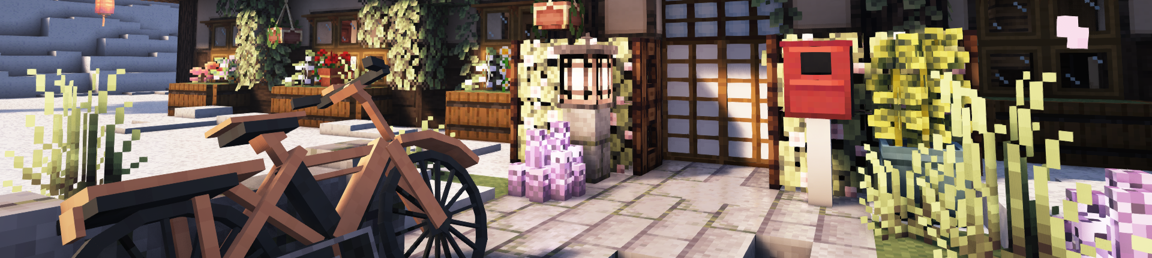
A Designer's Excessive Overdose, AKA: "ADEO" is a modpack containing 192 mods designed to be a builder's paradise.
Allocate atleast 7GB of RAM.
Performance is good with Complimentary Shaders. An average 140 FPS. (depending on PC setup)
[Sidenote: I realized my FPS fluctuation was due to old AMD drivers.]
Multiplayer is possible via e4mc mod, Similar to "Essential" but lightweight, visit the modpage to see how it works.
It takes about 2 minutes 30 seconds to load the pack + 1 minute 12 seconds to generate a world. So please be patient.
The main aspect of ADEO is to provide blocks/decor for nearly any type of build, While providing powerful tools such as Yuushya Modelling and Axiom, which can allow you to manipulate decor in various ways, along with terraforming, cloning, block replace, Fast place and much more. I suggest watching a tutorial on Axiom.
As for Yuushya Modelling, There isn't much info on how to use it but I shall provide some basic info here: You first need the Gourd of Entitilization. You can use that item to right click mostly any block/decoration, This will turn it into a block entity. From here you can use any of the "Entity Block Layer" tools. Then right/left click to move the position/rotation/size (Depending on the tool you hold). To change the axis, put any of the "Layer" tools in your offhand and right click, they will change color according to axis colors.
Sidenote: Changes you make in multiplayer using Yuushya Modelling tools won't apply to other players.
For world/structure generation, I have chosen Tectonic + ChoiceTheorem's Overhauled Village.
Trobleshooting:
Shaders are enabled by default, try disabling shaders in the main menu if a crash occurs when loading a world.
Reset Axiom's tutorial: Right Shift > Help (top left) > Reset Tutorial > Introduction.
Change Axiom keybinds: Right Shift > Help > Keybinds.
Vanilla flight: Hold Left ALT > Red Toolbox (bottom right) > Change momentum (75%-85%) and Flight Direction to "horizontal".
Additional Notes:
The modpack is designed for creative mode. Survival mode has not been tested.
Yuushya's resource pack is enabled by default, keep in mind it allows connected textures for Yuushya's modded blocks.
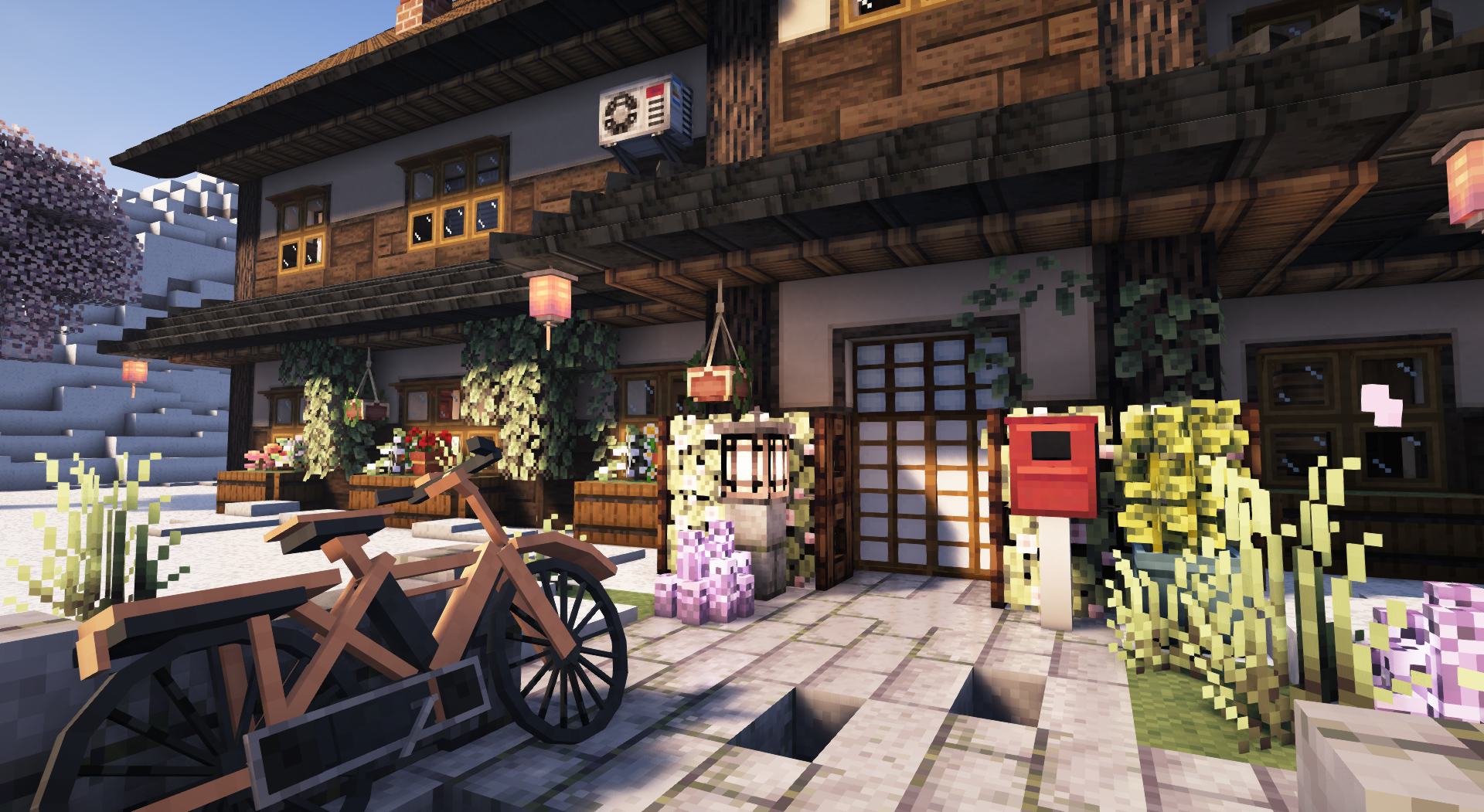
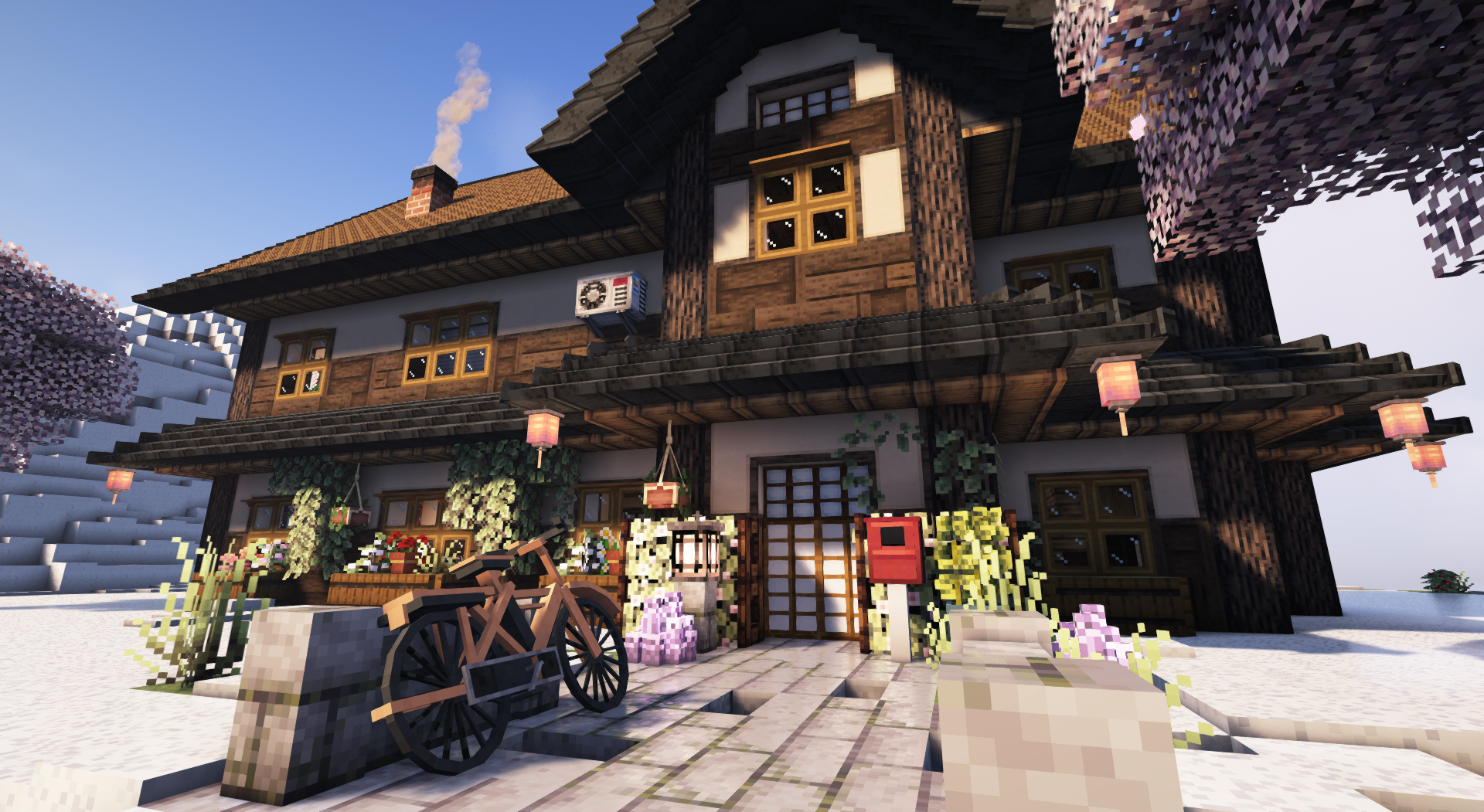
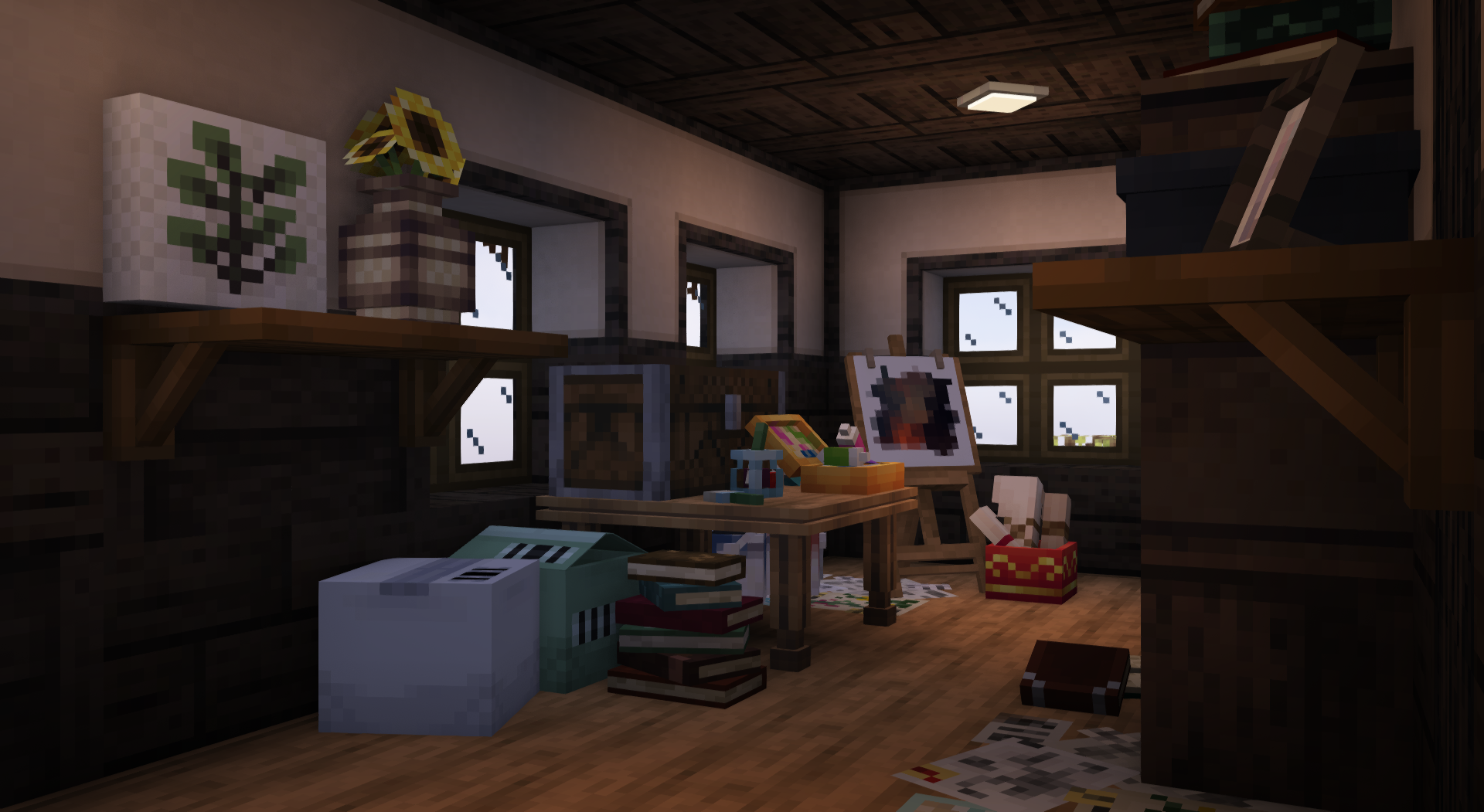
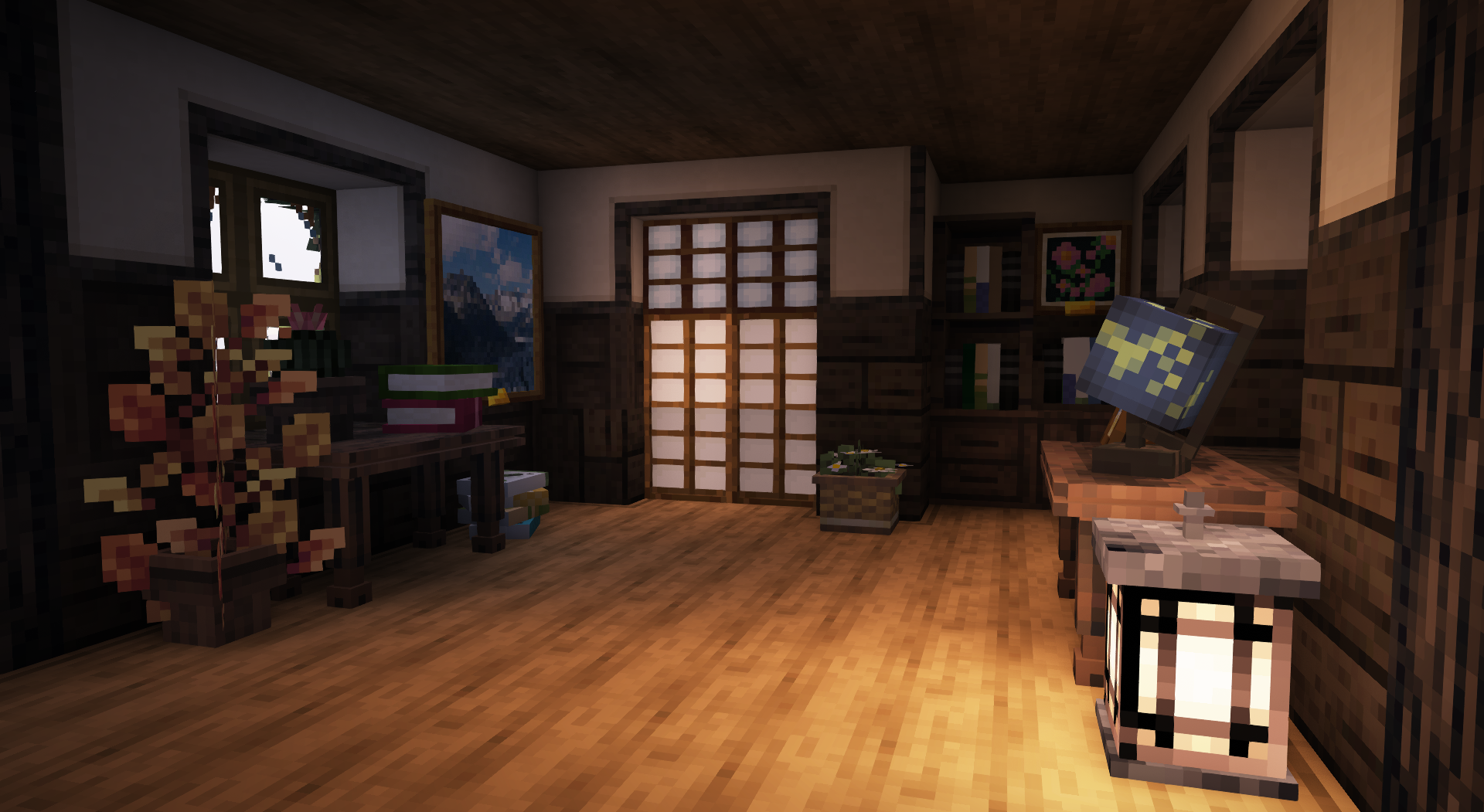
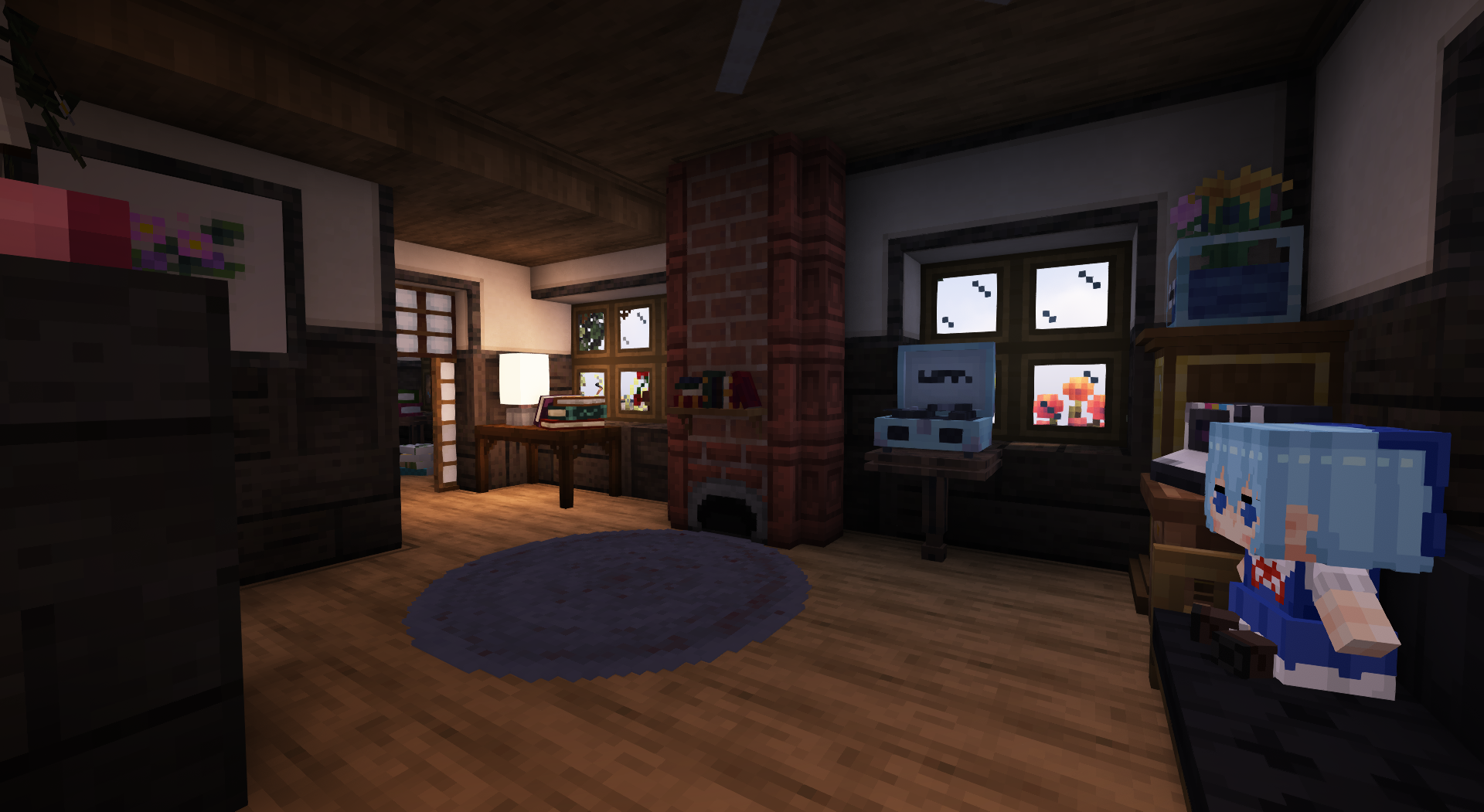
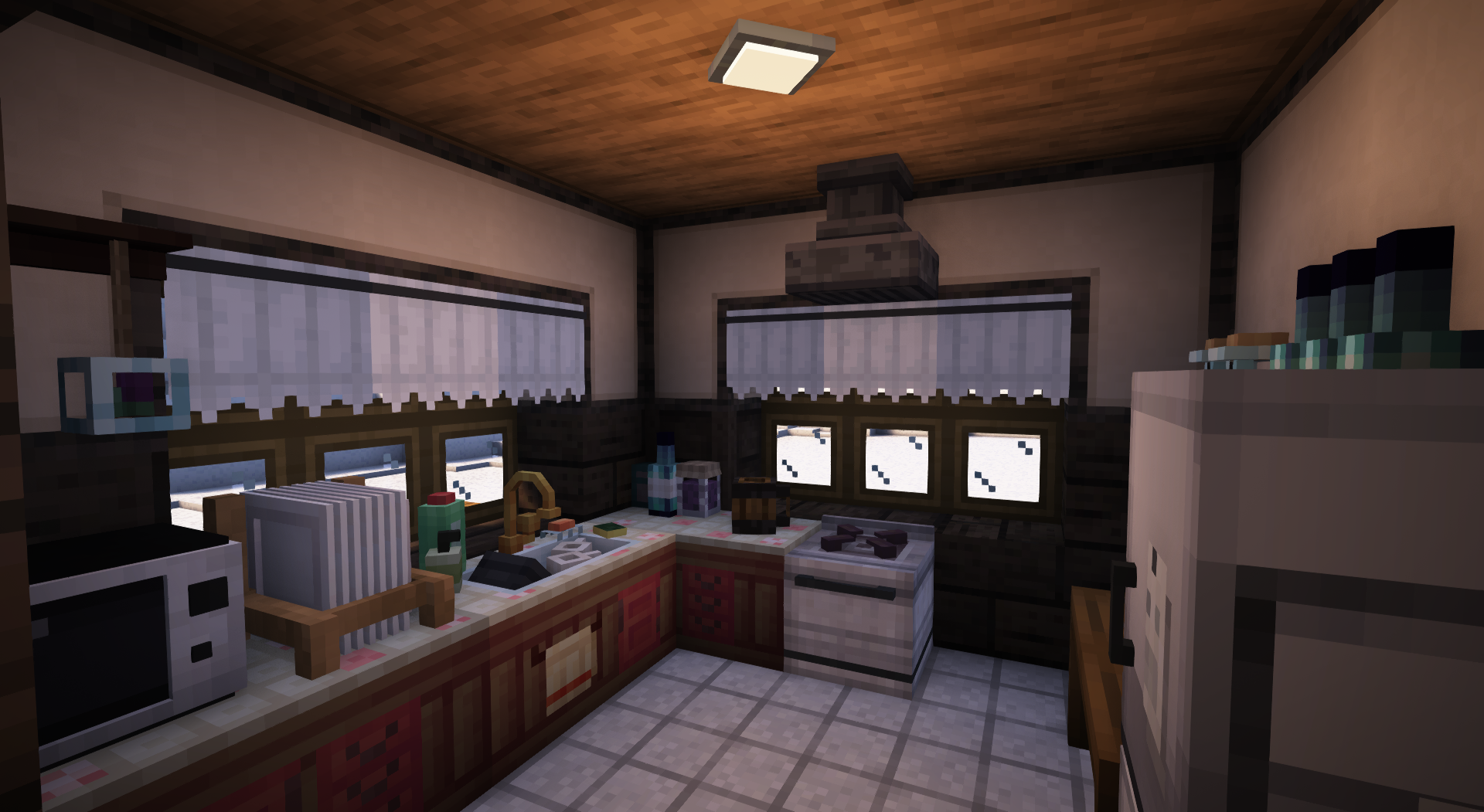
A little showcase of what can be done, using this modpack:
If you encounter a bug, crash, or just want to leave feedback in general.
The easiest way is to open the video above this text within youtube and just leave a comment.
Screenshots
Gallery
Versions
Files
Relations
Project Relations
More like this
Similar Modpacks
Suggestions use data such as tags, dependencies, dependents, descriptions, titles, and more to rank how much they overlap with this modpack.
On ModDex
Community snapshot
By the numbers
Statistics

Want to reach Minecraft players?
We're looking for a server hosting partner to feature here and other parts of the site. Interested? Send us a message!
Get in touchGet it on
Available Platforms
On ModDex
Community snapshot
By the numbers
Statistics
Resources