
Community listing page, reviews here may not be monitored by the author.
An Extra Pinch of Vanilla

No reviews yet
This modpack serves a simple purpose. To provide a simple way to play Minecraft vanilla with quality of life improvements and tools to aid in a multiplayer server.

Community voices
Reviews
No reviews yet. Be the first to review this project!
Get it on
Available Platforms
Compatibility
Supported Environments
Runs entirely on the client. Works on vanilla servers.
About
Project Details
For authors
Embed Badge
If you're the author of this project, you can embed a live badge anywhere that supports HTML or Markdown. It updates automatically whenever ratings change.
Use HTML for any page that supports it, or Markdown for README files and Markdown-based descriptions.
Identifiers
Platform IDs
Resources
External Links
About
Description
An Extra Pinch of Vanilla Survival Pack
A client-focused Vanilla+ modpack built for small multiplayer servers, private survival worlds, and groups of friends who want a smoother, more immersive, and more convenient Minecraft experience without changing the core game.
The pack keeps vanilla progression and gameplay intact while improving performance, rendering, animations, visuals, sound, interface elements, inventory management, building tools, navigation, multiplayer communication, and everyday quality-of-life features.
It is designed to work well on mostly vanilla servers, although some features, such as proximity voice chat, may require server-side support.
Highlights
Vanilla-Friendly Experience
No major gameplay overhauls, custom progression systems, new dimensions, or large content additions.
The focus remains on enhancing the standard Minecraft experience while keeping the pack suitable for vanilla and mostly vanilla multiplayer servers.
Performance & Rendering
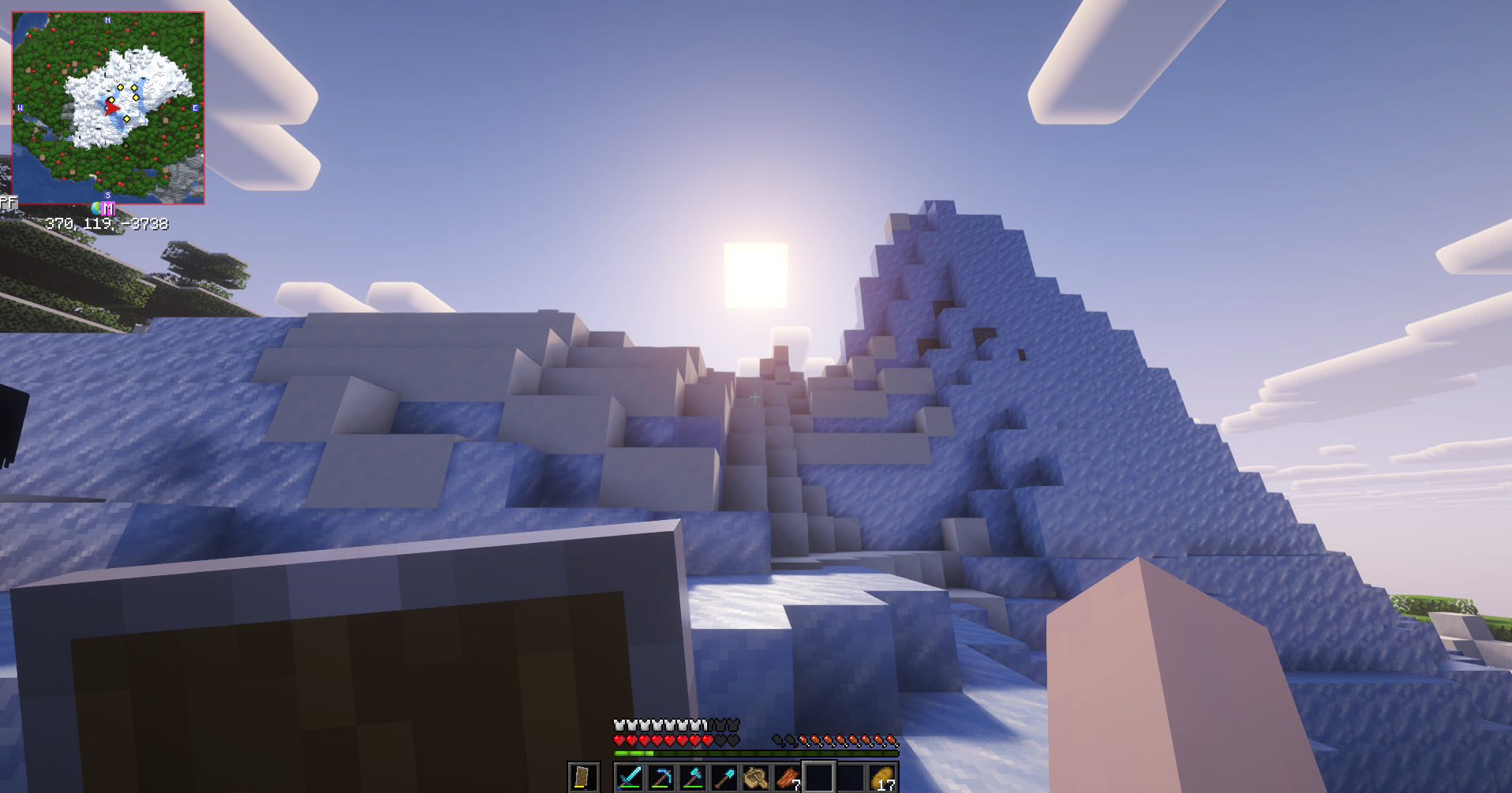
Includes a broader set of performance and rendering optimizations through mods such as Sodium, Lithium, C2ME, Entity Culling, More Culling, Dynamic FPS, Alternate Current, and Distant Horizons.
These improvements help with rendering, entity and block culling, chunk processing, game responsiveness, and general performance.
Distant Horizons is included but disabled by default to reduce the performance impact on slower computers.
Visuals & Animations
Improves player and entity models, animations, particles, lighting, explosions, menus, hotbars, item interactions, tooltips, distant terrain, and other visual details while preserving the vanilla art style.
Fresh Animations and its extensions provide additional animated entity models, while mods such as Smooth GUI, Smooth Scrolling, Smooth Swapping, Immersive Hotbar, and Legendary Tooltips add extra polish to the interface.
Audio & Atmosphere
AmbientSounds and Presence Footsteps expand environmental and movement audio, making caves, biomes, weather, footsteps, and general exploration feel more immersive without changing gameplay.
Inventory & Quality of Life
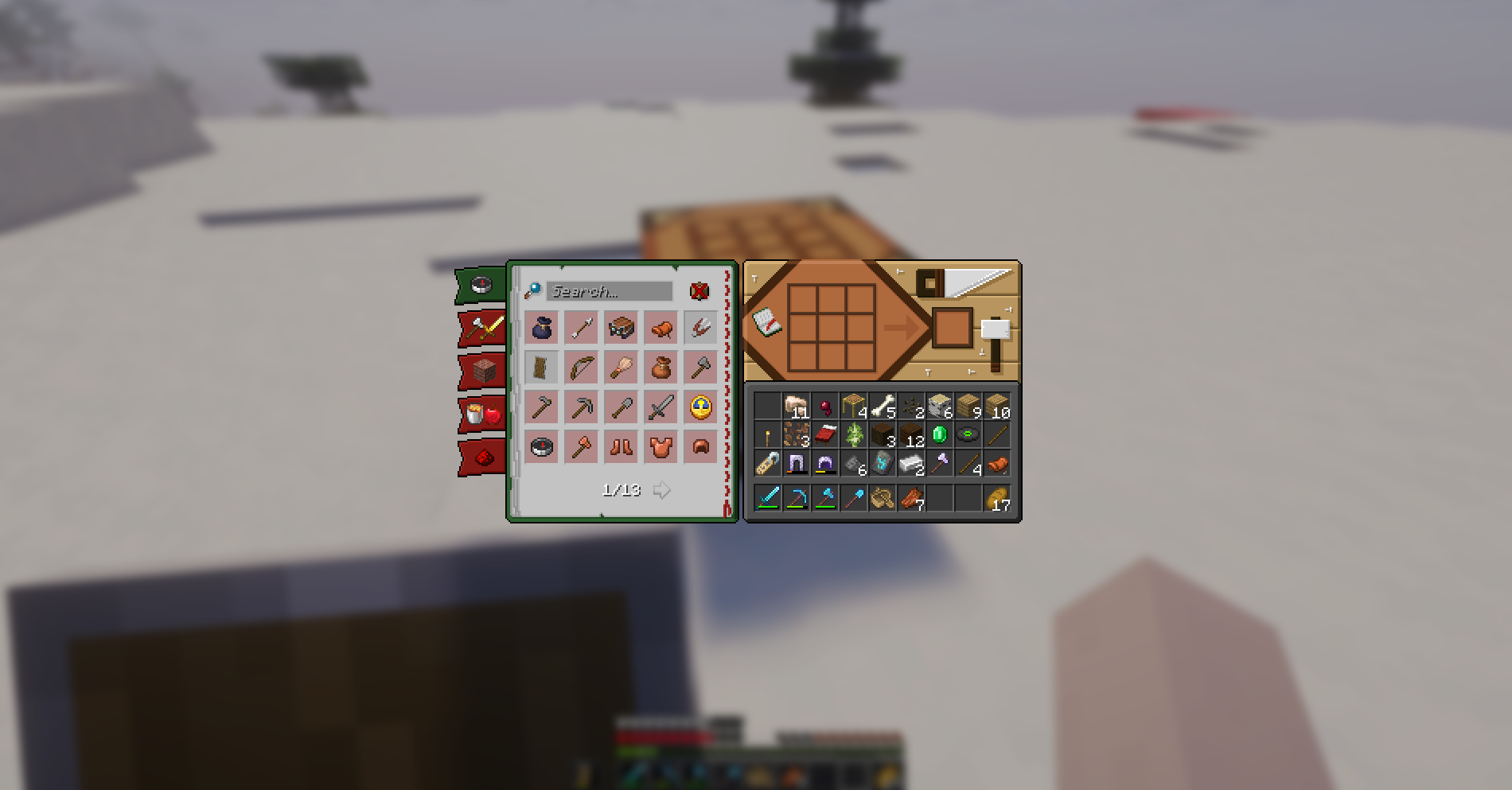
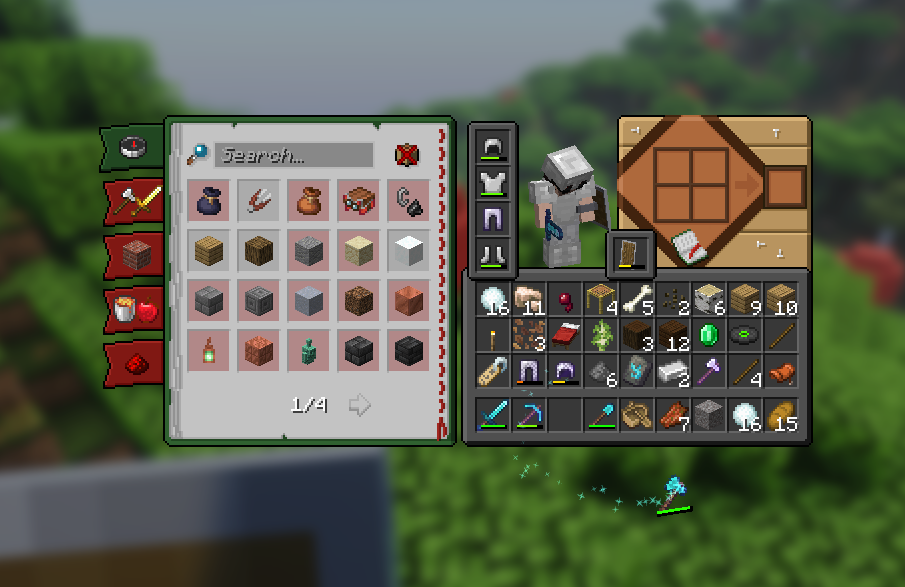
Adds improvements for inventory management, mouse controls, automatic stack refilling, keybind management, chat history, recipe browsing, block information, and other everyday interactions.
The goal is to reduce repetitive actions and improve usability without automating or replacing normal survival progression.
Building & Navigation
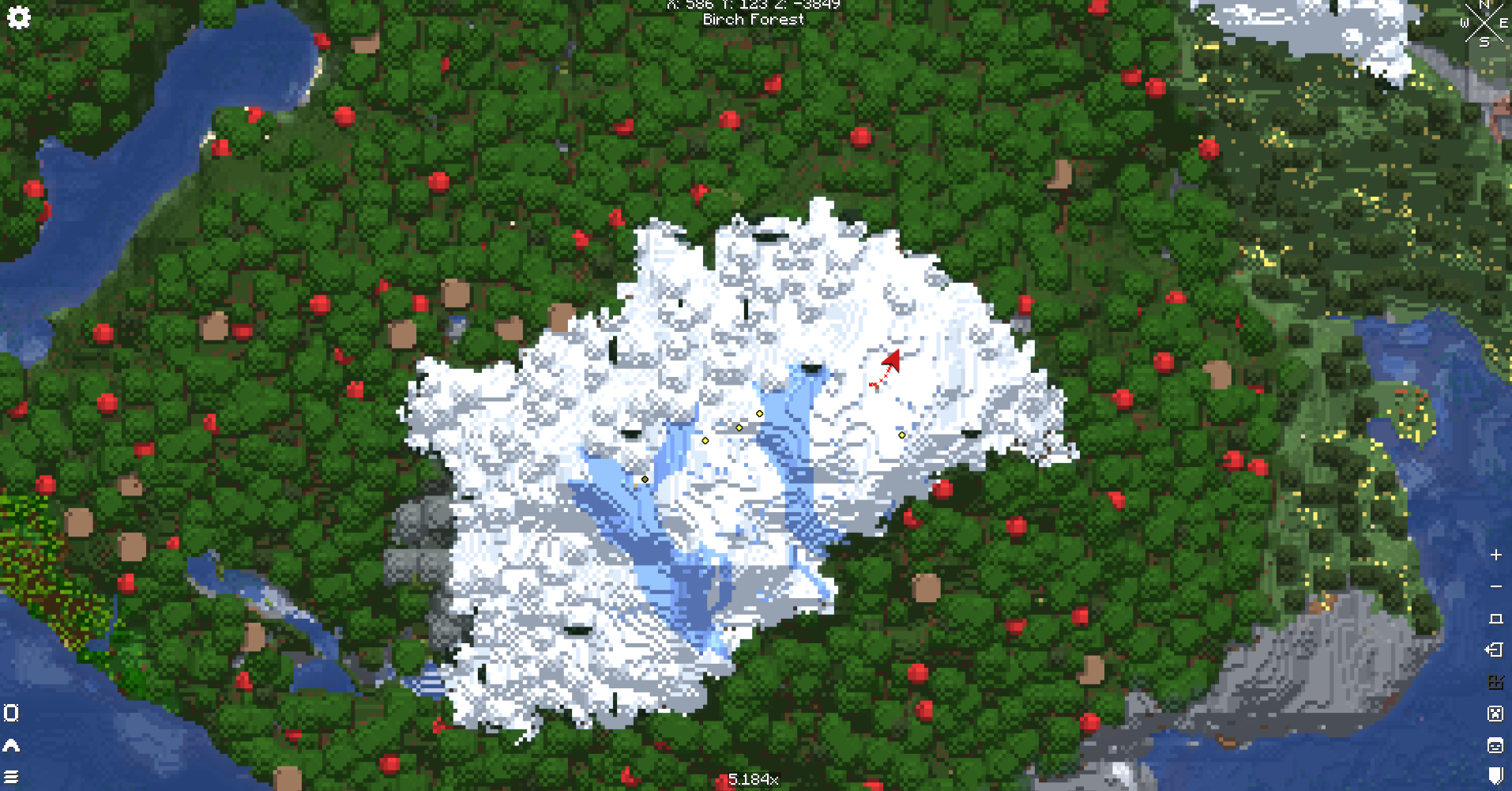
Includes Litematica for schematic-assisted building, Xaero's Minimap and World Map for navigation, Locator Heads, Map Distance Fix, and other utilities useful during exploration and construction.
Multiplayer & Social
Includes proximity voice chat, multiplayer utilities, player maps, and small social features designed for survival servers and groups of friends.
PatPat adds a simple interaction that allows players to pat living mobs.
Essential is also included for its multiplayer and social utilities.
Optional Content
Shaders
The included shaders are installed but disabled by default. Players can enable their preferred shader pack through the video settings.
Distant Horizons
Distant Horizons is included but disabled by default.
Players with enough system resources can enable it to render terrain far beyond Minecraft's normal render distance.
Container GUI Styles
Both versions of Recolourful Containers are included.
The standard version is enabled by default. To use the dark version:
- Disable Recolourful Containers GUI + HUD
- Enable Recolourful Containers GUI + HUD (DARK)
Do not enable both versions at the same time.
Included Content
Resource Packs
- Fresh Animations
- Fresh Animations: Classic Horses
- Fresh Animations: Creepers
- Fresh Animations: Details
- Fresh Animations: Emissive
- Fresh Animations: Objects
- Fresh Animations: Player Extension
- Fresh Animations: Quivers
- Fresh Animations: Spiders
- Recolourful Containers GUI + HUD
- Recolourful Containers GUI + HUD (DARK)
- Theone's Eating Animation Pack
Performance & Rendering
Visuals, Animations & Immersion
Audio & Atmosphere
Interface, HUD & Information
Inventory, Controls & Quality of Life
Building, Navigation & Multiplayer
Libraries & Dependencies
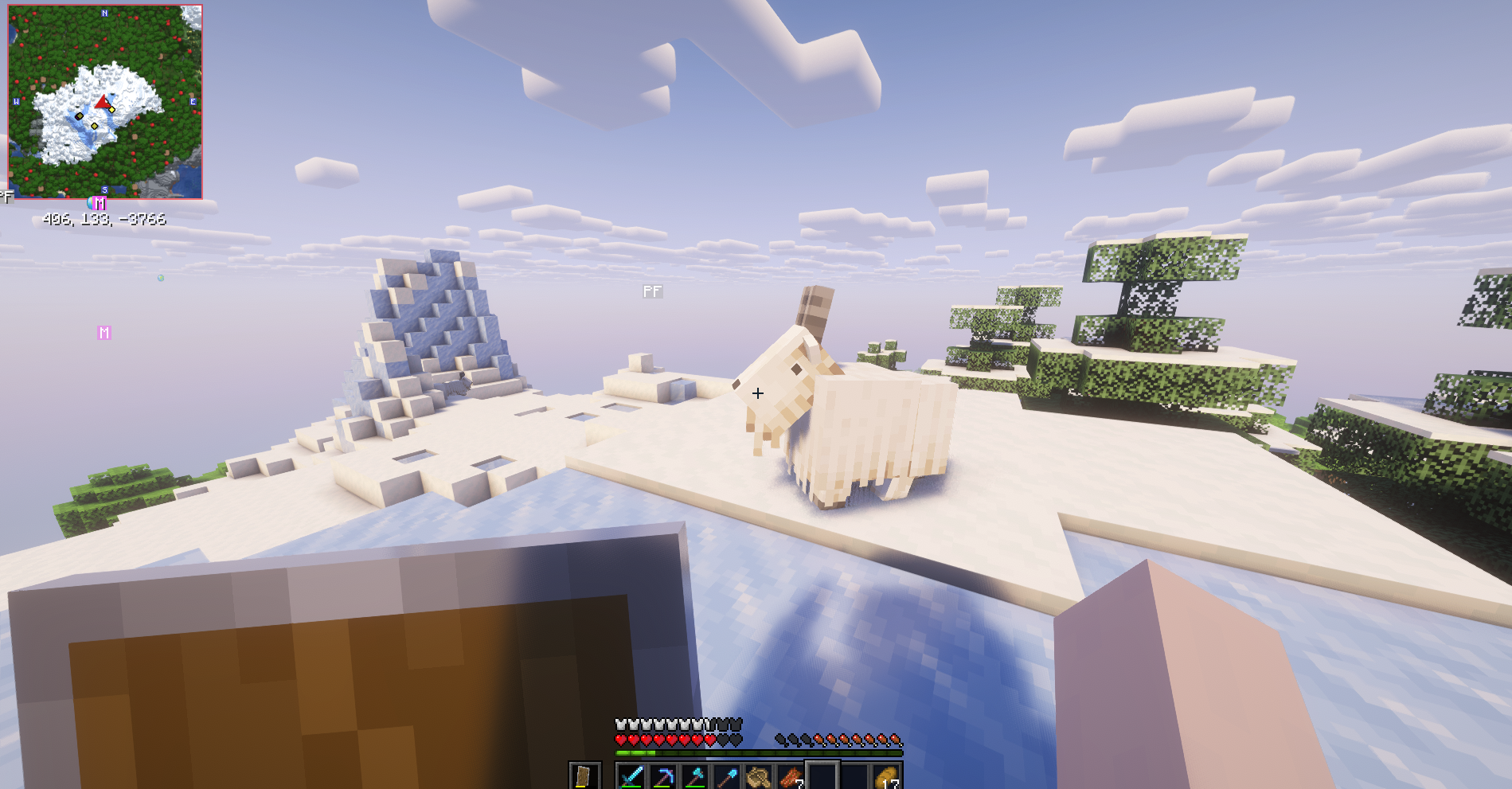
Screenshots
Gallery
Versions
Files
Relations
Project Relations
More like this
Similar Modpacks
Suggestions use data such as tags, dependencies, dependents, descriptions, titles, and more to rank how much they overlap with this modpack.
On ModDex
Community snapshot
By the numbers
Statistics

 (opens in a new tab)
Get it on
Available Platforms
On ModDex
Community snapshot
By the numbers
Statistics
Resources