Community listing page, reviews here may not be monitored by the author.
Atmosphere+


No reviews yet
Optimization, tweaks, visuals and sounds improvements
Community voices
Reviews
No reviews yet. Be the first to review this project!
Get it on
Available Platforms
Compatibility
Supported Environments
Required on the client. Installing it on the server adds functionality.
Must be installed on both the client and the server.
Varies by version.
About
Project Details
For authors
Embed Badge
If you're the author of this project, you can embed a live badge anywhere that supports HTML or Markdown. It updates automatically whenever ratings change.
Use HTML for any page that supports it, or Markdown for README files and Markdown-based descriptions.
Identifiers
Platform IDs
Resources
External Links
About
Description

This modpack focused on clinet-side mods. Add visuals, immersion, performance, and quality-of-life improvements while keeping the original Minecraft gameplay untouched.
Features:
- ✨ Improved animations and visual effects
- 🌧 Ambient and environmental sound enhancements
- 🎮 Controller support
- ⚡ Modern optimization mods (Sodium, Lithium, etc.)
- 🎨 OptiFine-style resource pack support (CIT, connected textures, shaders via Iris)
Versions:
Stable:
- 1.21.11
In work
- 1.21.1 [NeoForge]
- 26.x.x
Experimental / Outdated:
- 1.21.1 [Fabric]
- 1.21.8
- 1.21
Credits:
Bloom mod - Shine: VFX by tapeQ
Armor Trim - Armor Trim Item Fix by MincraftEinstein
Particle - Subtle Effects by MincraftEinstein
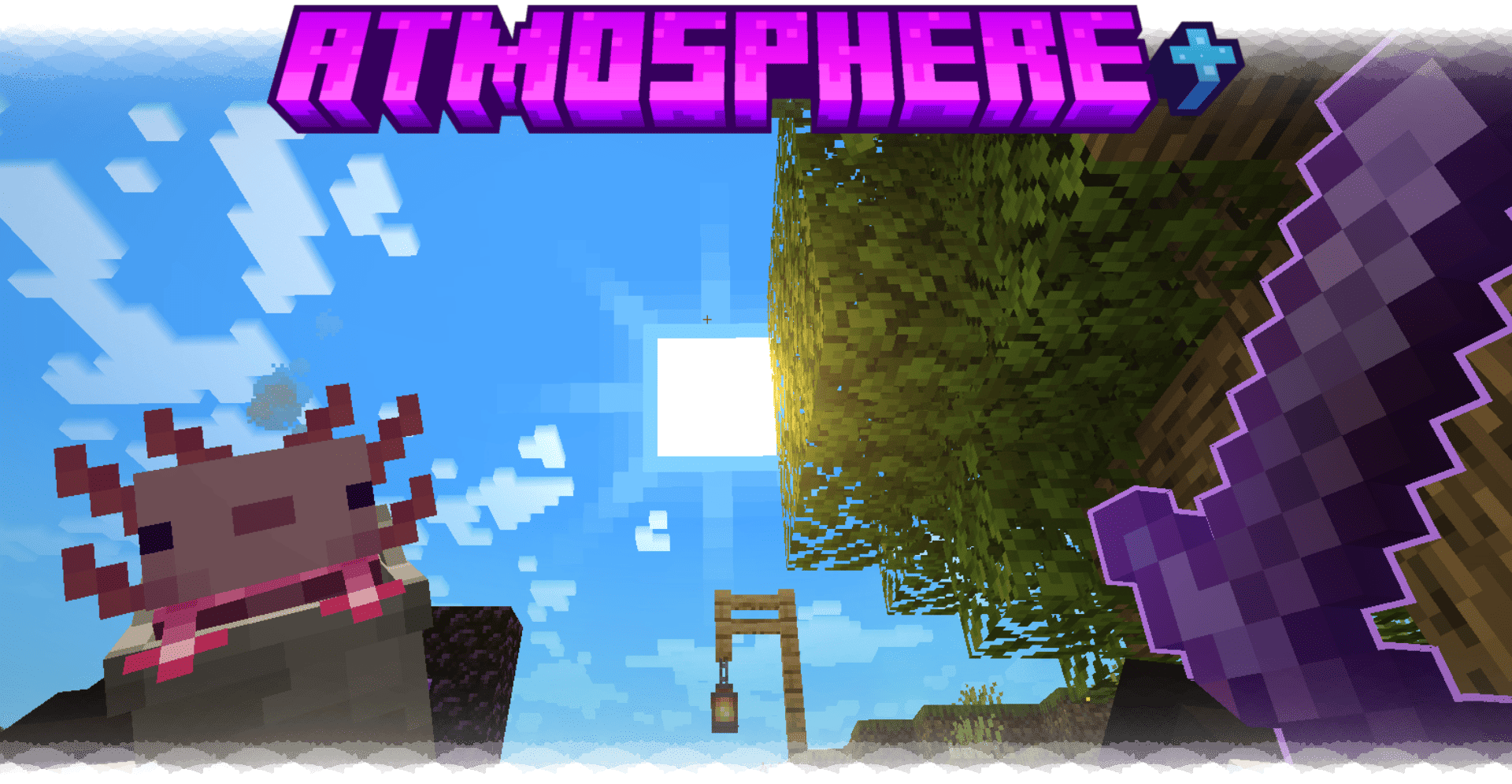
This modpack focused on clinet-side mods. Add visuals, immersion, performance, and quality-of-life improvements while keeping the original Minecraft gameplay untouched.
Features:
- ✨ Improved animations and visual effects
- 🌧 Ambient and environmental sound enhancements
- 🎮 Controller support
- ⚡ Modern optimization mods (Sodium, Lithium, etc.)
- 🎨 OptiFine-style resource pack support
Versions:
Stable:
- 1.21.11
- 1.21.1 [NeoForge] - It may crash on the first launch.
In work
- 26.2
- 1.20.1 [Forge]
Experimental / Outdated:
- 1.21.1
- 1.21.8
- 1.21
How to disable a specific mod?
- Most mods are turned off in the "Mods" tab
- Punchy (First person mod) - Press F8. Click "OFF" and then click "Load Profile"
- Presence Footsteps (Footsteps sounds) - Press F10 and simply switch the "Enable mod"
Credits
- Particles effects - Subtle Effects by MincraftEinstein & TheEnderCore
- Tab - Better Tab by Fy17
- A special thanks to Kanadeyoru for creating the Visual and Sounds collection.
License
Atmosphere+ is licensed under CC BY-NC-SA 4.0 with the following additional permissions and clarifications.
-
Forks: You may modify, port, maintain, and redistribute forks or derivative versions of Atmosphere+. Please credit Atmosphere+, link to the original project.
-
Distribution: The modpack must remain accessible without payment or monetized access barriers. Standard creator rewards from platforms such as Modrinth or CurseForge are allowed. Paywalls, paid subscriptions, advertising link shorteners, offerwalls, forced ads/tasks, or similar monetized barriers used to obtain the download are not allowed.
-
Media: Videos, streams, screenshots, reviews, guides, and other content featuring Atmosphere+ may be freely published and monetized. Attribution is appreciated but not required for this type of content.
These permissions apply only to Atmosphere+ content owned by its developer. Third-party mods and other included content remain subject to their own licenses.
Screenshots
Gallery
-
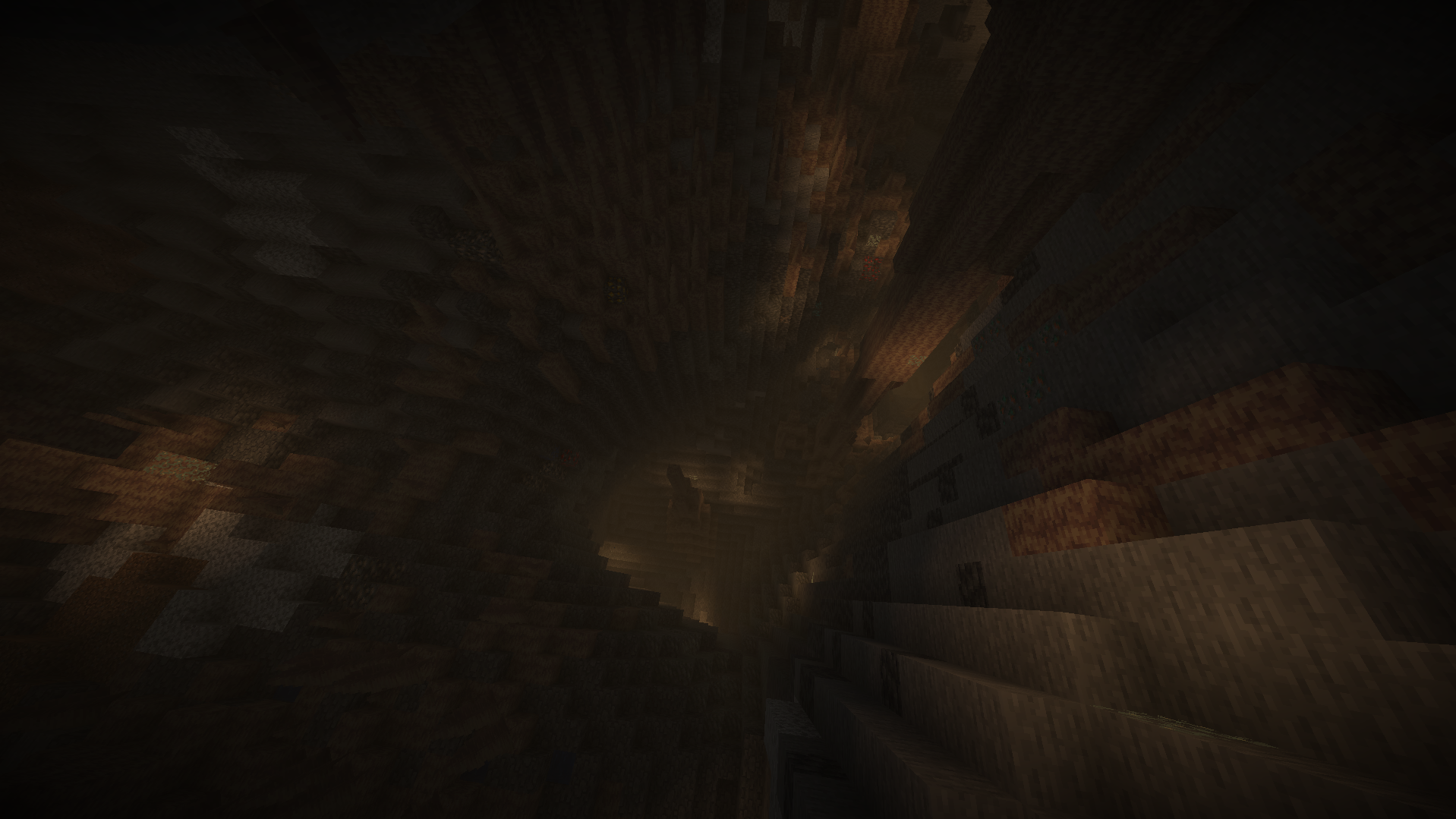 Cave
Cave -
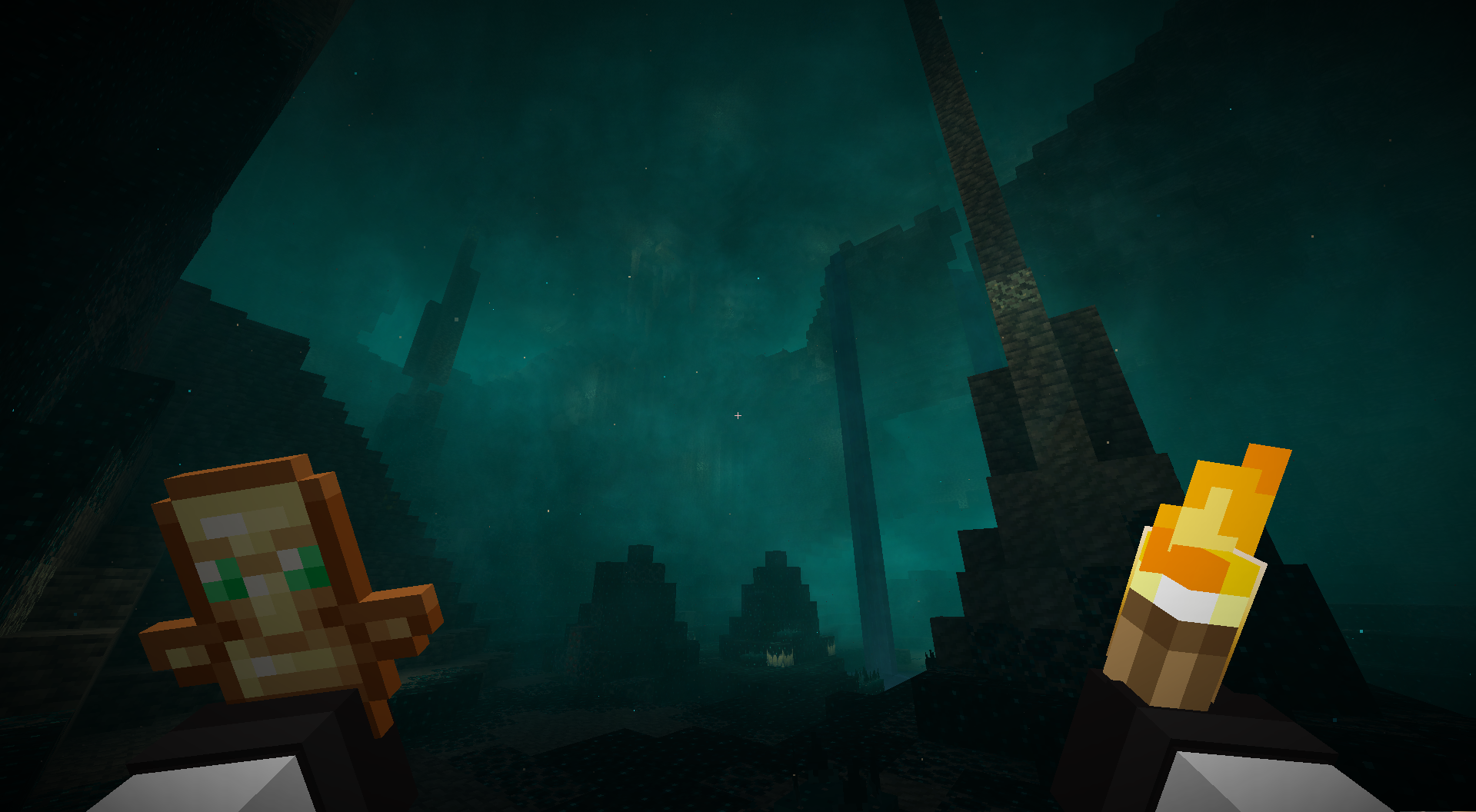 NeoForge
Versions
Files
Relations
Project Relations
More like this
Similar Modpacks
Suggestions use data such as tags, dependencies, dependents, descriptions, titles, and more to rank how much they overlap with this modpack.
On ModDex
Community snapshot
By the numbers
Statistics
Want to reach Minecraft players?
We're looking for a server hosting partner to feature here and other parts of the site. Interested? Send us a message!
Get in touchGet it on
Available Platforms
On ModDex
Community snapshot
By the numbers
Statistics
Resources