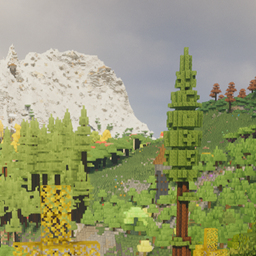
Community listing page, reviews here may not be monitored by the author.
BiomeMAX

No reviews yet
BiomeMAX is the ultimate kitchen-sink modpack that unites virtually every major biome mod from both Forge and Fabric into one cohesive experience — delivering some of the most breathtaking and diverse terrain generation you’ll find in any pack today.

Community voices
Reviews
No reviews yet. Be the first to review this project!
Get it on
Available Platforms
About
Project Details
For authors
Embed Badge
If you're the author of this project, you can embed a live badge anywhere that supports HTML or Markdown. It updates automatically whenever ratings change.
Use HTML for any page that supports it, or Markdown for README files and Markdown-based descriptions.
Identifiers
Platform IDs
Resources
External Links
About
Description
BiomeMAX is the ultimate kitchen-sink modpack that unites virtually every major biome mod from both Forge and Fabric into one cohesive experience — delivering some of the most breathtaking, diverse, and detailed terrain generation you’ll find in any pack today.
BiomeMAX also offers:
- Shader compatibility (via Oculus)
- Distant Horizons (with sufficient RAM - is disabled by default)
- Over 500 total mods (with over 350 overworld biomes and 90,000 items in JEI)
- Extremely smooth performance for a pack of this size (framerate should be better than ATM9 and ATM10)
- Server compatibility to enjoy the fun with friends
Minimum Requirements (with shaders/Oculus enabled):
- 7-8GB of allocated RAM on client for multiplayer servers
- 7-8GB of allocated RAM on client for singleplayer worlds
- 8-9GB for Distant Horizons on minimum impact (may use more on more intensive settings)
I would recommend to keep Distant Horizons at minimum impact with distant generation disabled when playing to avoid FPS drops.
To setup a server simply paste the config, defaultconfigs, and mods folder into your forge server folder, then delete the following mods from the server's mods folder (and the .connector folder):
- Drippy Loading Screen
- Fancy Menu
- FPS Display
- Oculus
- Distant Horizons (.disabled by default)
- Decocraft (.disabled by default)
- Decocraft Nature (.disabled by default)
Screenshots
Gallery
-
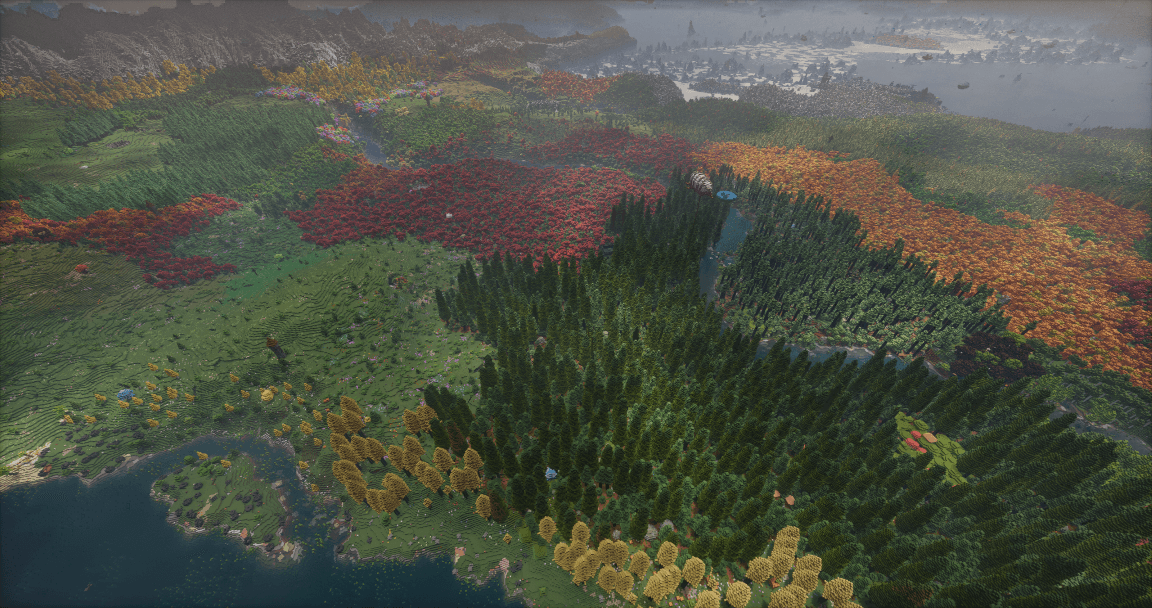 BiomeMAX1.png BiomeMAX World Generation (seed: 3)
 -
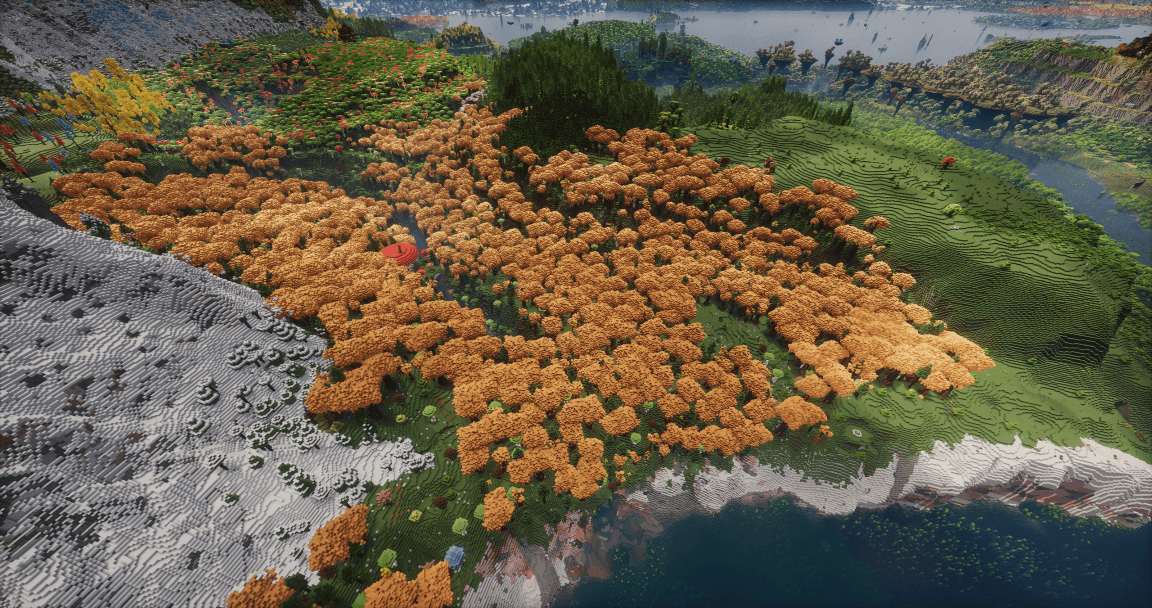 BiomeMAX2.png BiomeMAX World Generation (seed: 3)
 -
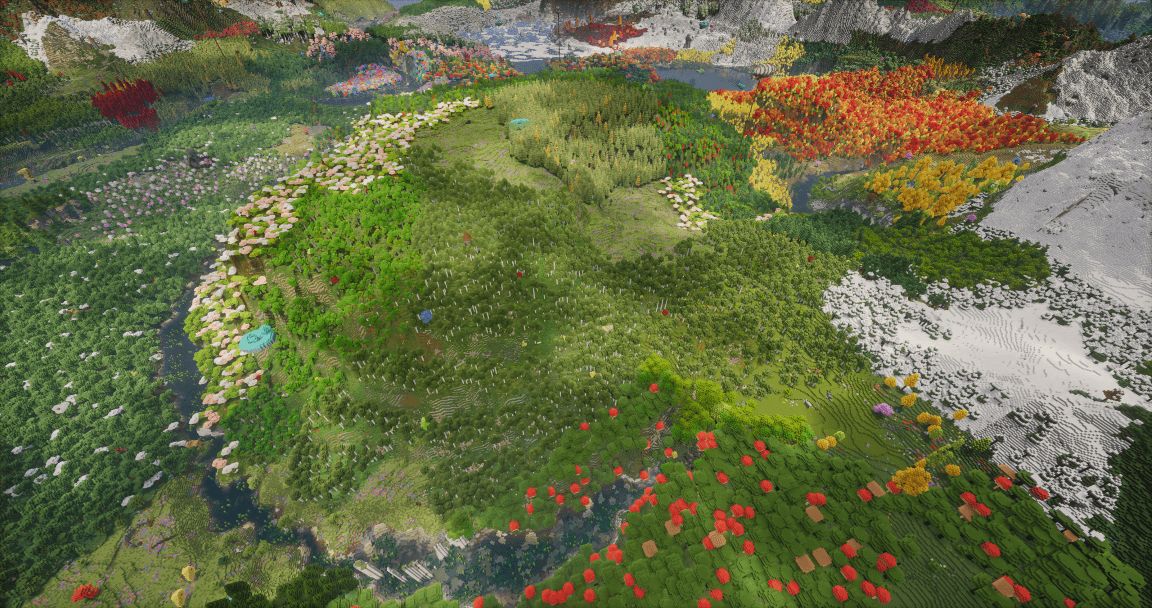 BiomeMAX3.png BiomeMAX World Generation (seed: 3)
 -
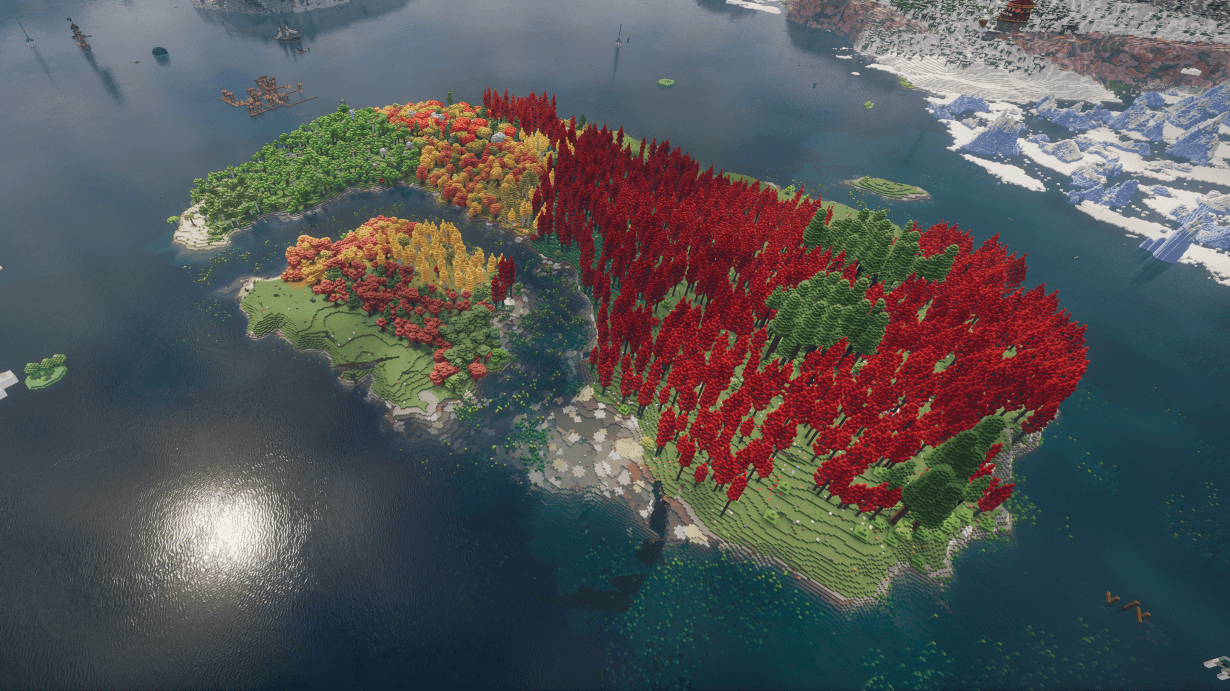 BiomeMAX4.png BiomeMAX World Generation (seed: 5311)
 -
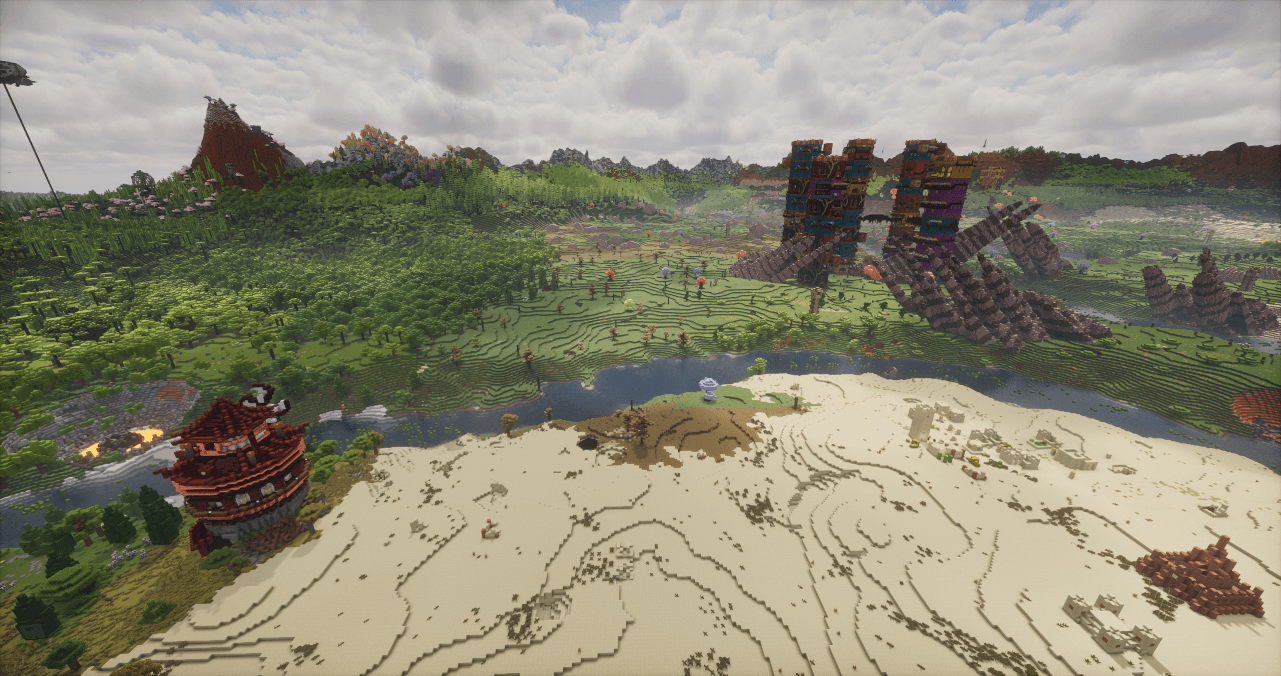 BiomeMAX5.png BiomeMAX World Generation (seed: 100)
 -
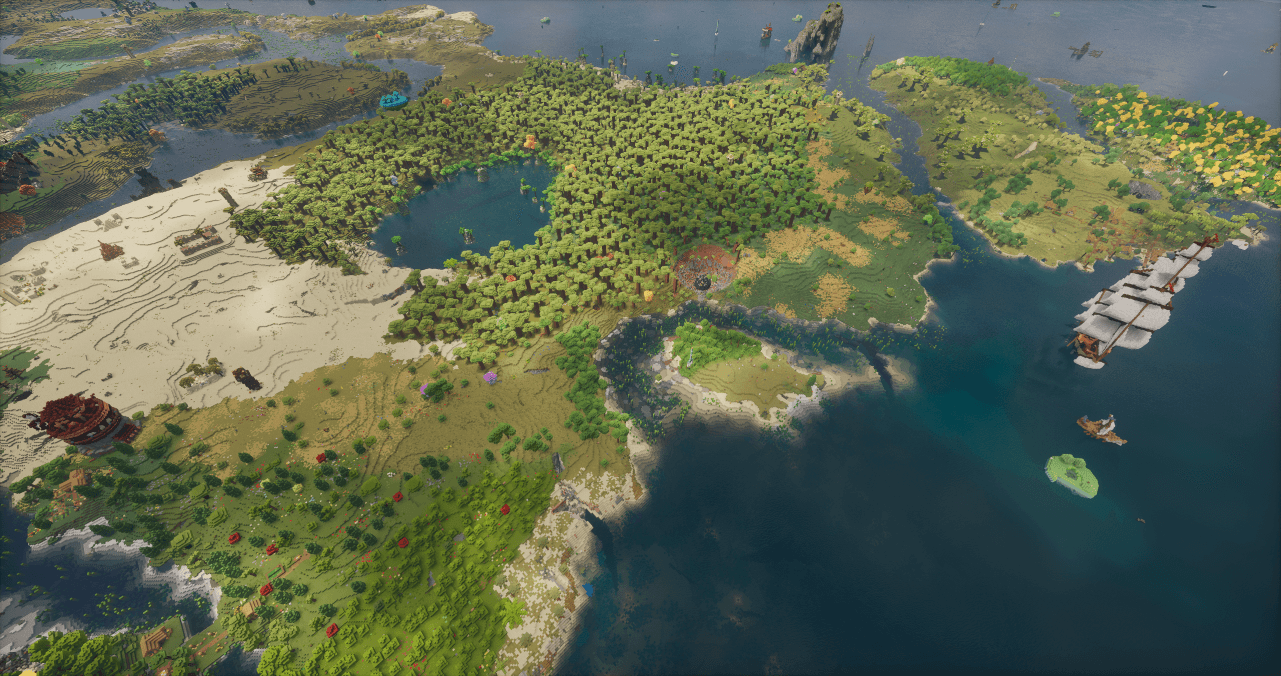 BiomeMAX6.png BiomeMAX World Generation (seed: 100)
 -
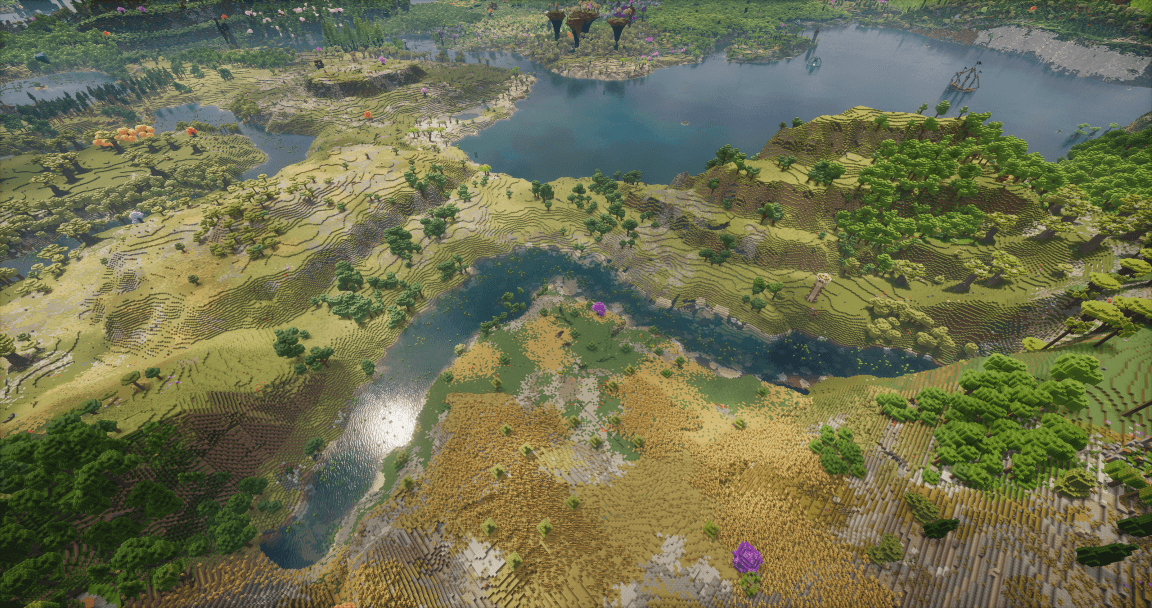 BiomeMAX7.png BiomeMAX World Generation (seed: 1337)
 -
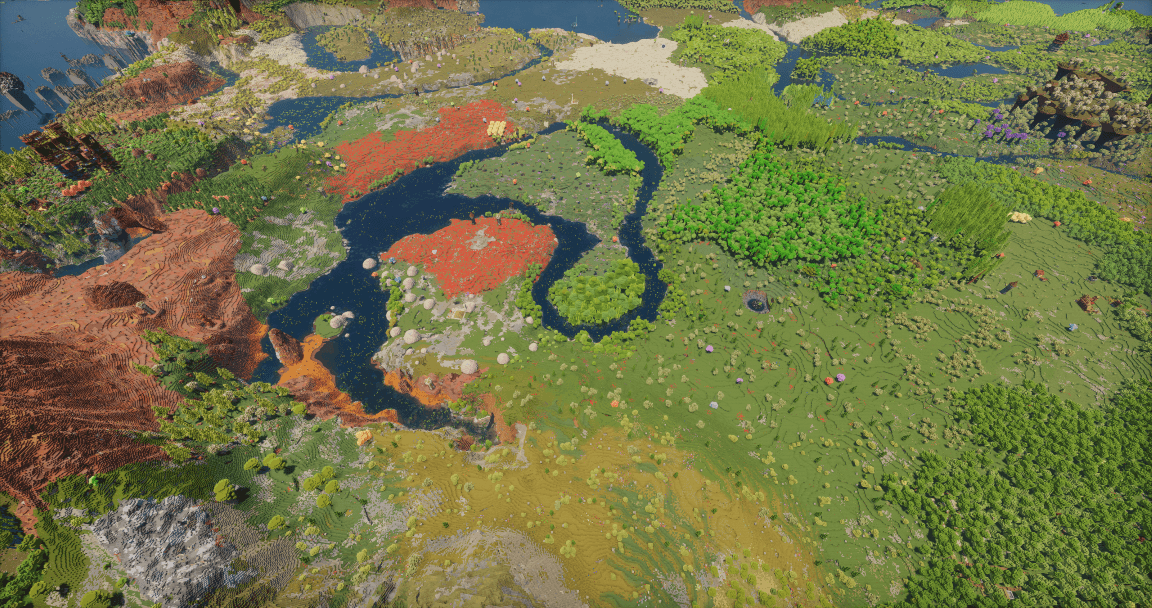 BiomeMAX8.png BiomeMAX World Generation (seed: 1337)
Versions
Files
Relations
Project Relations
More like this
Similar Modpacks
Suggestions use data such as tags, dependencies, dependents, descriptions, titles, and more to rank how much they overlap with this modpack.
On ModDex
Community snapshot
By the numbers
Statistics
 (opens in a new tab)
Get it on
Available Platforms
On ModDex
Community snapshot
By the numbers
Statistics
Resources