
Better Vanilla Cream
No reviews yet
Makes your Vanilla Experience overall better! Adds Features that makes Vanilla Players life easier. Just multiple simple features, that makes your live easier. Such as RightClickHarvest or, Controller support. How about auto-sorting? All here at BVC!
Does not follow a specific thematic focus apart from vanilla Minecraft.
Features content that solely expands on Vanilla mechanics and gameplay.
Includes quality of life improvements and small tweaks to enhance and customize gameplay.
Adds features to make the game more accessible and comfortable to play.
Enhances game performance and optimizes resource usage.
Fabric is a mod loader for versions 1.14+ of Minecraft, particularly popular for client side and optimization mods.
Community voices
Reviews
Click once to include, again to exclude, again to clear
No reviews yet. Be the first to review this project!
Get it on
Available Platforms
 Modrinth
Compatibility
Supported Environments
About
Project Details
For authors
Embed Badge
If you're the author of this project, you can embed a live badge anywhere that supports HTML or Markdown. It updates automatically whenever ratings change.
Use HTML for any page that supports it, or Markdown for README files and Markdown-based descriptions.
Identifiers
Platform IDs
About
Description
Thank you everyone for the support!!!!
Better-Vanilla-Cream
Makes your Vanilla Minecraft experience for Fabric better. These are client-side! You wont get banned on any servers. There are many features that are just small and compact, that make your live easier. Maybe in your survival world. Or a server you are on. BVC just adds simple useful (probably) features. Such as RightClick harvest, or auto-sorting for your inventory. Maybe inviting your friends into your world without knowing any server-knowledge, would interest you? Or, well... Better performance than OptiFine :) All while not breaking any vanilla-mechanics.
(logo by me, order some like that by dming me in discord: sjs7)
im frustrated that github litteraly only wants 1 space between texts...
If you are having issues with booting into the game (If you have a low end pc) make sure that your dedicated GPU is selected. There are tutorials online on how to change it.
You can get Fabric here - https://fabricmc.net/use/installer/
You can get the Download for Windows (for Windows Computers)
Or the Download Universal for (Mac/Linux/Windows Computers.)
Quick Tutorial (FOR LEGACY MINECRAFT LAUNCHER, SEARCH TUTORIALS UP ON YOUTUBE DEPENDING ON YOUR LAUNCHER) After downloaded, just select the Newest or Supported Version and you are (almost) done! Now go into your Minecraft Launcher and run Fabric. Now press your windows button and type "run". After that, press ENTER. Type %appdata%. You will end up in explorer. Click on .minecraft (it should be on the top) And put all of the mod Files in there. Done!
Quick Tutorial for the Resource pack. First in Minecraft, go to options, Resource packs and then press Open Pack folder. Import the Resource Pack in there and close the window. The pack should be imported!
Thats it! Thanks for downloading. Any issues? Report them to the MOD creators, or make a issue on this repo!
Making a discord soon, if this repo gets 15 stars or just gets some attention at all.
Screenshots
Gallery
-
 Thumbnail The Thumbnail for BVC.
 -
 Game Menu The game Menu. Has alot of stuff
 -
 F3 Menu From the mod Better F3
 -
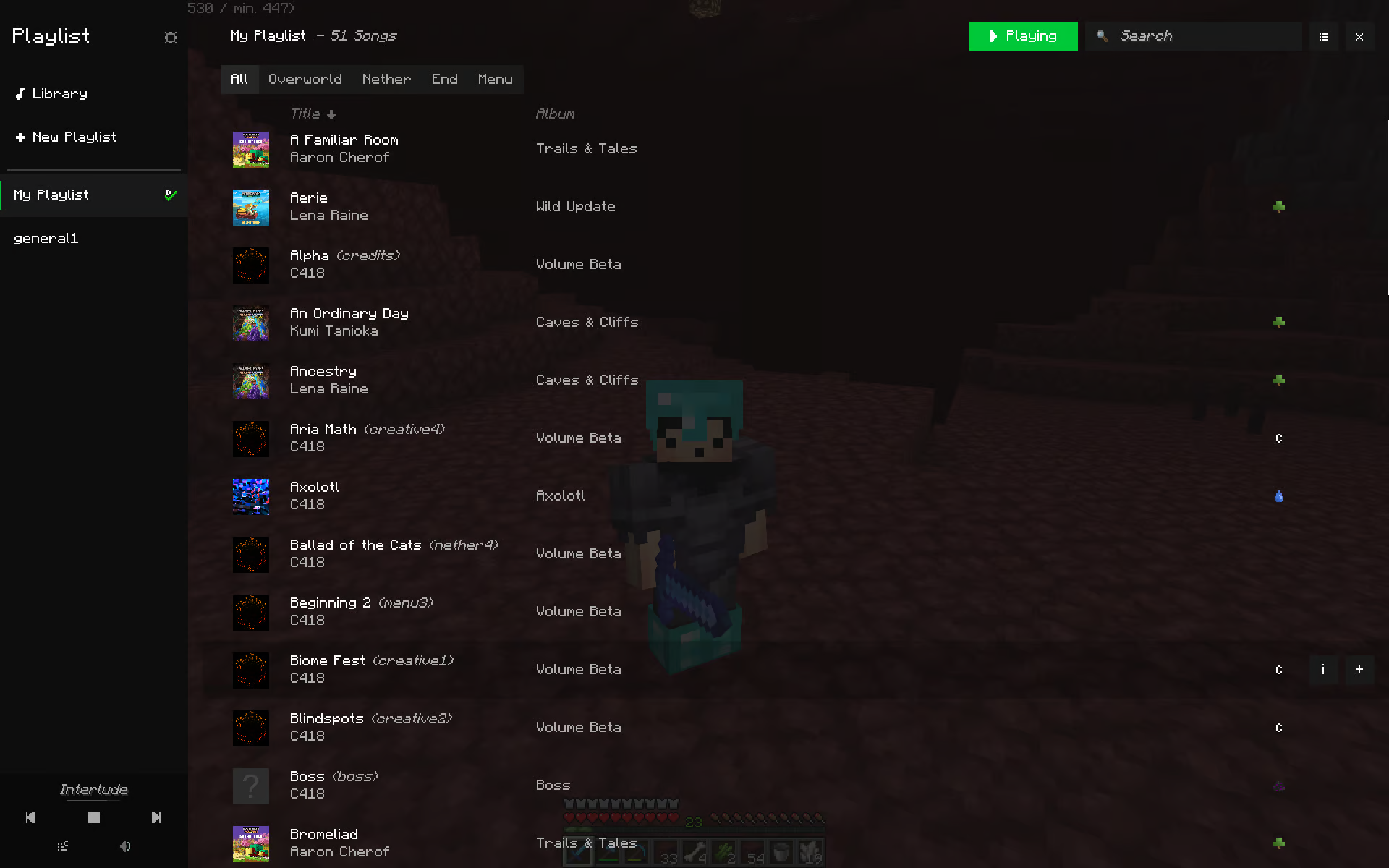 Playlist Menu From the mod "Playlist Mod" Includes all the Minecraft music, allows you to skip, change music and create Playlists with phesific music only.
 -
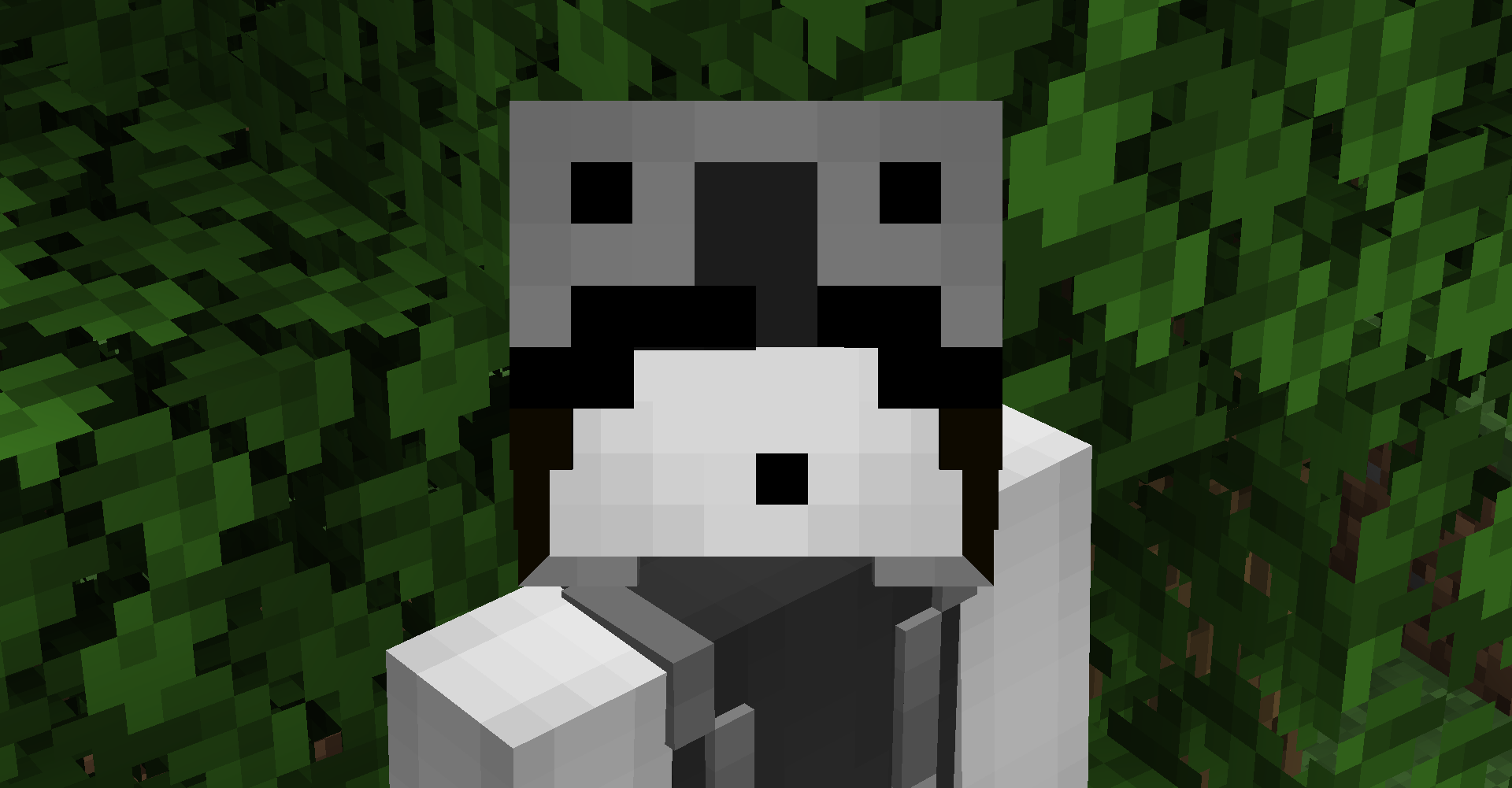 3D Skin Layer From the Mod 3d skin layers
 -
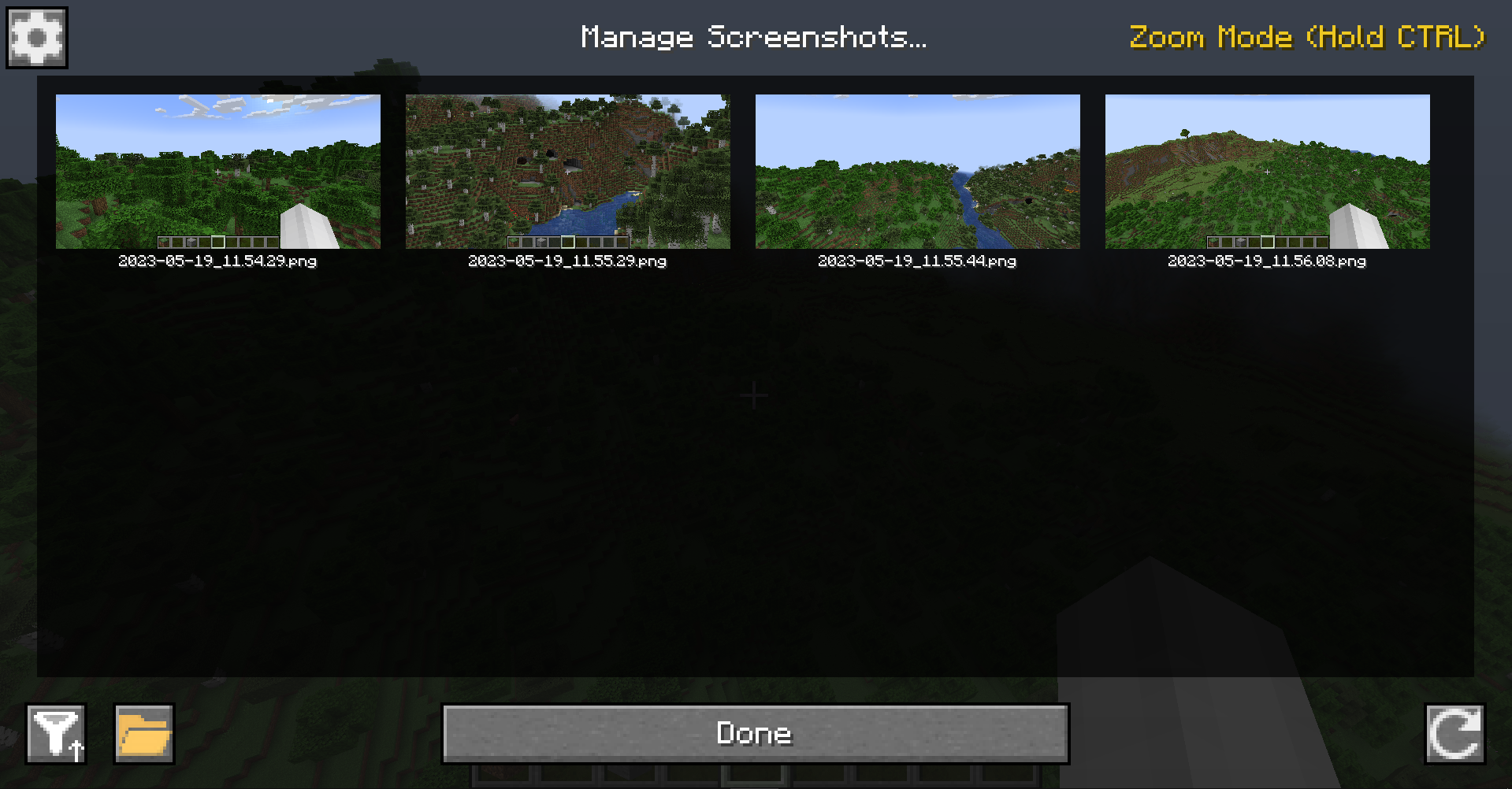 Manage Screenshots Menu From the Mod Screenshot Viewer
 -
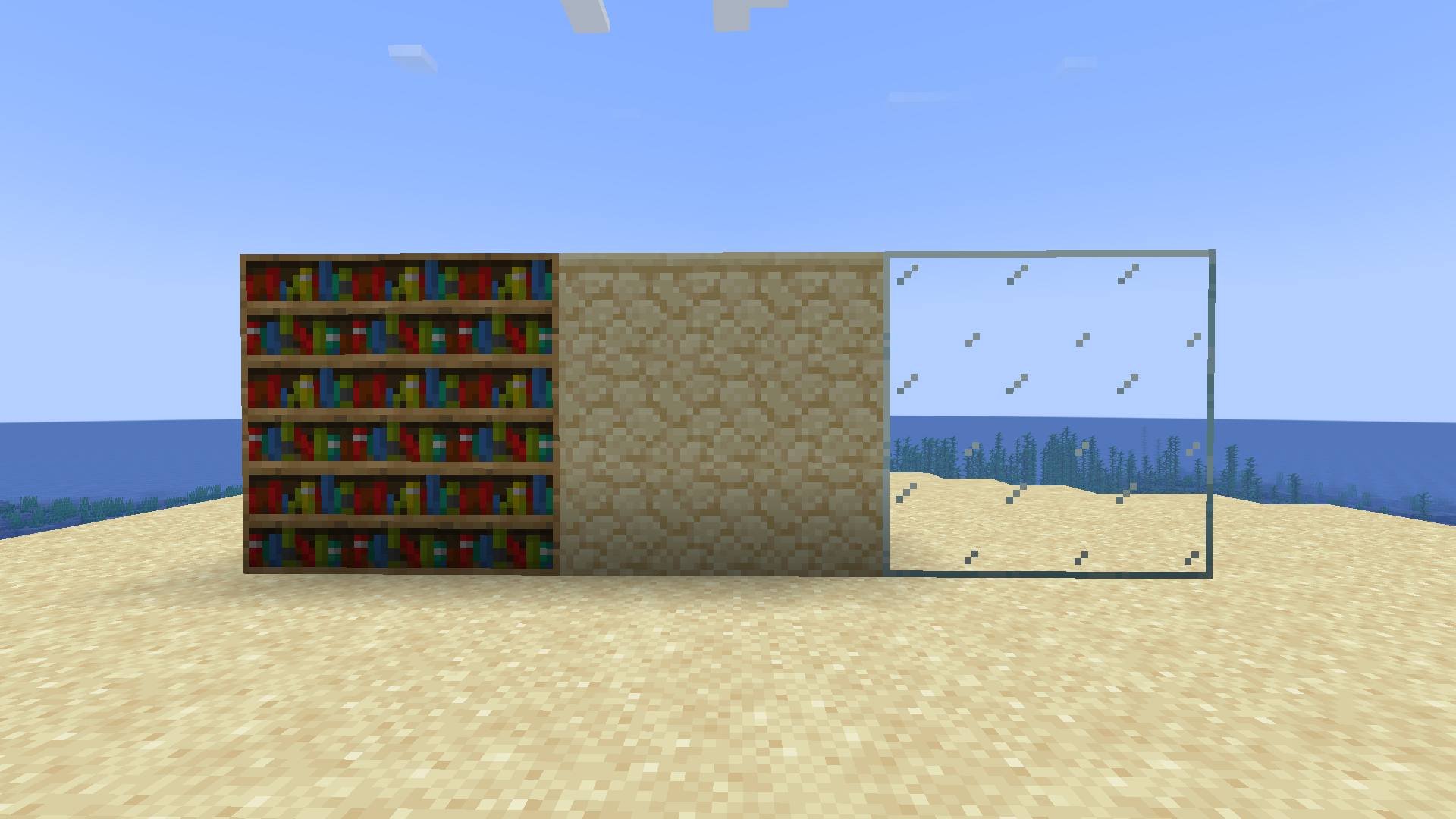 Connected Textures (Make sure you have the Default Conected Textures Pack on) From the mod Continuity
Versions
Files
Relations
Project Relations
More like this
Similar Modpacks
Suggestions use data such as tags, dependencies, dependents, descriptions, titles, and more to rank how much they overlap with this modpack.
On ModDex
Community snapshot
By the numbers
Statistics

Want to reach Minecraft players?
We're looking for a server hosting partner to feature here and other parts of the site. Interested? Send us a message!
Get in touchGet it on
Available Platforms
On ModDex
Community snapshot
By the numbers