Community listing page, reviews here may not be monitored by the author.
Cinematic Creator's Toolkit: Elevate Your Streaming Visuals

No reviews yet
The Cinematic Creator's Toolkit is a modpack for content creators, enhancing visuals with high-quality shaders, dynamic lighting, and advanced camera controls. Perfect for crafting engaging, cinematic gameplay videos with a professional touch.
Community voices
Reviews
No reviews yet. Be the first to review this project!
Get it on
Available Platforms
About
Project Details
For authors
Embed Badge
If you're the author of this project, you can embed a live badge anywhere that supports HTML or Markdown. It updates automatically whenever ratings change.
Use HTML for any page that supports it, or Markdown for README files and Markdown-based descriptions.
Identifiers
Platform IDs
Resources
External Links
About
Description
🎥 Cinematic Creator's Toolkit: Elevate Your Streaming Visuals
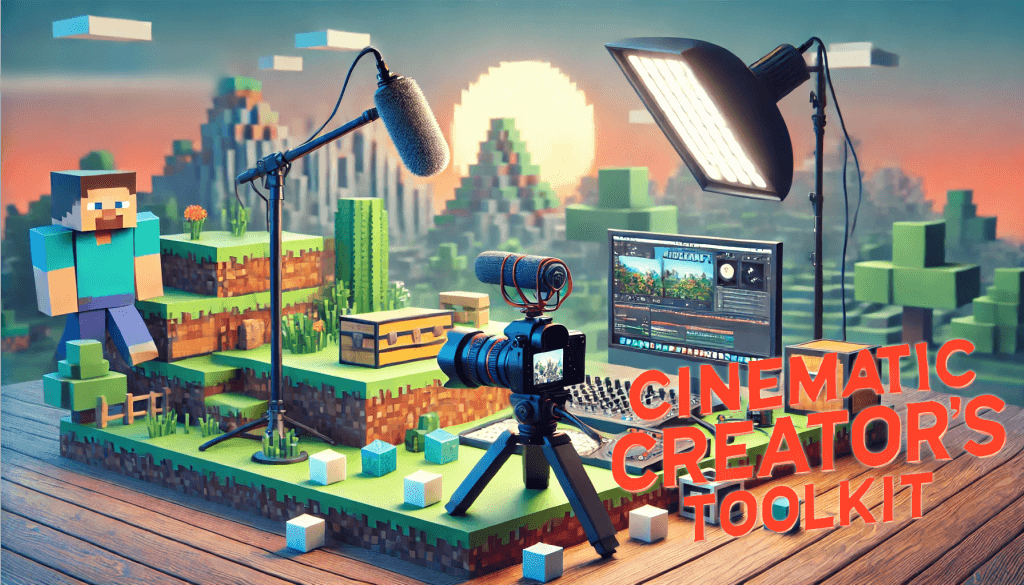
The Cinematic Creator's Toolkit is a comprehensive mod pack crafted for streamers and content creators who want to enhance their visuals. This collection focuses on in-game aesthetics and advanced camera controls to help creators produce engaging, cinematic-quality videos.
With high-quality shaders, dynamic lighting, and customizable camera angles, this toolkit transforms your gameplay into an immersive experience that captivates viewers and elevates your content.
- 🖼️ Perfect for Showcases and Tutorials – Ideal for setups featuring single mods or tutorial-style content.
- ⚠️ Not for Large Mod Packs – For optimal performance, use this pack as-is to maintain the creator's intended quality.
- 🚫 Avoid Using on Public Servers – Some mods in this pack may lead to bans if used on servers you don’t own or manage.
📖 Usage Guide
Step 1: 📥 Download and Setup
- Download the Mod Pack – Go to the release page and grab the latest version.
- Run the Mod Pack – Launch it to confirm everything loads smoothly.
- Enable Content Management – In the settings, select Edit and ensure Allow Content Management for this Profile is checked.
Step 2: 🔧 Customize Your Experience
- Add Additional Mods – Feel free to add mods for specific showcases or testing but keep it lightweight.
- Explore Features – Familiarize yourself with the mod pack’s camera tools and interactive elements for smoother content creation.
Step 3: 🎬 Start Recording
- Launch and Record – Start your recording software, open the game, and begin capturing your cinematic moments.
> 💡 You can reuse this mod pack or create multiple copies for different content projects.
📸 Camera Controls
The mod pack includes several camera mods for optimal recording and cinematic angles. The primary mods are Camera Utils and Free Cam, covering most creative needs.
🔧 Camera Utils
Hot Keys:
-– Toggle Cinematic CameraRIGHT ALT + -– Cinematic Camera SettingsZ– ZoomZ + Mouse Wheel– Adjust Zoom factorF6– Custom Third-Person Camera 1RIGHT ALT + F6– Adjust Custom Third-Person Camera 1F7– Custom Third-Person Camera 2RIGHT ALT + F7– Adjust Custom Third-Person Camera 2Keypad 0– Detach Camera
🎥 Free Cam
This mod is useful for recording from specific angles, enabling versatile shots.
Hot Keys:
*– Configure Free CamF4– Toggle Free CamF4 + 1...9– Switch between multiple camera perspectives
🧑🎨 Skin Editor
Customize your character with two skin-editing mods: Armors Workshop and Customizable Player Models.
🛠️ Armors Workshop
1. Download a Skin Model
- Use
/give @p armourers_workshop:skin-library-globalto get the global skin library. - Open the library, select a skin, and press Download Skin to save it locally.
2. Access the Skin in Inventory
- Run
/give @p armourers_workshop:skin-library-creativeto add the skin library to your inventory. - Open it, go to Downloads, select the skin, and click Load. Move the item to your inventory.
3. Apply the Skin
- Press
Pto open Armors Workshop wardrobe. - Drag the item from your inventory to the appropriate slot, and your character will wear the skin.
🎭 Customizable Player Models
- Access the Skin Editor before starting the game or in Skin Customization under Open Skin Editor.
Hot Keys:
G– Gestures Menu
> 🎨 Tip: Experiment with different skins to match your video themes!
Screenshots
Gallery
-
header.png header.png
Versions
Files
Relations
Project Relations
More like this
Similar Modpacks
Suggestions use data such as tags, dependencies, dependents, descriptions, titles, and more to rank how much they overlap with this modpack.
On ModDex
Community snapshot
By the numbers
Statistics
Want to reach Minecraft players?
We're looking for a server hosting partner to feature here and other parts of the site. Interested? Send us a message!
Get in touchGet it on
Available Platforms
On ModDex
Community snapshot
By the numbers
Statistics
Resources