
Community listing page, reviews may not be monitored by the author.


Community voices
Reviews
No reviews yet. Be the first to review this project!
Get it on
Available Platforms
About
Project Details
For authors
Embed Badge
If you're the author of this project, you can embed a live badge anywhere that supports HTML or Markdown. It updates automatically whenever ratings change.
Use HTML for any page that supports it, or Markdown for README files and Markdown-based descriptions.
Identifiers
Platform IDs
Resources
External Links
About
Description
Welcome to ComfortCraft! 🌿
ComfortCraft is a highly optimized modpack built entirely around one core idea: providing the player with the ultimate level of comfort. We have carefully removed the most annoying, tedious, and frustrating mechanics of vanilla Minecraft, allowing you to focus on what truly matters — relaxing, building, and having fun.
Whether you are playing solo or with friends, this pack delivers a smooth, beautiful, and hassle-free survival experience.
✨ Key Features:
Say goodbye to tedious routines: Enjoy fast tree chopping and instant leaf decay. No more floating trees!
Smart Automation: AutoSwitch automatically equips the right tool for the block you're mining, while one-click chest sorting keeps your storage perfectly organized.
Major UI Improvements: Exactly see how much hunger and saturation food restores, and always know the precise durability values of your tools and armor.
Quality of Life Enhancements: Pin your favorite saves at the top of the list with Cherished Worlds, illuminate your path naturally with dynamic lighting, and communicate effortlessly using proximity voice chat.
Stunning Graphics: Includes 2 pre-installed shaders that transform your world into a cozy, atmospheric masterpiece right out of the box.
Flawless Performance: Powered by a carefully optimized setup using top-tier performance mods, ensuring high FPS and smooth chunk generation on almost any PC.
Cozy Furniture: A wide variety of furniture to comfortably decorate your home.
...and much more awaits you! Dive in and experience Minecraft the way it was meant to be: comfortable.
Important Note:
Please note that when enabling shaders for the first time in the game settings, Minecraft may crash. Don't panic! This is a known issue during initial setup. Simply restart the game, and the shaders will work smoothly afterwards.
Screenshots
Gallery
-
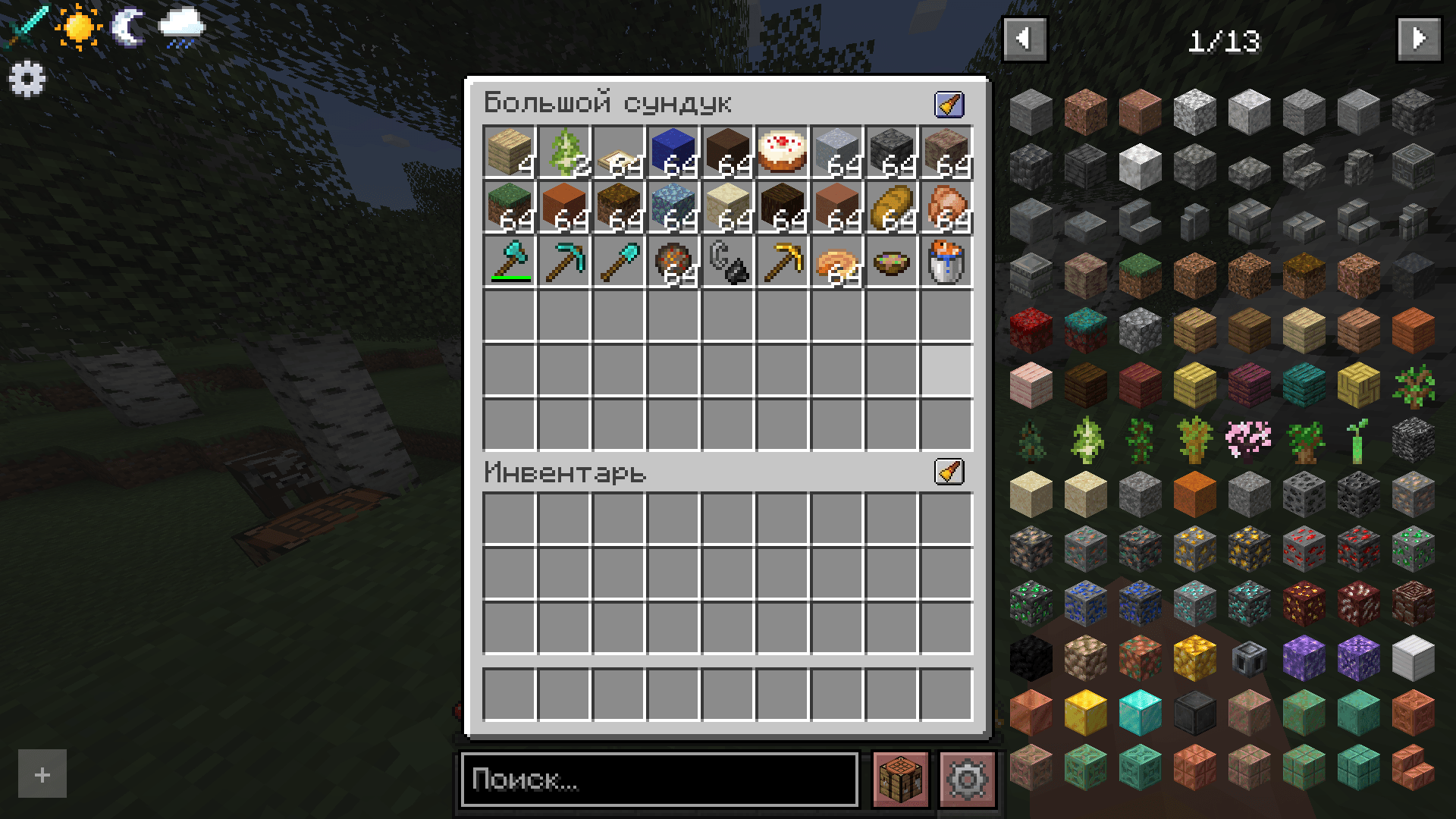 2026-06-25_11.46.08.png 2026-06-25_11.46.08.png
 -
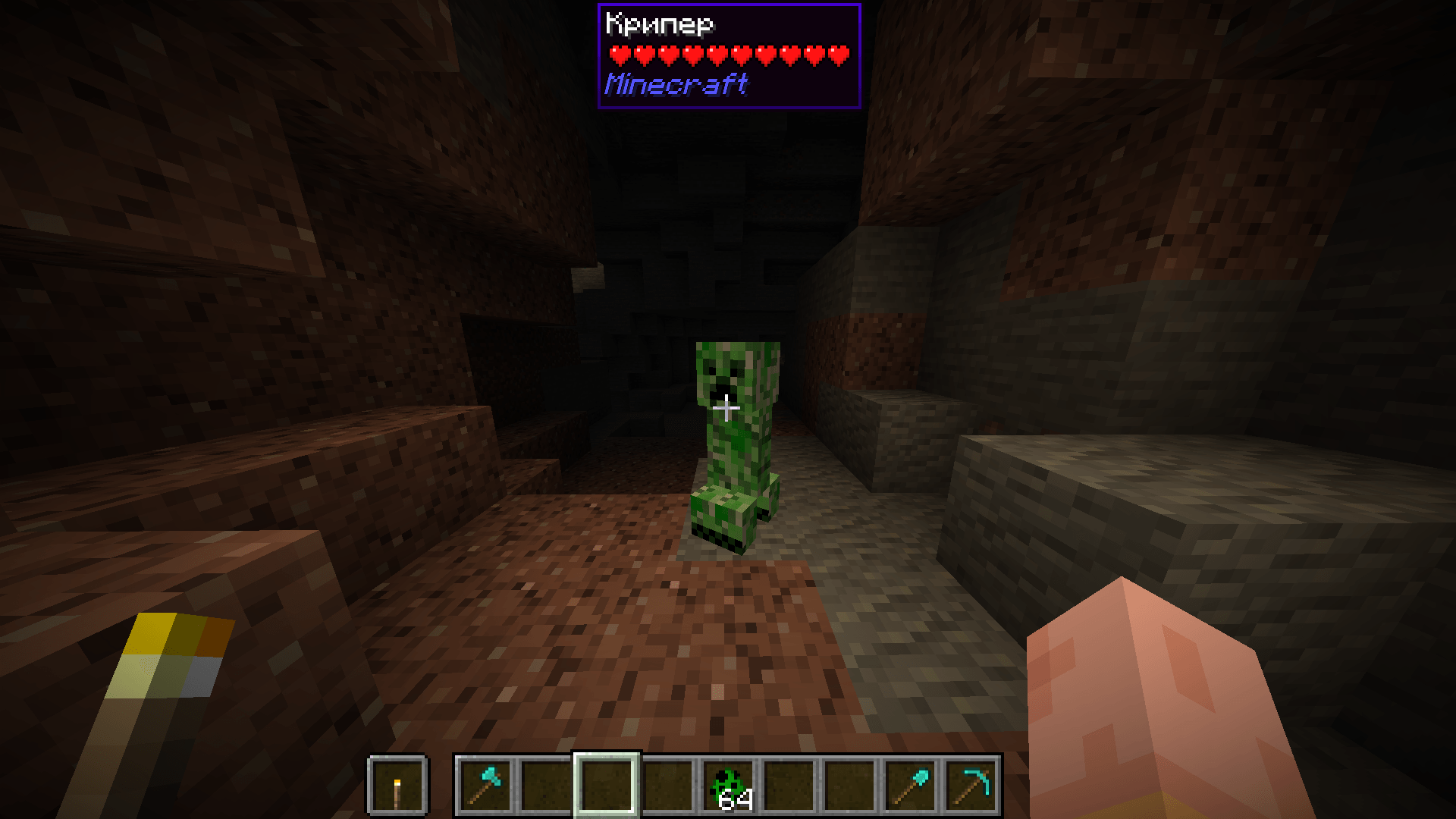 2026-06-25_11.49.03.png 2026-06-25_11.49.03.png
 -
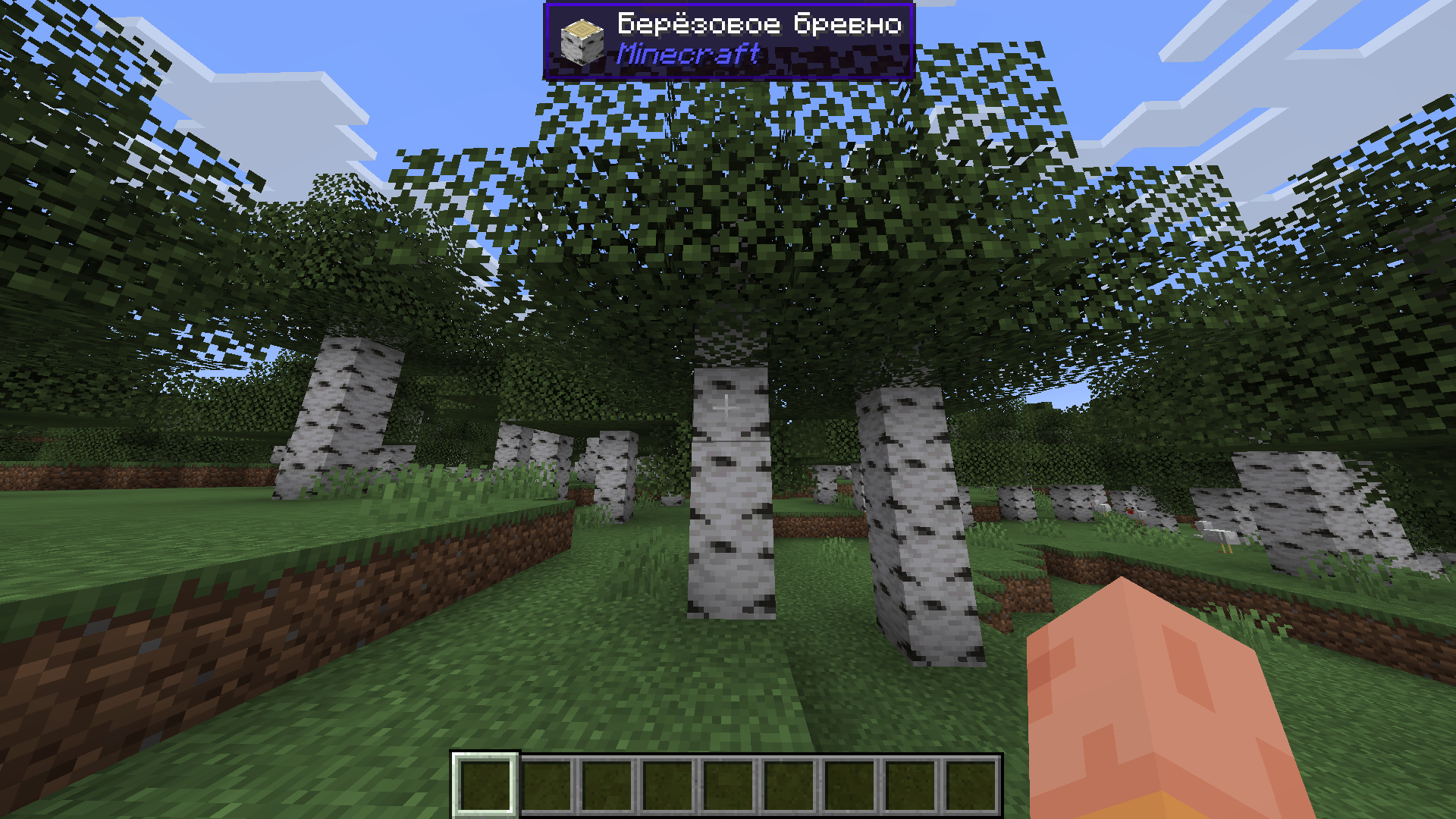 2026-06-25_11.42.57.png 2026-06-25_11.42.57.png
 -
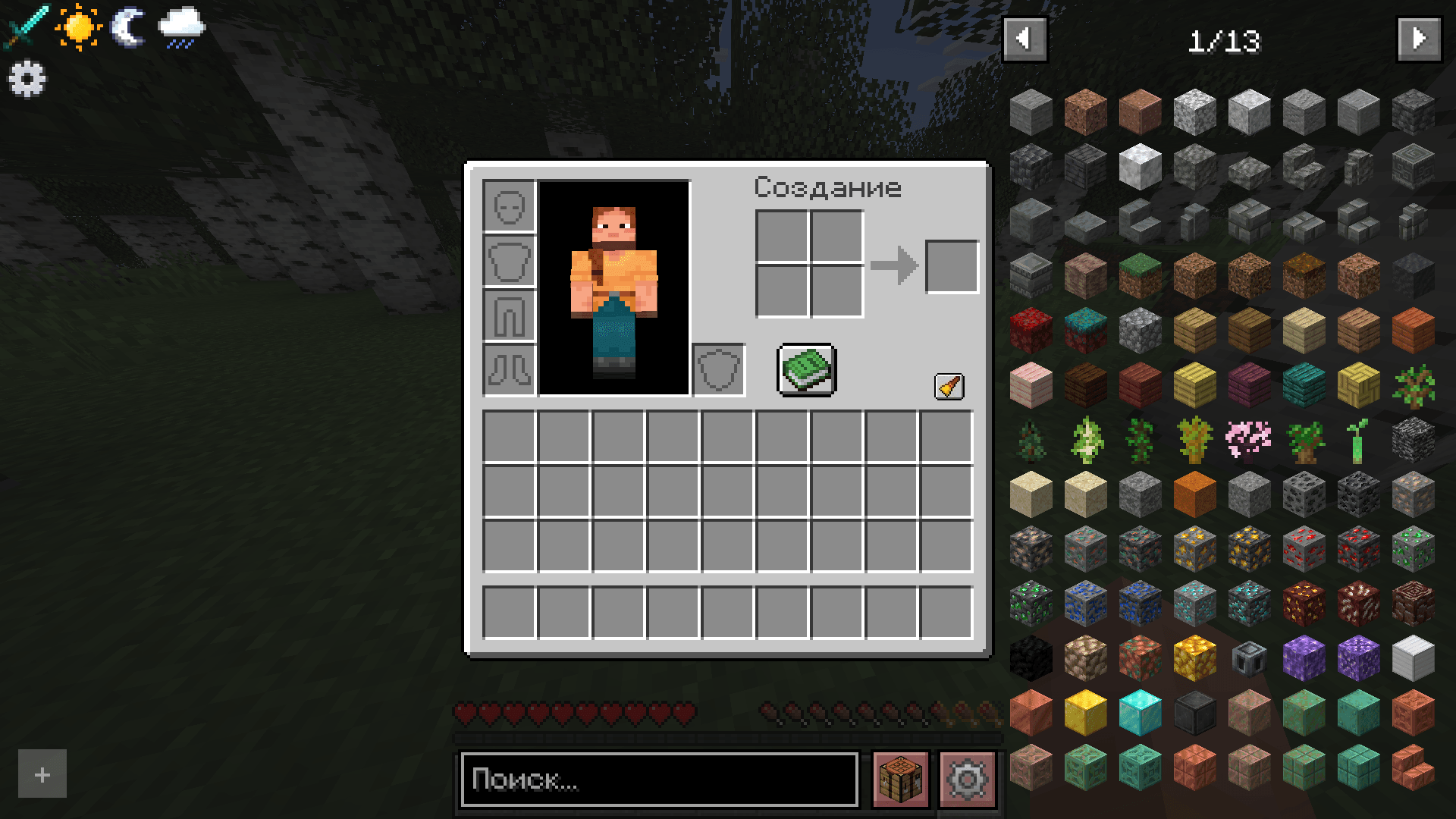 2026-06-25_11.44.40.png 2026-06-25_11.44.40.png
 -
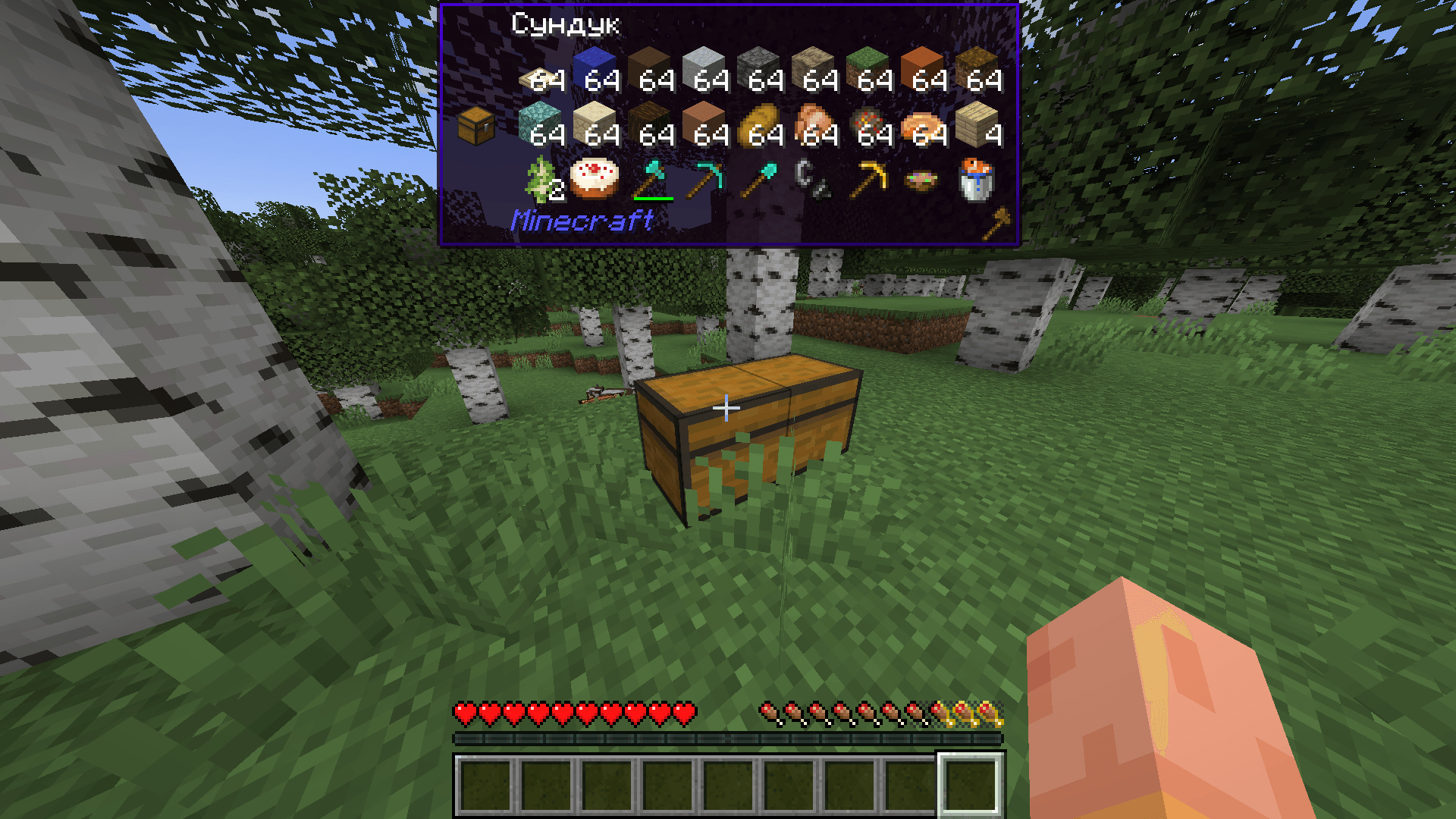 2026-06-25_11.46.18.png 2026-06-25_11.46.18.png
 -
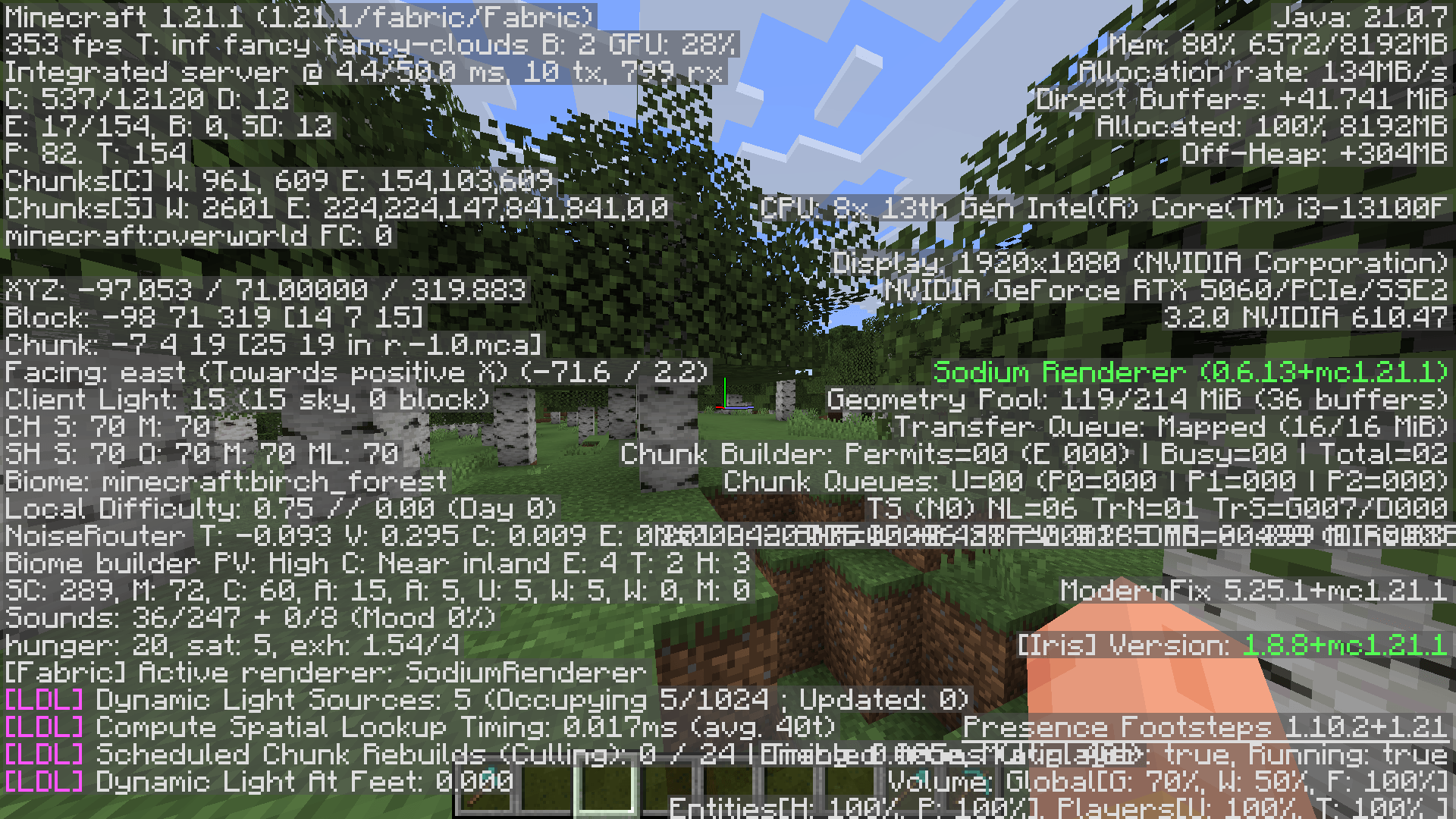 2026-06-25_11.47.15.png 2026-06-25_11.47.15.png
 -
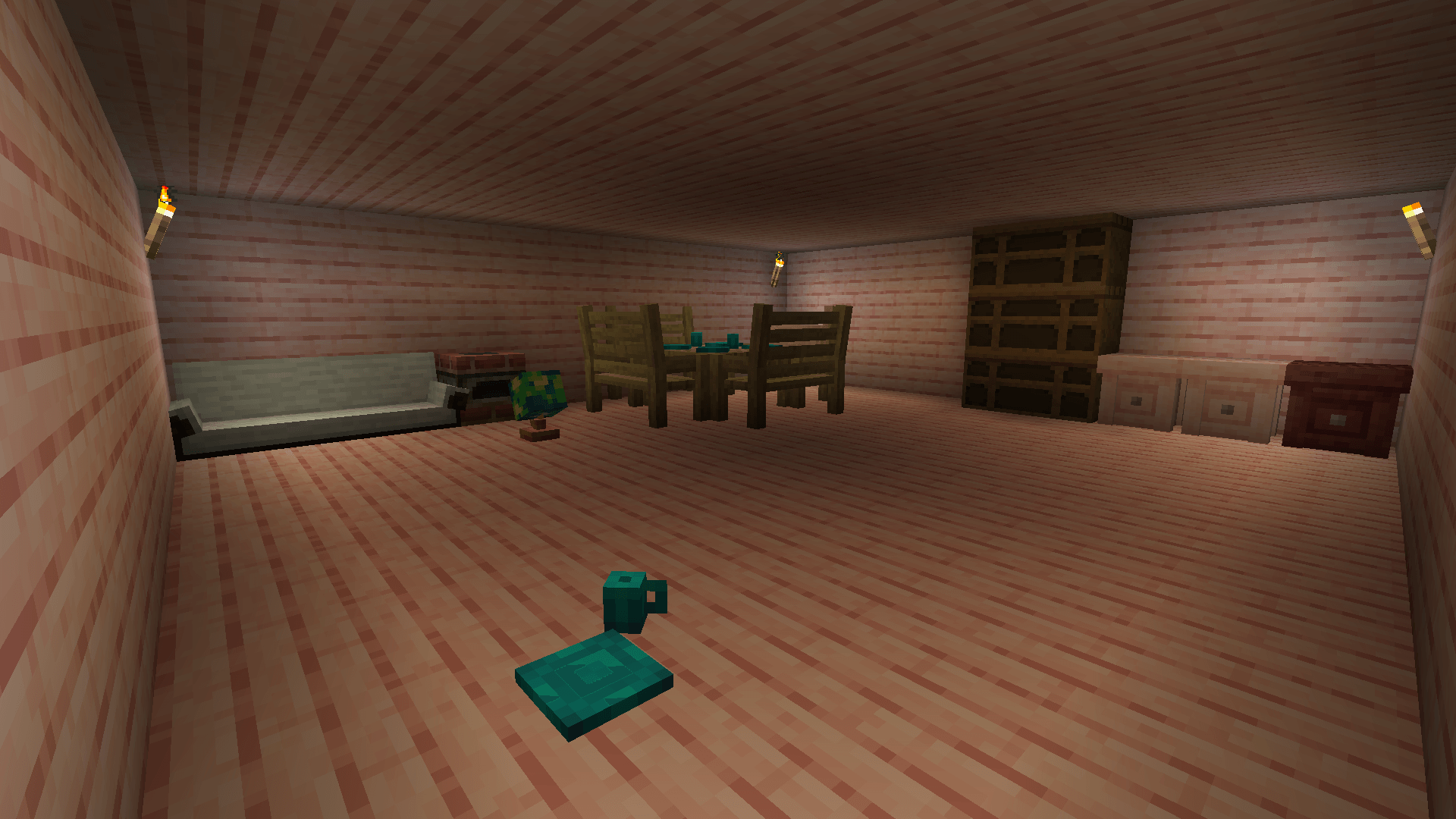 2026-07-12_20.01.25.png 2026-07-12_20.01.25.png
Versions
Files
Relations
Project Relations
More like this
Similar Modpacks
Suggestions use data such as tags, dependencies, dependents, descriptions, titles, and more to rank how much they overlap with this modpack.
On ModDex
Community snapshot
By the numbers
Statistics
 (opens in a new tab)
Get it on
Available Platforms
On ModDex
Community snapshot
By the numbers
Statistics
Resources