Community listing page, reviews here may not be monitored by the author.
Cozy Cooking: Delicious Decor

No reviews yet
A modpack focused around cooking and decoration

Community voices
Reviews
No reviews yet. Be the first to review this project!
Get it on
Available Platforms
About
Project Details
For authors
Embed Badge
If you're the author of this project, you can embed a live badge anywhere that supports HTML or Markdown. It updates automatically whenever ratings change.
Use HTML for any page that supports it, or Markdown for README files and Markdown-based descriptions.
Identifiers
Platform IDs
Resources
External Links
About
Description
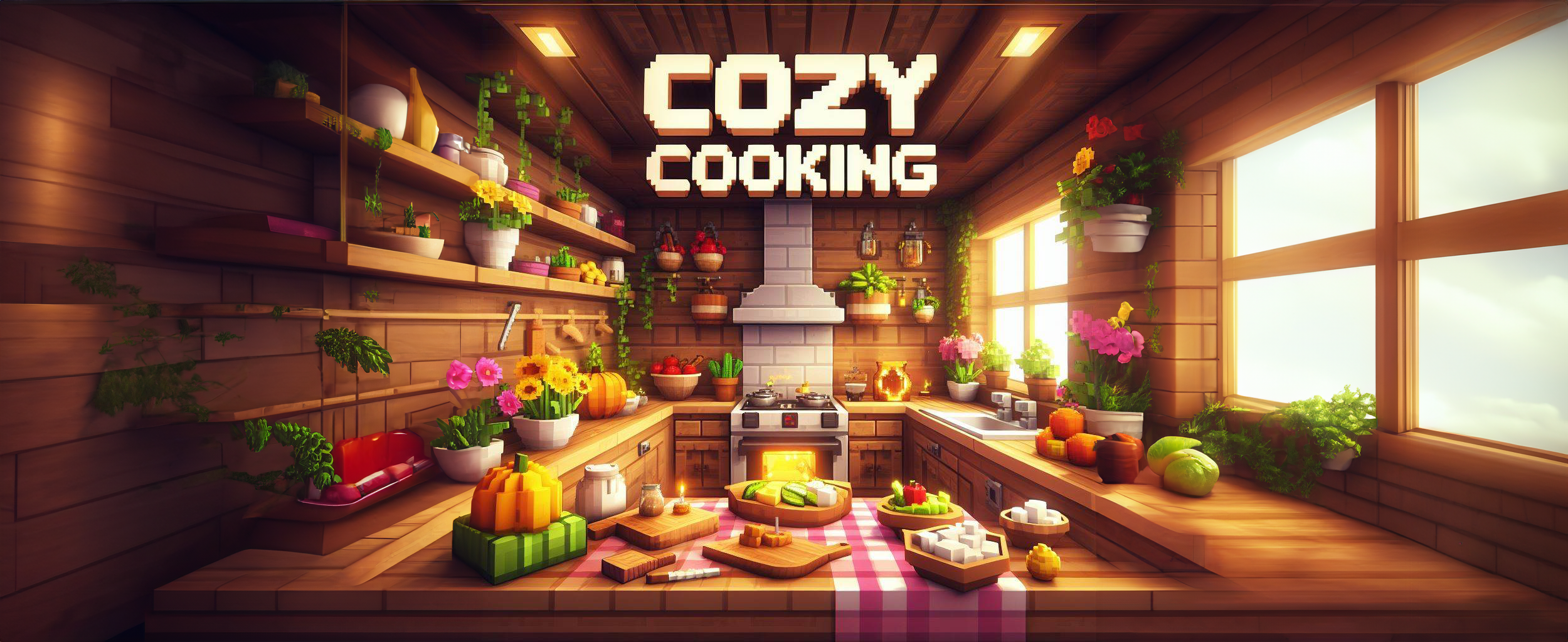
Welcome to Cozy Cooking: Delicious Decor, where culinary delights meet aesthetic charm in Minecraft. Craft your perfect world with decorative mods, turning every corner into a cozy retreat. Explore a wealth of cooking-focused mods, experiment with recipes, and indulge in delightful meals. Let advanced technology handle resource-gathering with automated systems, freeing you to focus on decoration and cooking. In Cozy Cooking, every dish is a masterpiece, and every space is a sanctuary.
FAQ
Game is taking forever to load / does not launch and/or dies
- This modpack requires at least 8 to 12 gigs of RAM, if you plan to use shaders i recommend 8 to 16 gigs
- Try to delete the config foldier in your instance and restart the game.
- If nothing works, deactivate the mod Oculus in your curseforge profile (Activate "Allow content management" in profile settings) and relaunch the game, the errorlog is much clearer then.
Can you upgrade/downgrade the modpack to version x?
Nah, we'll see.
I updated to a new version without reading the changelog, now my world is broken!!1!1111!1!!!!
Maybe you'll see the issue with that yourself.
Image credits:
Bing Image Generator, later expanded by Adobe Firefly
Screenshots
Gallery
Versions
Files
Relations
Project Relations
More like this
Similar Modpacks
Suggestions use data such as tags, dependencies, dependents, descriptions, titles, and more to rank how much they overlap with this modpack.
On ModDex
Community snapshot
By the numbers
Statistics
 (opens in a new tab)
Get it on
Available Platforms
On ModDex
Community snapshot
By the numbers
Statistics
Resources