
Community listing page, reviews here may not be monitored by the author.
Create: Forced Expansion

No reviews yet
A modpack that forces you to not live in one place!

Community voices
Reviews
No reviews yet. Be the first to review this project!
Get it on
Available Platforms
Compatibility
Supported Environments
Must be installed on both the client and the server.
About
Project Details
For authors
Embed Badge
If you're the author of this project, you can embed a live badge anywhere that supports HTML or Markdown. It updates automatically whenever ratings change.
Use HTML for any page that supports it, or Markdown for README files and Markdown-based descriptions.
Identifiers
Platform IDs
Resources
External Links
About
Description

Video Placeholder
Expand your Empire
- Explore a Minecraft world with striking visuals and challenging structures using block-built airships and boats.
- Progress through the completely fresh Quest system, making use of Create to overcome the various challenges.
- Manage your temperature and meals with homeostatic and spice of fabric.
- Learn where to build your farms as well as how to support your saplings and seedlings from the seasons and climate.
- Establish outposts strategically to harvest a diverse array of resources essential for your survival as you follow new rules around your factories.
- Build yourself a home and numerous factories with an extended block pallet from rechiseled and chipped.
- Make the world your own using Create and its multiple add-ons.
- Store your gear in Sophisticated Backpacks and Tom's simple storage.
- Gear up to survive this harsh world and unravel the mysteries of runic stones scattered throughout the world.
- Conquer the Better Nether and Better End.
FAQ
Multiplayer
Q: Does Distant Creations support Multiplayer?
A: Yes, but you have to host your own Server!
Performance/Shaders
Q: The game is not running well, what can I do?
A: First and foremost, depending on your computer, change the Distant Horizon Settings.
By default, they are set to a pretty high view distance, so that should be the first change. Afterwards, the LOD quality setting can have a big impact as well.
Finally, consider changing the Shaders. By default the modpack comes with BSL and Complimentary Reimagined installed. If you wish to install other shaders, check their compability with Distant Horizons here.
Help/Bug Reports
Q: Where can I ask for help or report bugs?
A: Head over to the blunthorn Discord
Screenshots
Gallery
-
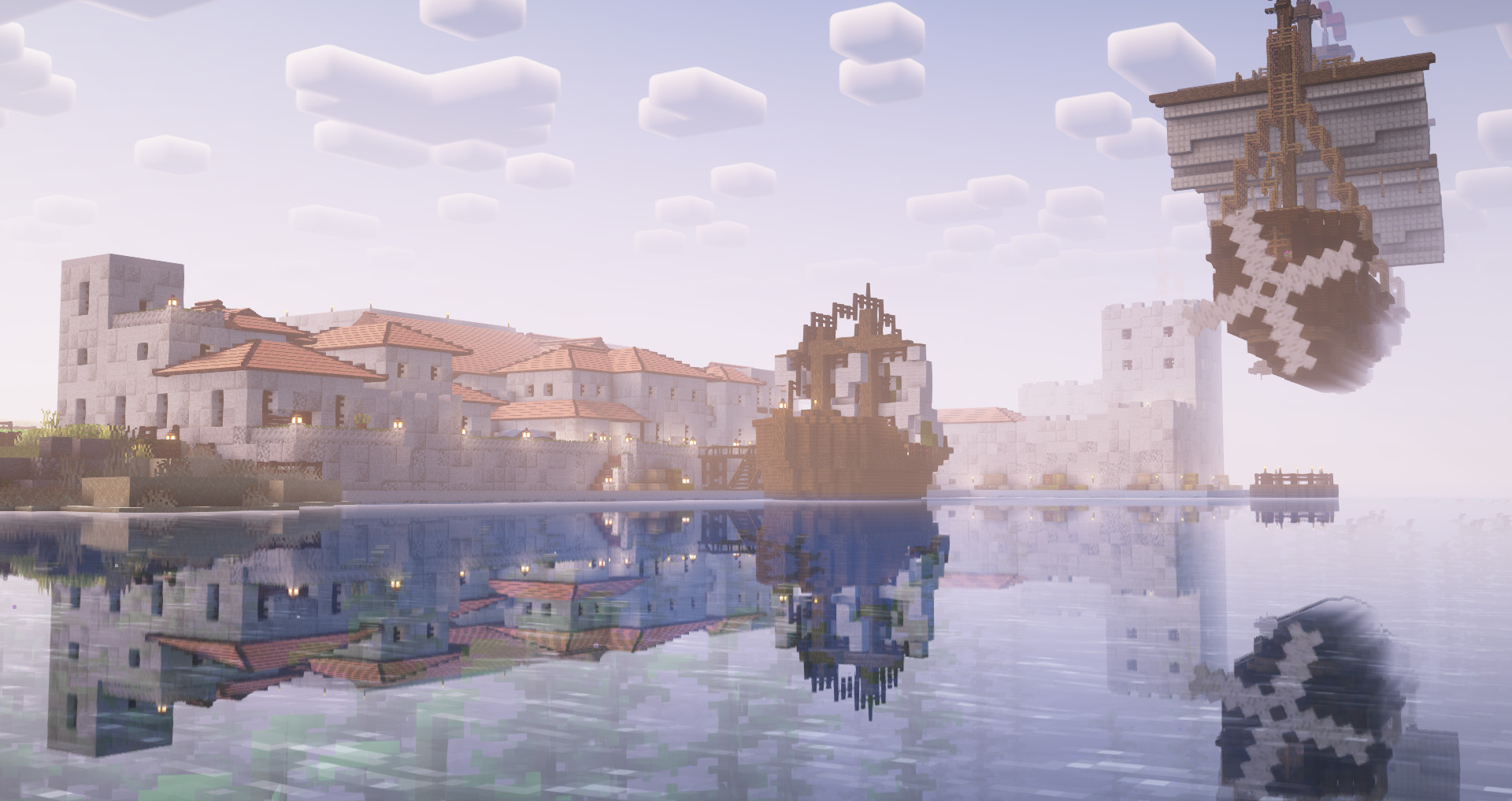 Explore a stunning world Utilise block-built airships and boats!
 -
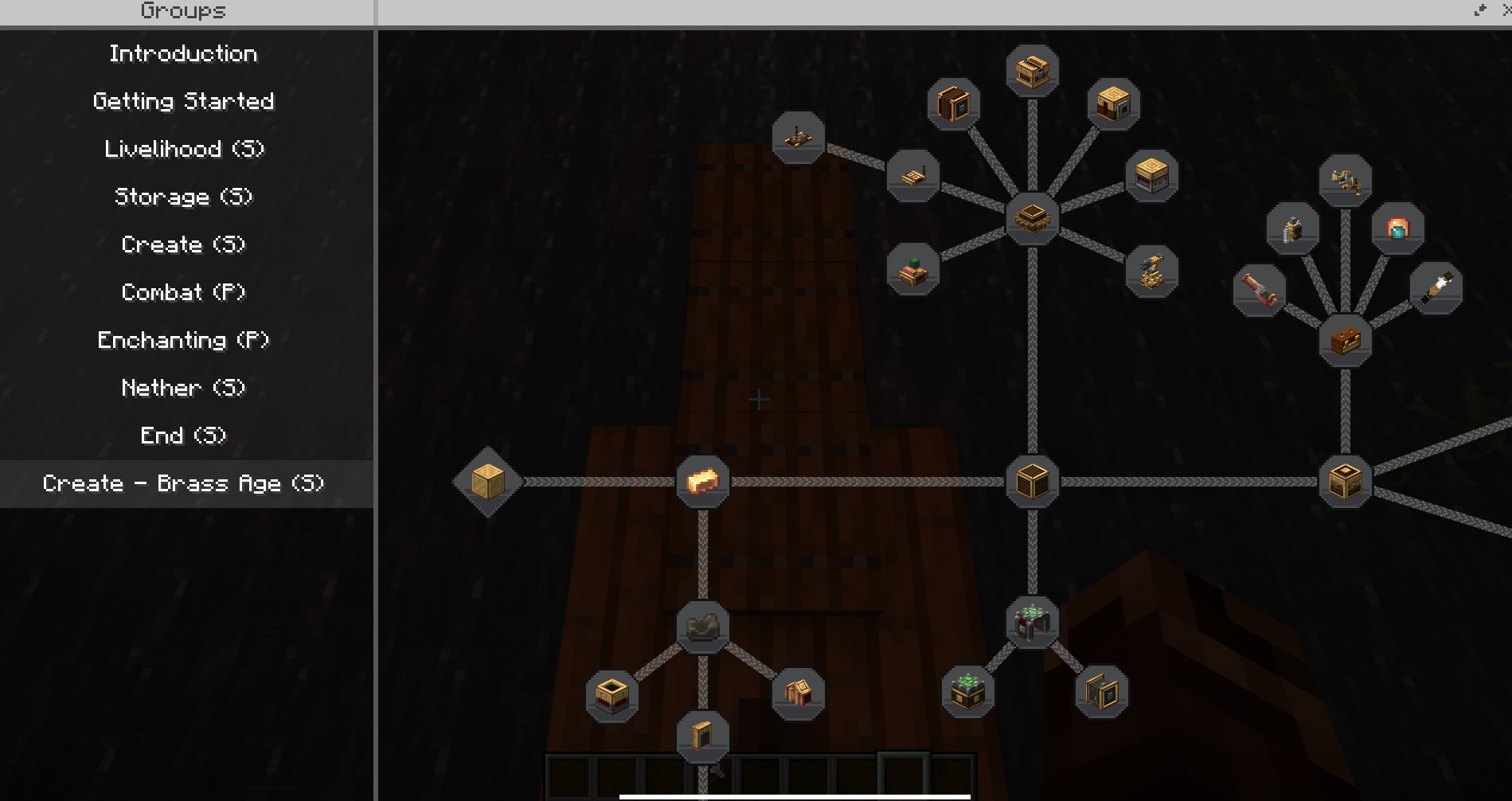 Progress through the completely fresh Quest system Make use of create to tackle the various challenges involved in completing quests!
 -
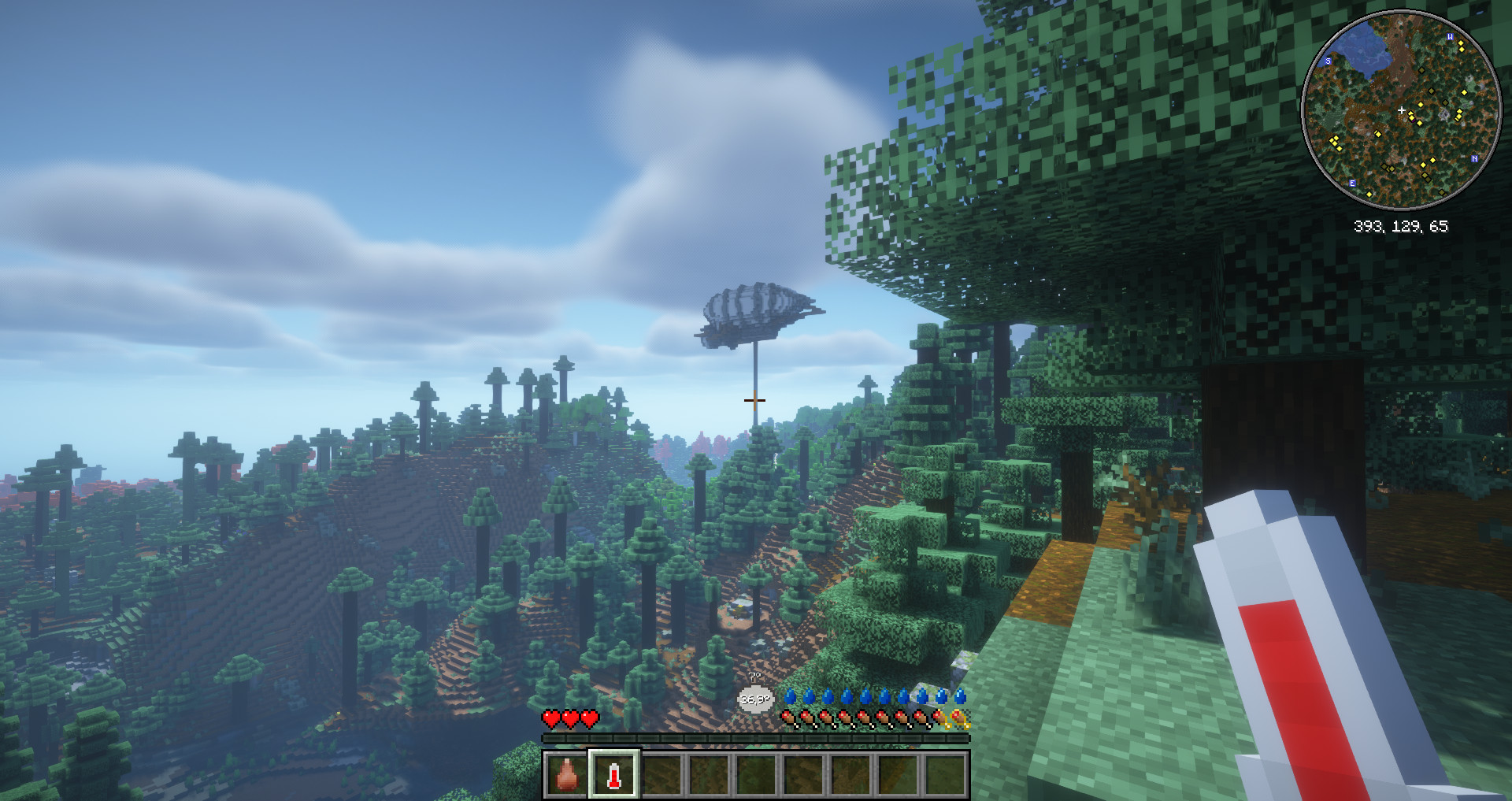 Manage your temperature Understand how to take shelter from the cold and how to deal with heat
 -
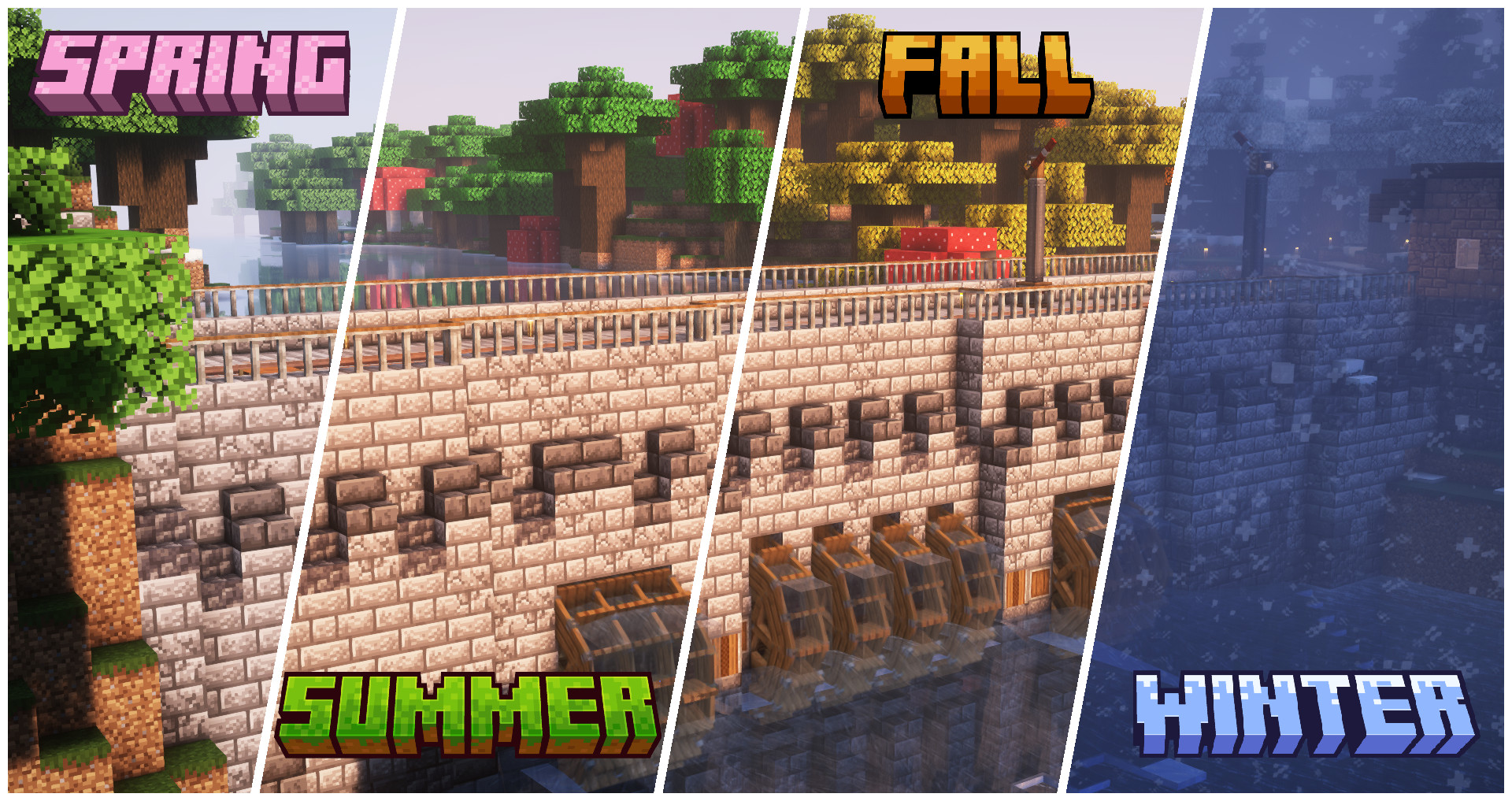 Learn about the Seasons! Protect yourself as well as your plants from the elements and seasons!
 -
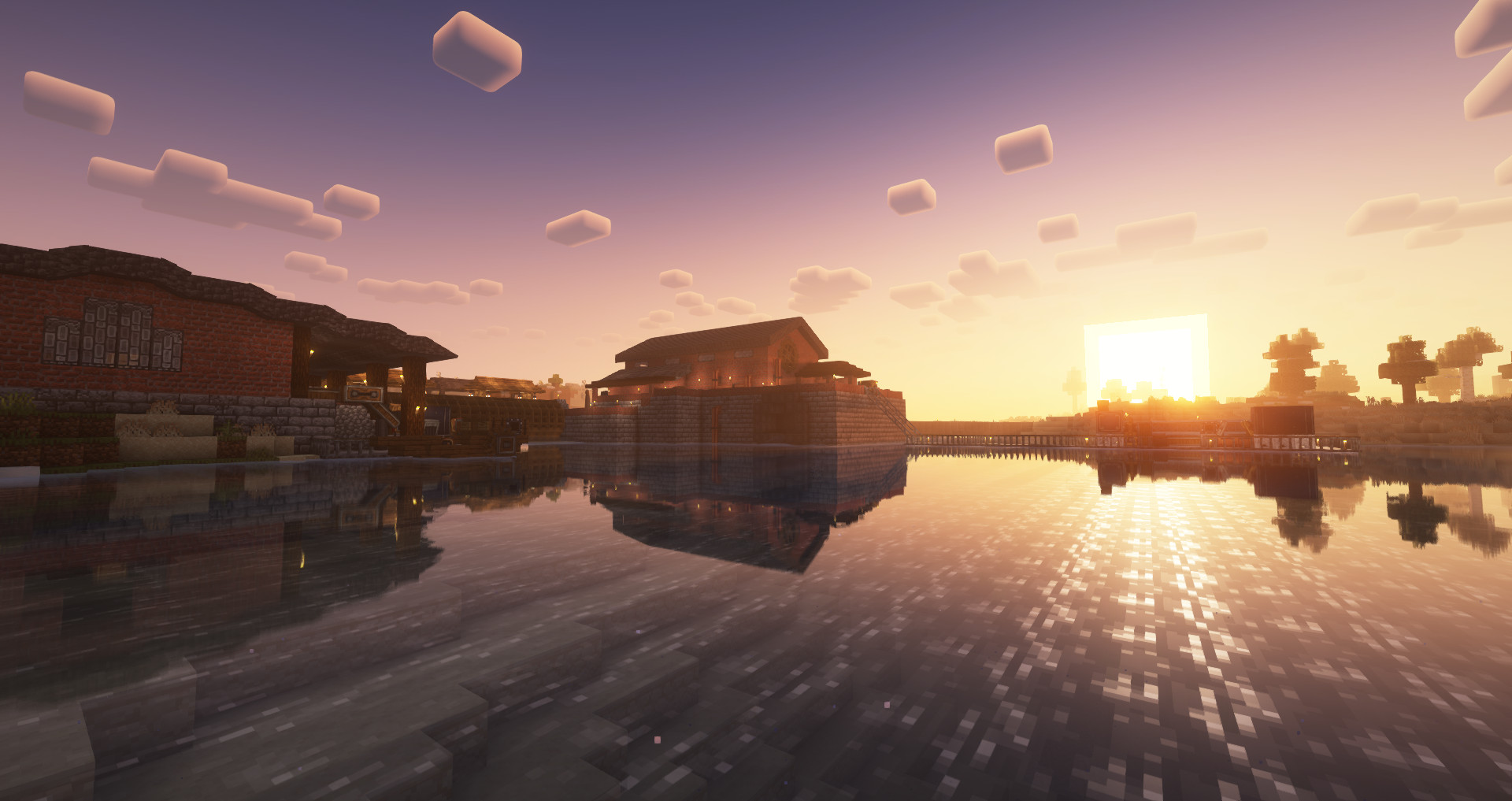 Establish outposts strategically Keep an eye on where you build, as you follow new rules for resource generation and processing
 -
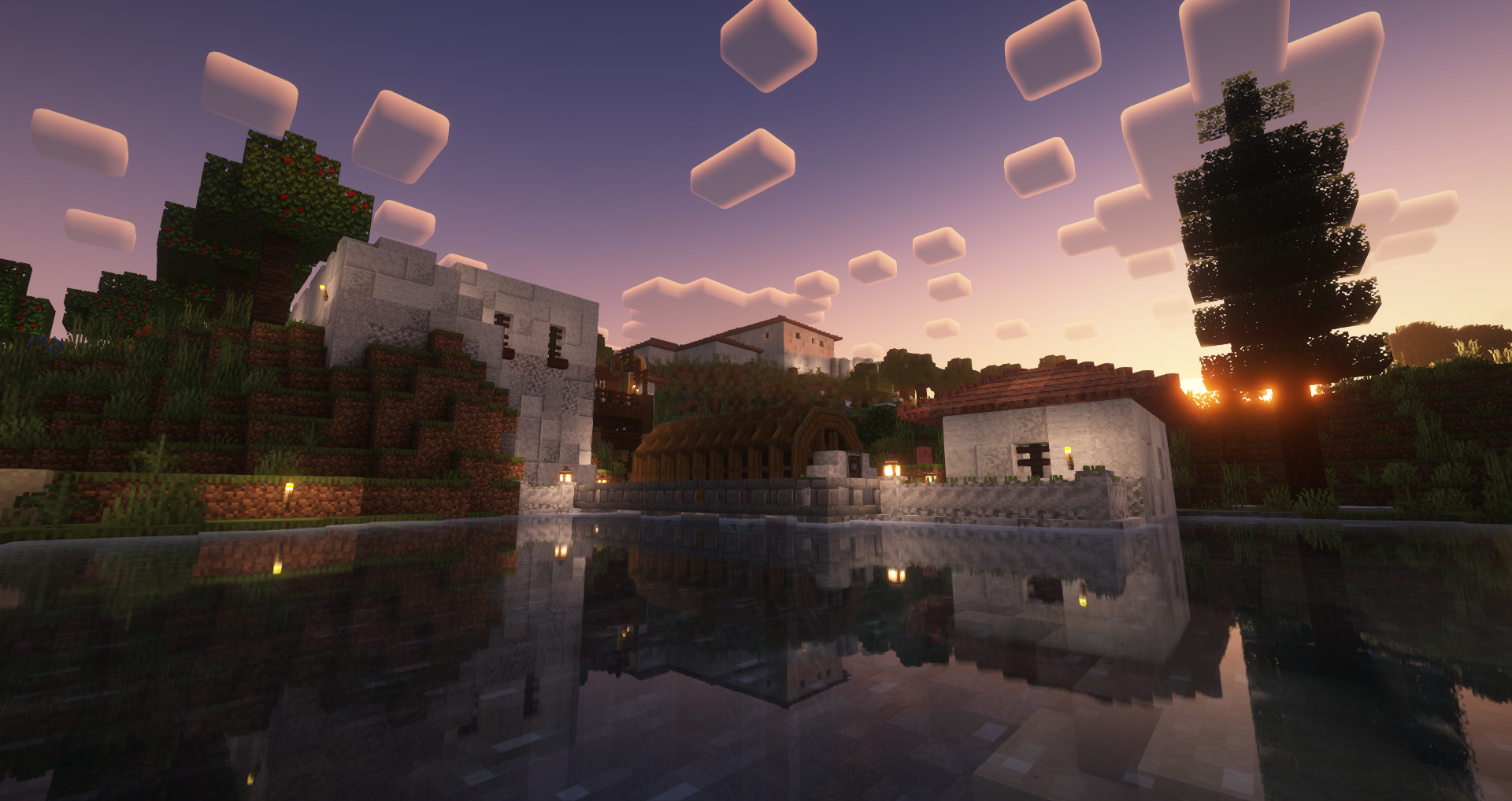 Build yourself a home Utilise the extended block pallet to build one of a kind houses!
 -
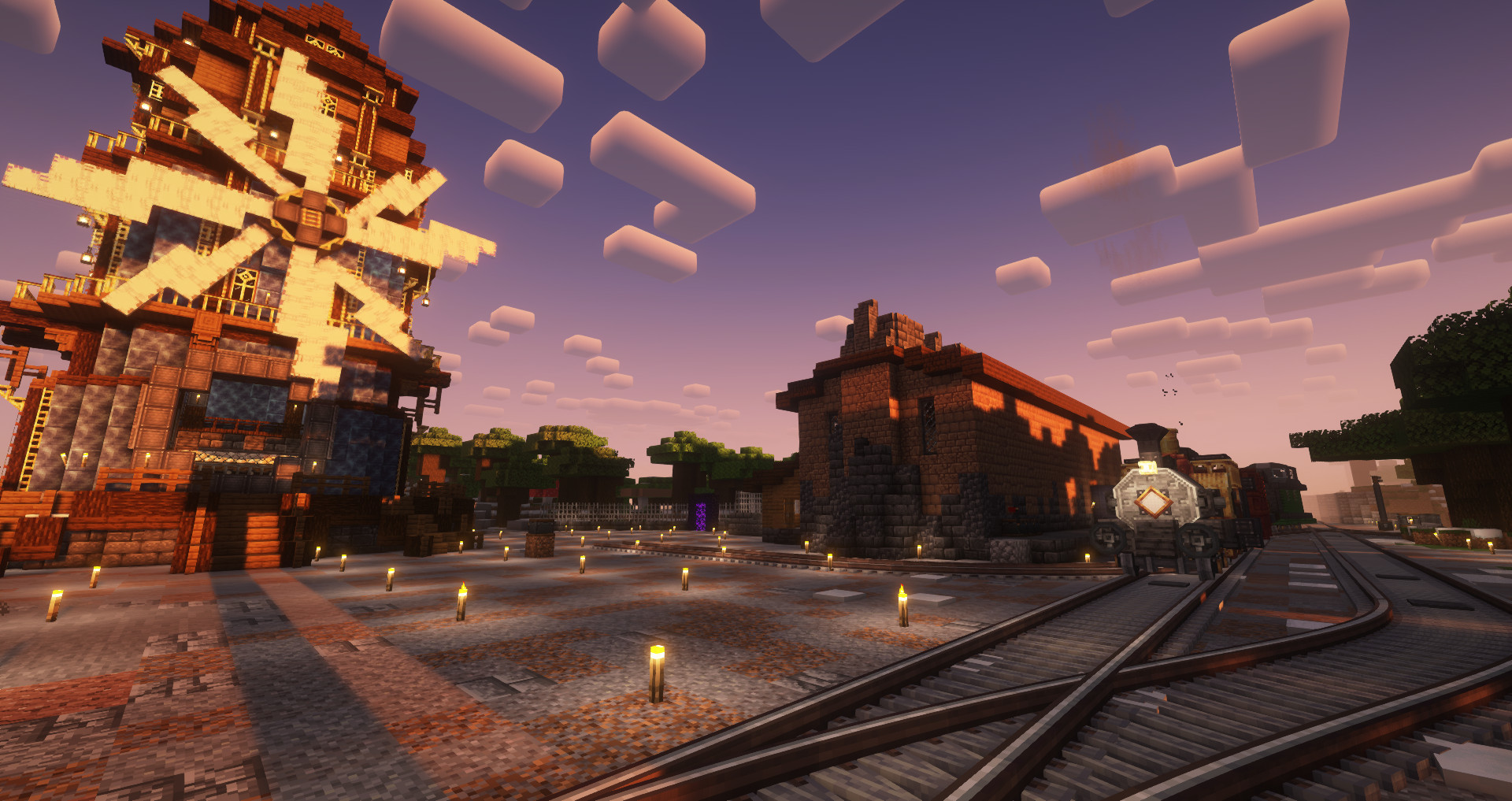 Make the world your own Use Create and its multiple add-ons to shape the world to your ideals!
 -
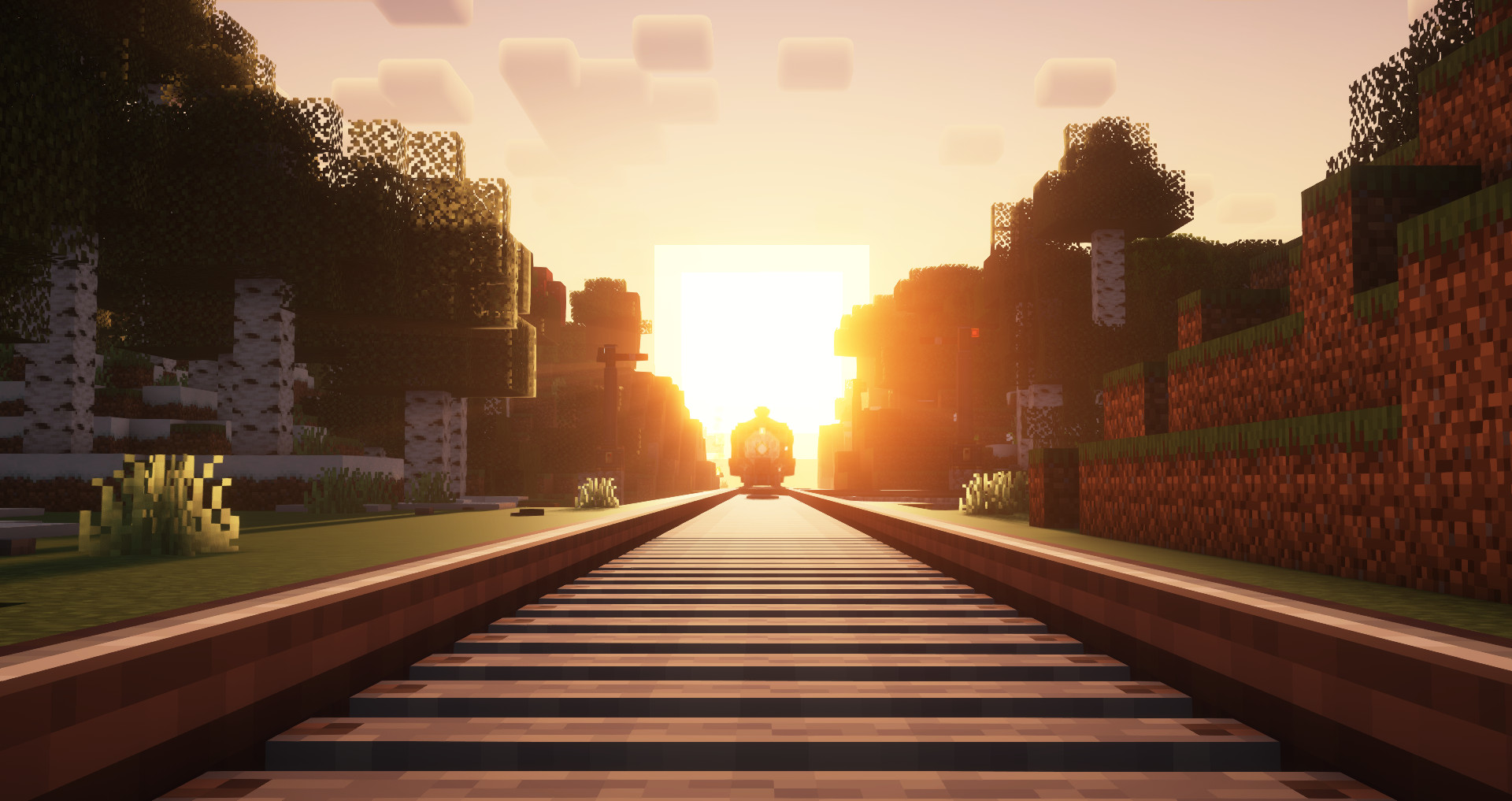 Connect your outposts Utilise trains, airships and boats to build your empire!
 -
 Logo
Logo
Versions
Files
Relations
Project Relations
More like this
Similar Modpacks
Suggestions use data such as tags, dependencies, dependents, descriptions, titles, and more to rank how much they overlap with this modpack.
On ModDex
Community snapshot
By the numbers
Statistics

 (opens in a new tab)
Get it on
Available Platforms
On ModDex
Community snapshot
By the numbers
Statistics
Resources