Community listing page, reviews may not be monitored by the author.
Distant Horizons & Iris Shaders

No reviews yet
A stable & convenient way to use Distant Horizons & Iris Shaders

Community voices
Reviews
No reviews yet. Be the first to review this project!
Get it on
Available Platforms
About
Project Details
For authors
Embed Badge
If you're the author of this project, you can embed a live badge anywhere that supports HTML or Markdown. It updates automatically whenever ratings change.
Use HTML for any page that supports it, or Markdown for README files and Markdown-based descriptions.
Identifiers
Platform IDs
Resources
External Links
About
Description
A STABLE, and GUARANTEED WORKING modpack for Iris Shaders and Distant Horizons compatibility.





It is highly recommended you read through this description as it has fixes for common issues. Do not report bugs before doing so.
To celebrate the release of Distant Horizons 2.3, we have partnered up with Spark Hosting! Use one of their vast cheap plans to try out DH on a server!
Requirements: Before we begin, it is mandatory you increase your RAM allocation:
- 2GB - No, just No - This WILL crash your game, don't bother.
- 4GB - Minimum - Things will stutter slightly, although anything below 256 chunks should be fine.
- 6GB - Recommended - This is the optimum amount of RAM for Distant Horizons. This should be perfectly fine for playing with no to 20 light mods.
- 10GB - Careful - This much RAM can sometimes be a bad thing for the Java Garbage Collector. Only use this if you are using a heavy terrain generation mod such as JJThunder To The Max or Big Globe.
Note: Not every shader is compatible with Distant Horizons, even though it has come a long way, there are still a few shaders that don't support it. But most shaders will likely support Distant Horizons. Scroll down to see the full list of compatible shaders.
Good things you should know when using Iris & Distant Horizons
LODs are actually pregenerated chunks, but at a lower quality. Even though recent DH versions have drastically sped up the process, it can be very slow, especially when using high render distances.
Set the CPU load to I Paid For The Whole CPU in the Distant Horizons config to speed things up (Noisium and C2ME are added in this pack to help out significantly). Sadly, Distant Horizons is very CPU bound, so people with a weaker CPU will have to suffer with slow generation speeds.
As of Distant Horizons 2.3, you can now use DH on servers, allowing you to not need to explore thousands of chunks, yippee! However, any version of DH below 2.3 will require you to manually explore the chunks on your server, and if the server doesn't have DH on it, you will still need to manually explore them :(
It is always a good idea to keep your vanilla render distance relatively low when using Distant Horizons, anything more than 16 is not necessary.
For fast terrain generation, crank the CPU load and AFK, then come back, drop it down to minimal or low impact and play the game. Otherwise, just take screenshots.
Although DH has gone pretty efficient and less RAM intensive, using anything more than 320 chunks is probably not a good idea. Your RAM will be used up, and the game will start stuttering badly.
Any errors that say something about batching world generator timed out are normal, ignore them, hide the chat if they annoy you. Terrain is still loading despite that.
Shaders compatible with Distant Horizons & Iris (PUBLIC RELEASES)
Bliss Shaders: https://www.curseforge.com/minecraft/shaders/bliss-shader (Make sure to use 2.1.0+, do not use anything less as they don't have DH support).
BSL: https://www.curseforge.com/minecraft/shaders/bsl-shaders
Complementary: https://www.curseforge.com/minecraft/shaders/complementary-reimagined
Rethinking Voxels (not tested by me, try it out yourself): https://modrinth.com/shader/rethinking-voxels
Shrimple (the first shader to be made compatible): https://www.curseforge.com/minecraft/shaders/shrimple
Noble: https://www.curseforge.com/minecraft/shaders/noble-shaders
Photon: https://modrinth.com/shader/photon-shader
For a full list of compatible shaders, please refer to this article:
https://gist.github.com/Steveplays28/52db568f297ded527da56dbe6deeec0e
List of mods that I know will break this:
Replay Mod
Alex's Caves
Most camera mods that mess with the rendering pipeline hard (do some testing, some work, some don't)
List of camera person mods that do work:
Leawind's Third Person - https://www.curseforge.com/minecraft/mc-mods/leawind-third-person
Better Third Person - https://www.curseforge.com/minecraft/mc-mods/better-third-person
Shoulder Surfing Reloaded - https://www.curseforge.com/minecraft/mc-mods/shoulder-surfing-reloaded (Breaks with Bliss, removing it doesn't help you need to make a whole new instance. Note: I haven't tried it in a while, it may or may not be fixed. Lmk if it is indeed fixed.)
OptiFine (saying this because a lot of people acted like they were braindead and ran OptiFine in Fabric with Iris)
Terrain generation mods I recommend for to use with this:
Tectonic. Big mountains, beautiful generation, easy to use, always works.
Terraforged. Pregenerate a world in an older version of the game, don't use TF 1.18.2, has a fatal memory leak bug. TF has nice rivers, that's about it.
ReTerraforged: A modern version of Terraforged, although a public release hasn't come yet, you can find some unofficial builds although we don't garuntee any safety.
Lithosphere. Up to date alternative to Terraforged with nice rivers and nice mountains.
William Wyther's Expanded Ecosphere. HUGE overhaul to make THE MOST BEAUTIFUL TERRAIN in Minecraft. I've never seen such gorgeous hills and wonderful forests, this is the king of terrain mods in my opinion.
Big Globe - Another MASSIVE overhaul to the game, but also having some smaller, finer details. Good to try.
JJThunder To The Max - If you like big mountains, you will love this. Just one thing, I hope you don't mind your LODs taking years to load, otherwise it's some beautiful terrain.
And last but not least, HOW TO FIX THE BIGGEST BUG:
If you experience the "Hall Of Mirrors" effect using Bliss shaders, here is how to cause the issue (so you know how to avoid doing it) and how to fix it:
Visual doppler effect will happen when you switch off the DH renderer while shaders are on. First turn off shaders, then turn off the renderer, then start
If you've already crashed the renderer, restart the game, this always has worked for me, no reason it shouldn't for you.
This issue should most likely be fixed post DH 2.1, so I doubt you will have this issue unless you are using a very old version of DH.
None of the mods in this pack were created by me, they are packaged here for your convenience.
Screenshots
Gallery
-
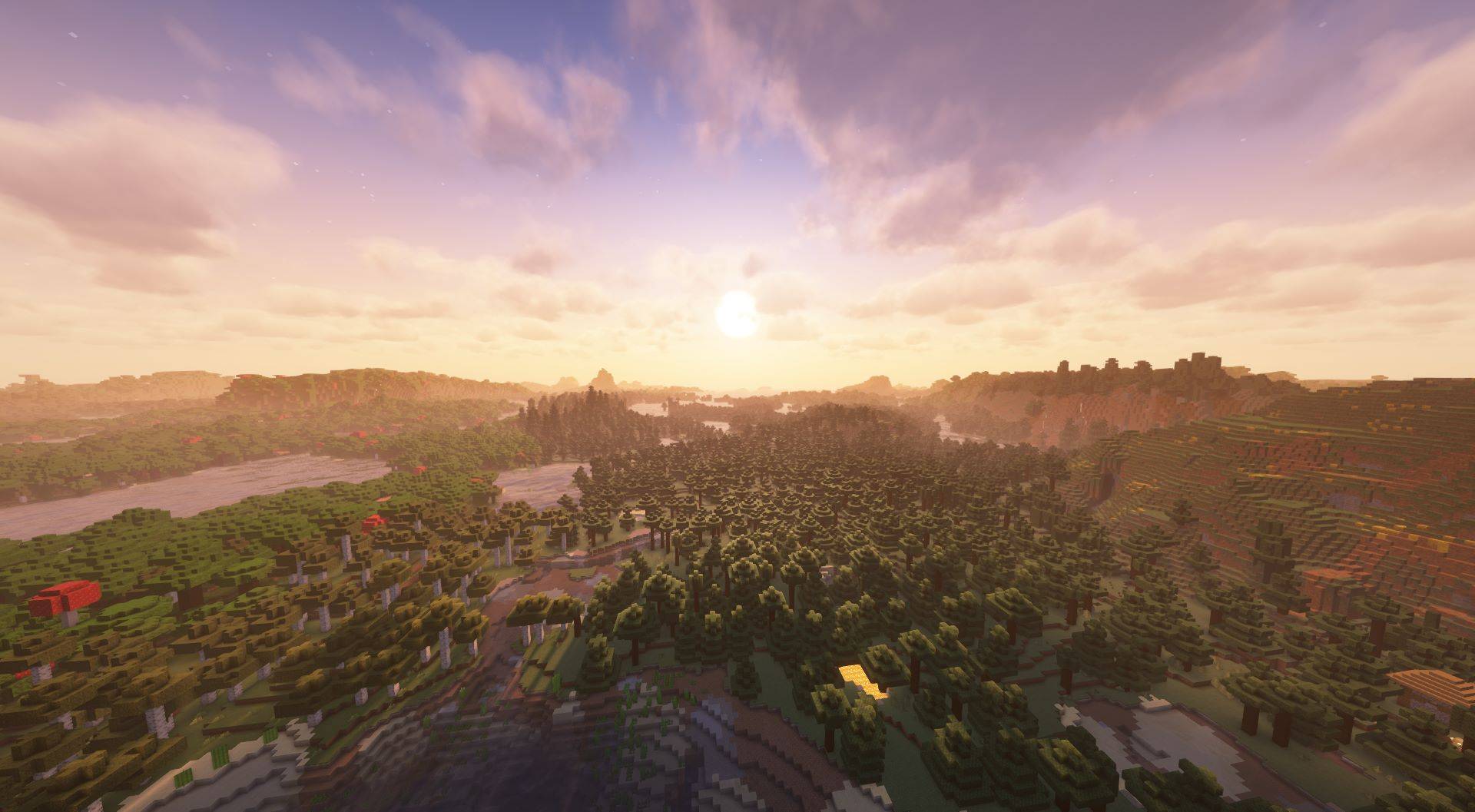 128 chunk render distance, complementary shaders Title says it all, chunks were still loading a but when this image was taken, playable FPS when CPU load was lowered.
 -
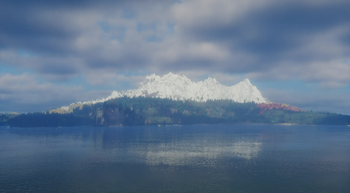 WWEE + DH + Iris Probably somewhere around 256 chunks render distance with Bliss Shaders (test version from the Iris Project Discord server) with William Wyther's Expanded Ecosphere.
 -
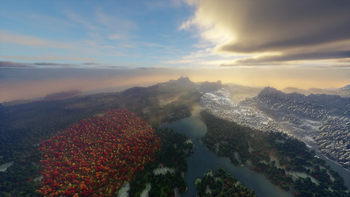 Tried to load 1024 chunk render distance, DIDN'T WORK My attempt at loading 1024 chunk render distance. Image taken after almost 3 hours of waiting, probably about 200 some odd chunks loaded in only. Bliss Shaders development build from Iris Team Discord server. 9 fps as ram was being overloaded slowly.
Versions
Files
Relations
Project Relations
More like this
Similar Modpacks
Suggestions use data such as tags, dependencies, dependents, descriptions, titles, and more to rank how much they overlap with this modpack.
On ModDex
Community snapshot
By the numbers
Statistics

Get it on
Available Platforms
On ModDex
Community snapshot
By the numbers
Statistics
Resources