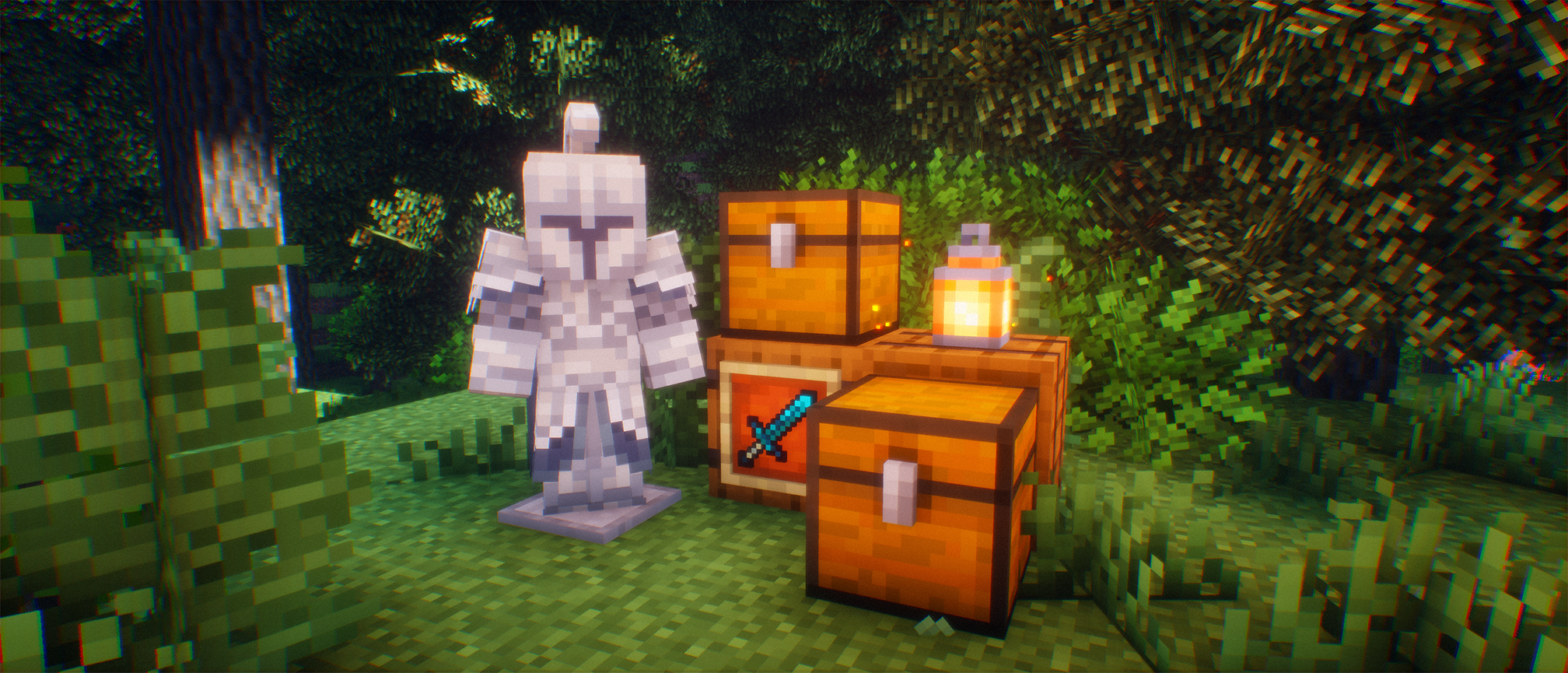

Fantasy Adventures+
No reviews yet
A fantasy themed modpack with a modern Fabric feel
Includes a large focus on traversing worlds with enhanced world generation, structures, dungeons, and more for players to find unique loot.
Fabric is a mod loader for versions 1.14+ of Minecraft, particularly popular for client side and optimization mods.
Community voices
Reviews
Click once to include, again to exclude, again to clear
No reviews yet. Be the first to review this project!
Get it on
Available Platforms
 Modrinth
Compatibility
Supported Environments
About
Project Details
For authors
Embed Badge
If you're the author of this project, you can embed a live badge anywhere that supports HTML or Markdown. It updates automatically whenever ratings change.
Use HTML for any page that supports it, or Markdown for README files and Markdown-based descriptions.
Identifiers
Platform IDs
Resources
External Links
About
Description
This modpack offers a modern feel to the fantasy genre by offering loads of content to explore while remaining on Fabric. You can find some of the highlight features of the modpack below.
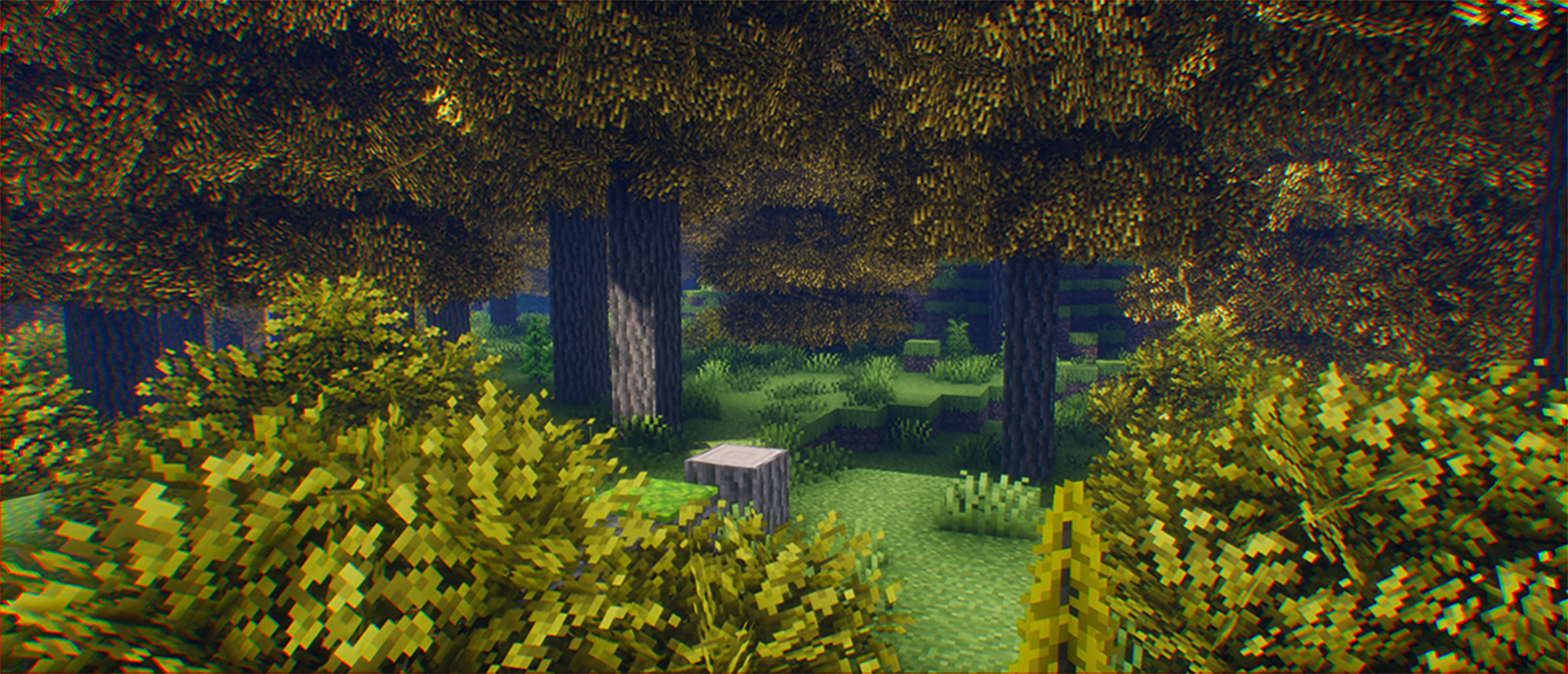
- 🌍 Dozens of new biomes via Region's Unexplored
- 🛠️ A massive skill path to unlock and build your class from
- 🎒 Quality-of-life improvements like inventory sorting and nature ambience
- ⚔️ Tons of new armor sets and weapons to craft and collect
- ✨ New animations for the player and mobs
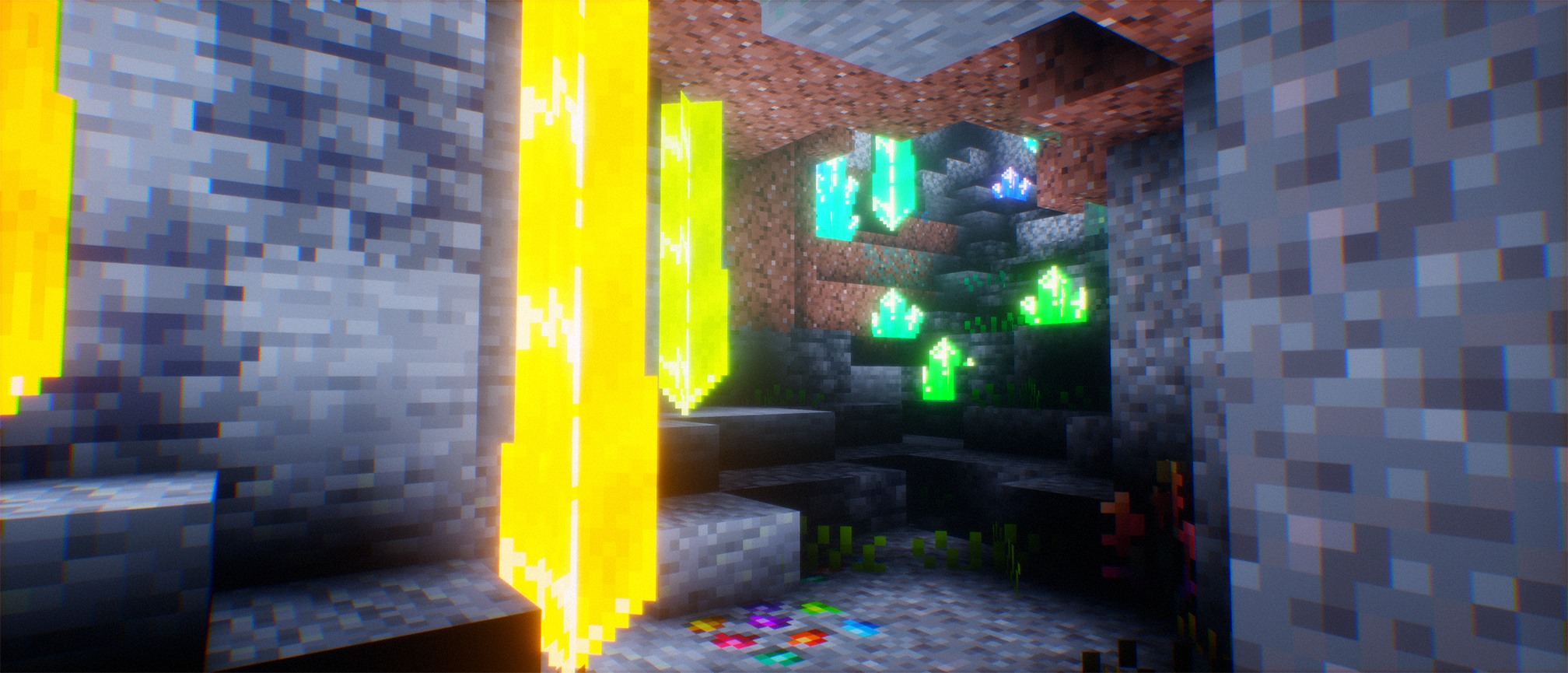
- 🌀 New dimensions to explore via Deeper and Darker
FAQ:
How do I improve performance when playing this modpack?
- Reducing shader quality settings or outright disabling shaders can help immensely, or disabling Distant Horizon rendering. FA+ is a fairly lightweight modpack besides these two features, which are both clientsided meaning you can disable them if it is too taxing on your computer.
Is there a server-sided only version of this modpack that I can use for my server?
- No, this is intended to be a singleplayer experience for the time being.
My camera is floaty, how do I fix this?
- You probably hit Y, which is the default key for cinematic camera
How do I toggle the first person model off/how do I go into third person mode?
- F6 and X, respectively
Additional Content Credits:
- VanillaTweaks: https://vanillatweaks.net/
- Eclipse Shaders: https://github.com/Merlin1809/Eclipse-Shader
Screenshots
Gallery
Versions
Files
Relations
Project Relations
More like this
Similar Modpacks
Suggestions use data such as tags, dependencies, dependents, descriptions, titles, and more to rank how much they overlap with this modpack.
On ModDex
Community snapshot
By the numbers
Statistics

Want to reach Minecraft players?
We're looking for a server hosting partner to feature here and other parts of the site. Interested? Send us a message!
Get in touchGet it on
Available Platforms
On ModDex
Community snapshot
By the numbers
Statistics
Resources