![FactoriaCraft [Server Edition]](https://media.forgecdn.net/avatars/thumbnails/321/738/256/256/637432050224802944.png)
Community listing page, reviews here may not be monitored by the author.
FactoriaCraft [Server Edition]

No reviews yet
A Modpack with a balance of Factory, Adventure, Exploration and Vanilla Living.
Community voices
Reviews
No reviews yet. Be the first to review this project!
Get it on
Available Platforms
About
Project Details
For authors
Embed Badge
If you're the author of this project, you can embed a live badge anywhere that supports HTML or Markdown. It updates automatically whenever ratings change.
Use HTML for any page that supports it, or Markdown for README files and Markdown-based descriptions.
Identifiers
Platform IDs
Resources
External Links
About
Description
FactoriaCraft 2.0 Released!
All New Custom Recipes with More coming in time!
Features
> Factory/Tech focused with about 10 Tech mods (including Forestry, Buildcraft, Tinker's Construct and IndustrialCraft)
> Tweaking mods to add what Minecraft should have
> More dimensions like The Twilight Forest, The Atum and The Betweenlands
> Better villages and added generated structures
> Added furniture to meet your decoration needs
> Enderdragon drops the Elytra (Where else would those wings go?)
> Shulkers drop 2 shells.
> Realistic Catwalks for Industrial builders
> Custom Recipes as of beta-1.1.0
> Dedicated FactoriaCraft Server (Coming Soon)
Final checks and Setup
FORGE: The forge version that is packaged in the mod pack at the time was/is the current latest version. However any 1.12.2 forge should work.
RAM Allocation: The default 1GB Minecraft allocation is insufficient to run FactoriaCraft, therefore it is needed to increase the allocation to at least 4GB. This can be done by going to Launch Options, enabling JVM Arguments, and changing "-Xmx1G" to "-Xmx4G".
Shader Warning: If using a shaderpack 4GB is NOT ENOUGH, if you are going to use a shaderpack allocate more RAM in the JVM Arguments
OPTIONAL RECOMMENDATIONS: I recommend using Optifine to get the best visuals and performance from the modpack. You can get Optifine here. To get the best out of optifine I'd recommend using some sort of shaders (if your system can handle them) to bring out the best from the mods in this pack and Minecraft of course!
Recommendations for Optifine: If using shaders it is highly recommended to turn "Fast Render" off, with it on it can cause rendering issues. I also recommend using the "internal shaders" or any other shader option in shader settings.
THE FULL LIST OF ALL THE MODS CAN BE FOUND IN THE RELATIONS TAB
To see the mods click here
Donations For the Project
If you want to donate to the project, you can use the donations option (PayPal) or you can use the bitcoin address below.
Bitcoin address: 3BWamn8MHXFjRq12zu9mbo2JPvbH8oMtne
Screenshots
Gallery
-
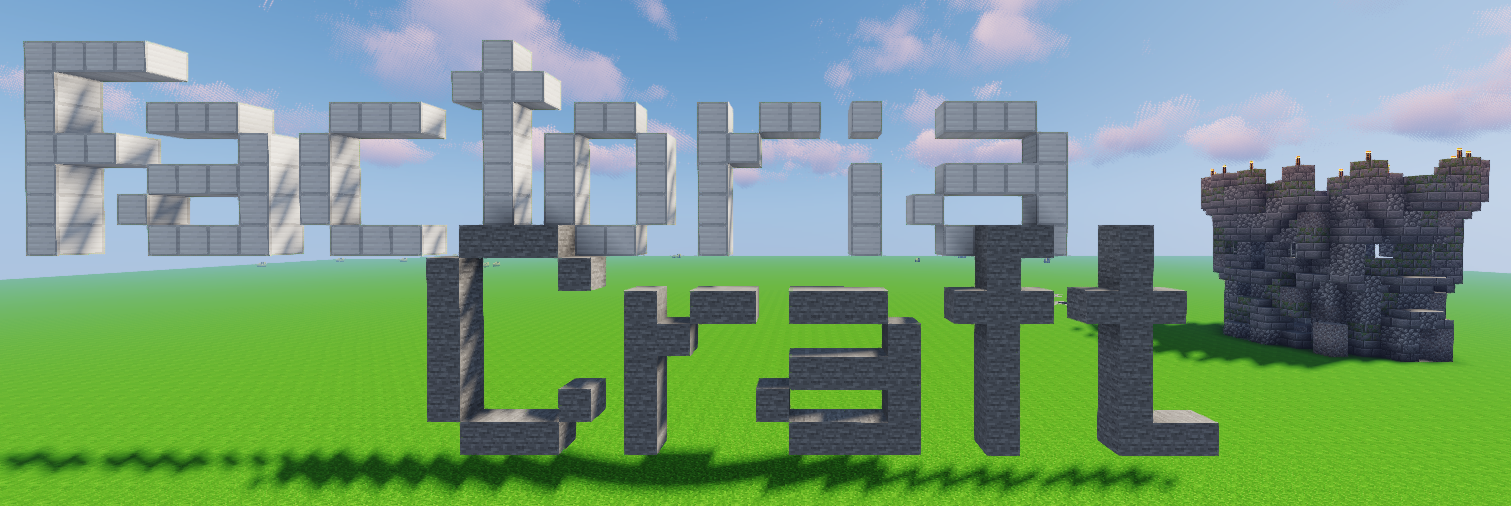 Cover Page
Versions
Files
Relations
Project Relations
More like this
Similar Modpacks
Suggestions use data such as tags, dependencies, dependents, descriptions, titles, and more to rank how much they overlap with this modpack.
On ModDex
Community snapshot
By the numbers
Statistics
Want to reach Minecraft players?
We're looking for a server hosting partner to feature here and other parts of the site. Interested? Send us a message!
Get in touchGet it on
Available Platforms
On ModDex
Community snapshot
By the numbers
Statistics
Resources