
Community listing page, reviews may not be monitored by the author.
Fitzy's Fenilla

No reviews yet
Fitzy's Fenilla is a huge expansion onto vanilla minecraft while using tech and magic to boost up the grind

Community voices
Reviews
No reviews yet. Be the first to review this project!
Get it on
Available Platforms
About
Project Details
For authors
Embed Badge
If you're the author of this project, you can embed a live badge anywhere that supports HTML or Markdown. It updates automatically whenever ratings change.
Use HTML for any page that supports it, or Markdown for README files and Markdown-based descriptions.
Identifiers
Platform IDs
Resources
External Links
About
Description


Fitzy's Fenilla (Fitzy's Enhanced Vanilla) has a mix between some tekkit mods and some other main big mod packs without filler mods. It has quality of life improvements some expanded foliage, as well as better biomes, dungeons and much more. Things you would see in modpacks like RL craft. My Friends and I always wanted a modpack that was made to have some challenge and get progressively harder after each major accomplishments but nothing too dramatic, but have something that didn't have one or two main things to work on. Fenilla is the change of that, and will continue to add mods that focus not only on tech side of things, but the beautiful nature of the game.


IMPORTANT: If you receive error whilst joining a server with " Badly Compressed Packets" Please have each person install https://www.curseforge.com/minecraft/mc-mods/xl-packets and put it into the MODS Folder.
PARAMETERS: The default 2GB of RAM that is allocated won't be enough to run this mod pack. Recommend allocating 5 to 8GB's of RAM. You can do this by going to Launch Options, enabling JVM Arguments, hit reset and change "-Xmx2G" to "-Xmx5G or preferred number" NOTE: do not go above 8, you will be wasting ram.
OTHER RECOMMENDATIONS: I would recommend the use of Optifine . Make sure Optifine is 1.20.1 and shaders are optional if your system can handle them.
Changelog:
Only newer updates will show under launcher, to keep things clean. If you want to look back at the whole change log you can do so by visit using the link below.
https://gist.github.com/FItzy45/22bd7276ab85e1ae50de5535c491f7eb


TBA
Screenshots
Gallery
-
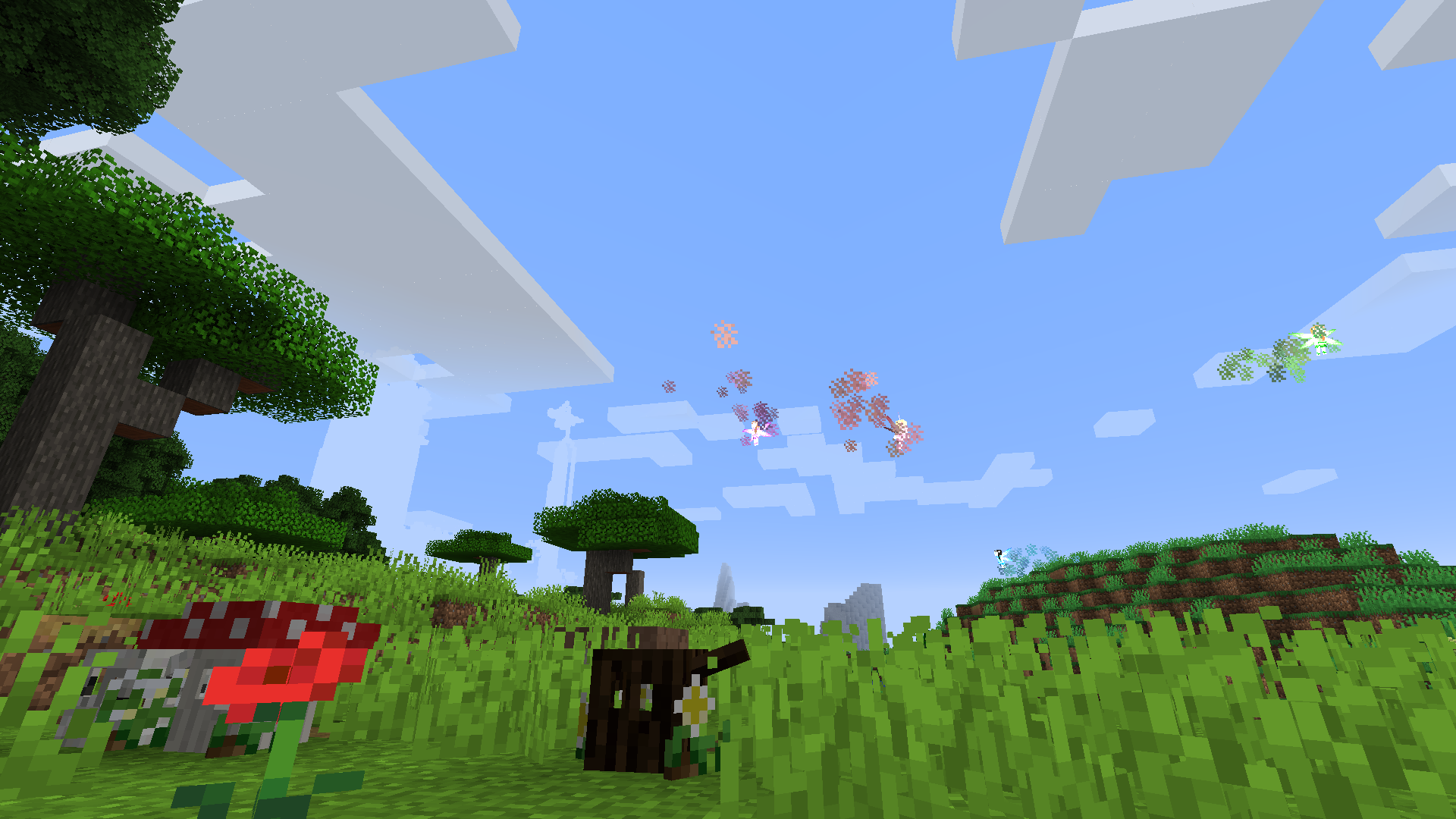 Fitzy's Fenilla
 -
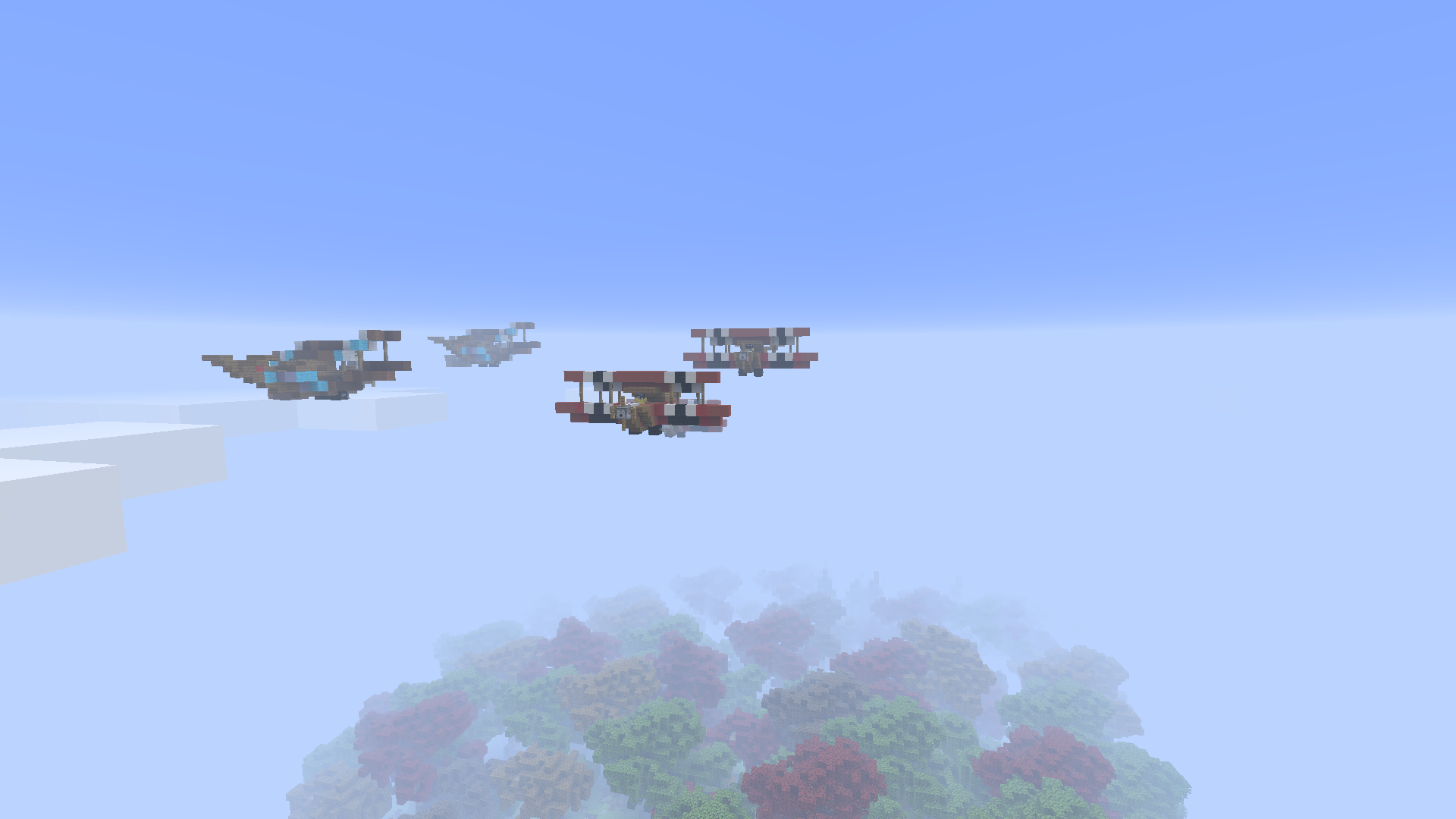 Fitzy's Fenilla
 -
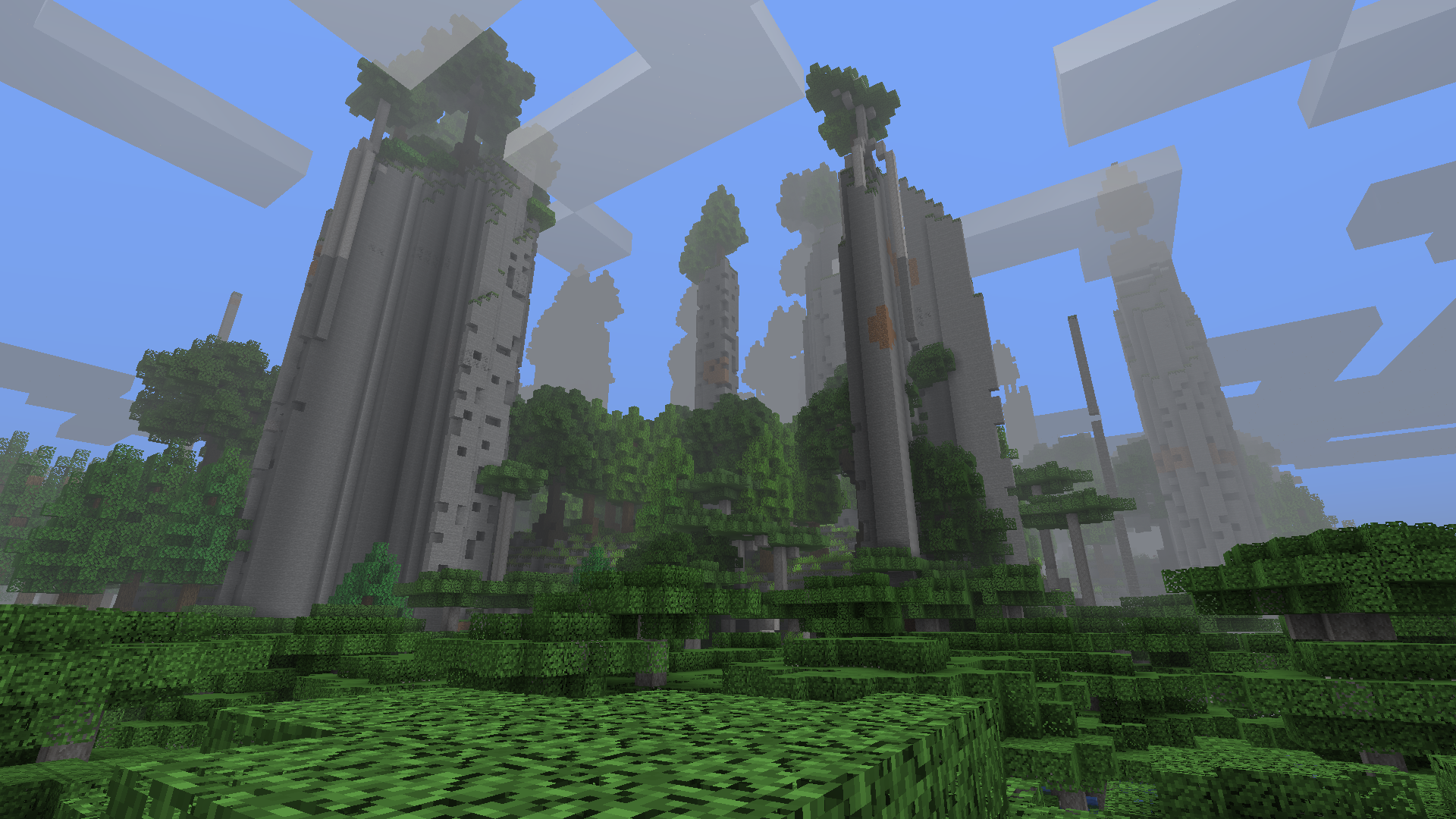 Fitzy's Fenilla
 -
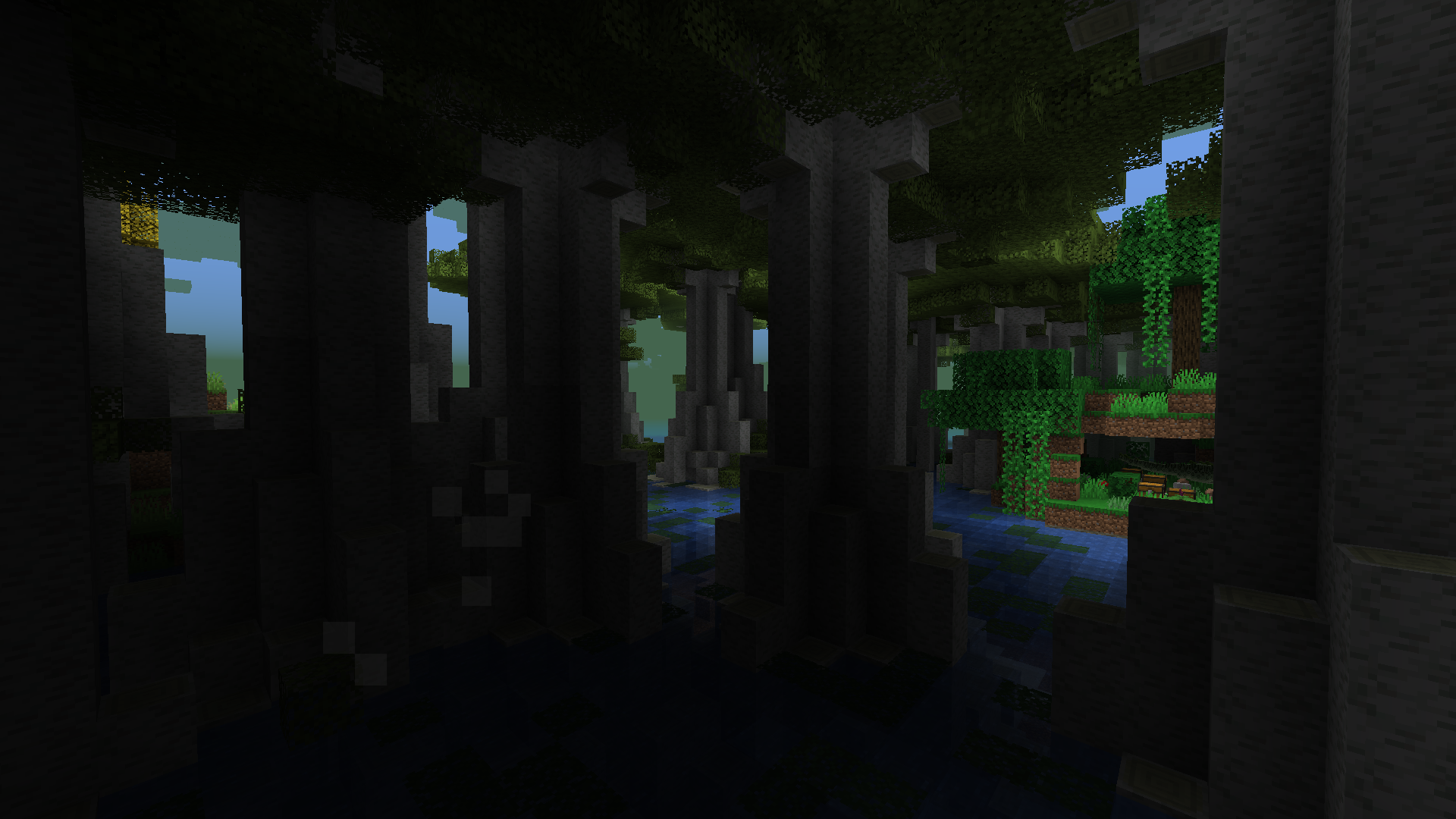 Fitzy's Fenilla
 -
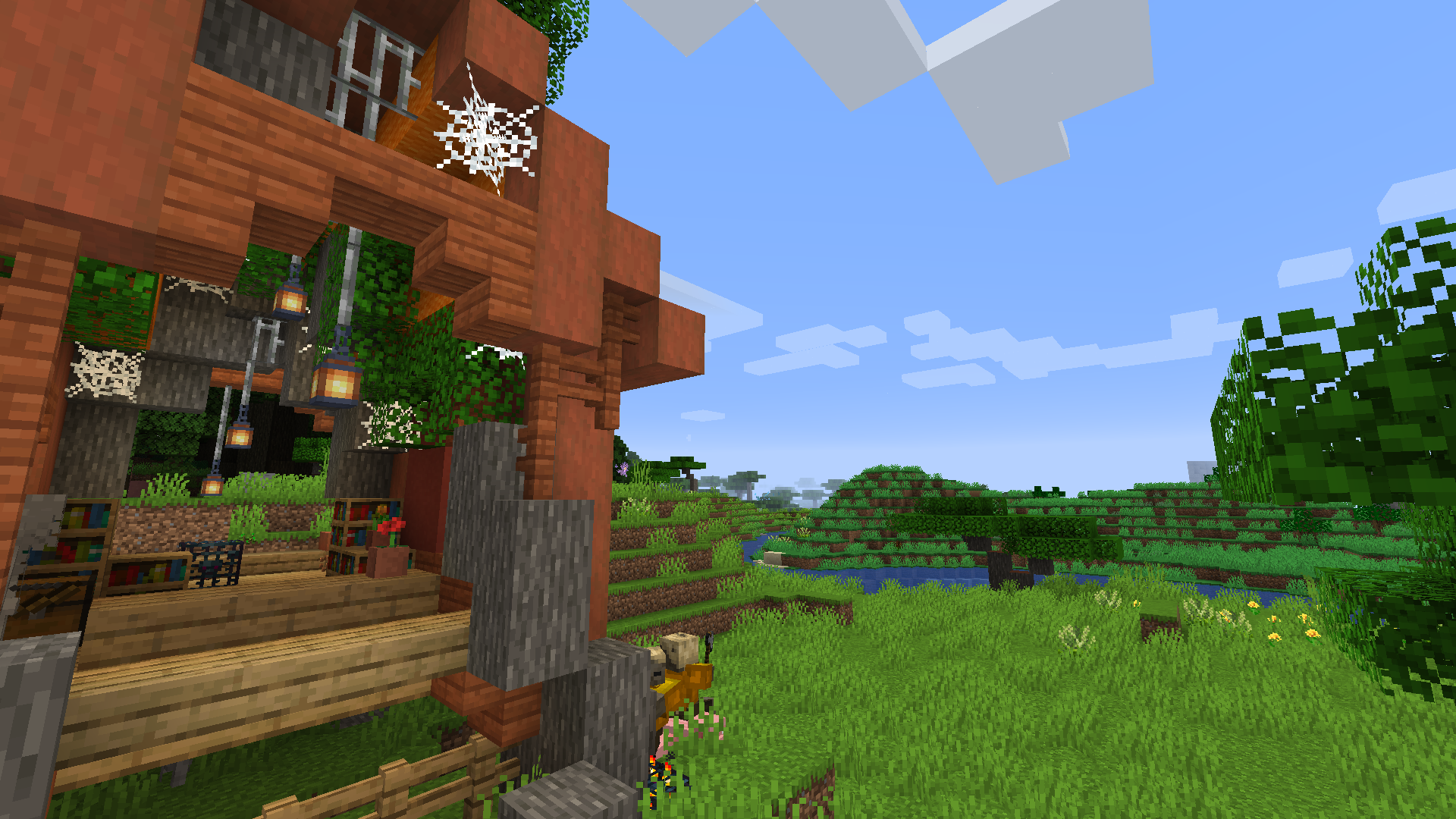 Fitzy's Fenilla
Versions
Files
Relations
Project Relations
More like this
Similar Modpacks
Suggestions use data such as tags, dependencies, dependents, descriptions, titles, and more to rank how much they overlap with this modpack.
On ModDex
Community snapshot
By the numbers
Statistics

Get it on
Available Platforms
On ModDex
Community snapshot
By the numbers
Statistics
Resources