Community listing page, reviews may not be monitored by the author.


Community voices
Reviews
No reviews yet. Be the first to review this project!
Get it on
Available Platforms
About
Project Details
For authors
Embed Badge
If you're the author of this project, you can embed a live badge anywhere that supports HTML or Markdown. It updates automatically whenever ratings change.
Use HTML for any page that supports it, or Markdown for README files and Markdown-based descriptions.
Identifiers
Platform IDs
Resources
External Links
About
Description
Overview
The modpack adds various mods and packs the primarily focus on optimizing the game and adding features and tweaks that enhance the game's functionaliy and visuality.
Optimization
The modpack uses mods that utilize the game to its maximum performance using simple mods that help reduce performance loss and boost fps.
Tweaks
Enhances the game experiencce by adding various tweaks that enhance gameplay, and one of the most important is the mod Mouse Tweaks that adds new dragging mechanics that make organizing storages and inventories much better, and there are more mods that tweak the game and make it better.
Visuals
Makes the game feel more vibrant again using mods and resource packs, and the most important visual change is the ability to add shaders.
Life Changing Features
- Now you are able to play the game with a controller of your choice.
- You can use all optifine features like custom resource packs, shaders, zoom, Dynamic light, and capes.
- There are various new animations and a new prespective that you can toggle using the [Left Alt] button.
- You are now able to search controls and filter them.
- You can now view a shulker box by holding shift while pointing at it when it is in your inventory.
Compatibilty
You can use the modpack however you like to add your own liking of mods, resource packs, or what ever. Make sure that the mods you add are compatible with the modpack's mods
Notice: The optifine mod is not compatible with the modpack.
Content
There are pre-installed resource packs, and shader packs that you can choose from after logging in the modpack.
For more information you can check the contents of the modpack after downloading it
Screenshots
Gallery
-
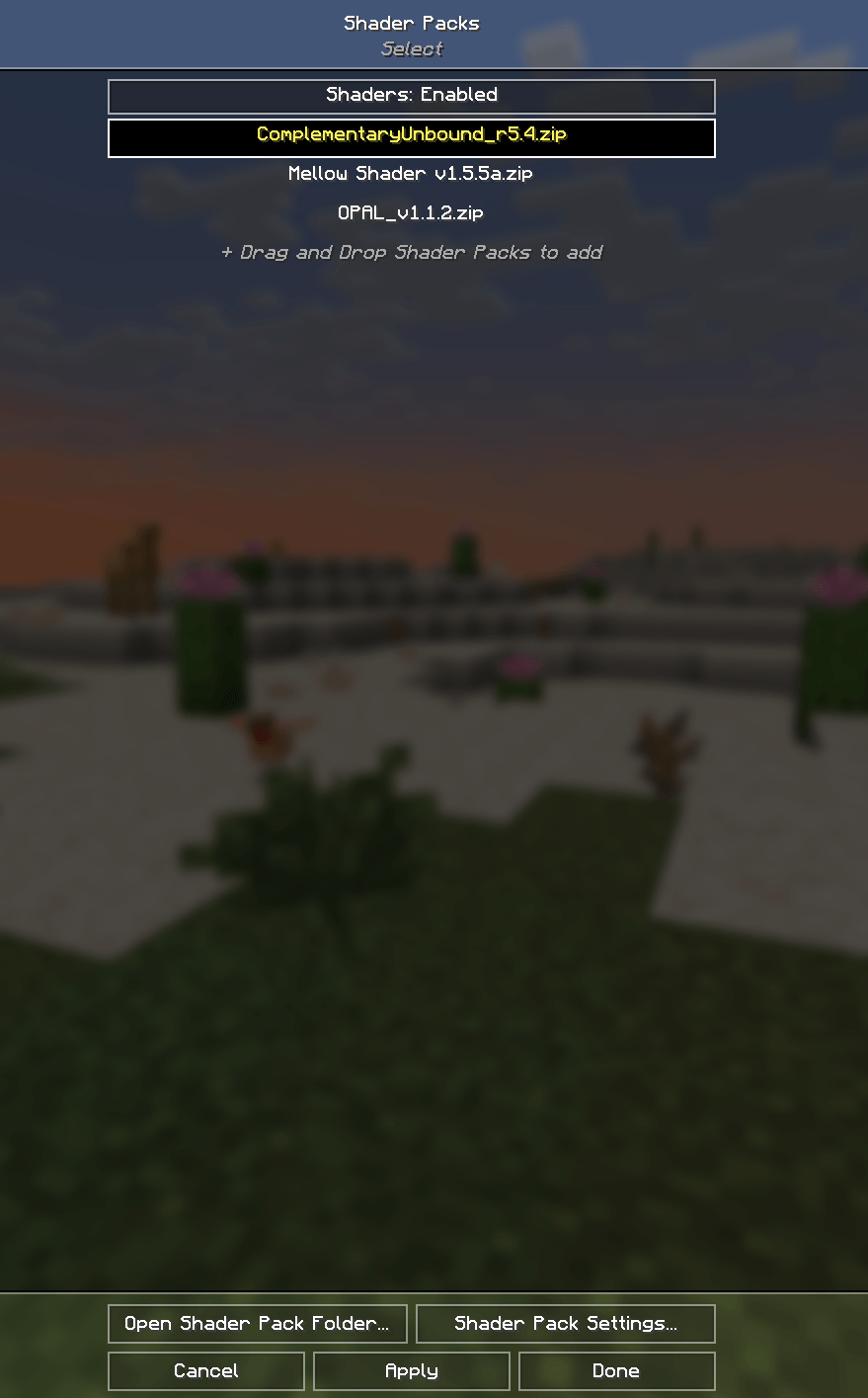 Shader Packs The pre-installed shaders.
 -
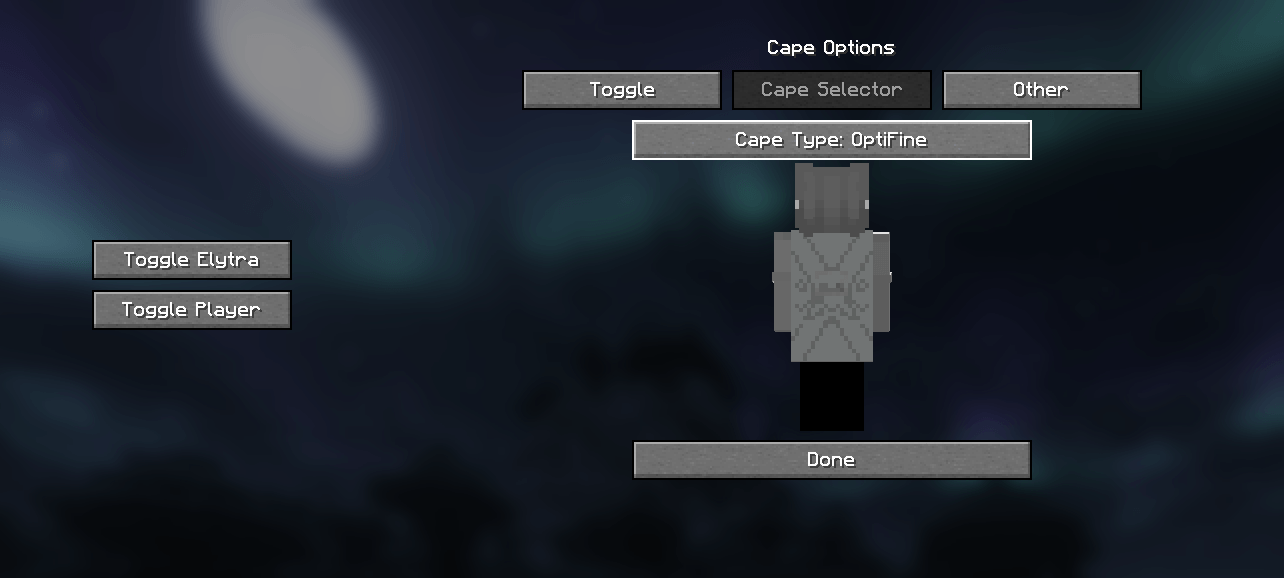 Capes Support for optifine/LabyMod/MinecraftCapes and more.
 -
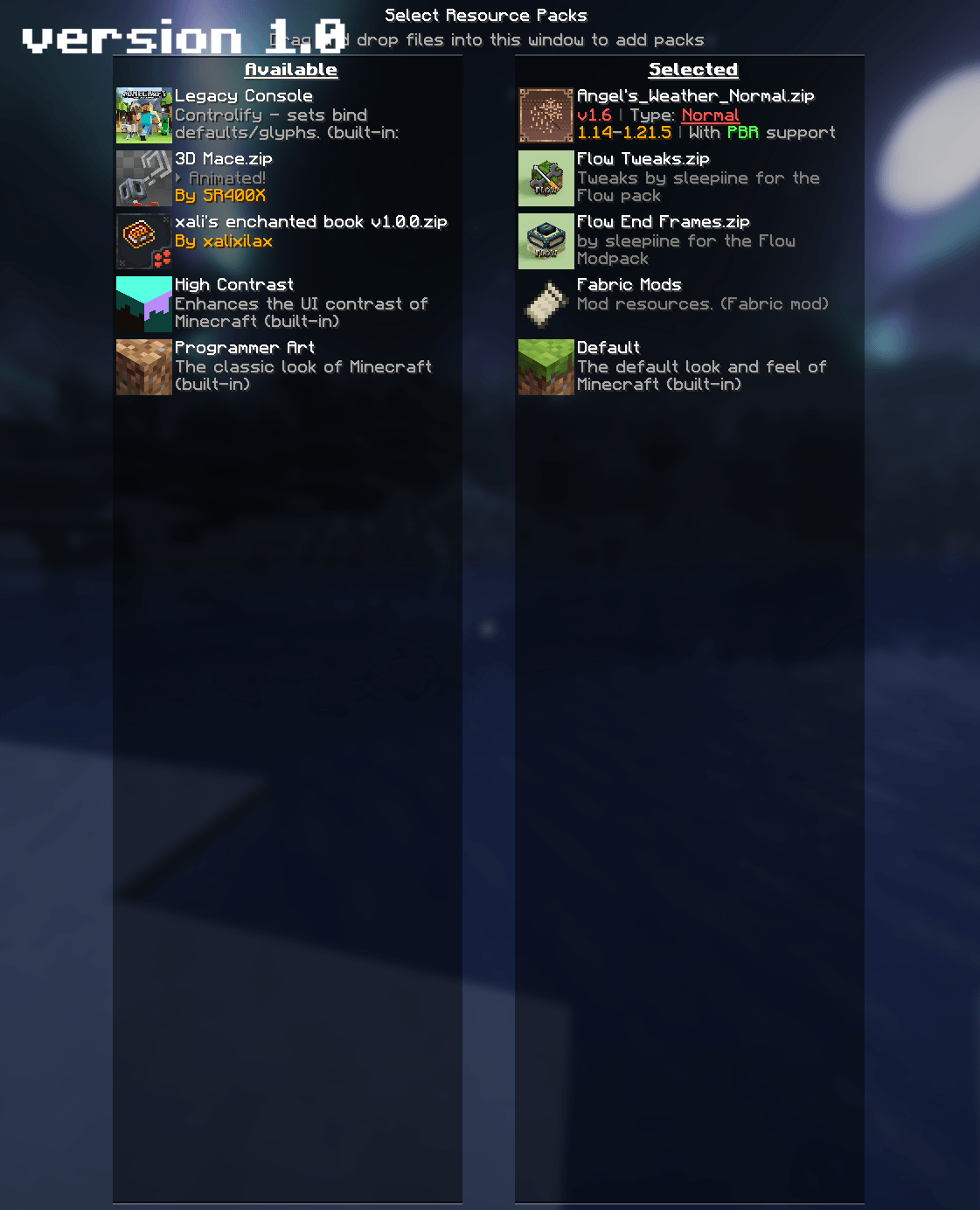 Resource Packs Minecraft 1.21.5 ver. 1.0
 -
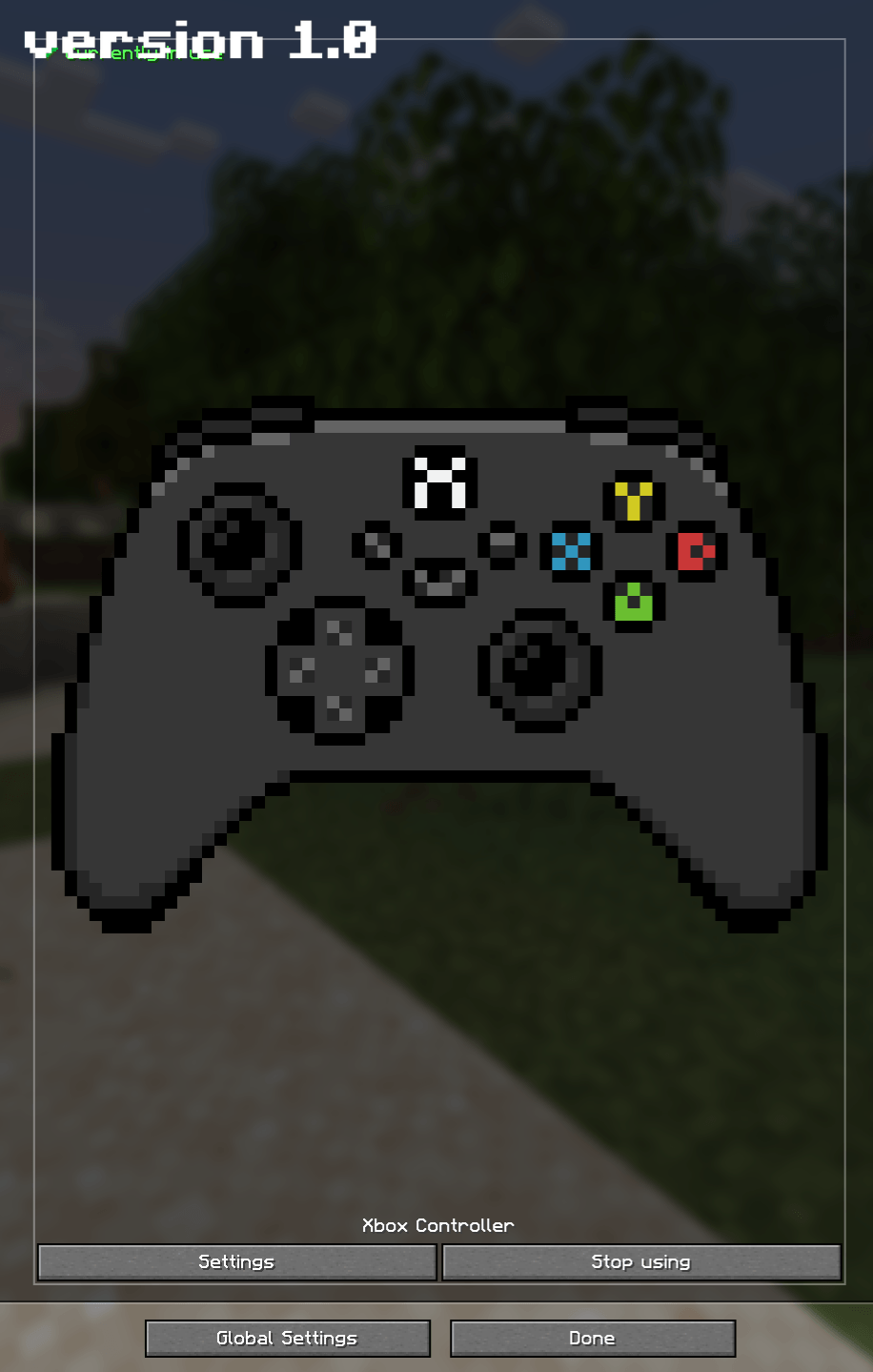 Xbox Controller Minecraft 1.21.5 ver. 1.0
 -
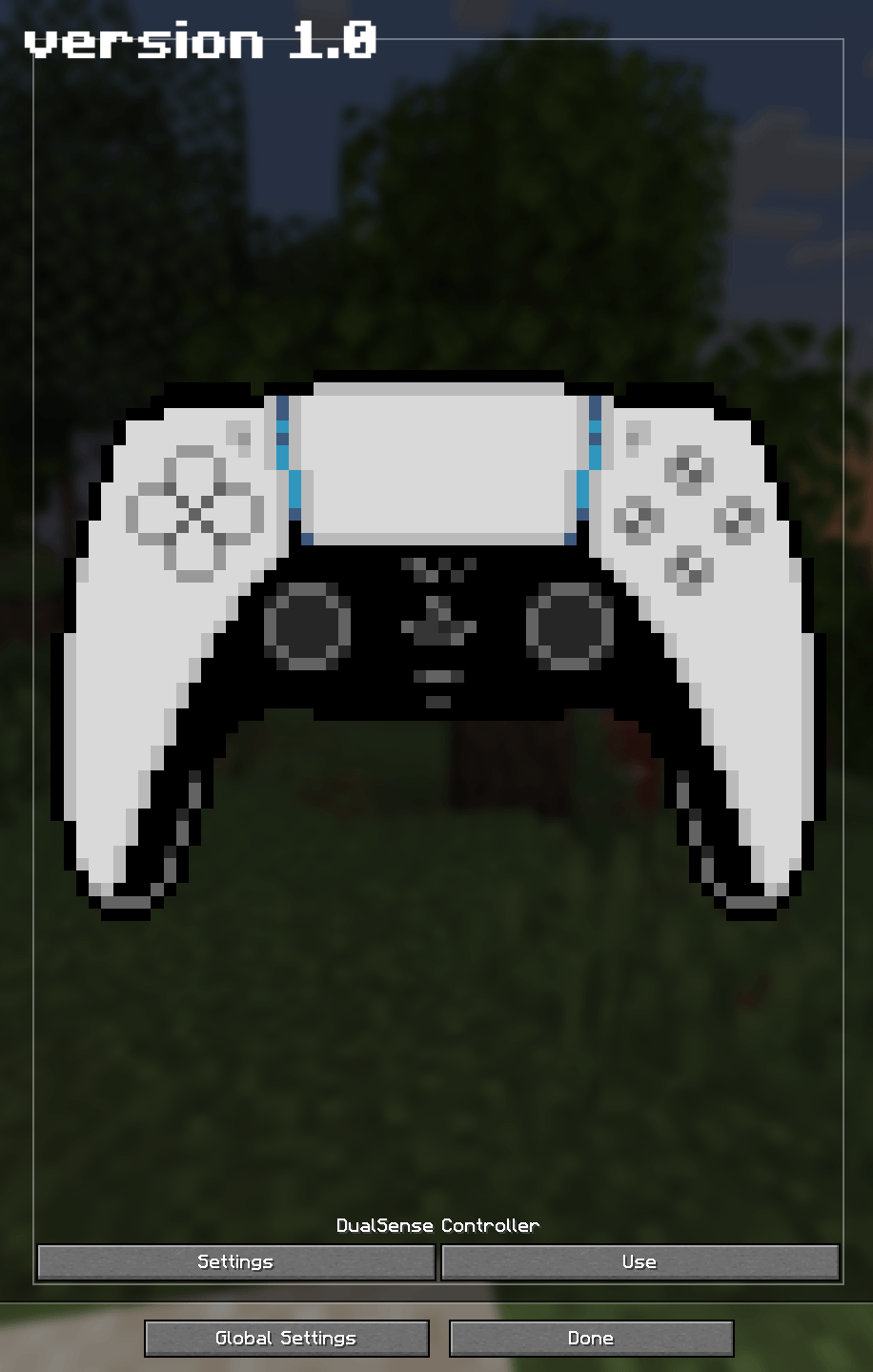 PS5 Controller Minecraft 1.21.5 ver. 1.0
 -
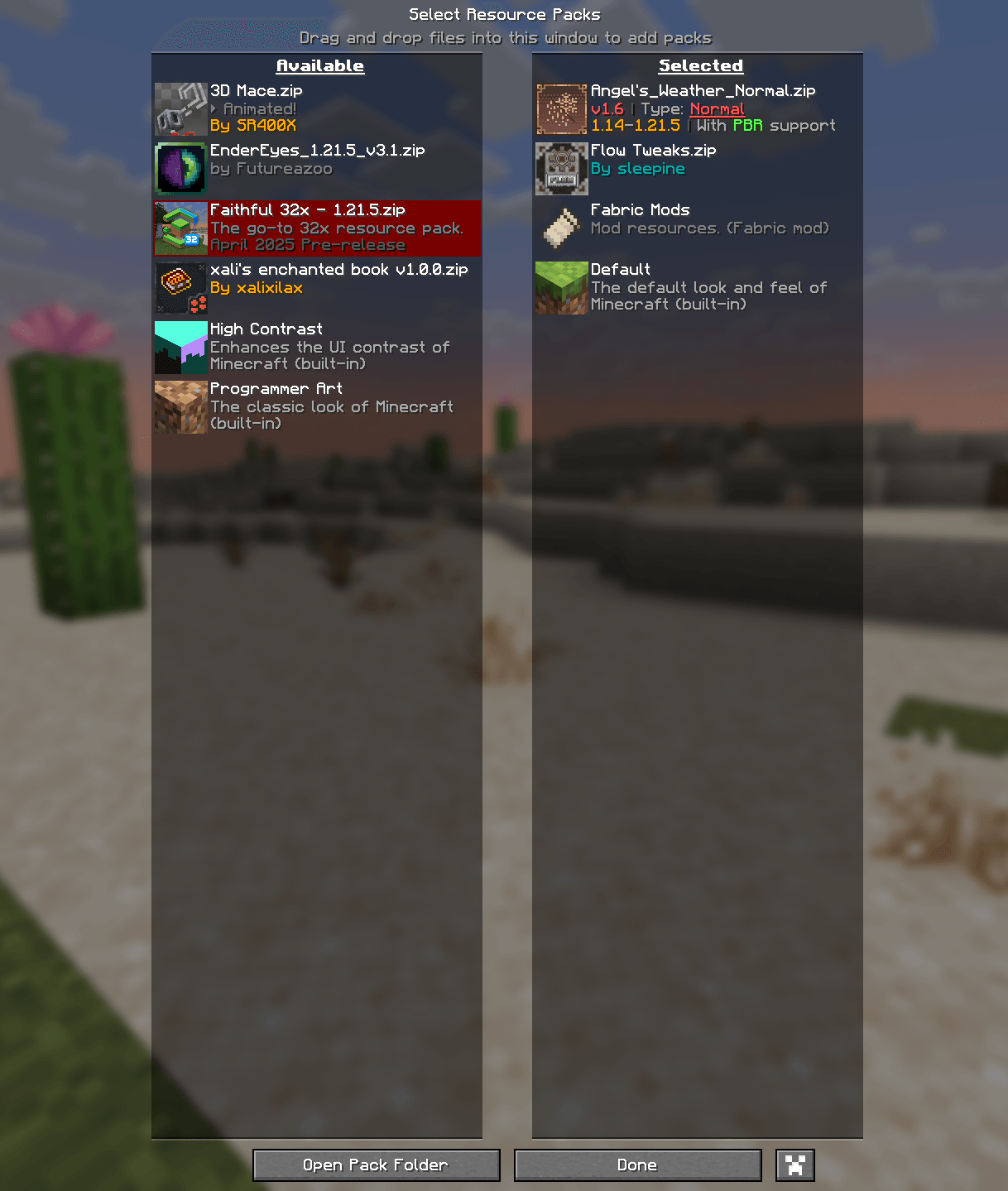 Resource Packs Minecraft 1.21.5 ver. 2.0
Versions
Files
Relations
Project Relations
More like this
Similar Modpacks
Suggestions use data such as tags, dependencies, dependents, descriptions, titles, and more to rank how much they overlap with this modpack.
On ModDex
Community snapshot
By the numbers
Statistics

Get it on
Available Platforms
On ModDex
Community snapshot
By the numbers
Statistics
Resources