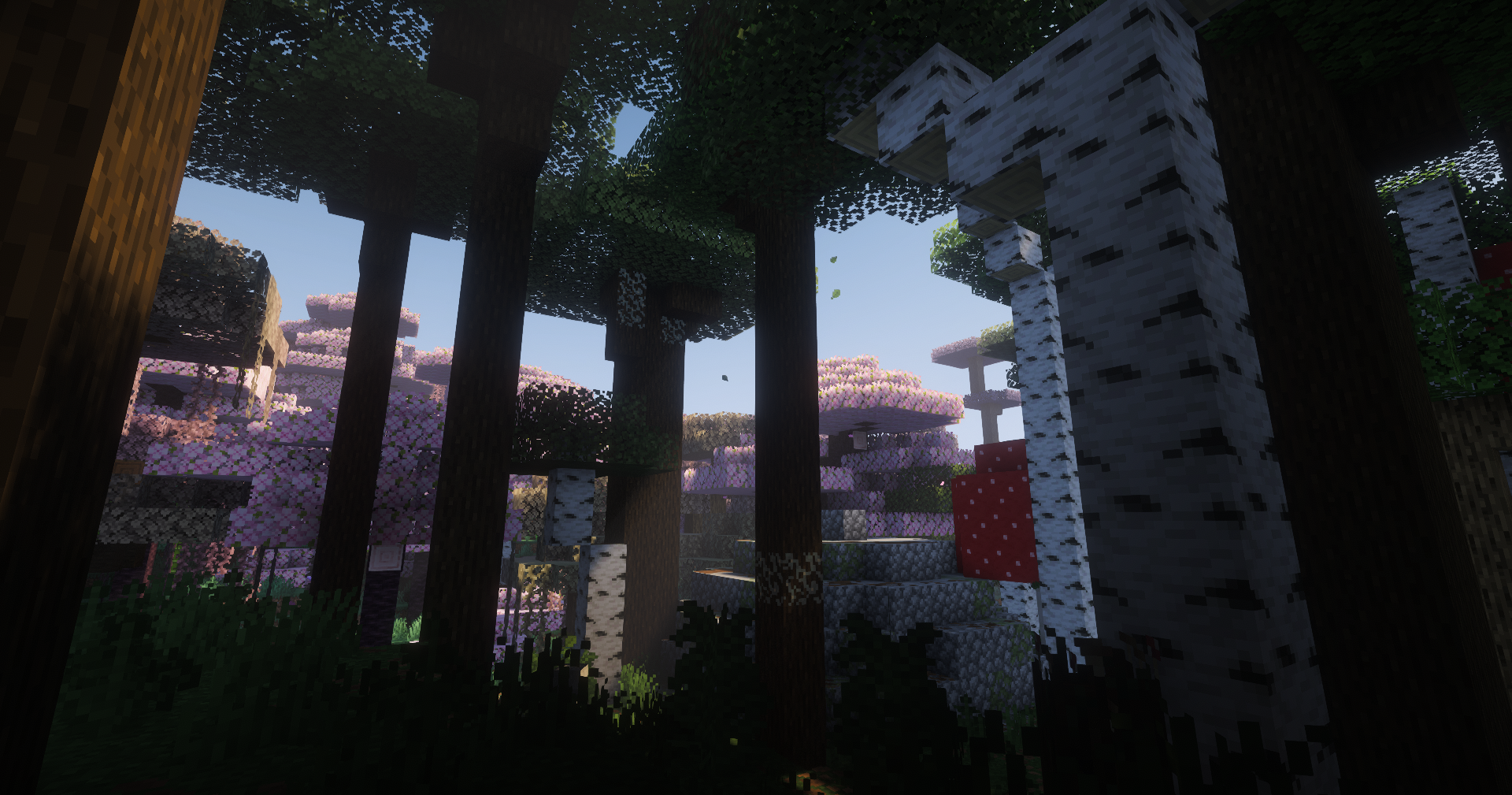

Forged in Dragonfire
No reviews yet
Forged in Dragonfire is based in the mythic Ice and Fire mod, with tons of new boss fights, countless dungeons, dimensions and magic spells, Claim their scales, forge your legend and reclaim a world consumed by ice and fire.
Centers around fantasy elements such as spells, rituals, and magical energies, often involving personal empowerment and magical automation.
Includes a large focus on traversing worlds with enhanced world generation, structures, dungeons, and more for players to find unique loot.
Forge is a popular mod loader for versions 1.1+ of Minecraft.
Community voices
Reviews
Click once to include, again to exclude, again to clear
No reviews yet. Be the first to review this project!
Get it on
Available Platforms
 Modrinth
Compatibility
Supported Environments
About
Project Details
For authors
Embed Badge
If you're the author of this project, you can embed a live badge anywhere that supports HTML or Markdown. It updates automatically whenever ratings change.
Use HTML for any page that supports it, or Markdown for README files and Markdown-based descriptions.
Identifiers
Platform IDs
Resources
External Links
About
Description
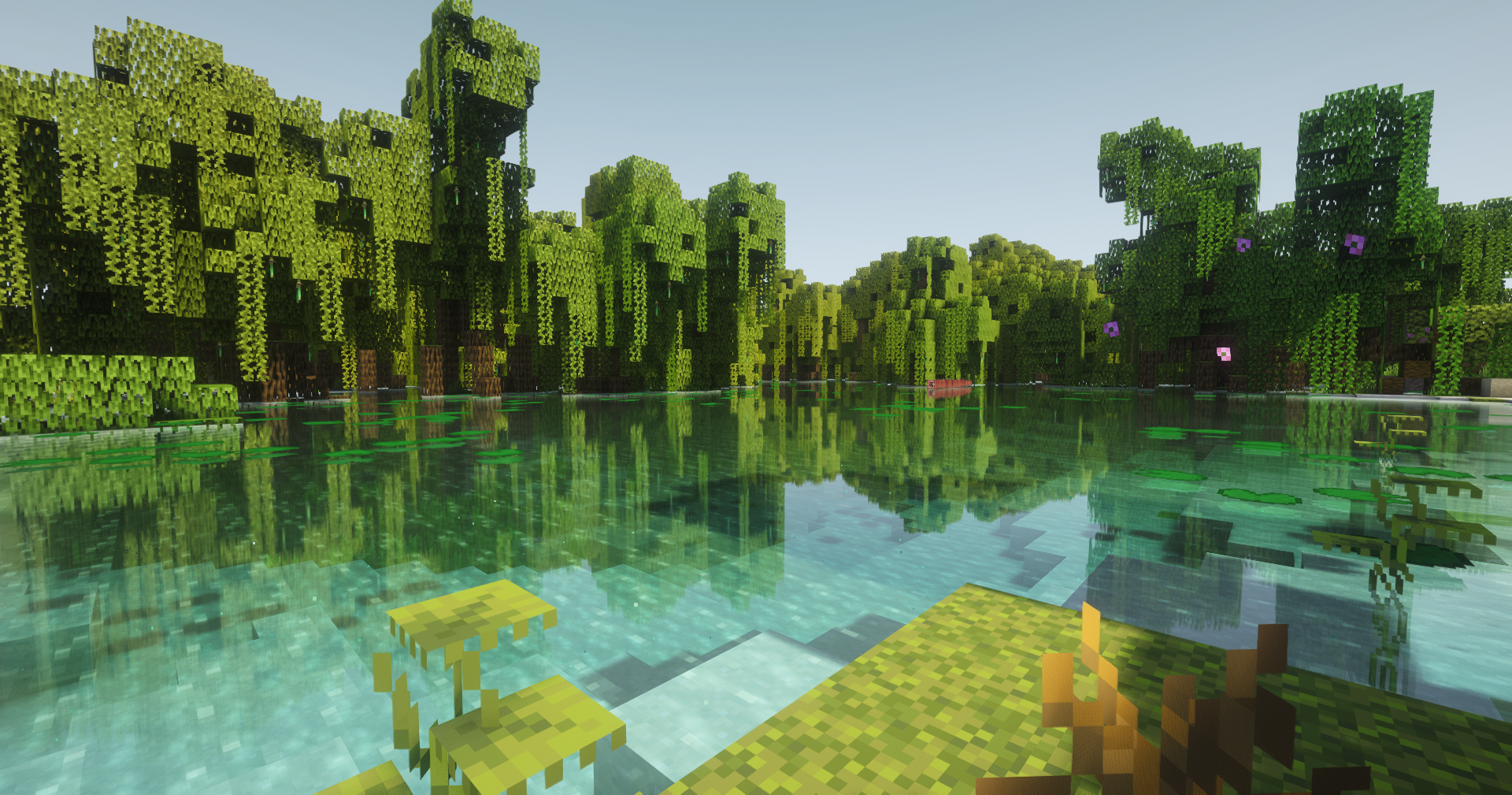
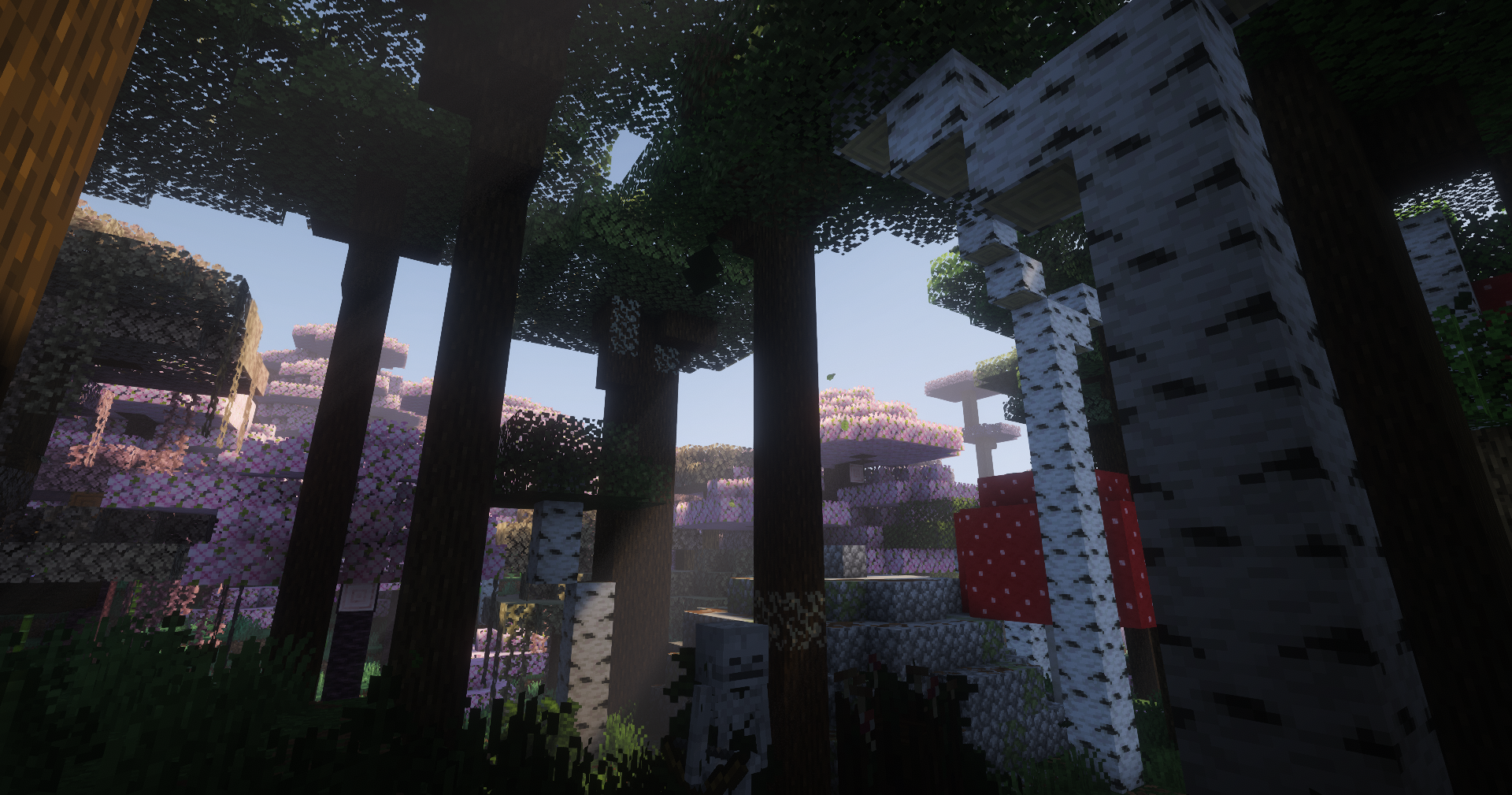
⚔️This modpack is build around the mythic OG mod Ice and Fire with a massive collection of new addons like spells, dungeons, bosses, new terrain gen with terralith combined with Regions Unexplored and a lot of hard challenges!
🏰A lot of new structures and Dungeons to explore: Lose yourself in multi-layered labyrinths. Every corridor is a gamble, chests has a potential to be mimic. From sunken catacombs to sky-high fortresses, the architecture of the ancients is filled with lethal traps and relics that defy time, Chest loot is also individual. You don’t have to worry about teammates stealing your gear, every player sees and collects their own separate loot from dungeons and estructures.
🔮Master the Forbidden Arts: Delve into Ancestral Magic systems a lot of pergamines and books with plenty of spells to use, magic ropes to buff your stats and extremly powerfull spell to unlock in hight tier, Whether you’re enchanting your blade with soul-fire or summoning arcane shields, your mastery of the craft is the only thing standing between you and the abyss.
👺Nightmare Reborn: Legendary Bosses from Mowzies mobs, Eldritch End, blue skies, Bosses of mas destruction, EEEAB 's Mobs, l_Enders Cataclysm and a lot more bosses to Fight with your friends.
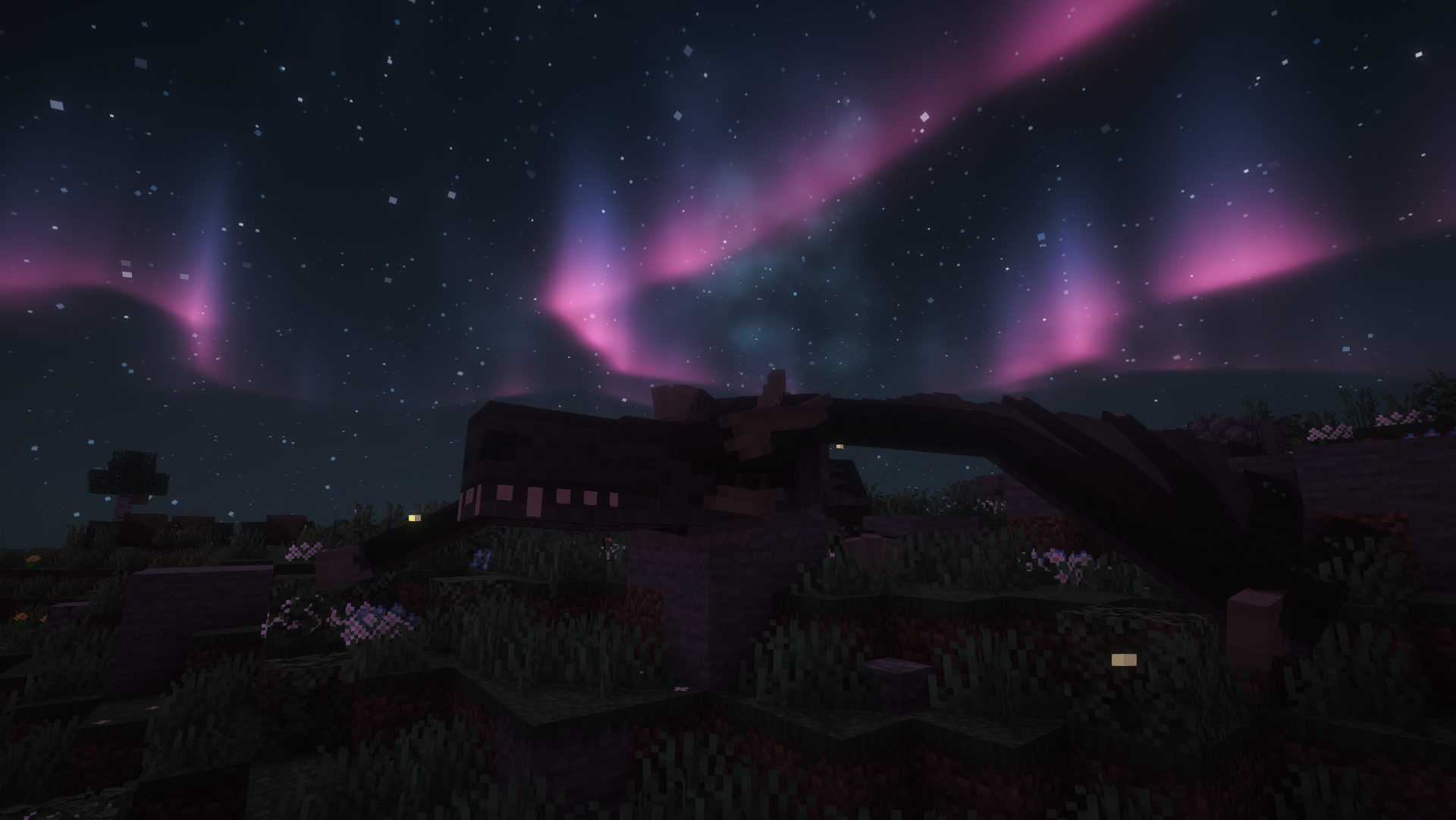
🕷️Predators of the Deep, spiders & Ancient Drakes: The world breathes with a terrifying ecosystem. Witness young and ancients Dragons or succumb to the terror of Gigantic Arachnids that skulk in the shadows and storms.
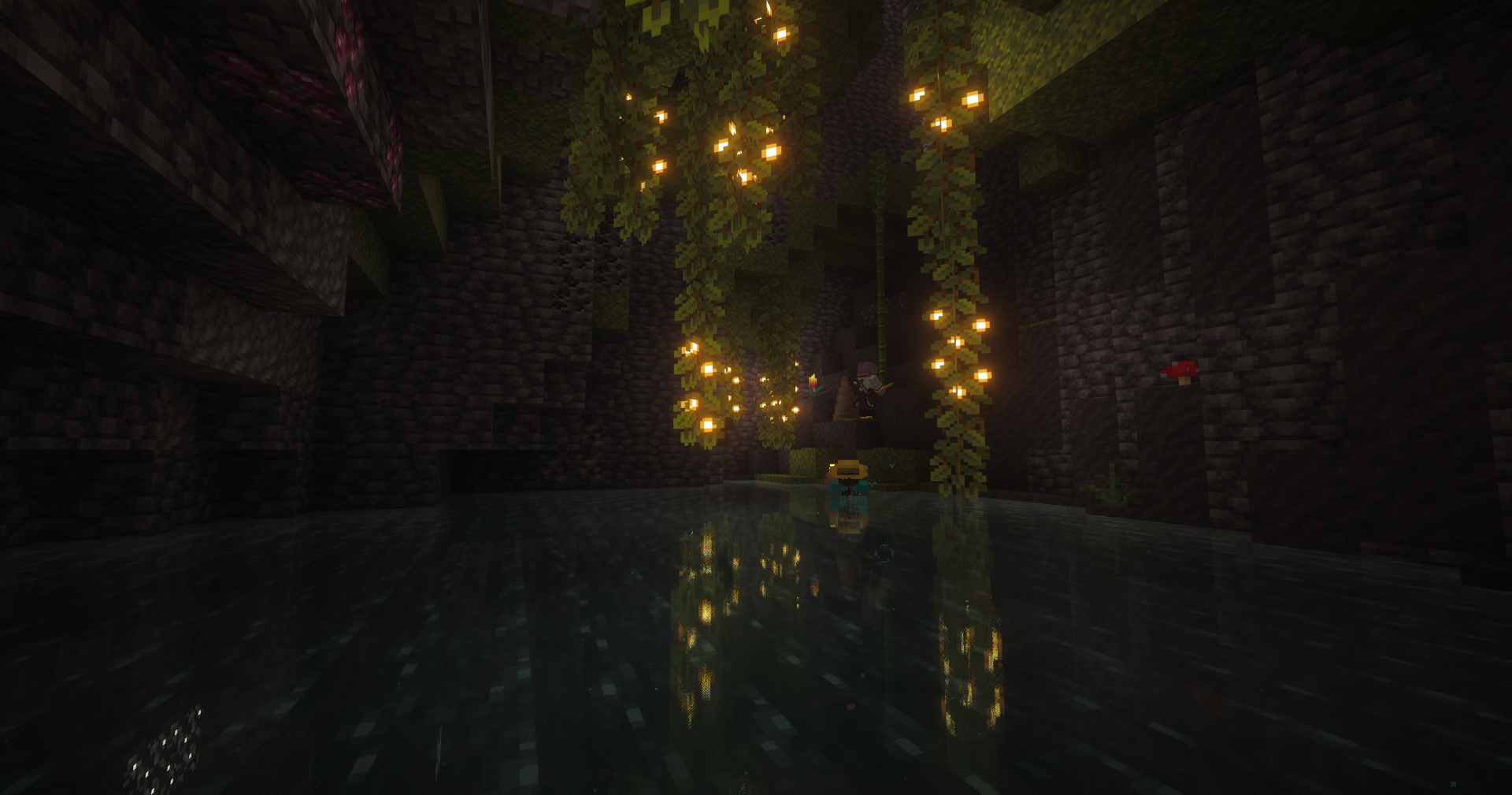
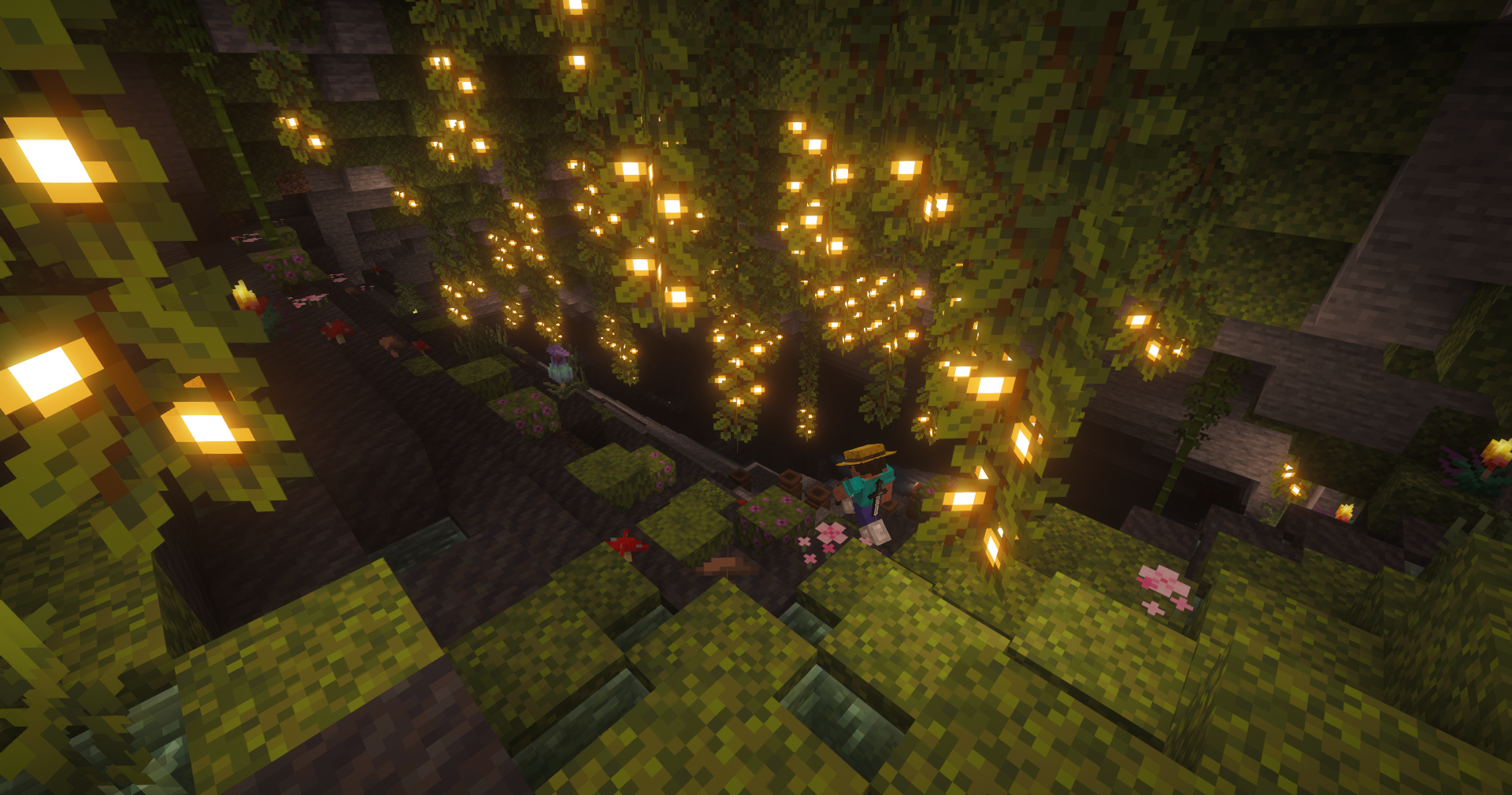
🌌Alex's Caves Presents: Explore the crazy and phenomenal caves from Alex! Featuring a lot of new biomes, mobs, and mechanics that complement each other, along with a very vivid biodiversity. From dinosaurs and the depths of the ocean, to magnetic places and gummy bear caves!
🌌Beyond the Overworld: New Frontiers go with your friends on a adventure through the Blue Skies dimensions the Everbright and Everdawn where unique bosses and rare artifacts await. If that’s not enough, ascend to the Aether, the legendary kingdom in the clouds. new addons, New landscapes, hostile environments, and mystical resources to discover!
Forged in Dragonfire is a heavy content-modpack, You need to put more ram before launching the game instance:
Minimum RAM: 6GB (6144MB).
Recommended RAM: 8GB (8192MB) or 10GB (10240MB) don't try more.
Add this ram settings in the modrinth app > instance settings > configuration > java and memory > custom memory selection.
Shaders are ON by default, to turn OFF, go to options > graphics and look for shaders and toggle shaders Off button.
Recommend this Flag for java argument if you are having troubles with lag spikes, likely for java garbage collector, you can try this in the java arguments:
-Xms8G -Xmx8G -XX:+UseZGC -XX:+ZGenerational -XX:+AlwaysPreTouch -XX:+DisableExplicitGC -XX:+PerfDisableSharedMem
🎮Want to play this modpack with your friends and avoid all the mess of making a server?
🚀Get top-tier performance and quick setup with Wabbanode. Use our partner code "JUANCHOS" at checkout to get 25% off your first month and directly support the development of this pack!
⚡Optimized performance: servers ready for mods and large communities.
🛠️ Full compatibility: supports multiple Minecraft versions.
🎮 Simple control panel: manage your server with clear, hassle-free tools.
🤝 Friendly support: a team that truly understands Minecraft and helps you solve any issue.
👉 Use my referral code "JUANCHOS"

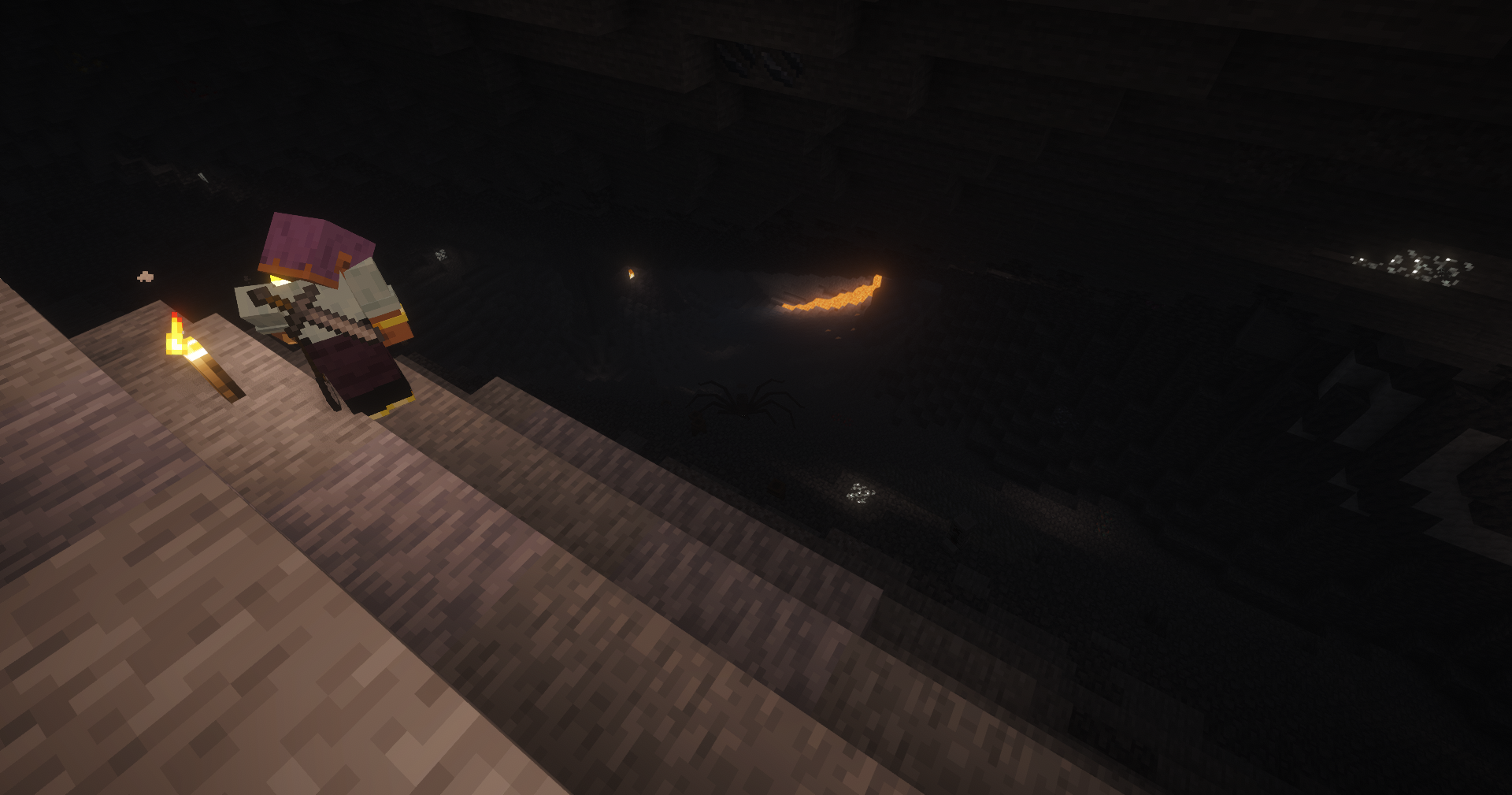
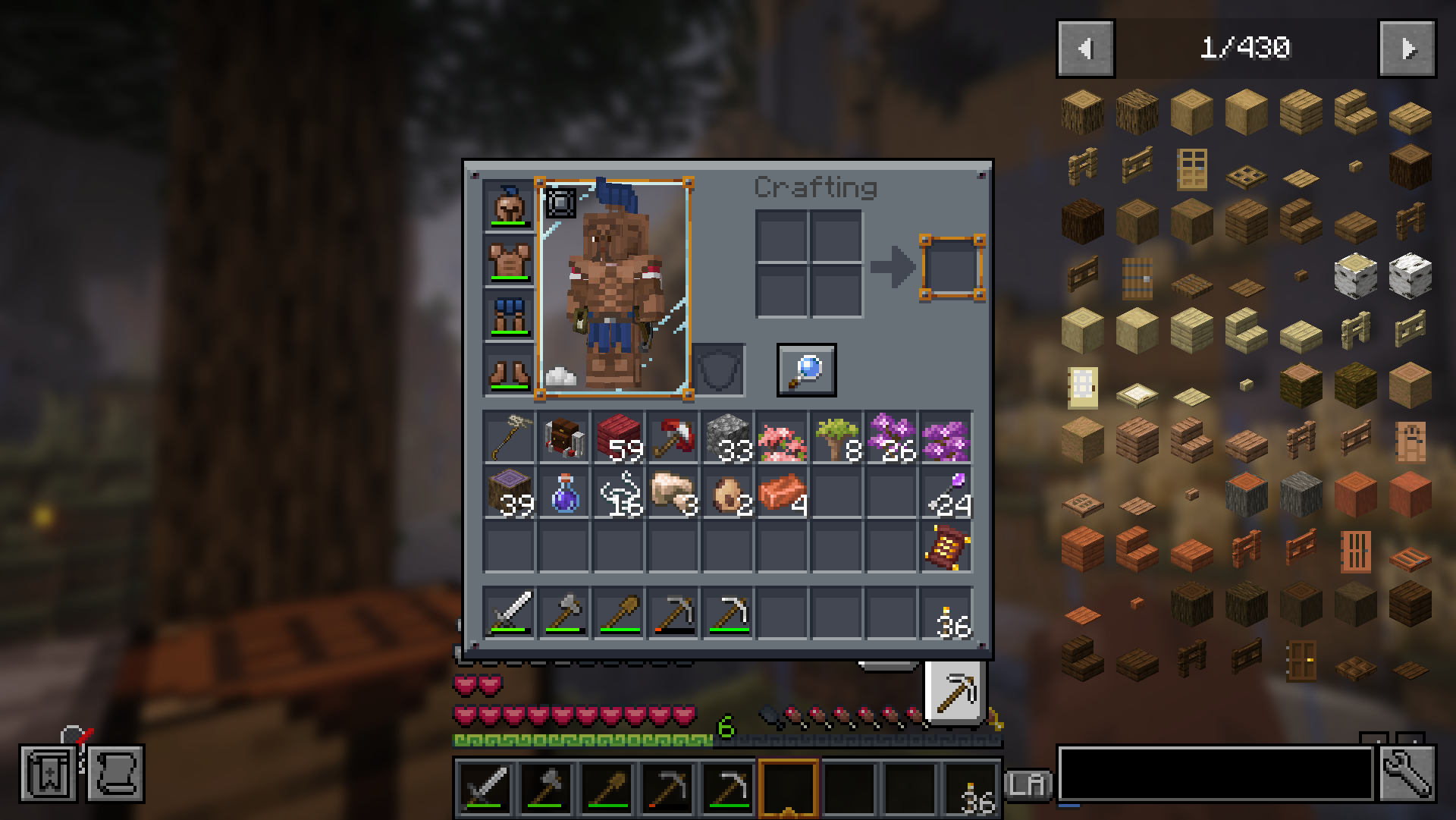
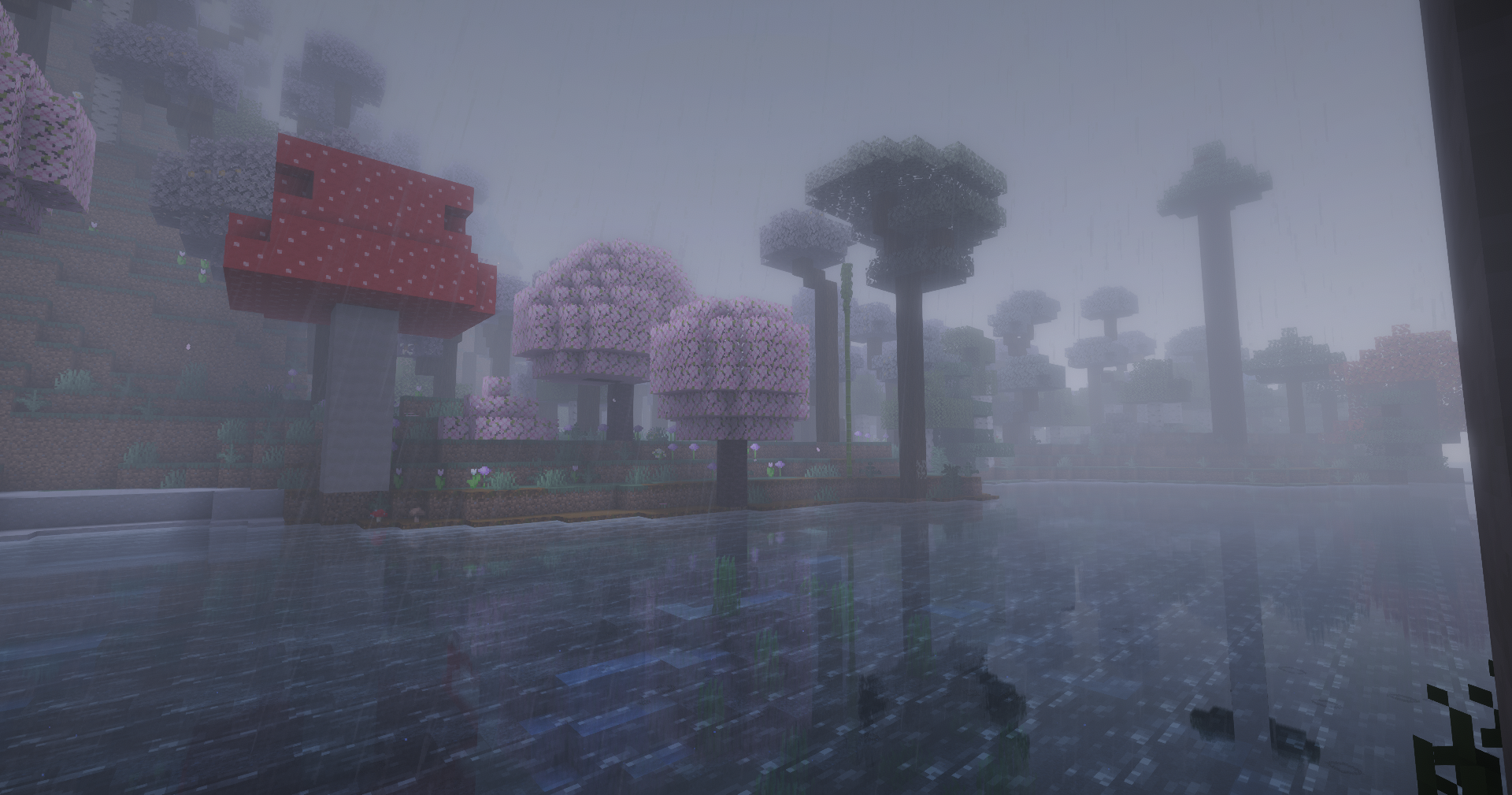
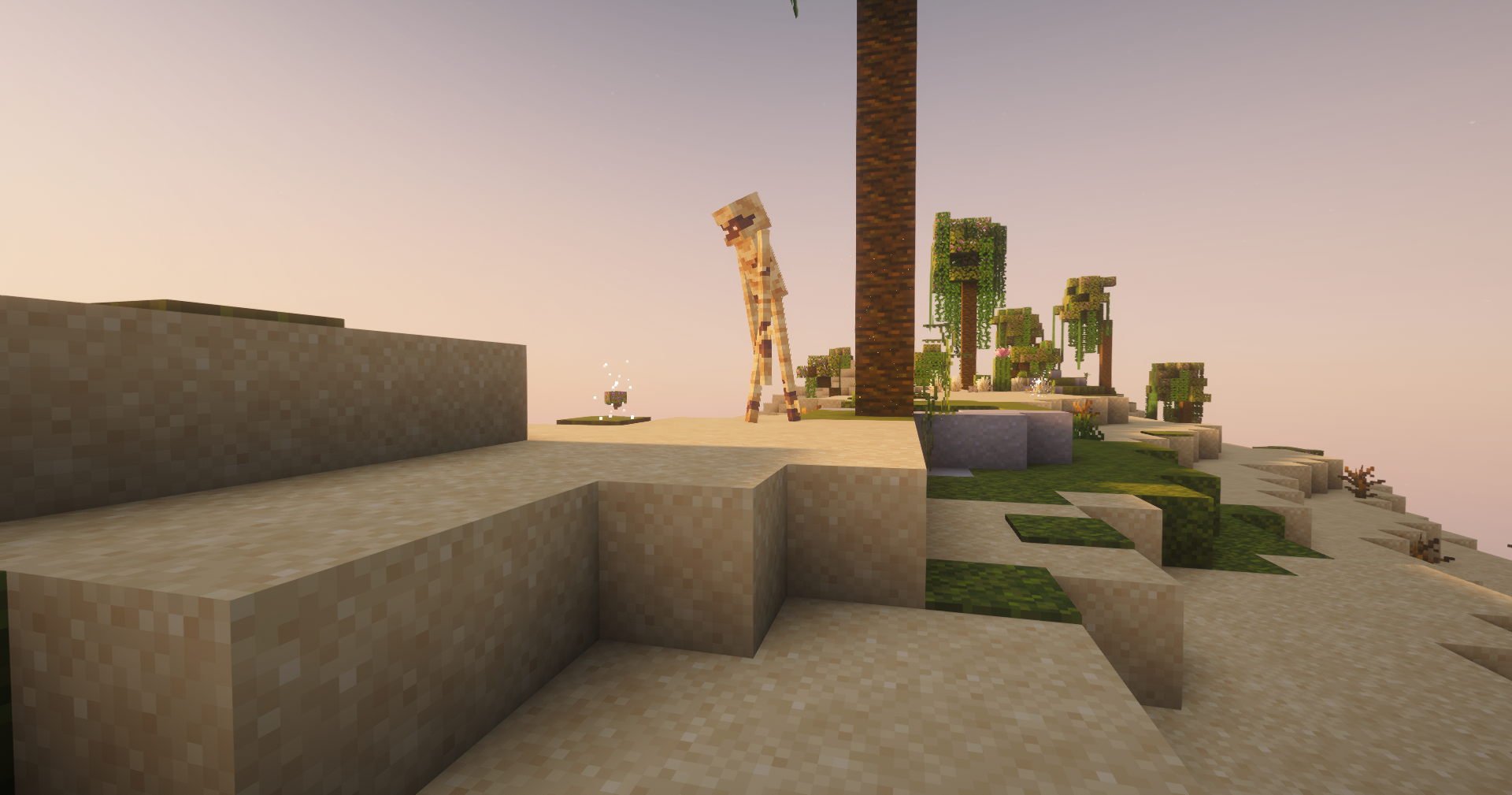
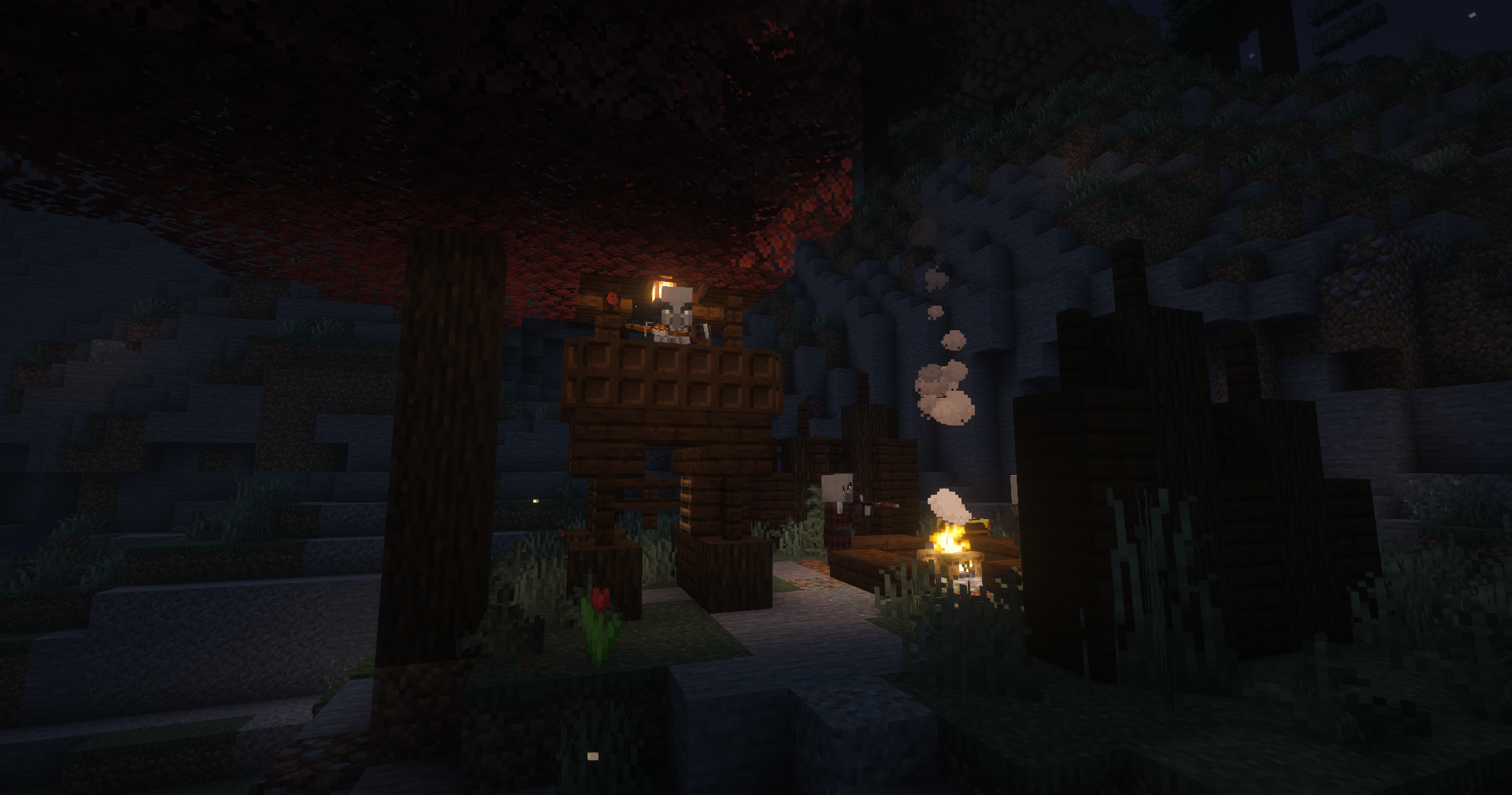
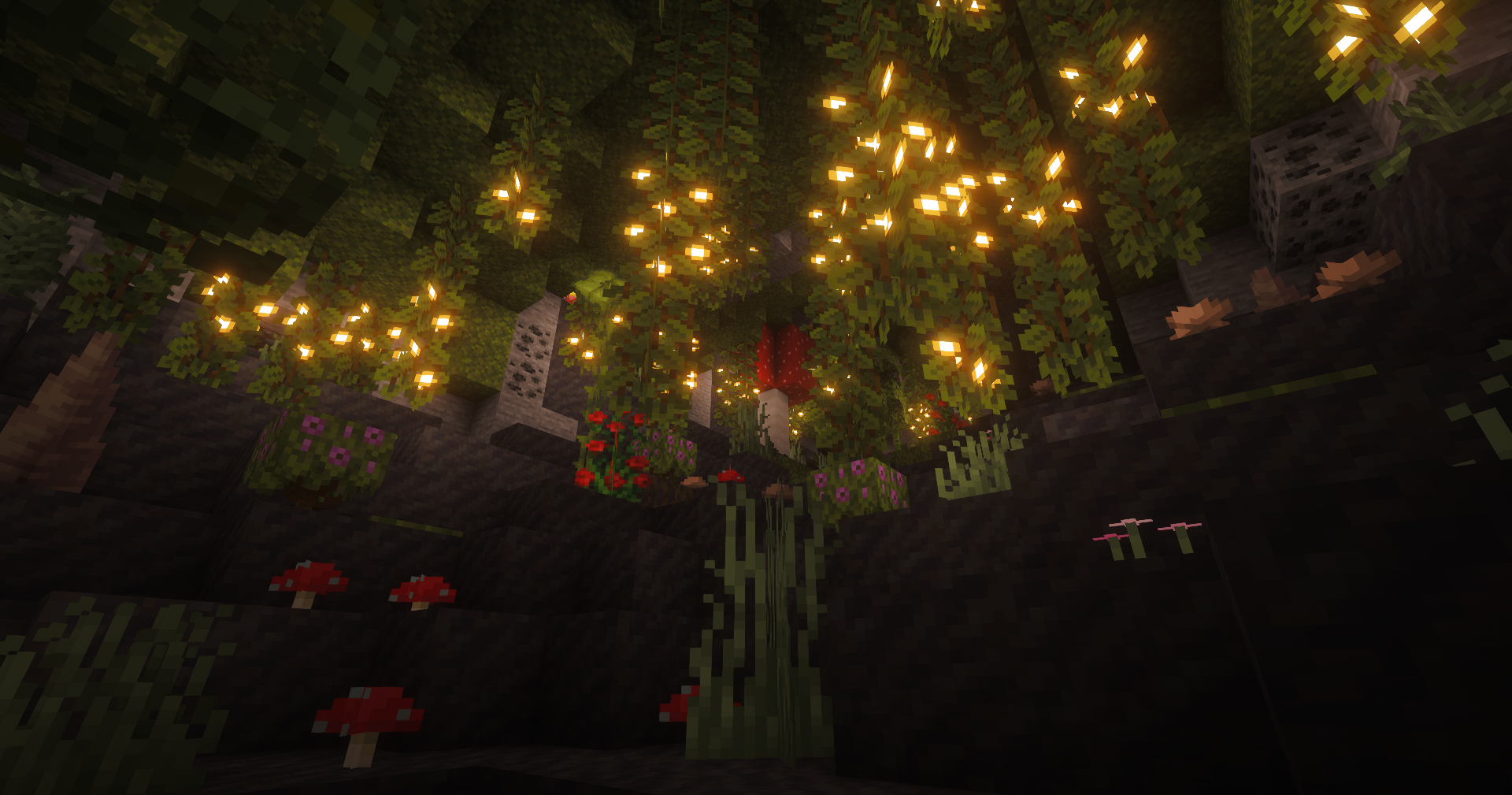
Screenshots
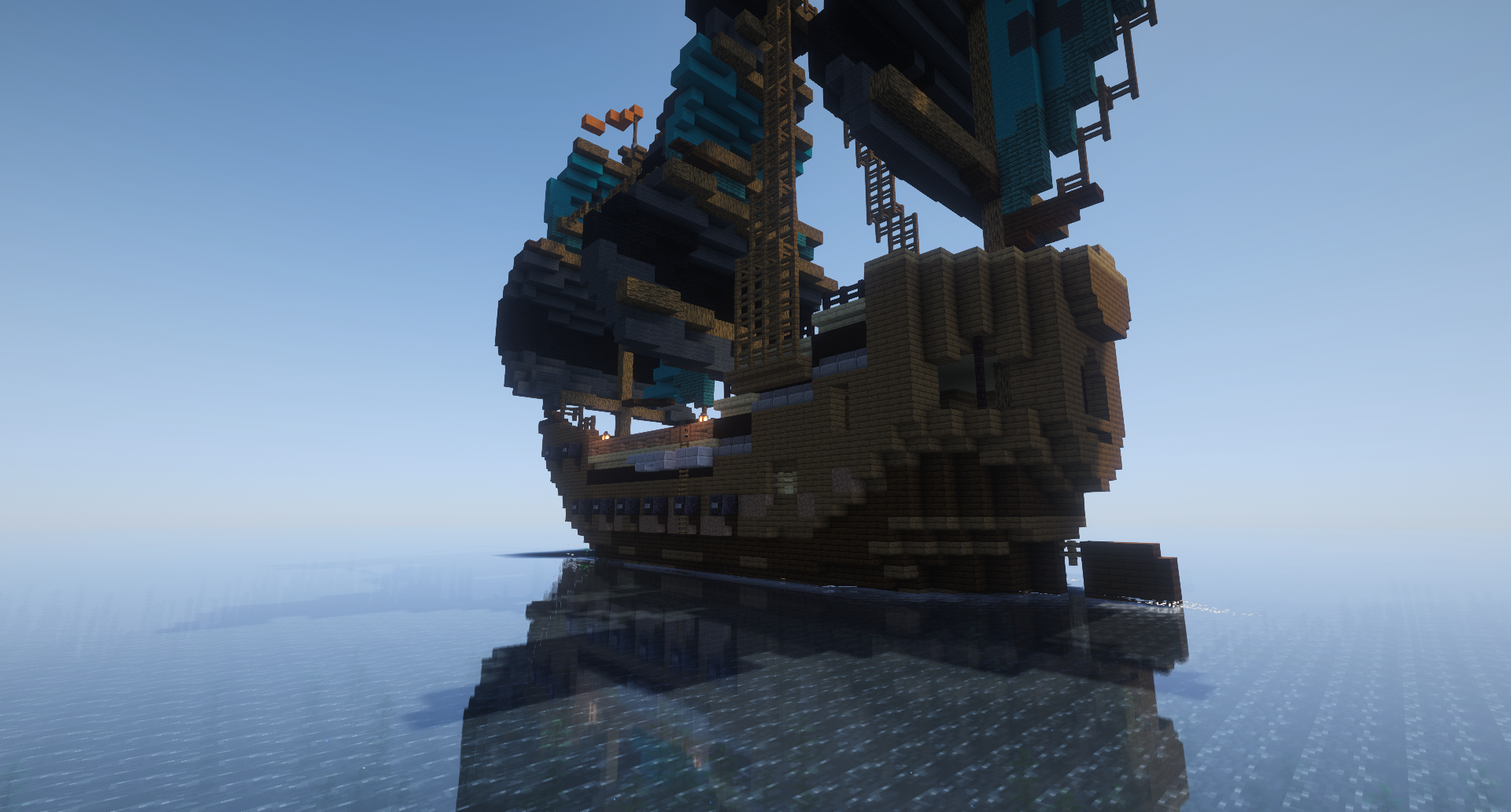
Gallery
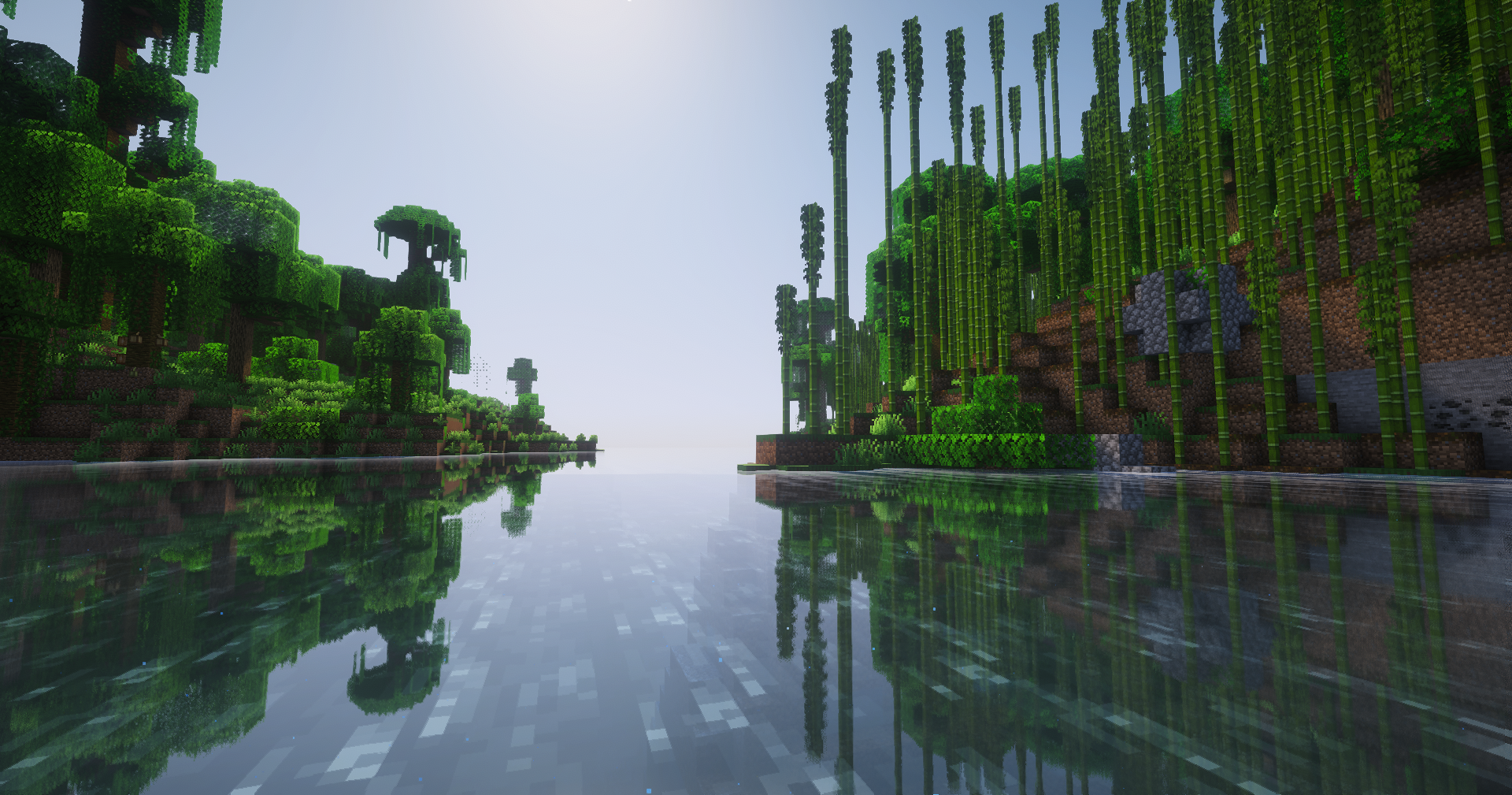
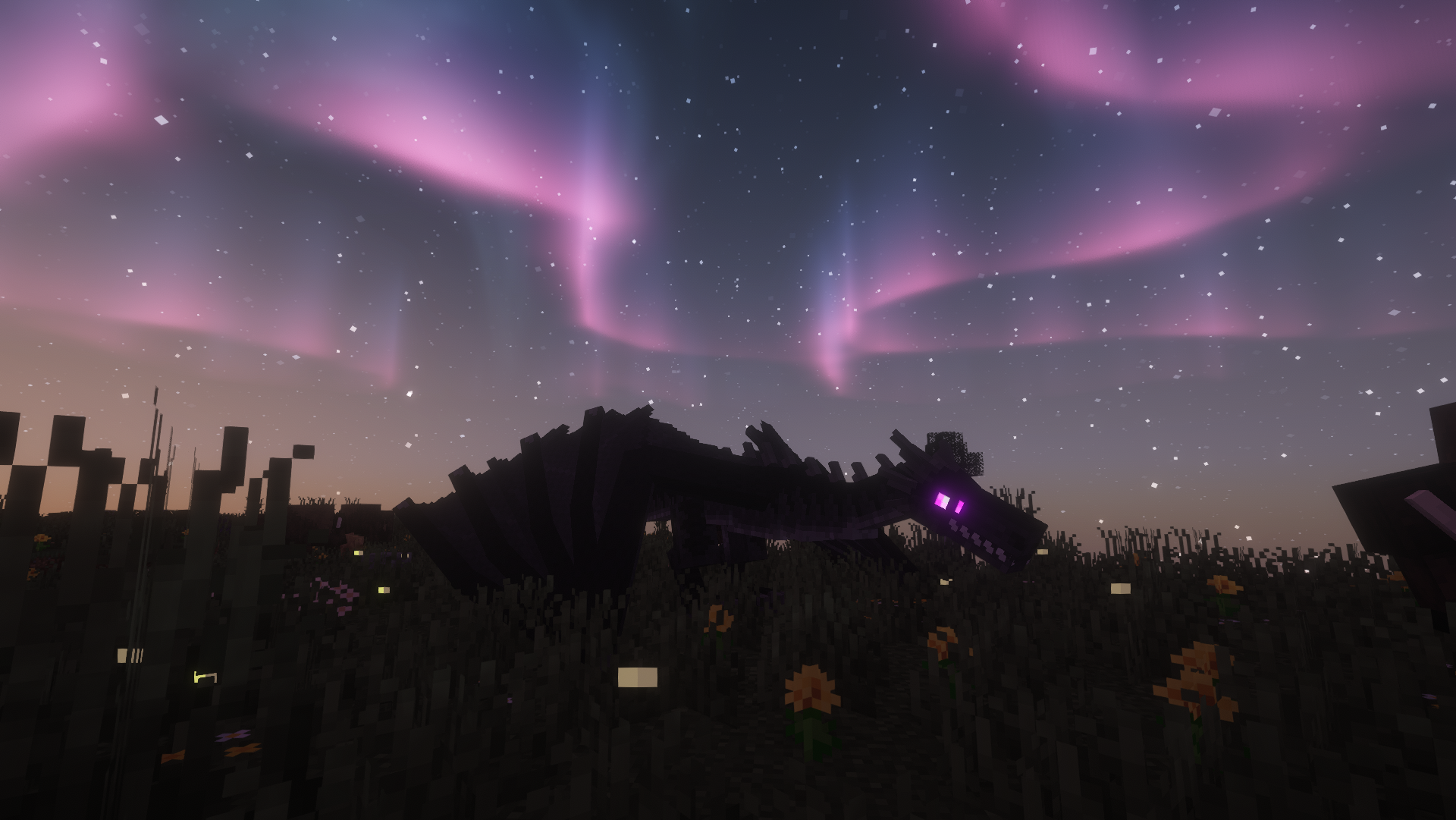
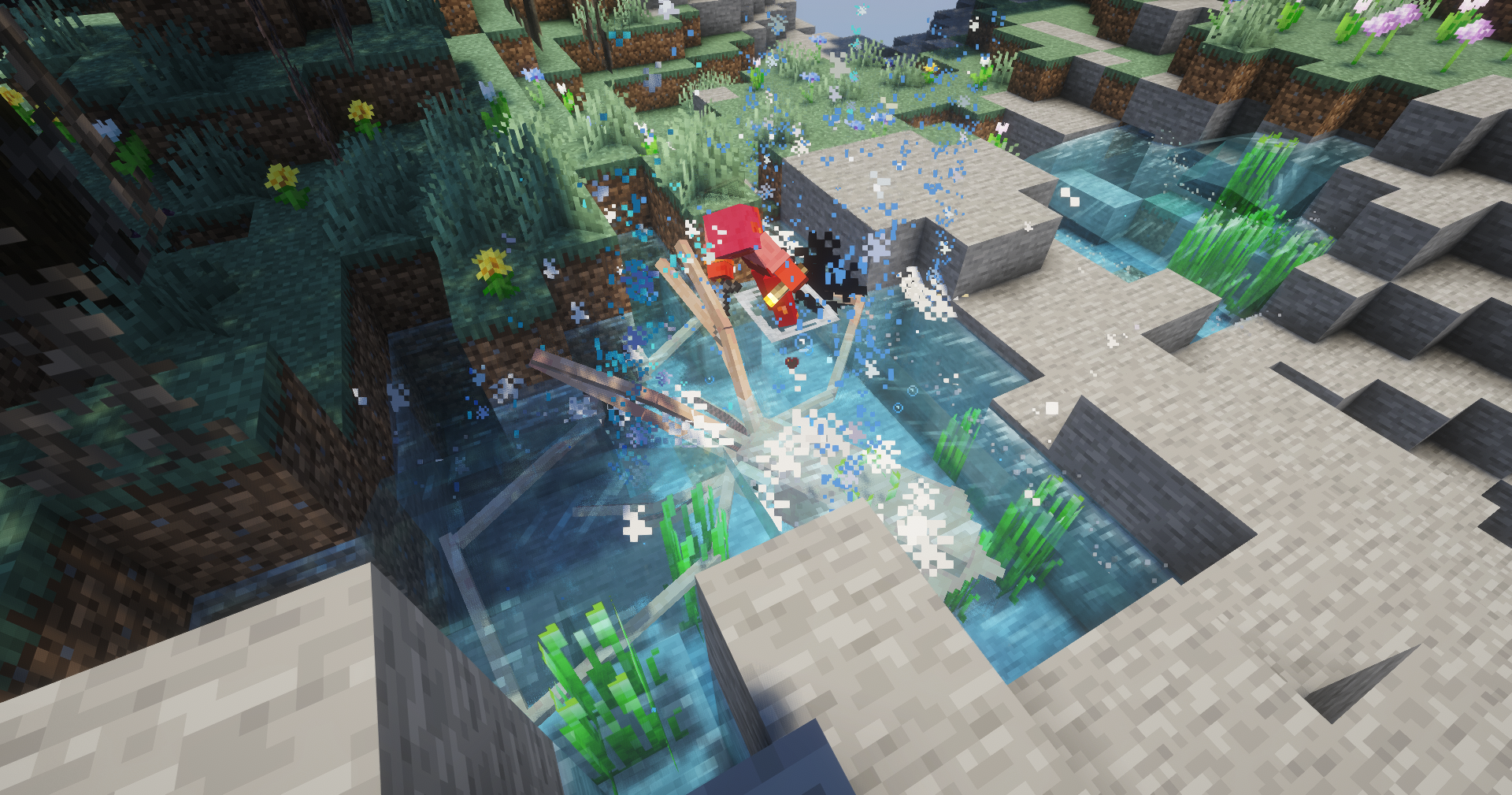
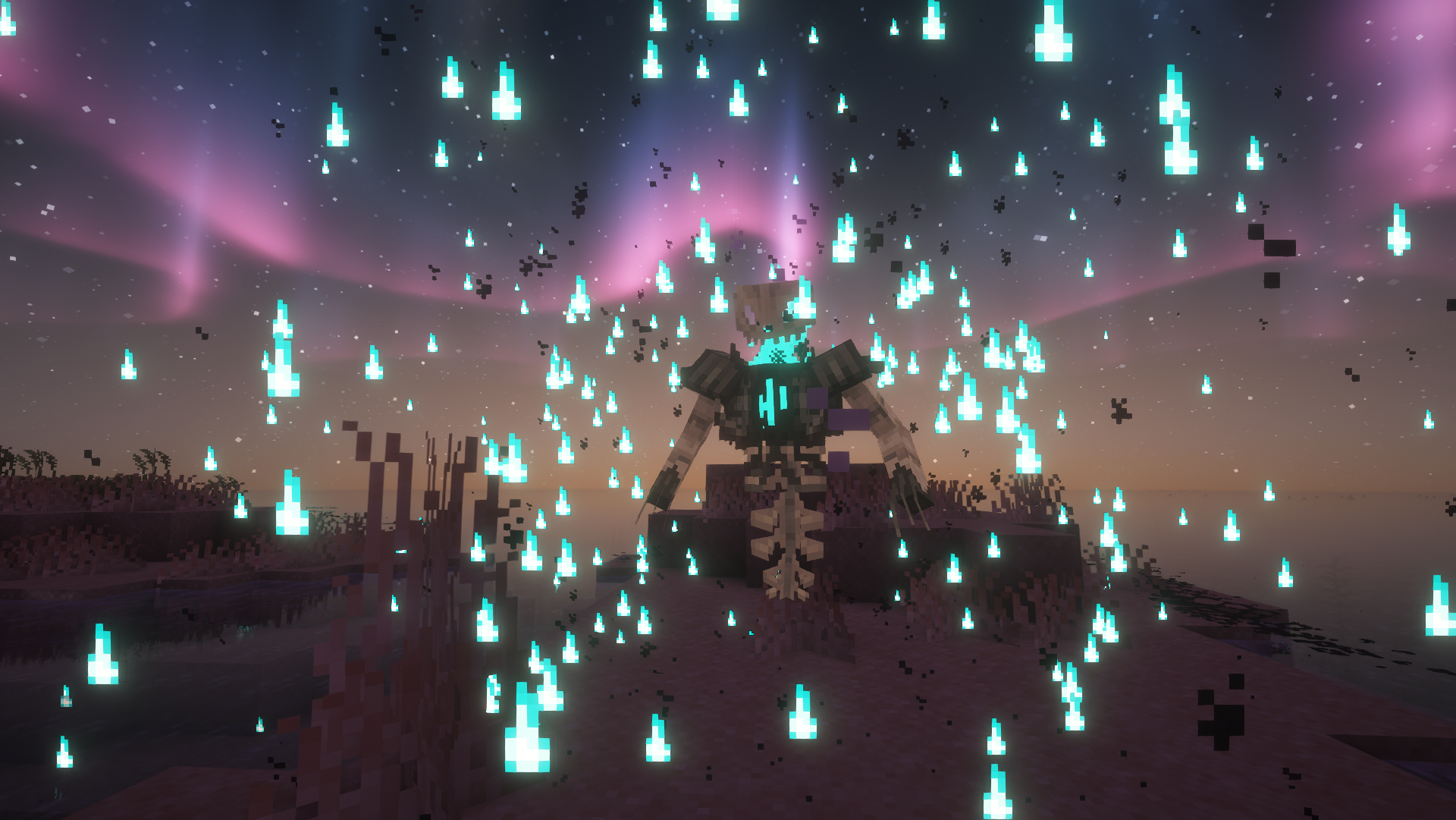
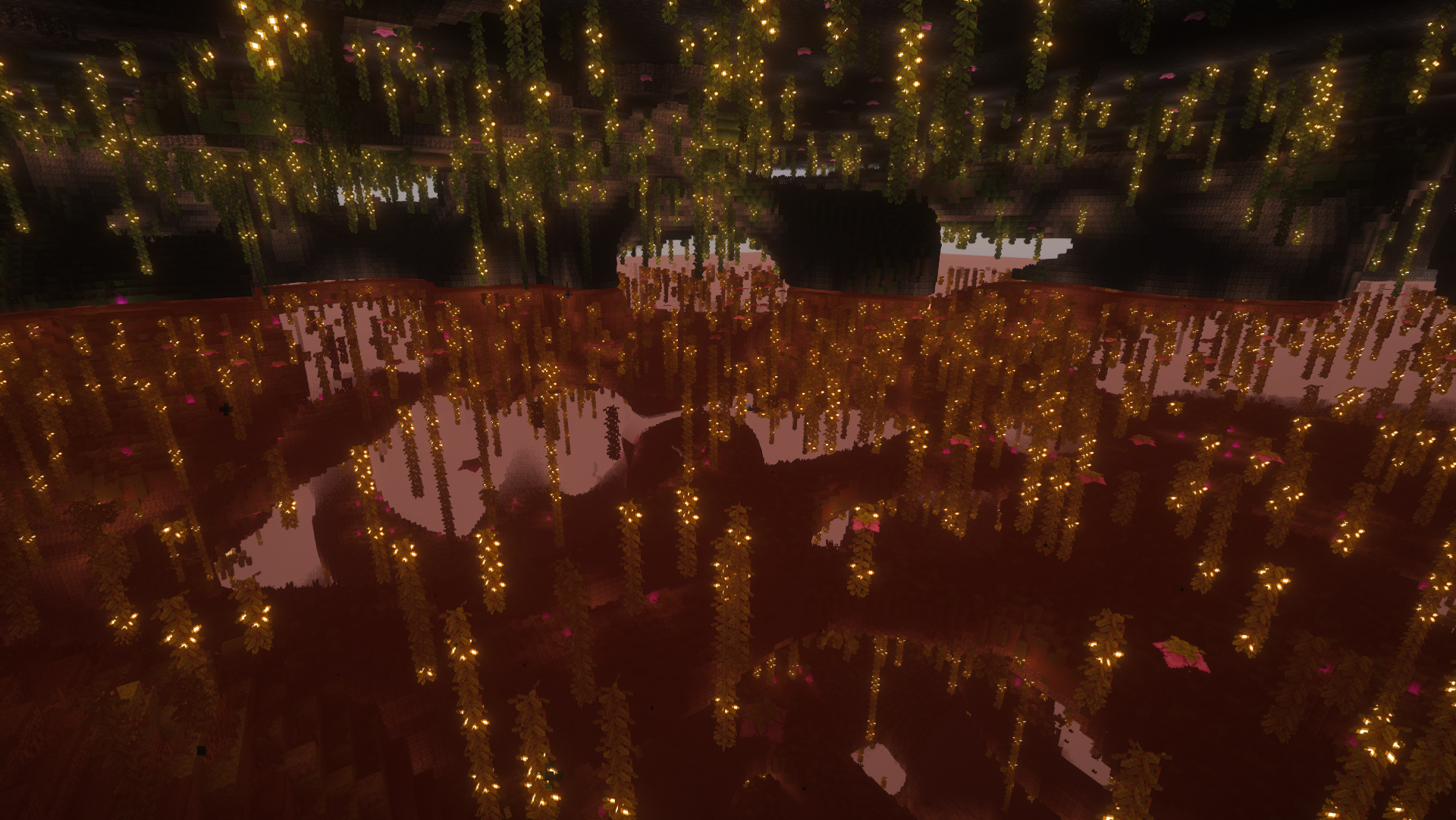
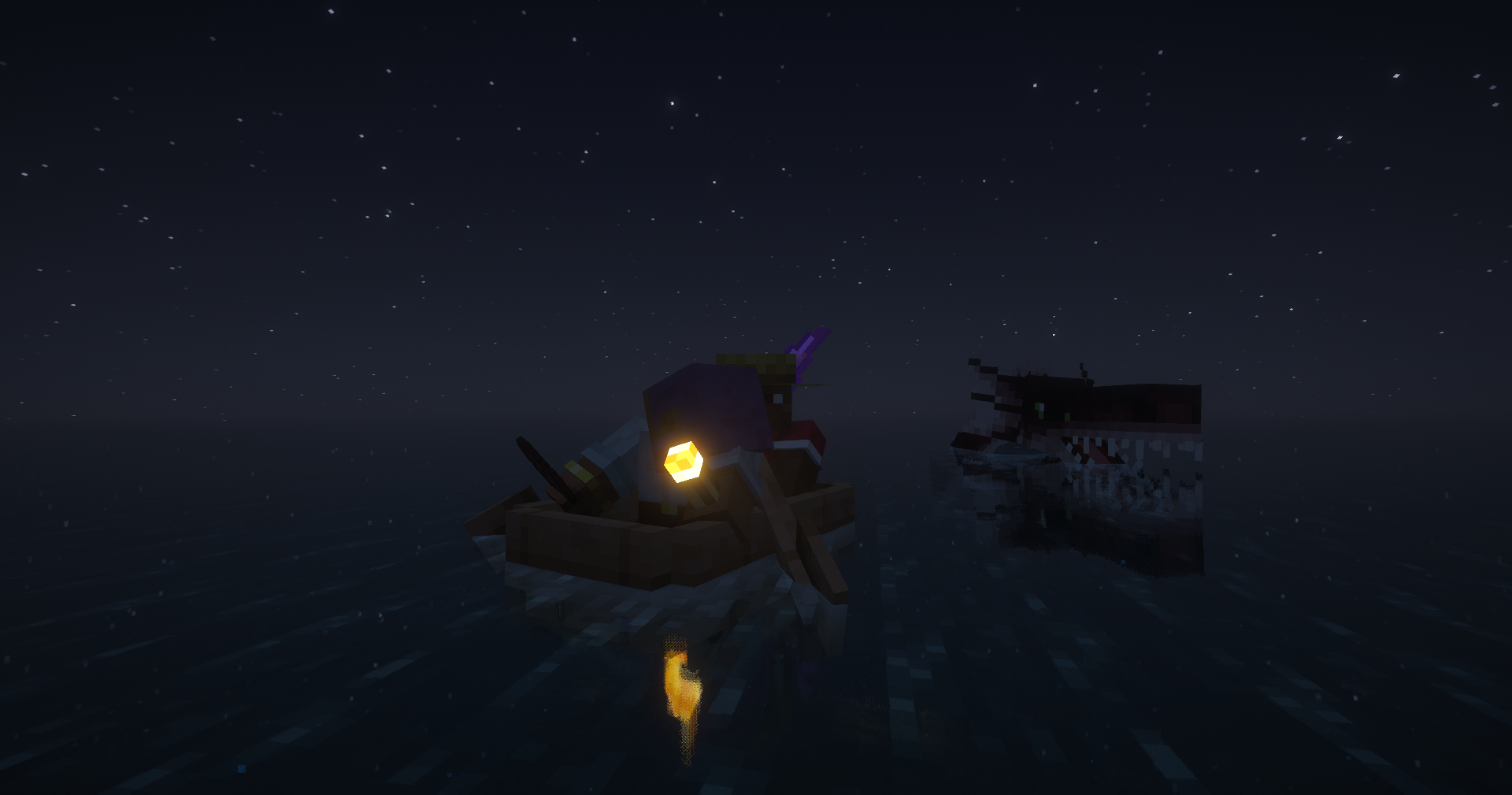
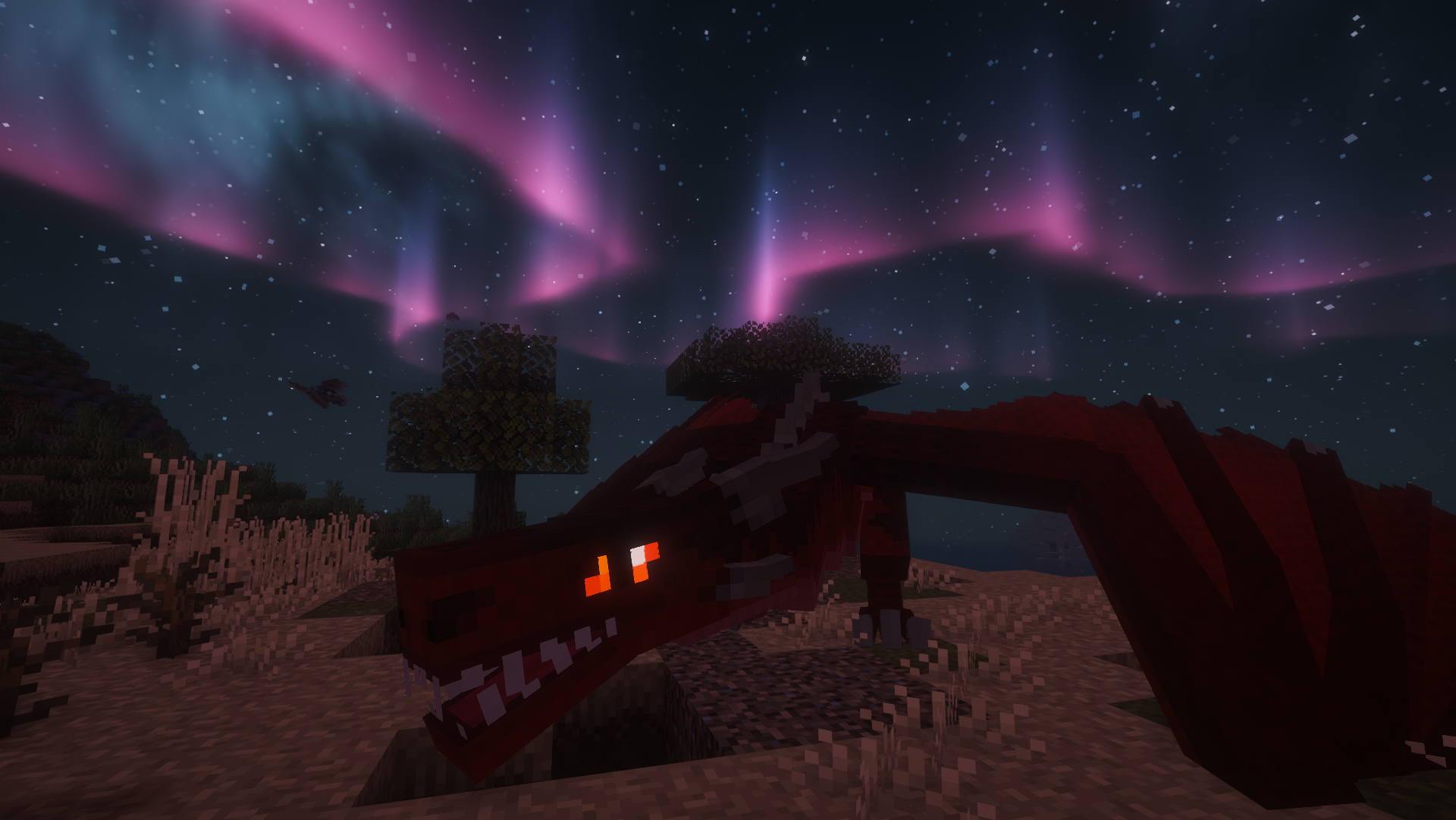
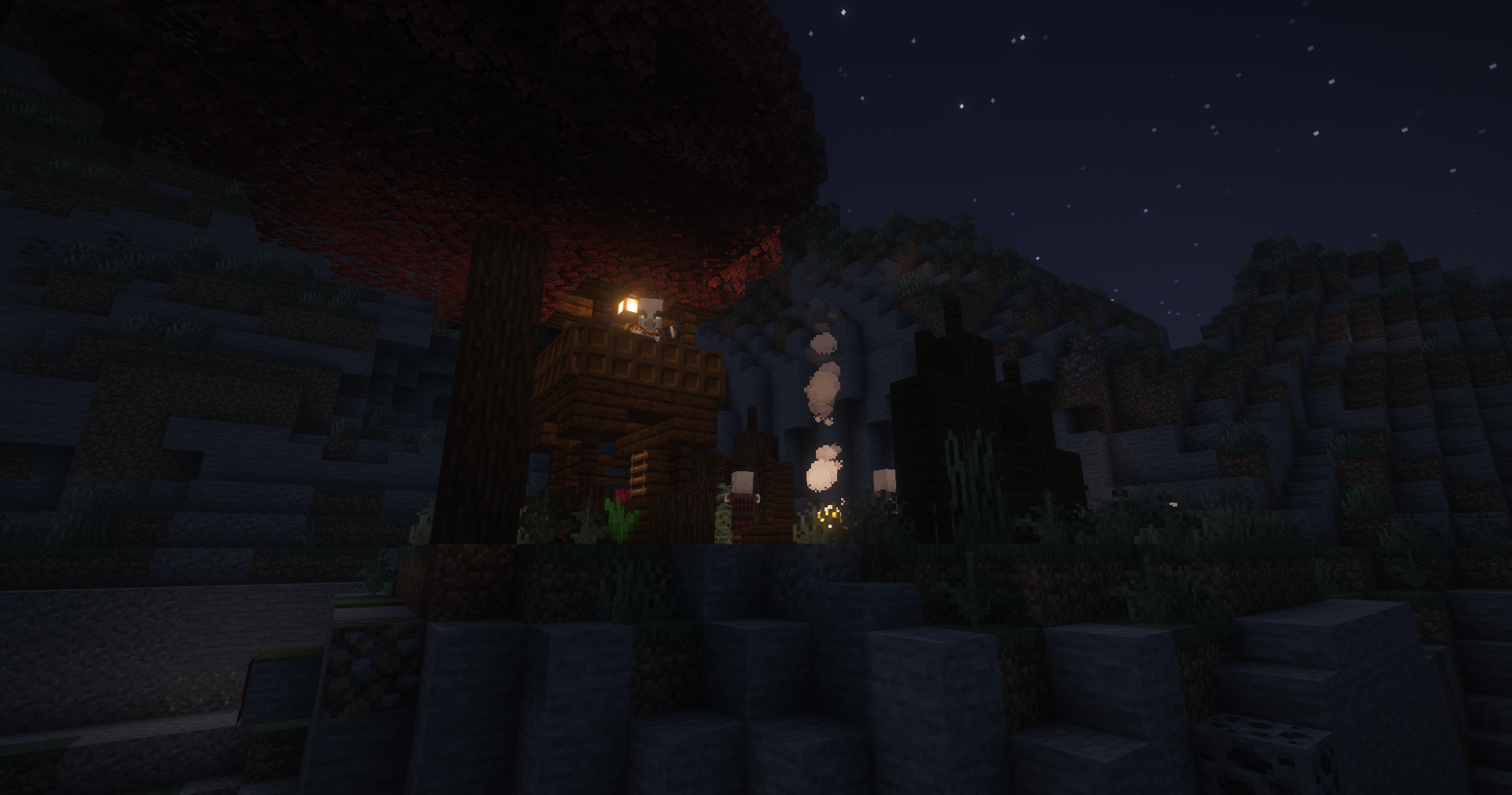
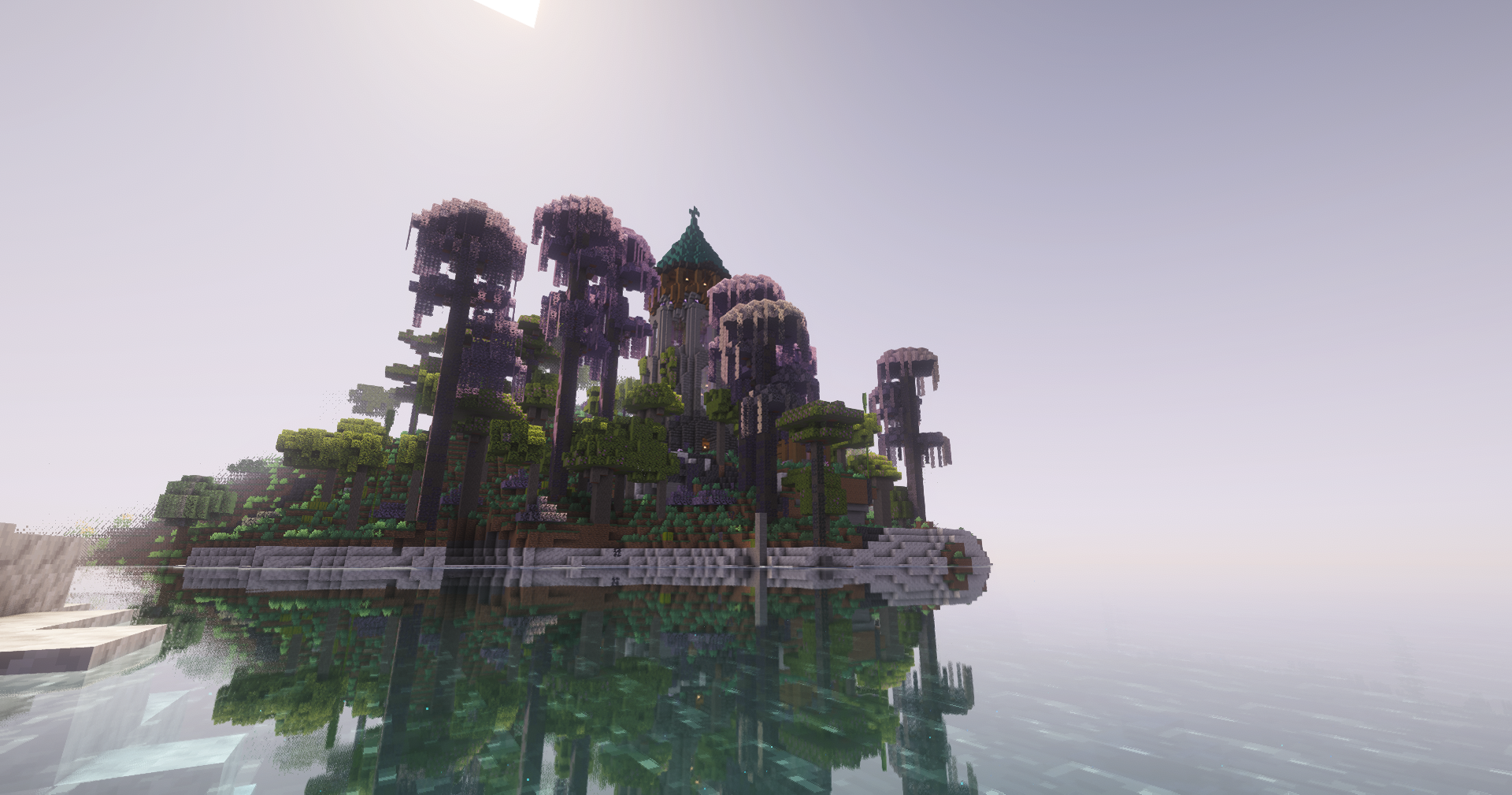
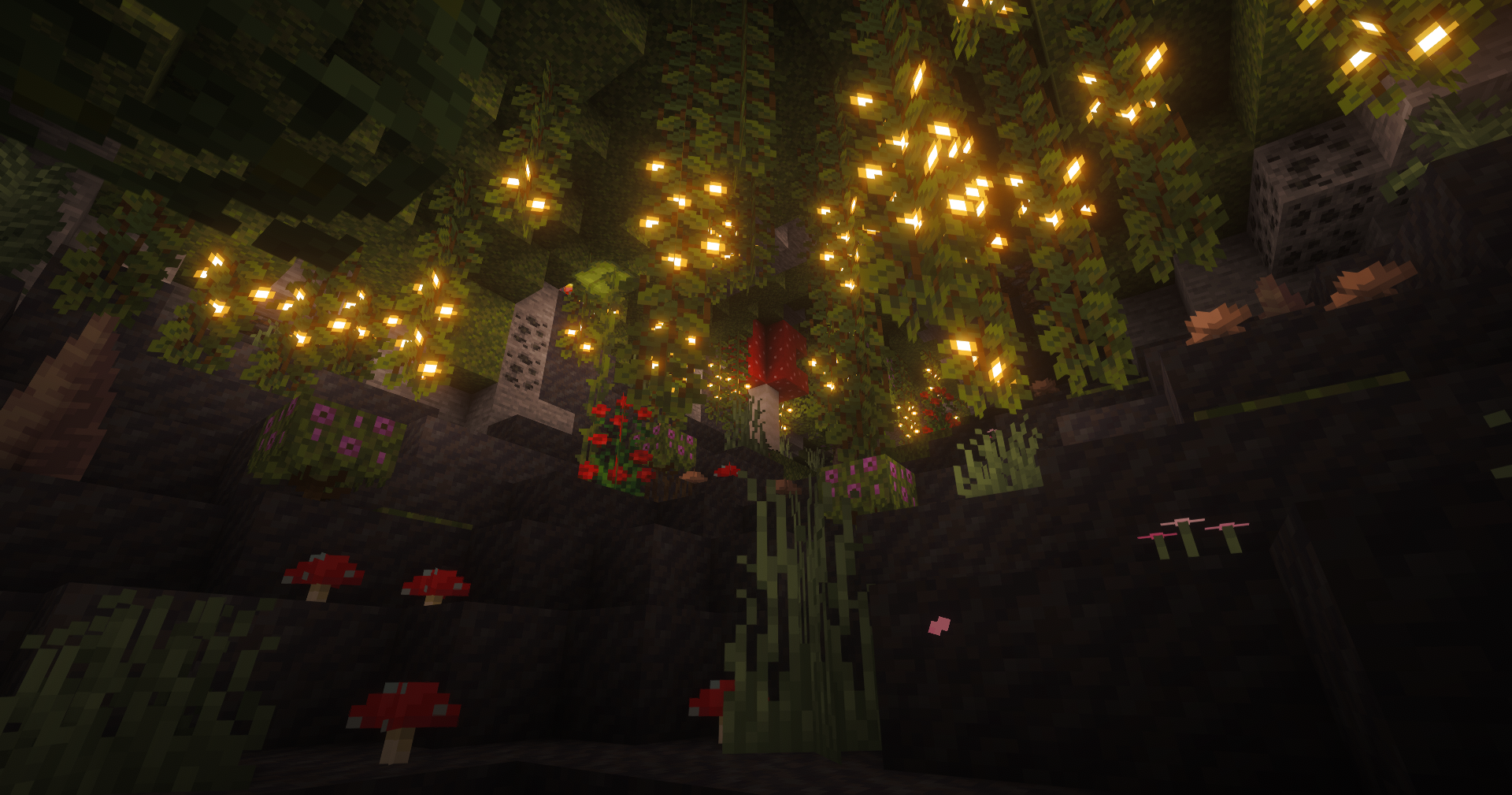

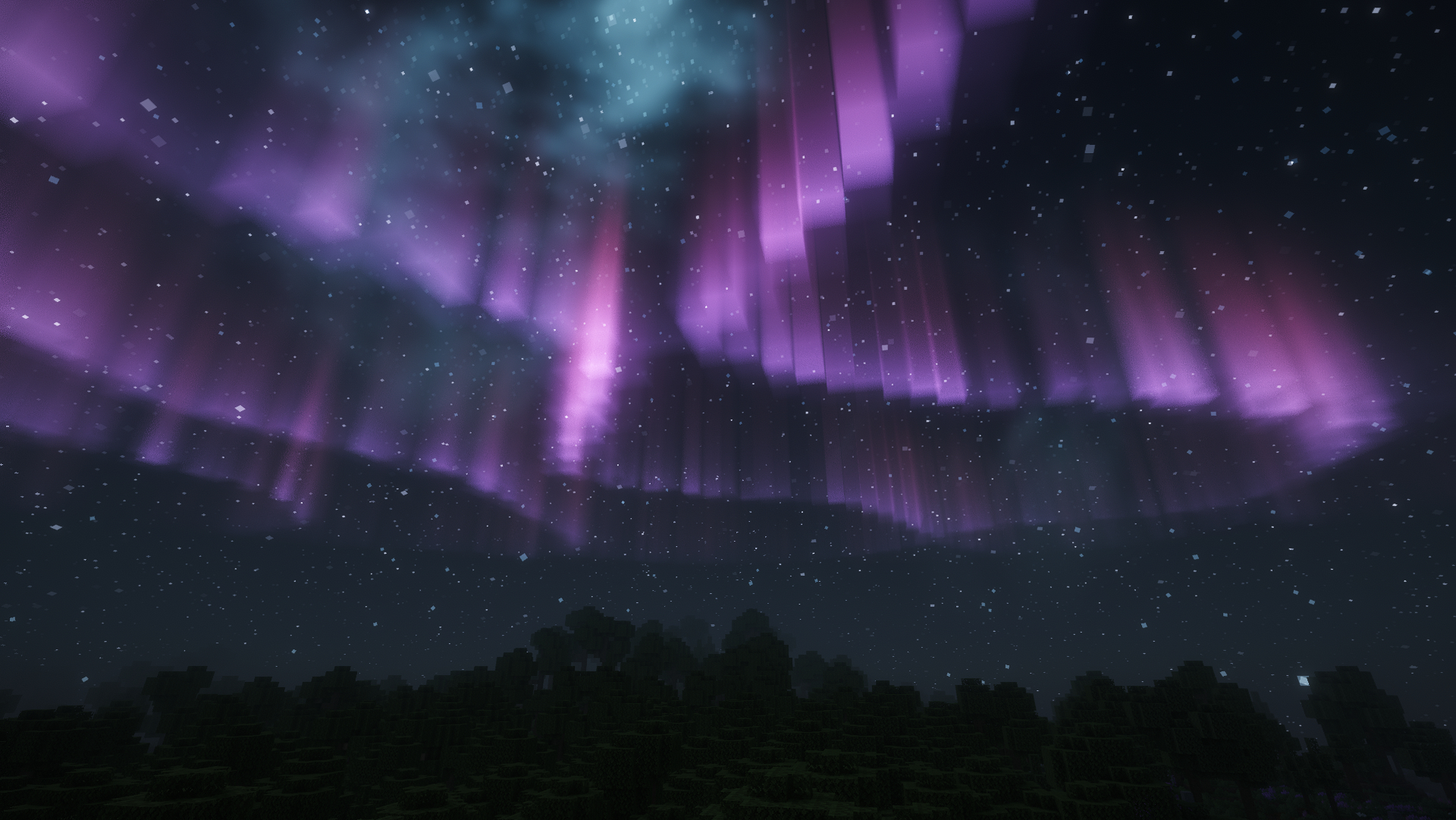
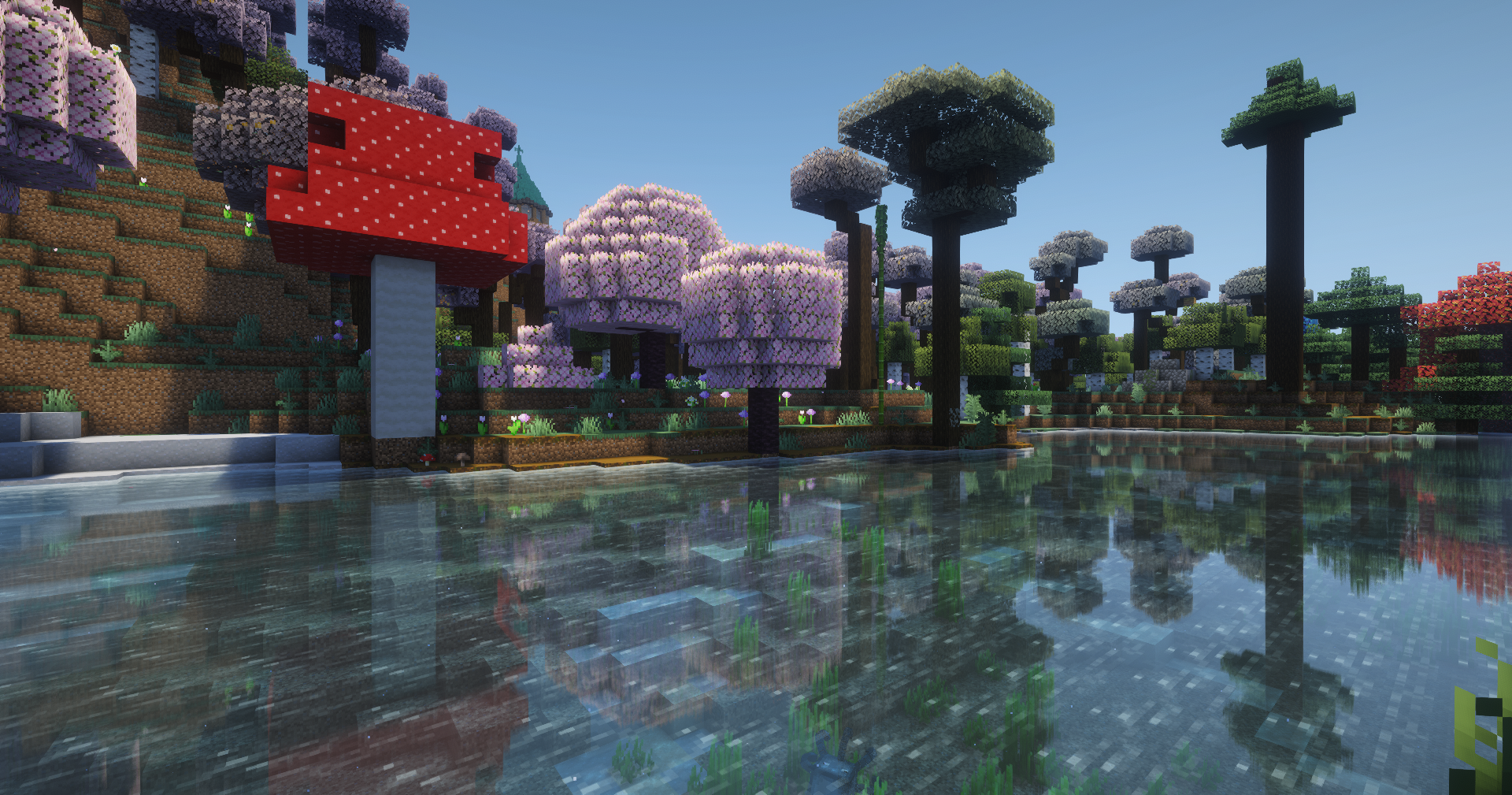
Versions
Files
Relations
Project Relations
More like this
Similar Modpacks
Suggestions use data such as tags, dependencies, dependents, descriptions, titles, and more to rank how much they overlap with this modpack.
On ModDex
Community snapshot
By the numbers
Statistics

Want to reach Minecraft players?
We're looking for a server hosting partner to feature here and other parts of the site. Interested? Send us a message!
Get in touchGet it on
Available Platforms
On ModDex
Community snapshot
By the numbers
Statistics
Resources