
Community listing page, reviews may not be monitored by the author.
Wolf's Mundane Pack

No reviews yet
200+ mods | No quest book!| Amazing to play with friends | Kitchen Sink | Figure-it-out-on-your-own

Community voices
Reviews
No reviews yet. Be the first to review this project!
Get it on
Available Platforms
About
Project Details
For authors
Embed Badge
If you're the author of this project, you can embed a live badge anywhere that supports HTML or Markdown. It updates automatically whenever ratings change.
Use HTML for any page that supports it, or Markdown for README files and Markdown-based descriptions.
Identifiers
Platform IDs
Resources
External Links
About
Description
Hello I'm Wolfyness and I made this modpack for my friends and trying to get the essence of CrazyCraft back and also not making it too crazy. Just grouped a bunch of mods together so there's always something to do! This is a figure-it-out-on-your-own type of modpack so no quest book and you can progress how ever you want. This pack includes a ton of underrated mods that you wouldn't find so it's going to be different from other packs. It's also a good first modpack that doesn't overwhelm you with different game mechanics and good for lower end PCs.
40,000+ items consisting of weapons, armor, construction/tech components, decorative blocks, loot, and blocks |10 optimization mods |15+ Modded Bosses.
Q&A:
Q: Game is lagging/long load times.
A: It's mainly Forge's and some mods spaghetti code. Lower game graphics, render distance, disable shaders (disabled on default), and close all apps. Don't be tabbed out/windowed out while loading your world/saving (It can actually crash your game). Your PC specs may be a part of it too. Removing some mods you don't care about can help (don't remove dependencies and always to back up the pack).
Q: The game crashed, how do I get the back up?
A: Open local file -> simplebackups -> find the most recent save -> extract the file to the saves folder
Q: Why doesn't this work/doesn't craft?
A: 1. Look at keybinds 2. Google the mod because some of these mods are complicated 3. If crafts are overlapping use polymorph button (the two arrows button in crafting table).
Q: Can I add/remove mods to it?
A: Of course! however stability is not guaranteed.
How to allocate RAM for smoother gameplay: Open Task Manager -> Open the performance tab -> Press the memory label; your RAM about is written at the top right (e.g. 16 GB).
Less than/equal to 8 GB: 5250 Mb or less.
More than 8 GB: 9000 Mb or more (32 GB: 17,000 mb).
I do not own the mods/resource packs used in this pack. All the mods/resource packs and their contents used in this pack belong to their respective owners.
Screenshots
Gallery
-
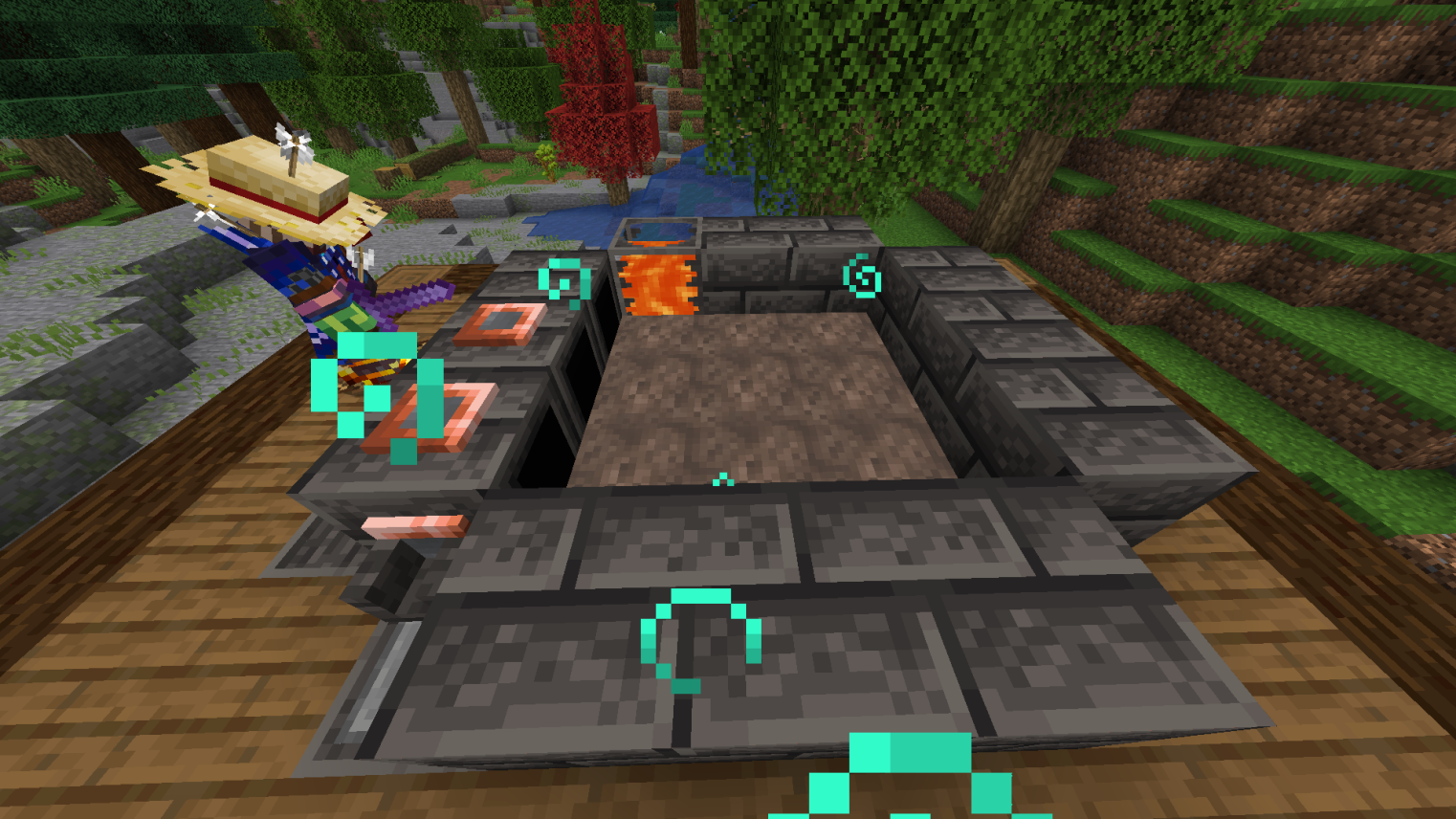 Making tinkerer's furnace
 -
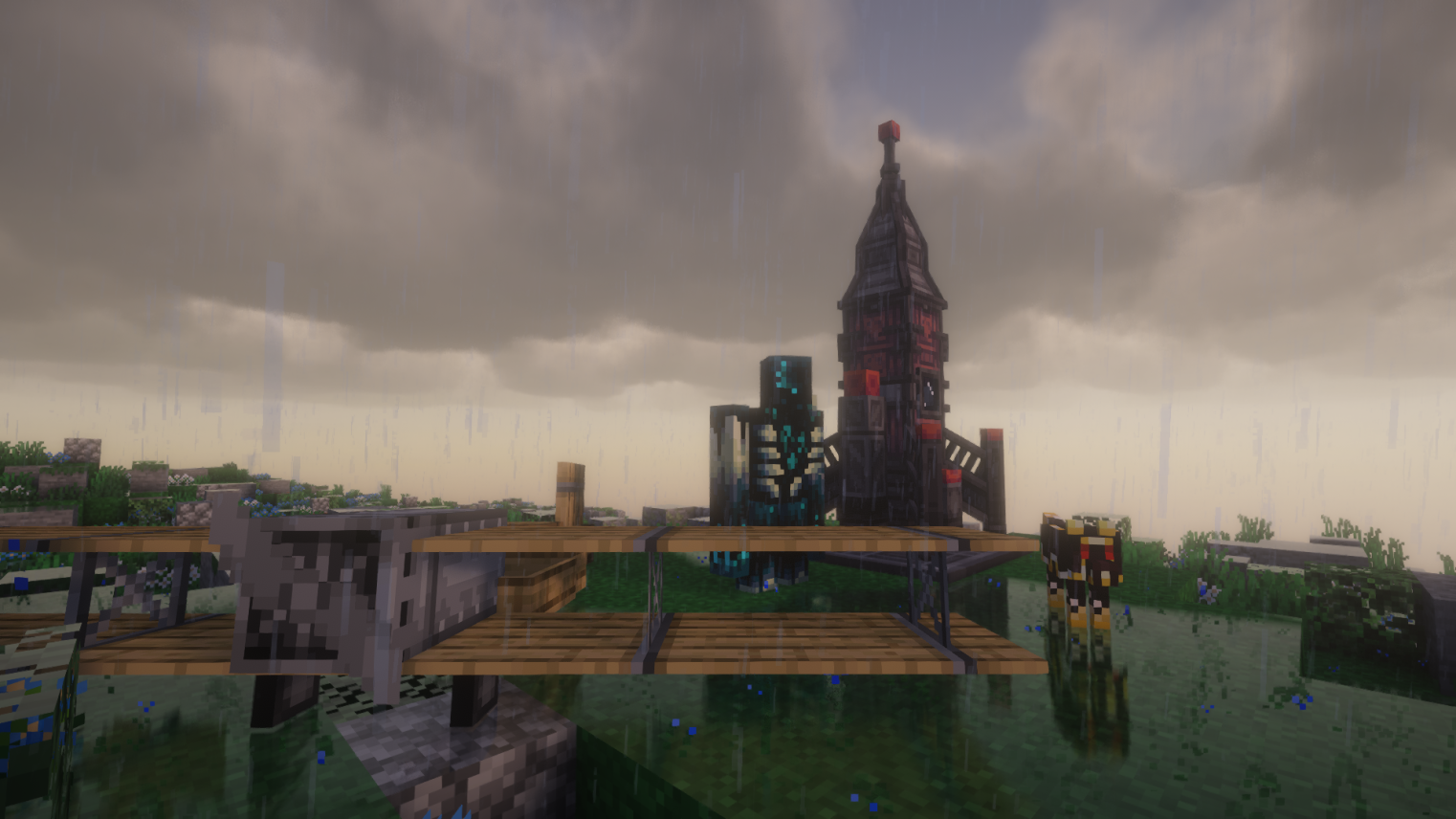 Some mods
 -
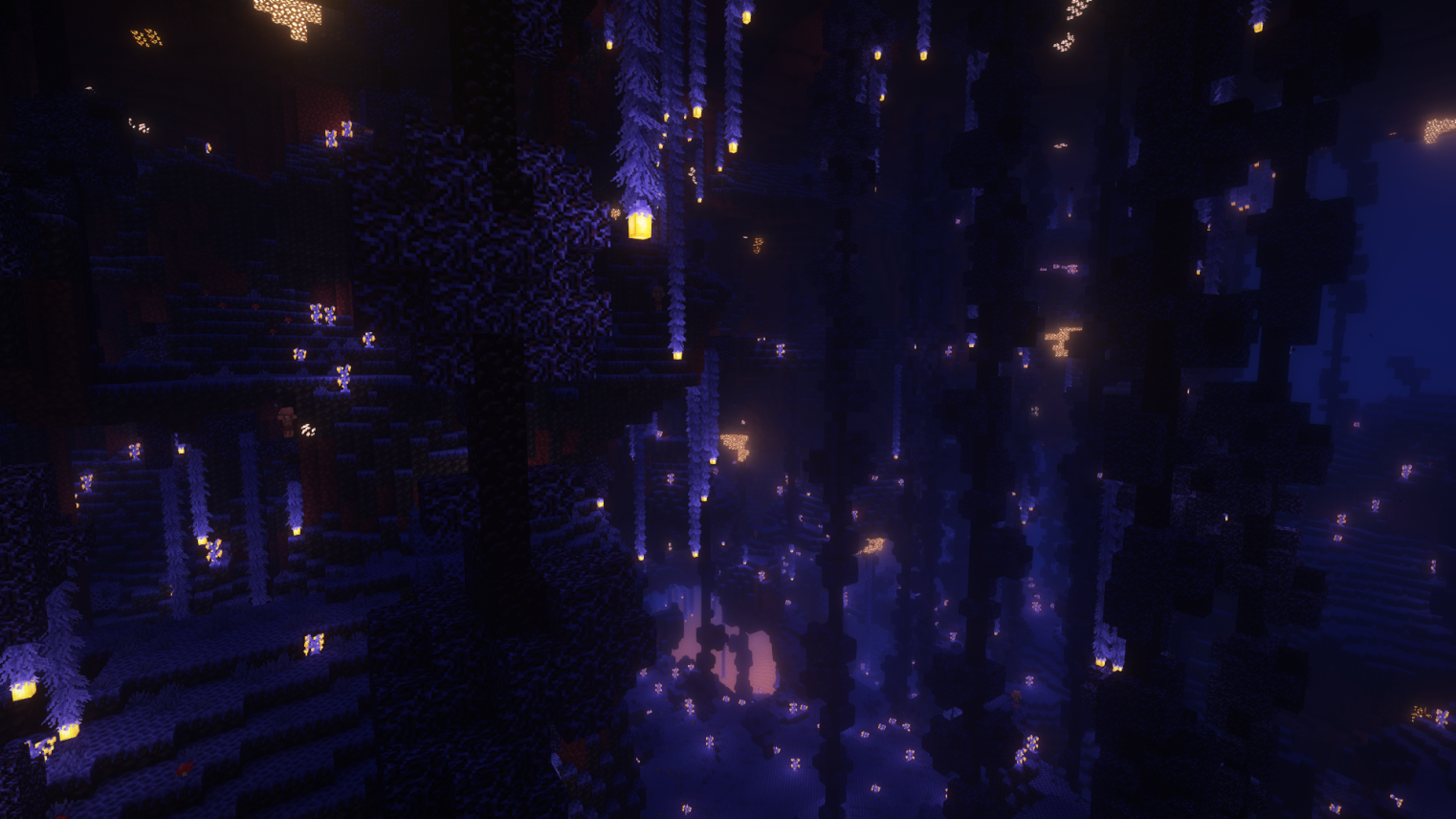 Nether Biome with shaders
Versions
Files
Relations
Project Relations
More like this
Similar Modpacks
Suggestions use data such as tags, dependencies, dependents, descriptions, titles, and more to rank how much they overlap with this modpack.
On ModDex
Community snapshot
By the numbers
Statistics

Get it on
Available Platforms
On ModDex
Community snapshot
By the numbers
Statistics
Resources