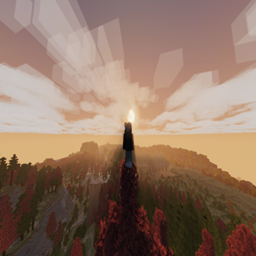
Community listing page, reviews may not be monitored by the author.
Improved Game

No reviews yet
The modpack is to improve gameplay of the vanilla (but gonna add adventures or much more in the future)

Community voices
Reviews
No reviews yet. Be the first to review this project!
Get it on
Available Platforms
About
Project Details
For authors
Embed Badge
If you're the author of this project, you can embed a live badge anywhere that supports HTML or Markdown. It updates automatically whenever ratings change.
Use HTML for any page that supports it, or Markdown for README files and Markdown-based descriptions.
Identifiers
Platform IDs
Resources
External Links
About
Description
ImproveVanilla Modpack
🟢Version:
Minecraft: 1.21.4
Neoforge: 21.4.149
🟢Description:
❗ Cautions: This modpack is heavy, like about ~100 mods, i recommend to play with 8GB ram or more (because my potato laptop is still handle this modpack but only in low setting)
Close to a vanilla modpack, this pack will improve your gameplay :D (but also added things like dungeon,….)
Because the modpack using 1.21.4 version so in the future I will add more mods when they release available version for this modpack >:3
You can see all controls in your settings (btw u can change all the settings mods like ur way)
Recommend : Use the shader and resourcepack files after u installed the modpack (i have changed a bit because it caused some textures error)
The modpack is created for chill and build play and adventures too (but the adventures is not much bc the 1.21.4 version is still new for much mods, it also happen for chill too)
🟢Guide:
So how to install the modpack:D?
Step 1: You need to download the CurseForge app and Modpack file
Step 2: Install the CurseForge app, after that, choose the minecraft game and there will have the Import option
Step 3: Just select the Import option and choose the modpack file u have downloaded, then it will start download all the files need
Step 4: If u play cracked, u will need to open the modpack folder in curseforge, then copy 4 folder (config, mods, resourcepacks, shaderpacks) to your .minecraft folder of your launcher (remember to move all 4 old folder of your game to another)
Step 5: After that, download the Neoforge Loader and install then reload and choose neoforge version
Then enjoy:D
Screenshots
Gallery
-
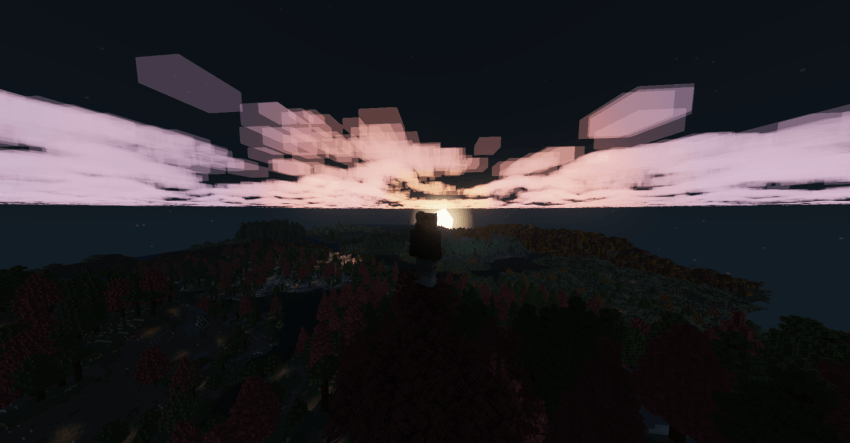 night cool view
 -
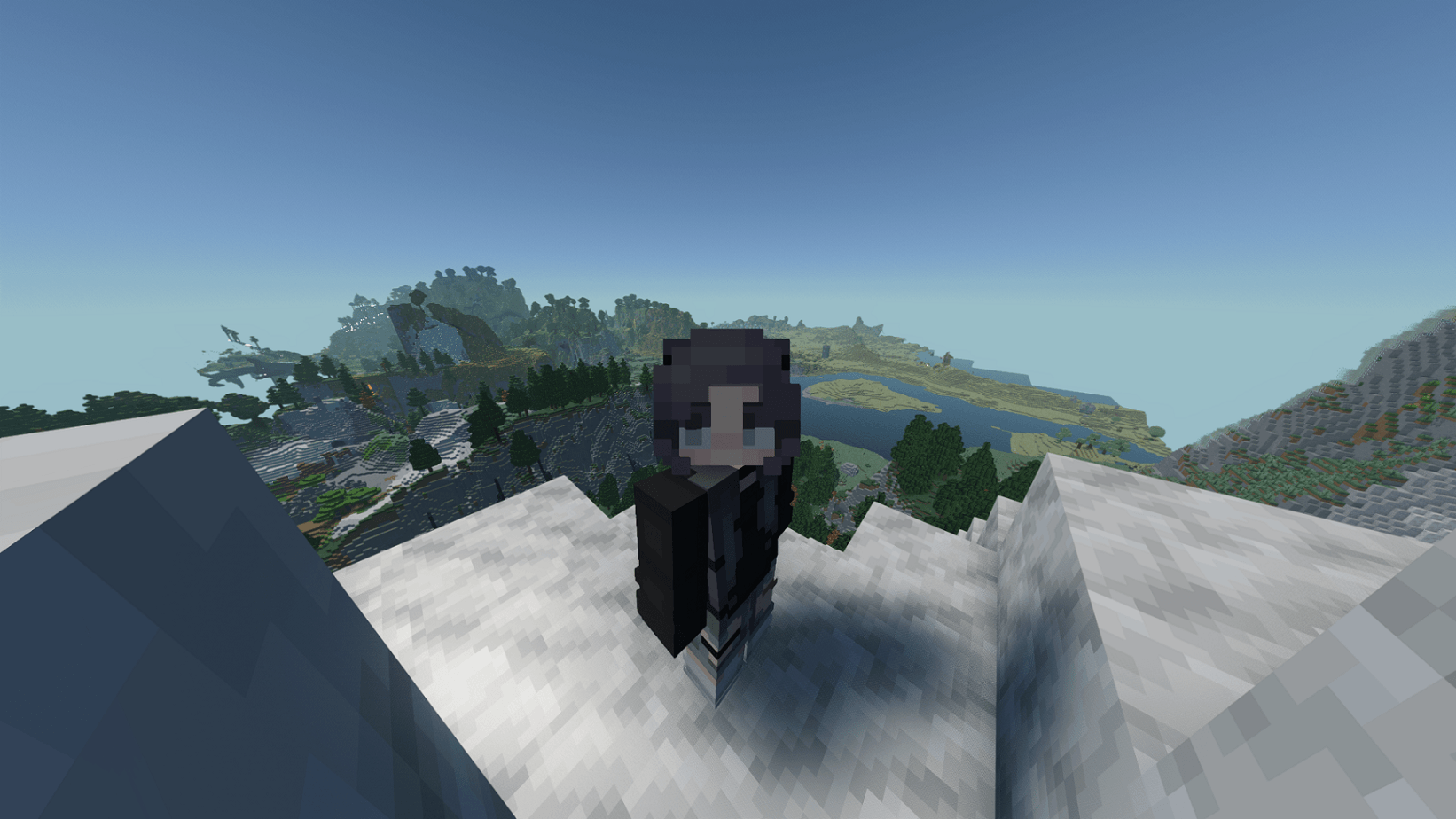 eyes can edit the animate eyes
 -
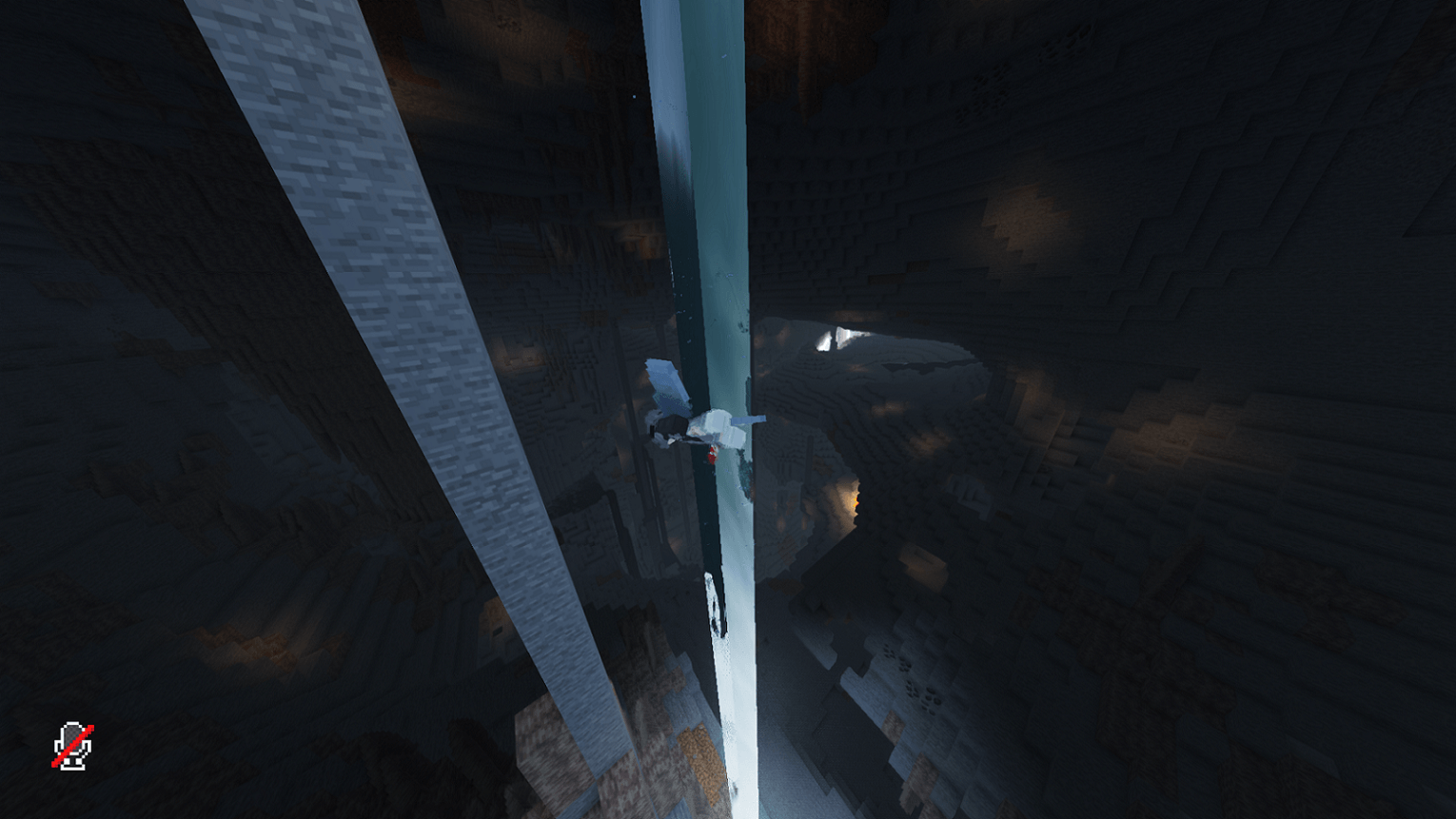 Cave generation better cave
 -
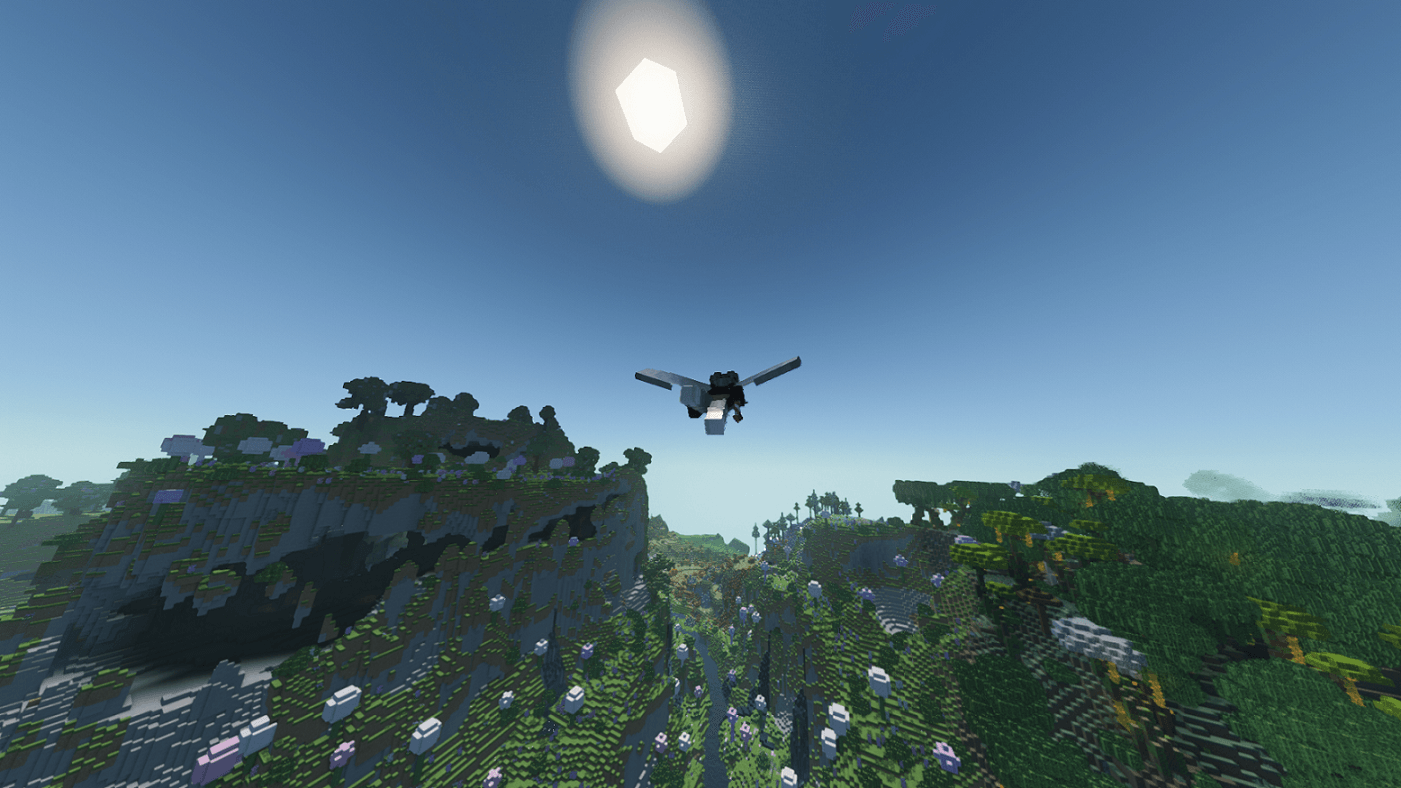 far way beautiful right:D (laggy too)
 -
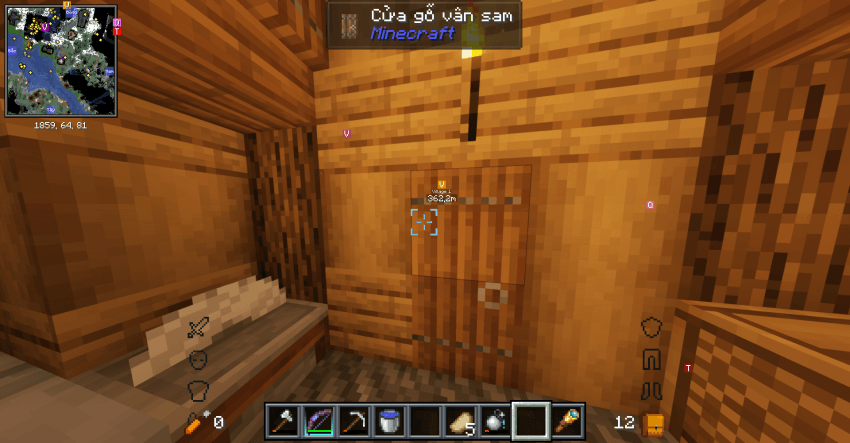 testplay testing
Versions
Files
Relations
Project Relations
More like this
Similar Modpacks
Suggestions use data such as tags, dependencies, dependents, descriptions, titles, and more to rank how much they overlap with this modpack.
On ModDex
Community snapshot
By the numbers
Statistics

Get it on
Available Platforms
On ModDex
Community snapshot
By the numbers
Statistics
Resources