
Jagrav Vanilla
No reviews yet
Optimizes the Game, gives a QOL Experience while giving good Visuals.
Fabric is a mod loader for versions 1.14+ of Minecraft, particularly popular for client side and optimization mods.
Community voices
Reviews
Click once to include, again to exclude, again to clear
No reviews yet. Be the first to review this project!
Get it on
Available Platforms
 Modrinth
Compatibility
Supported Environments
About
Project Details
For authors
Embed Badge
If you're the author of this project, you can embed a live badge anywhere that supports HTML or Markdown. It updates automatically whenever ratings change.
Use HTML for any page that supports it, or Markdown for README files and Markdown-based descriptions.
Identifiers
Platform IDs
Resources
External Links
About
Description

What is Jagrav Vanilla
Jagrav Vanilla is a Vanilla+ modpack which offers a QOL while Offering a FPS boost. Jagrav Vanilla tries to Drastically improve Minecraft Vanilla's experience.
Key Features
- Improve FPS
- Give a better QOL experience
- Add Visual features which improve your Experience
How to Download?
- Firstly download the version of this modpack you want, for example 26.1.2
- After downloading go to this website https://fabulously-optimized.github.io/mrpack-to-zip/
- Scroll all the way down and you will see a box like this Click on This!
- Click on that and select the .mrpack of the downloaded modpack and upload that there.
- Wait a bit and when it is done, simply download it.
- After downloading open file explorer and go to downloads section.
- Right click on the .zip file and click extratct here.
- Roughly three folders will appear mods, resourcepacks & shaderpacks.
- Locate your .minecraft folder and open mods folder there and put all of the mods which you extracted from the modpack do the same for resourcepacks and shaderpacks, if there is config and option.txt too then it is completely your own wish if you want to use them, to use them drag both of them into .minecraft folder and click Replace the files in Destination.
- Hope you understand all the steps. Have Fun!
Contents
- Mods
EMF
ETF
3d Skin Layers
Ambient Sounds
Appleskin
Better Advancements
Bobby
Cloth Config
C2me
Continuity
Creative Core
Cut Through
Dynamic FPS
Entity Culling
Fabric API
Fabric Language Kotlin
FerriteCore
Forge Config API Port
Fzzy Config
Immediatley Fast
Iris Shaders
LambDynamicLights
Lithium
Mod Menu
More Culling
Mouse Tweaks
No Chat Reports
No Chat Restrictions
Not Enough Animations
Particle Core
Particle Rain
Puzzels Lib
Reese's Sodium Options
Simple Voice Chat
Sodium
Sodium Extra
Sodium Shadowy Path Blocks
Text Placeholder API
Very Many Players
Xaero's Minimap
Xaero's Worldmap
YetAnotherConfigLib (YACL)
Zoomify (Zoom)
- Resourcepacks
Chat Reporting Helper
Default Dark Mode
Fast Better Grass
Fresh Animations
Fresh Animations Extension
Fresh Animations: Player Extension
Jones
Low Shield
Motschen's Better Leaves
New Glowing Ores
Jagrav's No Pumpkin Blur
Jagrav's Low Fire
- Shaders
Complementary Shaders - Reimagined
MakeUp - Ultra Fast
Mellow
Photon Shaders
Contact: [email protected]
Screenshots
Gallery
-
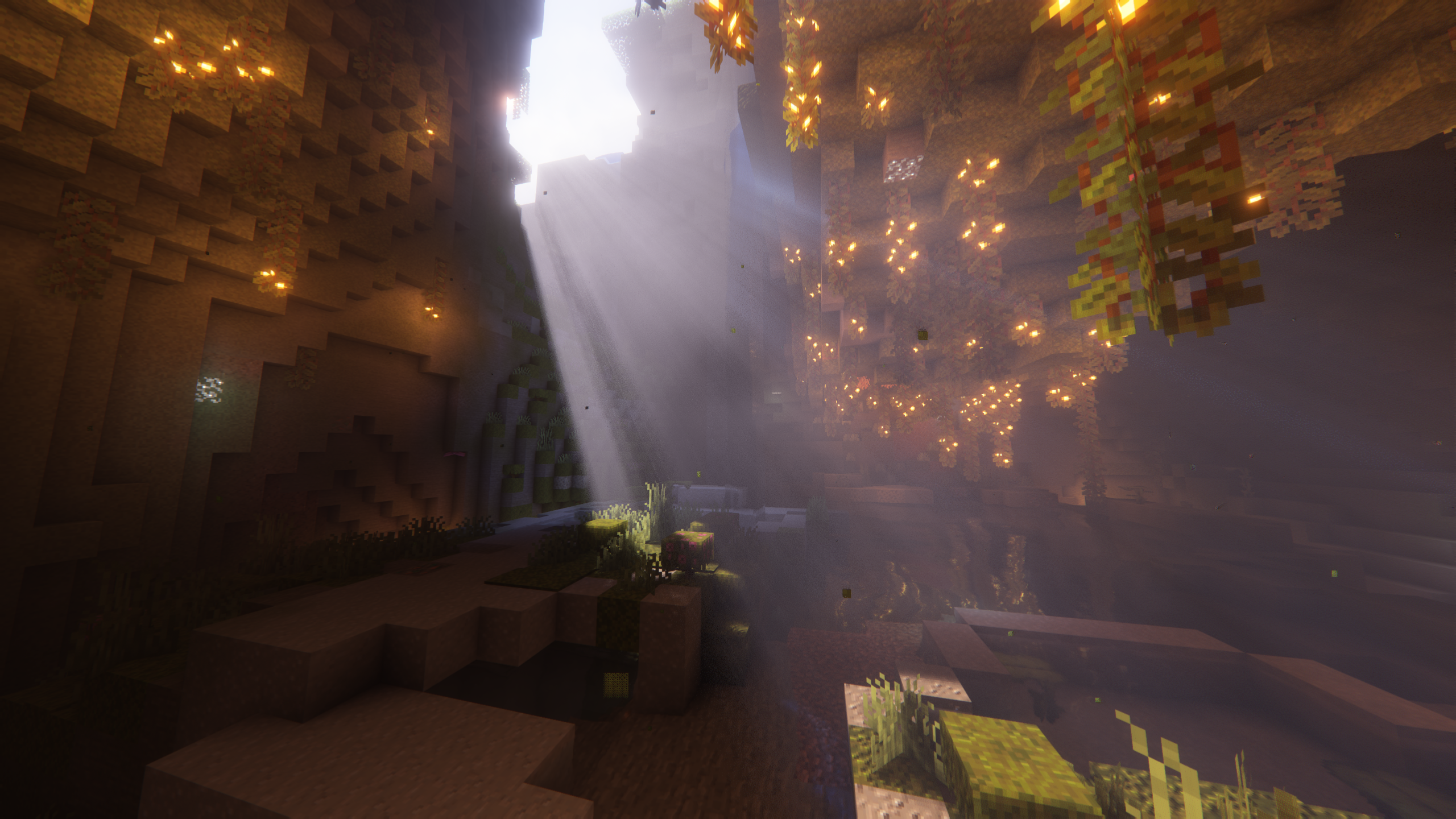 Complementary Shaders - Reimagined Credits: EminGT
 -
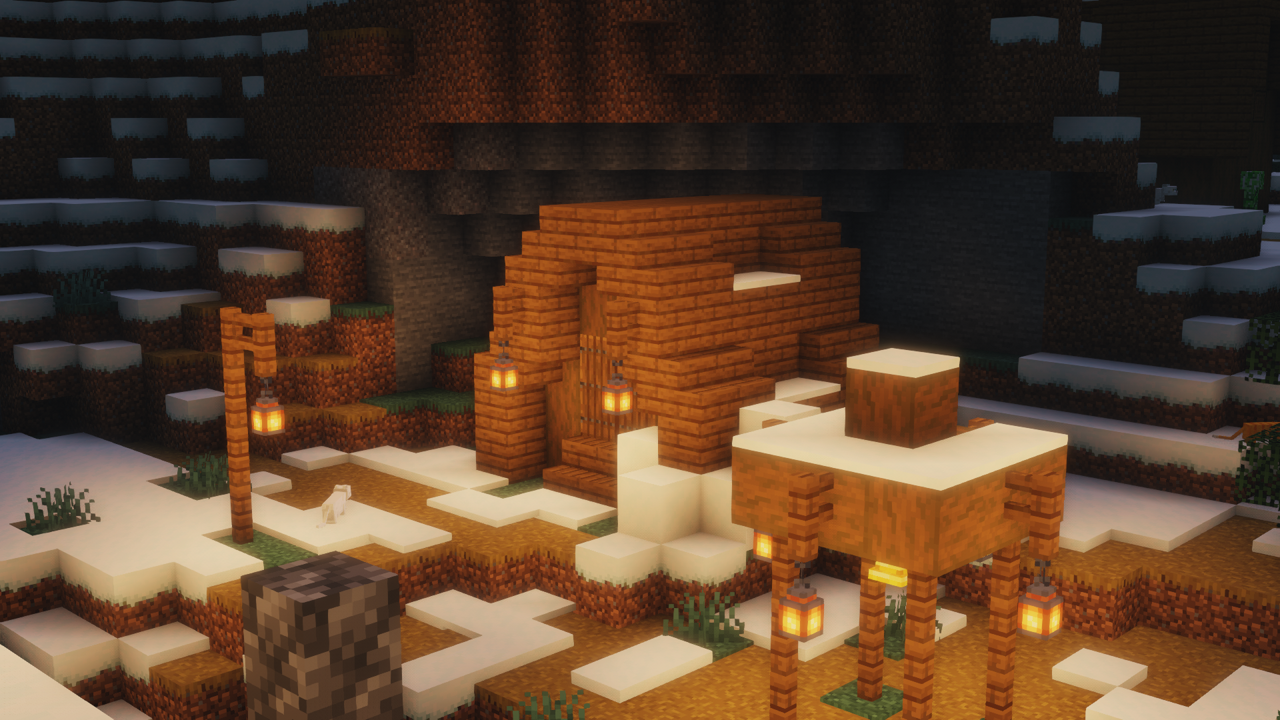 Mellow Credits: TheCMK
 -
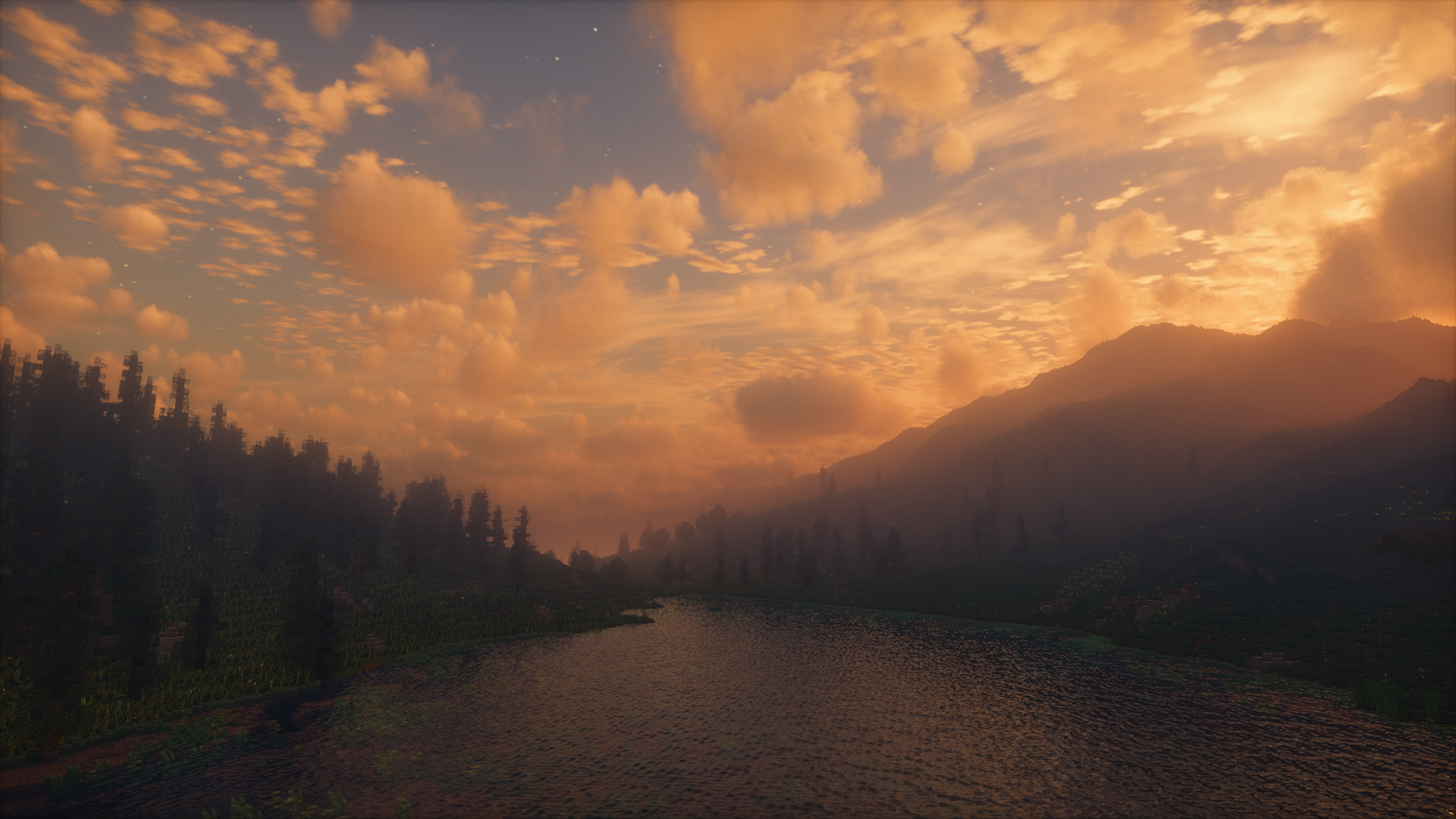 Photon Shaders Credits: sixthsurge
 -
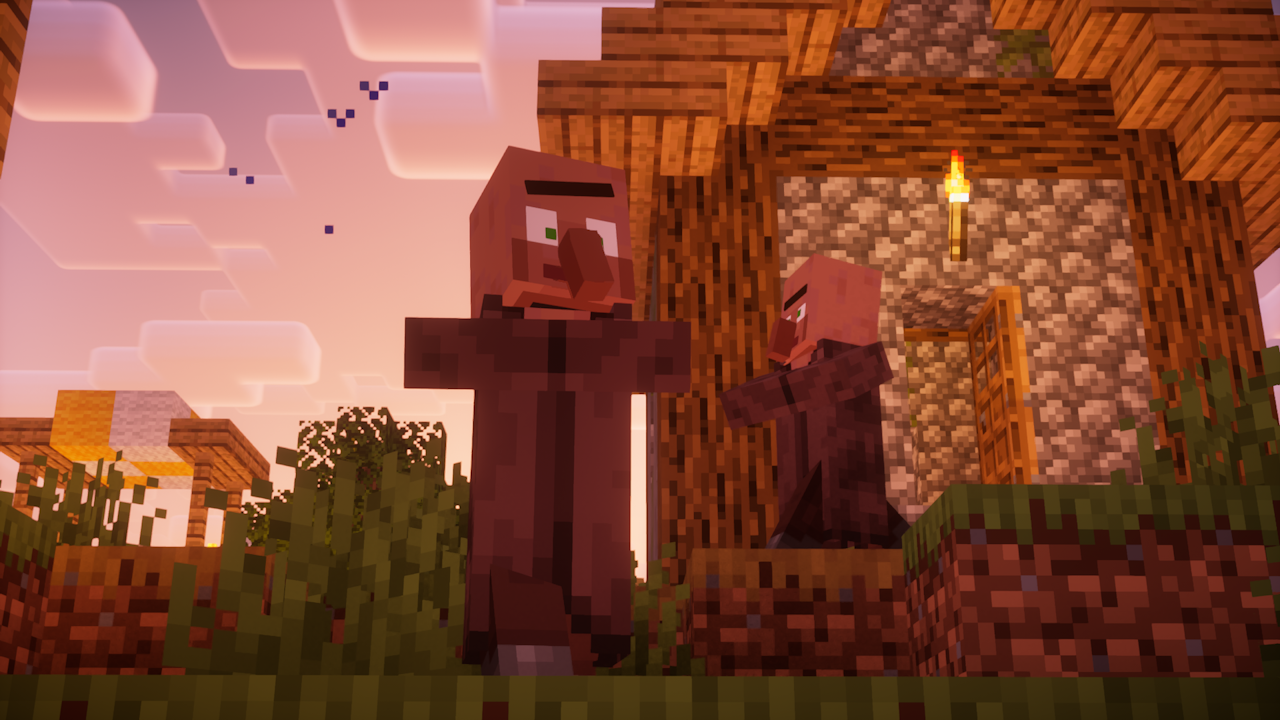 Fresh Animations Credits: FreshLX
 -
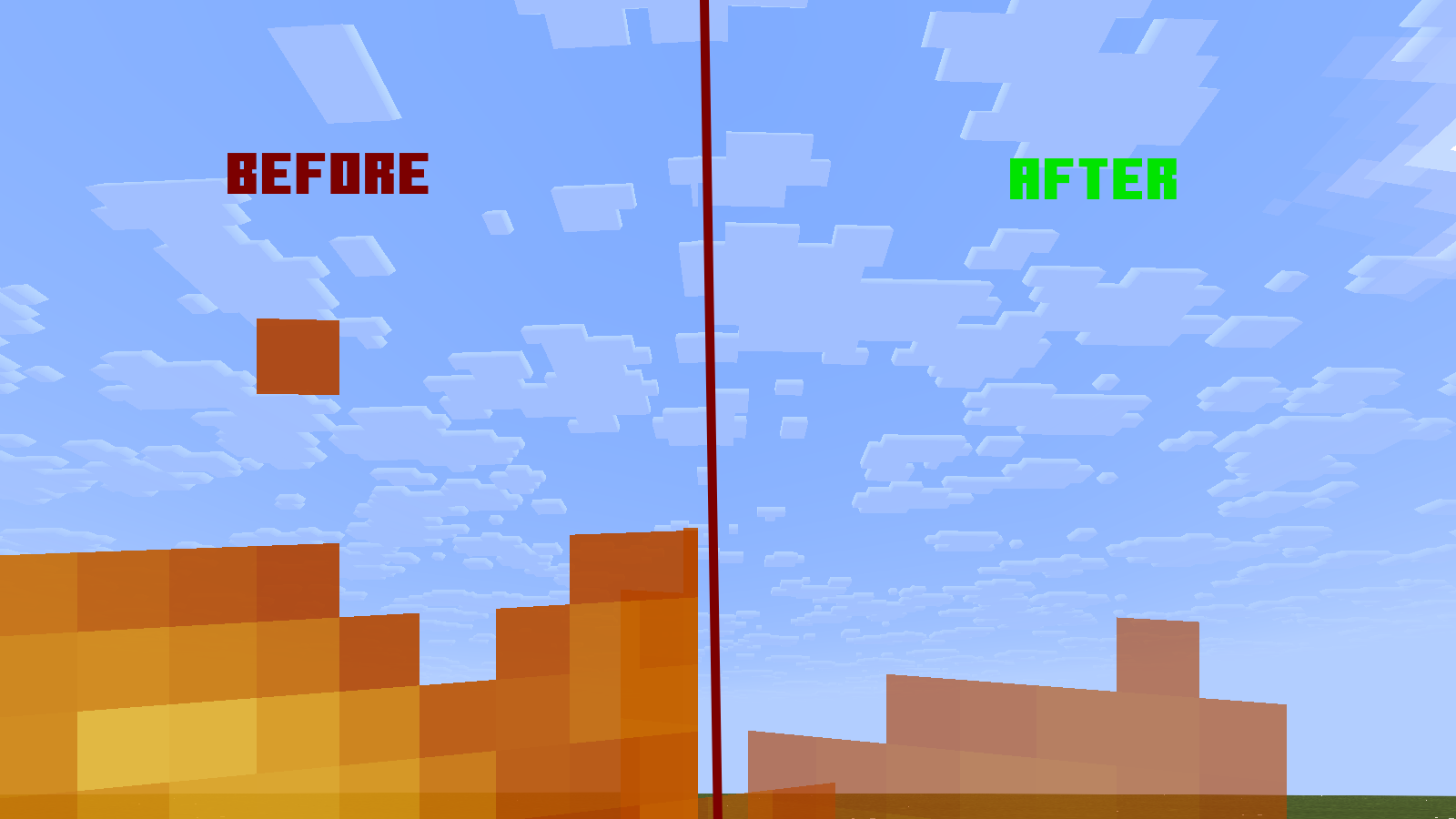 Pretty Transparent Fire Credits: jagrav__
 -
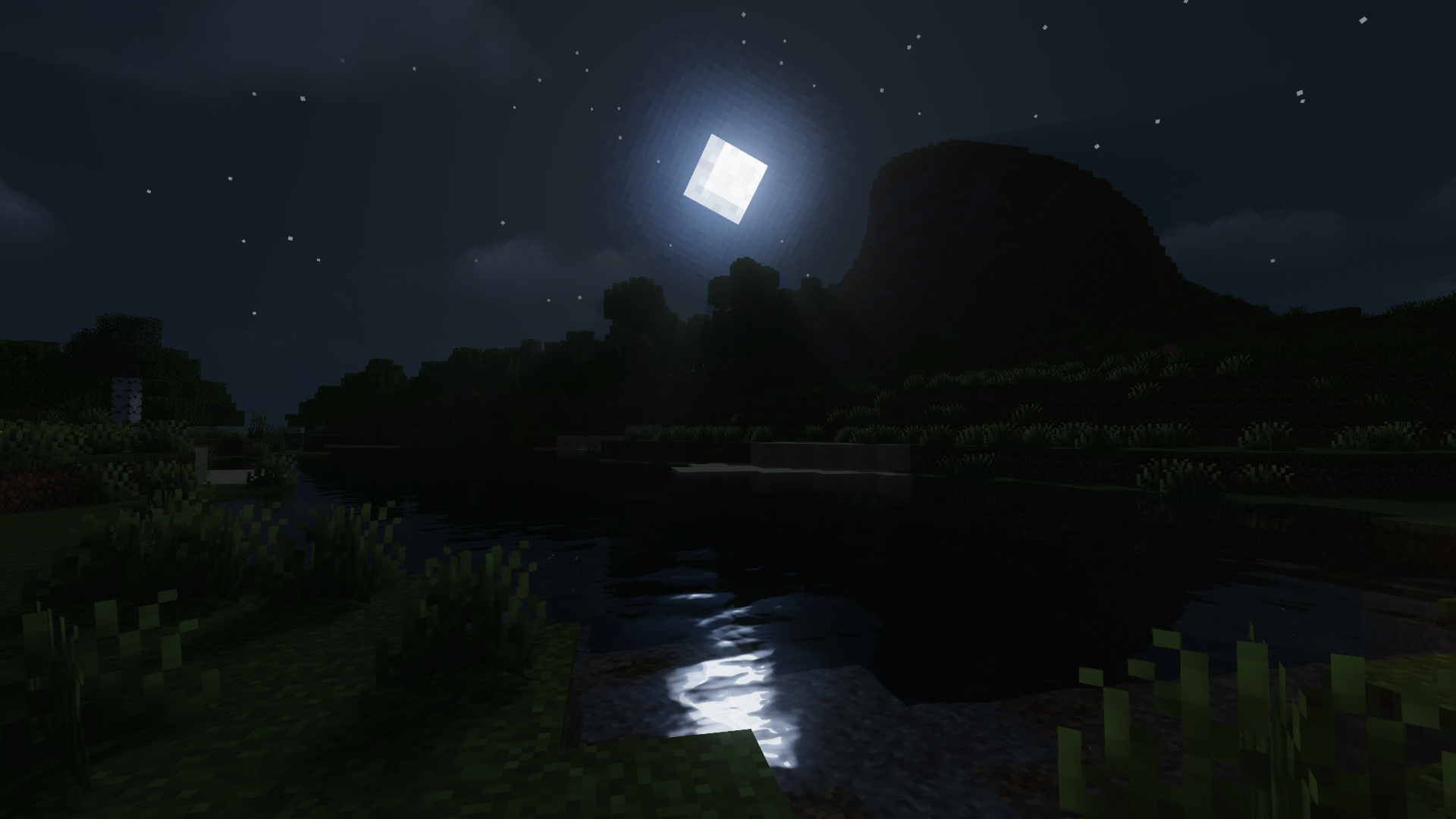 MakeUP - UltraFast Credits: KDXavier
 -
 Banner Credits: sixthsurge
 -
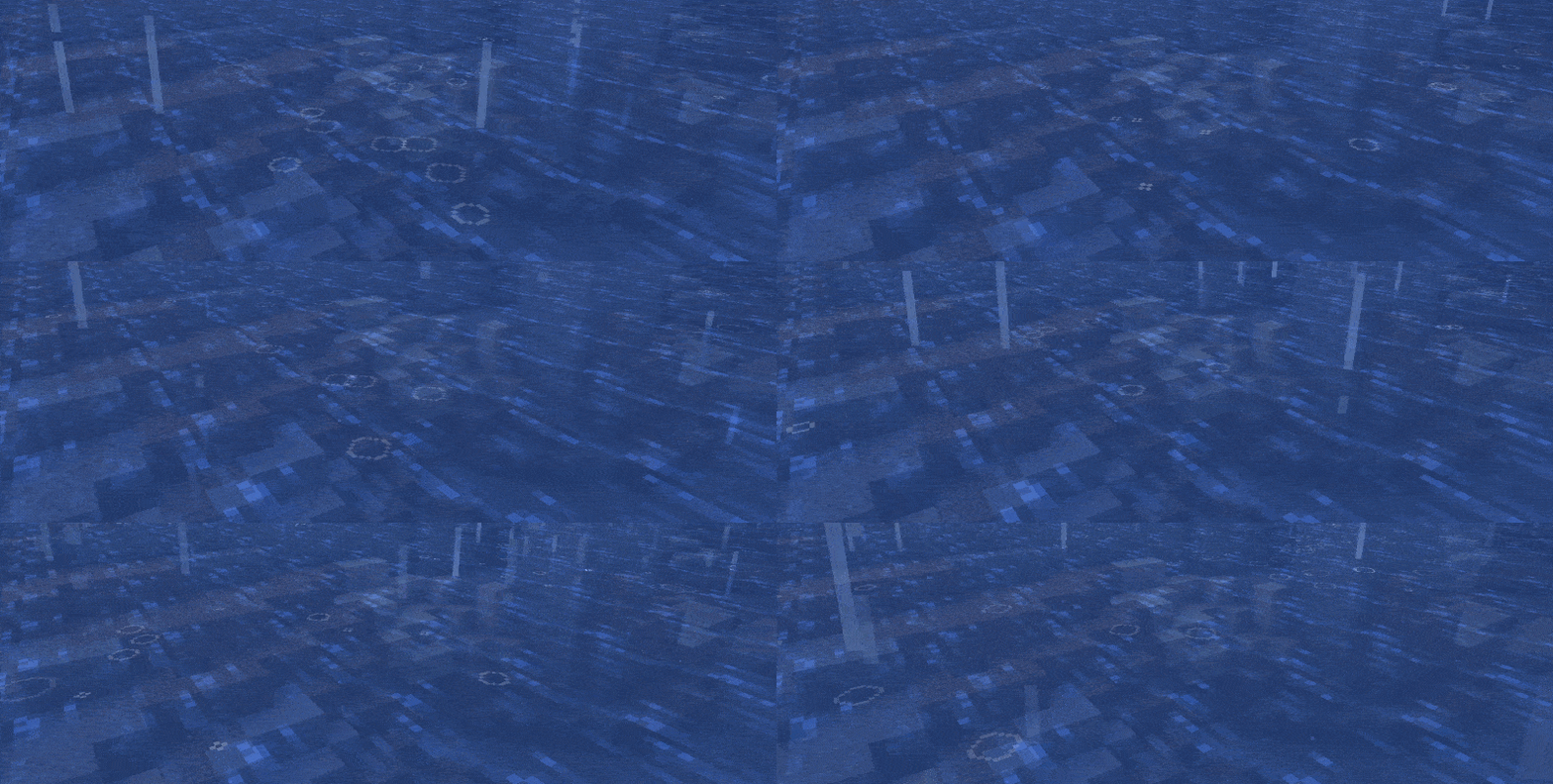 Particle Rain Credits: PigCart
 -
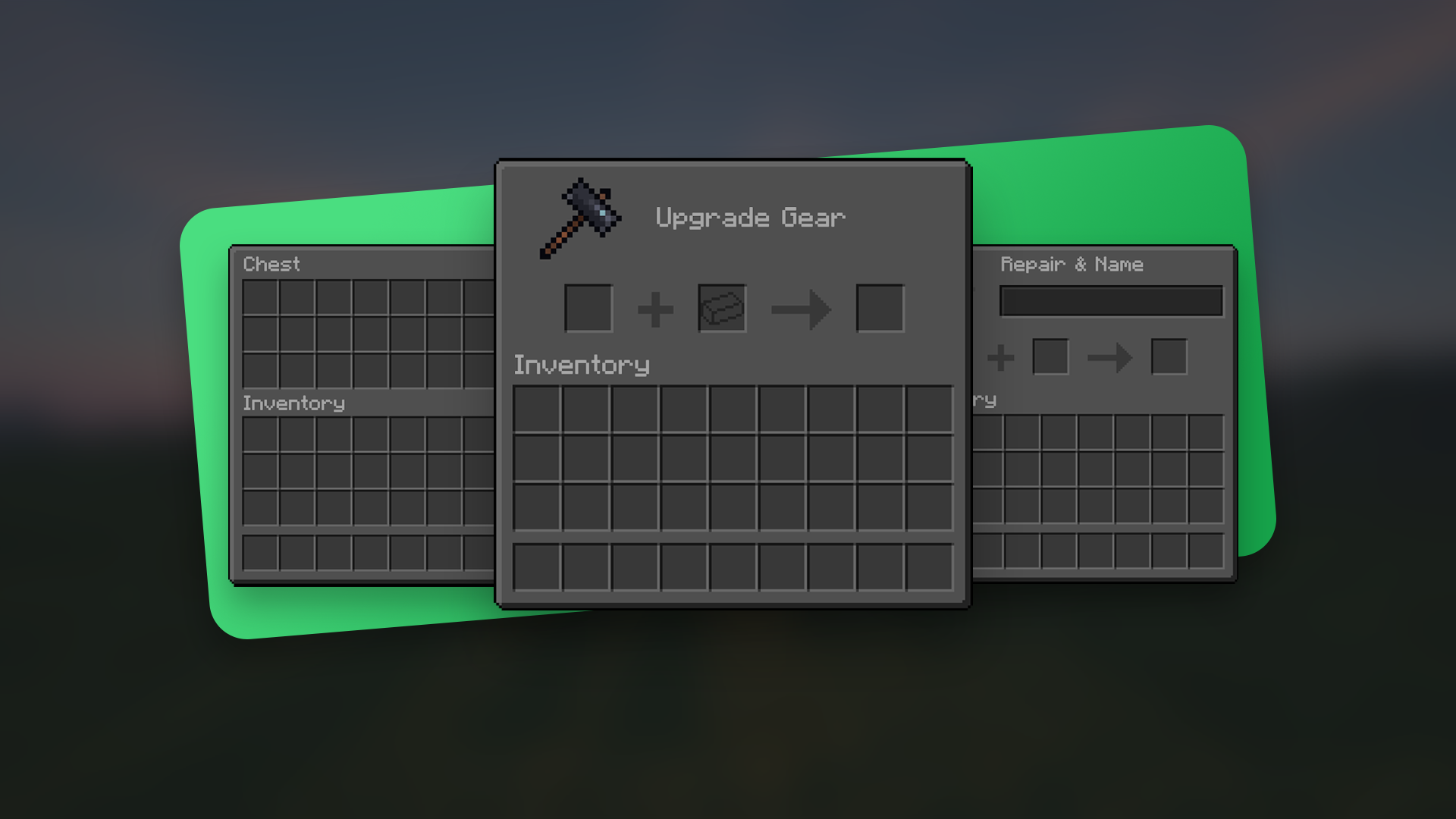 Default Dark Mode Credits: nebulr
 -
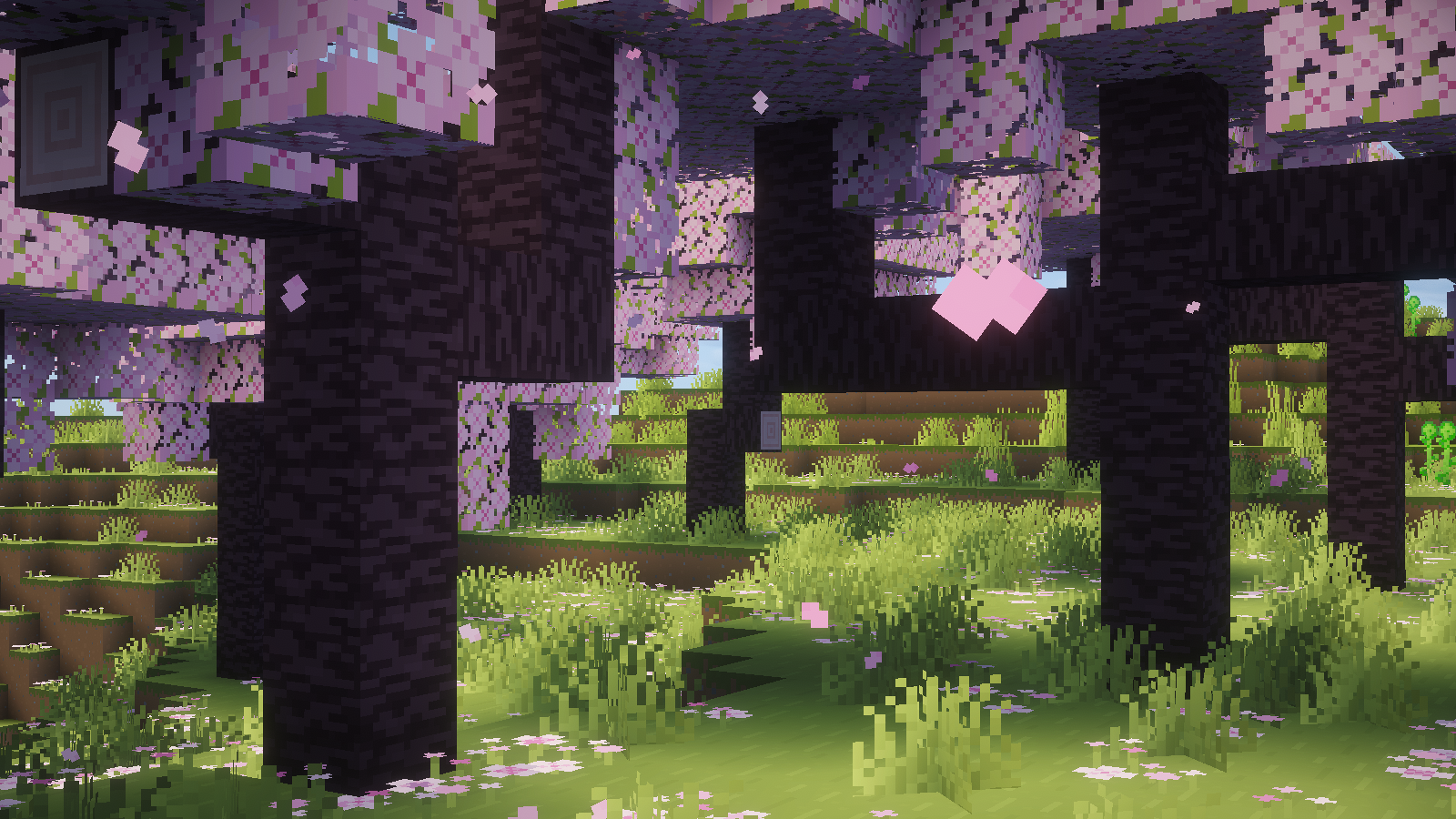 Jones Credits: Jones Studios
Versions
Files
Relations
Project Relations
More like this
Similar Modpacks
Suggestions use data such as tags, dependencies, dependents, descriptions, titles, and more to rank how much they overlap with this modpack.
On ModDex
Community snapshot
By the numbers
Statistics

Want to reach Minecraft players?
We're looking for a server hosting partner to feature here and other parts of the site. Interested? Send us a message!
Get in touchGet it on
Available Platforms
On ModDex
Community snapshot
By the numbers
Statistics
Resources