
Keys of Recording
No reviews yet
Level-up your Minecraft content creation experience with optimization, decoration and utility mods.
Fabric is a mod loader for versions 1.14+ of Minecraft, particularly popular for client side and optimization mods.
Community voices
Reviews
Click once to include, again to exclude, again to clear
No reviews yet. Be the first to review this project!
Get it on
Available Platforms
 Modrinth
Compatibility
Supported Environments
About
Project Details
For authors
Embed Badge
If you're the author of this project, you can embed a live badge anywhere that supports HTML or Markdown. It updates automatically whenever ratings change.
Use HTML for any page that supports it, or Markdown for README files and Markdown-based descriptions.
Identifiers
Platform IDs
Resources
External Links
About
Description

Backstory
As a chill person on YouTube, I occasionally enjoy watching professional videos of other people that make a simple Minecraft topic into hype as big as Team Cherry dropping a new project. And I often find myself asking what the key is to achieving such cinematic shots, and overall making the video feel very "premium".
For my initial research, I just went around YouTube and tried to find some mods that either other people use very often, or mods that aren't as impactful, but can draw the viewers attention with little details. And over time, I've gone through some mods on Modrinth too, and attempted to make my first video ever afterwards. And all of those experiences combined to make one mod pack to fulfill many tools for content creation, be it single player videos or videos with multiple people interacting.
However, I also didn't have the best laptop, so I basically used an optimization pack and added mods in it before making this pack. Therefore, this pack doubled as a content creation and optimization pack.
Features
Enough of the yappery, let's talk about what it can perform for the user.
- To begin with, this pack of course has the essential tools to record videos and get footage from in-game.
- The pack is also equipped with several small tweak mods that are picked to be close to the vanilla experience.
- Additionally, it has optimization mods to get a better FPS count, specifically for older hardware.
- Complimentary Shaders are used for the pack, although you can use whatever you would like.
- There are also some quality-of-life additions that makes the game feel more smooth.
Mod List
Huge shoutout to these mods/resource packs/shaders and their creators and thanks for their approval of usage.
All mods in the pack:
- [EMF] Entity Model Features
- [ETF] Entity Texture Features
- 3D Default
- 3D Ladders
- 3D Skin Layers
- BadOptimizations
- CameraUtils
- Cloth Config API
- Complementary Shaders - Unbound
- Concurrent Chunk Management Engine
- Continuity
- Cool Rain
- Creator Overlays
- Cubes Without Borders
- Dynamic FPS
- Eating Animation
- Enchantment Glint Outline
- Entity Culling
- Fabric API
- Fabric Language Kotlin
- Fabrishot
- Fast IP Ping
- FastQuit
- FerriteCore
- Fresh Animations
- Gamma Utils (Fullbright)
- Glowing
- ImmediatelyFast
- Iris Shaders
- LambDynamicLights
- Lithium
- Mace 3D
- Mod Menu
- MoreCulling
- Motion Capture
- Noisium
- Not Enough Animations
- Particle Effects
- Rarity Tooltips
- Reese's Sodium Options
- ReplayMod
- ScalableLux
- Shulker Box Tooltip
- Sodium
- Sodium Extra
- Sound Physics Remastered
- Text Placeholder API
- ThreadTweak
- YetAnotherConfigLib (YACL)
- Zoomify
You can also find pictures from some mods in the Gallery!
Screenshots
Gallery
-
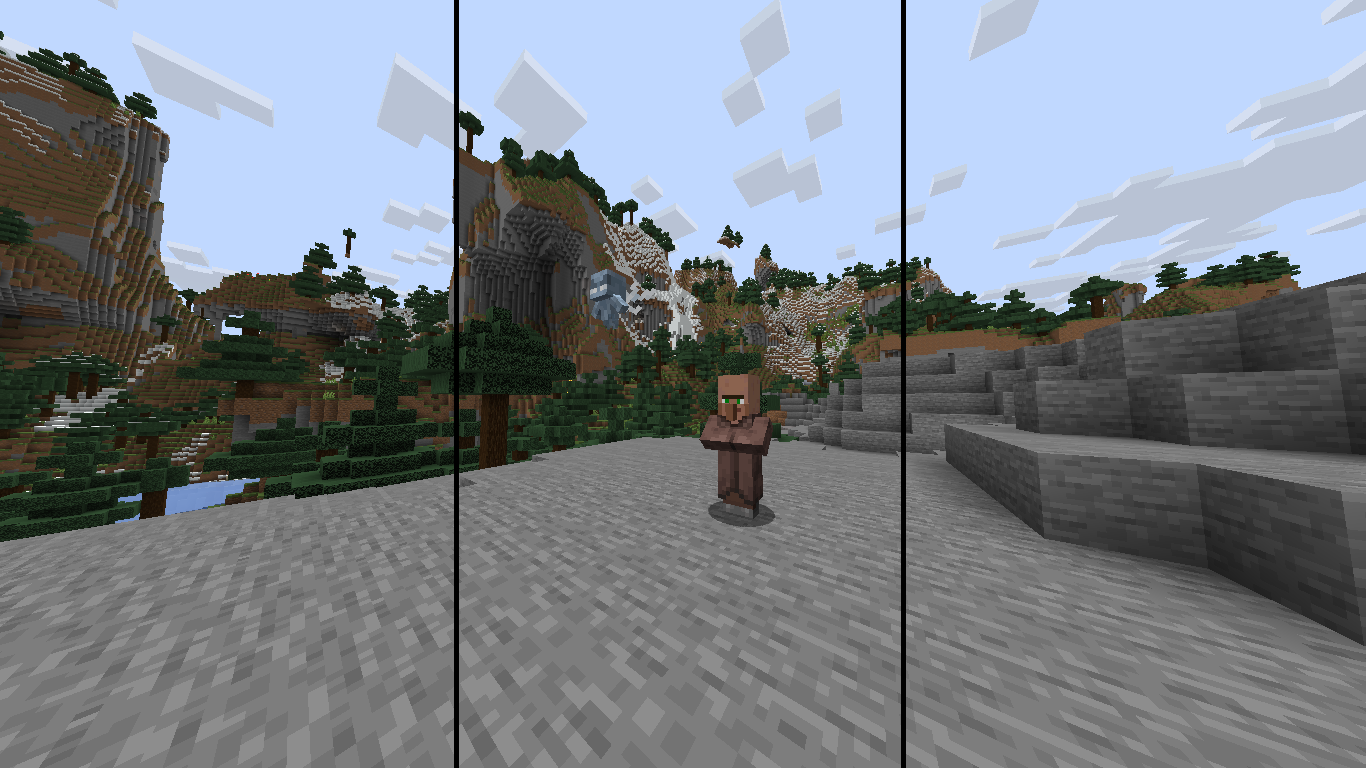 Creator Overlays Useful for emphasizing your subjects, extra useful if you are a YouTube Shorts creator.
 -
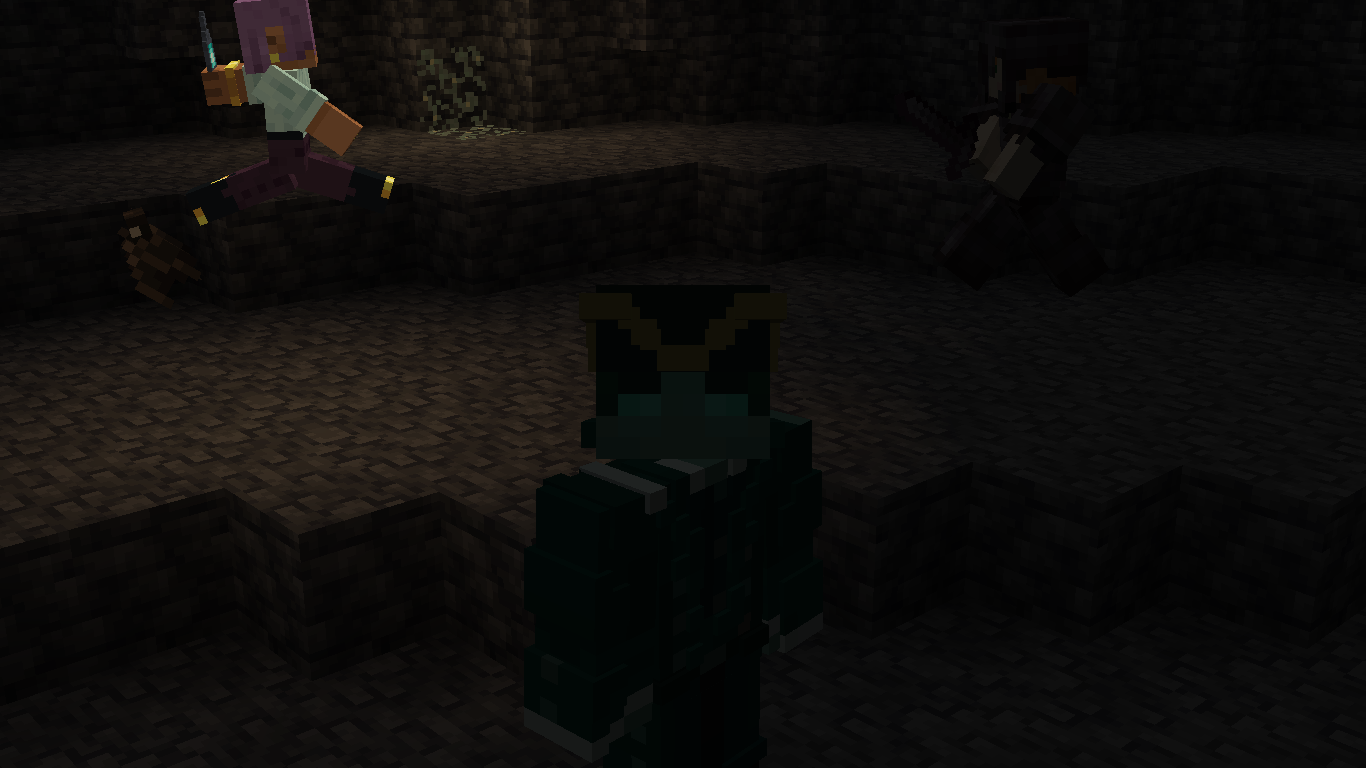 Motion Capture Record yourself and play it back whenever you want. This can be used in so many ways...
 -
 Gallery Banner Yes, this is literally background of the image in the description.
 -
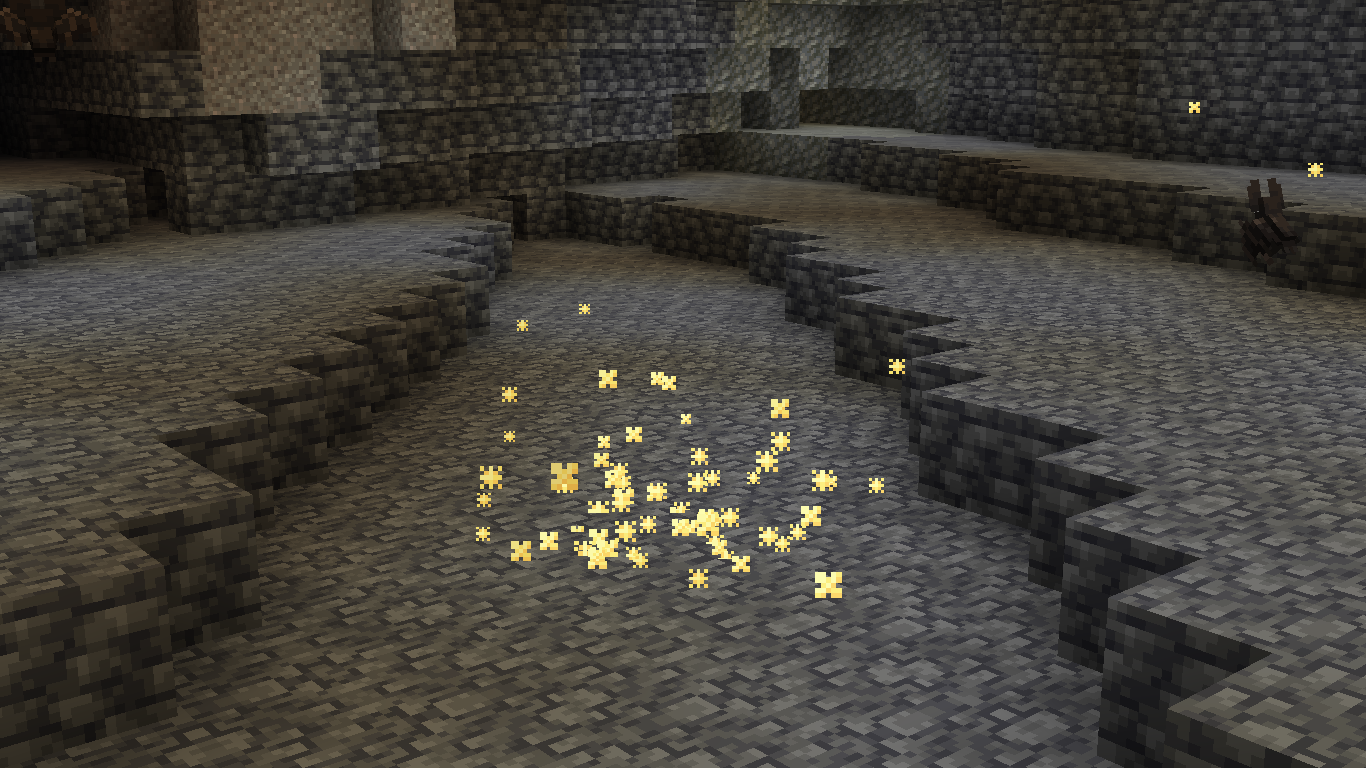 Particle Effects Felt like potions were boring? This mod adds a particle for every effect in the game, have fun.
 -
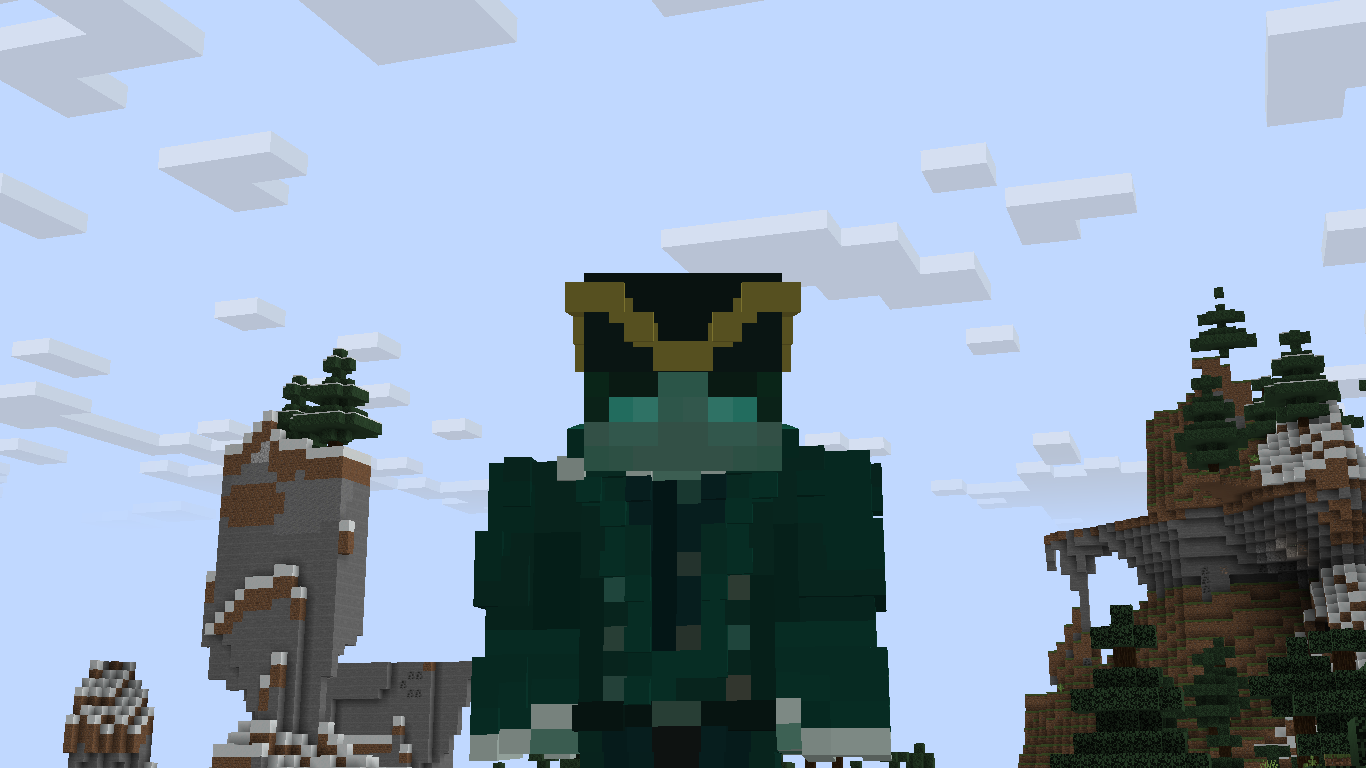 3D Skin Layers Not only does this look so much more appealing, it goes great with shaders.
 -
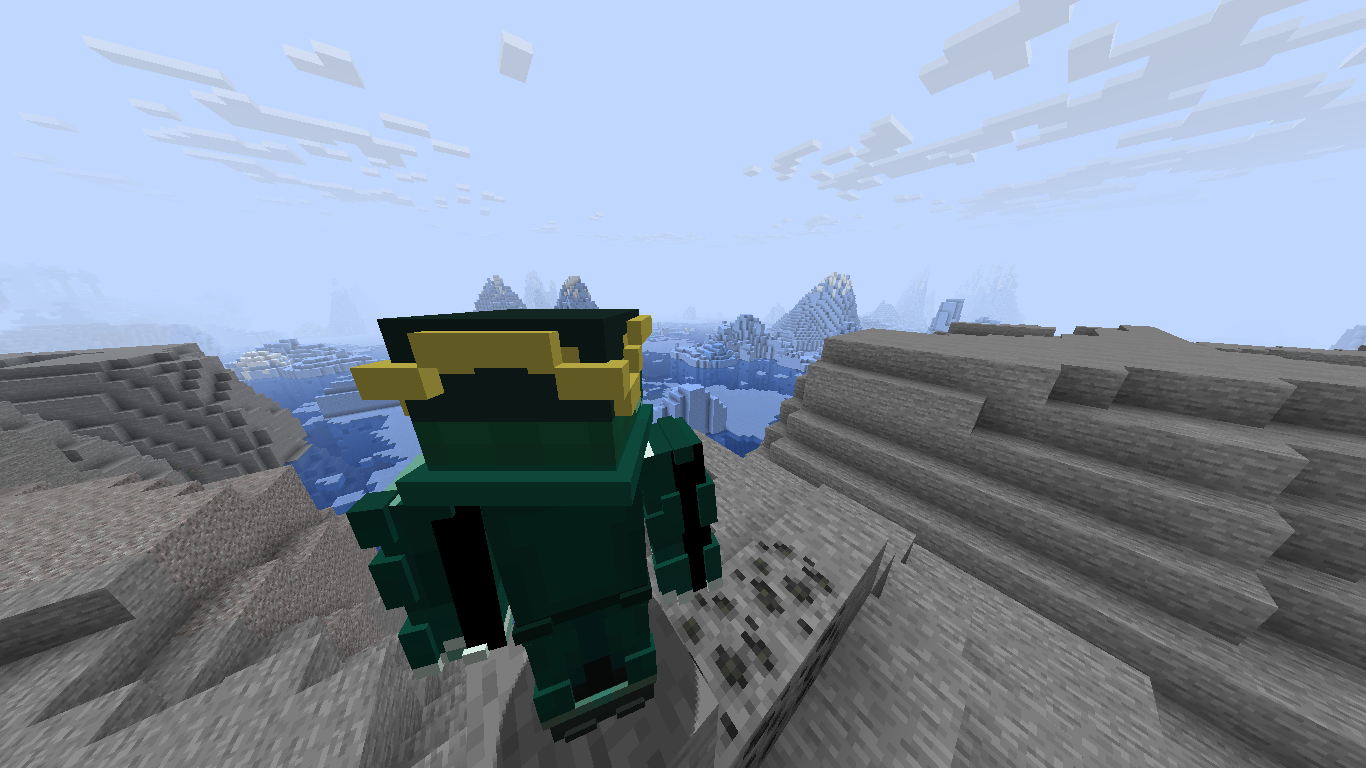 Camera Utils An essential mod if you're into those cinematic shots with many angles.
 -
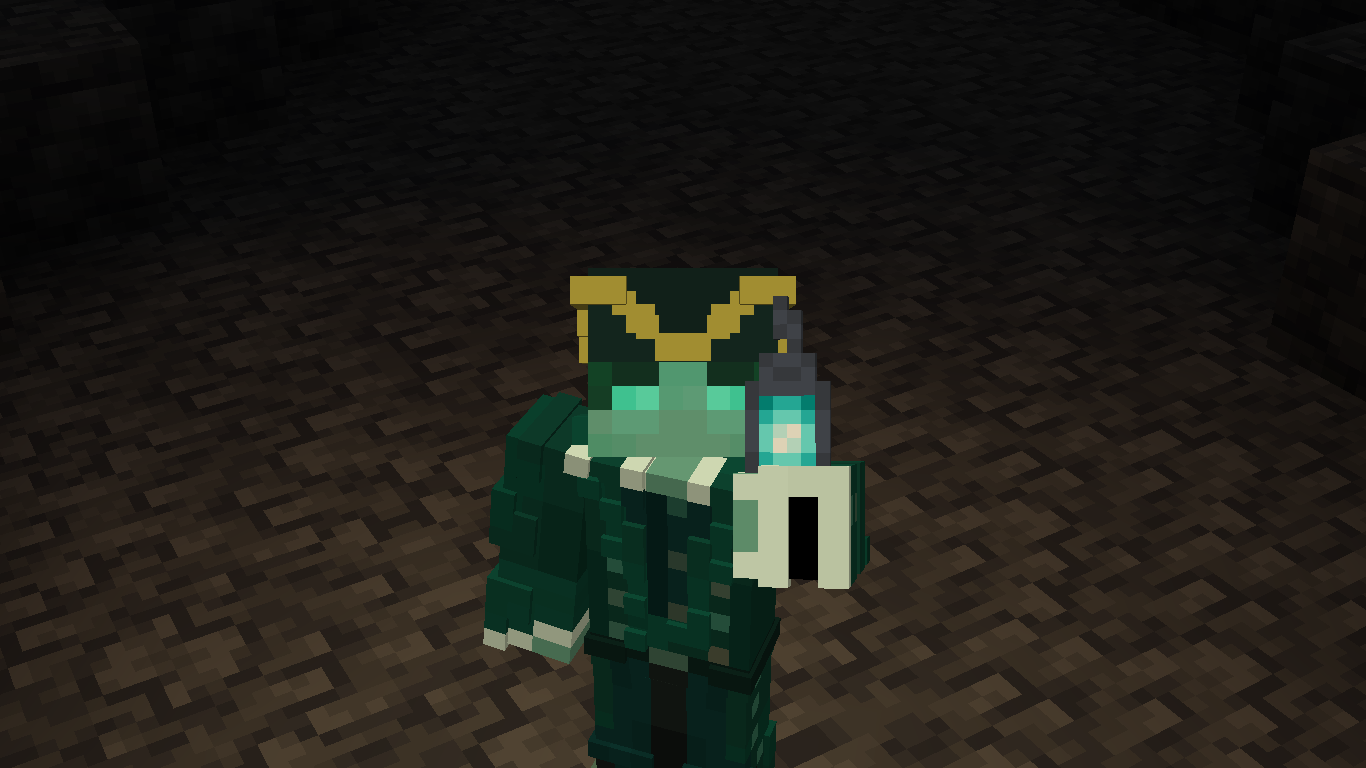 LambDynamicLights That one OptiFine feature you always liked, now in Fabric and this modpack.
Versions
Files
Relations
Project Relations
More like this
Similar Modpacks
Suggestions use data such as tags, dependencies, dependents, descriptions, titles, and more to rank how much they overlap with this modpack.
On ModDex
Community snapshot
By the numbers
Statistics

Want to reach Minecraft players?
We're looking for a server hosting partner to feature here and other parts of the site. Interested? Send us a message!
Get in touchGet it on
Available Platforms
On ModDex
Community snapshot
By the numbers
Statistics
Resources