
Community listing page, reviews here may not be monitored by the author.
Lag Optimizer

No reviews yet
This is a lightweight, carefully optimized Fabric modpack designed to completely eliminate game lag, maximize FPS, and add essential quality-of-life features for playing with friends.

Community voices
Reviews
No reviews yet. Be the first to review this project!
Get it on
Available Platforms
Compatibility
Supported Environments
Runs entirely on the client. Works on vanilla servers.
About
Project Details
For authors
Embed Badge
If you're the author of this project, you can embed a live badge anywhere that supports HTML or Markdown. It updates automatically whenever ratings change.
Use HTML for any page that supports it, or Markdown for README files and Markdown-based descriptions.
Identifiers
Platform IDs
Resources
External Links
About
Description
Lag Optimizer A lightweight, performance-focused Fabric modpack for Minecraft 1.21.1 designed to maximize your frame rates and make playing with friends completely seamless.
What this project does: This modpack brings together the absolute best open-source optimization mods available for the Fabric loader. It completely swaps out Minecraft's default rendering system with modern, high-efficiency engines that eliminate stuttering, lower memory usage, and keep your game running smoothly.
Why you should download it: If you struggle with low FPS, screen tearing, or server-connection lag, this pack is built for you. It includes:
Sodium & ImmediatelyFast: Massive boosts to your graphical frame rates and HUD rendering.
FerriteCore & Entity Culling: Drastically reduces RAM usage and stops the game from processing blocks or mobs you can't see.
Essential Mod: Allows you to host multiplayer worlds and invite your friends directly from your singleplayer menu without needing a paid server.
uku's Armor HUD: Adds a clean, minimalist display on your screen to track your current gear durability.
If you want it to be your minecraft mods then, follow the step under (You can see these step in gallery) Copy the URL and paste it into your google search bar
- (Version 1.21.11) https://drive.google.com/file/d/1I_K0xA_x8HfJzxIoON7o7R61VfO0ZYB1/view?usp=sharing
1.Paste URL into google search bar. Once there press download. A screen should pop up, press download anyway and you should get the file downloaded. 2. Once downloaded press the download button at the top right corner and press on the file named Lag optimizer. 3. Once pressed on you should be a page. Press on Lag Optimizer and it should bring you to the next page, on that next page press mods after pressing mods you should see all the mods that I have put. 4. After copying the mods go to minecraft launcher, and at near the top you should see intalliation, after pressing installiation press on the file symbol next to the play button 5. Once you pressed on the file symbol press on mods if you don't make on named mods and paste the mods that you have copied into that folder. 6. You are ready to play
If you have problems please inform me about it
Screenshots
Gallery
-
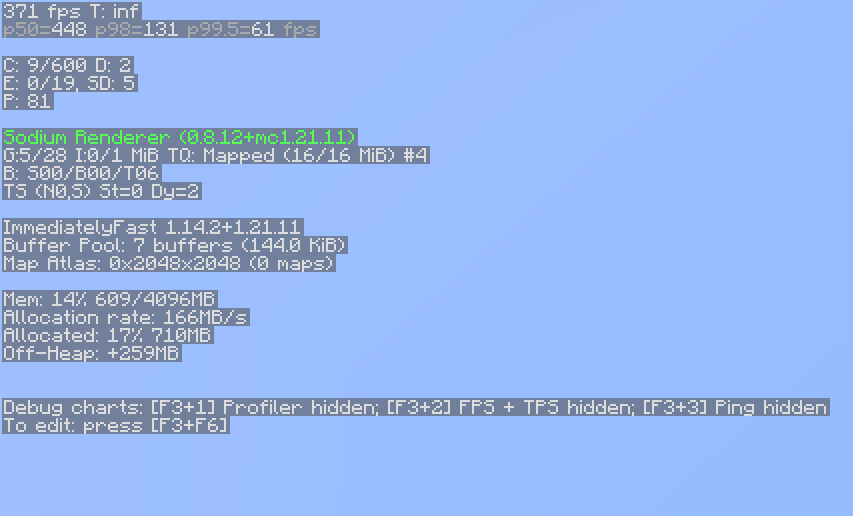 Example of F3 stats
 -
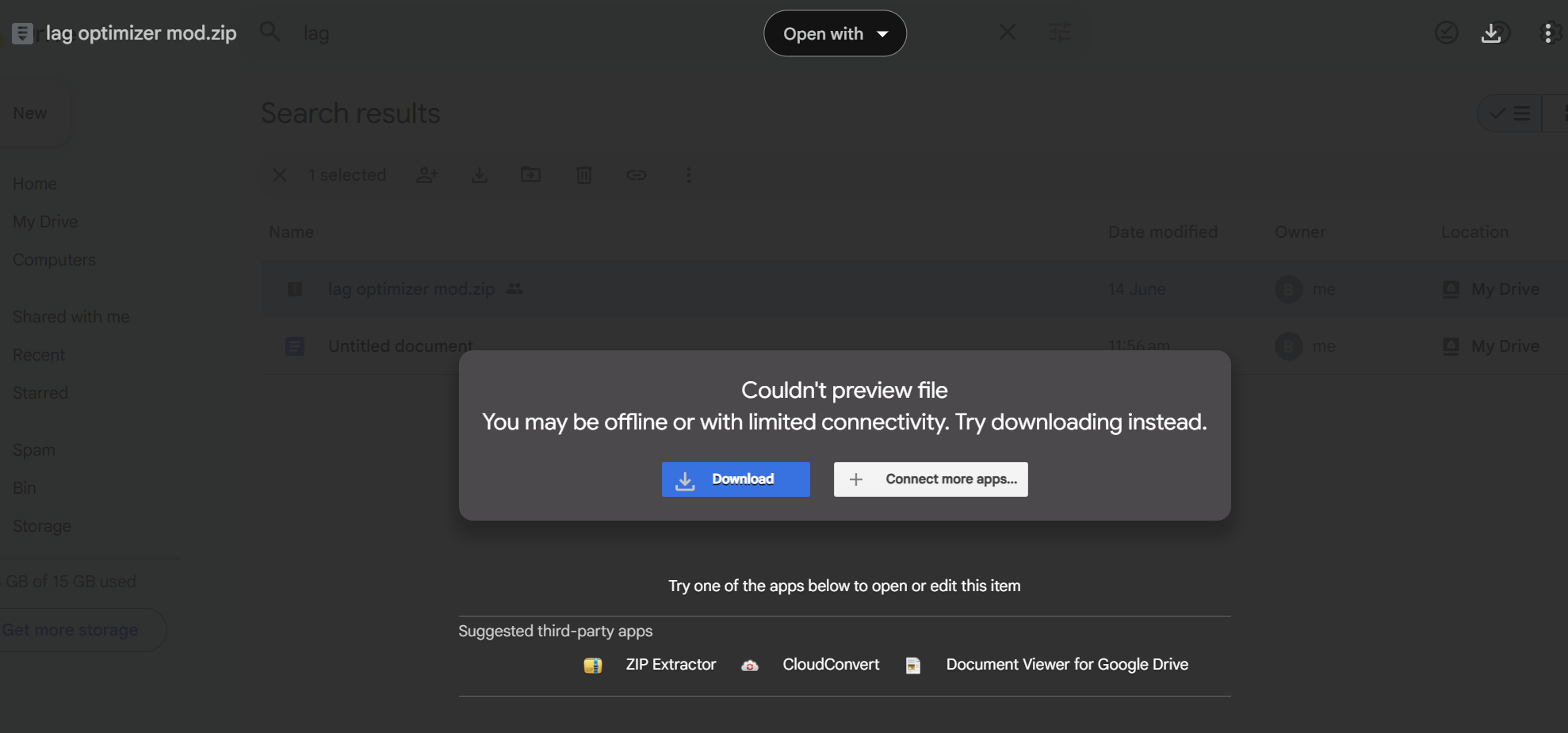 Step 1 Press download
 -
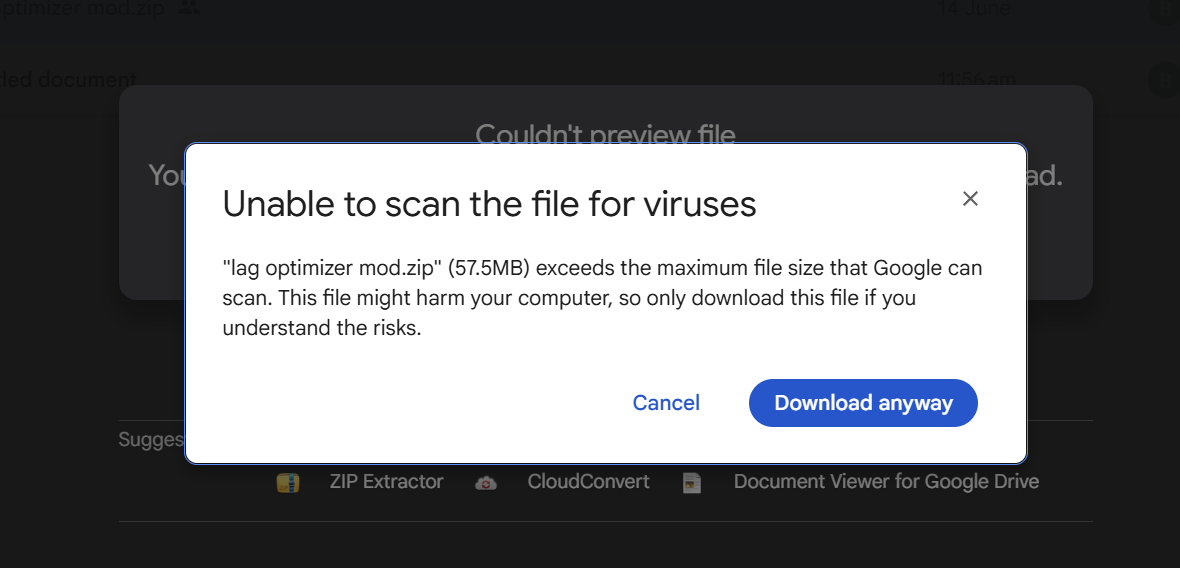 Step 2 Once you press download this should pop up press download anyway.
 -
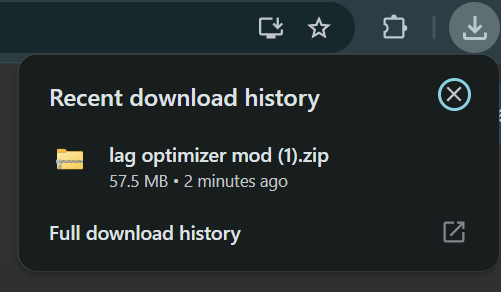 Step 3 Press on the Lag Optimizer Mod
 -
 Step 4 Press on the lag optimizer mod
 -
 Step 5 Press mods
 -
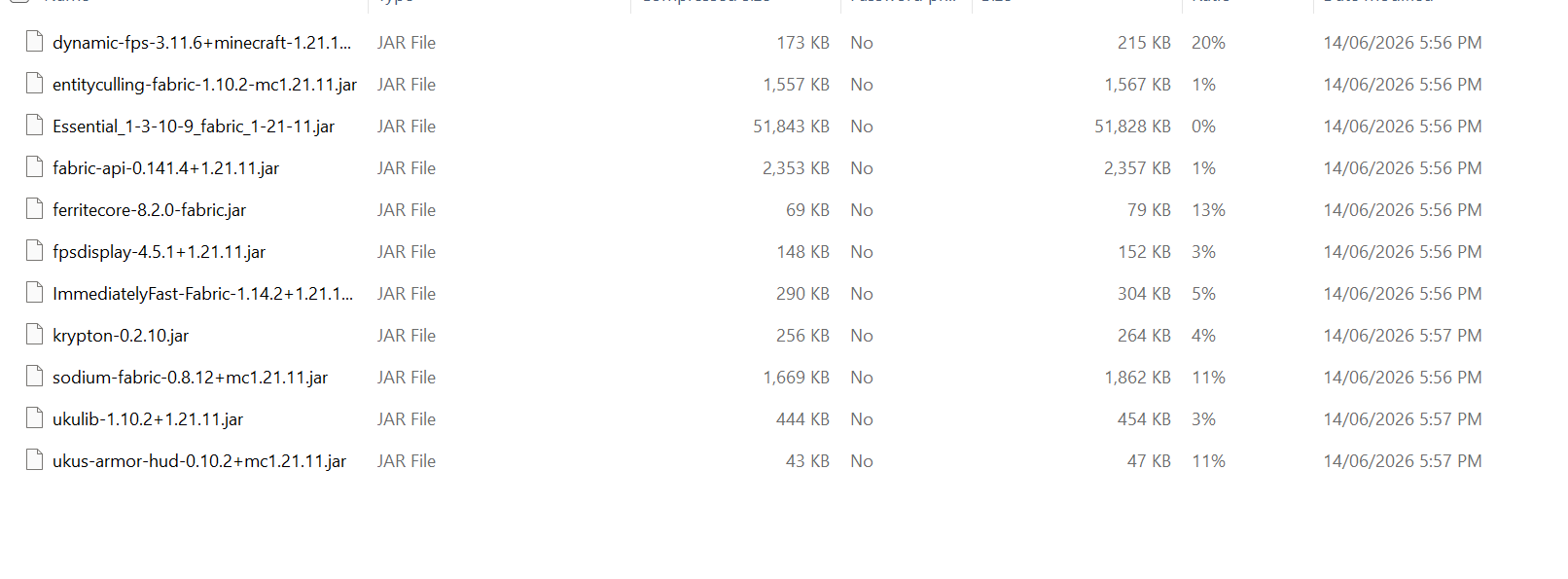 Step 6 Highlight all of it and press CTRL + C to copy
 -
 Step 7 Press on installations
 -
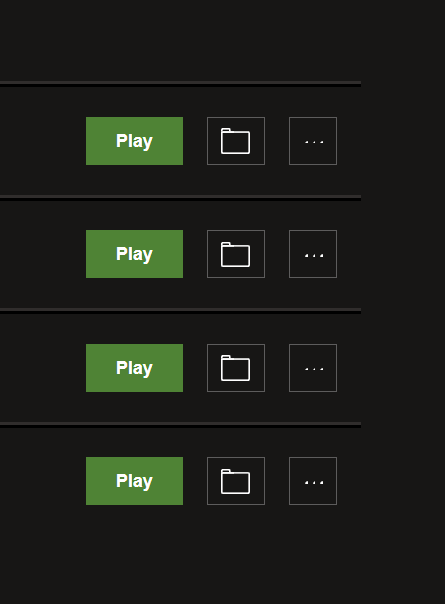 Step 8 Press on the file symbol next to the Play button
 -
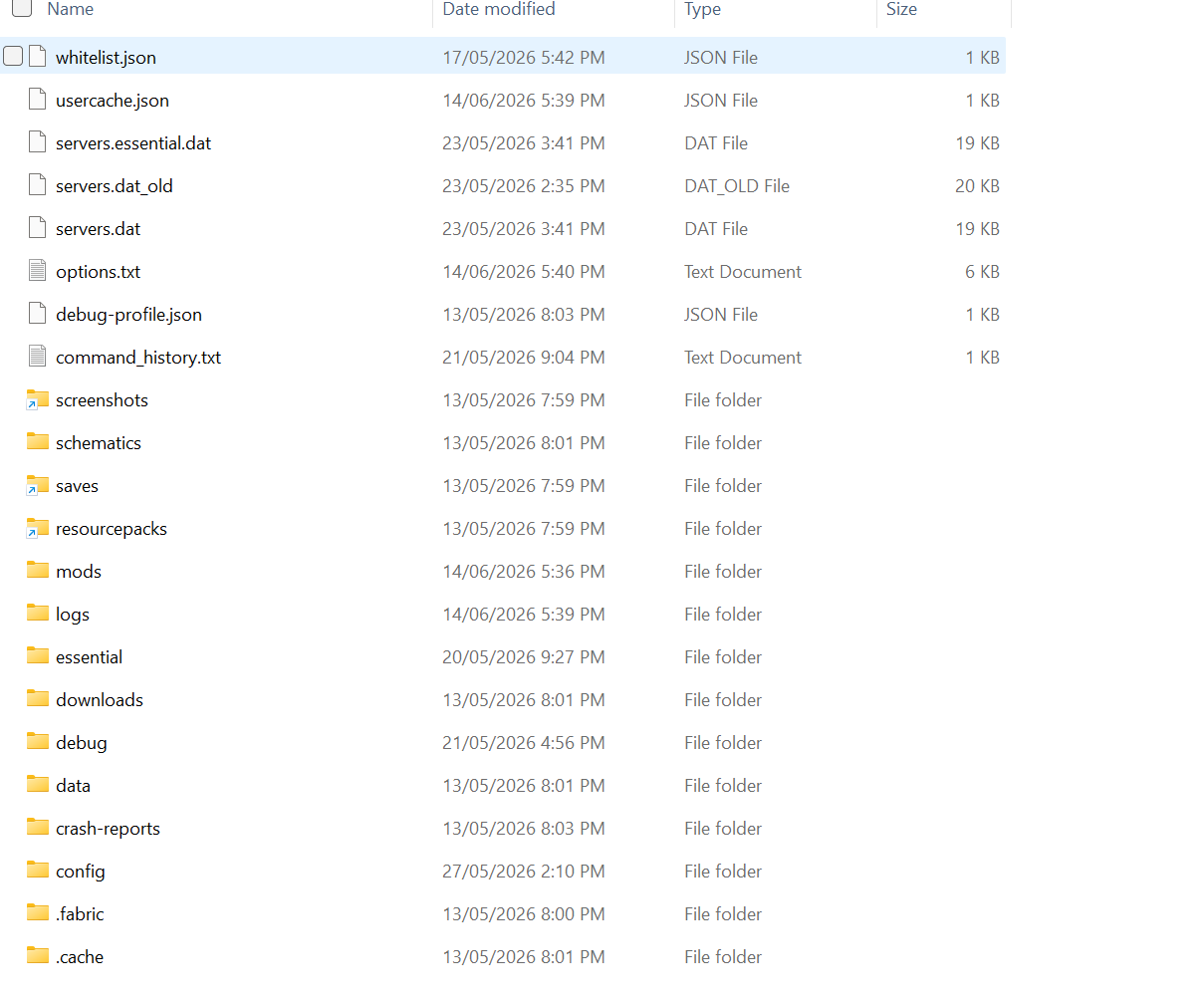 Step 9 Press on mods
 -
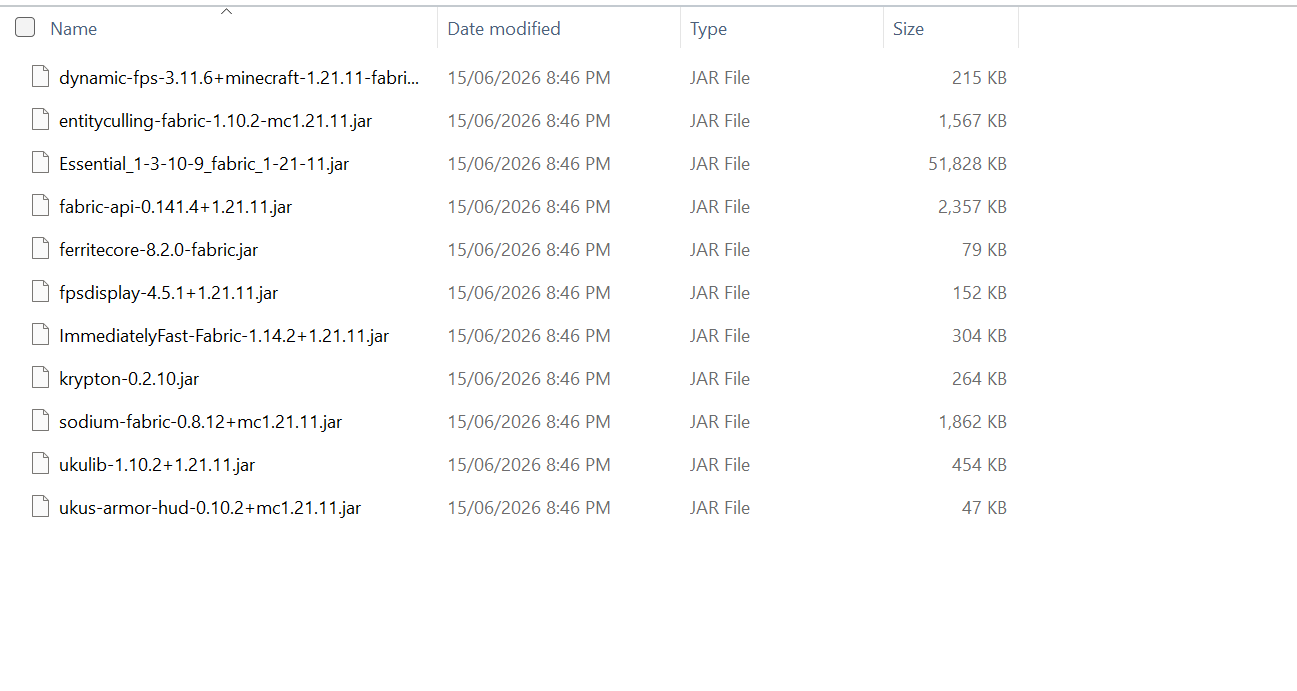 Step 10 Once you pressed mods paste the mods into that folder and you are ready to play.
Versions
Files
Relations
Project Relations
More like this
Similar Modpacks
Suggestions use data such as tags, dependencies, dependents, descriptions, titles, and more to rank how much they overlap with this modpack.
On ModDex
Community snapshot
By the numbers
Statistics

 (opens in a new tab)
Get it on
Available Platforms
On ModDex
Community snapshot
By the numbers
Statistics
Resources