Community listing page, reviews may not be monitored by the author.
LightRight

No reviews yet
a light vanilla modpack

Community voices
Reviews
No reviews yet. Be the first to review this project!
Get it on
Available Platforms
About
Project Details
For authors
Embed Badge
If you're the author of this project, you can embed a live badge anywhere that supports HTML or Markdown. It updates automatically whenever ratings change.
Use HTML for any page that supports it, or Markdown for README files and Markdown-based descriptions.
Identifiers
Platform IDs
Resources
External Links
About
Description
Install this if you need a light 1.17.1, vanilla+ experience, of the fabric kind.
Made with personal use in mind, and as such made to be as aesthetically pleasing as could be for the resources I have on hand, which is not much, as such this is a resource-lightweight modpack, requiring from my side only a 950m/i7-6700 old laptop to get very playable FPS of 60+, adding further, the main mods carrying this are, the better nether and better end mods, mods that affect the overworld I deemed too intrusive, as such I focused on making the other two dimensions as good as possible for lower end equipment, and as par for the course Iris is added.
Extra things one might consider to make this "lightweight experience" better, is allocating more ram on the launcher, and making sure that your game is using your Dedicated GPU rather than your integrated one.
To allocate more ram for your installation, you need to find the three dots on the side, click it, then proceed to the "edit" feature, a new tab will appear in which you will have to press on the "more options" node, look for the option called "JVM ARGUMENTS", there you can see the first numbers after the "-Xmx", and these should show "4096", that would be the allocated ram for that installation, I recommend allocating a little more than that, by one or two thousand kilobytes, though this modpack easily runs on the default settings, for extra safety you allocate more.
As for making sure that the installation uses your Dedicated GPU, here's a youtube guide for that: https://www.youtube.com/watch?v=ObG5glLPaSw.
Notes:
1). Big nether portals might crash your game.
2). Going in and out too quickly of the nether portal specifically might crash your game.
3). Iris 1.1.2 and Immersive portals might have some compatibility issues, which could crash your game rarely.
4). Using the default Minecraft resource pack gives marginal performance increases, but it may matter enough.
5). Considering Iris is installed, you might want to tinker with it's settings according to your needs, applying shaders, lowering settings, Etc.
Screenshots
Gallery
-
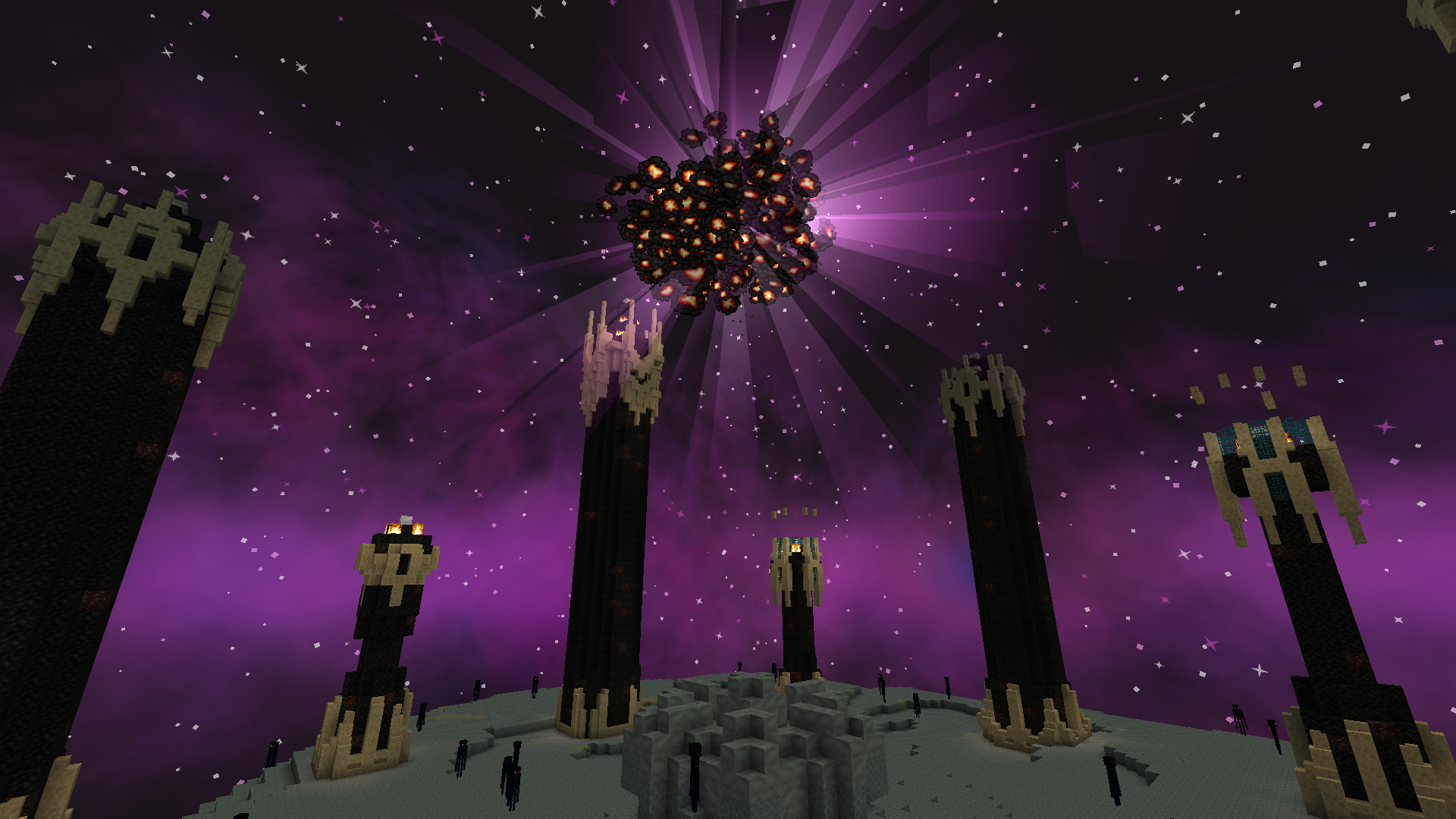 End 2
End 2 -
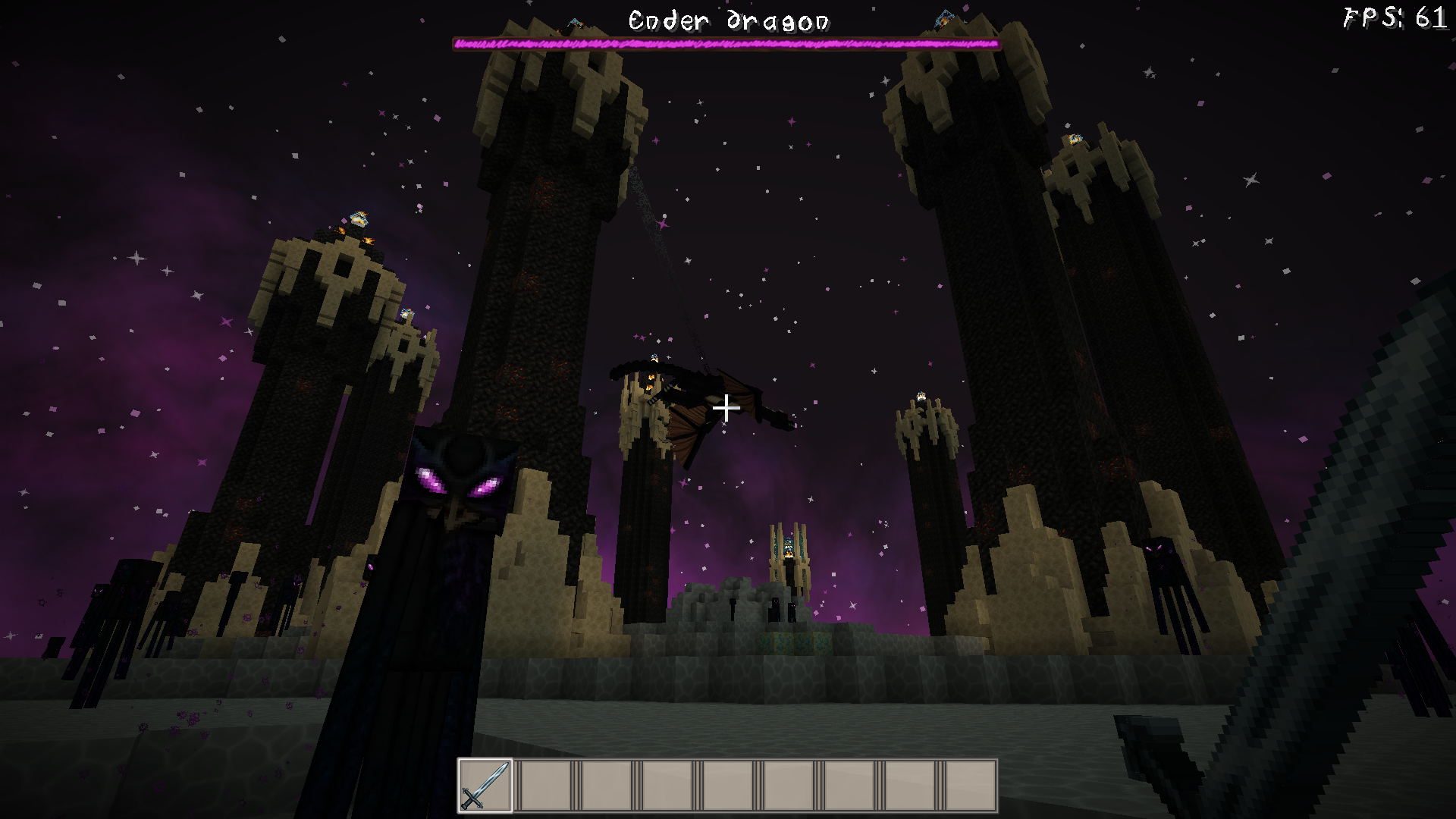 End 1+FPS counter
 -
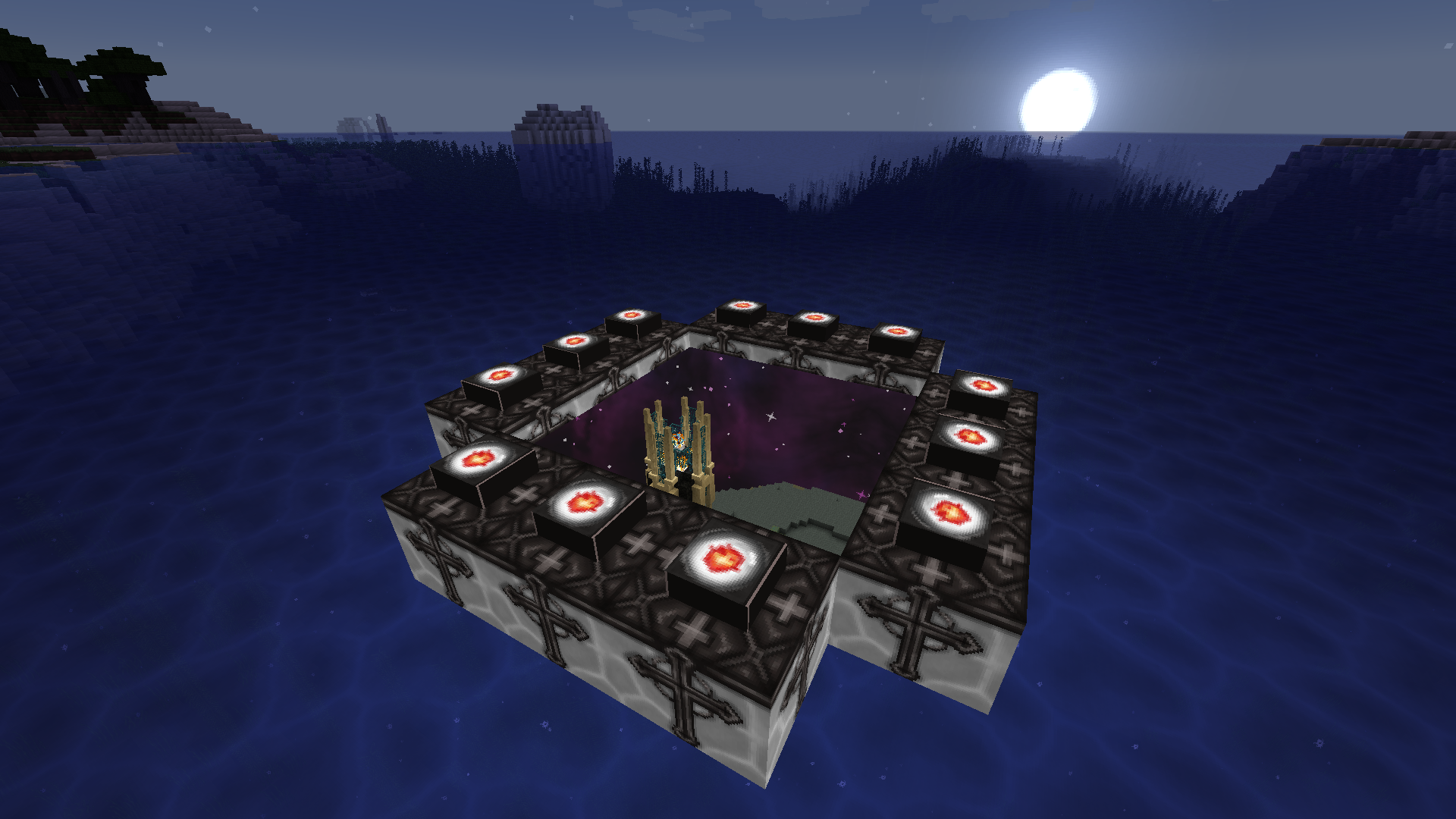 Immersive portals showcase 2
 -
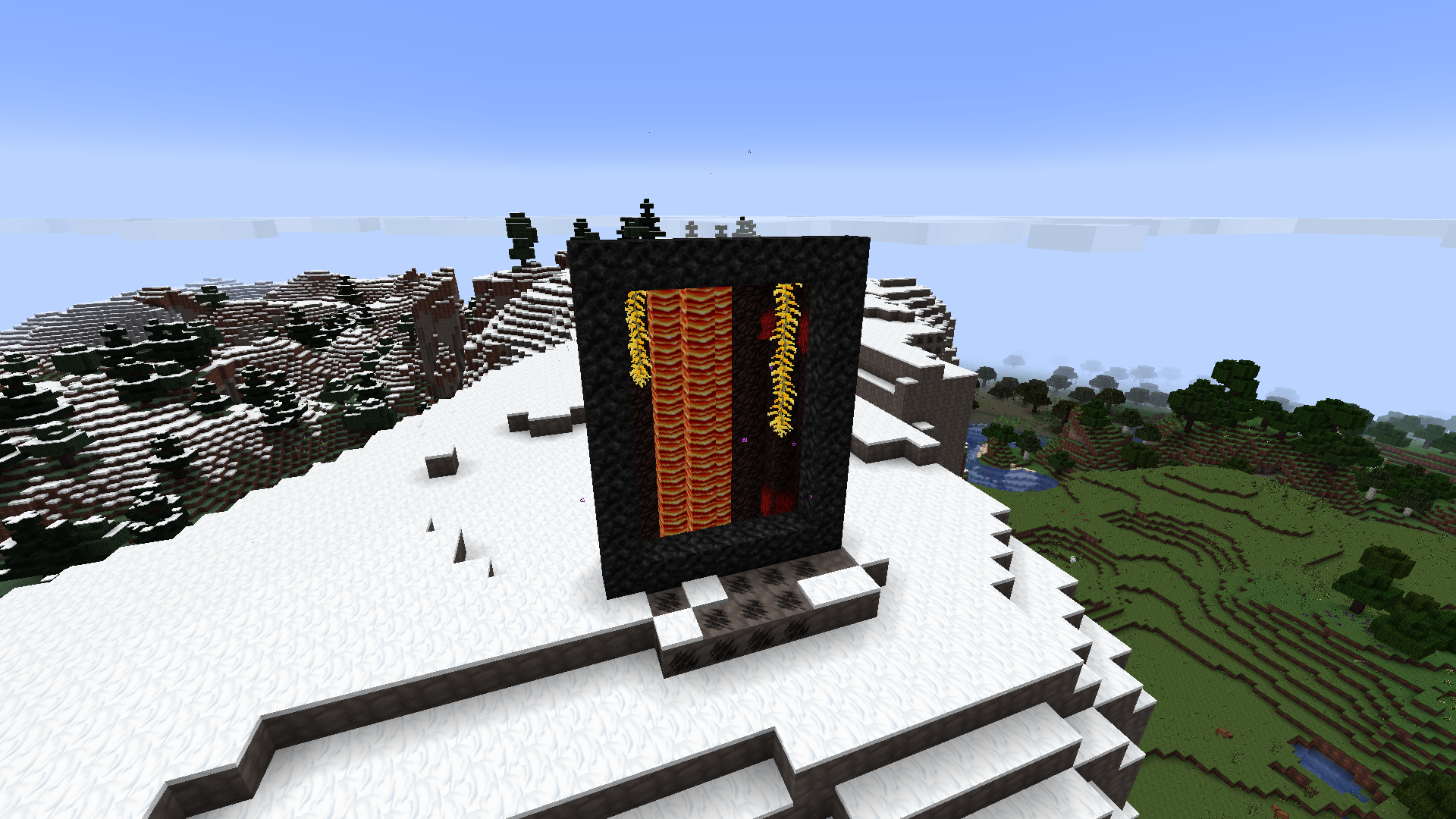 Immersive portals showcase 1
Versions
Files
Relations
Project Relations
More like this
Similar Modpacks
Suggestions use data such as tags, dependencies, dependents, descriptions, titles, and more to rank how much they overlap with this modpack.
On ModDex
Community snapshot
By the numbers
Statistics

Get it on
Available Platforms
On ModDex
Community snapshot
By the numbers
Statistics
Resources