
Little Big Builder
No reviews yet
A building-centric modpack about making the player twice as big so that the building grid is twice as small.
Fabric is a mod loader for versions 1.14+ of Minecraft, particularly popular for client side and optimization mods.
Community voices
Reviews
Click once to include, again to exclude, again to clear
No reviews yet. Be the first to review this project!
Get it on
Available Platforms
 Modrinth
Compatibility
Supported Environments
About
Project Details
For authors
Embed Badge
If you're the author of this project, you can embed a live badge anywhere that supports HTML or Markdown. It updates automatically whenever ratings change.
Use HTML for any page that supports it, or Markdown for README files and Markdown-based descriptions.
Identifiers
Platform IDs
Resources
External Links
About
Description
This is a modpack primarily focused around a new way to build in creative mode – by combining Pehkui (to make the player twice as large) and F8thful (to make blocks look twice as small), it's actually possible to fulfill the illusion that blocks are twice as small, allowing you to build in much greater detail!

A shot of the underground library built in the Demo World – see the Gallery for more!
Getting Started
First Time Setup
The resource packs you need are already enabled when you first open up the pack, but you might want to delete some textures from F8thful you dislike. To do so, extract the zip files of the packs you want to modify, ensure that in-game only the pack without the ".zip" in it's name is enabled, and then delete the following folders inside the extracted zip archives:
- If you dislike the low-res GUI textures and font, delete:
/assets/minecraft/textures/guifrom F8thful/assets/minecraft/textures/fontfrom F8thful
- If you dislike the low-res item textures, delete:
/assets/minecraft/textures/itemfrom F8thful/assets/minecraft/models/itemfrom F8thful/assets/create/textures/itemfrom Cre8-Bit
These instructions are also present in book form inside the demo world.
After you've tweaked the texture packs to your liking, you can either visit the demo world included in the pack or start building in your own worlds:
Exploring the Demo World (recommended first)
The demo world is where all the images in the Gallery are from and is generally supposed to inspire and showcase what can now be built with the help of this mod pack.
Note that the demo world isn't finished by a long shot, but I figured that it's more than adequate already to showcase what's possible with this pack. It isn't likely that I'll update it often as there are lots of other things I want to do in my life, but I might occassionally update it every few months or so, whenever I feel like doing chill build sessions.
Also: Because the world is unfinished, some areas are unreachable without no-clip, so if you want to see everything, feel free to turn to Spectator Mode!
Building in your own Worlds
The only thing you need to be wary of after the initial setup is that you have to run the command /scale set pehkui:base 2 any time you enter a new world or die in it.
Other things you might want to consider doing
- Increasing the render distance in the settings (although the 12 that're set by default are enough for me personally)
- Setting brightness to 100% (as lights fall off "twice as quickly" compared to vanilla, making dark areas generally darker)
Other random bits and bops
🔎 Interesting consequences
- ✔️ Some blocks like grass, lily pads and flowers as well as entities like bees and fish now look like they're scaled correctly!
- ✔️ Redstone can be built into more compact spaces now!
- ❌ Some things you can interact with either look stupid or become useless
- Horses, boats and minecarts still work – you just look a bit silly in them.
- Doors, trapdoors and fence gates are essentially useless as they're stuck in tiny scale.
- You'll have to dodge to piston doors or doors animated via the Create mod instead.
- ❌ Light is only half as effective / falls off twice as quickly compared to Vanilla's lights. It can be helped a bit by setting Brightness to 100% in the settings.
- ❌ You generally need double the render distance to "see the same distance as vanilla", probably requiring increased computer specs (and/or more optimization mods) if you care about high render distances
- ❌ This pack definitely won't really work in survival mode. It's really only for building in creative mode.
📜 Thoughts on some mod inclusions
I thought it might be interesting to read my thoughts behind some of the mods I added to the pack:
- Create – Things like the mechanical pistons, rotational bearings, trains etc. just allow for a bunch more interesting things that one can build.
- I also included the Cre8-Bit resource pack in this pack so that Create has 8x8 textures as well, making it's many building blocks actually viable for building! They're not as polished as base F8thful, but definitely better than nothing.
- Steam 'n' Rails Add-On – Adds in narrow train tracks, making trains somewhat viable for a build idea I had (a miniature train landscape!)
- Moving Elevators – Elevators are just a cool building element and used plentifully in the demo world!
- Supplementaries – While it doesn't have any 8x8 texturework, it just adds a number of fun blocks that expand on the creative aspect and what you can create! (I'm generally just a big fan)
- Force Crawl – Integral. Allows placing blocks on the underside of blocks near the ground without digging into the ground, greatly increasing the build flow. Also allows making things like crawl spaces.
- Sit – Purely used so that one can sit on the spruce slab seats of the fountain at the center of the demo world
💔 Discovered Mod Incompatabilites
- When I installed Sodium, water rendering would look odd when you'd look at water through transparent blocks like glass (something something culling broken)
- I don't know if this still occurs if you use shaders with Iris, but as I mostly prefer playing without them anyway, I kept Sodium out of the pack.
🗃️ What's with that weird versioning scheme?
Since I generally have no experience with proper versioning and this isn't a serious project, I just wanted to experiment with ways to version things. To start, here are some example version numbers to get a feel for them:
p1.0-w0.1p2.1-w0.3
As you can see, there are two version numbers here – "Pack" (p) and "World" (w).
- The World Version is simple:
- It's major version is 0 until I consider the demo world included in the pack to be mostly done.
- Any other update to the world increases the minor version.
- The Pack Version is a bit more complicated:
- It's major version gets incremented whenever I change the modpack in a way that can breaks parts of worlds created with this modpack without some manual intervention.
- This could be because the Minecraft version updates and certain mods from the old pack don't exist on the new one anymore, meaning one would have to go in and replace the blocks that were previously used with suitable alternatives.
- In other words: You can't freely transfer worlds between major pack versions without checking for potential breaking changes, which I'll highlight in the changelog of each major pack update.
- The minor version increases when I do simple things (like updating all mods in the pack for like bug fixes and stuff) that don't break worlds.
- It's major version gets incremented whenever I change the modpack in a way that can breaks parts of worlds created with this modpack without some manual intervention.
I don't know how over-engineered it is or if there are edge cases – I just wanted to experiment and potentially have something that's future-proof and a bit easier to understand, as in "Oh, this update is a breaking change!" or "This update just updates the demo world a bit. I don't necessarily need it.".
💡 Other things you could do with this idea
While the demo world already features a lot of ideas I wanted to build with the help of this modpack (and has some signs with "IDEA:" strewn around about ideas I still want to make), there were some other ideas I had that I thought were best shared here:
- Playing hide and seek where seekers are big and hiders are tiny (and can potentially camoflague as blocks (there's probably a mod for this somewhere out there)), letting them get through smaller passageways.
Screenshots
Gallery
-
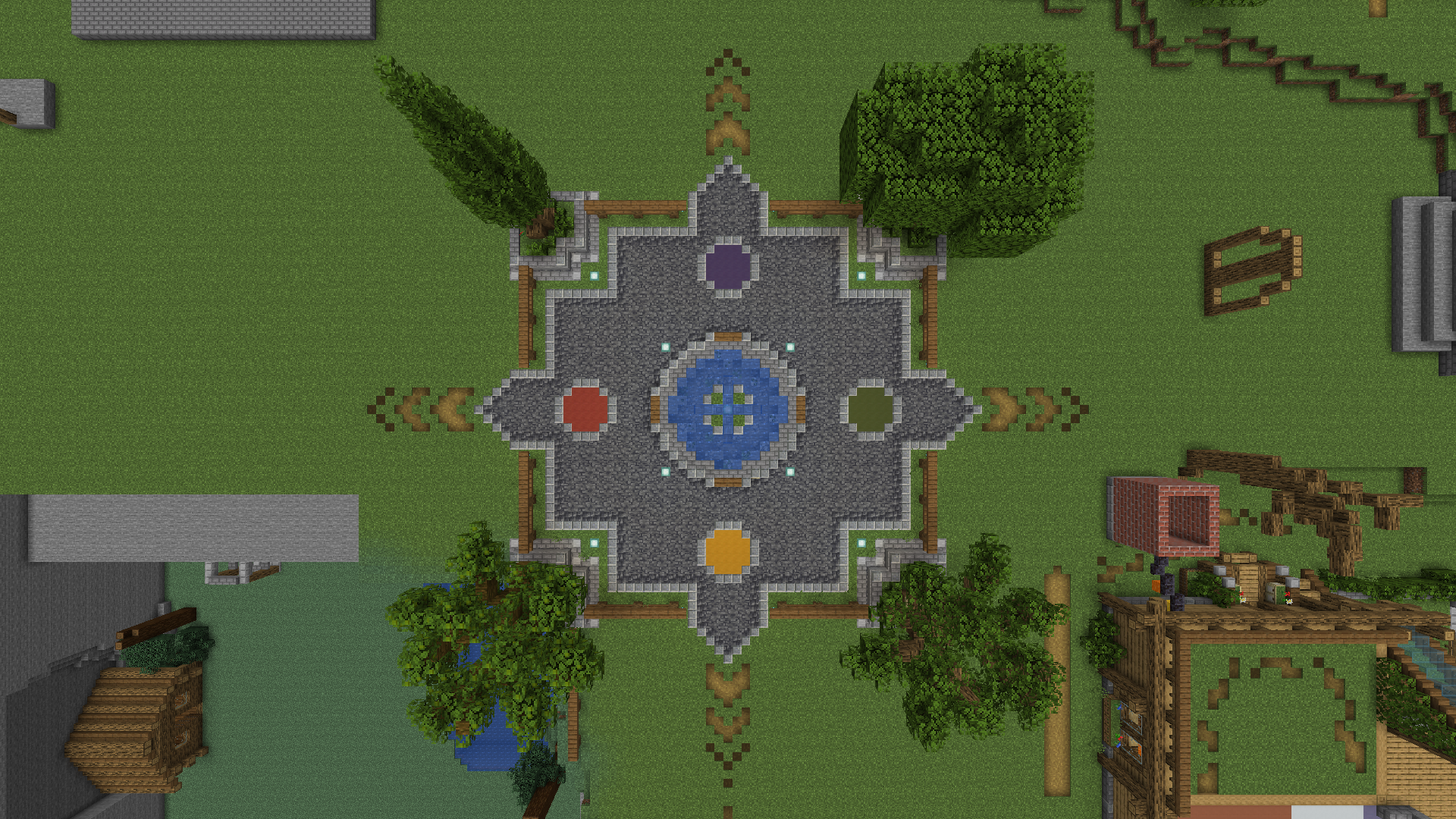 Plaza – Overhead Shot The square at the center of the demo world, cleanly dividing it into four distinct districts.
 -
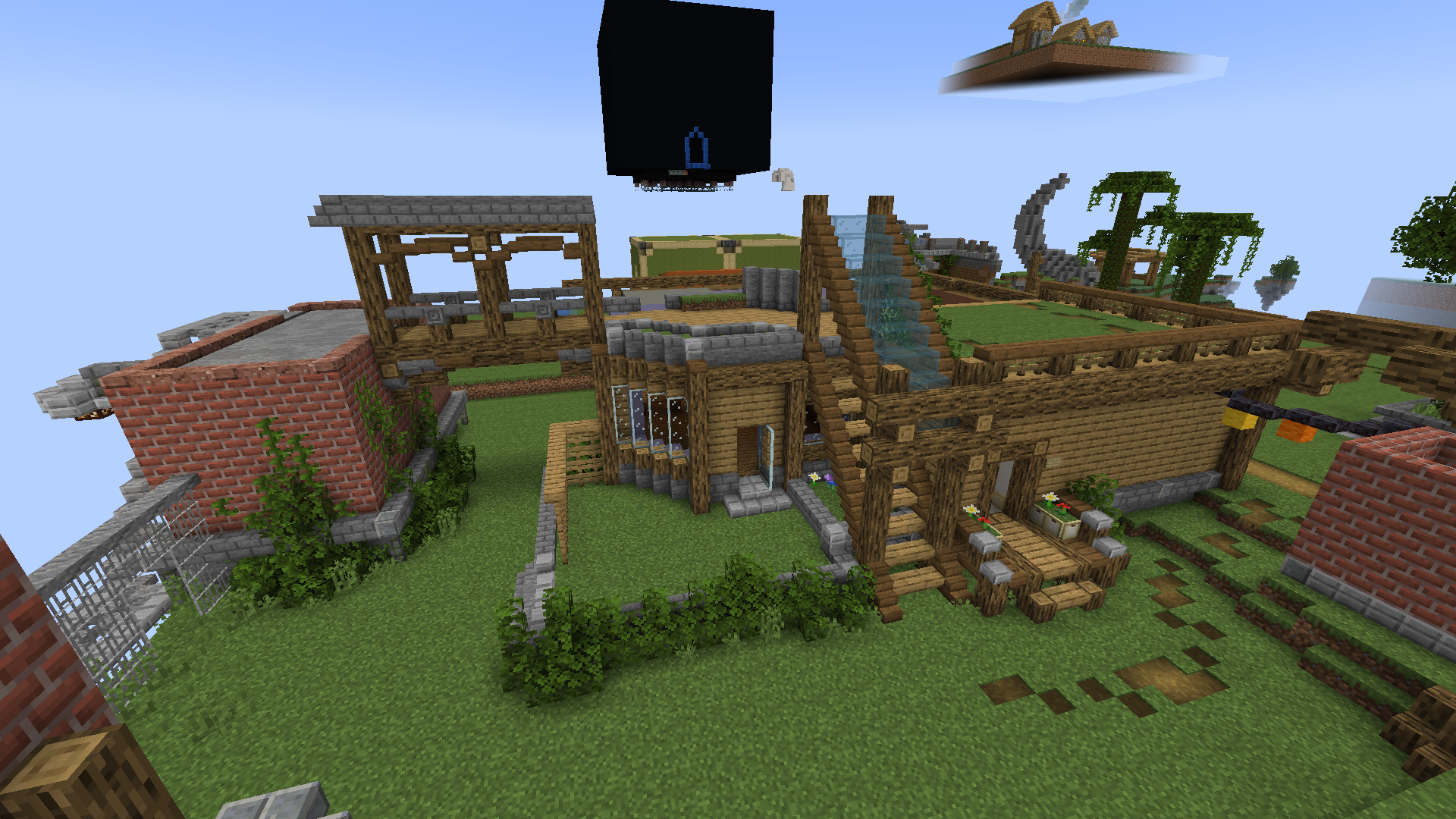 Housing District – Overground An overview shot of 2 houses that are connected with a stairway and a bridge.
 -
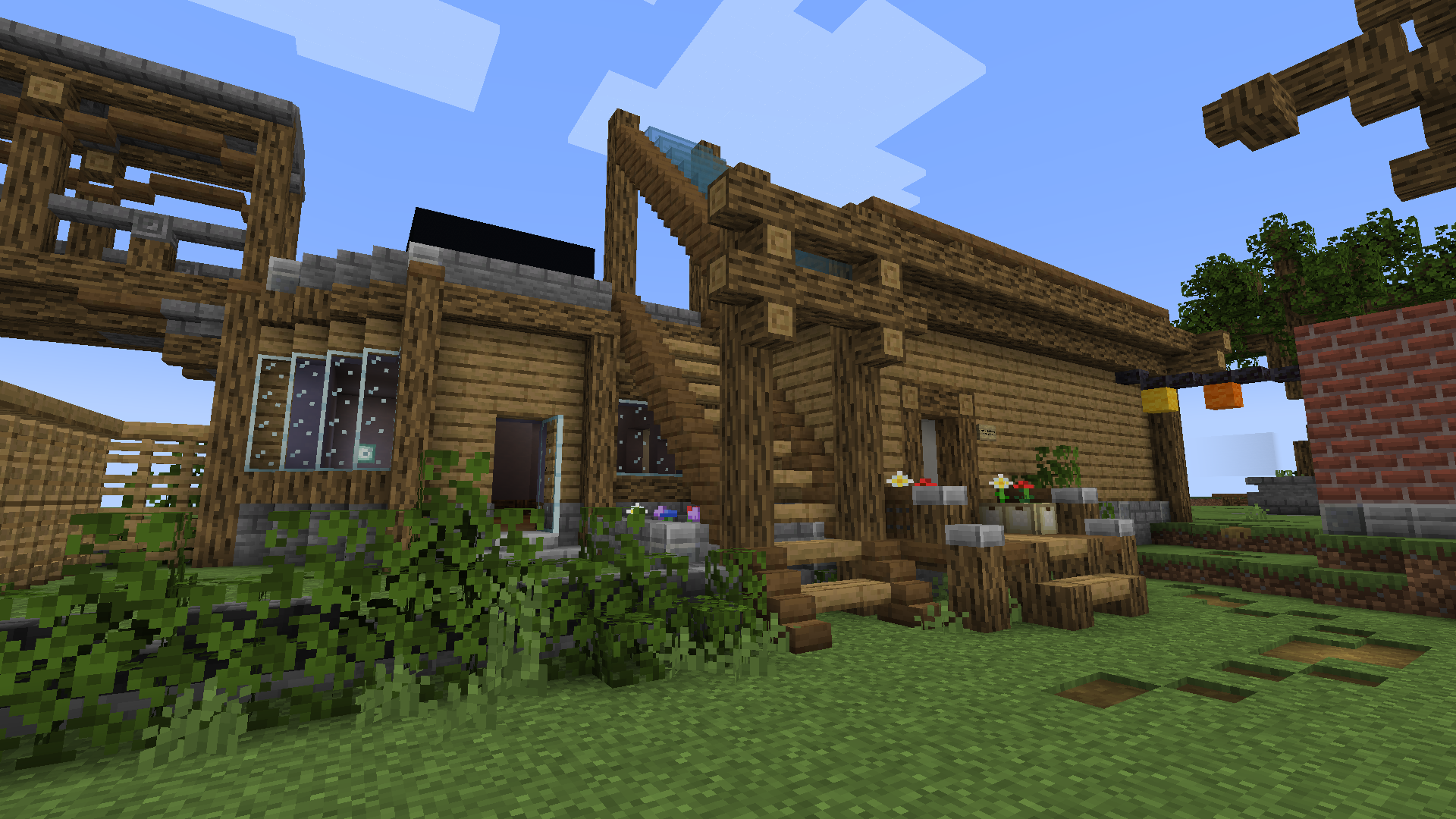 Housefront The front side of a house, featuring fancy stairs leading up to an unfinished second floor.
 -
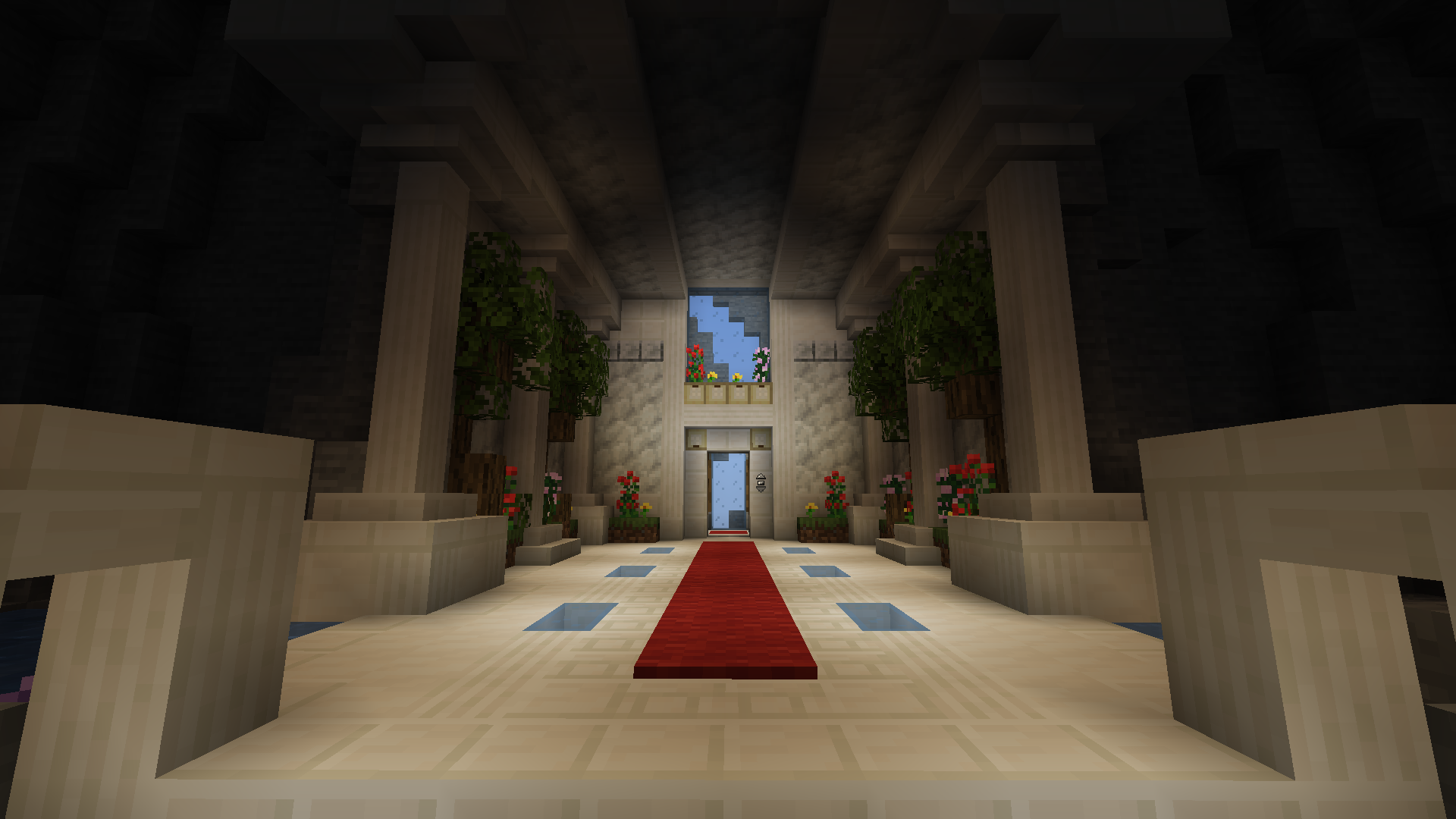 Library – Entrance The entrance, showcasing how nice flowers look at a small scale.
 -
Library – Overview An overview shot of the library. Notable features include detailed arching, more natural and detailed water flow and stone formations and tinier, more natural-looking lily pads.
-
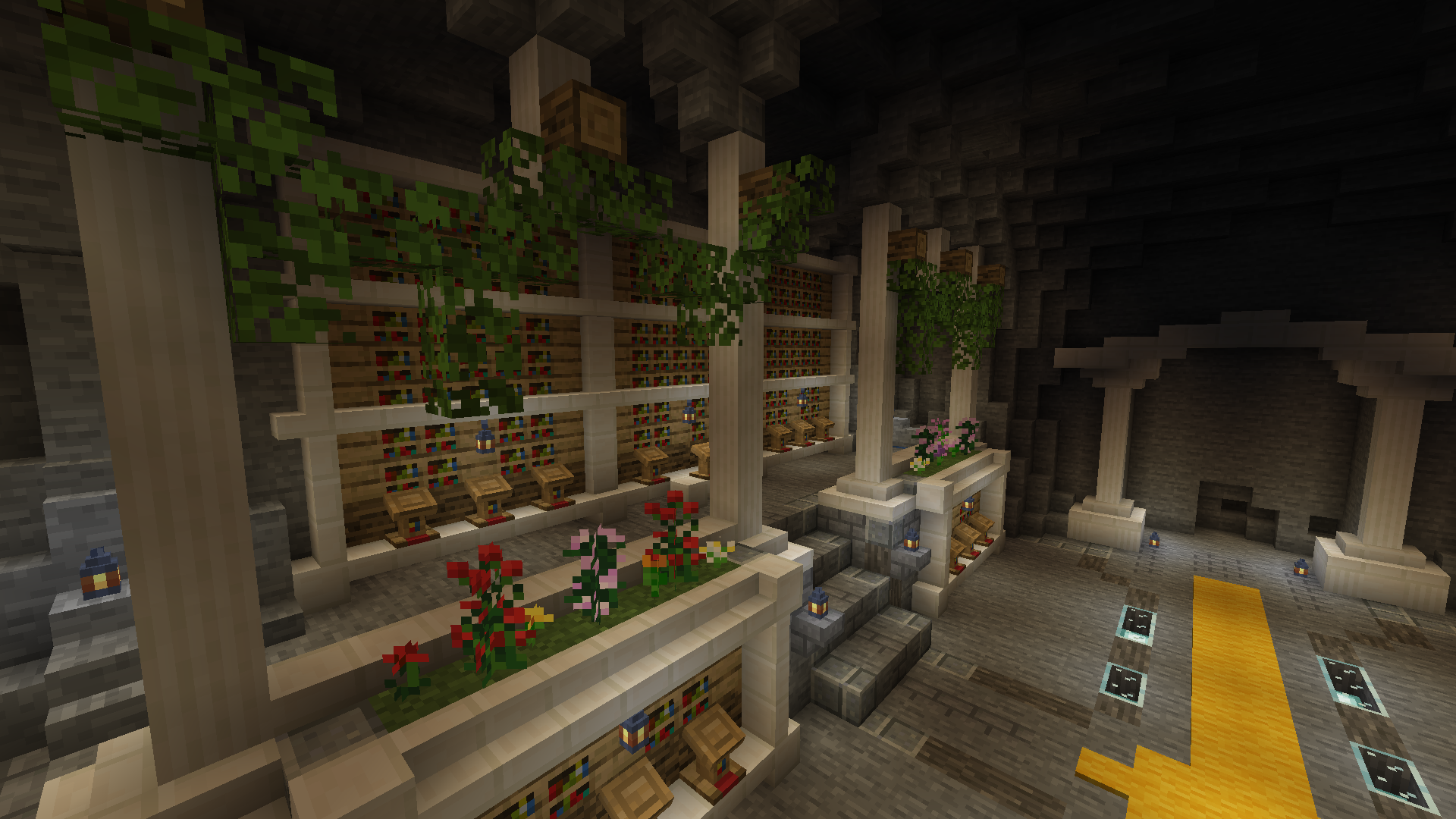 Library – Left Wing Quartz detailing, leafy garlands and decorated stones adorn the library.
 -
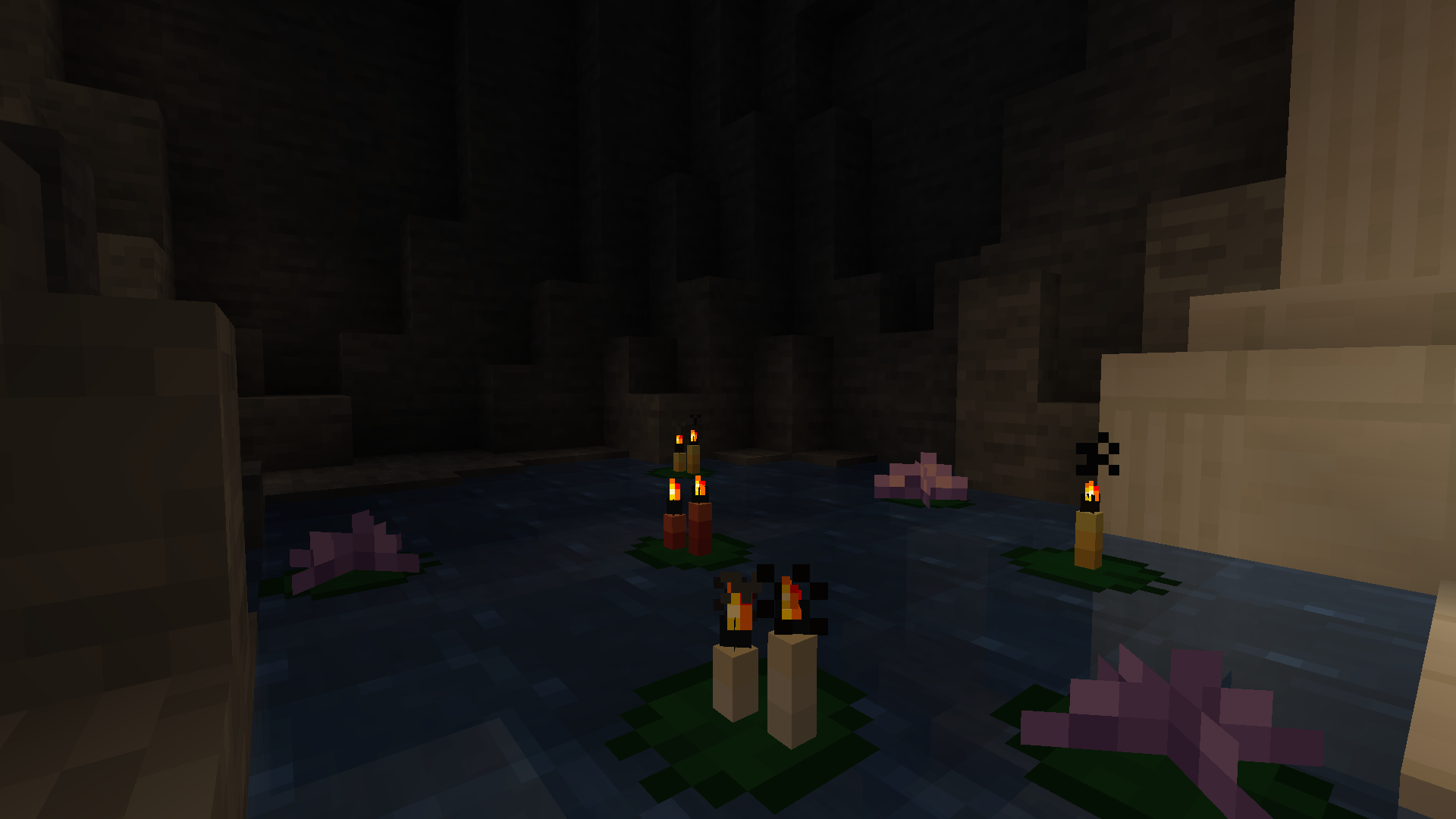 Library – Lotus Candles and amethyst buds ("lotus leaves") looking great on lily pads!
 -
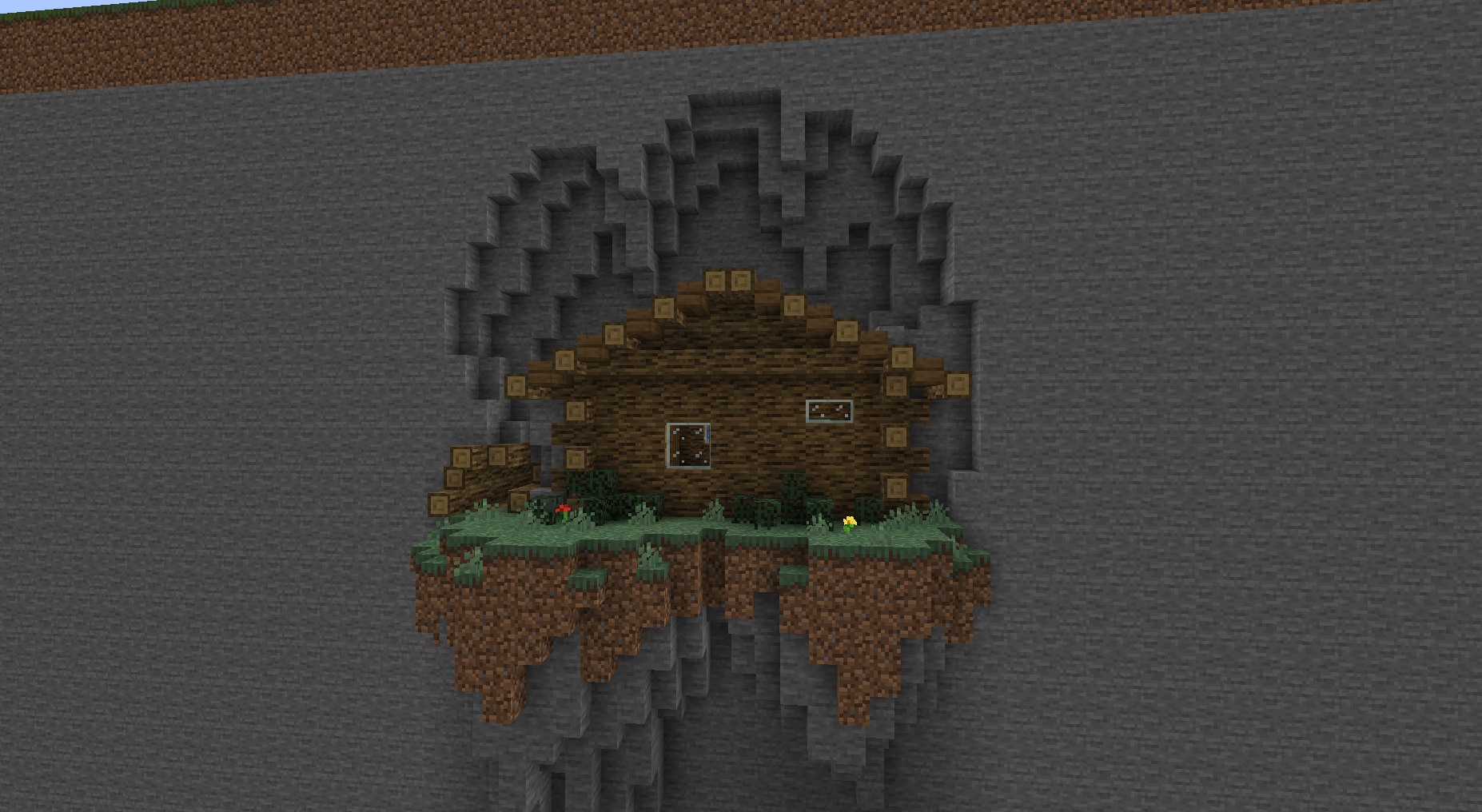 Cabin (Cliffside) A cabin, breaking through a thin rock wall.
 -
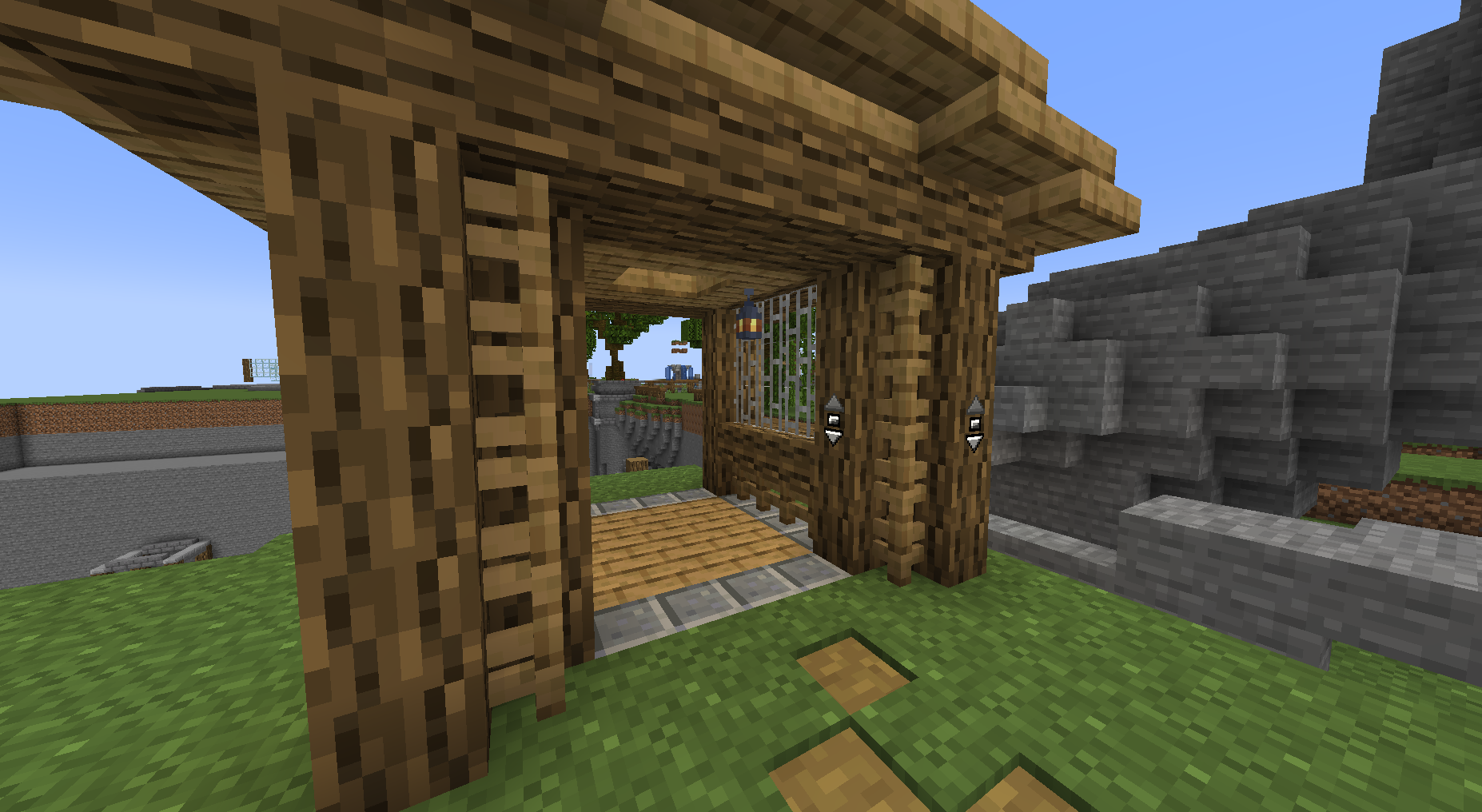 Mineshaft Elevator A wooden mineshaft elevator on the surface, plentifully decorated.
 -
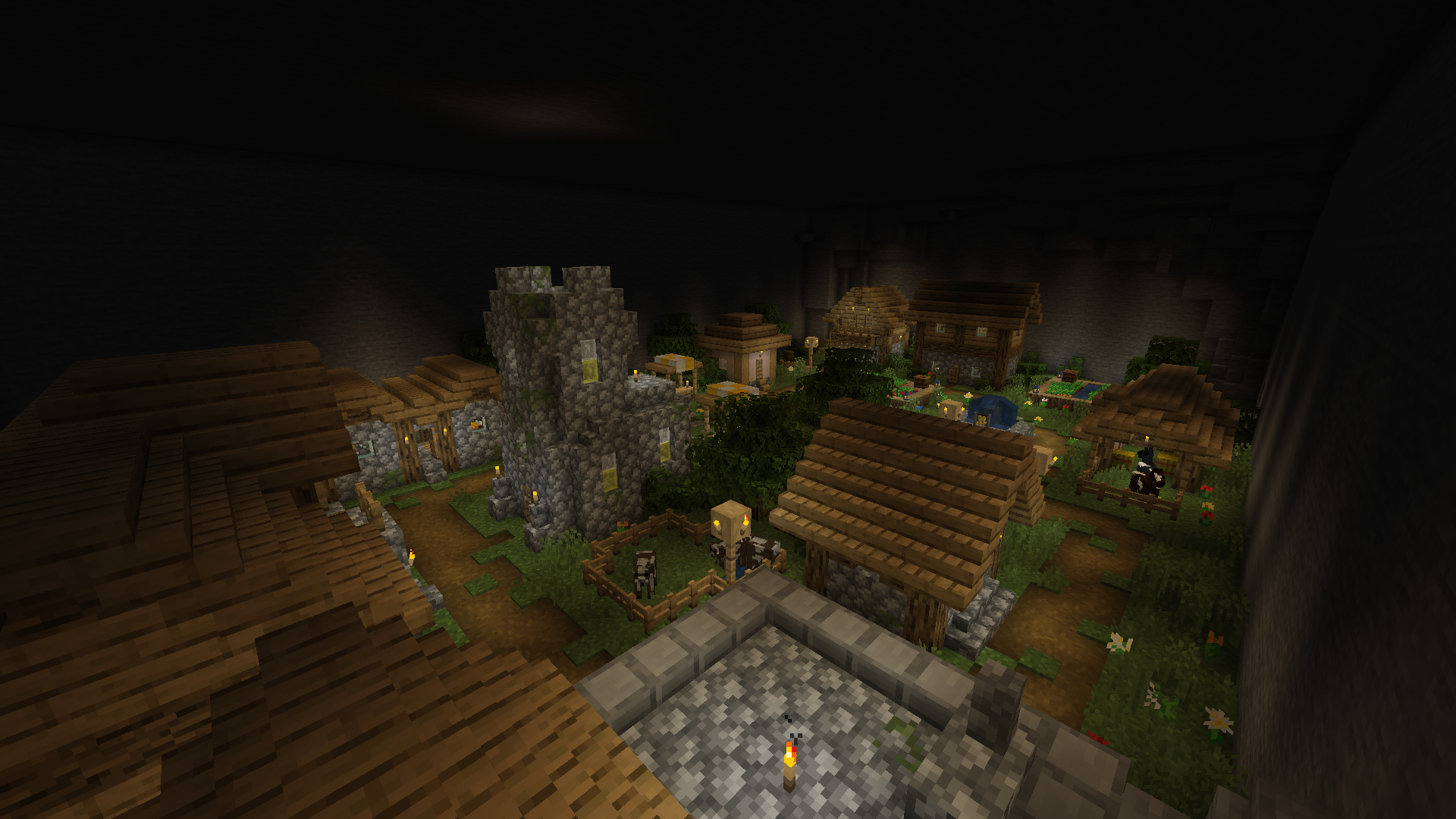 Village It all looks so cute at this scale...
 -
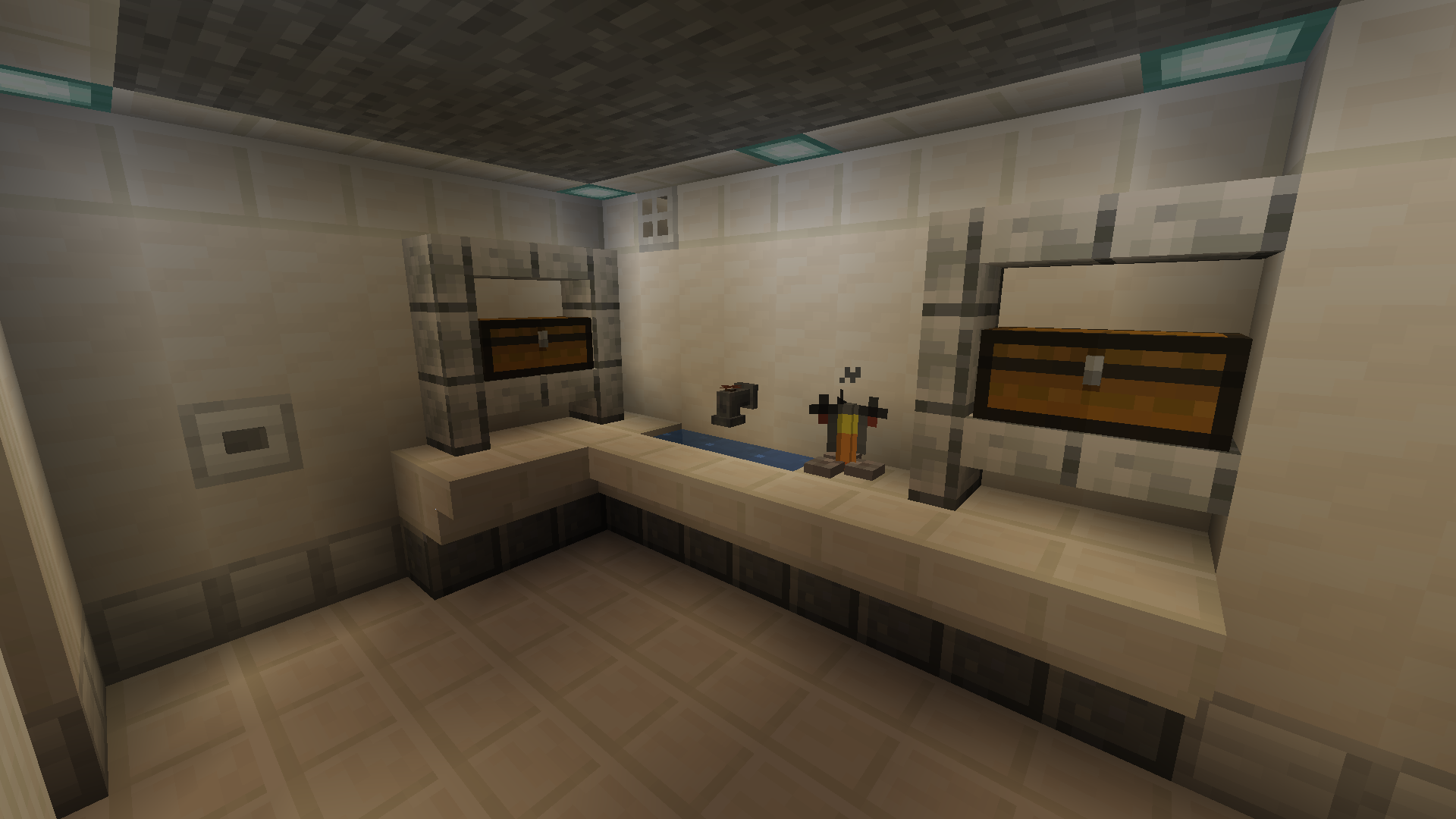 Laboratory Table A small countertop built for brewing potions.
 -
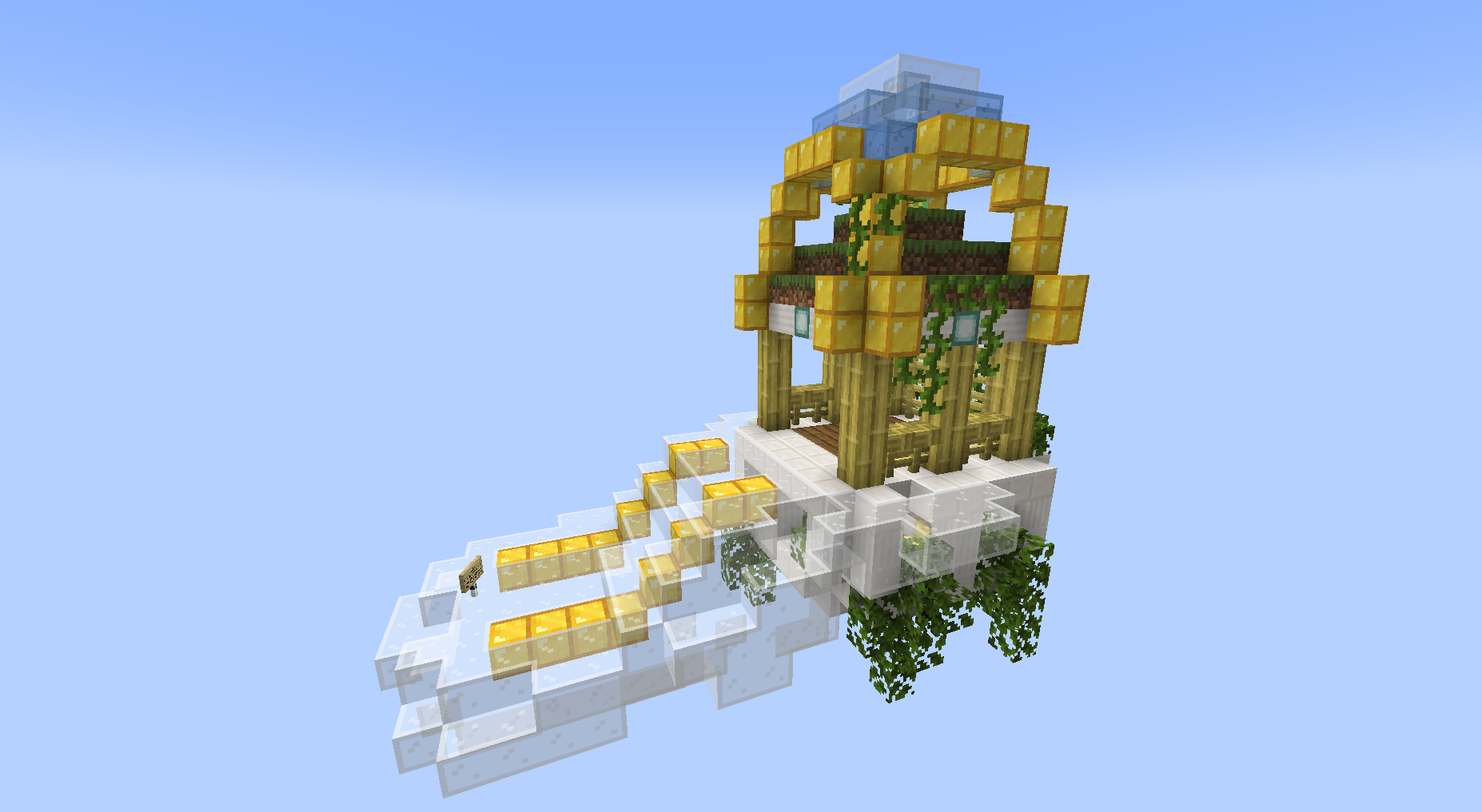 Heaven – Entrypoint A small gazebo floating amongst transparent clouds and golden linings.
 -
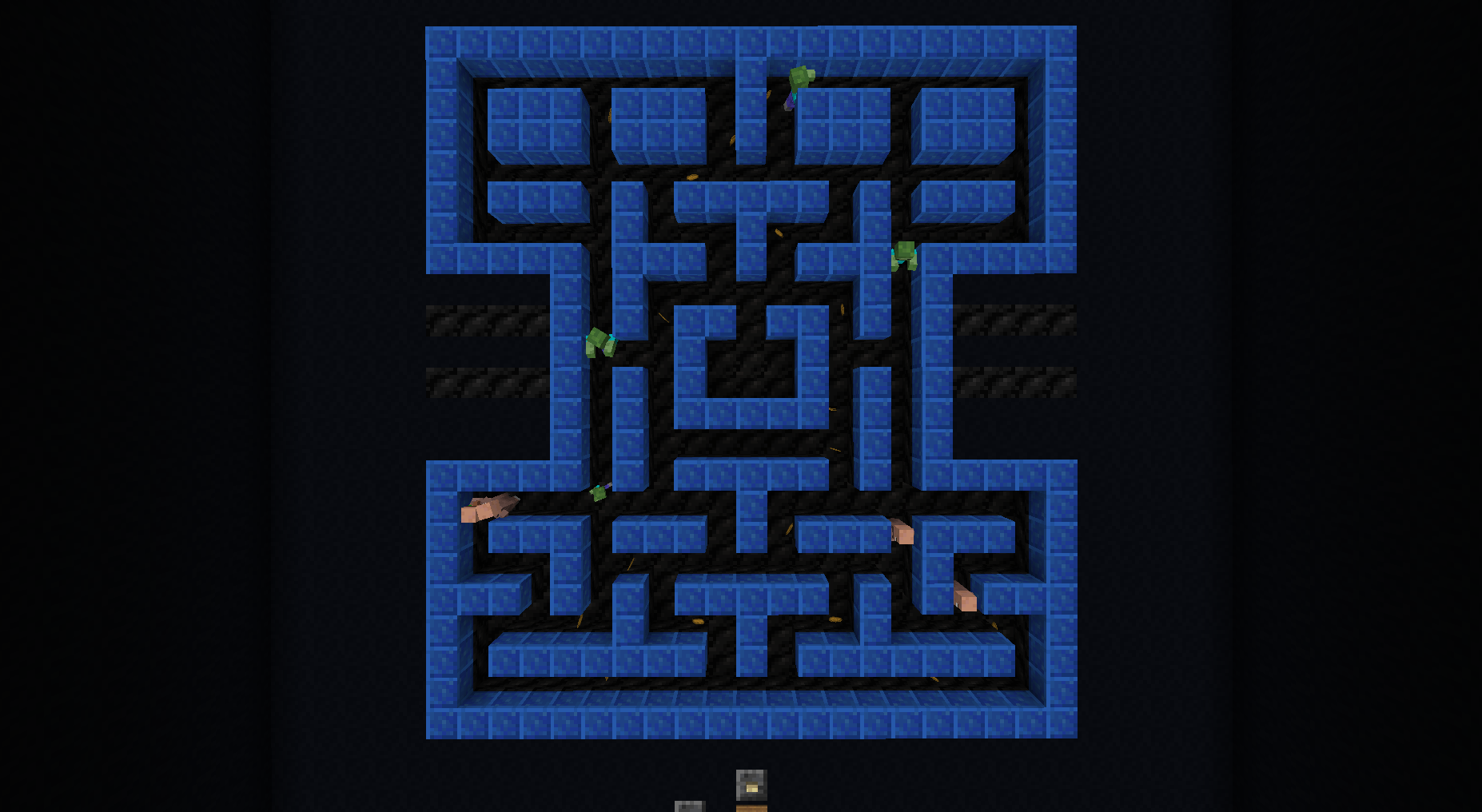 Pacman Minigame A fun little game where you can watch 4 villagers try to collect all the bread before the zombies get them.
 -
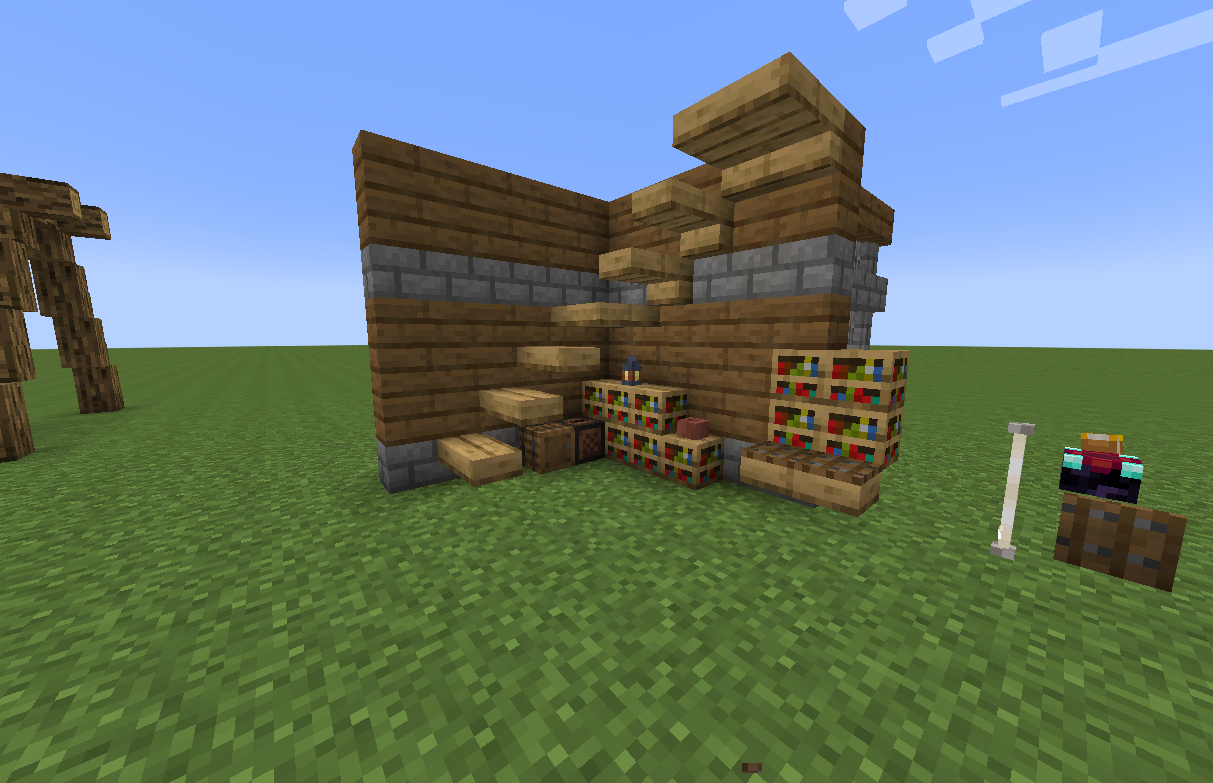 Corner A corner I built once in a now-deleted world, featuring snazzy and modern stairs hugging the wall.
 -
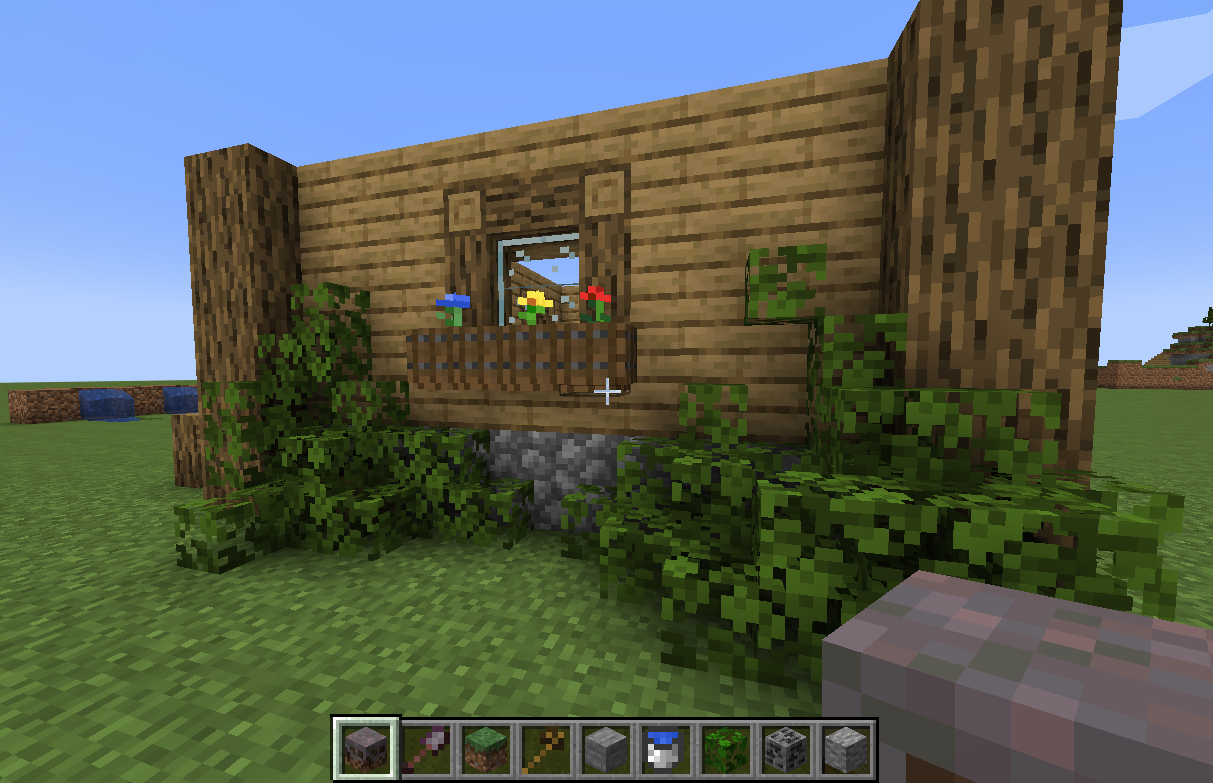 Facade A neat facade I built in a now-deleted world to test how a normal wall could be spruced up with the now available detailing.
 -
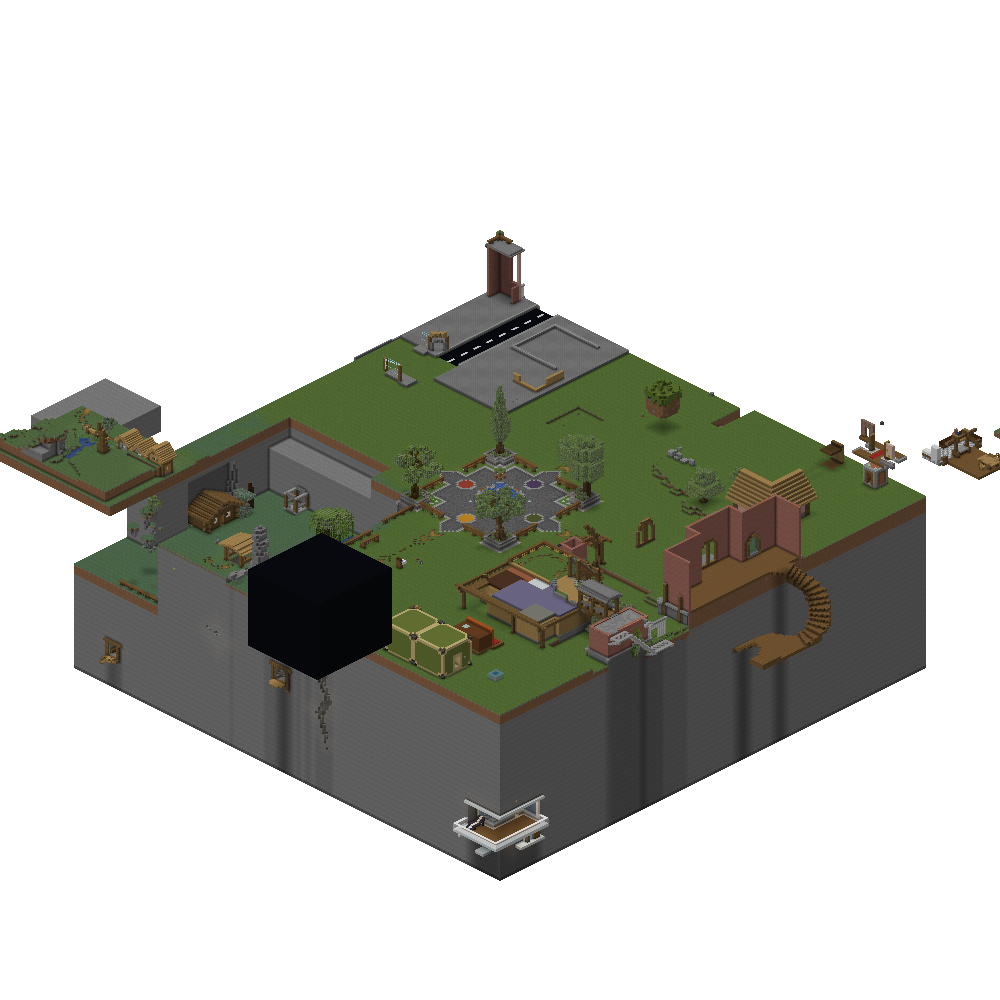 Isometric – Housing District
 -
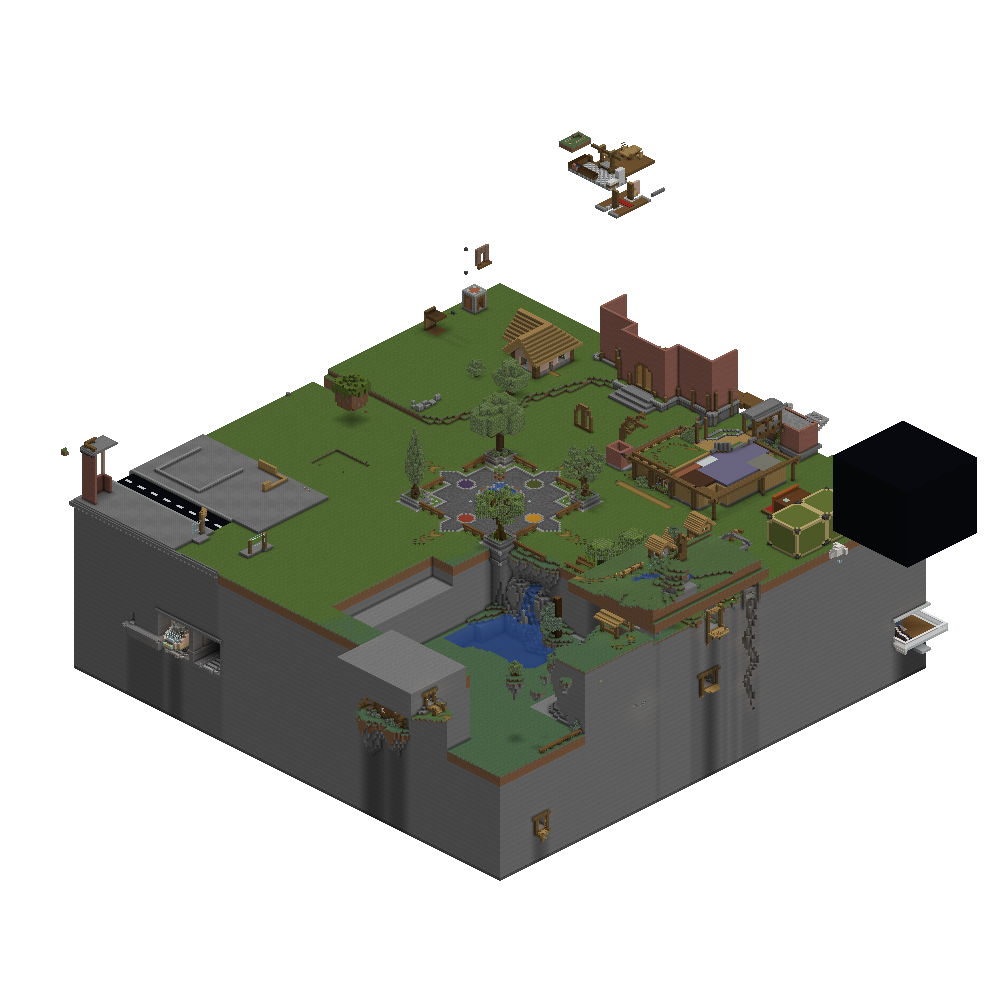 Isometric – Nature District
 -
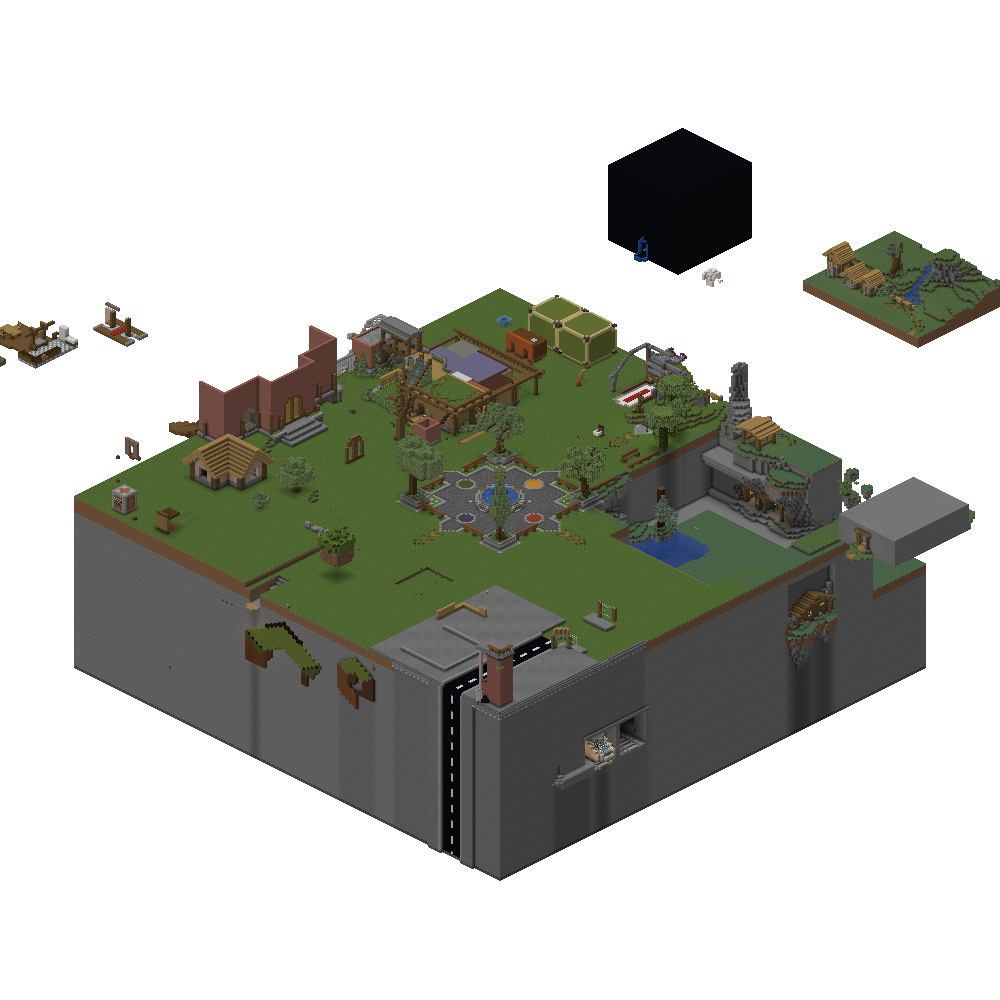 Isometric – City District
 -
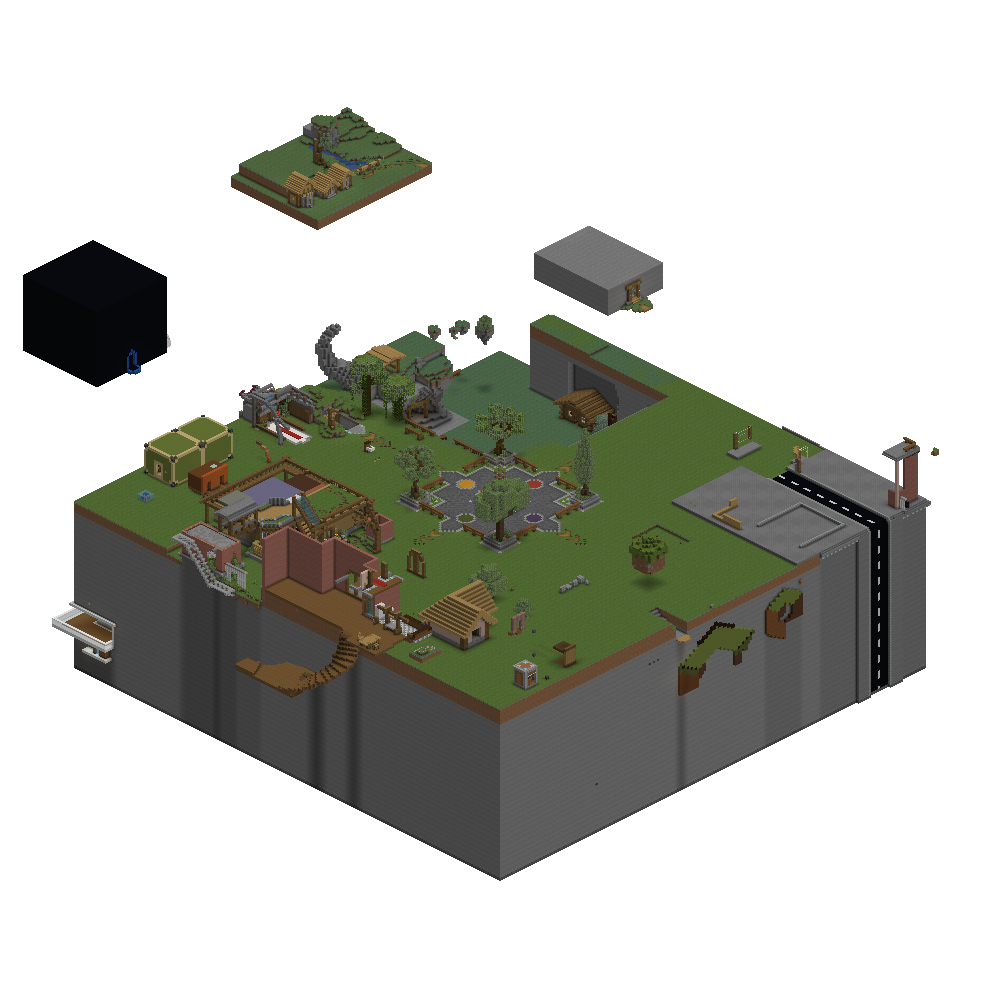 Isometric – Vanilla District
Versions
Files
Relations
Project Relations
More like this
Similar Modpacks
Suggestions use data such as tags, dependencies, dependents, descriptions, titles, and more to rank how much they overlap with this modpack.
On ModDex
Community snapshot
By the numbers
Statistics

Want to reach Minecraft players?
We're looking for a server hosting partner to feature here and other parts of the site. Interested? Send us a message!
Get in touchGet it on
Available Platforms
On ModDex
Community snapshot
By the numbers
Statistics
Resources