
Community listing page, reviews here may not be monitored by the author.
Localy Optimized

No reviews yet
A lightweight Fabric modpack featuring performance optimizations for low-end hardware, alongside useful client-side utility tools for builders.
Community voices
Reviews
No reviews yet. Be the first to review this project!
Get it on
Available Platforms
Compatibility
Supported Environments
Runs entirely on the client. Works on vanilla servers.
About
Project Details
For authors
Embed Badge
If you're the author of this project, you can embed a live badge anywhere that supports HTML or Markdown. It updates automatically whenever ratings change.
Use HTML for any page that supports it, or Markdown for README files and Markdown-based descriptions.
Identifiers
Platform IDs
Resources
External Links
About
Description
Localy Optimized is a Fabric-based modpack designed specifically for builders, bundling performance-focused client-side mods to maintain frame rate stability during builds alongside a selection of lightweight utility tools.
Tested on low-end hardware to ensure stable performance.
💡 Pro-Tip: Join multiplayer servers with this pack to get the absolute highest FPS and smoothest gameplay.
⚙️ Configuration Recommendations
The following in-game settings are suggested to reduce hardware strain:
- Framerate Limit: 60 FPS (or monitor refresh rate).
- VSync: Off.
- Graphics Quality: Fast.
- Leaves: Fast
- Clouds: Fast or Off
- Simulation Distance: 4-5 Chunks.
- Render Distance: 6-8 Chunks.
🛠️ Included Mod Functionality
Performance
- Sodium: Replaces the vanilla rendering engine with an optimized pipeline to reduce rendering overhead.
- Lithium: Provides general-purpose optimizations for game physics and entity AI.
- ImmediatelyFast: Optimizes the rendering of UI elements and text.
- FerriteCore: Reduces the RAM footprint of the game.
- ModernFix: Optimizes launch times and asset caching.
Utility
- Mouse Wheelie: Adds full inventory management and also adds Mouse Tweaks dragging mechanics, plus build-in middle-click sorting shortcut.
- Shulker Box Tooltip: Displays shulker box contents when hovering over the item.
- Simple HUD Enhanced: Displays status information on the HUD.
- WI Freecam: Provides a camera detachment tool for viewing builds.
- Disable Fog (No Fog): Removes the fog rendering layer.
🎨 Resource Pack Credits
This modpack includes the following resource packs with full credit to their original creators:
Screenshots
Gallery
-
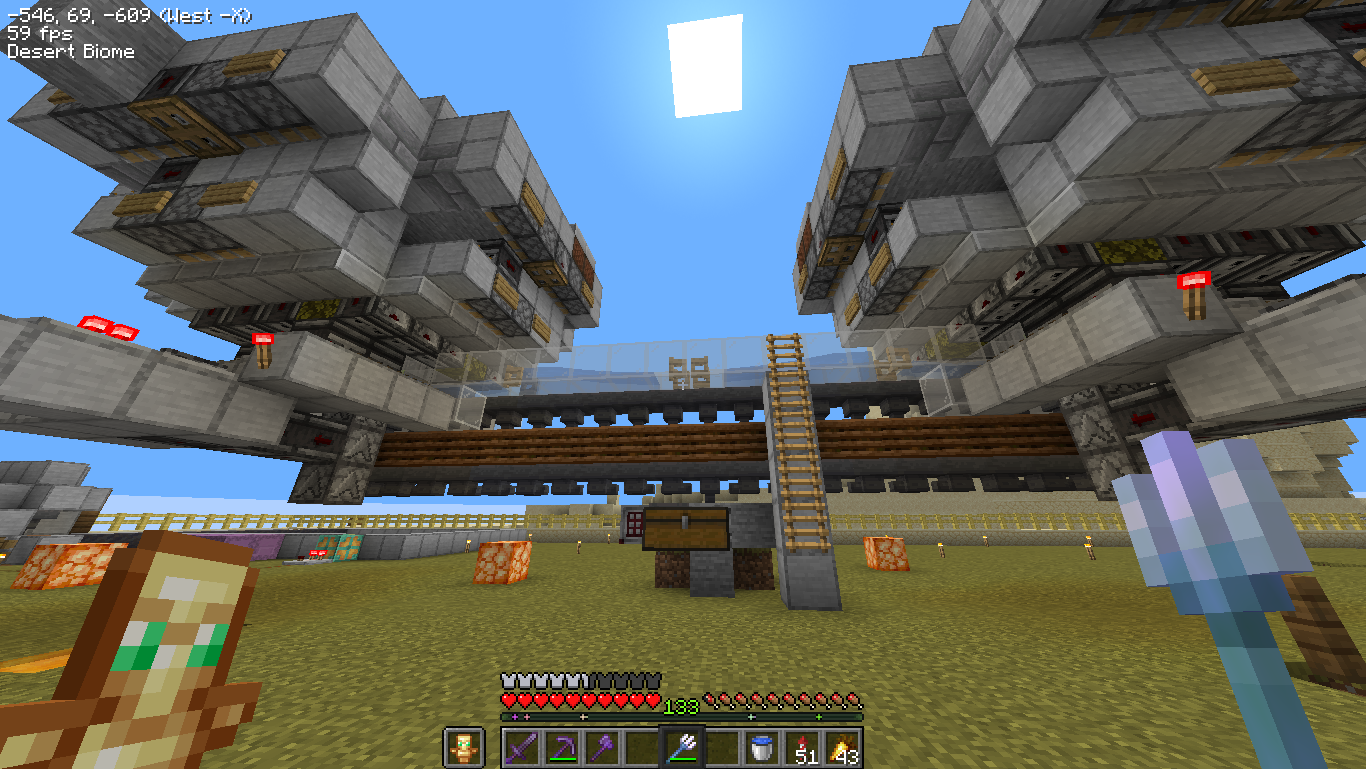
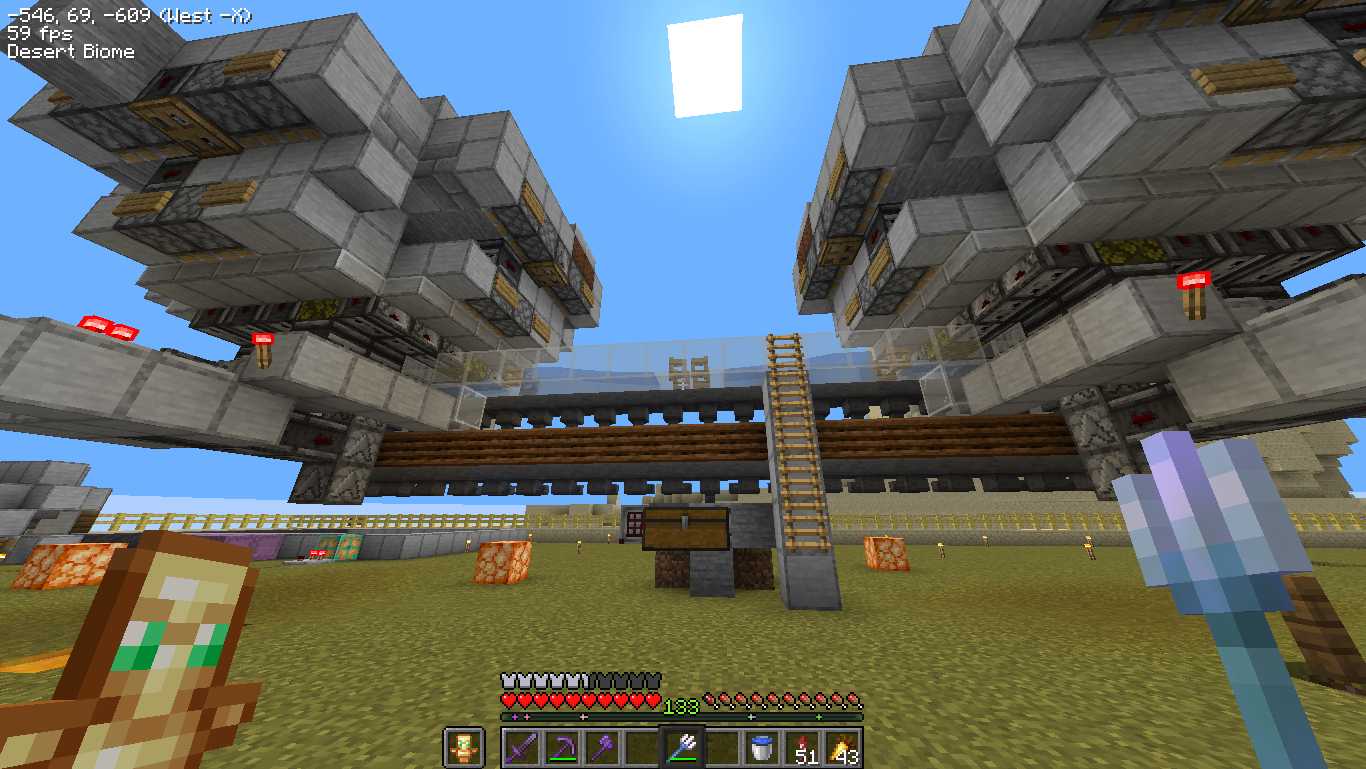 In-Game Performance In-game screenshot of a stable 59 FPS while facing player builds.
 -
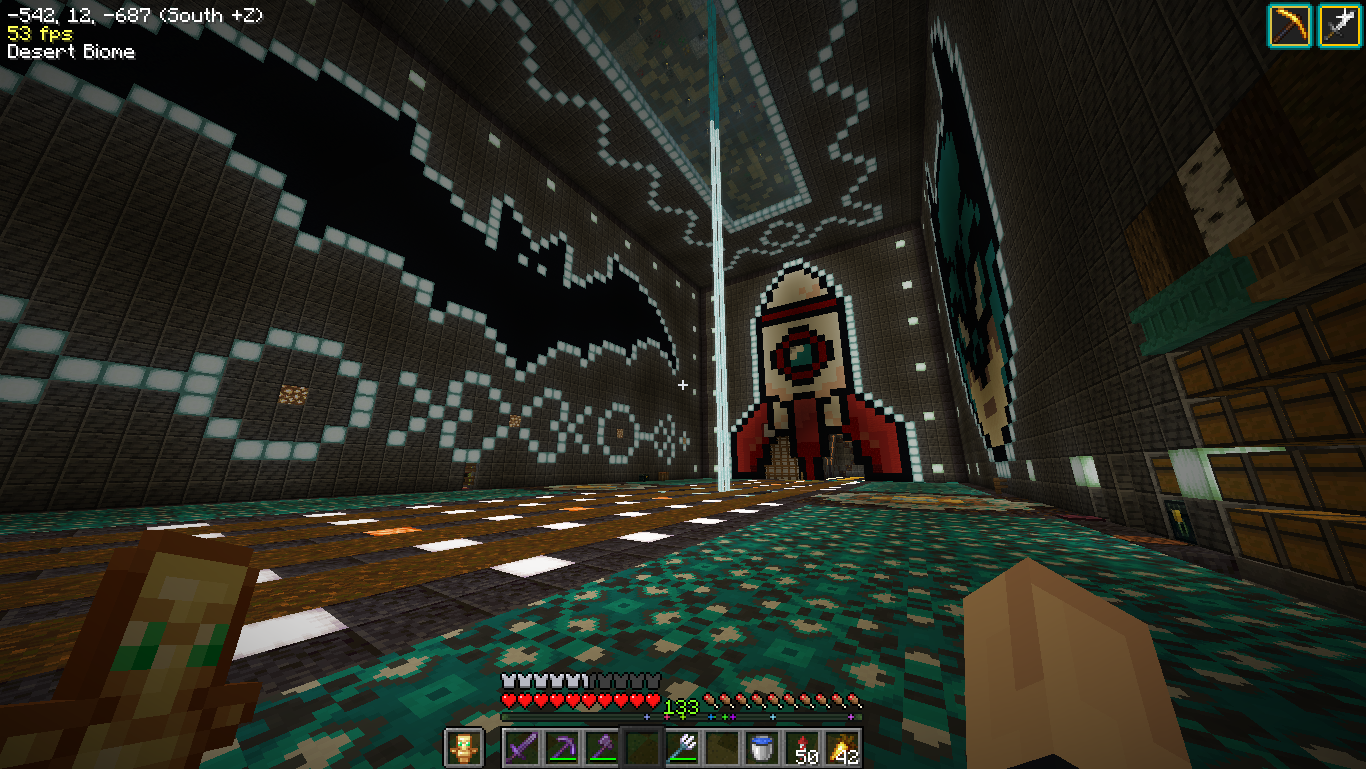 Performance Indoors In-game screenshot 53 FPS inside a large base with many chests and entities.
Versions
Files
Relations
Project Relations
More like this
Similar Modpacks
Suggestions use data such as tags, dependencies, dependents, descriptions, titles, and more to rank how much they overlap with this modpack.
On ModDex
Community snapshot
By the numbers
Statistics

Want to reach Minecraft players?
We're looking for a server hosting partner to feature here and other parts of the site. Interested? Send us a message!
Get in touchGet it on
Available Platforms
On ModDex
Community snapshot
By the numbers
Statistics
Resources