
Community listing page, reviews here may not be monitored by the author.
Lord's Vanilla Refresh

No reviews yet
Enhance your gameplay experience with the best Vanilla Mods and Packs!
Community voices
Reviews
No reviews yet. Be the first to review this project!
Get it on
Available Platforms
Compatibility
Supported Environments
Runs entirely on the client. Works on vanilla servers.
About
Project Details
For authors
Embed Badge
If you're the author of this project, you can embed a live badge anywhere that supports HTML or Markdown. It updates automatically whenever ratings change.
Use HTML for any page that supports it, or Markdown for README files and Markdown-based descriptions.
Identifiers
Platform IDs
Resources
External Links
About
Description

Lord’s Vanilla Refresh is a client-side Fabric modpack that enhances the Minecraft experience.
The pack uses modern optimization mods that improve FPS, reduce stuttering, speed up chunk loading, lower memory usage, and make large worlds run more smoothly. Distant terrain can render farther without killing performance, entities and particles that you don’t see get skipped, and background processes are handled more efficiently. It’s built so shaders like Complementary Unbound can run smoothly on more systems.
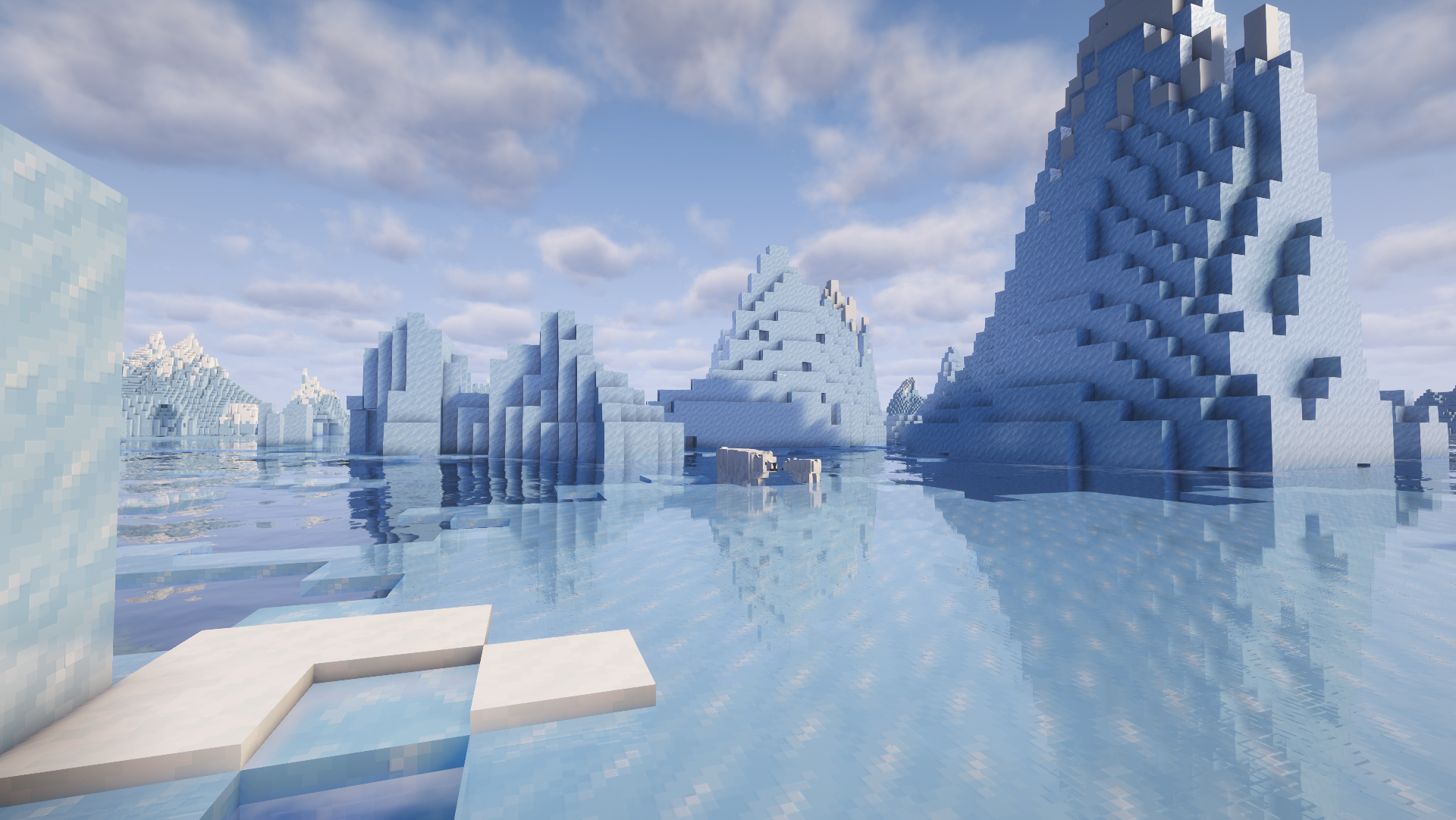
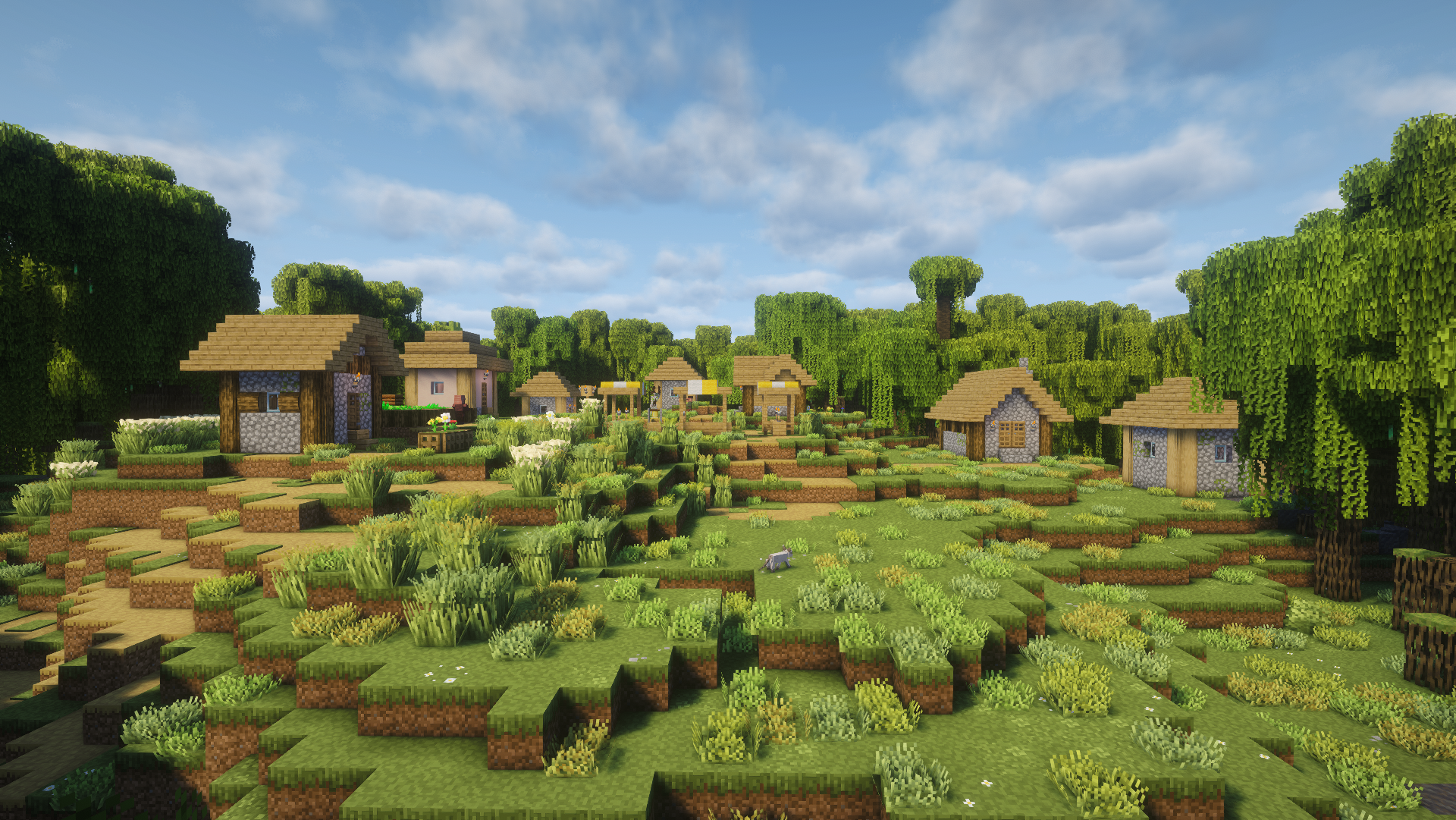
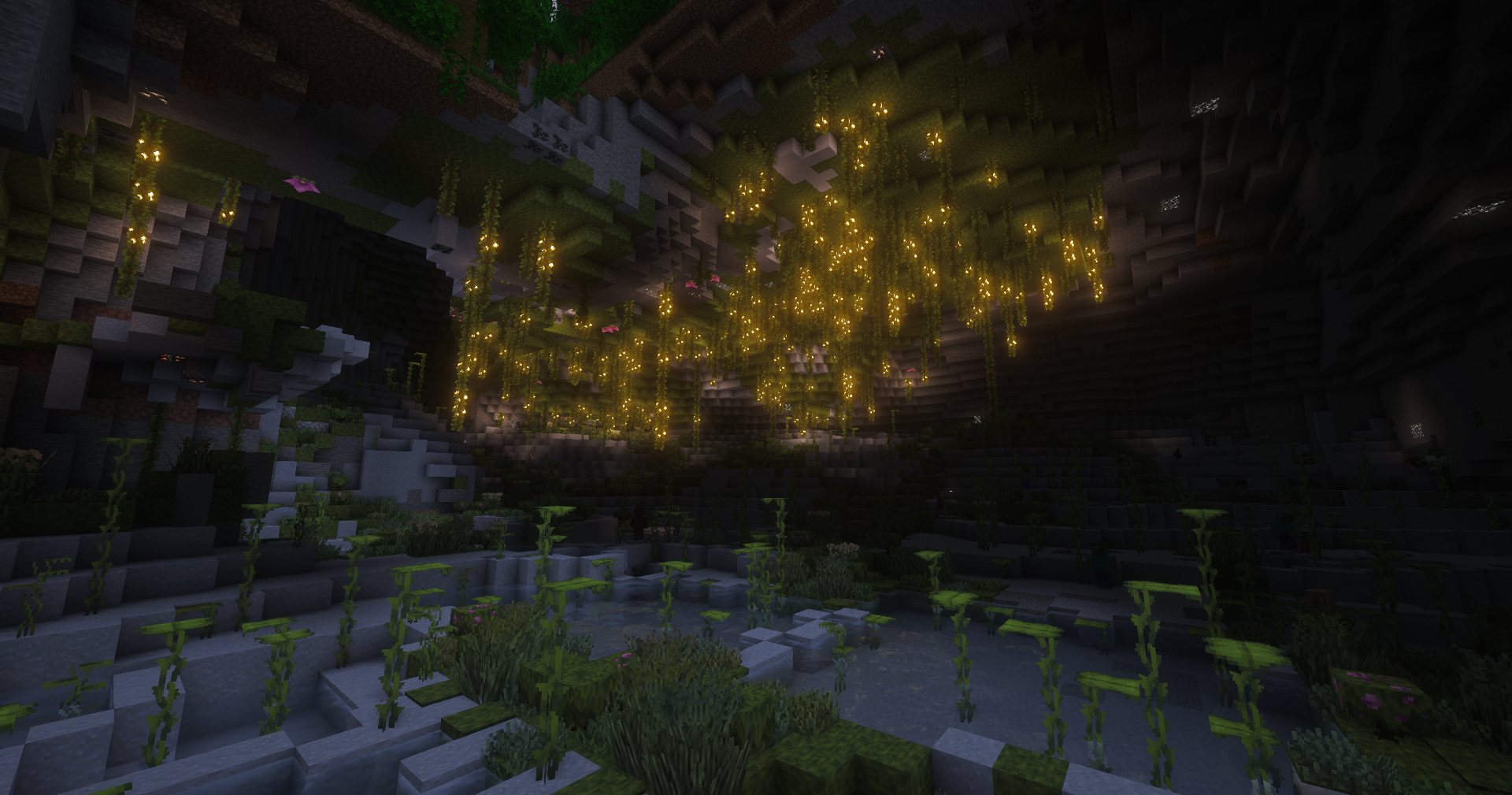
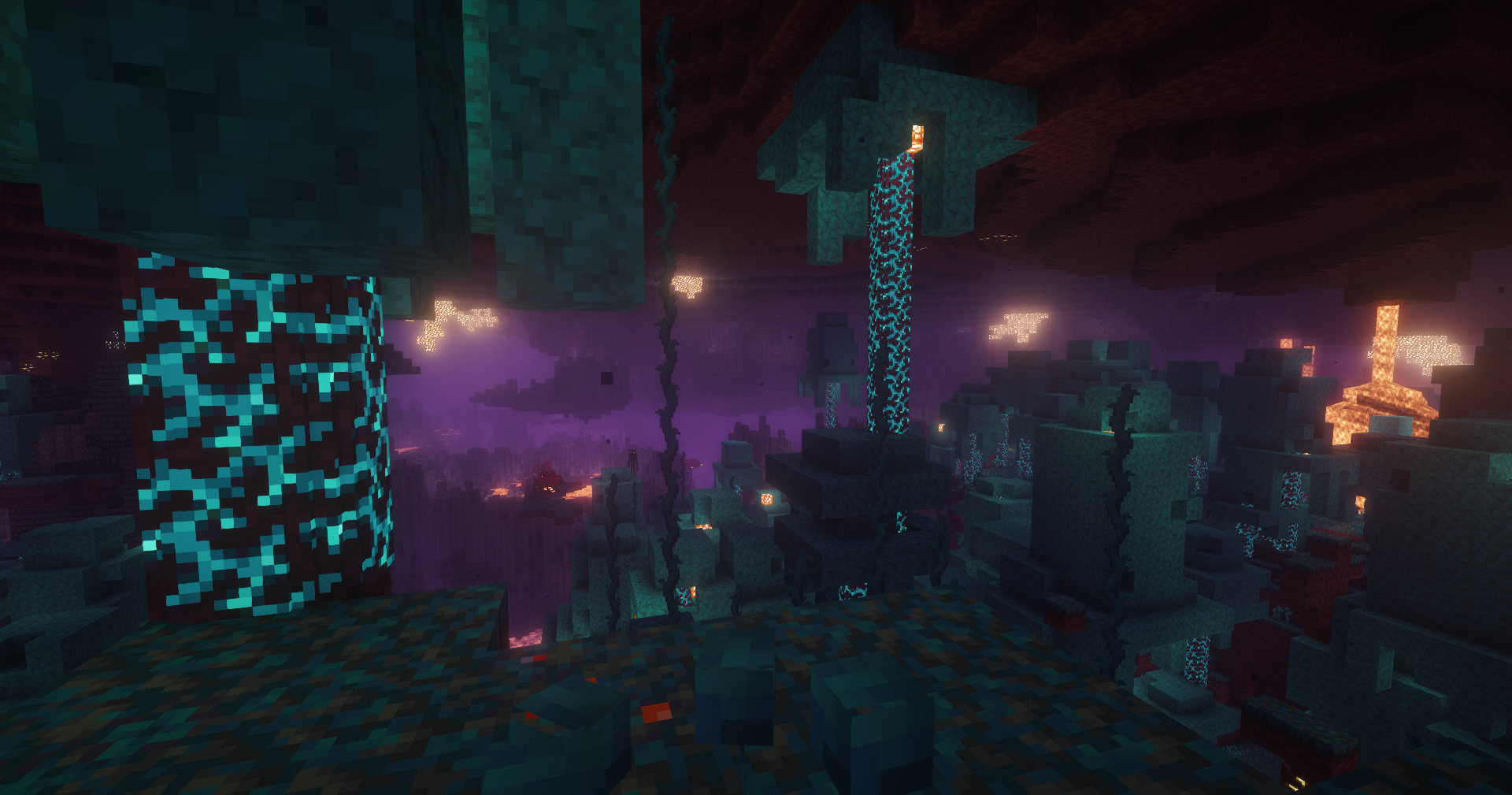
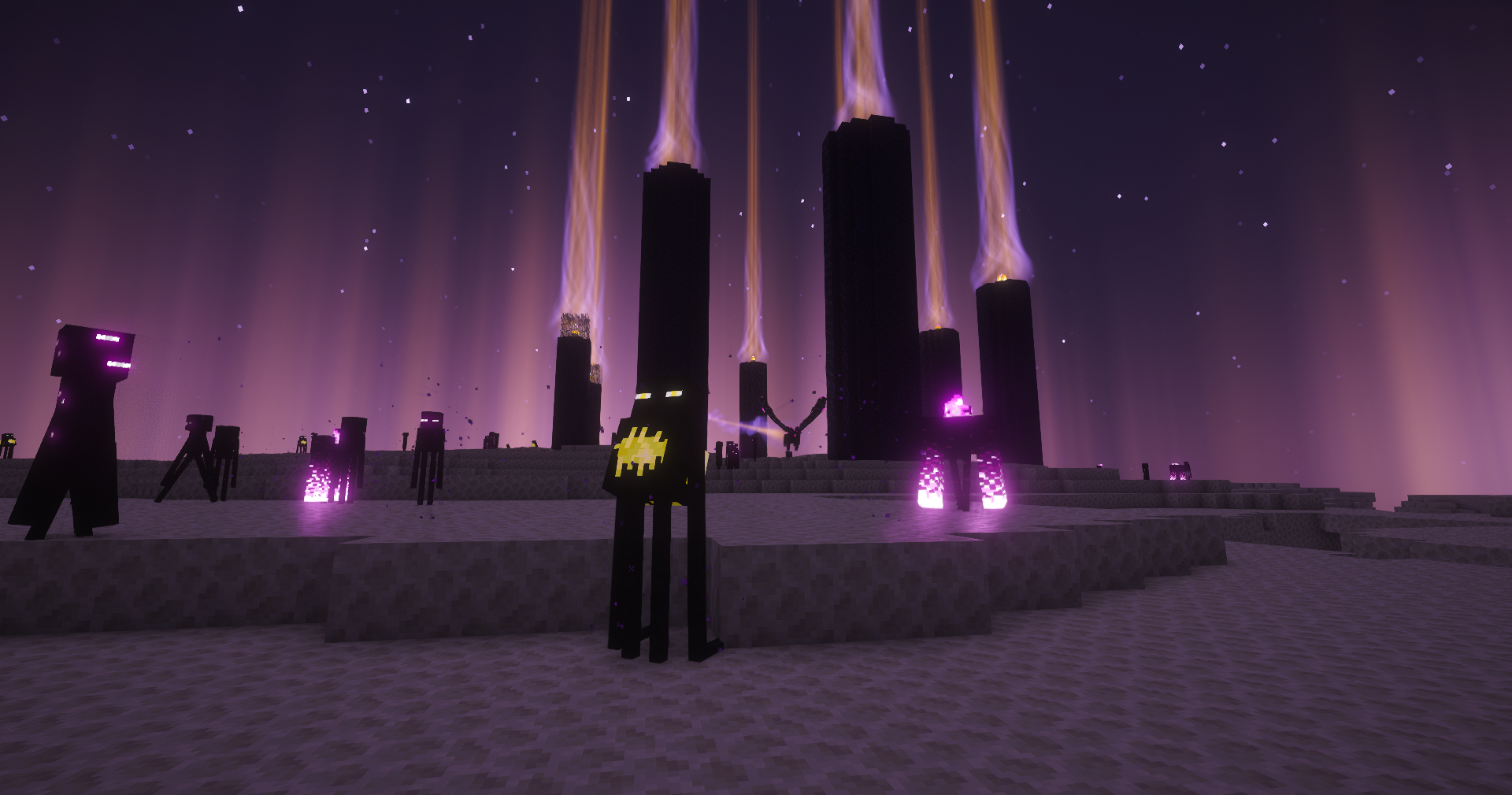
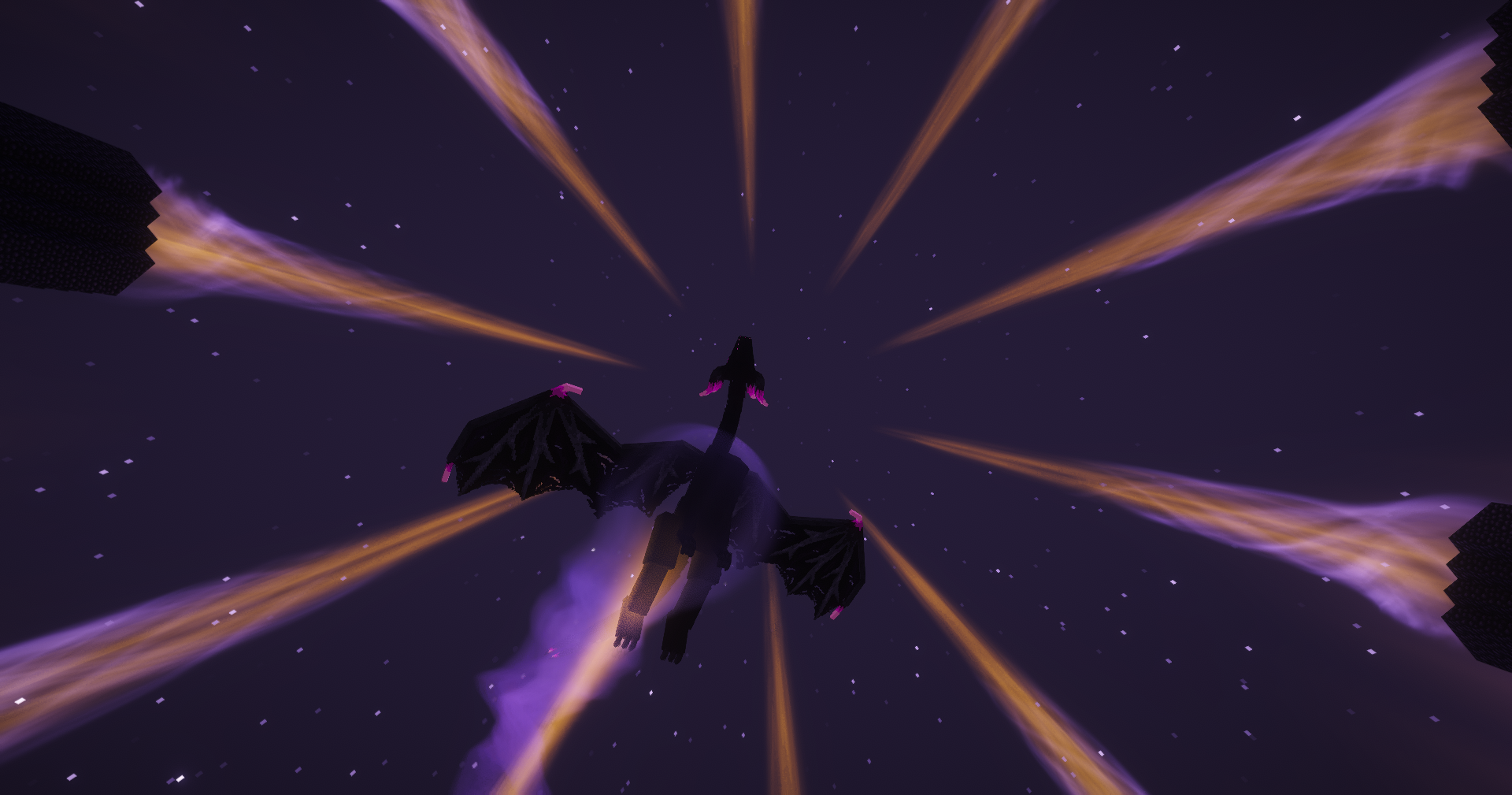
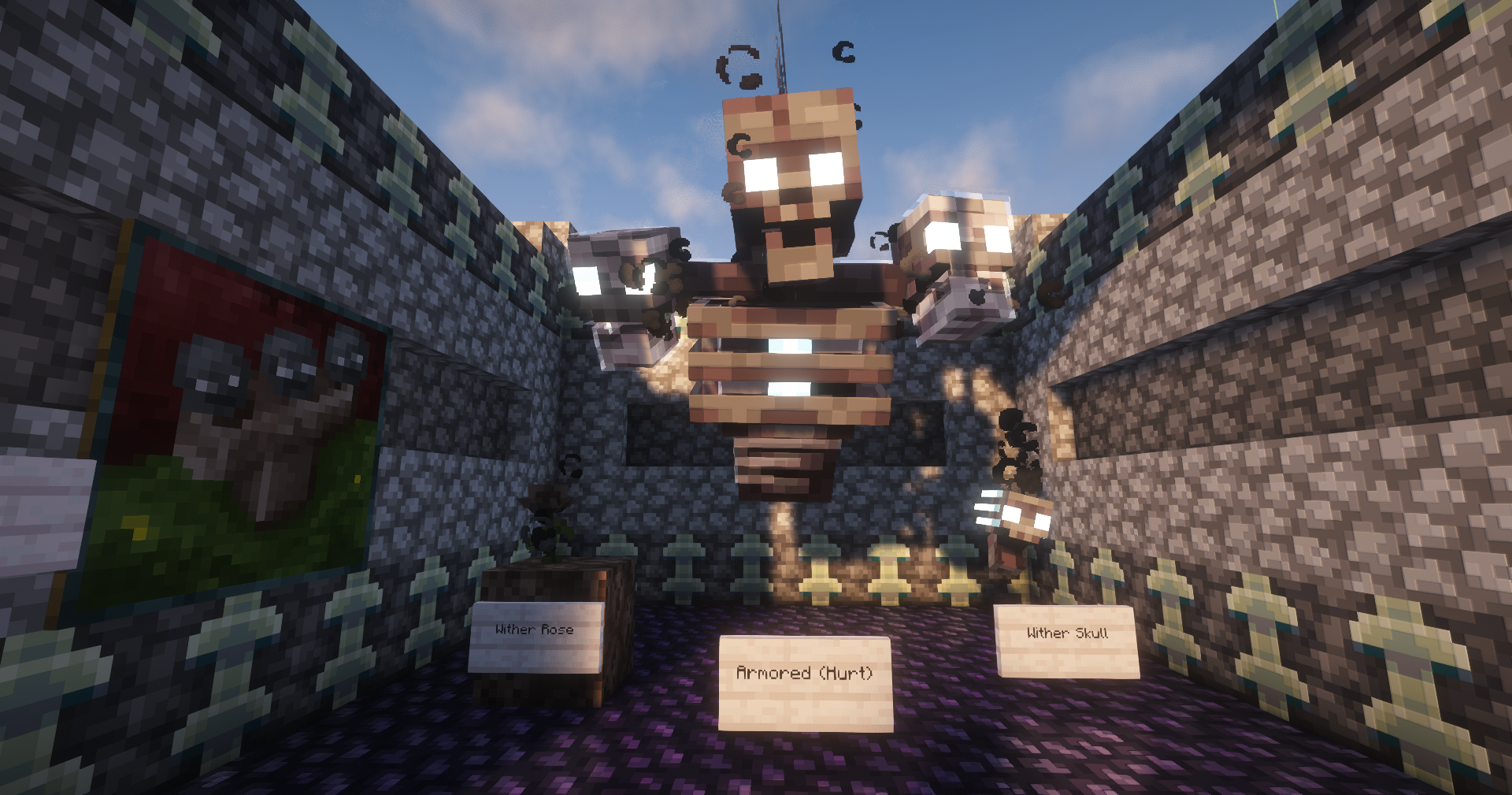
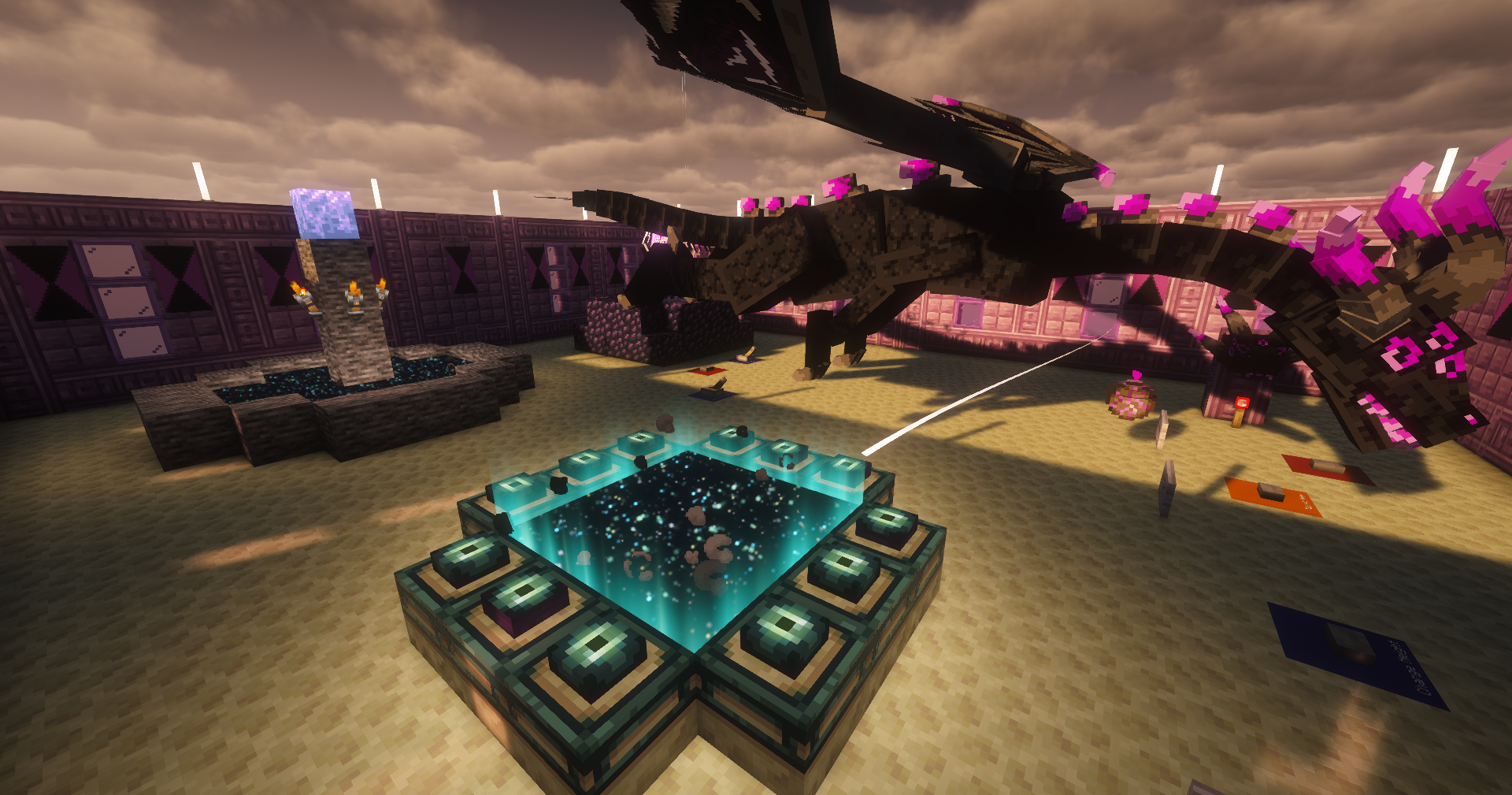
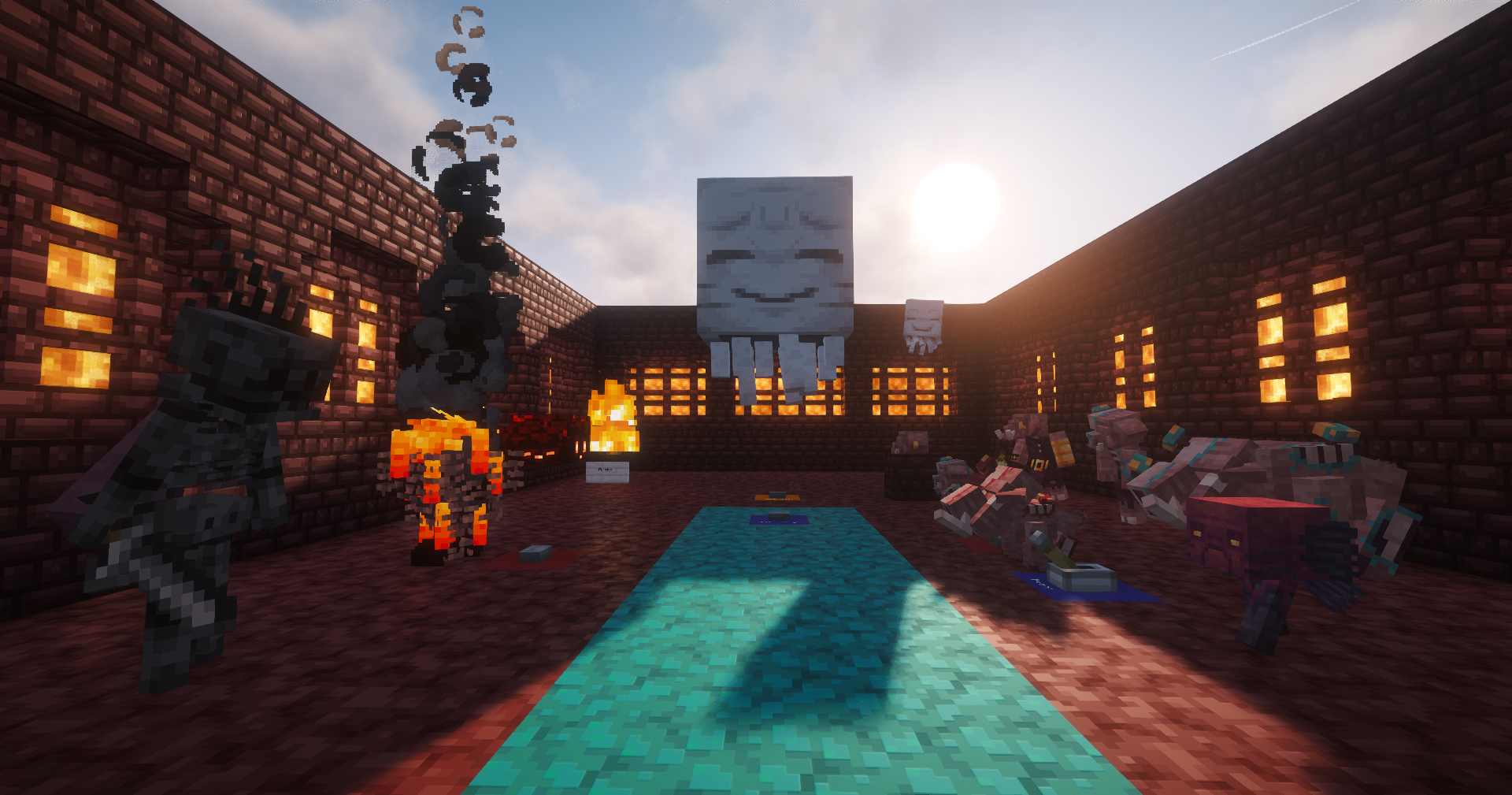
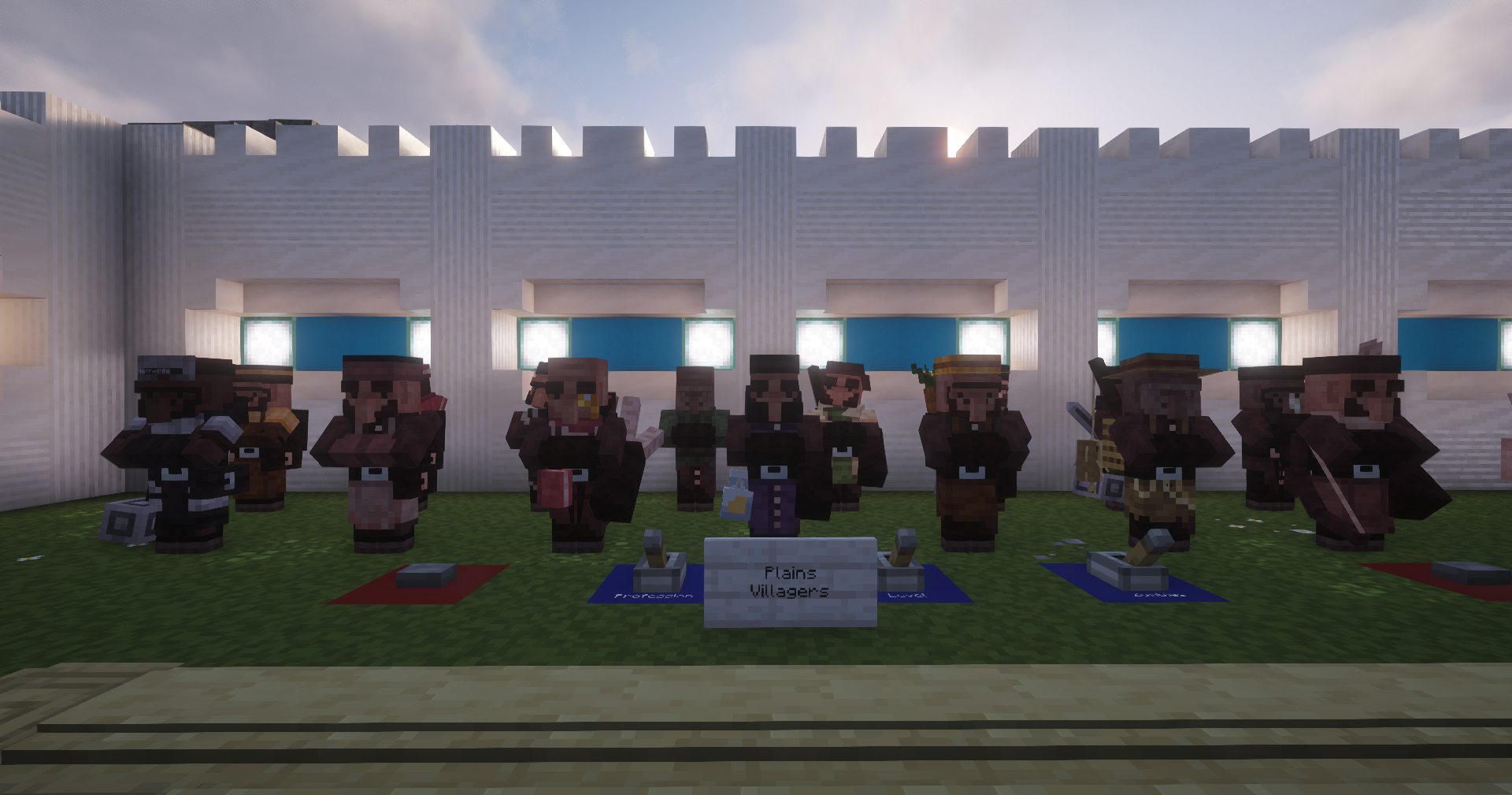
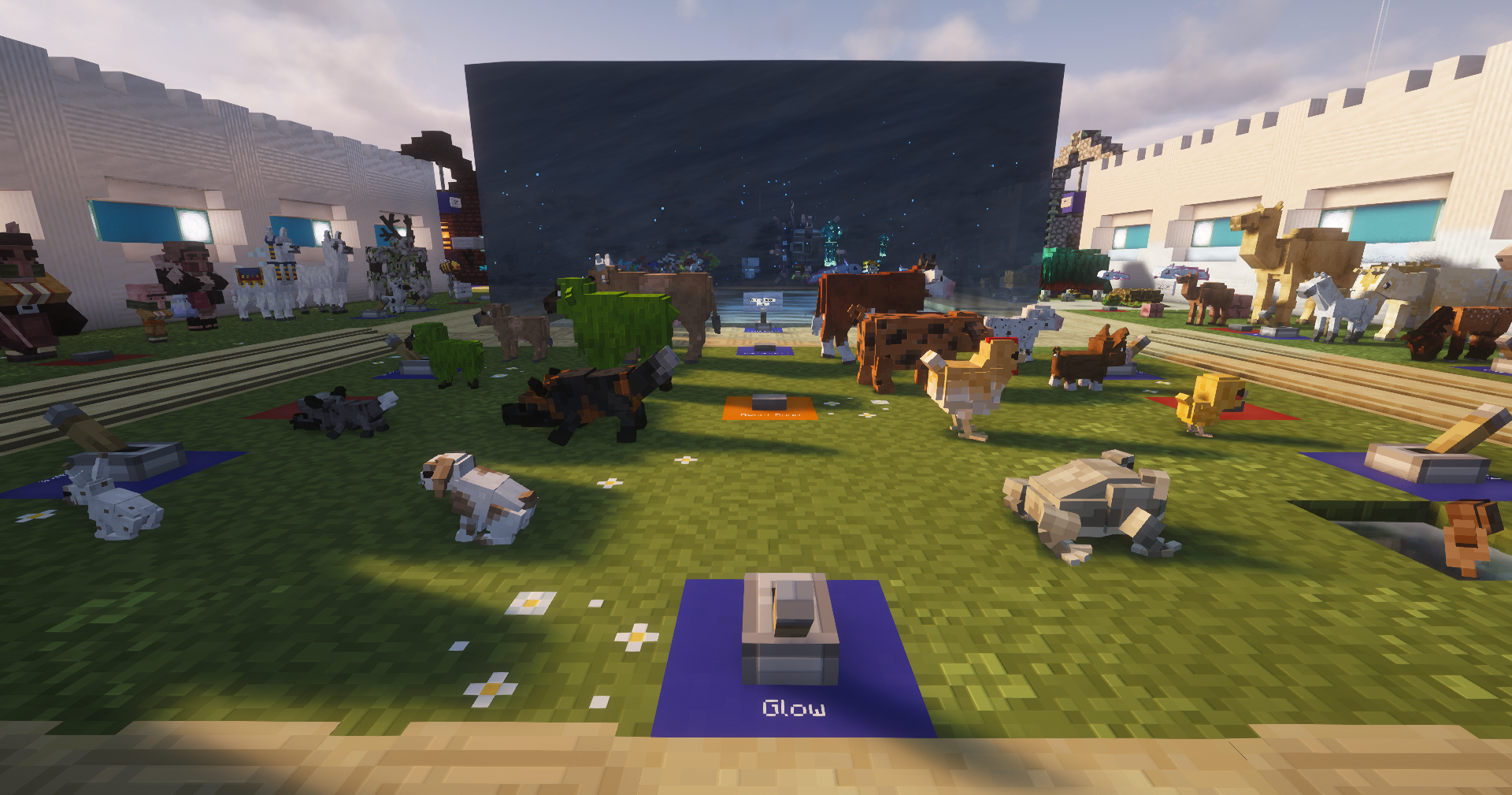
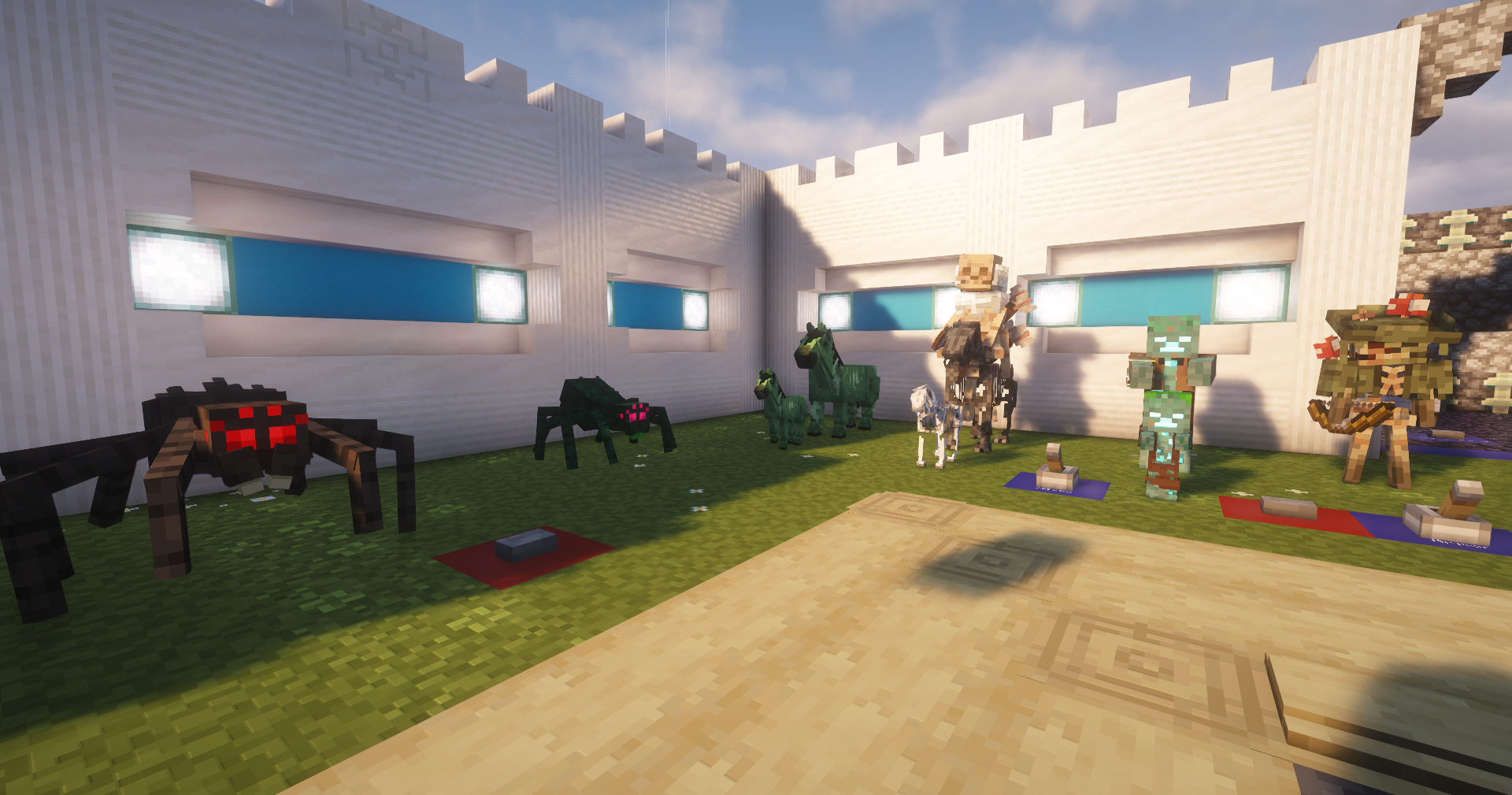
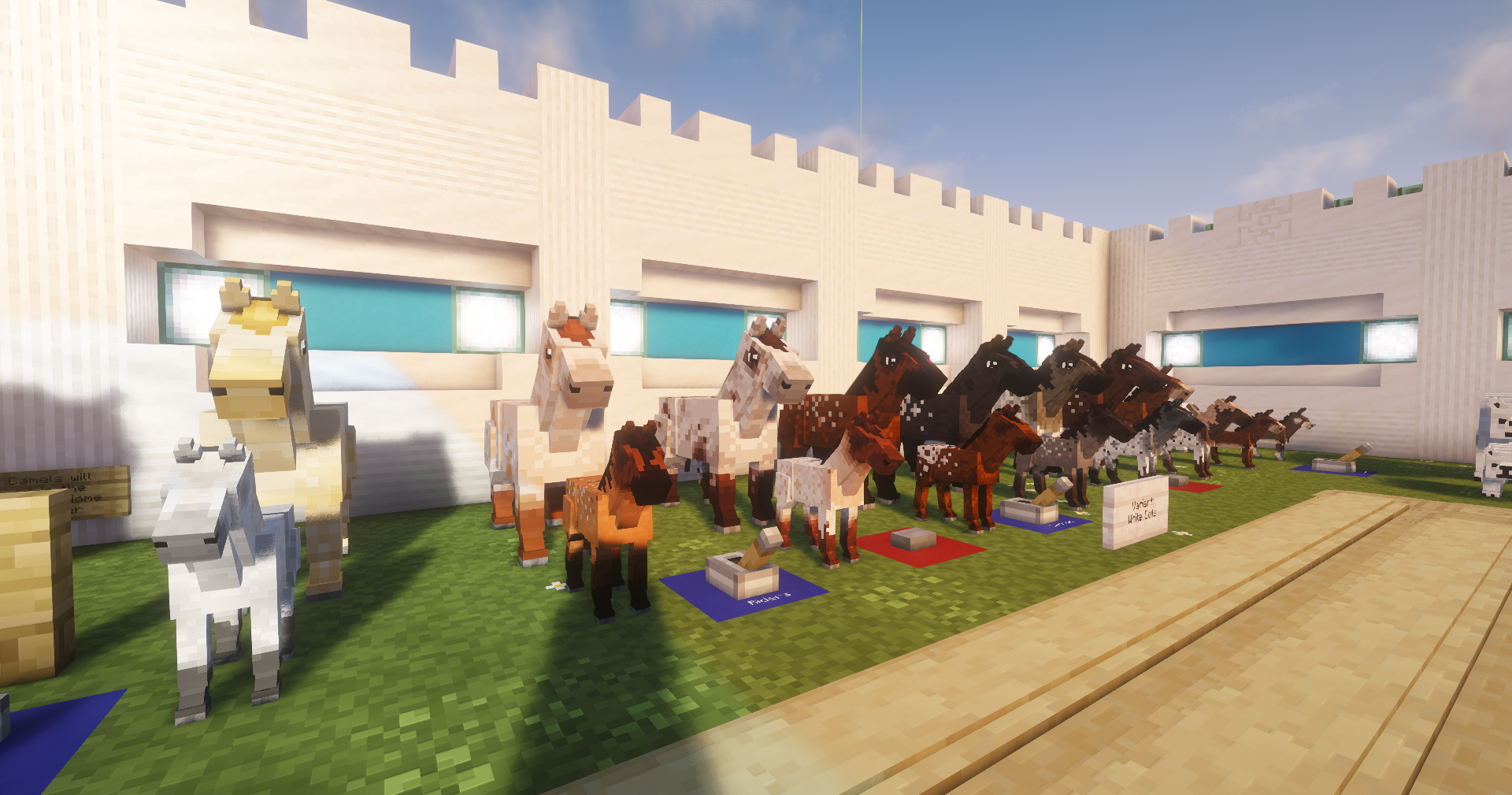
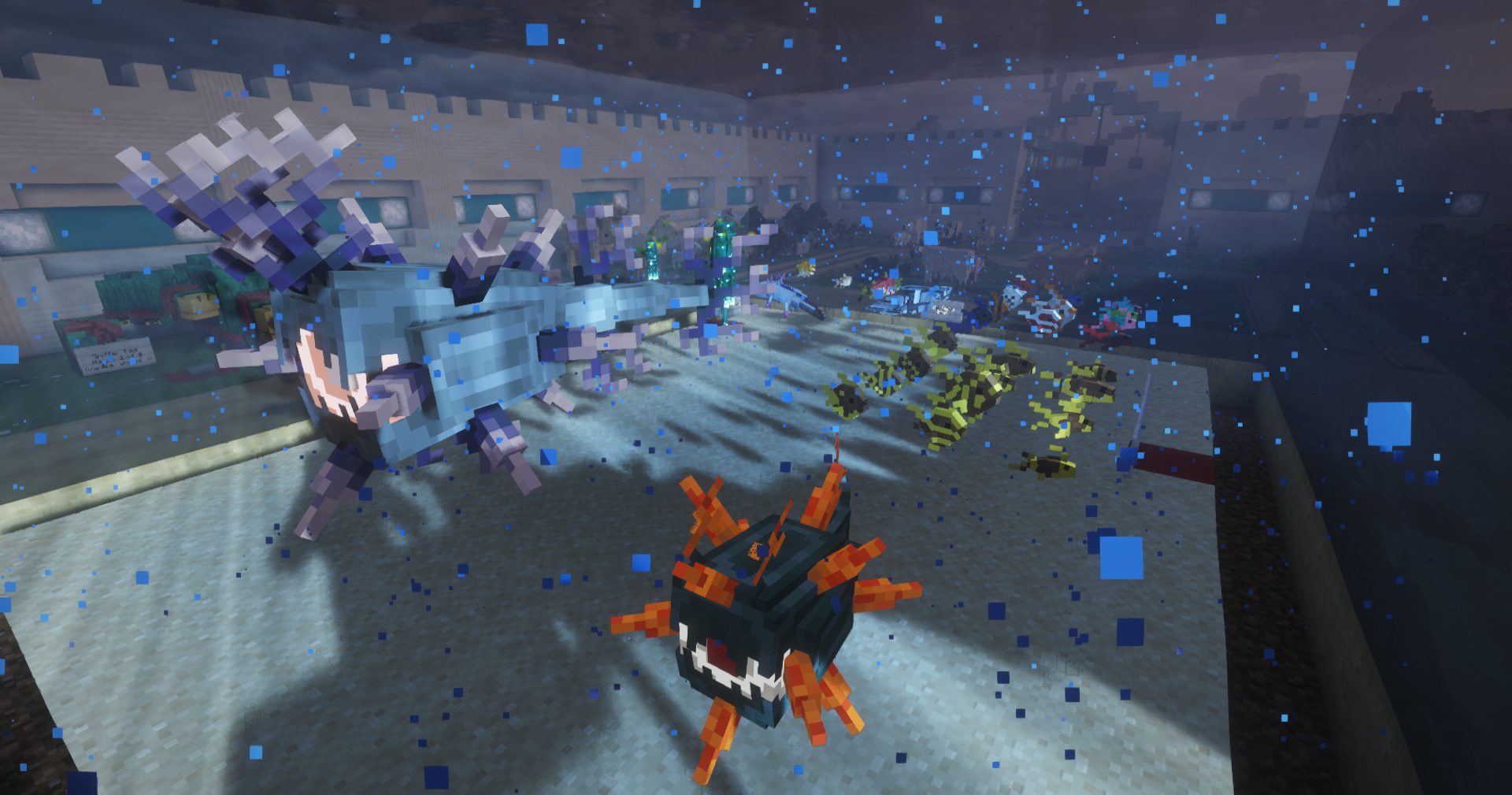
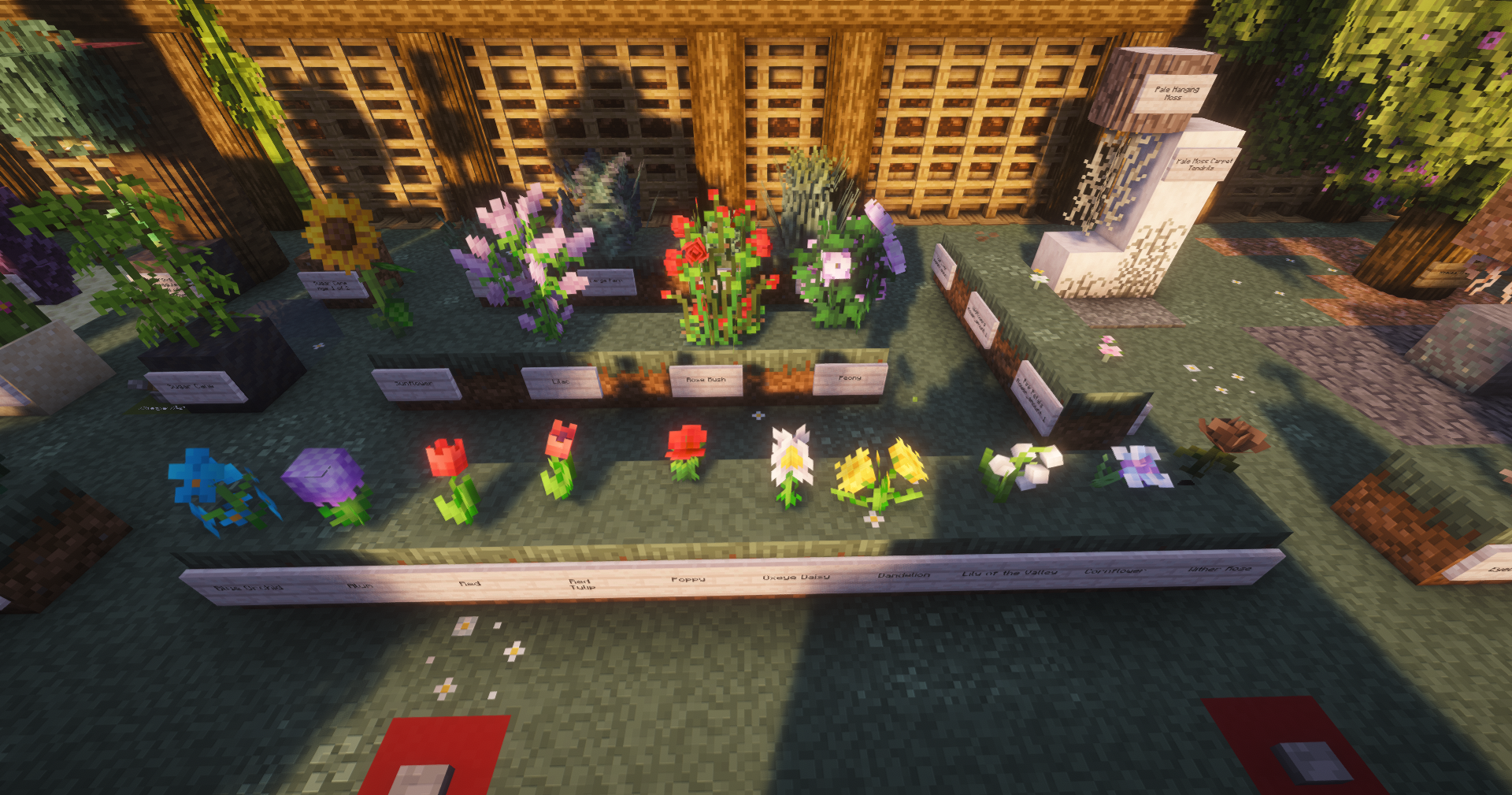
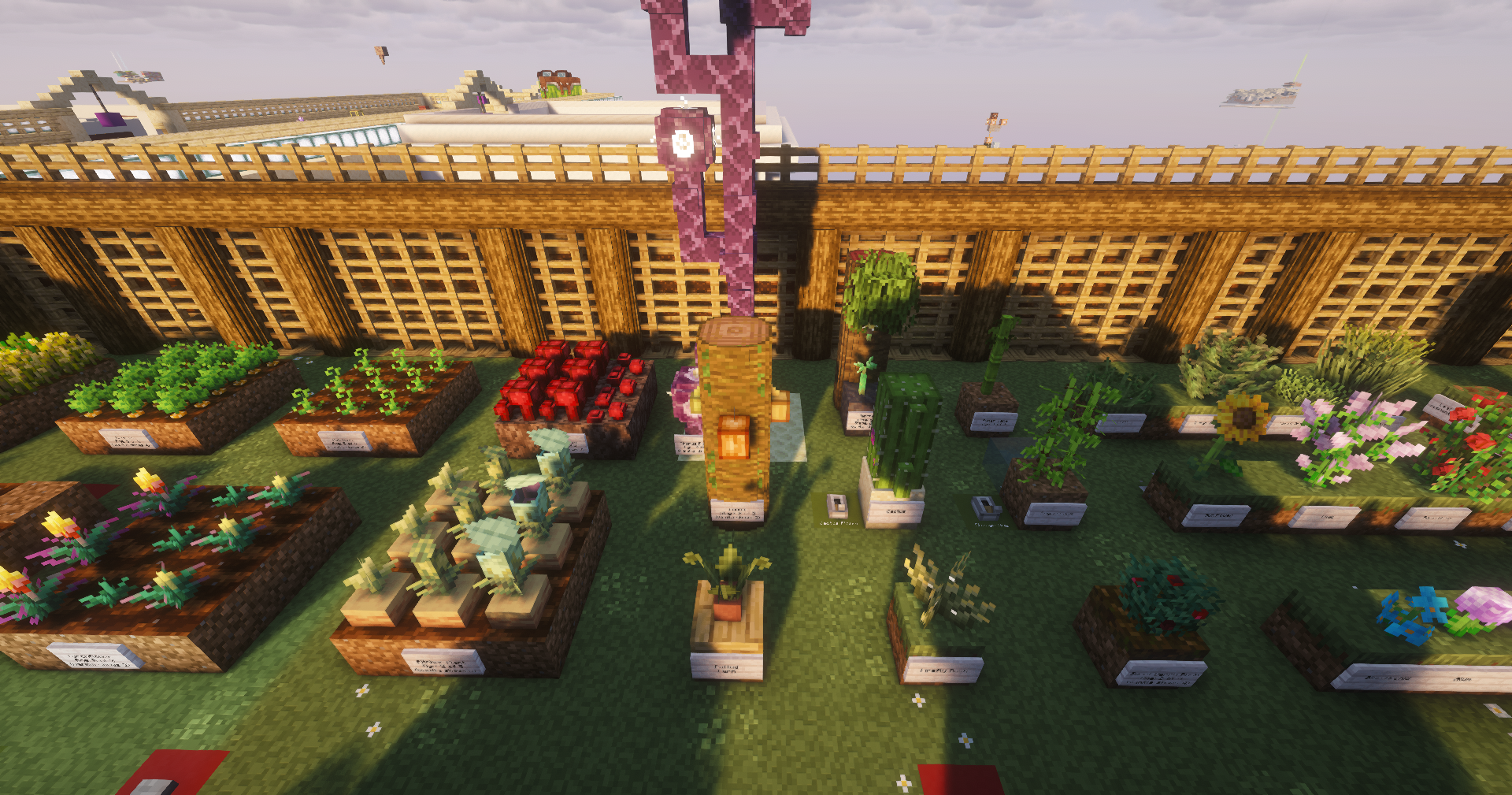
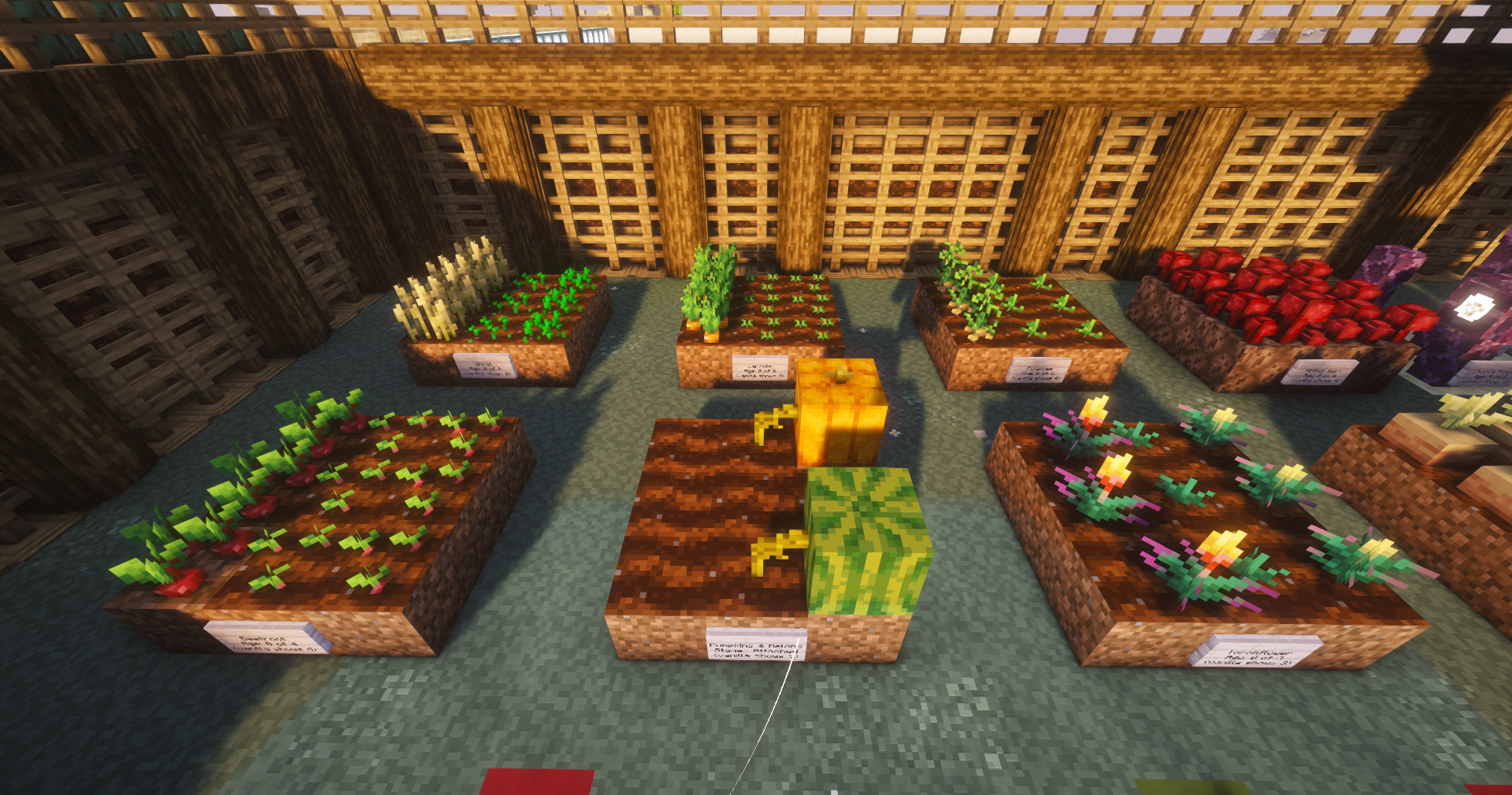
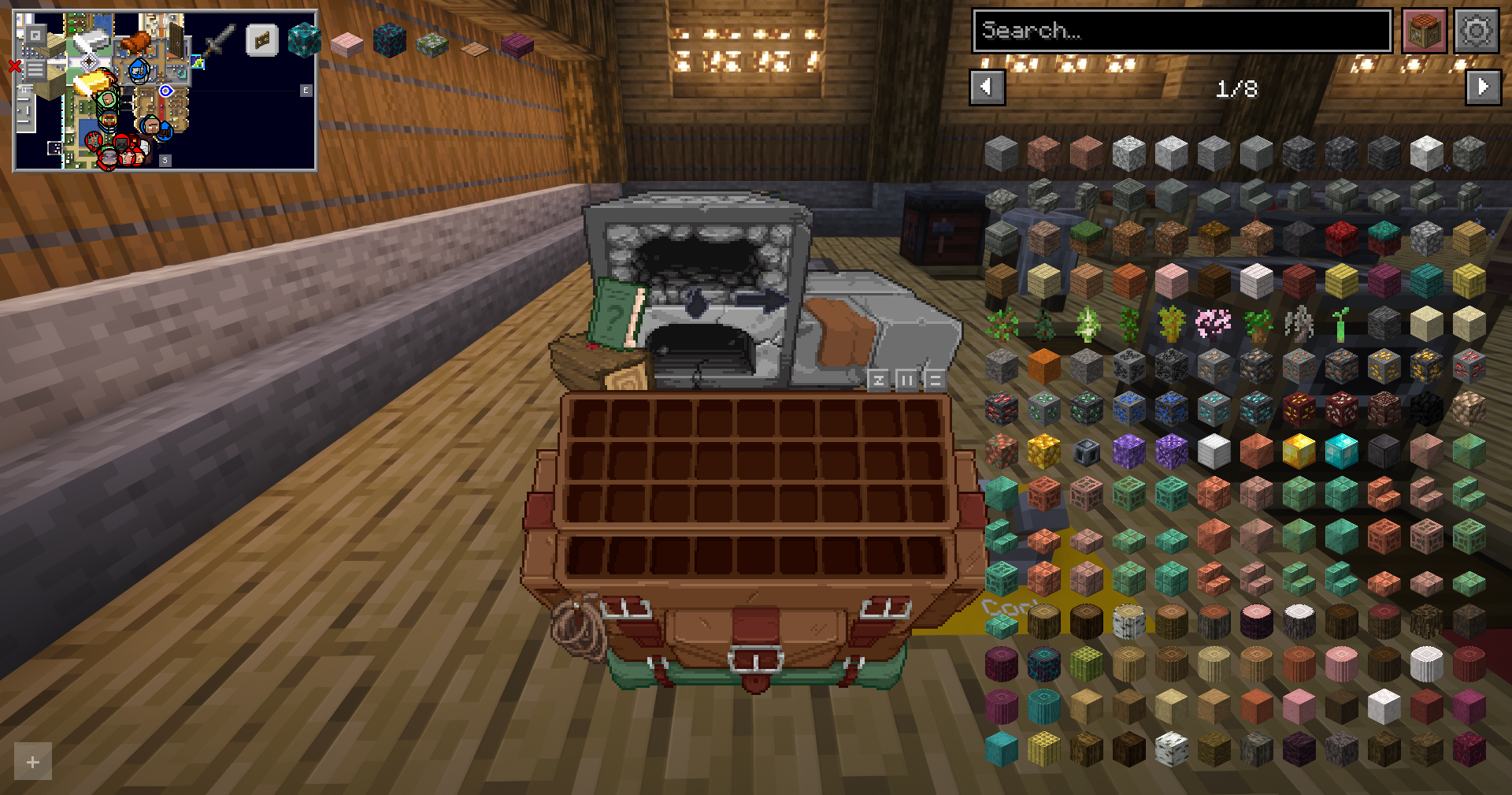
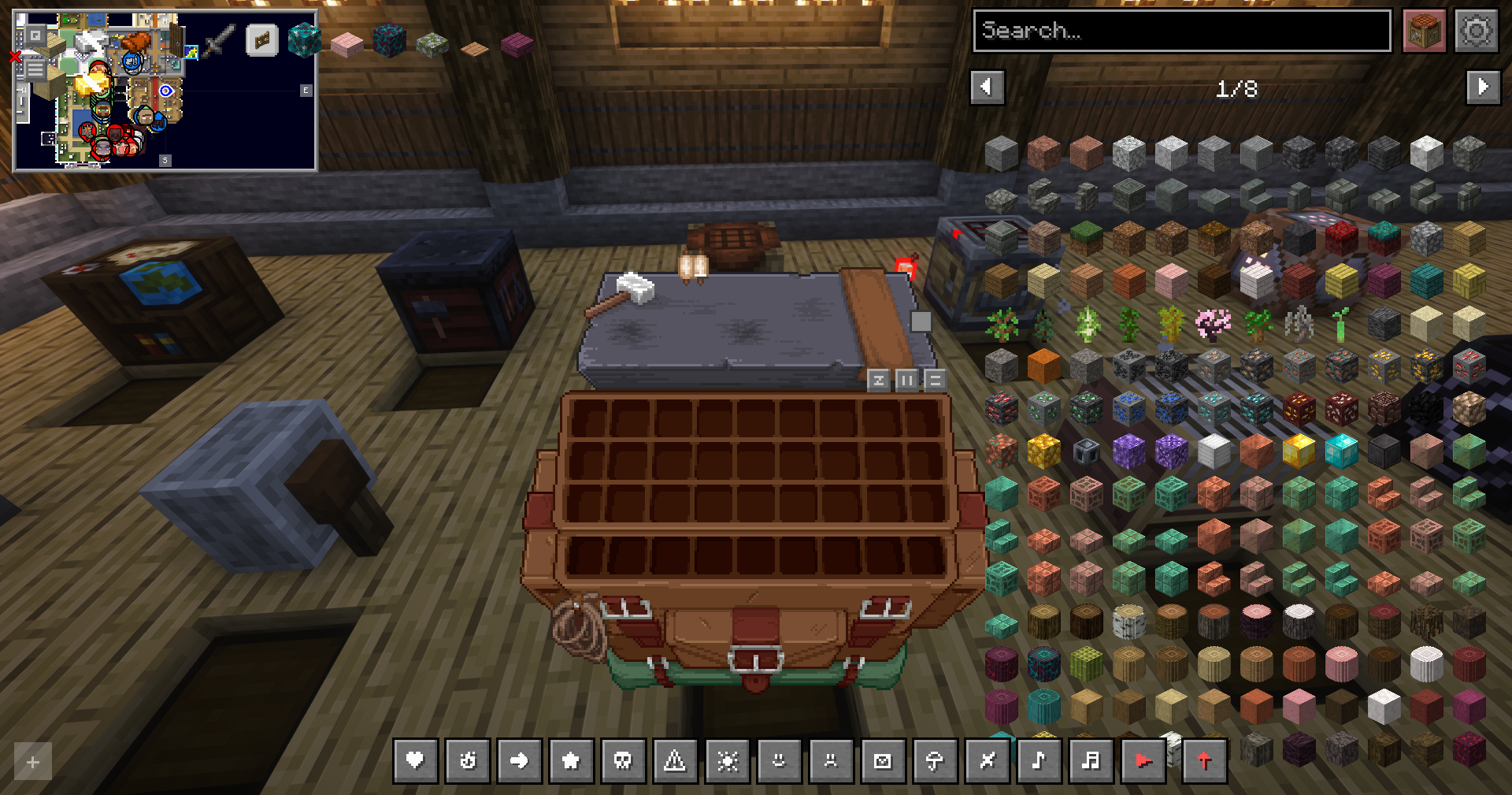
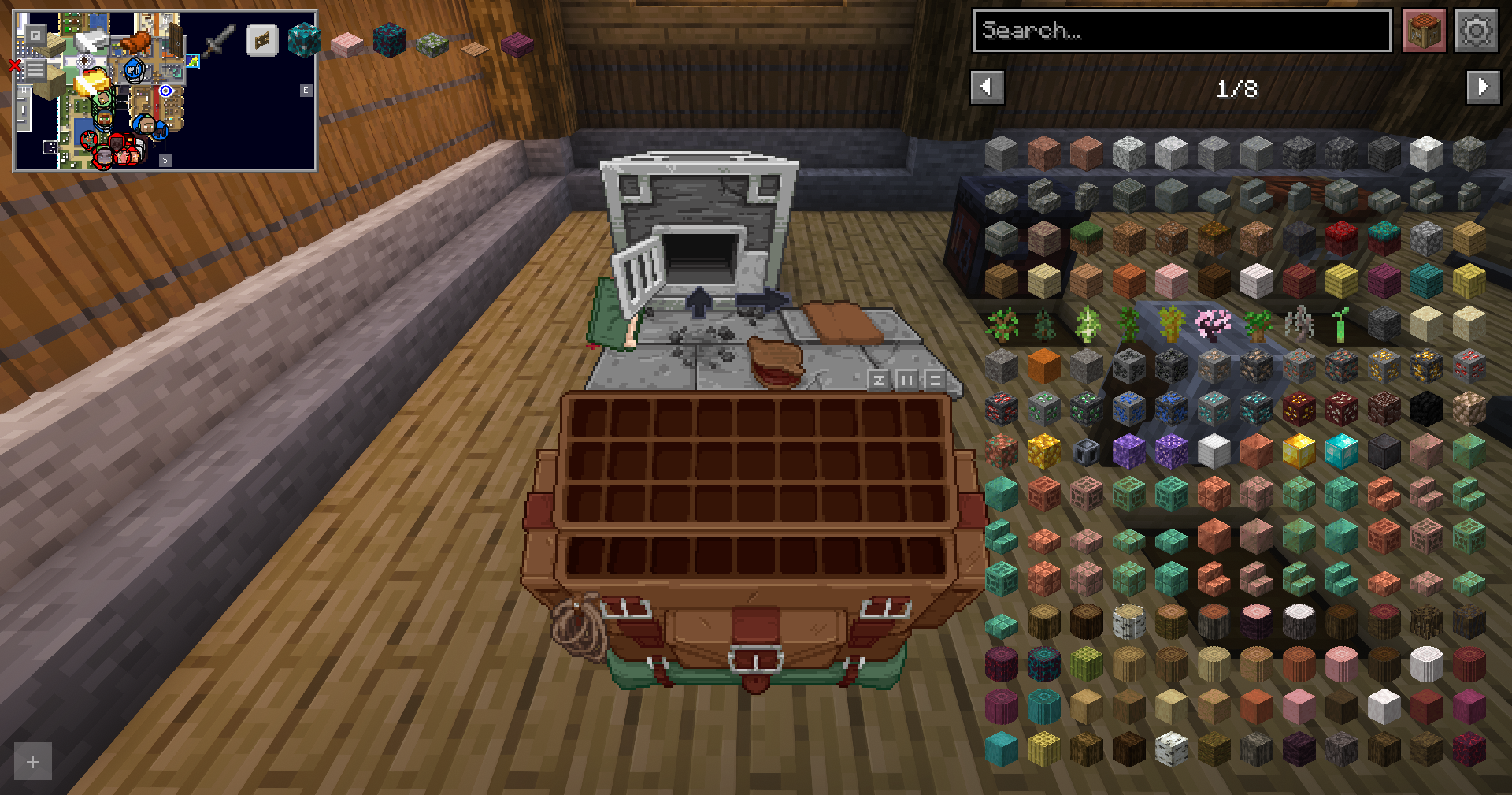
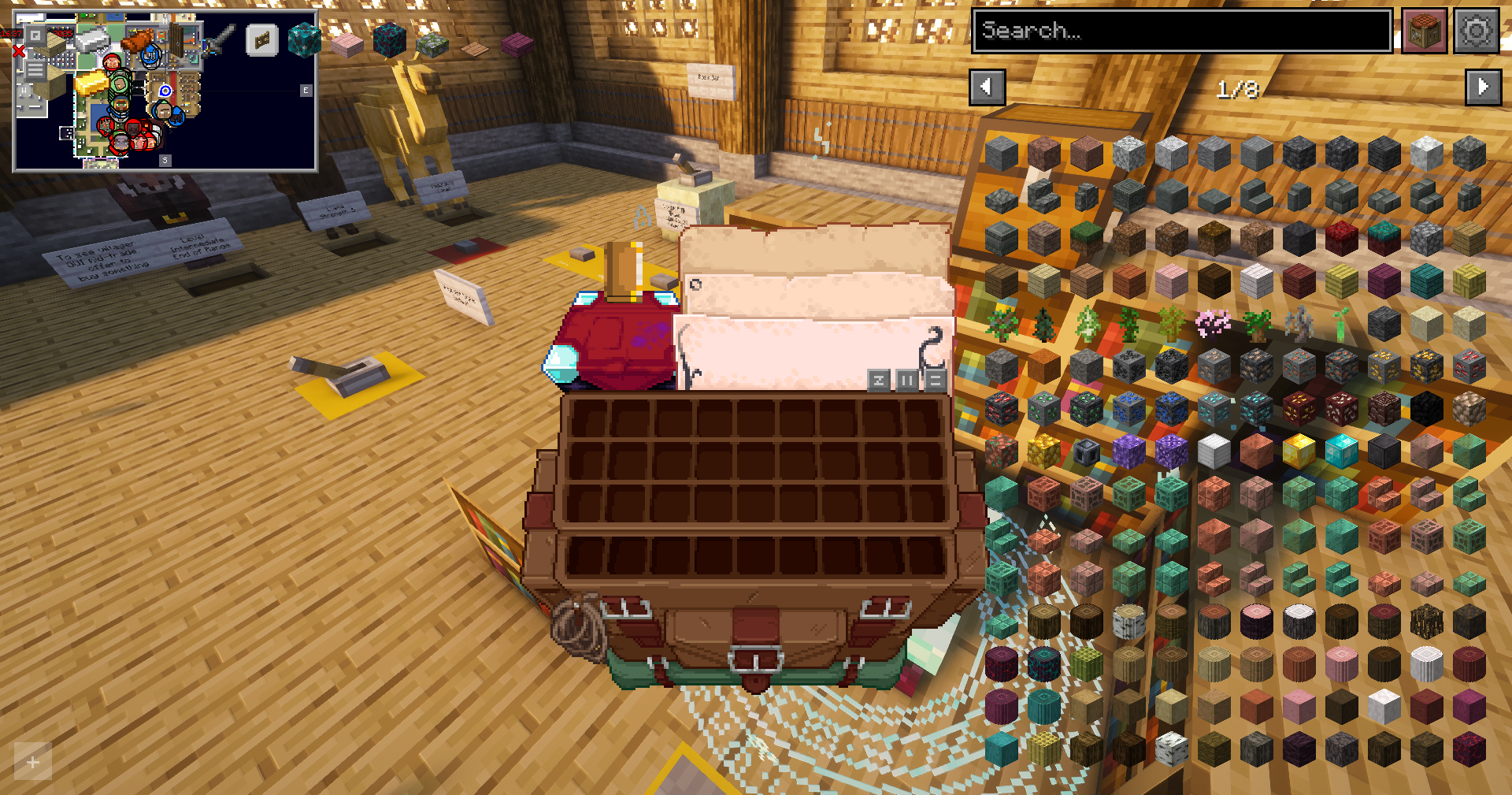
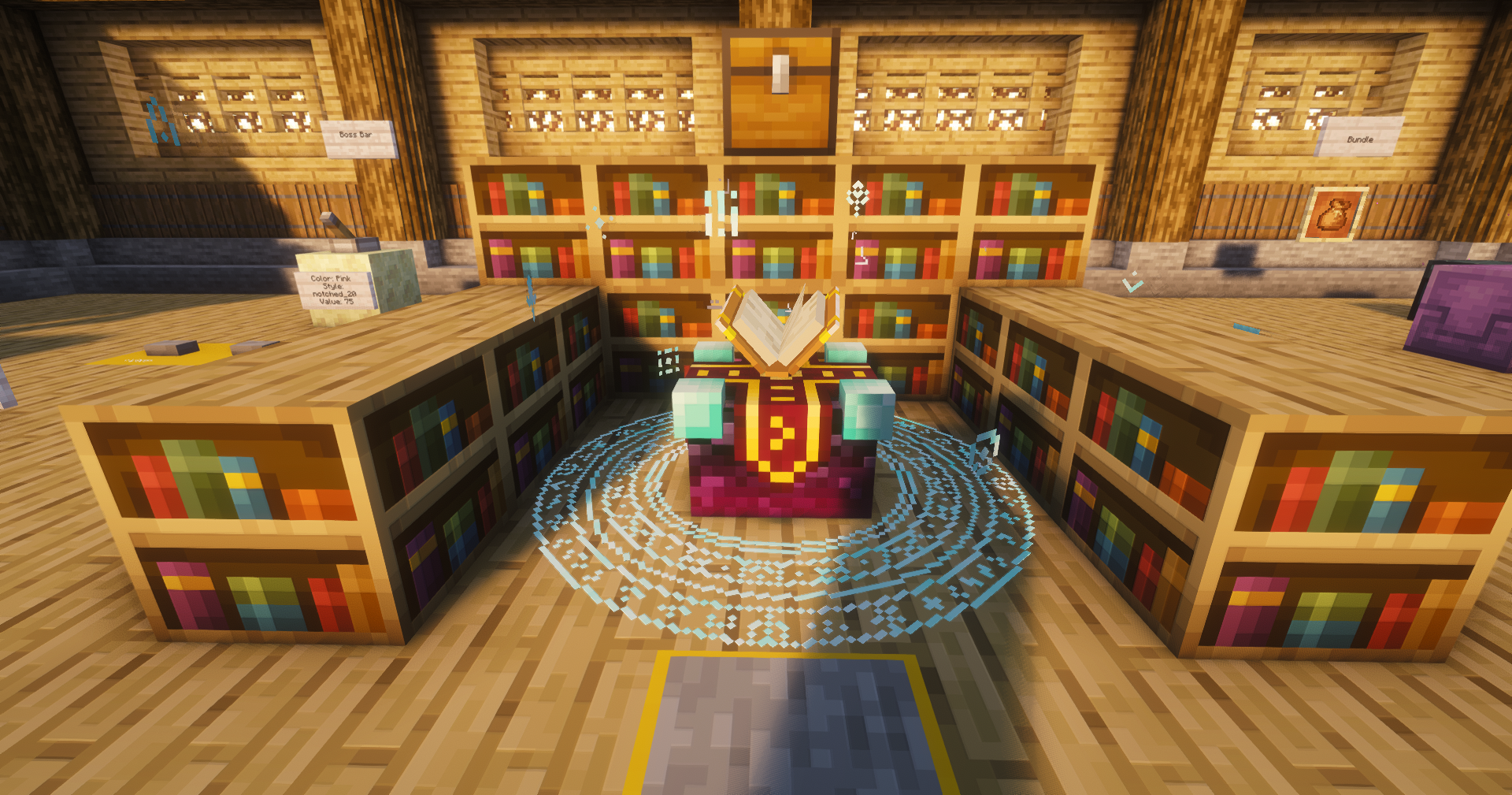
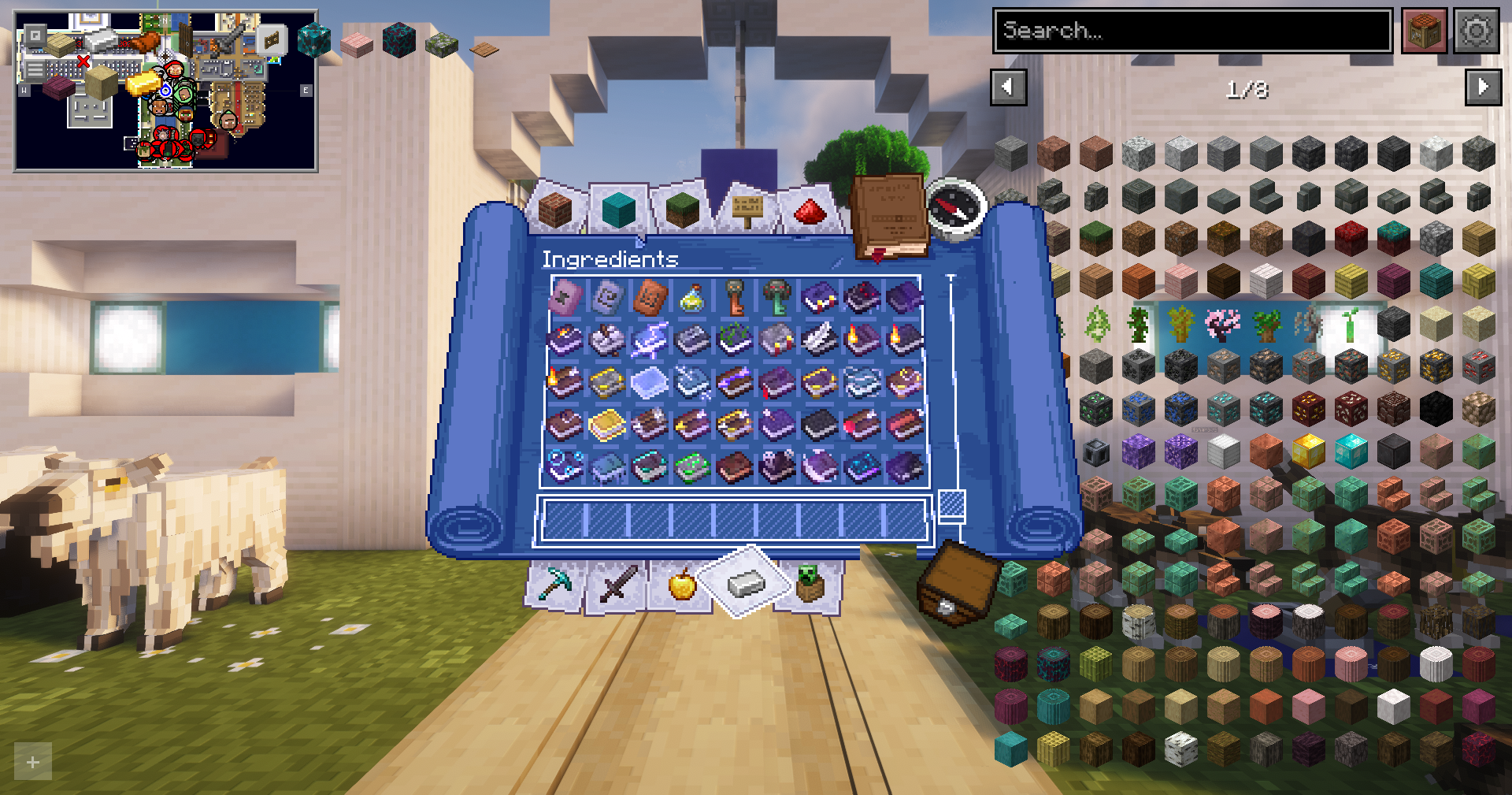
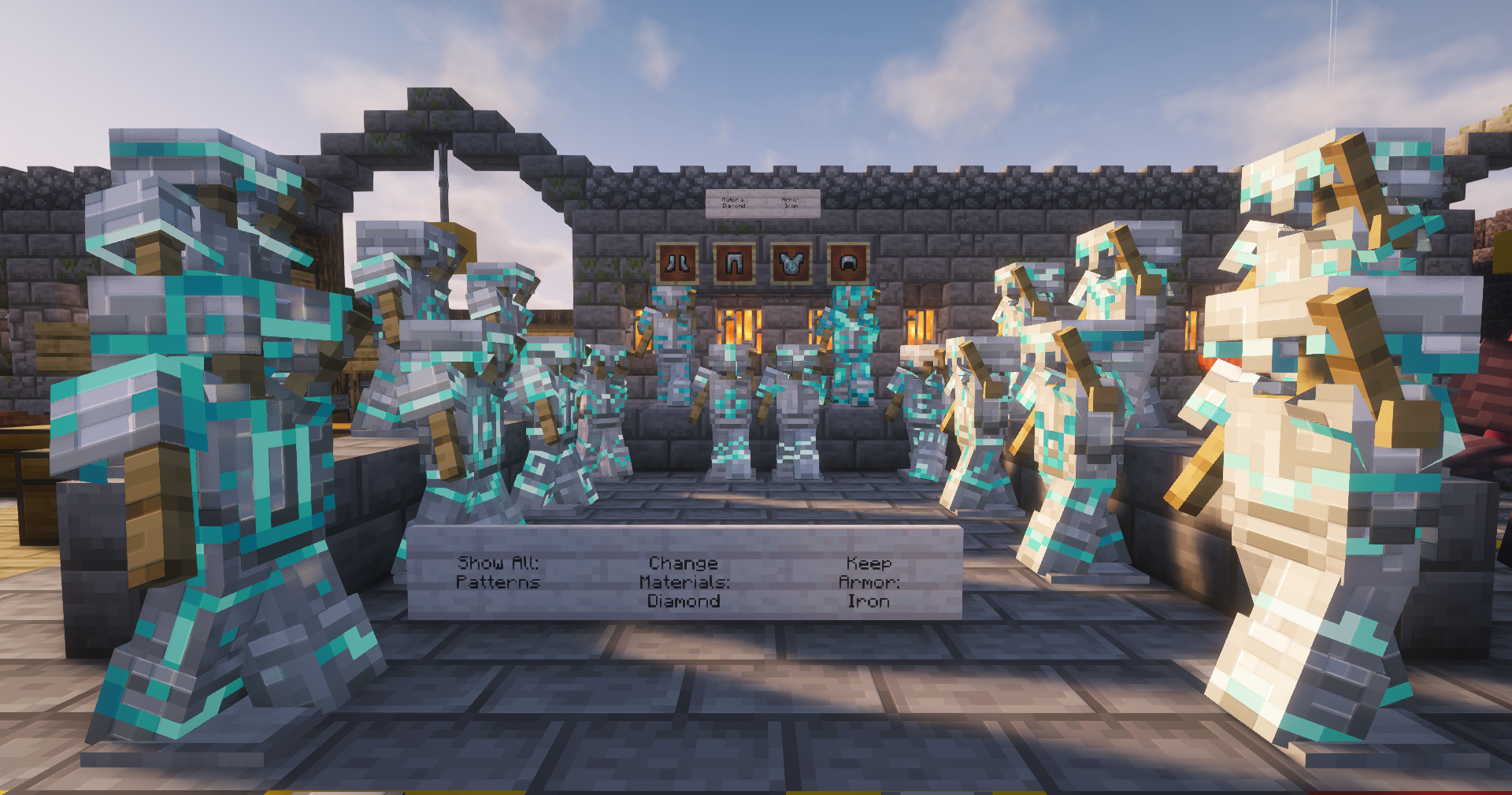
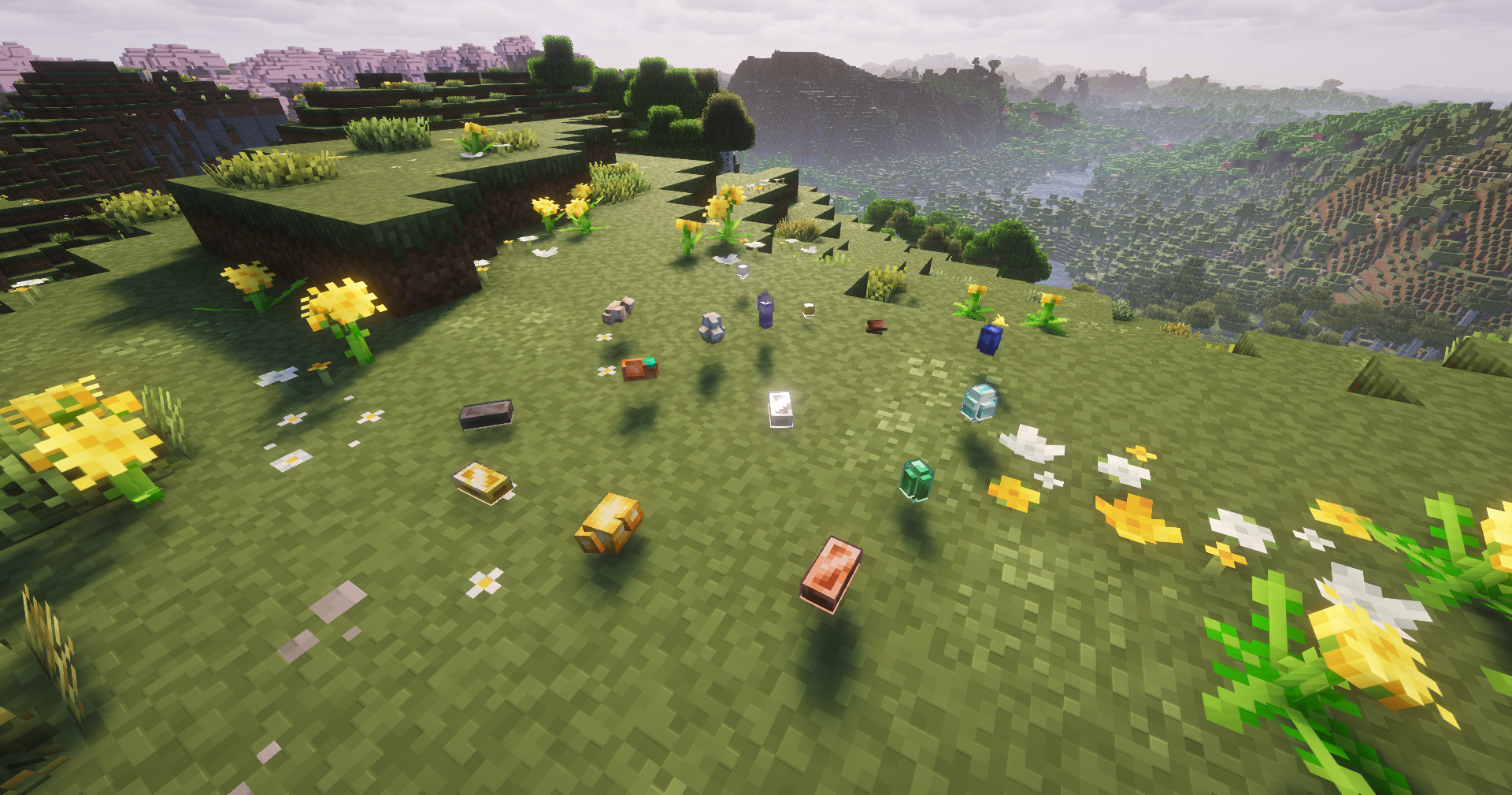
Many blocks and items have improved 3D models and textures. Leaves, grass, crops, armor trims, enchantments, tools, and special items feel more alive. Animations are smoother, and items move naturally, capes wave, elytras behave better, and mobs use improved animation packs.
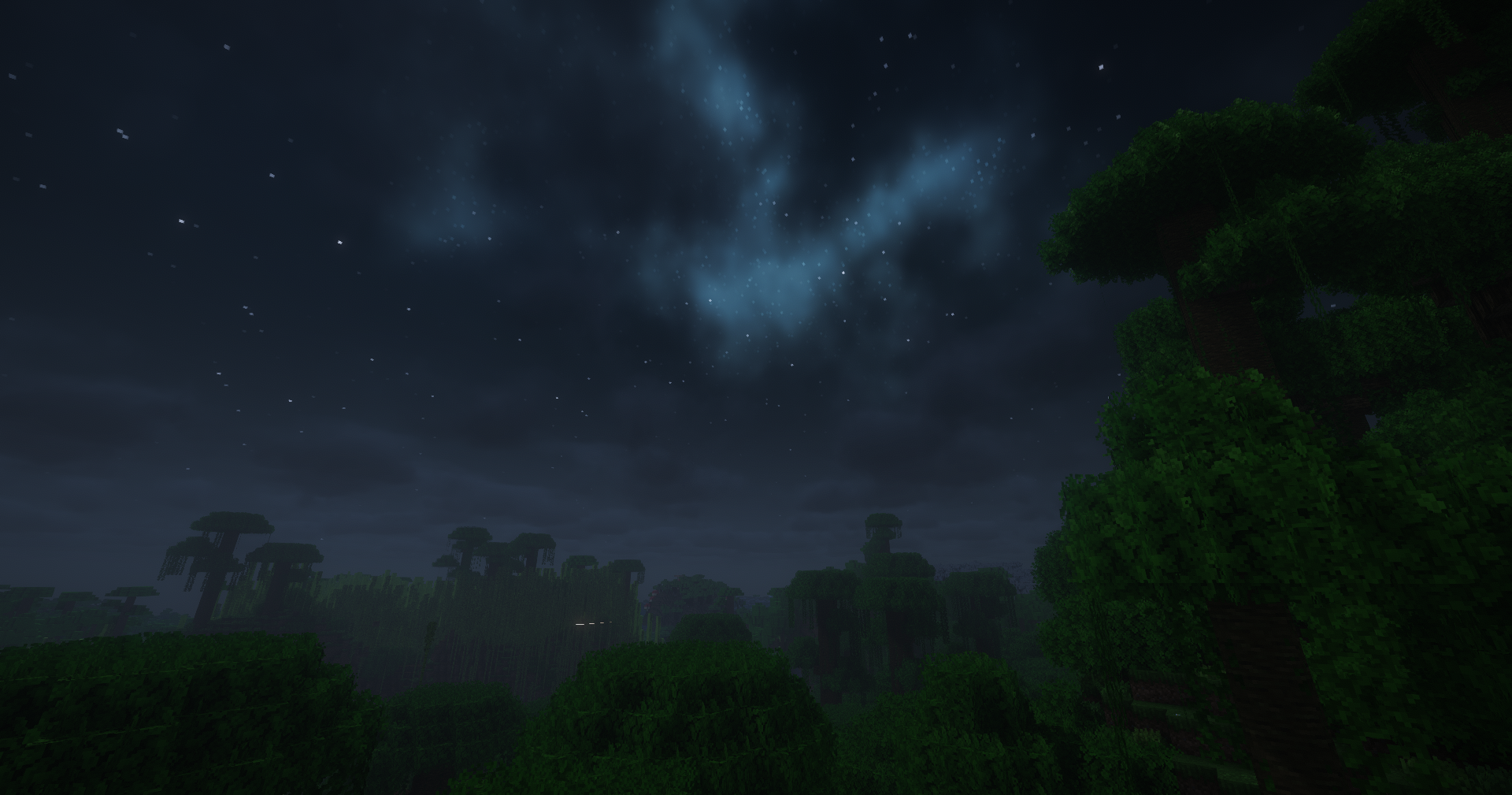
Sound and atmosphere are also upgraded. Rain, thunder, wind, footsteps, and ambient sounds are more noticeable and realistic. Particles behave better, lighting feels cleaner, and small effects like fire and enchant visuals are refined.
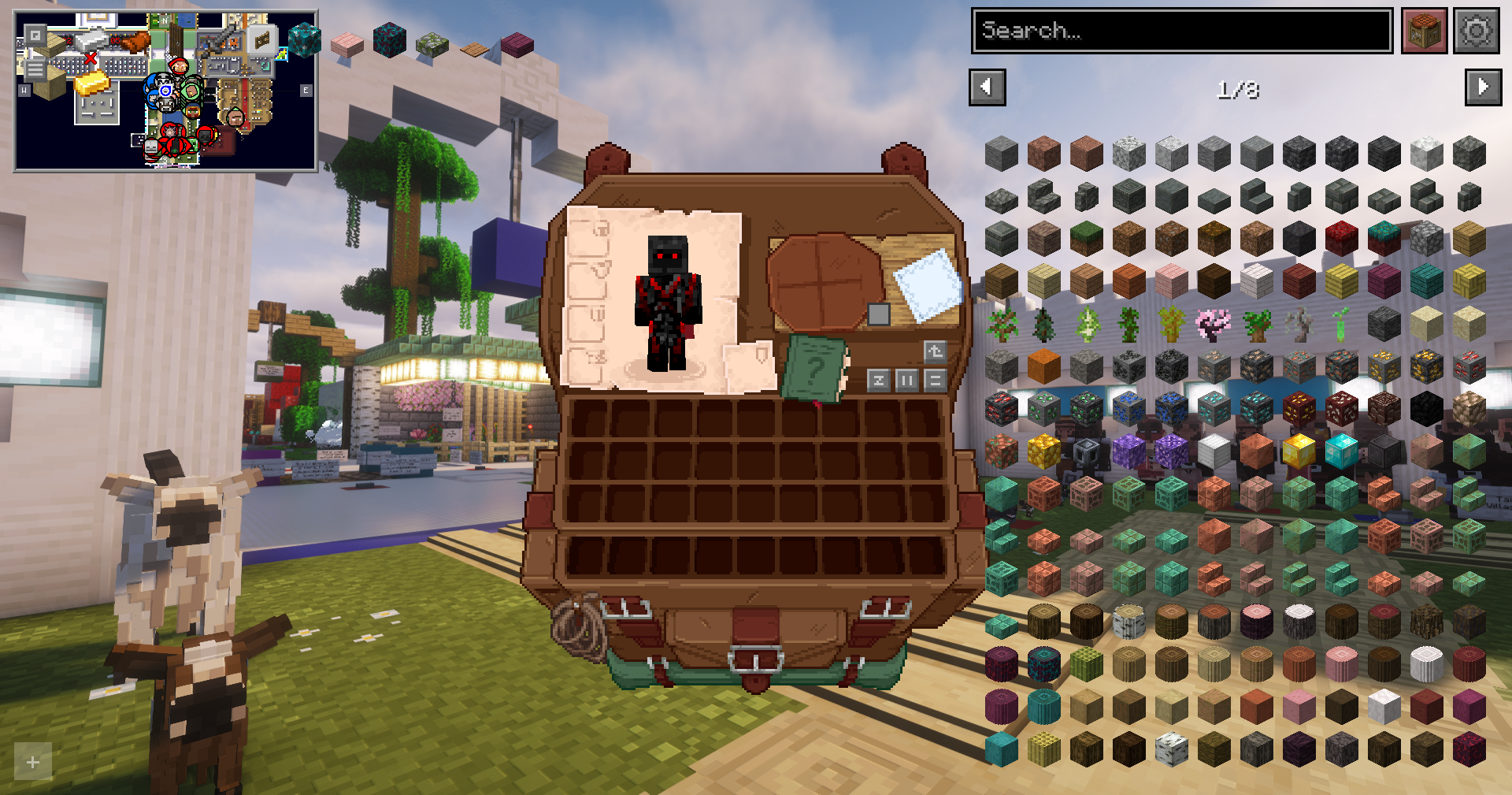
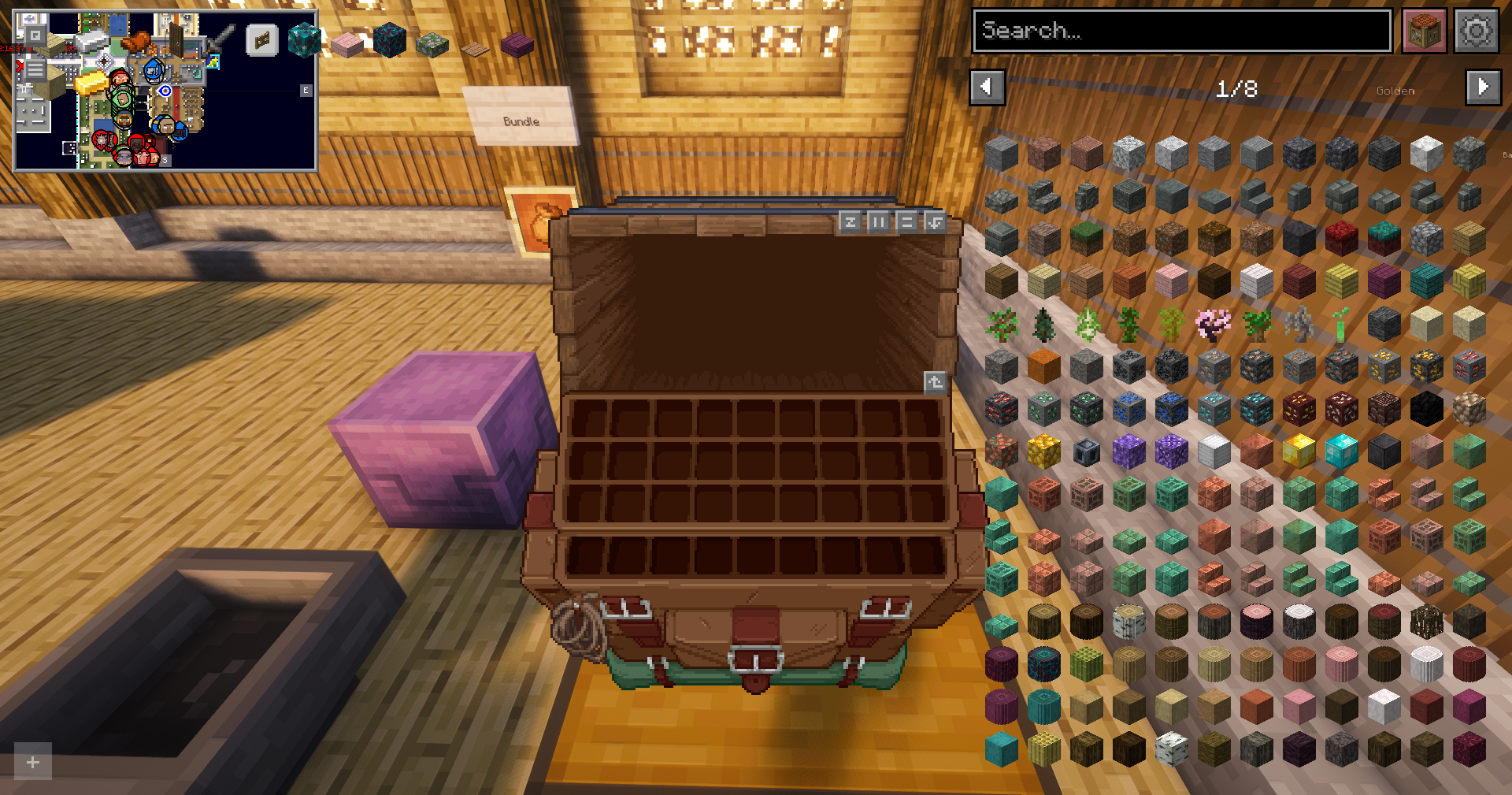
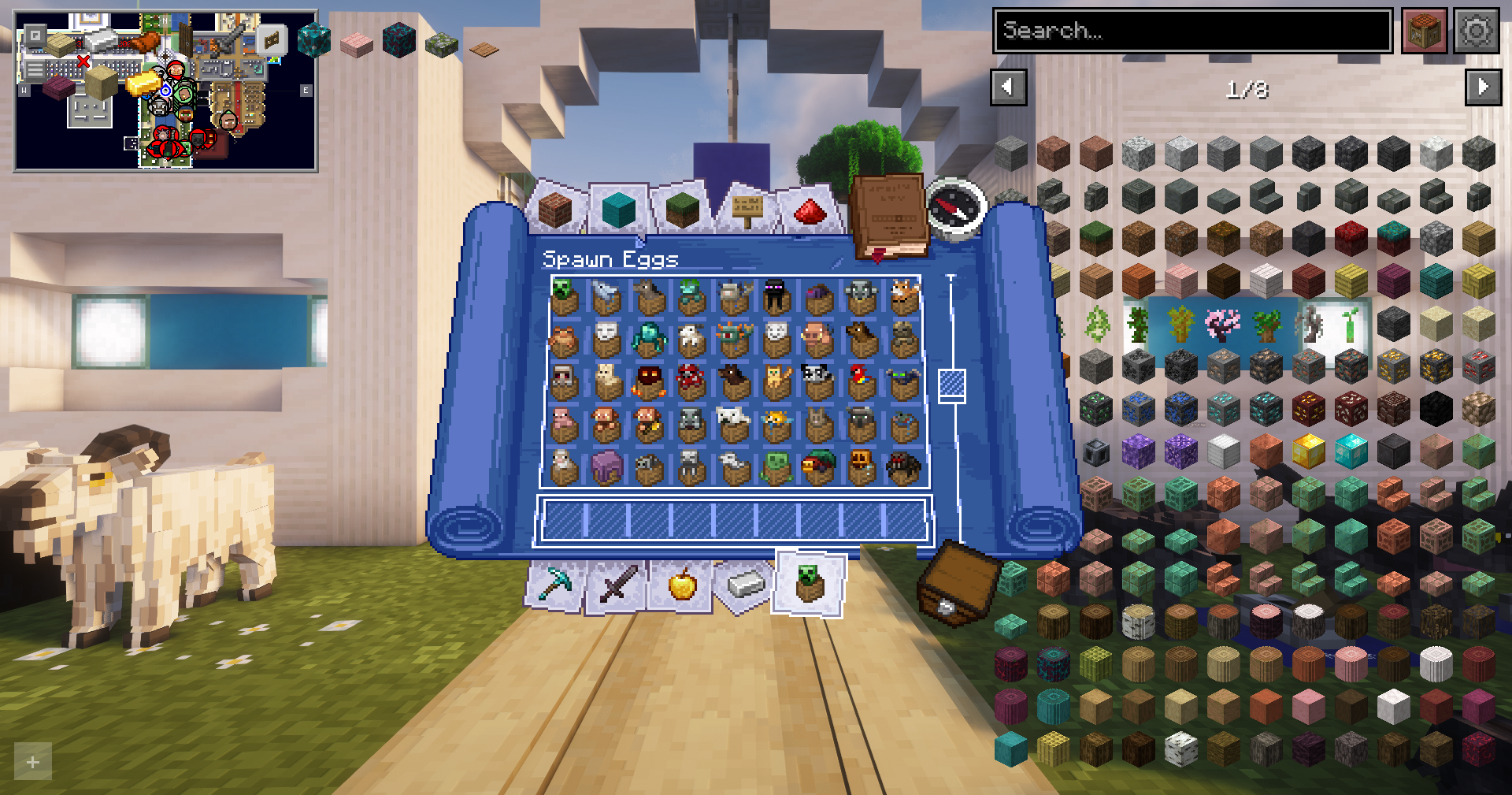
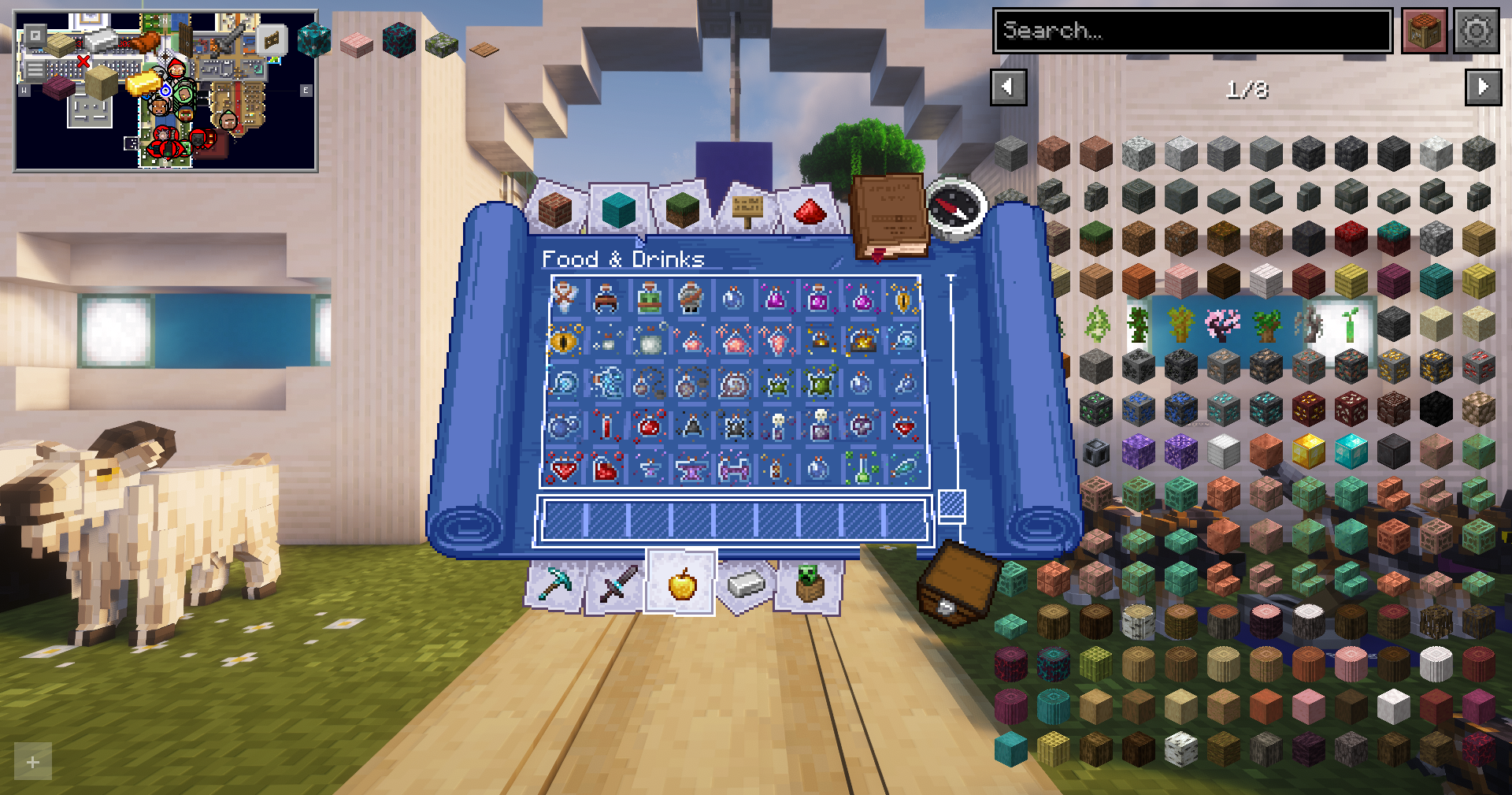
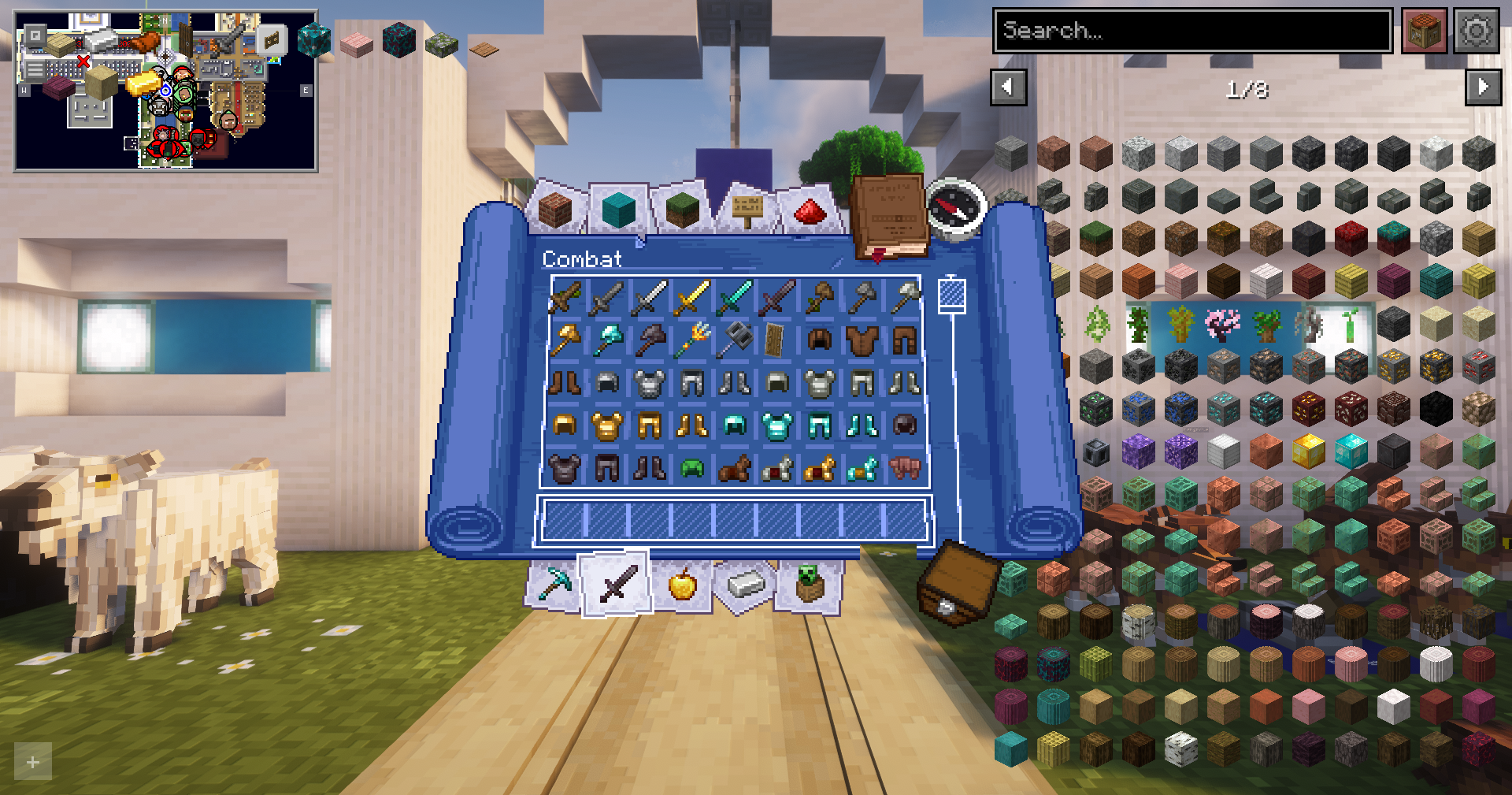
The interface and quality-of-life side is strong, too. You get better HUD elements, inventory improvements, tooltips with useful info, zoom, smoother chat, better third-person camera, map support, easier item management, and many small tweaks that remove friction without changing survival balance.
This pack does not add new gameplay systems, blocks, or progression changes. It keeps servers compatible and refreshes the gameplay experience.
Last Updated: 4/8/2026.

Both Versions
- The lantern texture breaks when the lantern is hung from a block. This is caused by an incompatibility between Immersive Winds and Fancy World Animations mods. To fix the issue, enter the Immersive Winds's configuration using Mod Menu, select the "Block Entities" tab, and disable "Lanters". Reload the texture using keys F3+T.
- Warm and Cold Pig textures in the Vanilla Evolved pack are broken. There is currently no fix for this issue.
- The chestplate texture from the Vanilla Evolved pack is slightly shifted on the player's shoulders and appears slightly floating. There is currently no fix for this issue.
1.21.11 Only
- Shaders fail to load when the game starts, causing many textures to appear broken. Reloading the shaders with the keybind fixes the issue.
- Resource packs crash and stop working if 3D Ender Dragon Fireball mod is installed. There is currently no fix for this issue.
- Updating GPUBooster mod past version 1.2.1 will crash Minecraft. There is currently no fix for this issue.
1.21.7 Only
- Opening the configuration menu for Cosy Critters & Creepy Crawlies through a command or the Mod Menu mod will crash the game. To change its settings, navigate to "./minecraft/config" and edit the "cosycritters.json" file directly. The author will not fix the issue.
- Updating Fabric Language Kotlin mod past version 1.13.9+kotlin.2.3.10 crashes Minecraft due to an incompatibility with Inventory Profiles Next mod. This issue will be fixed in a new update.
- Skybox artifacts appear if Chunks Fade In is updated past version 3.0.13. There is currently no fix for this issue.
[1.21.7 Version] The mods listed below have not been updated to 2.21.7 yet. They’ll be added back to the modpack once they are updated.
- Item Highlighter
- Enderman Overhaul
- Item Borders
- Dynamic Surroundings
- A Good Place
- ChatShot
- ExploitPreventer
[1.21.11 Version] The mods listed below have not been updated to 2.21.11 yet. They’ll be added back to the modpack once they are updated.


Performance & Optimization:
- BadOptimizations
- Concurrent Chunk Management Engine
- Dynamic FPS
- Entity Culling
- FerriteCore
- ImmediatelyFast
- Krypton
- Lithium
- More Culling
- Noxesium
- ScalableLux
- Sodium
- Sodium Shadowy Path Blocks Addon
- GPUBooster (Do not update past version 1.2.1) (1.21.11 only)
- Neruina - Ticking Entity Fixer
Bug Fixes & Patches
- Highlight (1.21.7 only)
- Debugify
- Map Distance Fix
- Packet Fixer
- ExploitPreventer (1.21.11 only)
World Generation & Render Distance
- Distant Horizons
- Bobby
- Chunks fade in (Do not update past version v3.0.13) (1.21.7 only)
Particles & Sounds:
- AmbientSounds
- Cool Rain
- Effectual
- Immersive Winds
- ImmersiveThunder
- MuteUnFocused
- Particle Core
- Particle Effects
- Particle Interactions
- Particular Reforged
- Presence Footsteps
- Raise Sound Limit Simplified
- Sound Physics Remastered
- Sounds
- Visuality
- Mas Effects (1.21.7 only)
- Reactive Music
- Atmosfera
- Cosy Critters & Creepy Crawlies
- Subtle Effects
Animations
- Elytra Physics
- Immersive Hotbar
- Item interactions mod
- Not Enough Animations
- Smooth Swapping
- Tiny Item Animations (1.21.7 only)
- Wavey Capes
- Fancy World Animations
Interface
- Packed Packs
- Draggable Lists (1.21.7 only)
- Cubes Without Borders
- Remove Reloading Screen
- Controlling
- Cherished Worlds
- JourneyMap
- Mod Menu
- Respackopts
- Resourcify
- Yeetus Experimentus
- Fancy Toasts | Better Advancements
- Reese's Sodium Options
Hotbar & Inventory
- Double Hotbar
- InvMove
- Pick Up Notifier
- Detail Armor Bar Reconstructed
- Armor Hud
- Better Mount HUD
- Leave My Bars Alone
- Durability Tooltip
- AppleSkin
- Status Effect Bars
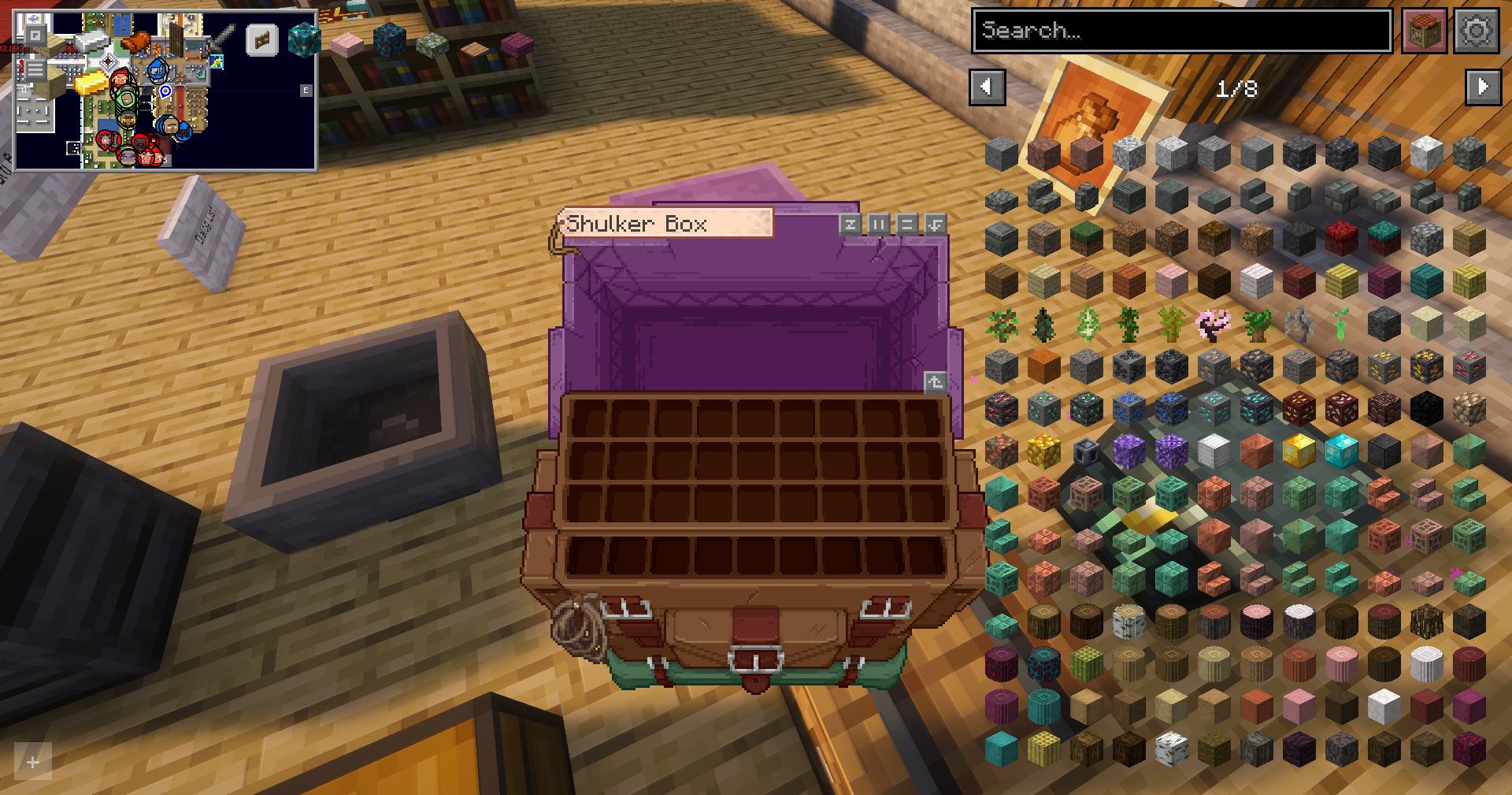
- Shulker Box Tooltip
- Roughly Enough Items (REI)
- HighLightItem
- Held Item Info
- Hold My Items
Control Tweaks
- Slot Cycler
- Zoomify
- AutoTools
- Mouse Tweaks
- More Mouse Tweaks
- Client Tweaks
- Inventory Control Tweaks
- Inventory Profiles Next
- ItemSwapper
- Advanced Autototem
- JJElytraSwap
- ClickThrough Plus
Perspective Tweaks
- Better F1 Reborn
- Better Third Person (1.21.7 only)
- Camera Overhaul
- 3D Skin Layers
Blocks & Items
Chat & Text
- Animated Typing
- Chat Heads
- Chat Patches
- Compact Help Command
- Searchables
- Smooth Scrolling
- Stendhal
- ChatShot (1.21.11 only)
Utility
- Euphoria Patches
- [EMF] Entity Model Features
- [ETF] Entity Texture Features
- Animatica
- Crash Assistant
- InvMoveCompats Addon
- Librarian Trade Finder
- mclo.gs
- Not Enough Crashes
- OptiGUI
- playerAnimator
- ReplayMod
- ViaFabricPlus
- Fast IP Ping
- FastQuit
- Sodium Extra
- BetterF3

- Architectury API
- Balm
- Cloth Config API
- Collective
- CreativeCore
- Fabric API
- Fabric Language Kotlin (Do not update past version 1.13.9+kotlin.2.3.10) (1.21.7 only)
- Forge Config API Port
- Fzzy Config
- Iris Shaders
- libIPN
- LibJF
- M.R.U
- MidnightLib
- MossyLib
- oωo (owo-lib)
- Puzzle
- Puzzles Lib
- SuperMartijn642's Config Lib
- Text Placeholder API
- TLib
- Variants-CIT
- YetAnotherConfigLib (YACL)
- Configurable
- Fusion (Connected Textures)
- McQoy

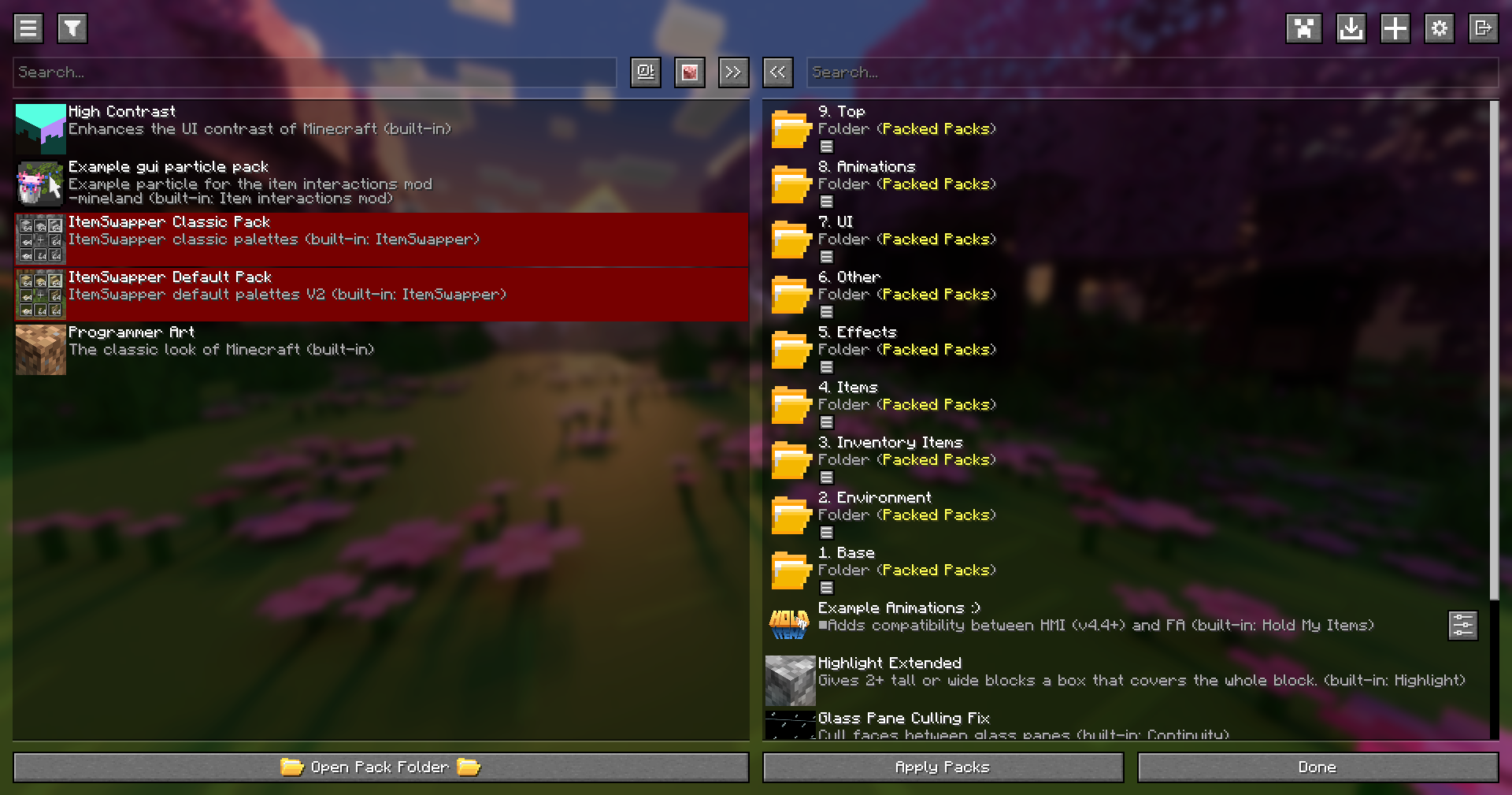
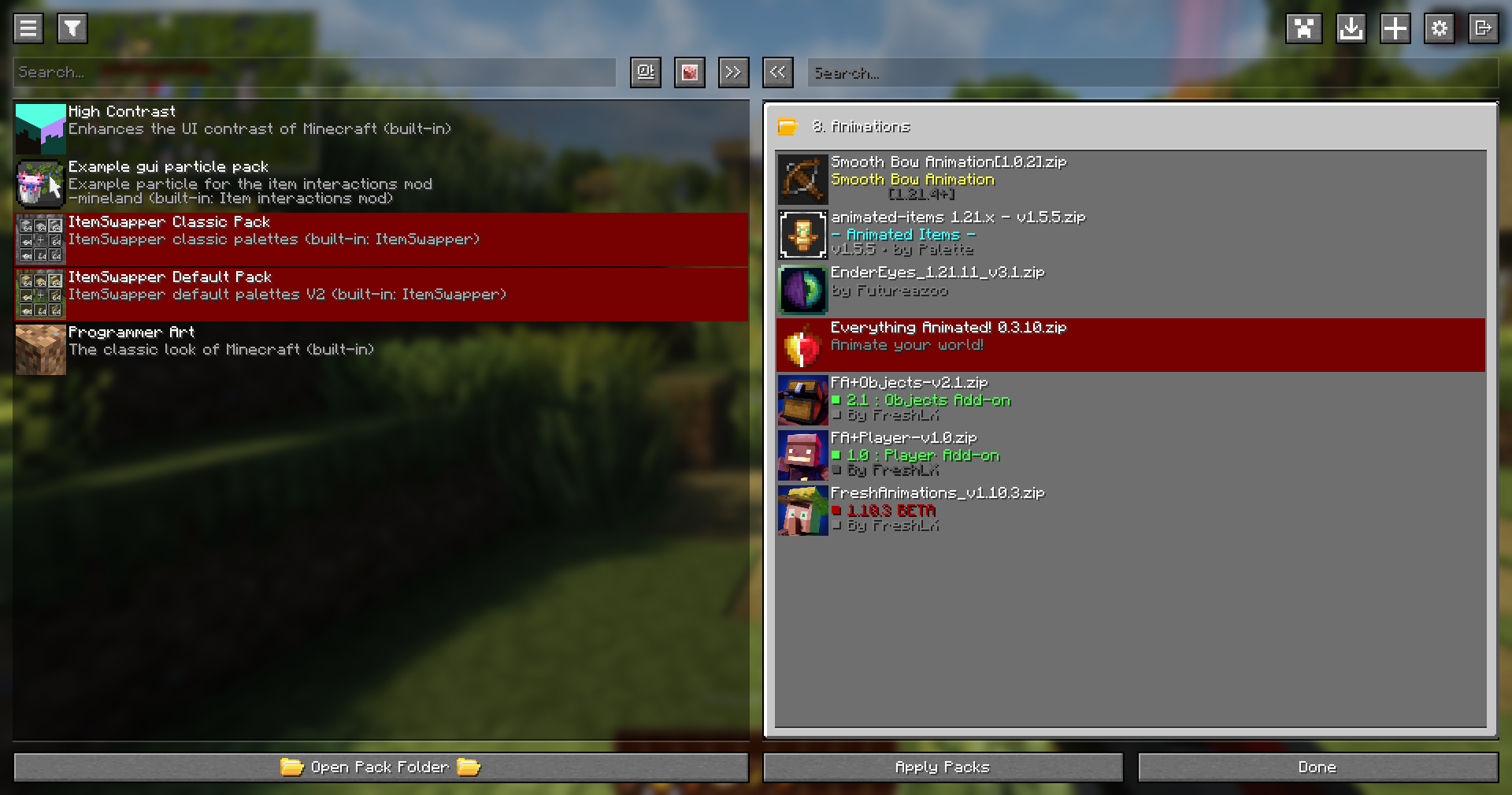
The modpack uses the Packed Packs folder organization mod to structure the texture packs. Create 9 folders and name them exactly as the section titles, including the number at the beginning (for example, 1. Base Textures). After creating the folders, place the corresponding resource packs inside their matching folders. In-game, arrange the folders in the Resource Packs menu so they are ordered from 1 to 9, with 1 at the bottom and 9 at the top, since Minecraft loads packs from the bottom up. Within each folder, make sure the packs are arranged in the correct order according to the provided list, as the internal order is especially important for the animations to function properly. See the gallery for an example.
Many mob texture packs use different textures for the same mob, and in some instances, this can cause the textures to break. To fix this issue, duplicate textures were removed in favor of a better-looking one. If you update the modified packs, you will need to manually remove the textures from the list.
9. Mobs
- Villagers Refreshed + Fresh Animations
- AL's Enderman Revamped x Fresh Animations
- Assorted Allays x Fresh Animations
- Assorted Wardens
- Better Mob Models
- Removed Silverfish Textures & Models
- Removed Endermite Textures & Models
- Removed Blaze Textures & Models
- Removed Parrot Textures & Models
- Gray's Mob Overhaul x Fresh Animations (Modified)
- Removed Ghast Textures & Models
- Removed Wither Textures & Models
- Removed Skeleton Textures & Models
- Removed Bogged Textures & Models
- Removed Blaze Textures & Models
- Removed Drowned Textures & Models
- Removed Creeper Textures & Models
- Removed Enderman Textures & Models
- Removed Witch Textures & Models
- Removed Pillagers Textures & Models
- Removed Evoker Textures & Models
- Removed Zombie Textures & Models
- Removed Spider Textures & Models
- Removed Villagers Textures & Models
- Removed Alley Textures & Models
- Removed Warden Textures & Models
- Removed Creeking Textures & Models
- Removed Slime Textures & Models
- Removed Magma Textures & Models
- Removed Shukler Textures & Models
- Removed Silverfish Textures & Models
- Mobs Refreshed + Fresh Animations
- Golems Refreshed + Fresh Animations
8. Animations
- Just 3D Armors HMI
- Smooth Bow Animations
- Animated Items
- Blinking Ender Eyes
- Everything Animated!
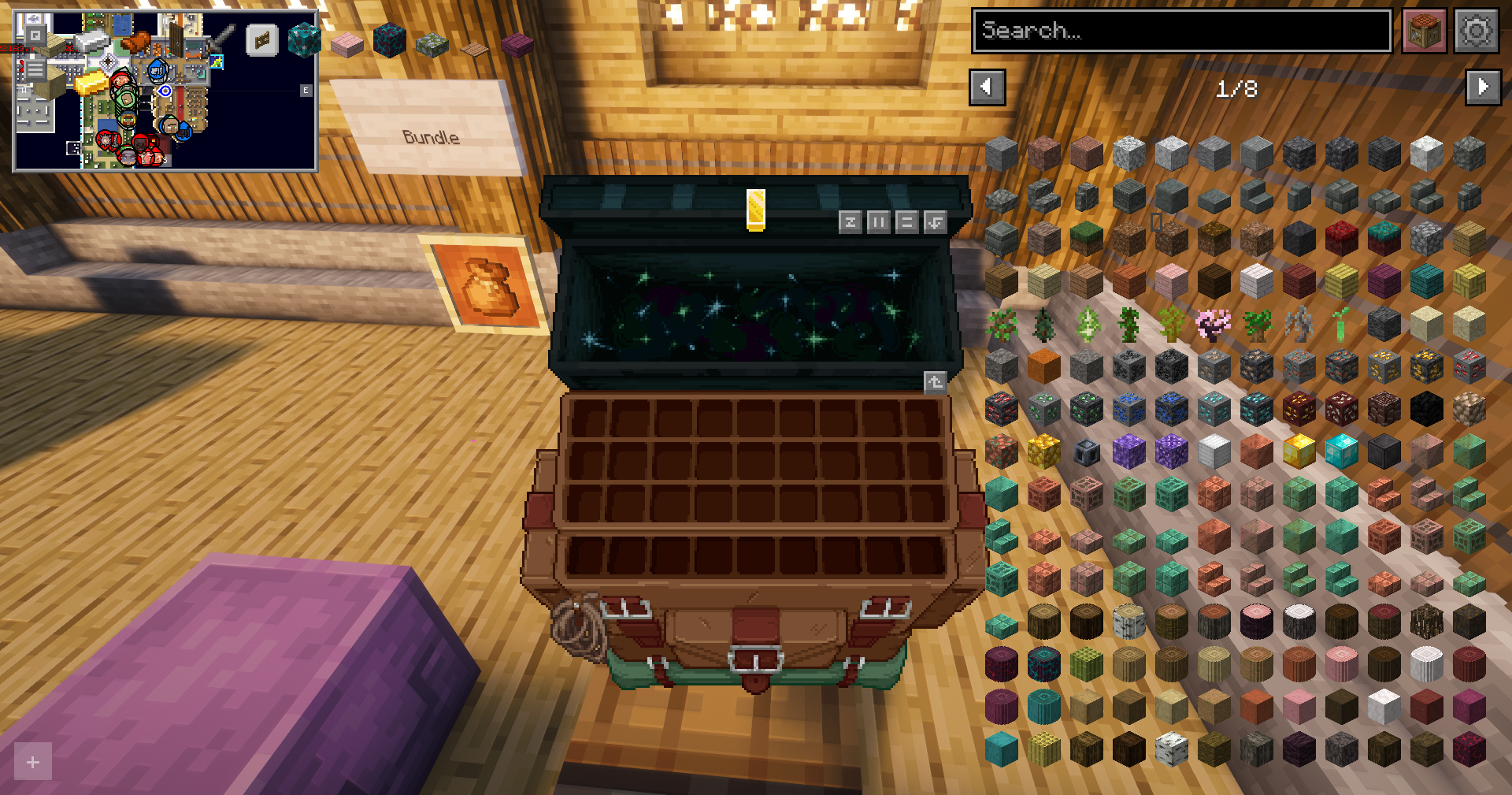
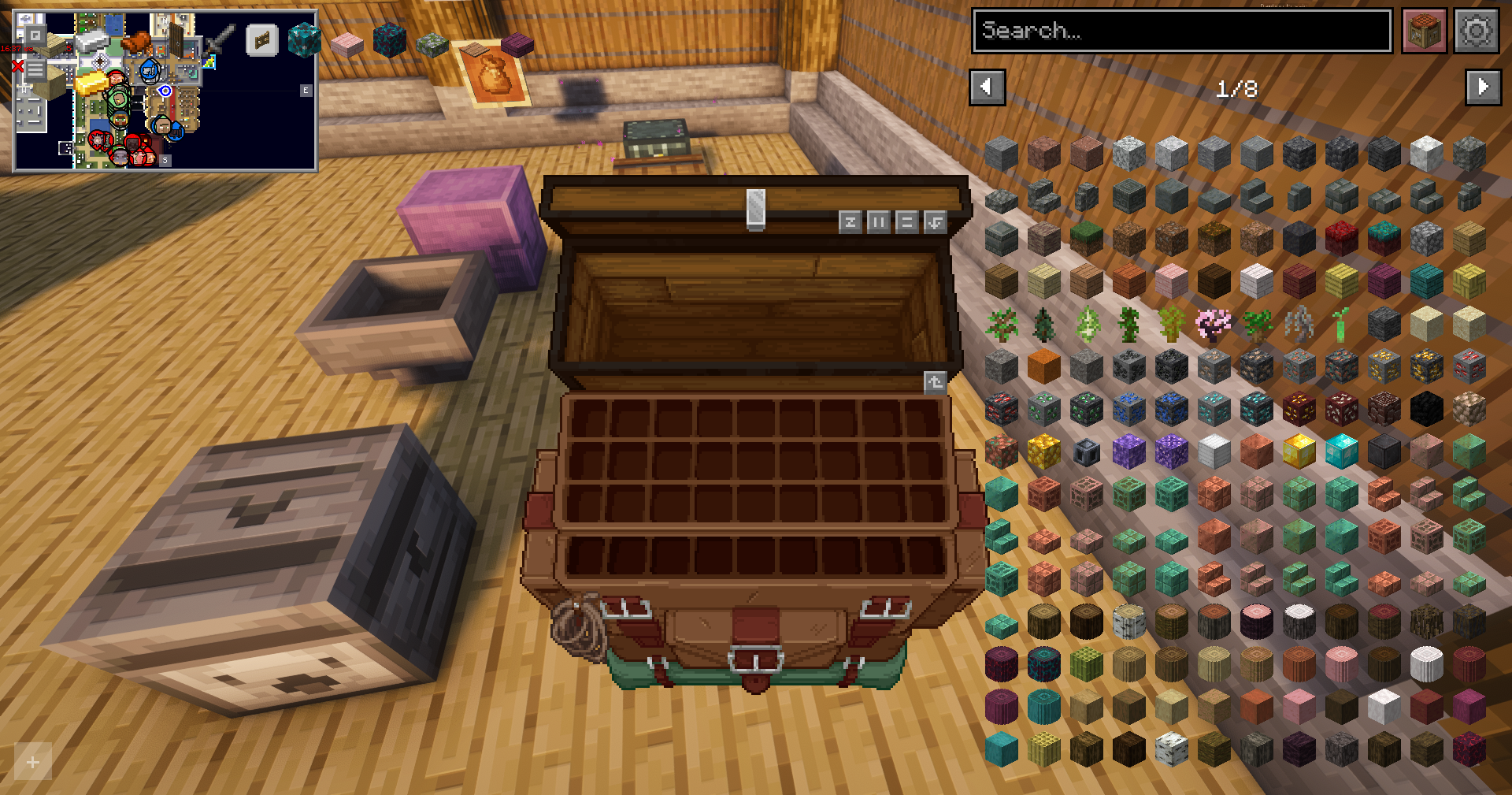
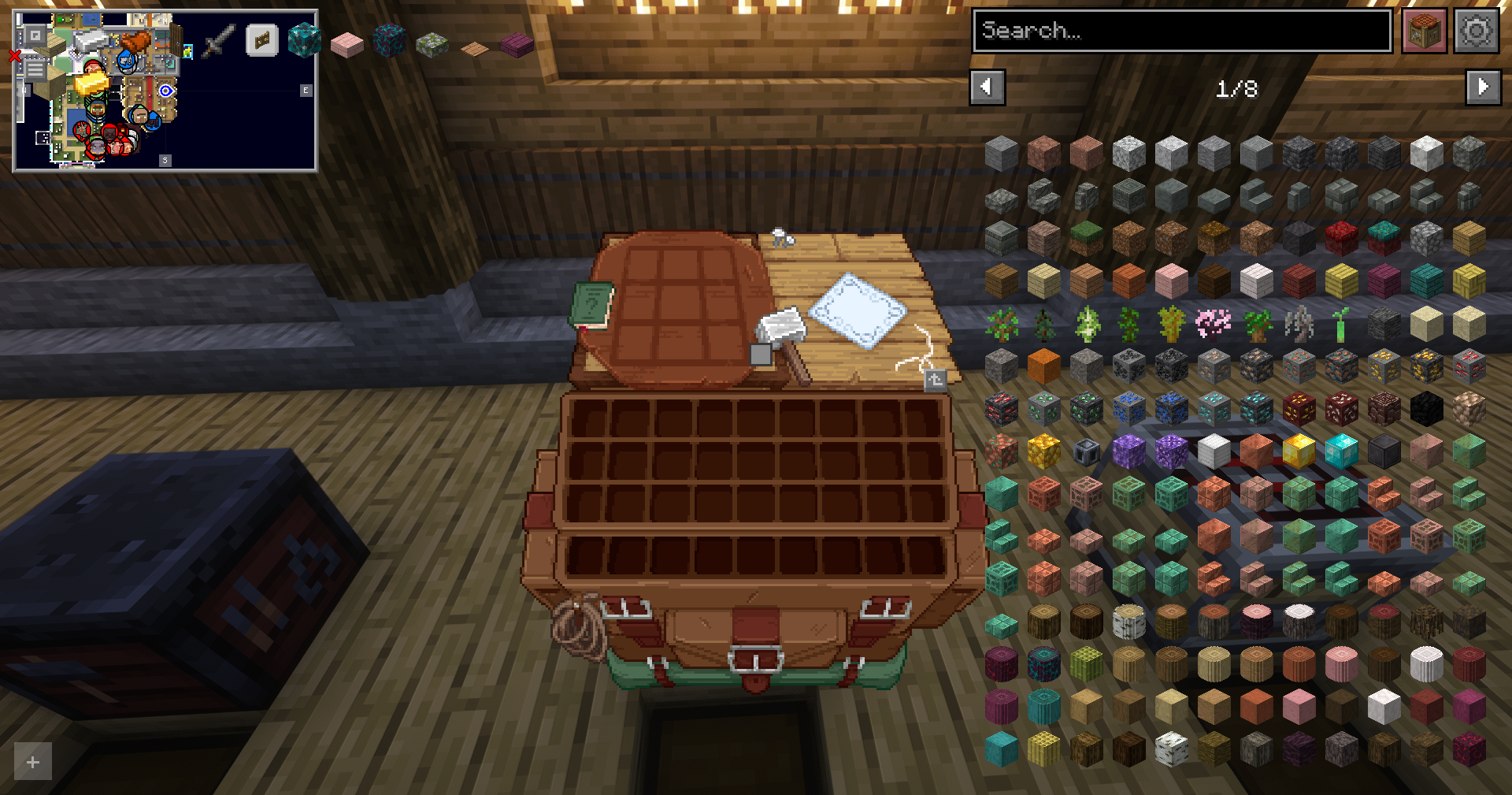
- Chests Reimagined
- Fresh Animations: Objects
- Fresh Animations: Player Extension
- Fresh Animations
7. UI
6. Other
5. Effects
4. Blocks
- 3D Trial Chambers
- RAY's 3D Ladders
- Remodeled Doors 3D
- PopDimple's Better Beds
- Better Carpets
- Enchanting Table Magic Circle
- Os' Pottery Sherds
- Overdetailed Enchanting Table
- RAY's 3D Rails
- Fantasy Ores by CesarZorak
- Chiseled Bookshelf 3D
- Simple 3D Chain
- Connected Paths (Fusion)
- Connected Rocks (Fusion)
- Connected Bricks (Fusion)
3. Items
- Even Better Enchants
- Mob Crates
- xali's Potions
- xali's Potions - Addon
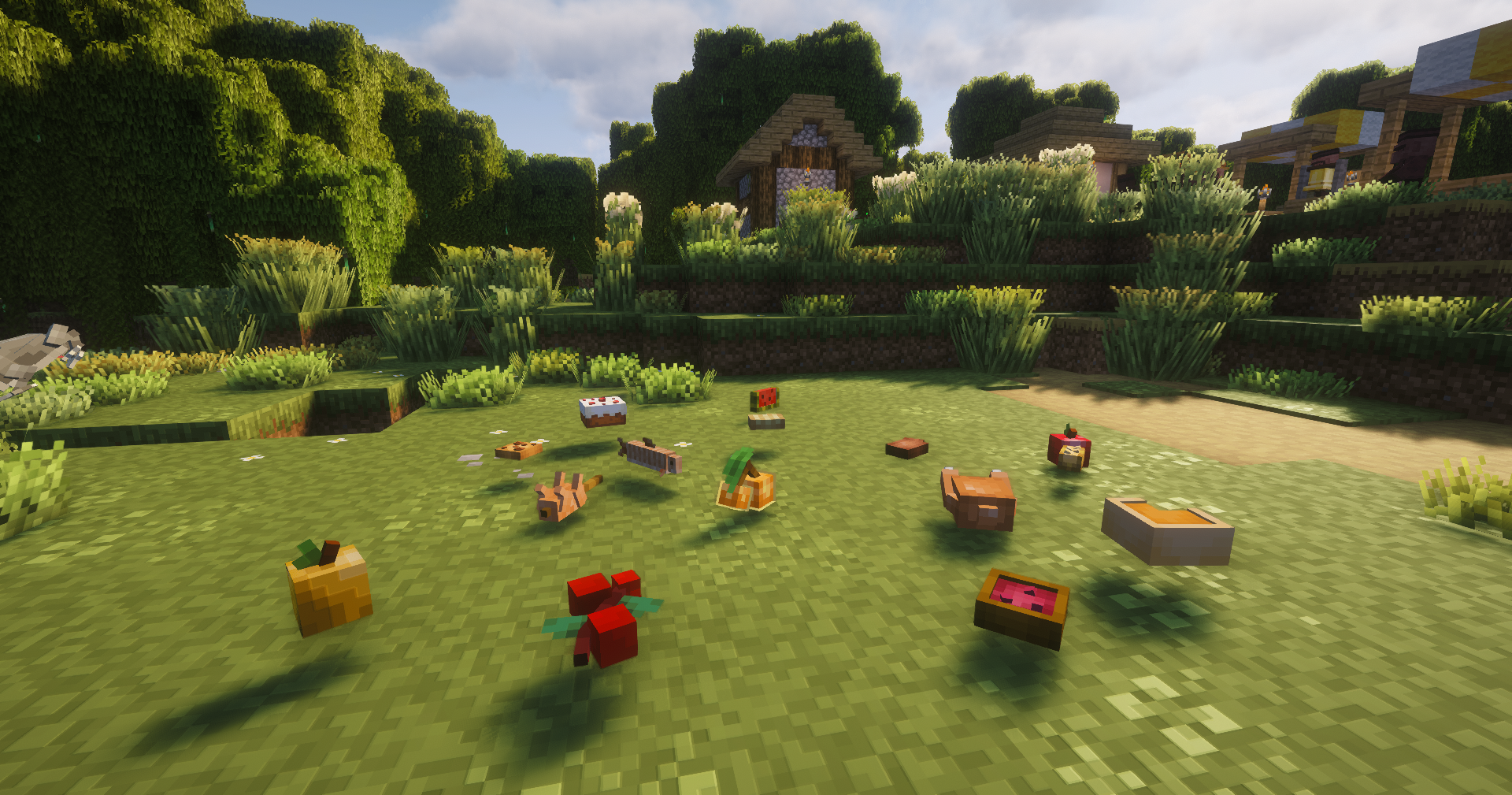
- Fresh Food
- Ben's Bundles
- Fresh Ores and Ingots
- Rethoughted Trident
- Mace 3D
- Better Bows
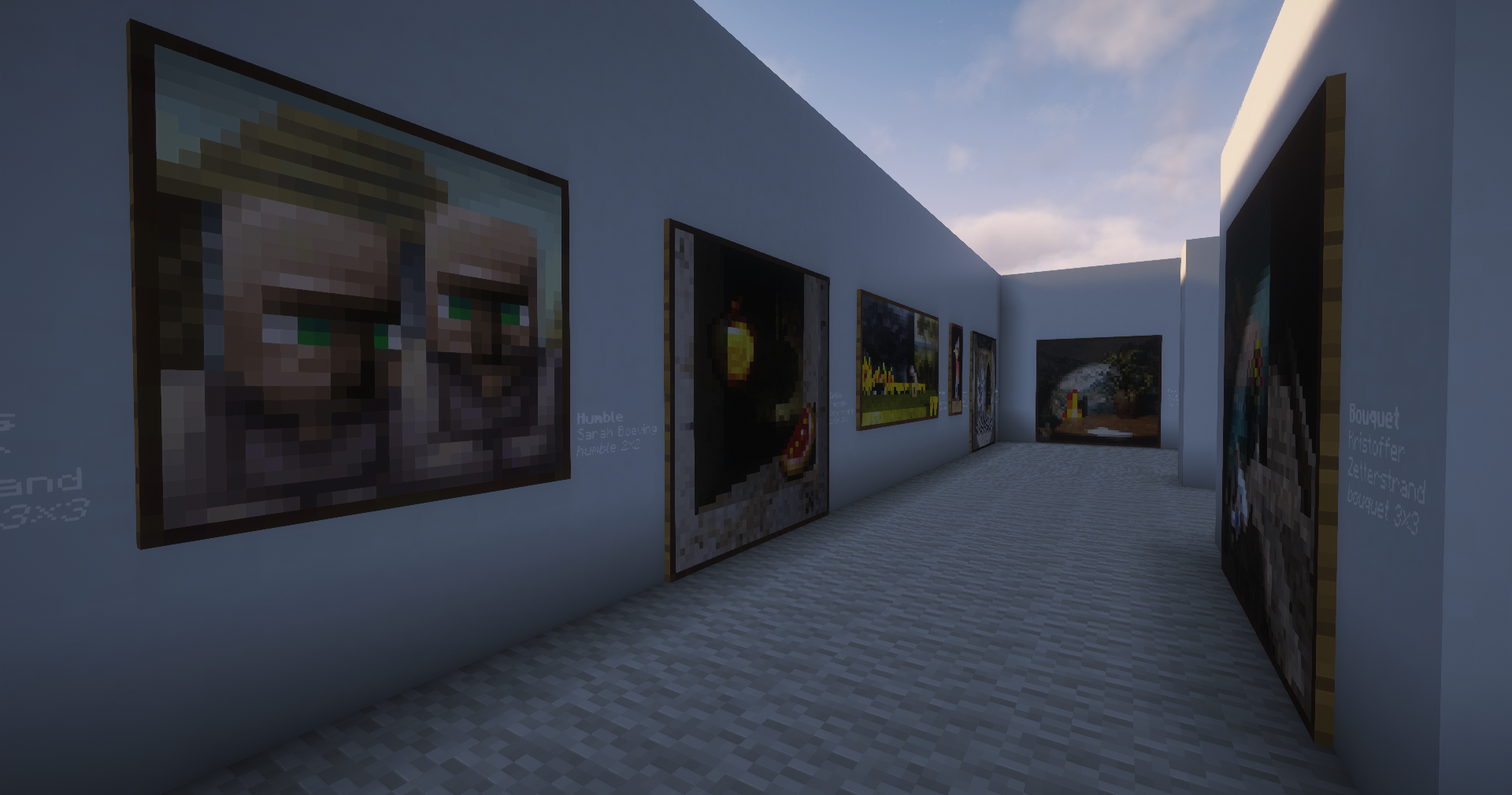
- Visual: Paintings
- Fyoncle's 3D Trims
2. Environment
- Sugar Cane update
- Simple Grass Flowers
- Round Trees
- Remodeled Cactus
- Overdetailed Saplings
- Os' Colorful Grasses
- Mickey Joe's Flowers!
- 3D crops Revamped
- Corality
- Blocky Dripstone
- Motschen's Better Leaves
1. Base Textures

I am not the creator of the individual mods, shaders, or resource packs included in this modpack. All credit belongs to the original developers and artists who made them.
This pack is simply a collection that combines and configures those projects to work well together.
You are free to modify, remove, add, or adjust anything in the pack for your own use. If you decide to share or showcase this modpack publicly, please credit me for creating and organizing the modpack.
Screenshots
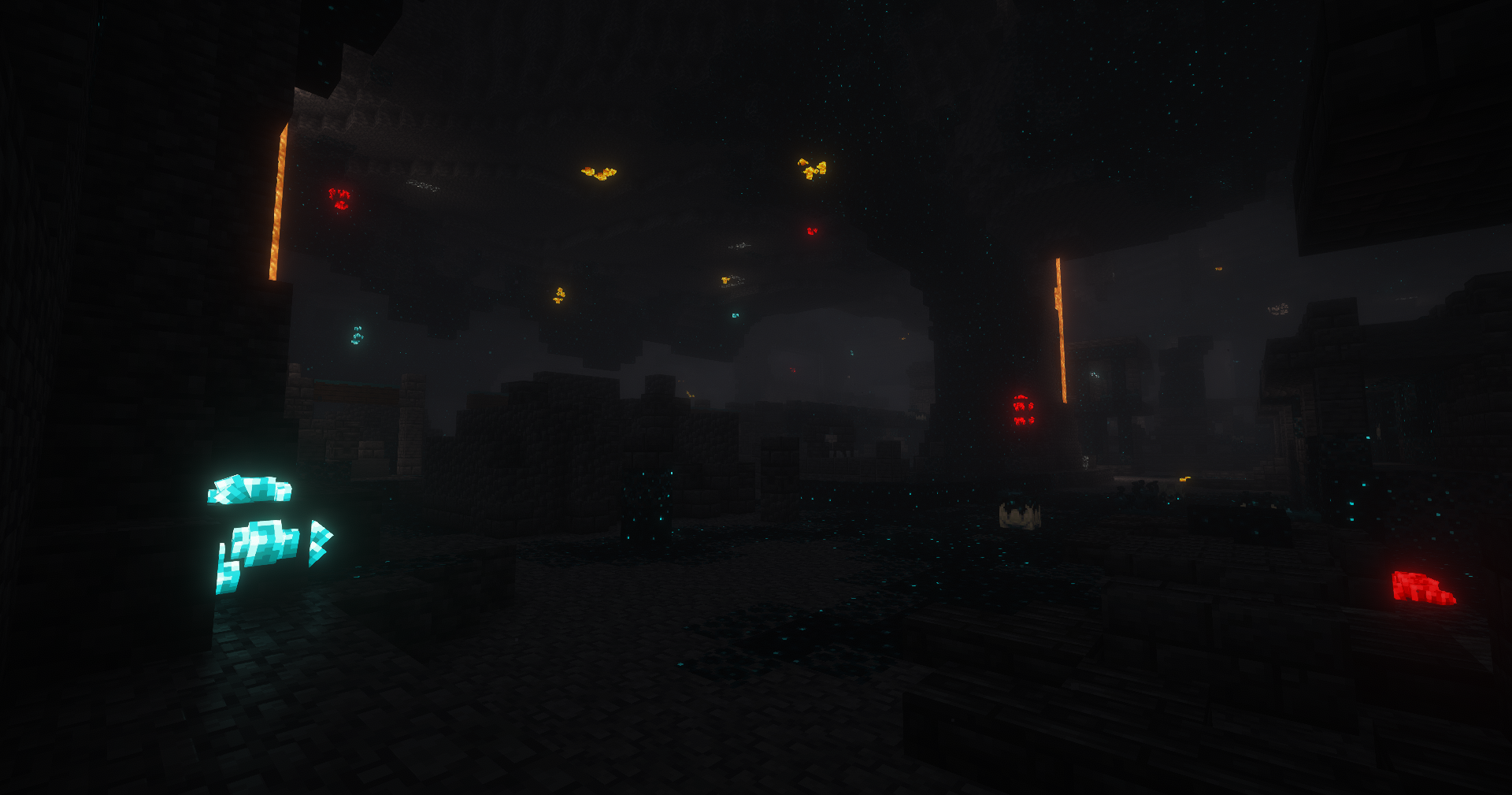
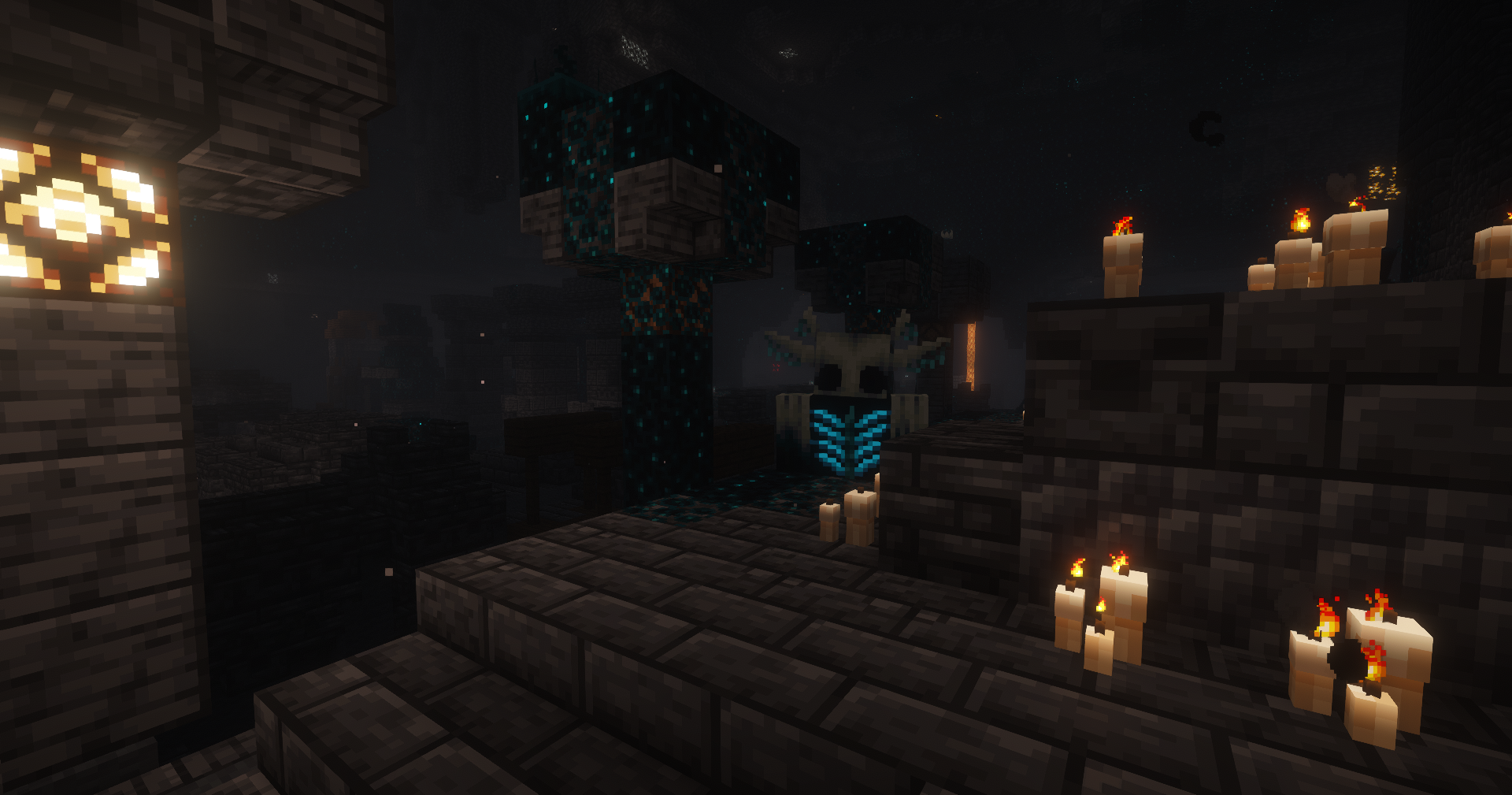
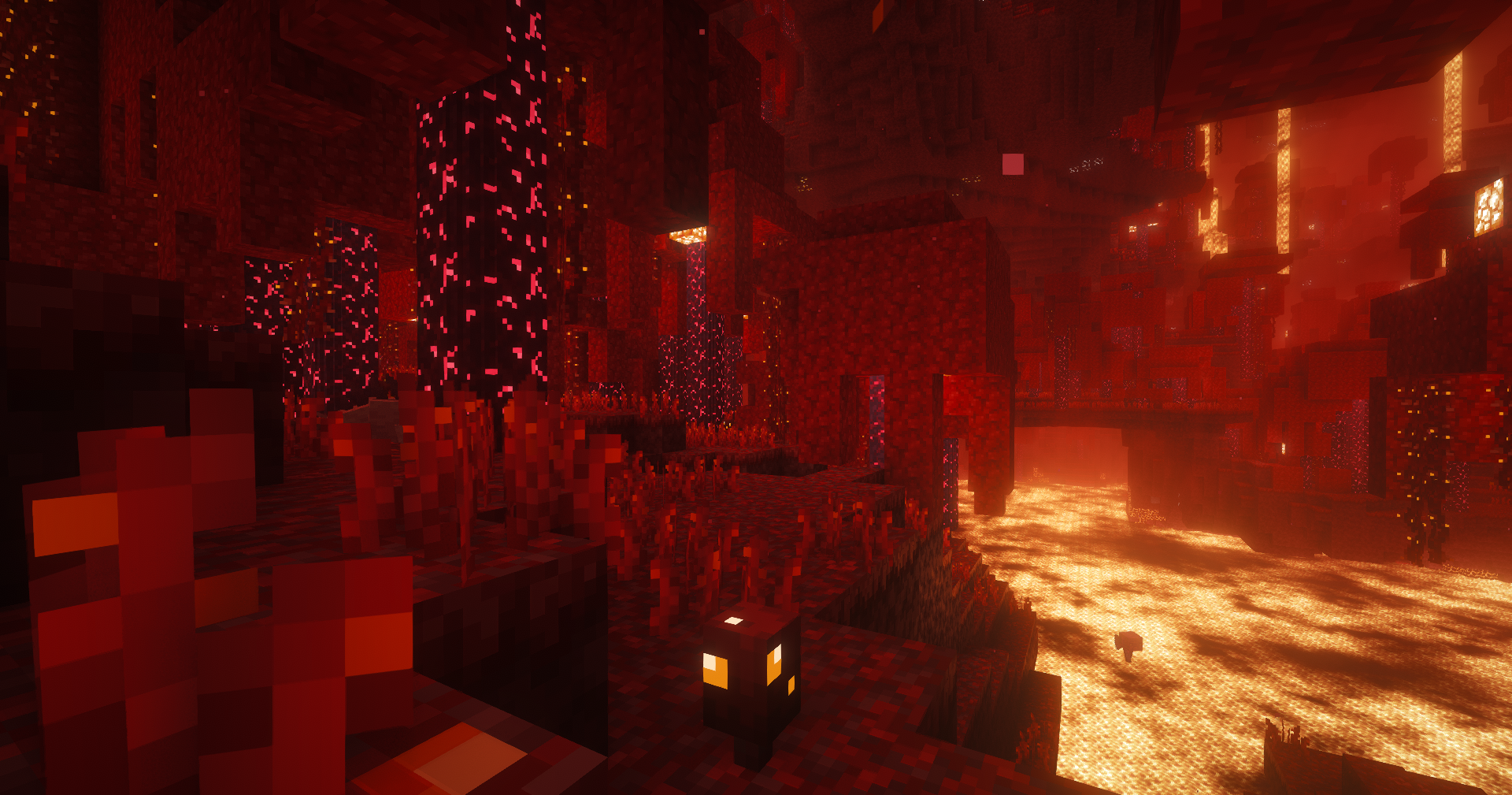
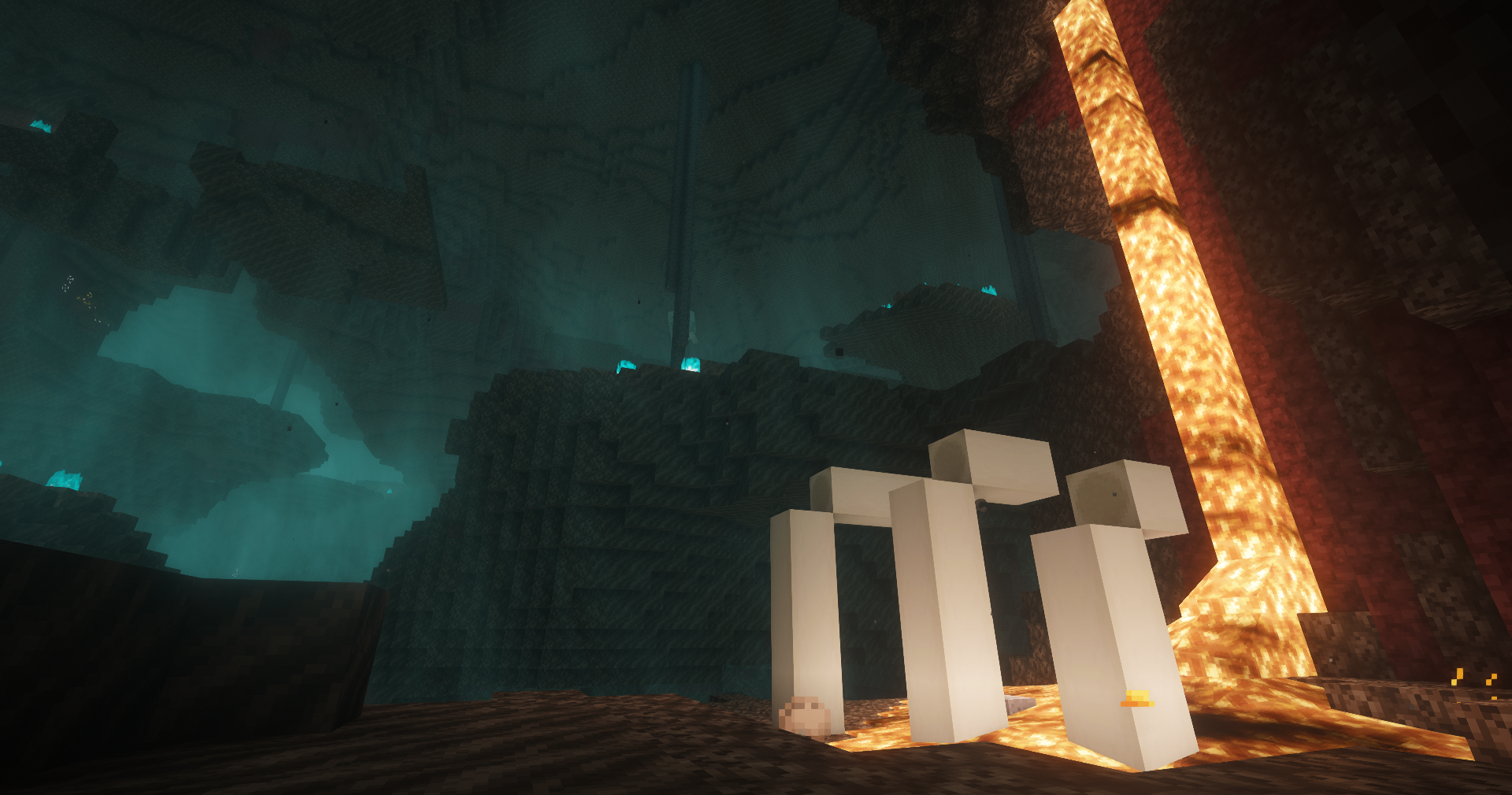
Gallery
Versions
Files
Relations
Project Relations
More like this
Similar Modpacks
Suggestions use data such as tags, dependencies, dependents, descriptions, titles, and more to rank how much they overlap with this modpack.
On ModDex
Community snapshot
By the numbers
Statistics

Want to reach Minecraft players?
We're looking for a server hosting partner to feature here and other parts of the site. Interested? Send us a message!
Get in touchGet it on
Available Platforms
On ModDex
Community snapshot
By the numbers
Statistics
Resources