
Community listing page, reviews here may not be monitored by the author.
Magica Infinitum III - 1.16.5

No reviews yet
✨Large Magic Only Modpack ✨ Exploration, AdventureRPG and Quests ✨NO RF related Mods are available

Community voices
Reviews
No reviews yet. Be the first to review this project!
Get it on
Available Platforms
About
Project Details
For authors
Embed Badge
If you're the author of this project, you can embed a live badge anywhere that supports HTML or Markdown. It updates automatically whenever ratings change.
Use HTML for any page that supports it, or Markdown for README files and Markdown-based descriptions.
Identifiers
Platform IDs
About
Description


✨ Highly focus on Magic - pure Magic
🚫 NO RF related Mods and machines are available or got disabled
✨ Large balanced Magic pack
✨ Including lesser known magic mods
✨ Currently with 280+ Mods!
The goal is to have a new experience without high-technology machines and op-farms, only using magical ways to build and progress in the game
Customization
🛠️ Recipe adjustments and tweaking mod interaction
🛠️ Harder recipes
🛠️ Magical themed textures
Quests
📔 Quests are optional and give you a rough possible progression route
📔 Not necessary to progress in the modpack or unlock items from different mods
📔 It's your choice!

👥 Are you looking to enjoy MODPACK with your friends ? Choose BisectHosting for all your server needs!
👥 New members can use code Shorepion to get 25% off their first month of any gaming server.
👥 By using my code you support me aswell - Thank you!


📜 1.16.5-3.3.14 (categorized list 🔗)
- [Add-On] The Abyss: Beginning (by y4z0n)
- Advancement Plaques [Forge] (by Grend_G)
- Aequivaleo (by OrionOnline)
- AI Improvements (by QueenOfMissiles)
- AIOT Botania (by MelanX)
- Akashic Tome (by Vazkii)
- Allomancy (by legobmw99)
- Angel Ring (by DenisMasterHerobrine)
- Apotheosis (by Shadows_of_Fire)
- AppleSkin (by squeek502)
- Arcane Fundamentals (by Ac310102)
- Architect's Palette (by Jsburg)
- Architectury API (Fabric/Forge) (by shedaniel)
- Armor Toughness Bar (by tfarecnim)
- ArmorPlus (by sokratis12GR)
- Ars Arsenal (by ToxicMintTea)
- Ars Elemental (by Alexth99)
- Ars Nouveau (by baileyholl2)
- Artifacts (by ochotonida)
- Astral Sorcery (by HellFirePvP)
- AttributeFix (by DarkhaxDev)
- Atum 2: Return to the Sands (by Shadow)
- Auraddons (by superaxander)
- Auto Dropper (by Ruuubi)
- Auto Ore Dictionary Converter (by MattDahEpic)
- AutoRegLib (by Vazkii)
- Auudio [Forge] (by Keksuccino)
- Auxilium (by RoyalReject_)
- Baubley Heart Canisters (by traverse_joe)
- Better Advancements (by way2muchnoise)
- BetterF3 (by cominixo)
- Biomancy (by Elenterius)
- Biomes O' Plenty (by Forstride)
- BisectHosting Server Integration Menu [FORGE] (by BisectHosting)
- Block Swap (by Corgi_Taco)
- Blood Magic (by WayofTime)
- Blueprint (by TeamAbnormals)
- Bookshelf (by DarkhaxDev)
- Botania (by Vazkii)
- Botania Additions (by ToMe250)
- BountifulBaubles (by Cursed1nferno)
- Building Gadgets (by Direwolf20)
- Caelus API (Forge) (by TheIllusiveC4)
- Catalogue (by MrCrayfish)
- CB Multipart (by covers1624)
- Charging Gadgets (by Direwolf20)
- Chat Heads (by dzwdz)
- Cherished Worlds (Fabric/Forge/Quilt) (by TheIllusiveC4)
- Chisel (by tterrag1098)
- Chisels & Bits - For Forge (by AlgorithmX2)
- Chocolate Fix (by AlcatrazEscapee)
- Citadel (by sbom_xela)
- Clickable advancements[Forge/Fabric] (by someaddon)
- Client Tweaks (by BlayTheNinth)
- Cloth Config API (Fabric/Forge) (by shedaniel)
- Clumps (by Jaredlll08)
- CodeChicken Lib 1.8.+ (by covers1624)
- CoFH Core (by TeamCoFH)
- Collective (by Serilum)
- Combat-Commons (by Elenterius)
- Common Capabilities (by kroeser)
- Configured (by MrCrayfish)
- ConnectedTexturesMod (by tterrag1098)
- Construction Wand (by ThetaDev)
- Controlling (by Jaredlll08)
- Corail Pillar (by Corail_31)
- Corail Tombstone (by Corail_31)
- Cosmetic Armor Reworked (by LainMI)
- Crafting Station (by tfarecnim)
- Crafting Tweaks (by BlayTheNinth)
- CraftTweaker (by Jaredlll08)
- Cucumber Library (by BlakeBr0)
- Curios API (Forge) (by TheIllusiveC4)
- Curious Armor Stands (by ochotonida)
- Cyclic (by Lothrazar)
- Cyclops Core (by kroeser)
- Dank Storage (by tfarecnim)
- Dark Utilities (by DarkhaxDev)
- DataPack Anvil (by Sirttas)
- Decorative Blocks (by stohun)
- Decorative Blocks modded compat (by Evo_934)
- Default Options (by BlayTheNinth)
- Demagnetize (by comp500)
- Drawers Tooltip (by Snownee_)
- Drippy Loading Screen [Forge] (by Keksuccino)
- Dungeon Crawl (by xiroc_)
- Dungeons Plus (by ModdingLegacy)
- Dynamic Surroundings (by OreCruncher)
- Eidolon (by elucent_)
- Eidolon Tweaker (by mrthomas20121)
- Eidolon's Hexblades (by Alexth99)
- Eidolon's Sanguine Arsenal (by alexandr_0031)
- Elemental Craft (by Sirttas)
- Elytra Slot (Fabric/Forge/Quilt) (by TheIllusiveC4)
- Emojiful (by Buuz135)
- Enchanted Book Redesign (by tfarecnim)
- Enchantment Descriptions (by DarkhaxDev)
- End: Reborn (by elecatron)
- EnderChests (by ShetiPhian)
- EnderTanks (by ShetiPhian)
- Enigmatic Legacy (by Aizistral)
- Ensorcellation (by TeamCoFH)
- Ensorcelled (by Mowmaster)
- Entangled (by SuperMartijn642)
- Entity Culling Fabric/Forge (by tr7zw)
- EverlastingAbilities (by kroeser)
- EvilCraft (by kroeser)
- ExpandAbility (by florensie)
- Extended Crafting (by BlakeBr0)
- ExtraBotany (by ExtraMeteorP)
- Extreme sound muffler (Forge) (by LeoBeliik)
- FakeBlocks (by henkelmax)
- FancyMenu [Forge] (by Keksuccino)
- Fast Leaf Decay (by olafskiii)
- FastWorkbench Minus Replacement (by tfarecnim)
- FerriteCore (Forge) (by malte0811)
- Flywheel (by jozufozu)
- Forbidden and Arcanus (by cesar_zorak)
- FPS Reducer (by bre2el)
- FramedBlocks (by XFactHD)
- FTB Backups (Forge) (by FTB)
- FTB Chunks (Forge) (by FTB)
- FTB Essentials (Forge) (by FTB)
- FTB Library (Forge) (by FTB)
- FTB Quests (Forge) (by FTB)
- FTB Teams (Forge) (by FTB)
- GeckoLib (by Gecko)
- Global Packs (by JTK222)
- Global XP (by bl4ckscor3)
- Gobber [FORGE] (by kwpugh)
- Goo (by MercuriusXeno)
- Good Night's Sleep (by ModdingLegacy)
- Greater Eye of Ender [FORGE] (by kwpugh)
- Guide-API Village and Pillage (by maxanier)
- Harvest (by Naxanria)
- Health Overlay (Forge) (by Terrails)
- Hexerei (by JoeFoxe)
- Hidden Recipe Book (by Serilum)
- Hwyla (by TehNut)
- Ice and Fire: Dragons (by sbom_xela)
- Ice and Fire: Dragonseeker (by syrikalis)
- Iceberg [Forge] (by Grend_G)
- Initial Inventory (by Jaredlll08)
- InsaneLib (by Insane96MCP)
- Inventory HUD+ (by dmitrylovin)
- Inventory Tweaks Renewed (by godemperordoge)
- Iron Chests (by ProgWML6)
- Item Borders [Forge] (by Grend_G)
- Item Collectors (by SuperMartijn642)
- Item Filters (by LatvianModder)
- JEI Integration (by SnowShock35)
- JEITweaker (by Jaredlll08)
- JourneyMap (by techbrew)
- JourneyMap Integration (by frankv_)
- Just Enough Items (JEI) (by mezz)
- Just Enough Resources (JER) (by way2muchnoise)
- Konkrete [Forge] (by Keksuccino)
- KubeJS (by LatvianModder)
- KubeJS Blood Magic (by LatvianModder)
- Lazy DataFixerUpper(LazyDFU) [FORGE] (by Corgi_Taco)
- LibX (by noeppinoeppi)
- Light Overlay (Rift/Forge/Fabric) (by shedaniel)
- Lollipop (by owmii)
- Lord Craft (by Cobbs_3)
- Lost Trinkets (by owmii)
- Macaw's Doors (by sketch_macaw)
- Macaw's Windows (by sketch_macaw)
- Magical Psi: Redux (by TheIllusiveC4)
- Magical Psionical Peripherals (by RCXcrafter)
- Mahou Tsukai (by stepcros)
- Malum (by sammysemicolon)
- Mana and Artifice (by AWildCanadianEh)
- Mana Gear (by Partonetrain)
- Mantle (by mDiyo)
- MapFrontiers (by meme_sapiens)
- Masonry (by Shadow)
- MattDahEpic Core (MDECore) (by MattDahEpic)
- Metal Barrels (by tfarecnim)
- Miner Arcana - Astral (by Starbreaker20)
- MmmMmmMmmMmm (Target Dummy) (by MehVahdJukaar)
- Moonlight Lib (by MehVahdJukaar)
- More Dragon Eggs (by Darkere)
- Morpheus (by Quetzi)
- Morph-o-Tool (by Vazkii)
- Mouse Tweaks (by YaLTeR)
- Mowzie's Mobs (by bobmowzie)
- mutil (by mickelus)
- My Server Is Compatible (by Focamacho)
- Mystical Adaptations (by Focamacho)
- Mystical Agradditions (by BlakeBr0)
- Mystical Agriculture (by BlakeBr0)
- Mystical Agriculture Tiered Crystals (by Electrolyte)
- MythicBotany (by noeppinoeppi)
- Nature's Aura (by Ellpeck)
- Nature's Compass (by Chaosyr)
- Nature's Starlight (by Ellpeck)
- Neat (by Vazkii)
- ObserverLib (by HellFirePvP)
- Occultism (by kli_kli)
- Occultism KubeJS (by kli_kli)
- Oculus (by Asek3)
- Old Iron Chest (by jimderoberto)
- OpenBlocks Elevator (by vsngarcia)
- Overloaded Armor Bar (by tfarecnim)
- Packing Tape (by gigaherz)
- Patchouli (by Vazkii)
- Performant (by someaddon)
- Phi (Psi addon) (by GDavid04)
- Placebo (by Shadows_of_Fire)
- Polymorph (Forge) (by TheIllusiveC4)
- Progressive Bosses (by Insane96MCP)
- ProjectE (by SinKillerJ)
- ProjectExtended (by pupnewfster)
- Psi (by Vazkii)
- Psionic Peripherals (by Dudblockman)
- Psionic Utilities (by GDavid04)
- Psionicolor (by RCXcrafter)
- QuantumStorage (by Gigabit101)
- Quark (by Vazkii)
- Quest Plaques [Forge] (by Grend_G)
- Quests Additions (Forge) (by NaturaSpell)
- Random World Name (by smbarbour)
- RandomPatches (Forge) (by TheRandomLabs)
- Rats (by sbom_xela)
- Rats: Ratlantis (by sbom_xela)
- Reliquary Reincarnations (by P3pp3rF1y)
- Rhino (by LatvianModder)
- Roots Classic (by Lothrazar)
- Rubidium (by Asek3)
- Runelic (by DarkhaxDev)
- Scorge (by illyohs)
- ServerConfig Updater (by Darkere)
- ShetiPhianCore (by ShetiPhian)
- Shulker Box Slot (Forge) (by TheIllusiveC4)
- Silent Gear (by SilentChaos512)
- Silent Lib (silentlib) (by SilentChaos512)
- Silent's Gems (by SilentChaos512)
- Simple Storage Network (by Lothrazar)
- Smooth Boot (Forge) (by UltimateBoomer)
- Statues (by ShyNieke)
- Storage Drawers (by Texelsaur)
- Structure Gel API (by ModdingLegacy)
- Structures Plus II (by Qra5)
- Structurize (by Raycoms)
- SuperMartijn642's Config Lib (by SuperMartijn642)
- SuperMartijn642's Core Lib (by SuperMartijn642)
- Supplementaries (by MehVahdJukaar)
- SwingThroughGrass (by exidex)
- Tetra (by mickelus)
- Tetra Pak (by Noobulus_Dos)
- Tetranomicon (by syrikalis)
- The Abyss II - The Other Side (by y4z0n)
- The Outer End (by BlueDuckYT)
- The Twilight Forest (by Benimatic)
- The Undergarden (by Quek04)
- TheDragonLib (by sokratis12GR)
- Theurgy (by kli_kli)
- Tiny Coal (by AzureDoomC)
- TipTheScales (by Jaredlll08)
- Toast Control (by Shadows_of_Fire)
- Tome of Blood (by ToxicMintTea)
- Too Many Glyphs (by derringercubed)
- Torchmaster (by xalcon)
- ToroHealth Damage Indicators (by ToroCraft)
- Translocators 1.8.+ (by covers1624)
- TrashSlot (by BlayTheNinth)
- Travel Anchors (by CastCrafter)
- Traveler's Titles (Forge) (by YUNGNICKYOUNG)
- Turtlemancy (by alienpatois)
- U Team Core (by HyCraftHD)
- Undergarden/Tetra Patch (by syrikalis)
- Useful Backpacks (by HyCraftHD)
- Valhelsia Core (by ValhelsiaTeam)
- Valhelsia Structures (by ValhelsiaTeam)
- Vampires Need Umbrellas (by Focamacho)
- Vampirism - Become a vampire! (by maxanier)
- Vampirism Integrations (by maxanier)
- Waila Harvestability (by squeek502)
- Wawla - What Are We Looking At (by DarkhaxDev)
- Waystones (by BlayTheNinth)
- Werewolves - Become a Beast! (by Cheaterpaul)
- Wiki Zoomer (by sbom_xela)
- Witchery: Rewitched (by hero3112)
- Wither Skeleton Tweaks (by Shadows_of_Fire)
- Wyrmroost (by Wyrmroost)
- Wyrmroost Spawn Control (by PwnagePineapple)
- YUNG's API (Forge) (by YUNGNICKYOUNG)

Recommendation to allocate at least 6GB+ RAM for this pack.
This Guide can help you increase your performance drastically when playing Magica Infinitum III:
CurseForge Launcher Java settings:
First make sure the latest Java edition is installed on your computer and older ones are deleted.
You can get the latest Java 8 edition (for Windows) here: https://www.java.com/en/download/
Go to Settings in your CurseForge Launcher (bottom left gear icon)/Minecraft/Java Settings
1) [optional] /Allocated Memory: Set the default memory allocated to Profiles - Set minimum 6GB+
2) /Java Version: Choose latest edition 8, not automatic
3) /Additional Arguments: Insert these Arguments:
-Xmx6G -Xms6G -XX:+UseG1GC -Dsun.rmi.dgc.server.gcInterval=2147483646 -XX:+UnlockExperimentalVMOptions -XX:G1NewSizePercent=20 -XX:G1ReservePercent=20 -XX:MaxGCPauseMillis=50 -XX:G1HeapRegionSize=32M
(RAM Allocated, you can put higher number here. depends on how much RAM you can and want to allocate)
Minercraft Launcher settings:
For some Players it happens that the Launcher is not always starting with the latest java edition (First make sure the latest Java edition is installed on your computer and older ones are deleted.
You can get the latest Java edition 8 (for Windows) here: https://www.java.com/en/download/ .Therefore you have to change the settings manually:
1) Click Play Magica Infinitum instance within the CurseForge Launcher. The "vanilla" Minecraft Launcher will open up.
2) Click Installations (above the banner)/three dots to the right of the instance/Edit/MORE OPTIONS/JAVA EXECUTABLE/BROWSE
3) go to C:\Program Files\Java<span style="color: #f00;">jre1.8.0_{latest-version}\bin and choose "javaw.exe"; Save
4) Click Play to launch the game. When you hit F3 in-game it should show you the latest Java version in the top right corner
In Game graphic settings:
These are some graphic settings, that I personally use (specs i7-8700k, RTX2070 [8GB], 16GB RAM [2x8GB, 3000Mhz])
ESC/Options/Video Settings
1) Graphics: Fast
2) Use VSynch: OFF
3) Render Distance: 6-8
4) Clouds: Fast
5) Particles: Decreased
6) Max Framerate: 144 fps (I recommend not to use Unlimited, this will increase the CPU Usage! Have a maximum fps not higher than your displays refresh rate)
Optifine
You can add Optifine manually to your mods folder.
Most of the players had good experience playing the modpack with Optifine.
Optifine is a performance mod with additional graphic tweaks and settings.
->since version 3.3.12 Oculus is in the pack which is a shadermod working with FML and is available for CurseForge

Thanks to Sekhet Bast-Ra for playing this modpack and making an awesome YouTube Let's Play Series!
Check out the playlist, if you like to see some modpack gameplay and show some love :)
Last Edited: 13.10.26 (DD.MM.YY)
Screenshots
Gallery
-
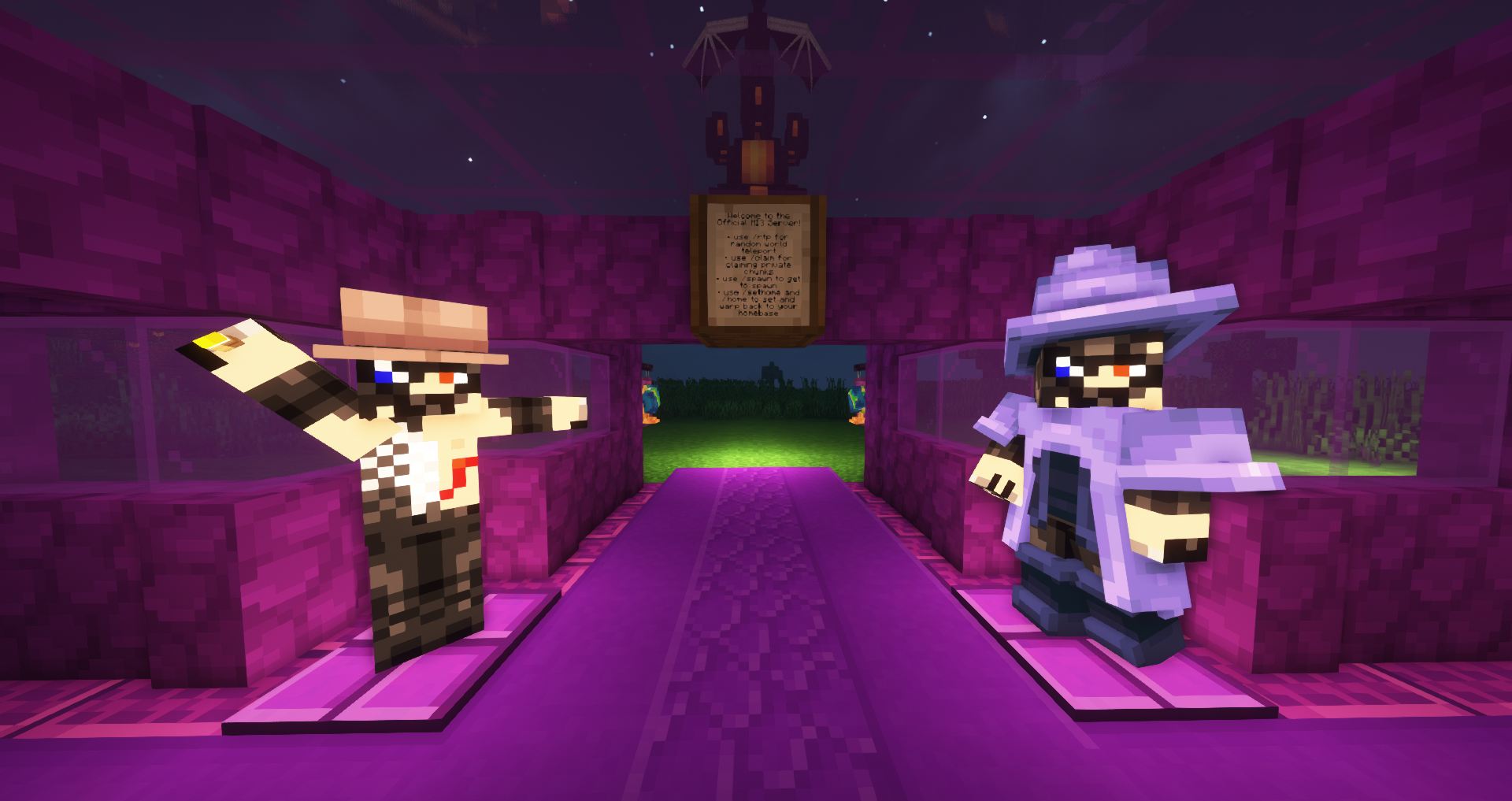 Impressions#8: MI3 - Server Spawn Want to join the official MI3 Server? -Apply here: https://discord.com/invite/rN6gzMP5qu
 -
 Impressions#9: Hexerei Structure + New Oculus Forge Shader
 -
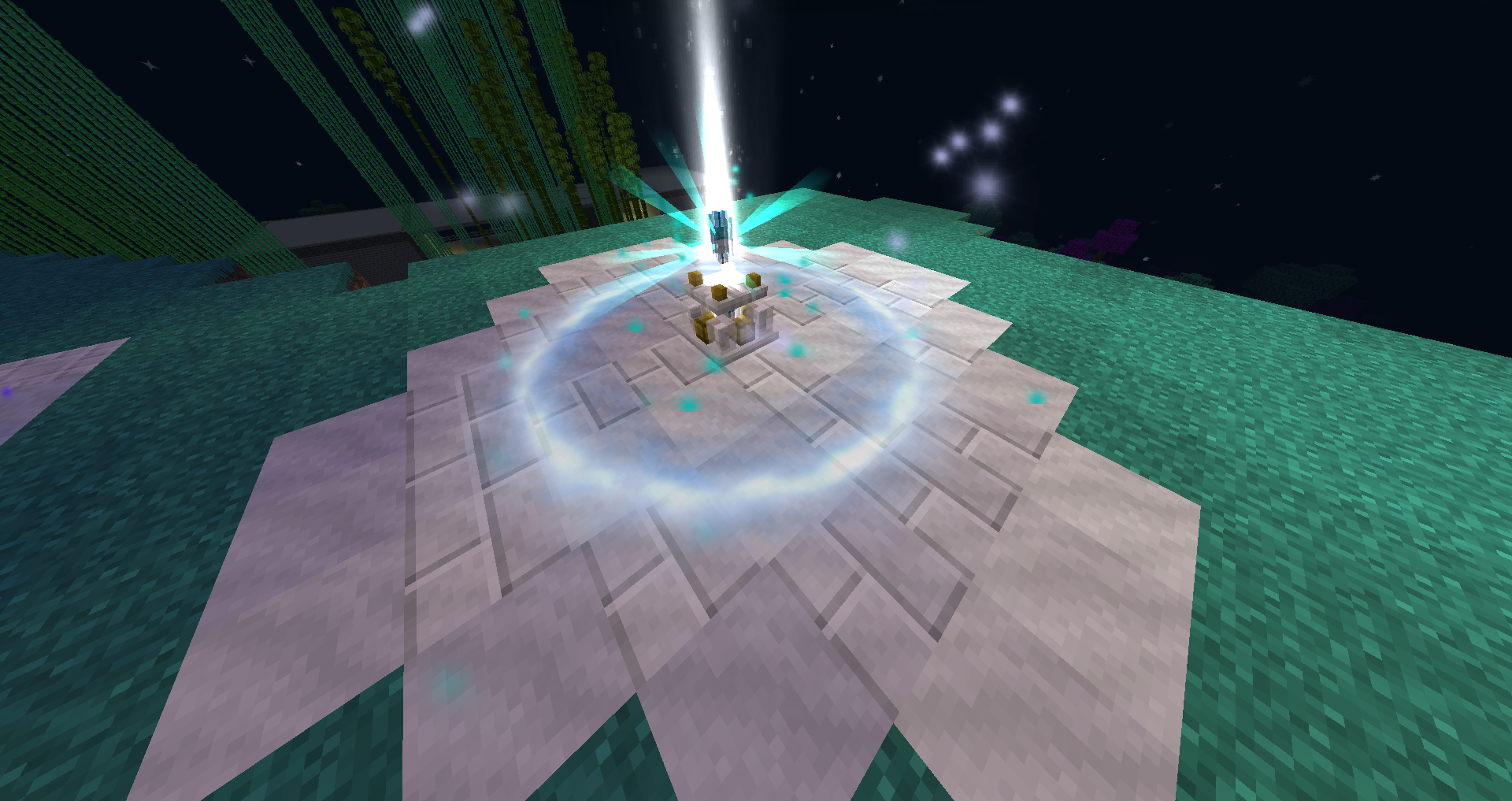 Impressions#4: Astral Sorcery Setup on the official MI3 Server Build by 'LittleBicOriginal' and 'K A Y'
 -
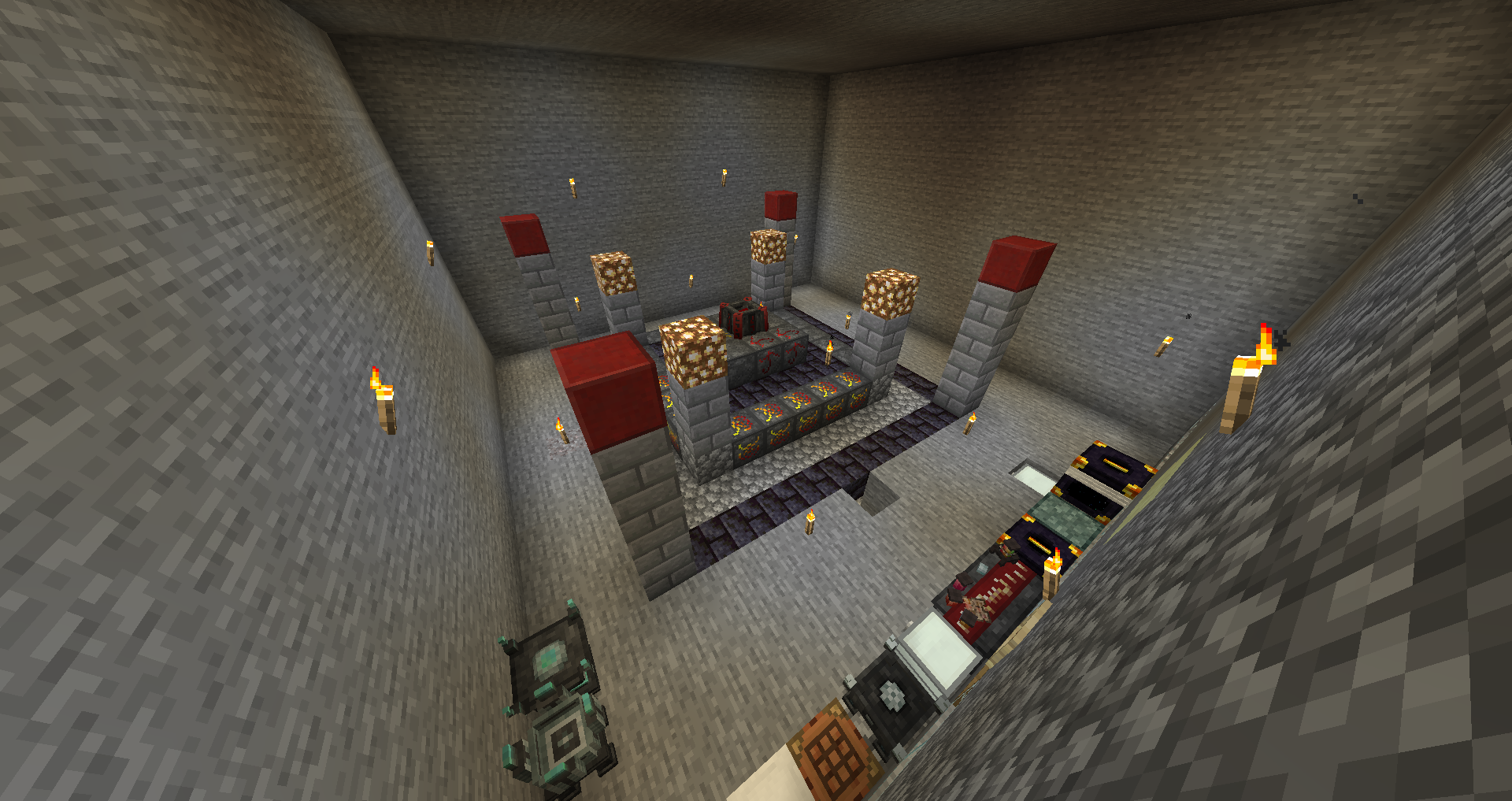 Impressions#1: BloodMagic - Blood Altar Tier IV
 -
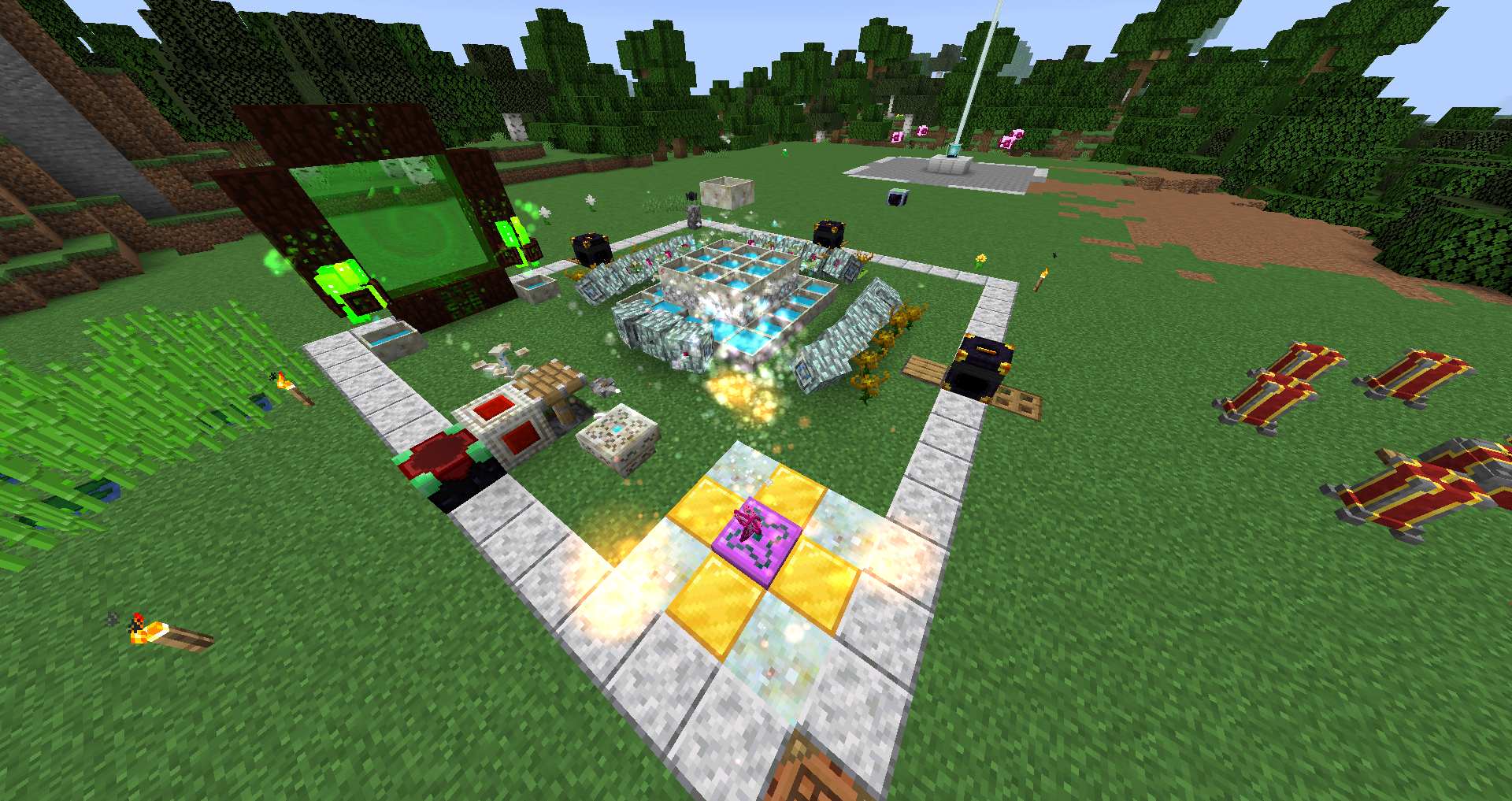 Impressions#2:Botania - Mana Automation with Endoflames
 -
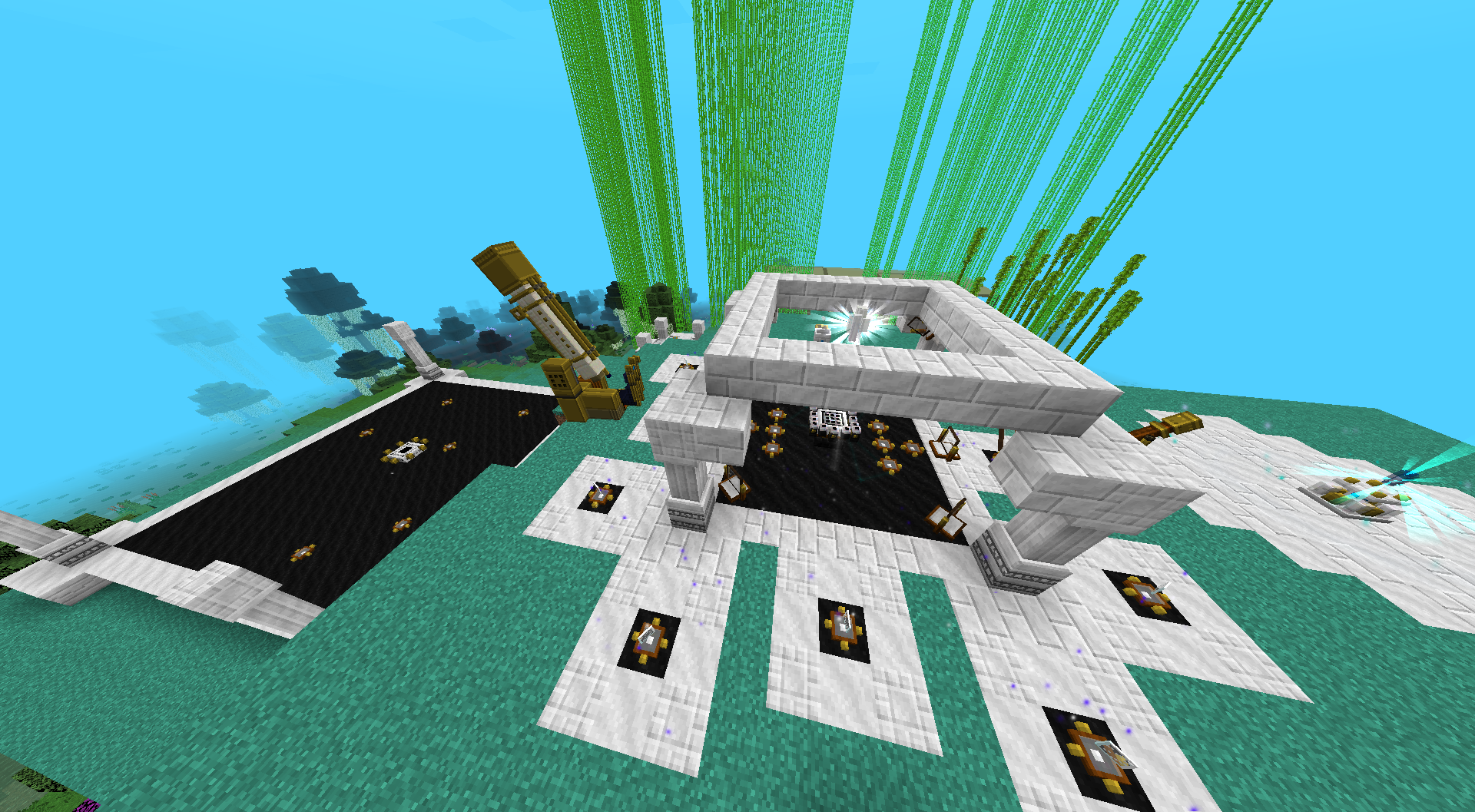 Impressions#3: Astral Sorcery Setup on the official MI3 Server Build by 'LittleBicOriginal' and 'K A Y'
 -
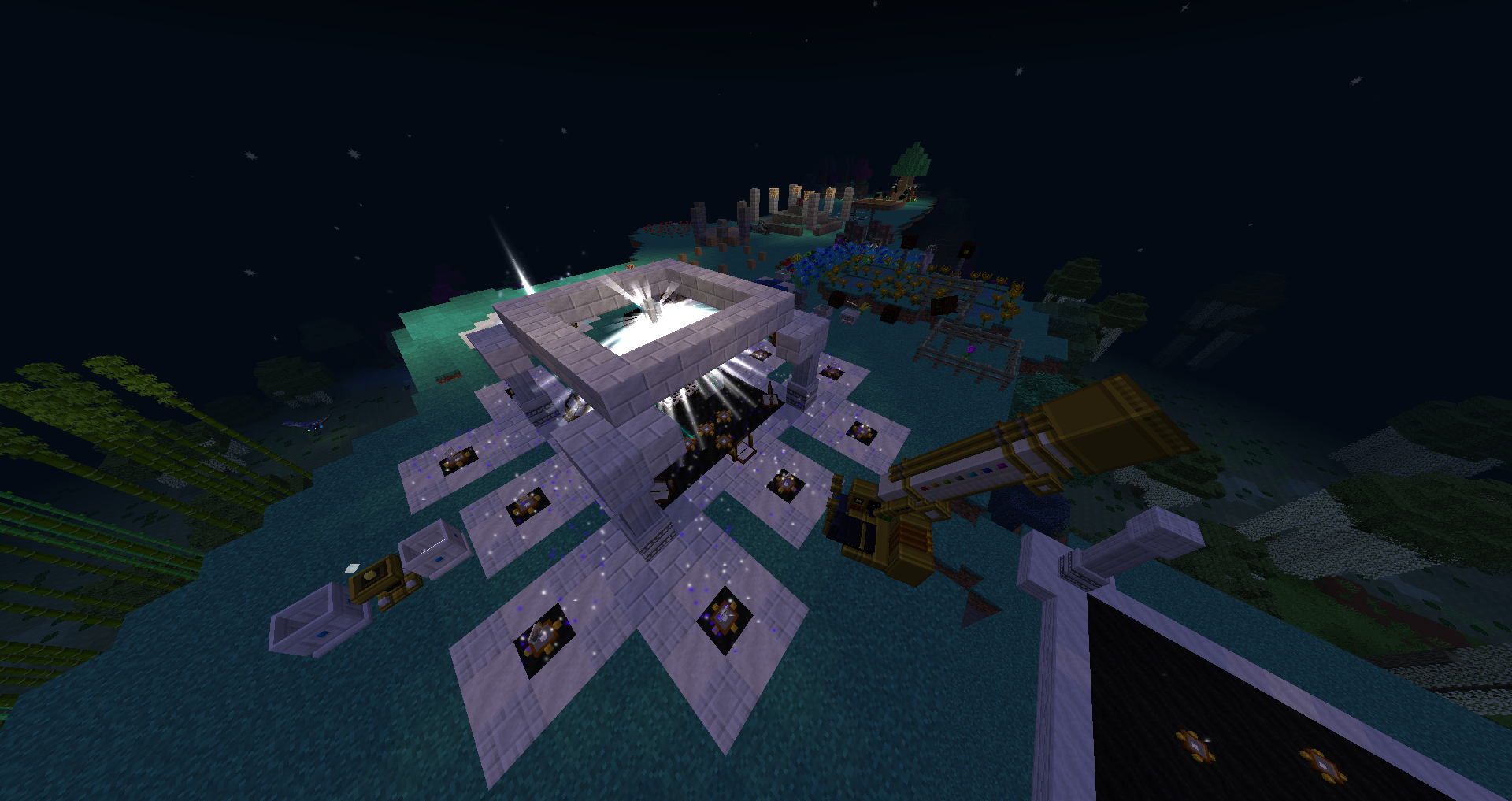 Impressions#6: Different setups from magic mods on the official MI3 Server Build by 'LittleBicOriginal' and 'K A Y'
 -
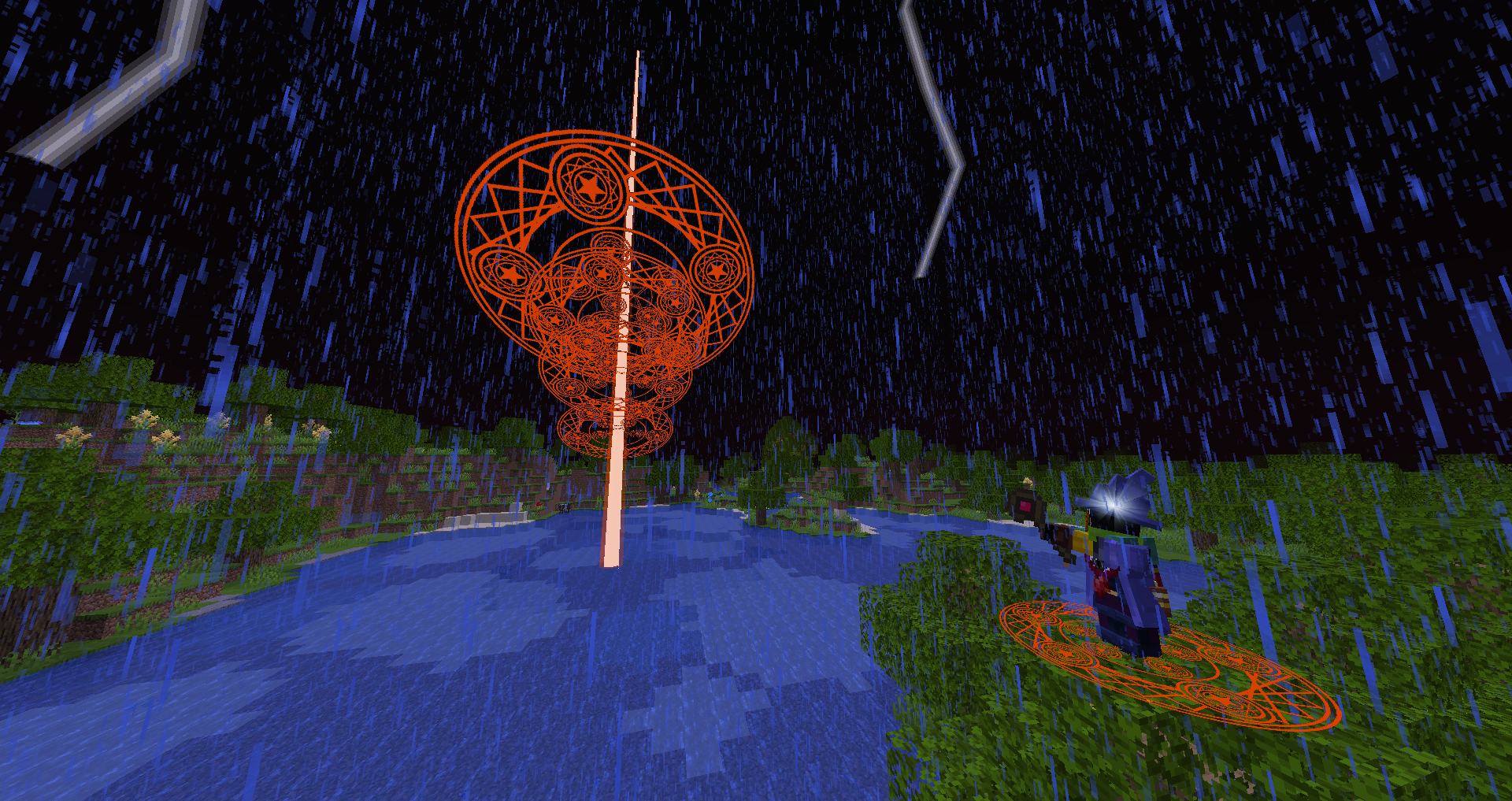 Impressions#7: MahouTsukai Spell (Big Explosion) on the official MI3 Server spell build and casted by 'LittleBicOriginal'
 -
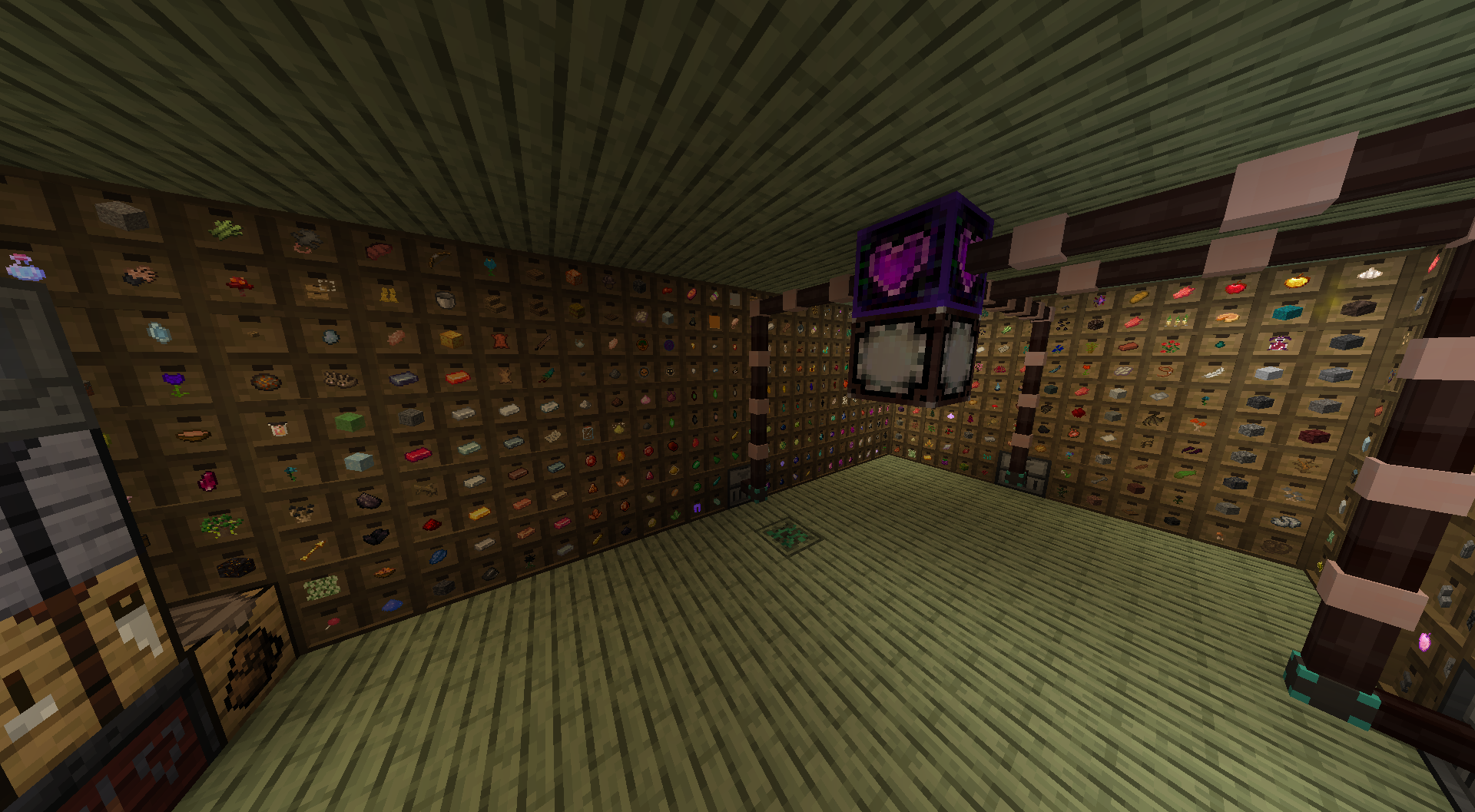 Impressions#5: Storage System on the official MI3 Server Build by 'LittleBicOriginal' and 'K A Y'
Versions
Files
Relations
Project Relations
More like this
Similar Modpacks
Suggestions use data such as tags, dependencies, dependents, descriptions, titles, and more to rank how much they overlap with this modpack.
On ModDex
Community snapshot
By the numbers
Statistics
 (opens in a new tab)
Get it on
Available Platforms
On ModDex
Community snapshot
By the numbers