Community listing page, reviews may not be monitored by the author.
Main Survivor Zombie (DEAD)

No reviews yet
A survival mod pack set in a world after a global catastrophe. Civilization has collapsed, cities have fallen into ruin, and nature and monsters have taken over the world.

Community voices
Reviews
No reviews yet. Be the first to review this project!
Get it on
Available Platforms
About
Project Details
For authors
Embed Badge
If you're the author of this project, you can embed a live badge anywhere that supports HTML or Markdown. It updates automatically whenever ratings change.
Use HTML for any page that supports it, or Markdown for README files and Markdown-based descriptions.
Identifiers
Platform IDs
Resources
External Links
About
Description
Explore, loot and shoot your way through cities overrun by the infected in this zombie apocalypse modpack. Master the tech tree, craft better and stronger equipment, and eventually brave the radioactive Wasteland to find the cure.
IF YOU USE THIS MODPACK IN A VIDEO PLEASE CREDIT ME! I LOVE WATCHING YOUR VIDEOS :)
My Username on youtube is @SosaSmurfs
Tutorial for Reactor
<video controls="controls" width="300" height="150"> <source src="https://drive.google.com/file/d/1JzL594nJnN0kjOyI0YtphJMHOpd3w1MR/view"></video>
Commands for Apocalypse Servers
/pvp — Toggle or manage PvP state/rules.
/freeze — Freeze/unfreeze players to prevent movement/actions.
/safe — Toggle “safe mode” protections. (Won't take damage past half heart LOL)
/ateam … — Team management (create/join/invite/modify).
/tm — Team chat.
/items — Admin item utilities (give/list/inspect).
/nether off/on — Disable or enable nether portal.
/end off/on — Disable or enable end portal.
/announce color Text color Subtitle text— Broadcast a server-wide announcement.
/roles — Open role management GUI (assign/edit roles).
/vanish — Toggle vanish/invisibility for admins.
/invsee — View a player’s inventory.
/endchest [player] — View a player’s ender chest.
/setwarp — Create a warp.
/warp — Teleport to a warp.
/delwarp — Delete a warp.
/bans — View/manage bans list and entries.
/instaban … — Instantly ban on specific triggers (hardcore integration).
/heal [player] — Heal self or target player.
/god [player] — Toggle invulnerability (God mode).
/nick — Set or clear a nickname.
/spectator [player] — Toggle spectator mode for a player.
/pod(s) — Commands for setting multiplayer spawn. (Think hunger games spawn points. Use the Pod Wand Item to set spawn points.)
/fly [player] — Toggle flight ability.
/build on/off— Toggle players ability to place/break blocks.
/barrel — Set barrel lootables via GUI.
/barrel_fill — Quickly fill barrels with configured loot.
/barrel_breakable — Toggle whether barrels are breakable.
/water_damage — Toggle/adjust water damage feature.
/items — Manage disabled items (block, list, remove).
/goldenapple_limit — View/enable/disable/set golden apple inventory cap.
/enchantban — Manage enchantment table XP-cost max (e.g., /enchantban max <0–255>, status, disable).
Screenshots
Gallery
-
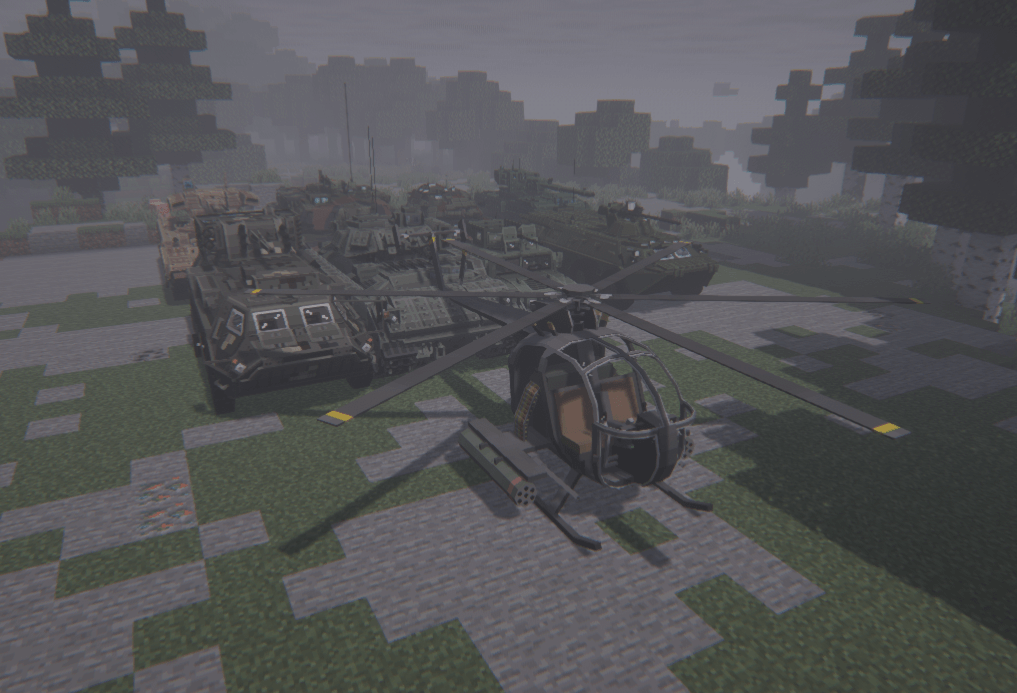 Vehicles
 -
 Project Photo #3 15.png
 -
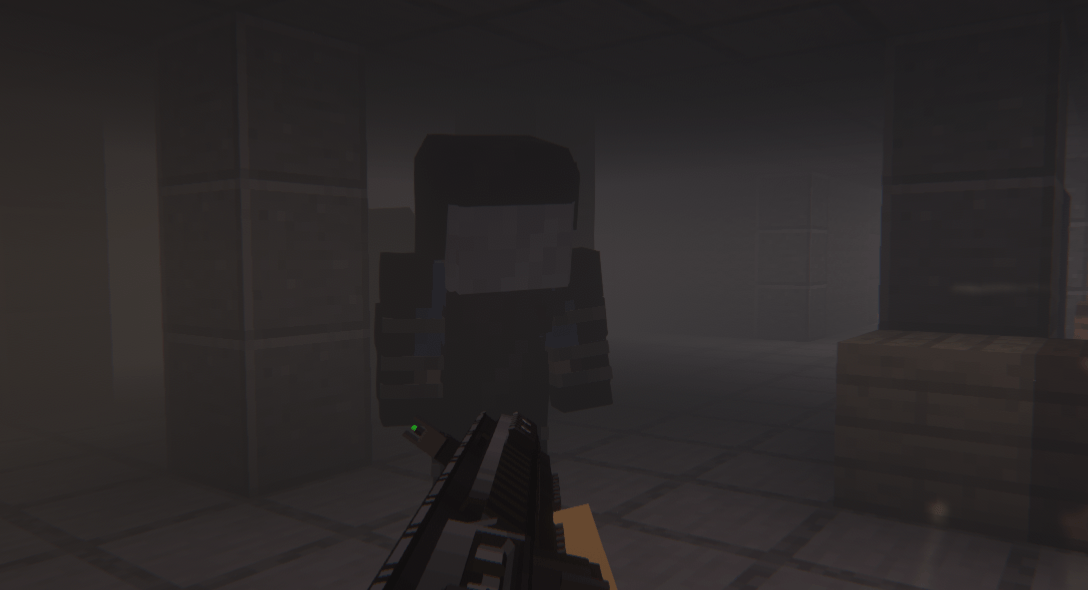 Photo Project #2.png Photo Project #2.png
 -
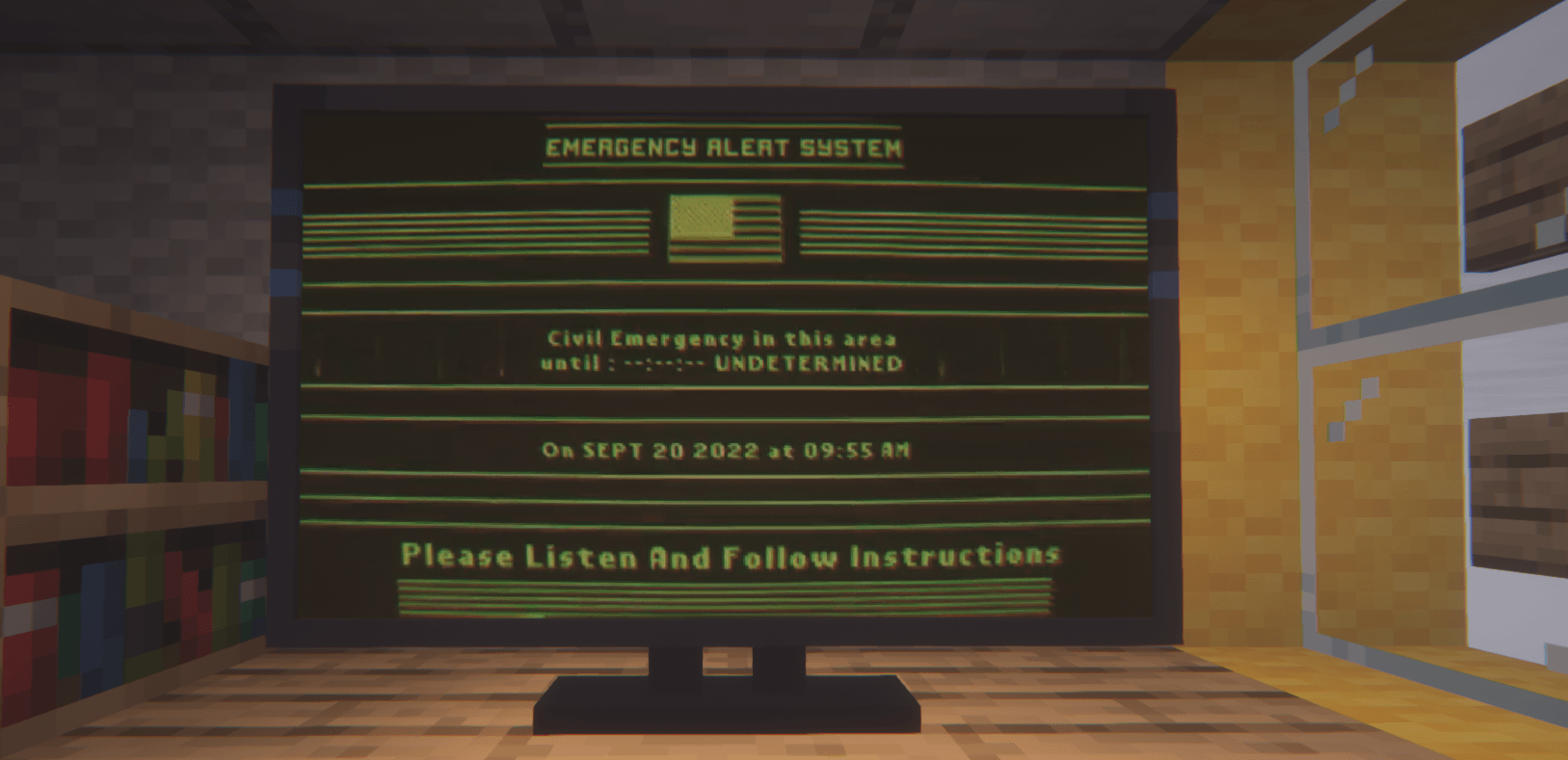 TV 13.png
 -
 Reactor 12.png
 -
 Project Photo #1 zdjecie modpacku.png
Versions
Files
Relations
Project Relations
More like this
Similar Modpacks
Suggestions use data such as tags, dependencies, dependents, descriptions, titles, and more to rank how much they overlap with this modpack.
- Dawn Of Catastrophe
- Life of the Last 2 - S-2047 - The Final Diary
- Frederick's Dawn Craft
- Sinful Anvil
- TACZ - Ultimate Apocalypse
- Izakji's Zombie Apocalypse II
- ZombieCraft: Zombie Apocalypse
- Fracture Corp. Future In Our Hands
- Space Infection
- Afterfall - Zombie Apocalypse Survival | Inspired by DeceasedCraft
- OutBreak Zero
- ZOMBIEMANIA - A Modern Zombie Apocalypse
On ModDex
Community snapshot
By the numbers
Statistics
 (opens in a new tab)
Get it on
Available Platforms
On ModDex
Community snapshot
By the numbers
Statistics
Resources