
Community listing page, reviews may not be monitored by the author.
Memoria 2 (Forge)

No reviews yet
The Modpack for the private Server "Memoria 2" for public use. It has many cool Mods to offer, like: Create, Quark, Terralith, Farmers Delight and much more!

Community voices
Reviews
No reviews yet. Be the first to review this project!
Get it on
Available Platforms
About
Project Details
For authors
Embed Badge
If you're the author of this project, you can embed a live badge anywhere that supports HTML or Markdown. It updates automatically whenever ratings change.
Use HTML for any page that supports it, or Markdown for README files and Markdown-based descriptions.
Identifiers
Platform IDs
Resources
External Links
About
Description
This Project has been discontinued and won't receive any further updates!
Memoria 2 is a Modpack with many Mods for structures, tech, performance, biomes and more.
It was originally designed for the private Server "Memoria 2", but is public now.
Right now the Modpack has around 200 Mods.
—————————————————————————————
A Server Pack is found as an Additional File in every Release. To install the server, run the "forge-installer.jar" with Java (on Linux type the command "java -jar forge-installer.jar --installServer /home/<user>/desired/location/Memoria2/" after cd-ing to it) and move the mods and config Folder into the Server location after the installation.
To Update the server, repeat the steps above but with a different directrory, delete the libraries folder and the startup script (start.bat / start.sh) and move the mods, config, scripts, and libraries, as well as the new startup script in the old server directory.
If you have any questions on doing that or you need general help, DM me on Discord - Username: skyking_px
—————————————————————————————
Modpack / Mod Info:
The Modpack contains the Mod Create Track Map. To boost performance on the Client, the Webserver of the Mod is disabled by default (not on the Server!). If you want to enable it, go to the Modpacks Directory, then in the config folder and change the value of "enable" from false to true.
The Default Webserver Port is 3876. For more information visit:
Create Track Map GitHub - Installation
—————————————————————————————
Screenshots
Gallery
-
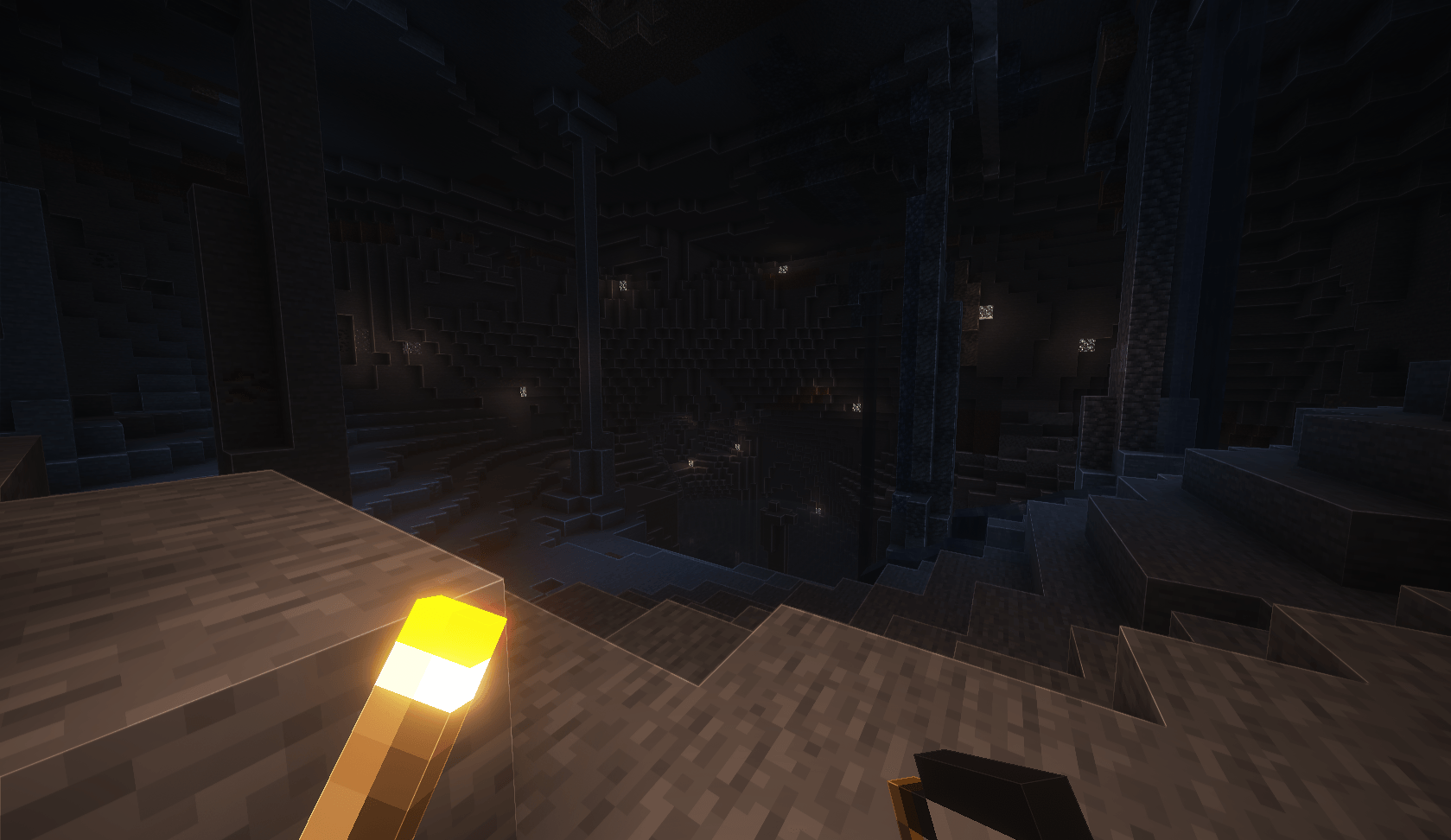 image.png image.png
 -
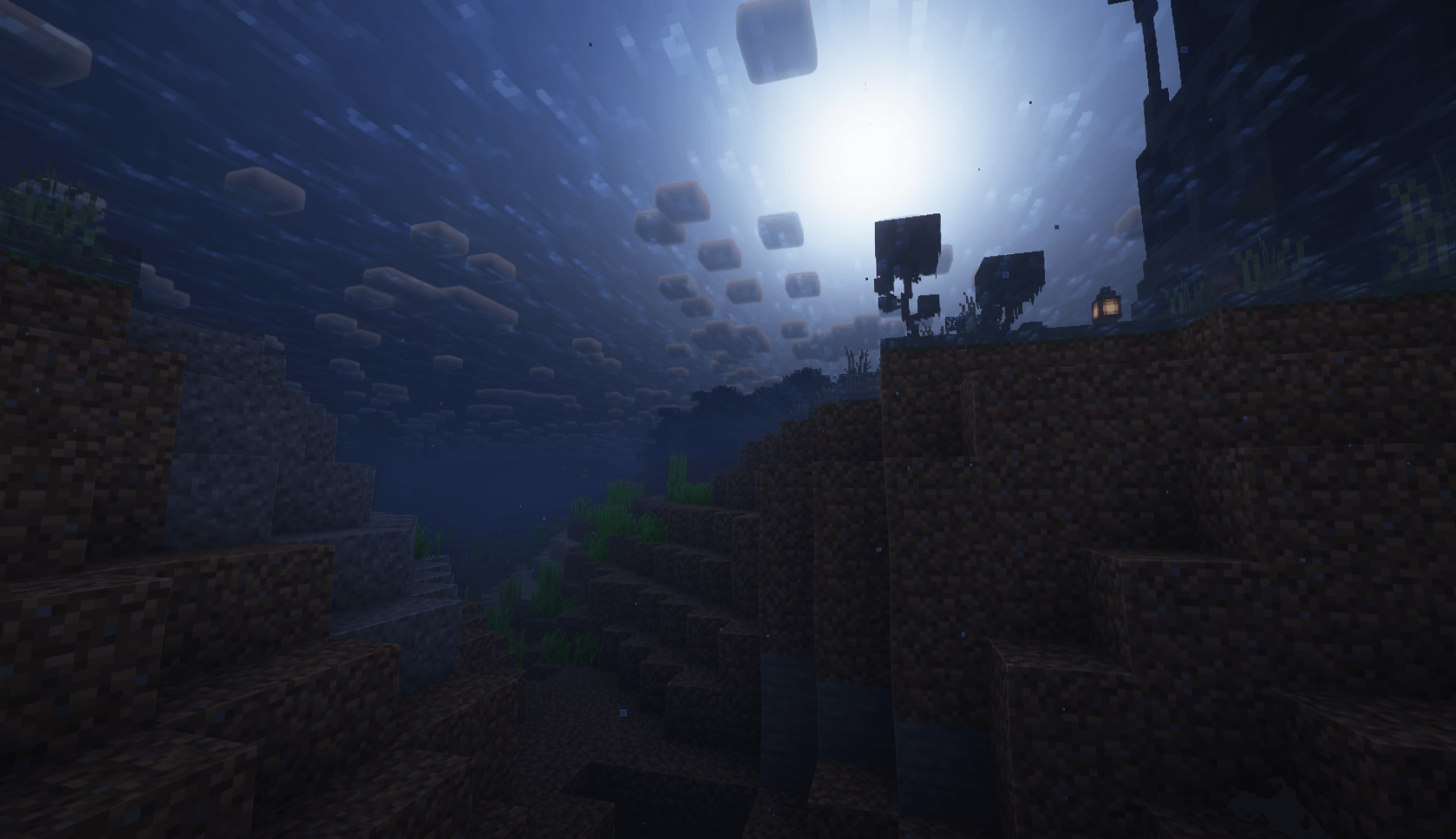 Image imagwe.png
Versions
Files
Relations
Project Relations
More like this
Similar Modpacks
Suggestions use data such as tags, dependencies, dependents, descriptions, titles, and more to rank how much they overlap with this modpack.
- [Update-Stop] Lunis Cozy Adventure
- Limitless 7 Apocalypse
- Aquaporus Productions presents: Entropic Adventures
- ZockerBude - A New Journey
- Medley Craft
- Create: Way Too Much
- Flip Liquid Craft 2
- Throwback Craft 2
- create an omega adventure
- Create but Perfect
- Creatanism
- TechnoArcana: Machinations of Horror
On ModDex
Community snapshot
By the numbers
Statistics
 (opens in a new tab)
Get it on
Available Platforms
On ModDex
Community snapshot
By the numbers
Statistics
Resources