
MoreMods... Update
No reviews yet
The modpack is designed for version 1.20.1 and is perfect for playing with friends. If you don't have any friends to play with, don't worry, I don't either (˘・_・˘)
Centers around fantasy elements such as spells, rituals, and magical energies, often involving personal empowerment and magical automation.
Includes a large focus on traversing worlds with enhanced world generation, structures, dungeons, and more for players to find unique loot.
Neoforge is a fork of the Minecraft Forge available for versions 1.20.1+ of Minecraft. Many Forge mods are compatible with Neoforge and vice versa.
Fabric is a mod loader for versions 1.14+ of Minecraft, particularly popular for client side and optimization mods.
Community voices
Reviews
Click once to include, again to exclude, again to clear
No reviews yet. Be the first to review this project!
Get it on
Available Platforms
 Modrinth
Compatibility
Supported Environments
About
Project Details
For authors
Embed Badge
If you're the author of this project, you can embed a live badge anywhere that supports HTML or Markdown. It updates automatically whenever ratings change.
Use HTML for any page that supports it, or Markdown for README files and Markdown-based descriptions.
Identifiers
Platform IDs
Resources
External Links
About
Description
I am not a programmer and have no experience in creating mods, but I decided to share the modpack that I use to play with my friends.
p.s.
I will add the description, screenshots and settings of some mods later, when I have free time.
Setting up some mods
AudioPlayer

Commands
Run /audioplayer to get general information on how to upload files.
Uploading audio files via URL
Run /audioplayer url "https://example.com/myaudio.mp3" where https://example.com/myaudio.mp3 is the link to your .mp3 or .wav file.
Uploading audio files directly to the server
Copy your .mp3 or .wav file to the audioplayer_uploads folder in your server. Run /audioplayer serverfile "yourfile.mp3" where yourfile.mp3 is the name of the file you put on the server.
Uploading audio files via Filebin
Run /audioplayer filebin and follow the instructions.
Putting custom audio on a music disc
Run /audioplayer musicdisc <ID> and hold a music disc in your main hand. Additionally, you can add a custom name and range for the music disc /audioplayer musicdisc <ID> "<CUSTOM-TEXT>" <RANGE>.
Putting custom audio on a goat horn
Run /audioplayer goathorn <ID> and hold a goat horn in your main hand. Additionally, you can add a custom name and range for the goat horn /audioplayer goathorn <ID> "<CUSTOM-TEXT> <RANGE>".
Getting the audio from an existing item
Run /audioplayer id and hold a music disc or a goat horn with custom audio in your main hand.
Signed Paintings
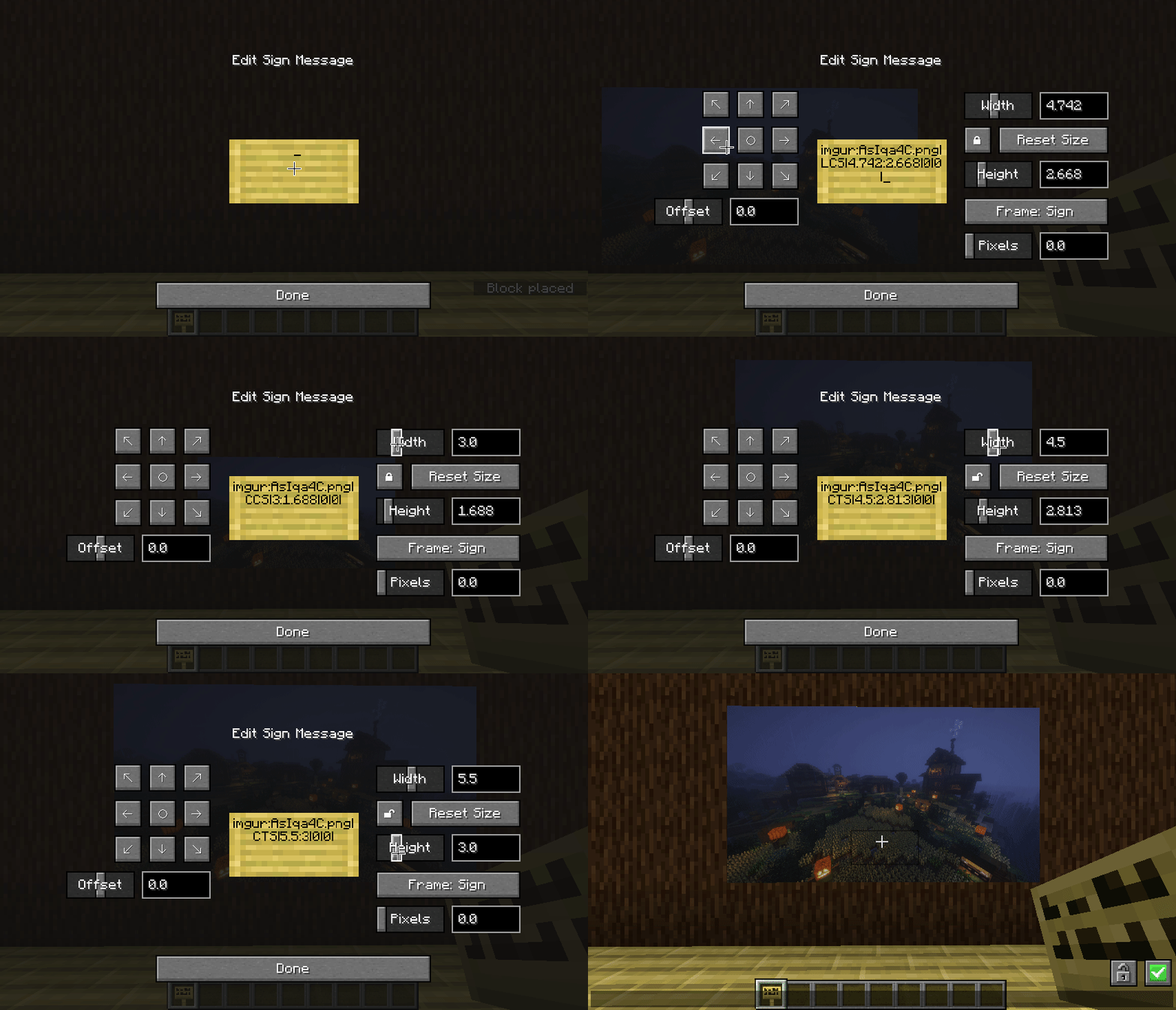
Commands:
/paintings:toggle all|banners|shields|signs - toggles rendering for images
/paintings:toggle culling - makes signs visible from further away, at the cost of worse fps - use this mod instead if you want a bit more control over the distance
/paintings:status all| - gets info about what images are currently loaded
/paintings:upload - upload an image from a url to imgur
if someone is being annoying, you can stop specific links from rendering:
/paintings:block add - blocks a specific image, stopping it rendering
/paintings:block remove all| - unblocks a specific image or all blocked images
/paintings:block list - lists all blocked links
/paintings:block auto - automatically blocks newly loading links
Co-op with voice chat
A quick guide to playing with friends using voice chat.
- Download Radmin VPN from the link.
- In the application, click on "Network", then "Create a network". Come up with a name and password for your network.
- Your friends should join this network.
- If you are a server, copy your IP address to Radmin VPN.
- In your world, click "Open to LAN" (or "Start LAN World").
- Messages will appear in the chat, but you only need the "Port".
- Participants must enter your IP address (point 4) and port (point 6).
Here's how it should look (it will be different for you): 26.60.23.154:51105
Is it done!
Bugs? ¯\_(ツ)_/¯
p.s.s.
If there are any problems, I won't be able to help you))
⠛⠛⣿⣿⣿⣿⣿⡷⢶⣦⣶⣶⣤⣤⣤⣀
⠀⠀⠀⣿⣿⣿⣿⣿⣿⣿⣿⣿⣿⣿⣿⣿⣿⣷⡀
⠀⠀⠀⠉⠉⠉⠙⠻⣿⣿⠿⠿⠛⠛⠛⠻⣿⣿⣇
⠀⠀⢤⣀⣀⣀⠀⠀⢸⣷⡄⠀⣀⣤⣴⣿⣿⣿⣆
⠀⠀⠀⠀⠹⠏⠀⠀⠀⣿⣧⠀⠹⣿⣿⣿⣿⣿⡿⣿
⠀⠀⠀⠀⠀⠀⠀⠀⠀⠛⠿⠇⢀⣼⣿⣿⠛⢯⡿⡟
⠀⠀⠀⠀⠀⠀⠀⠀⠀⠛⠿⠇⢀⣼⣿⣿⠛⢯⡿⡟
⠀⠀⠀⠀⠀⠀⠀⠀⠀⠀⠦⠴⢿⢿⣿⡿⠷⠀⣿
⠀⠀⠀⠀⠀⠀⠀⠙⣷⣶⣶⣤⣤⣤⣤⣤⣶⣦⠃
⠀⠀⠀⠀⠀⠀⠀⠈⣿⣿⣿⣿⣿⣿⣿⣿⣿⡇
⠀⠀⠀⠀⠀⠀⠀⠀⠀⠙⠻⢿⣿⣿⣿⣿⠟⠁
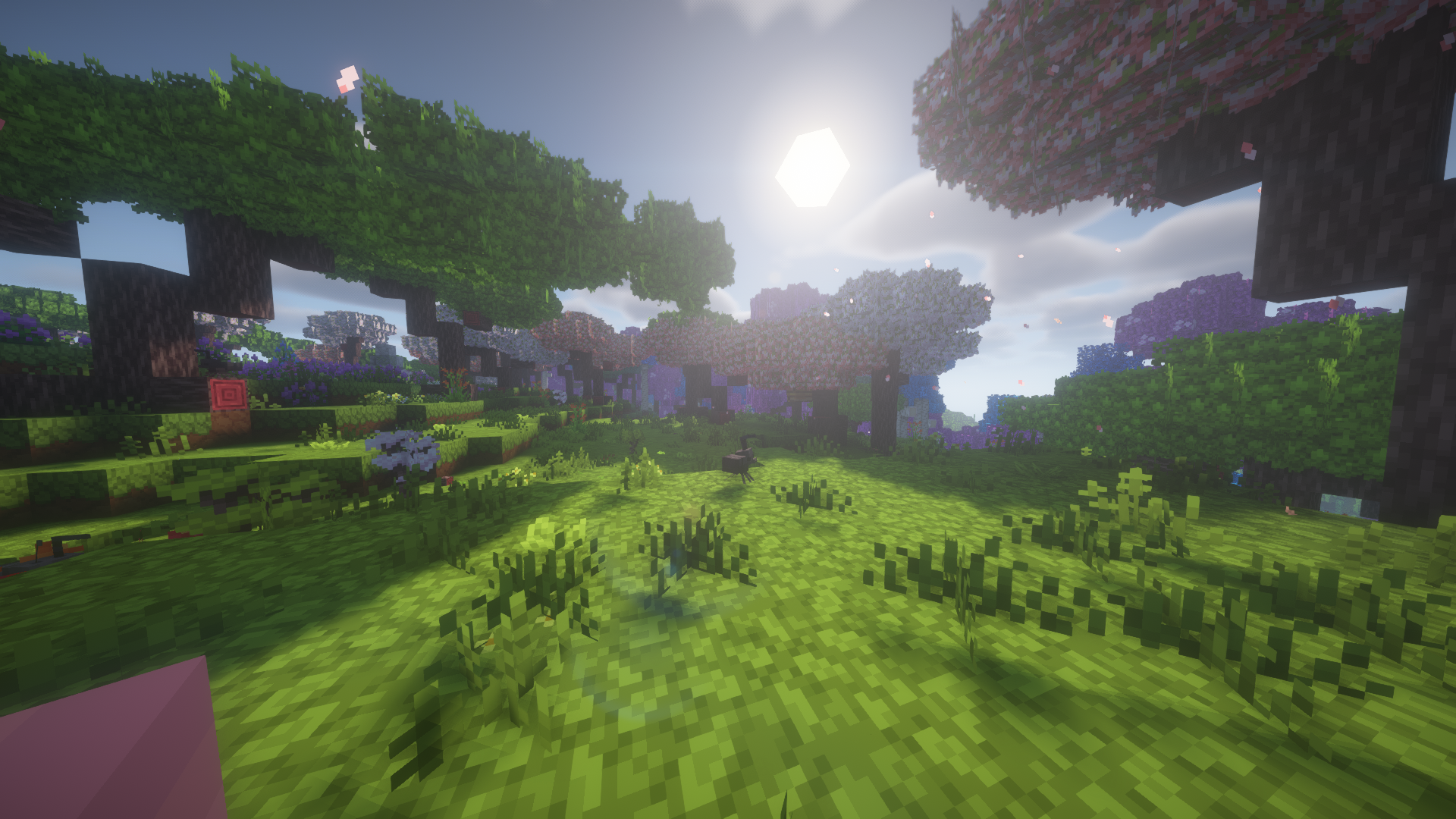
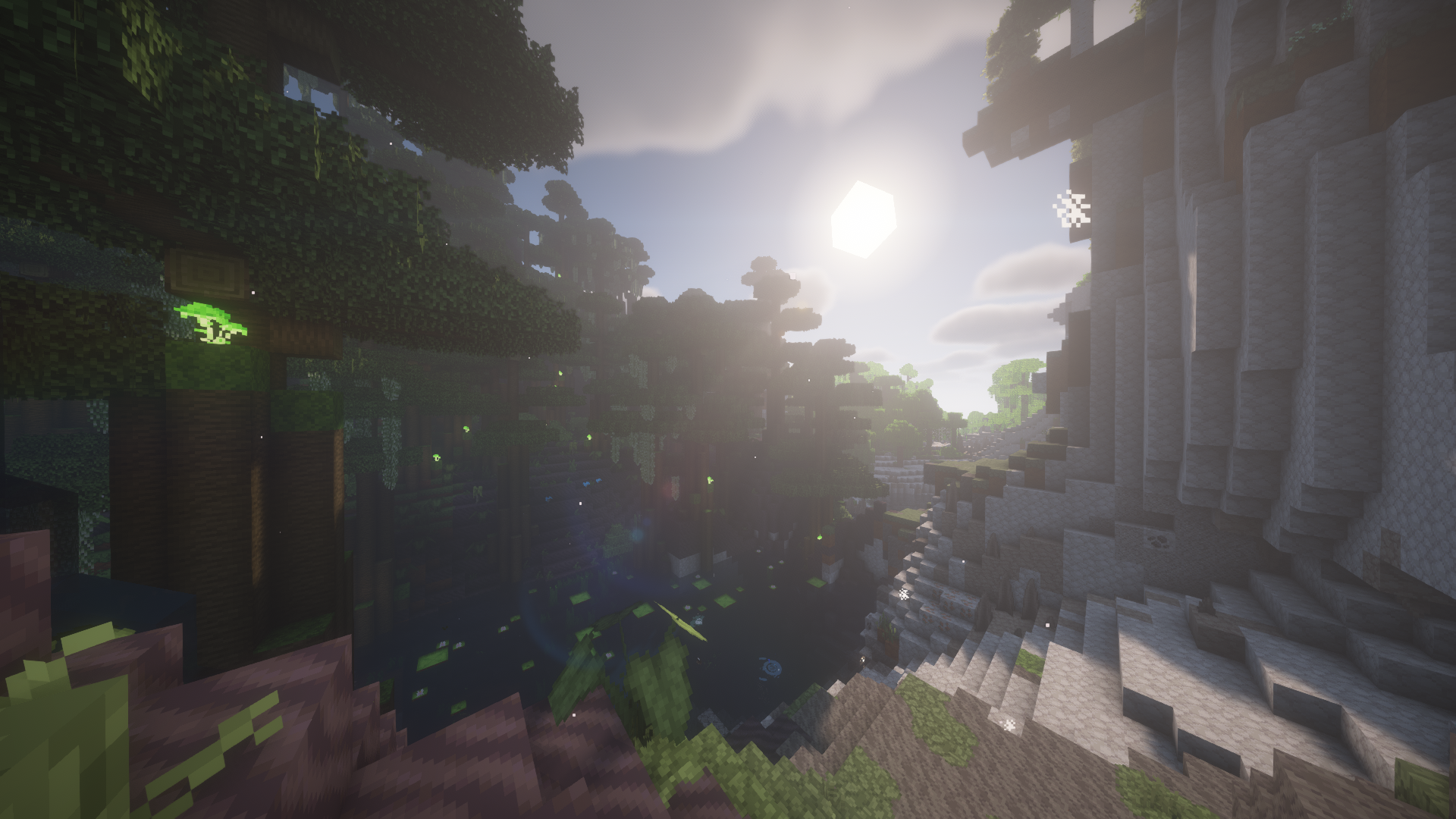
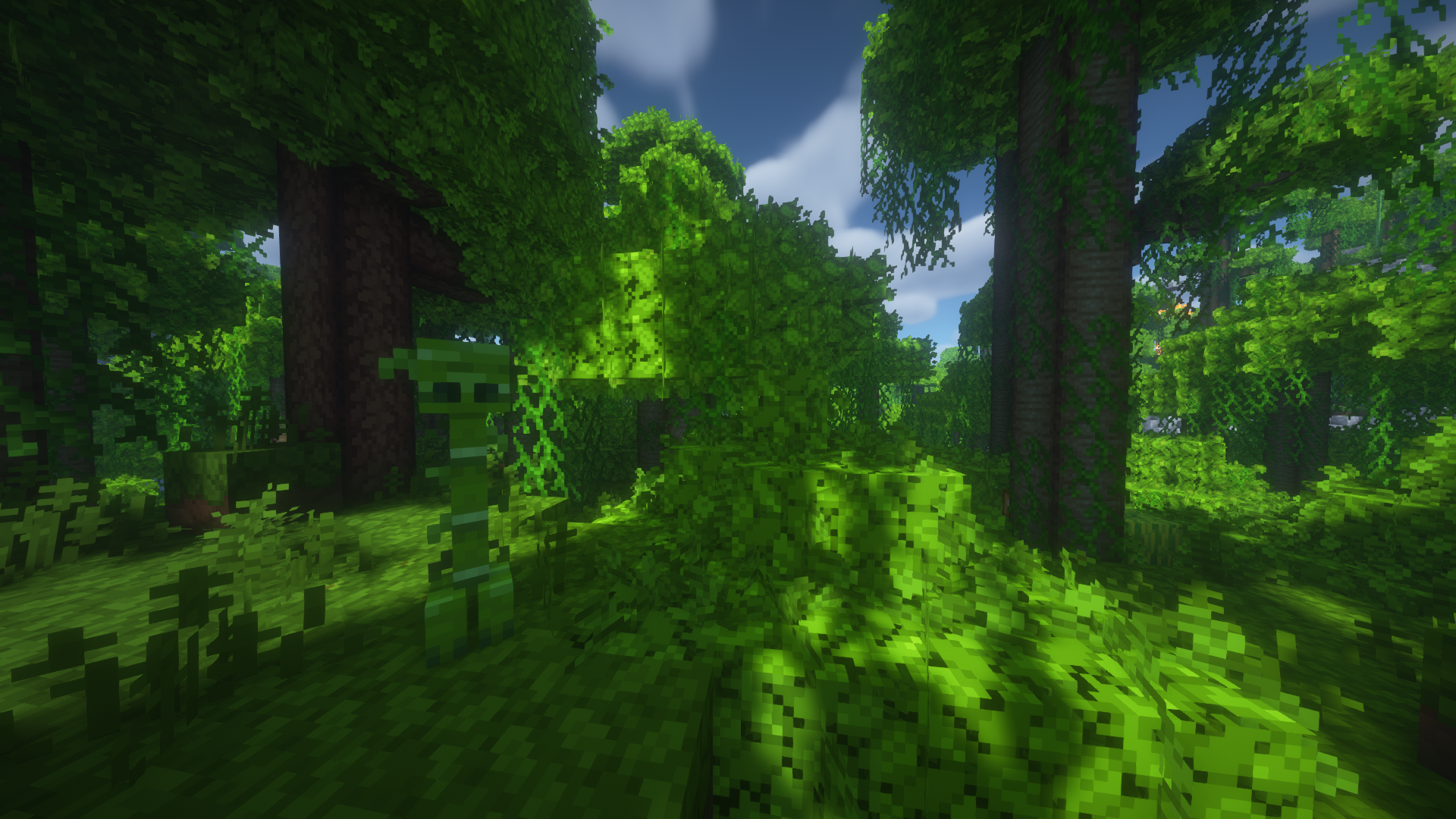
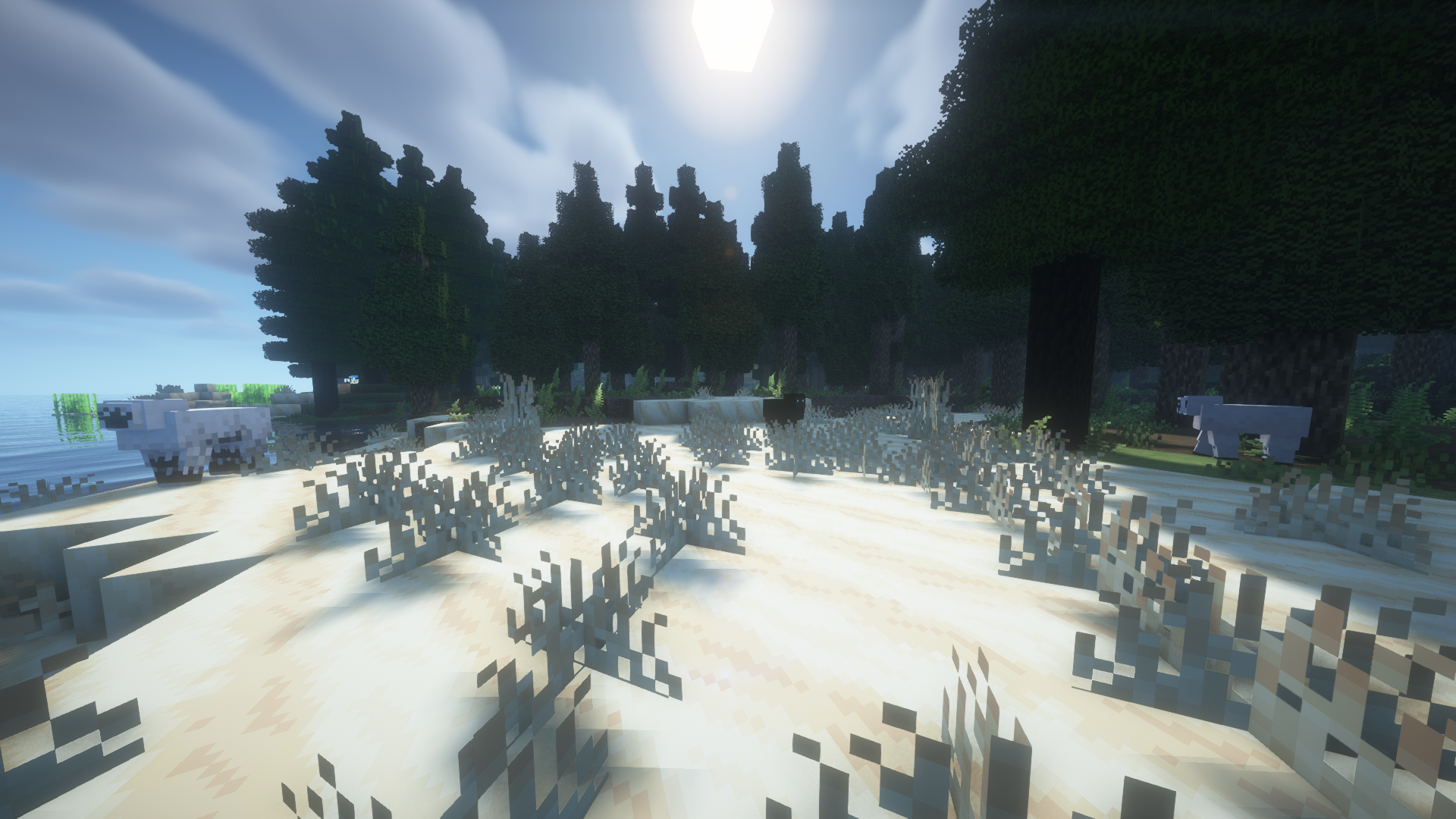
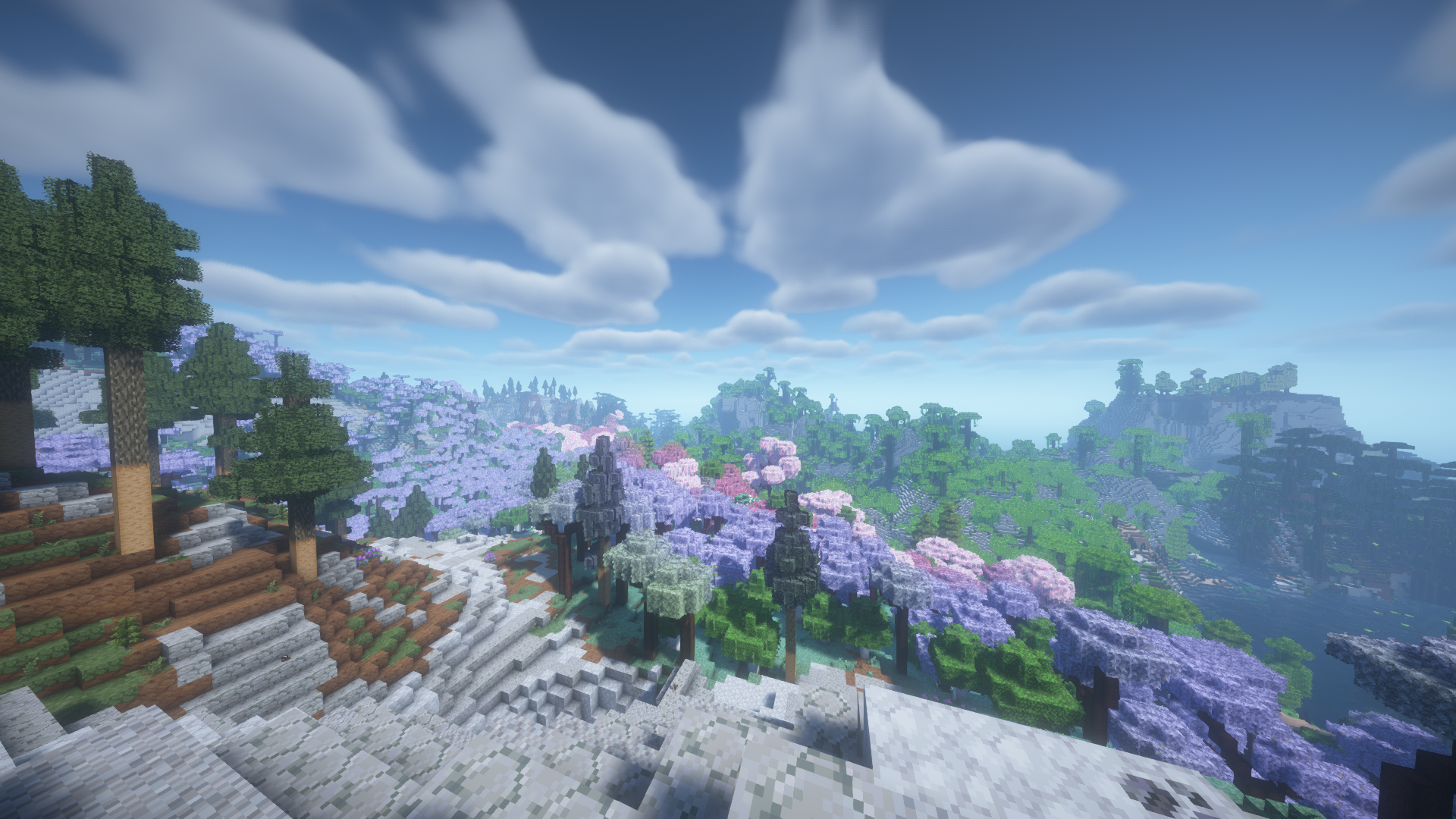
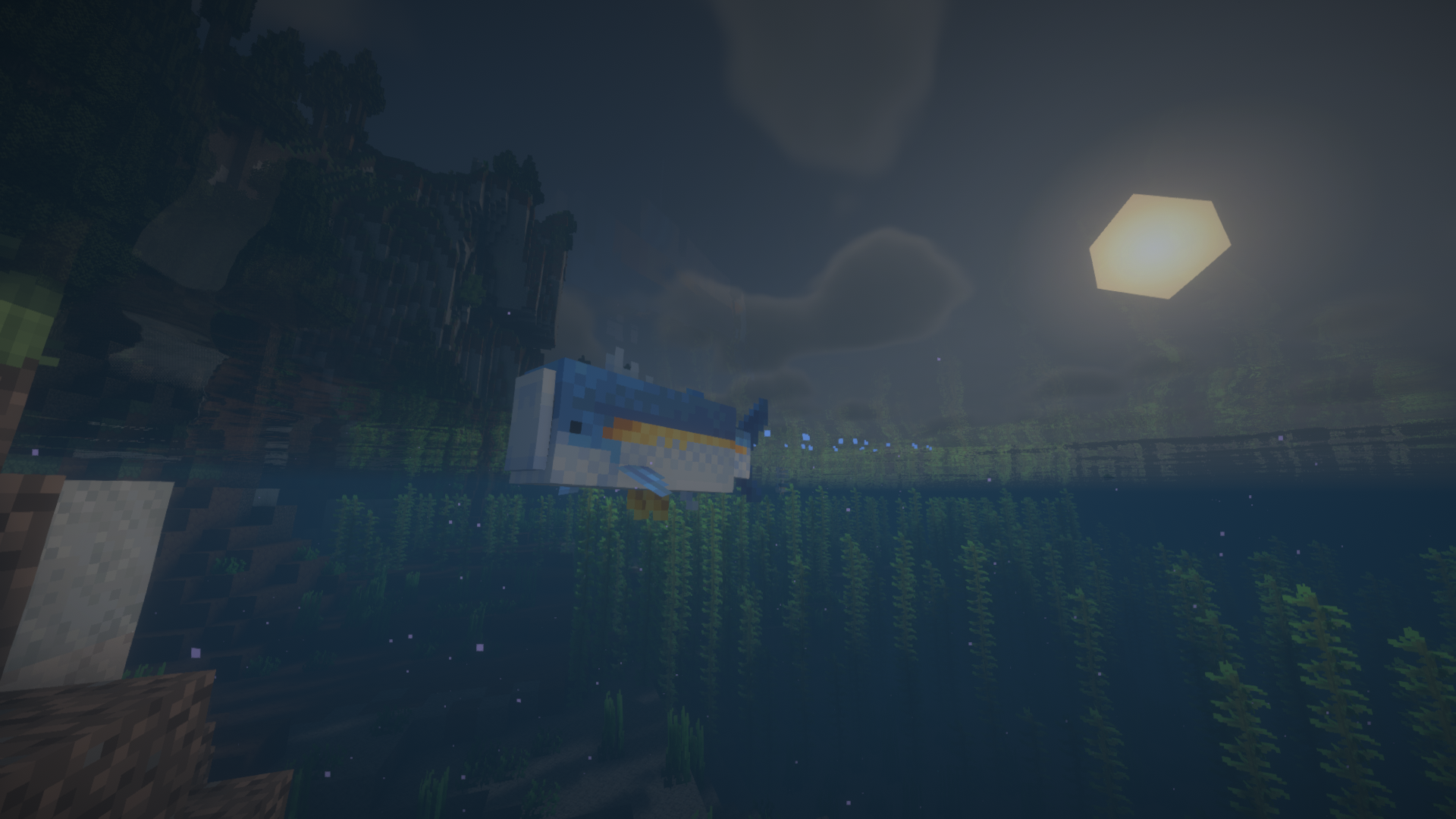
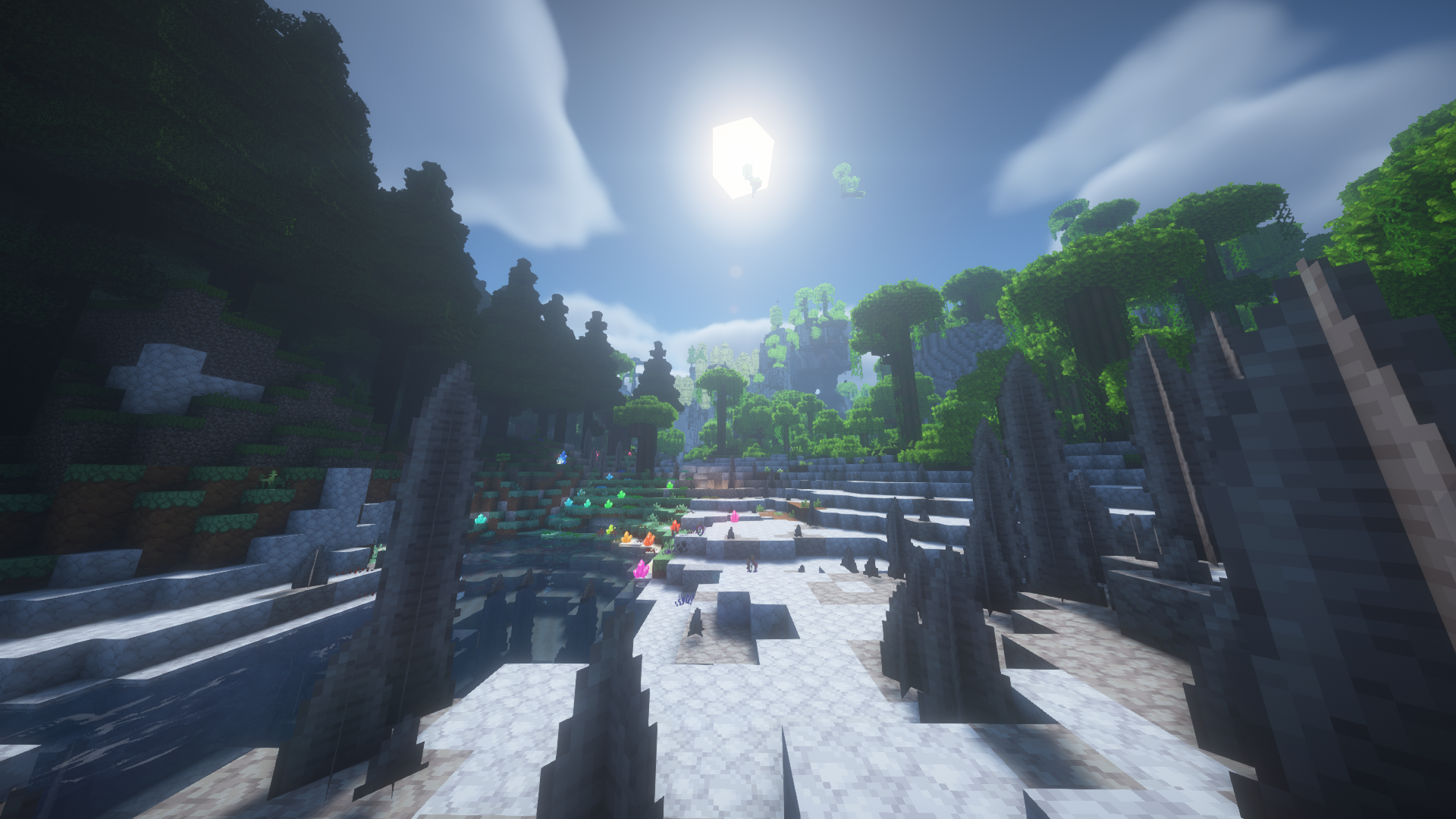
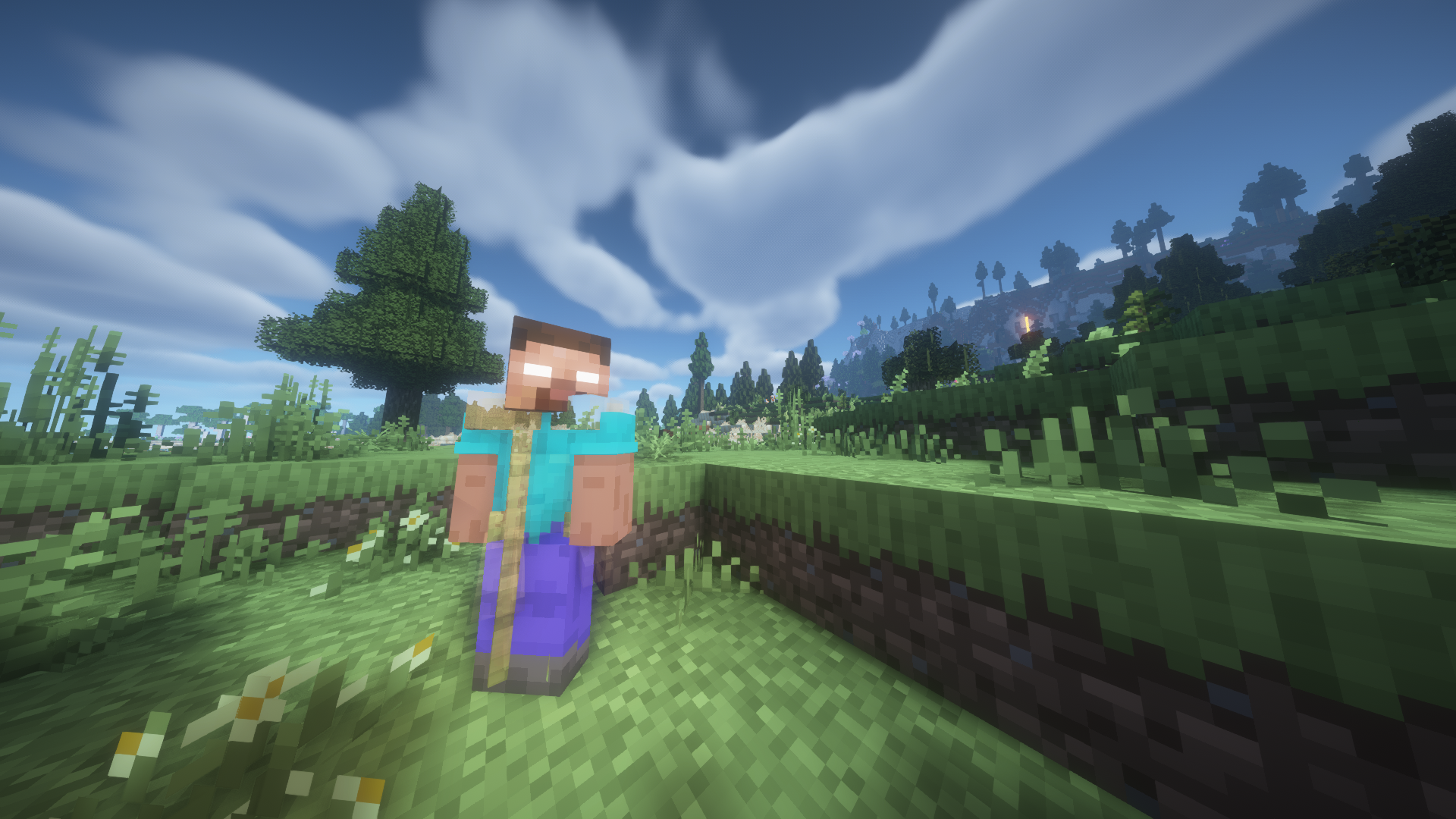
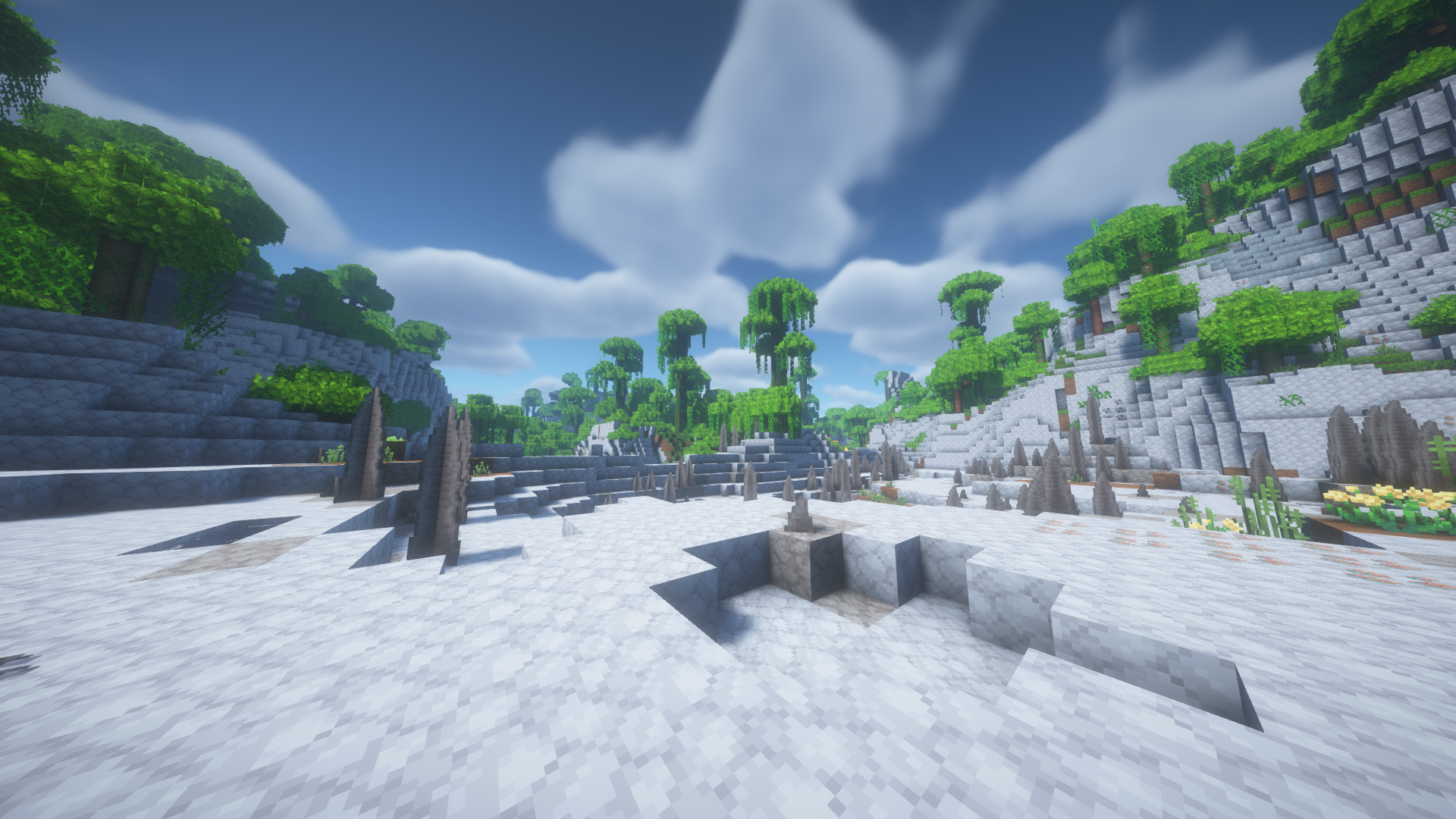
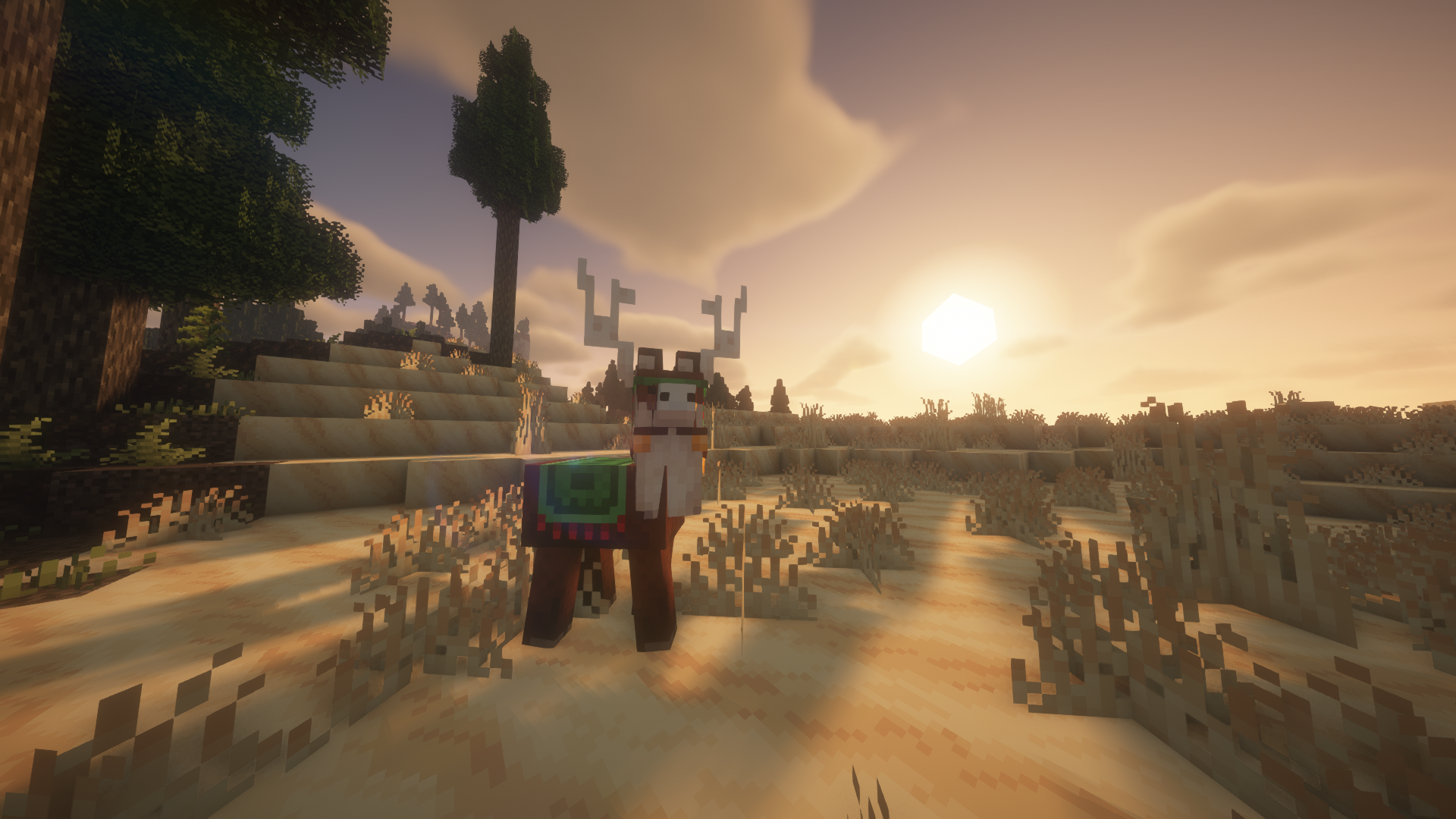
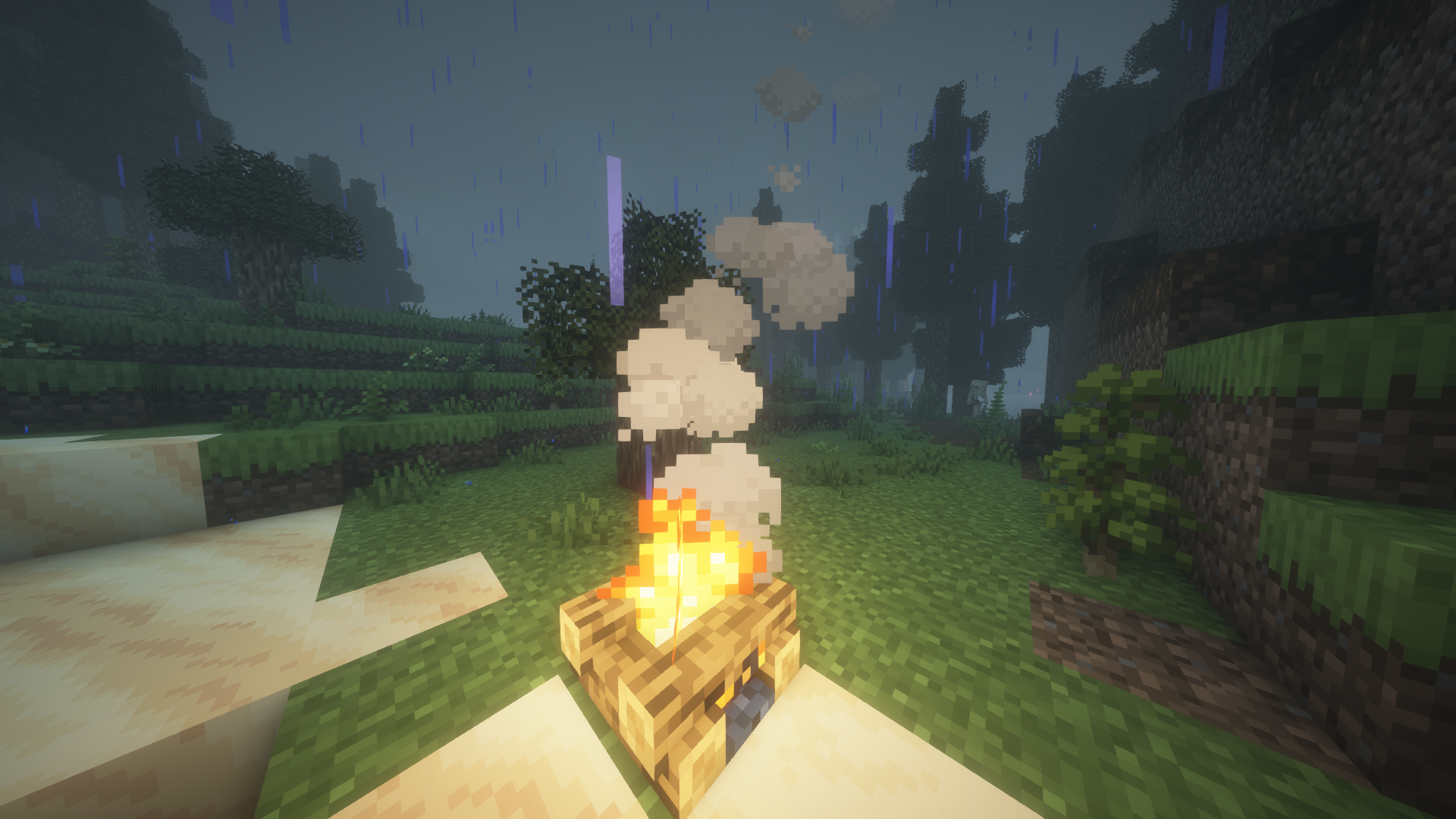
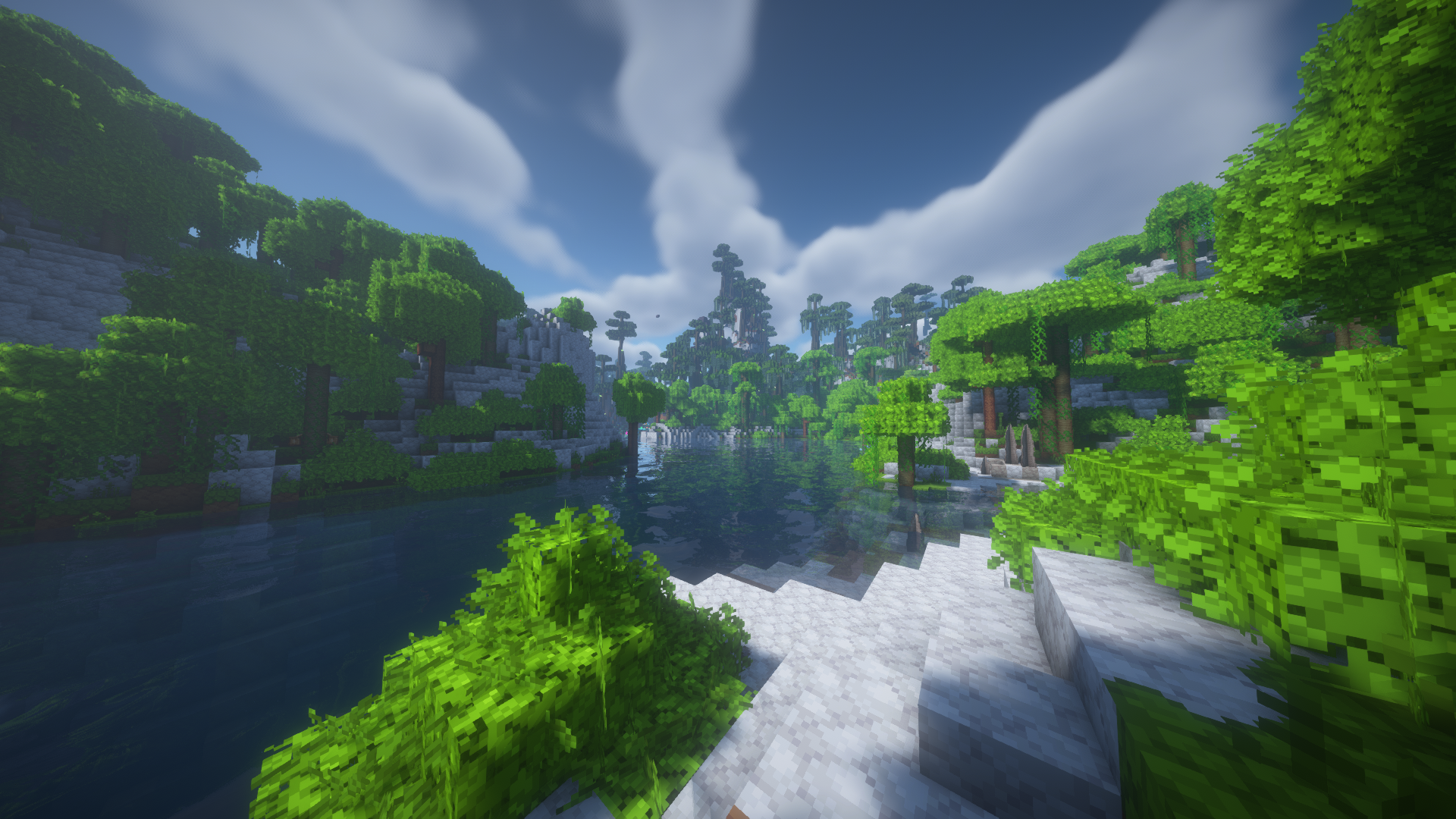
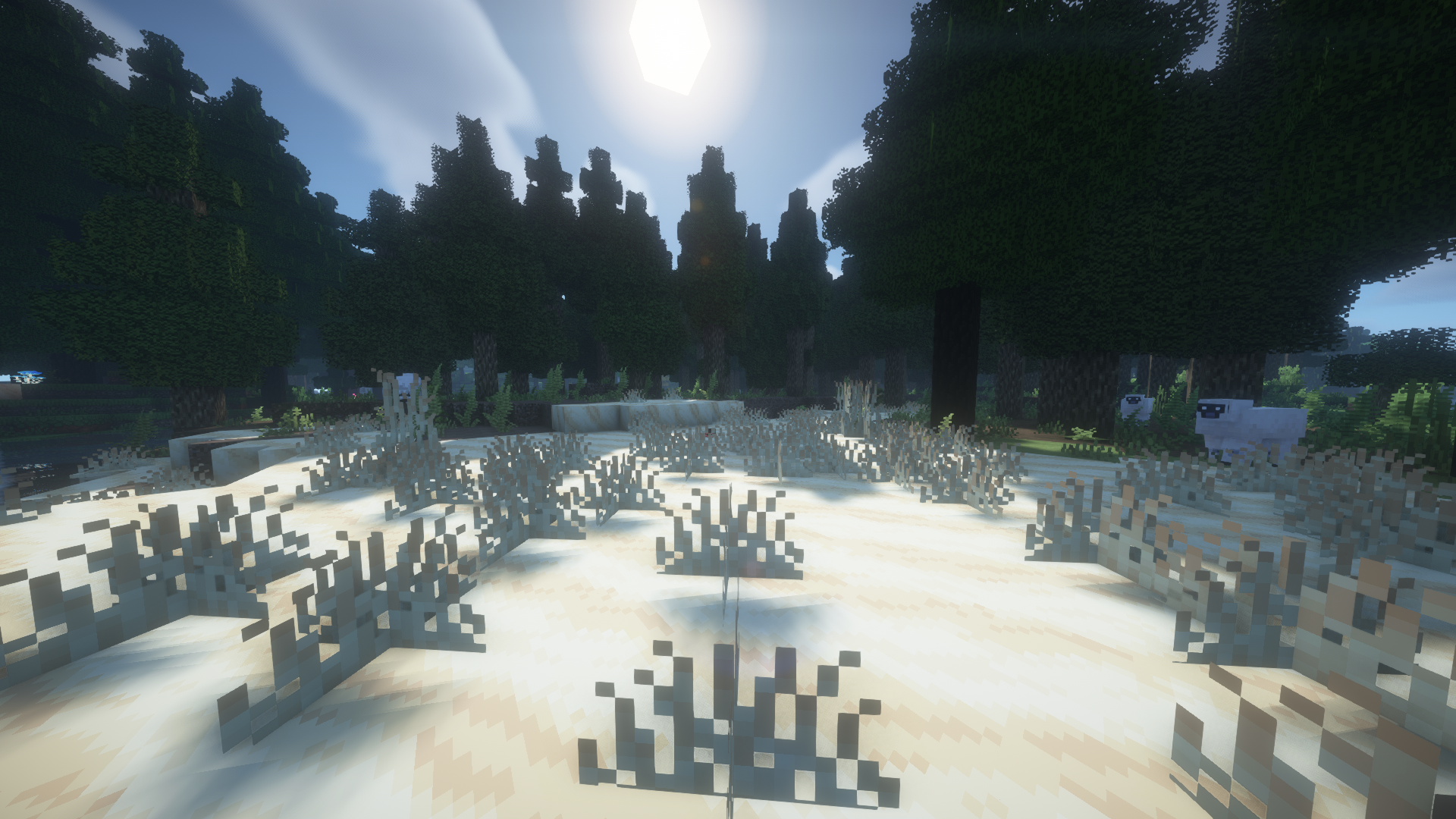
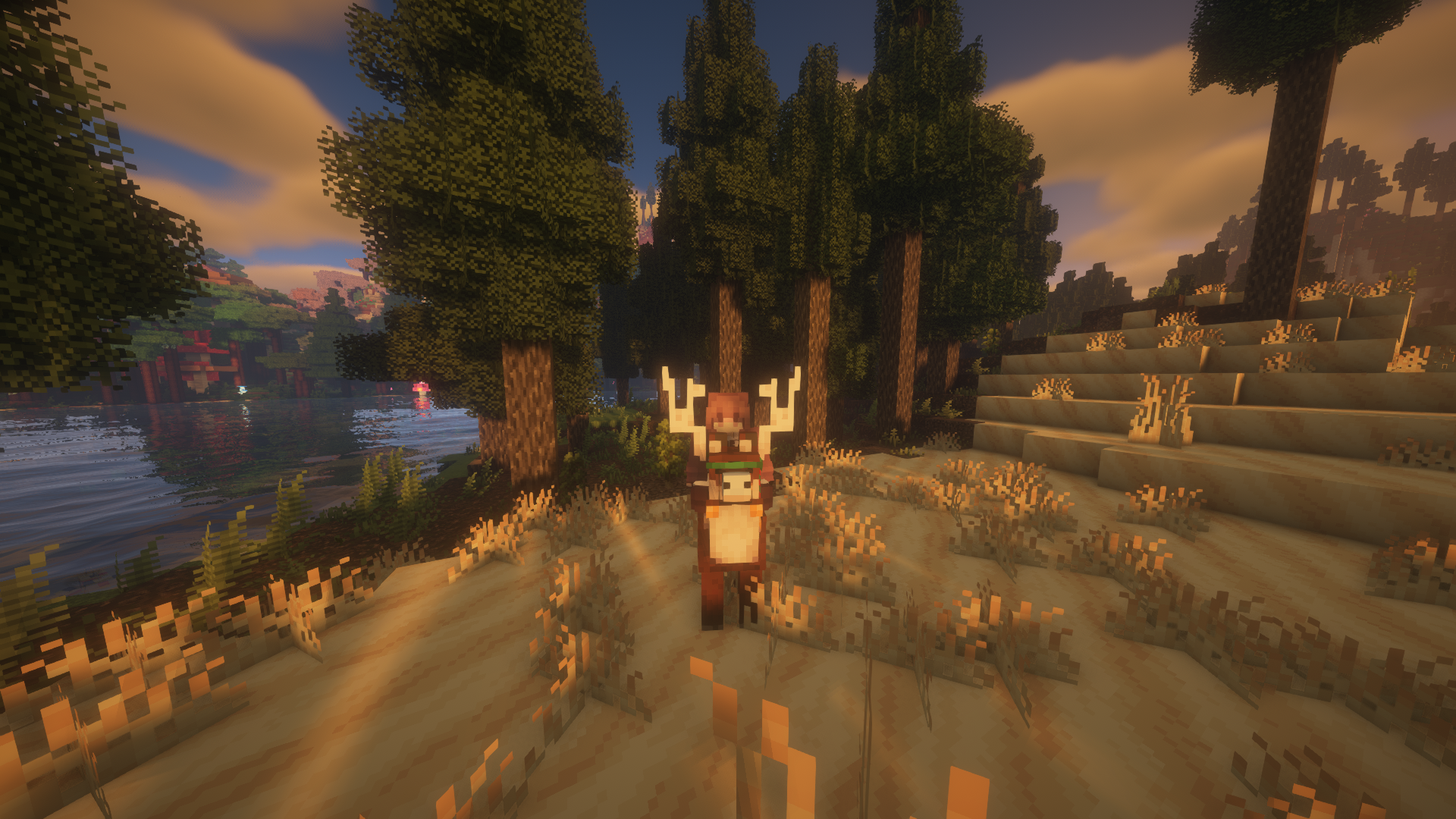
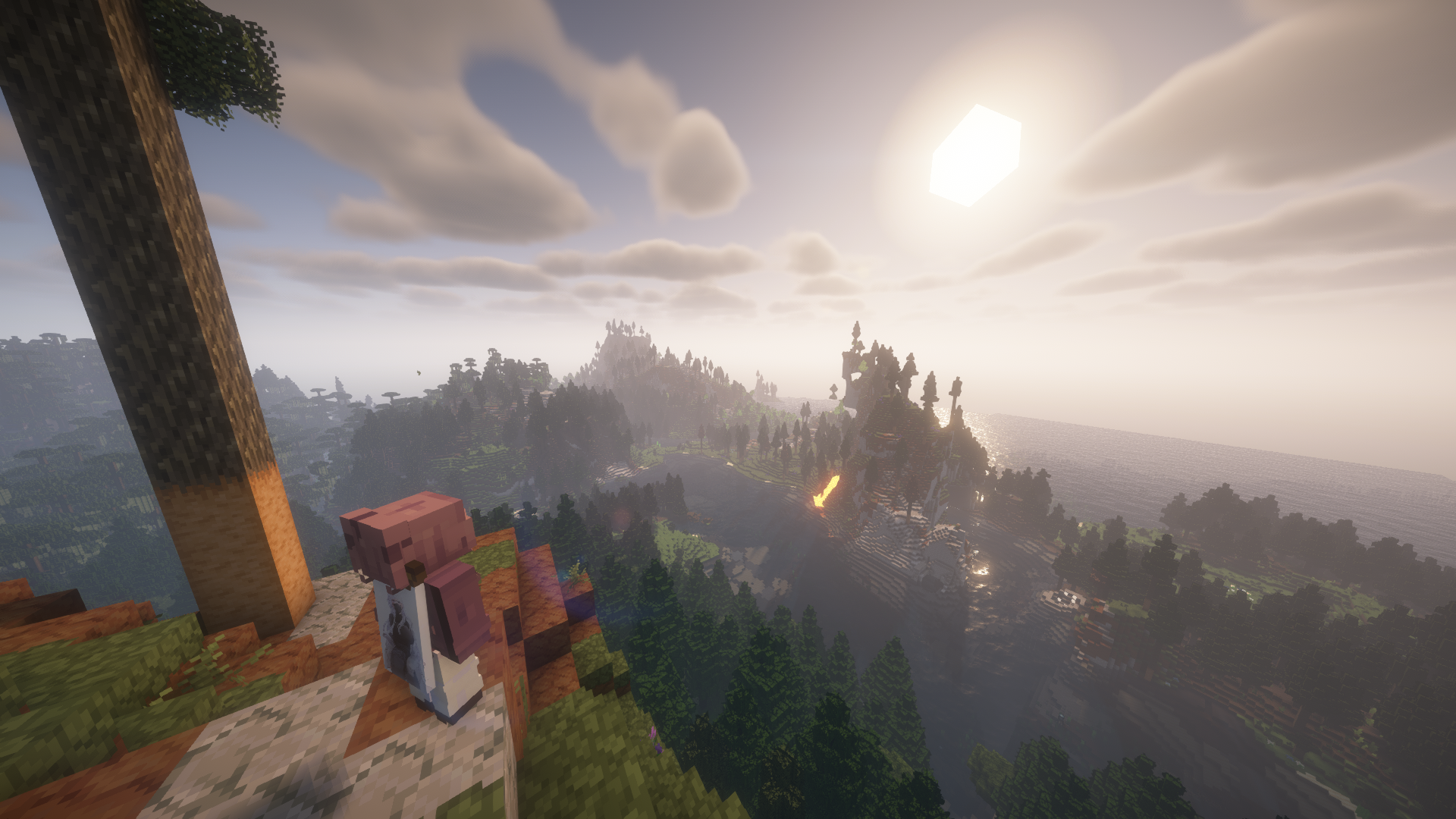
Screenshots
Gallery
-
-
-
-
-
-
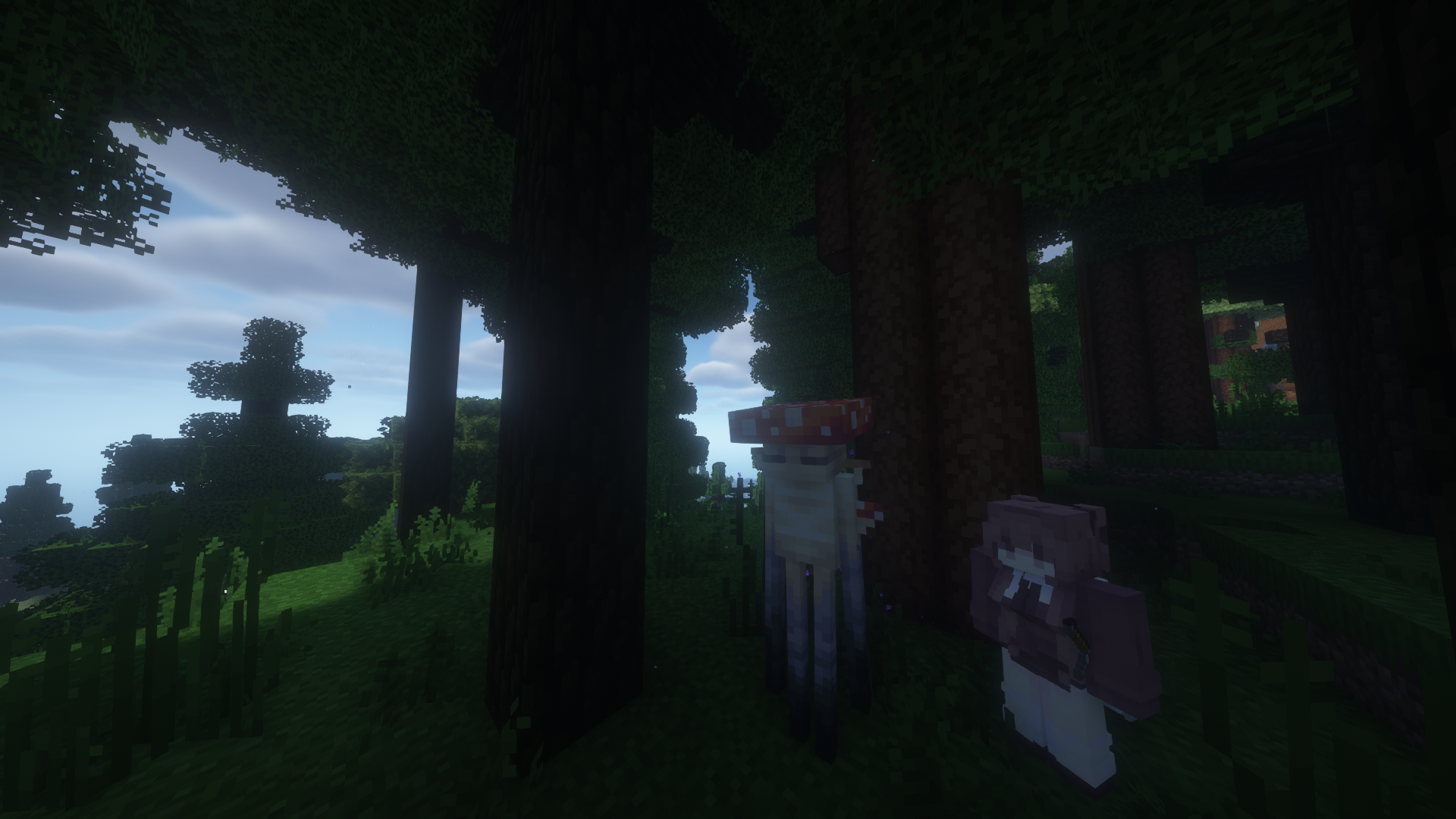
-
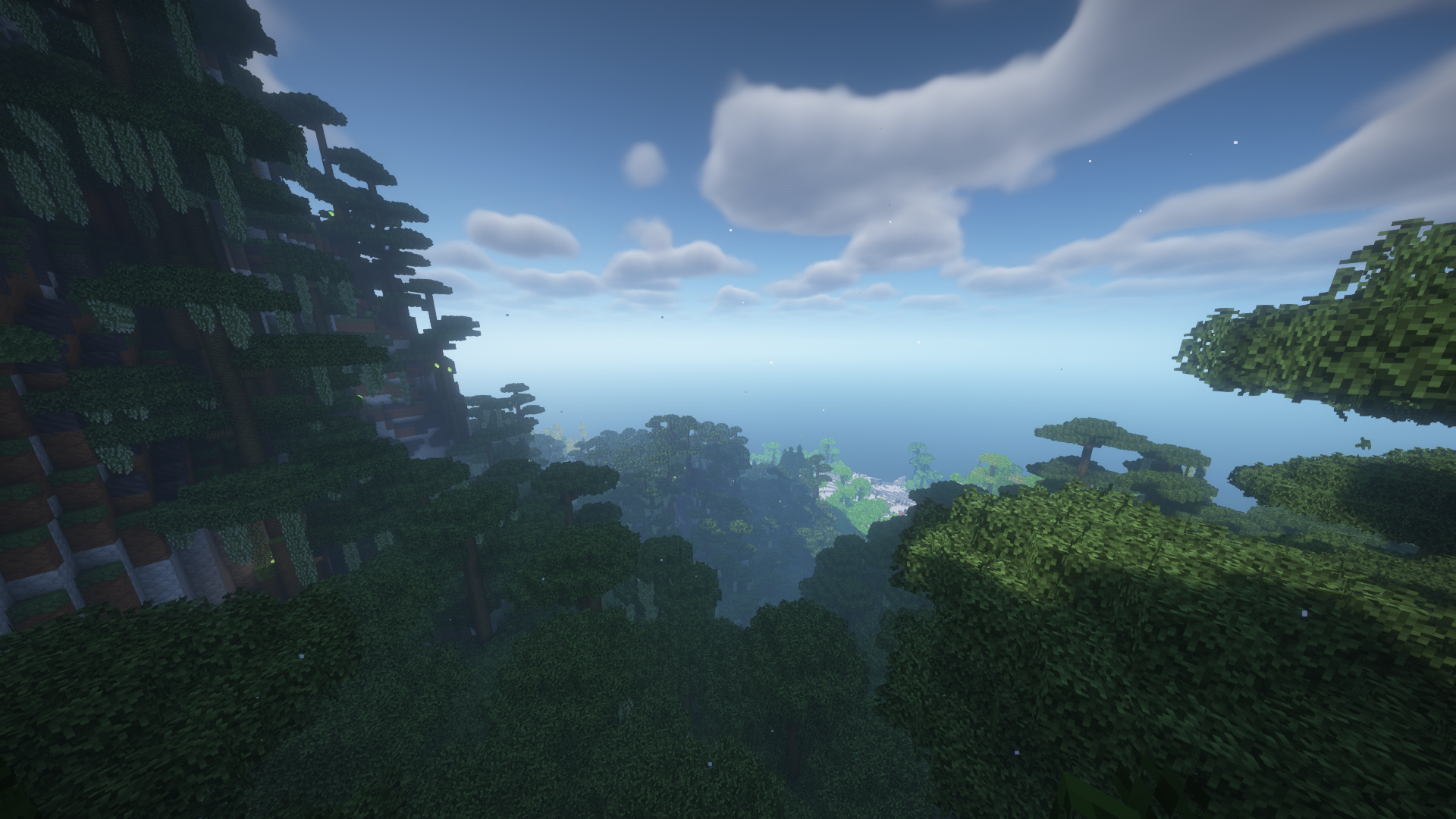
-
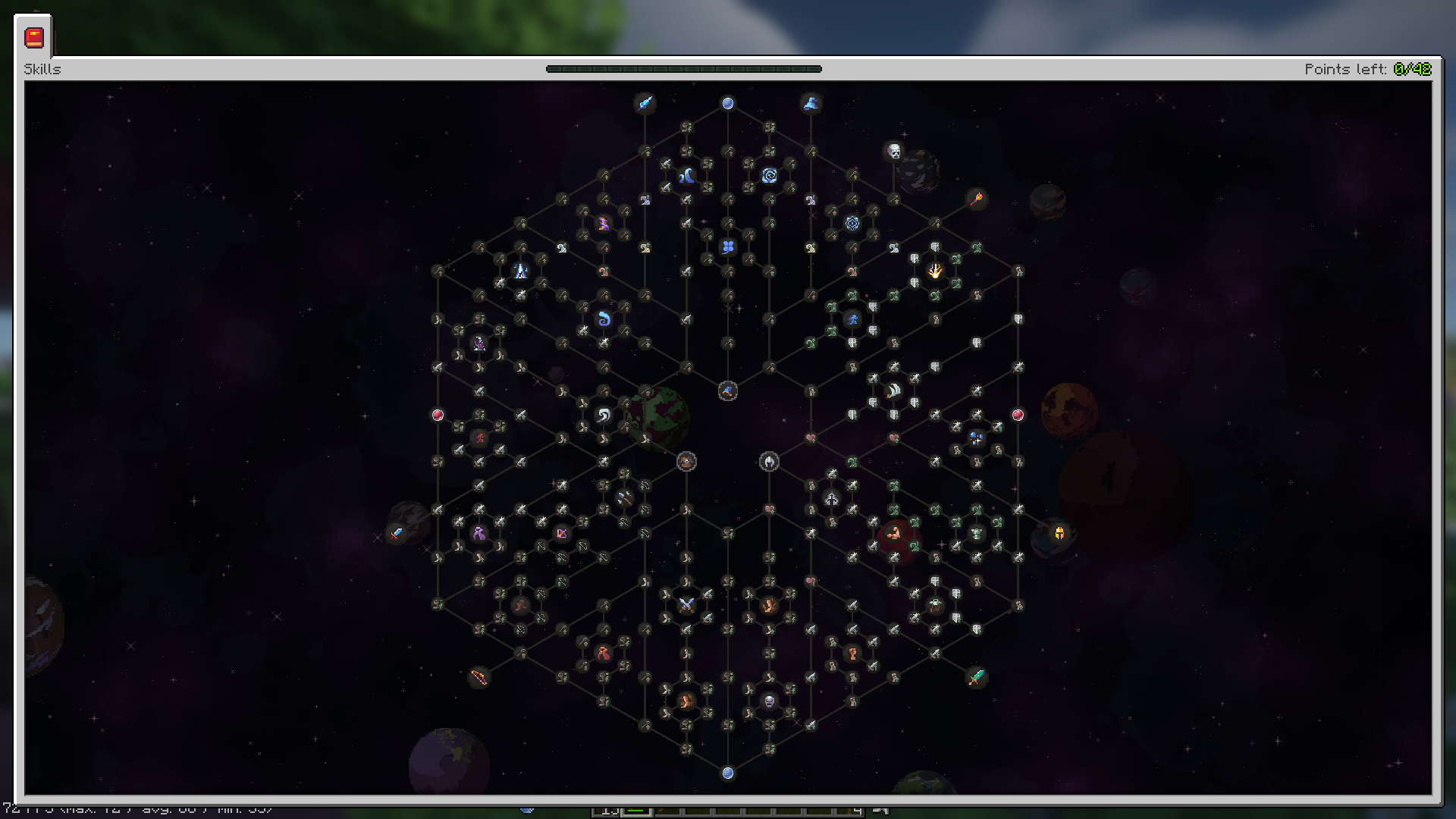 Simply Skills
 -
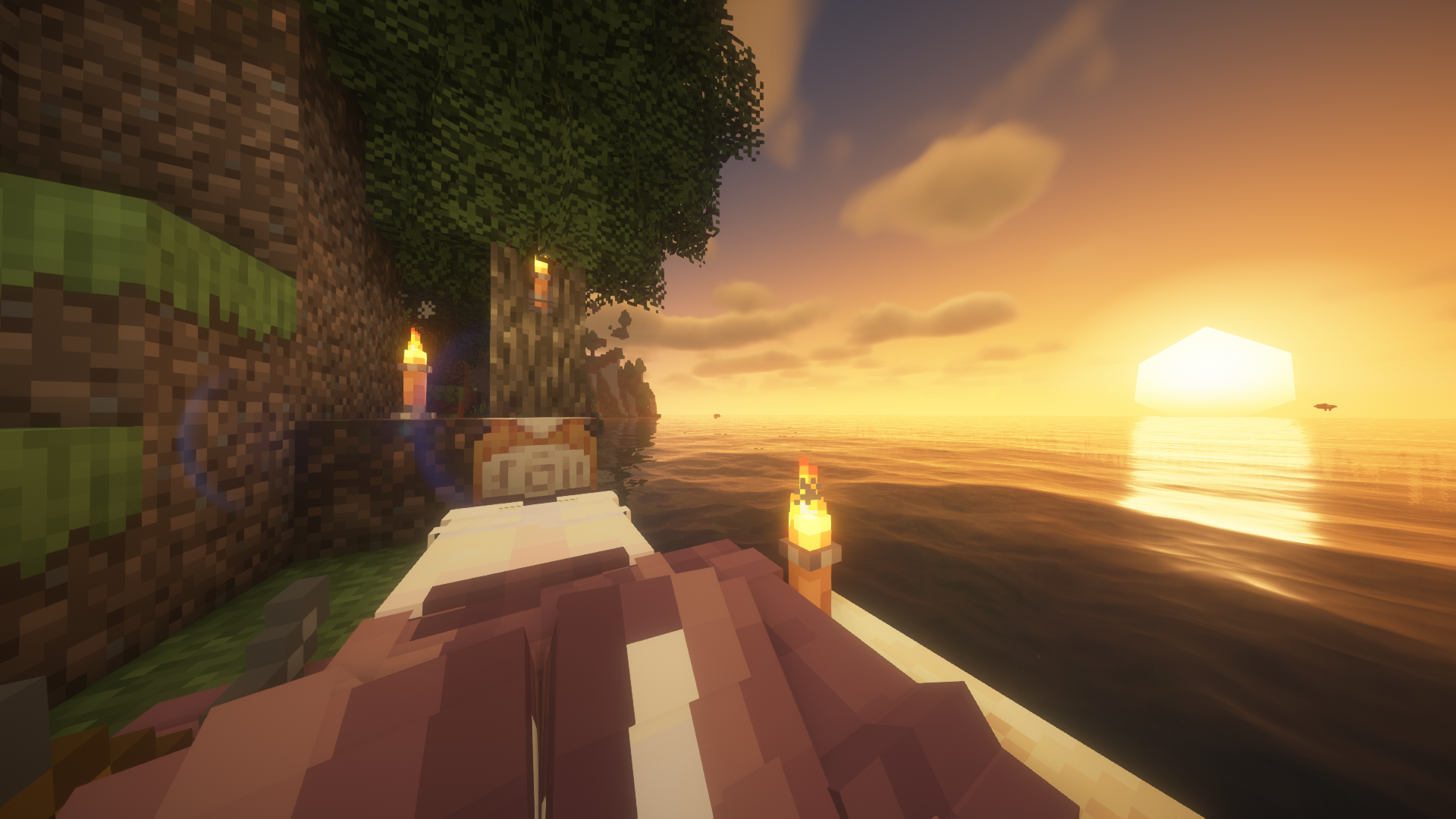 Torches are a life in darkness...
 -
-
-
-
-
-
 IconModpacks
 -
-
-
-
-
Versions
Files
Relations
Project Relations
More like this
Similar Modpacks
Suggestions use data such as tags, dependencies, dependents, descriptions, titles, and more to rank how much they overlap with this modpack.
On ModDex
Community snapshot
By the numbers
Statistics

Want to reach Minecraft players?
We're looking for a server hosting partner to feature here and other parts of the site. Interested? Send us a message!
Get in touchGet it on
Available Platforms
On ModDex
Community snapshot
By the numbers
Statistics
Resources