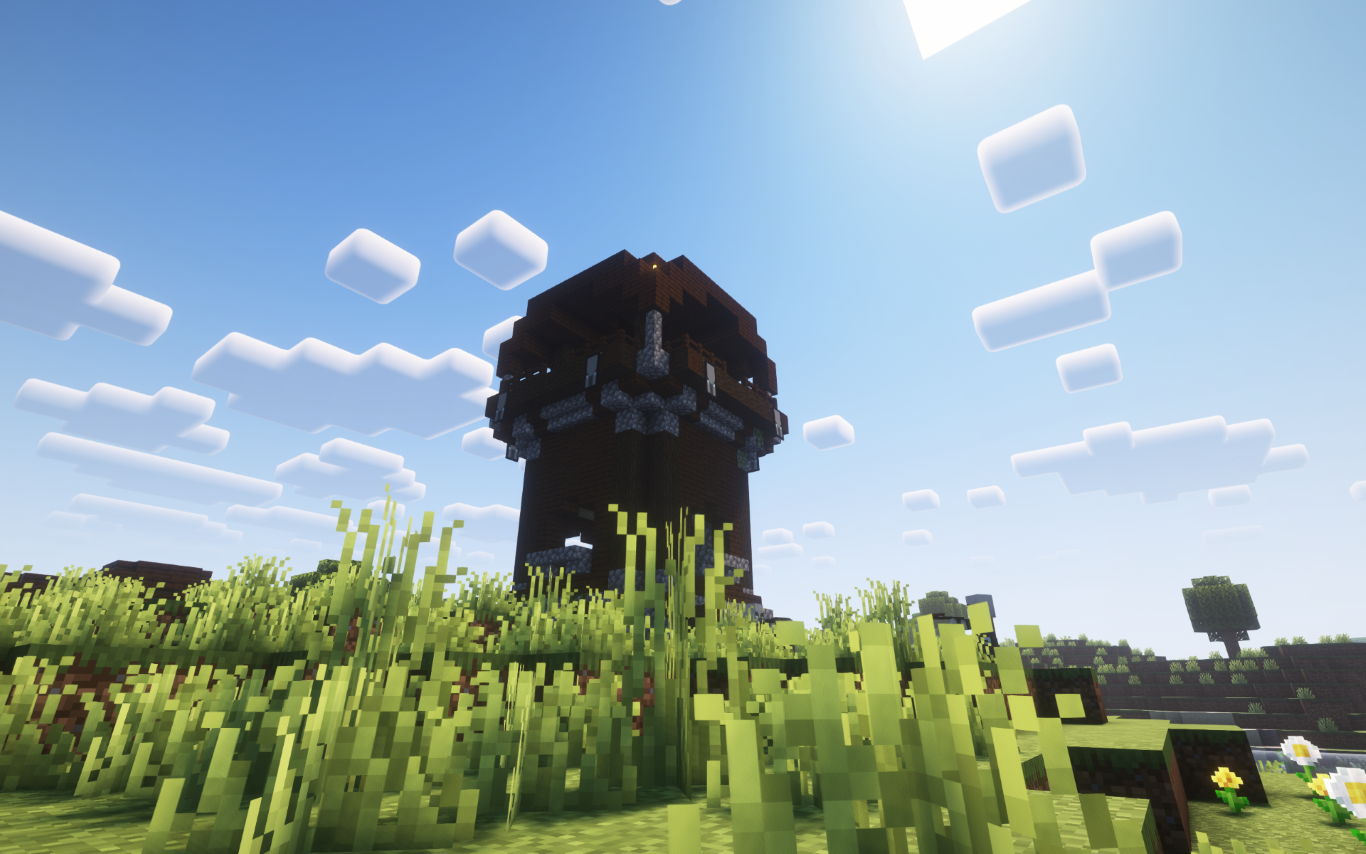

Dynamic Client
No reviews yet
The all-in-one Minecraft client built for everyone.
Does not follow a specific thematic focus apart from vanilla Minecraft.
Focuses on or is balanced for player versus player combat and competition.
Includes quality of life improvements and small tweaks to enhance and customize gameplay.
Adds features to make the game more accessible and comfortable to play.
Enhances game performance and optimizes resource usage.
Fabric is a mod loader for versions 1.14+ of Minecraft, particularly popular for client side and optimization mods.
Community voices
Reviews
Click once to include, again to exclude, again to clear
No reviews yet. Be the first to review this project!
Get it on
Available Platforms
 Modrinth
Compatibility
Supported Environments
About
Project Details
For authors
Embed Badge
If you're the author of this project, you can embed a live badge anywhere that supports HTML or Markdown. It updates automatically whenever ratings change.
Use HTML for any page that supports it, or Markdown for README files and Markdown-based descriptions.
Identifiers
Platform IDs
Resources
External Links
About
Description

The all-in-one Minecraft client built for everyone.
Whether you're a redstone engineer, PvP warrior, builder, or casual player—Dynamic Client gives you the ultimate experience with performance boosts, modern visuals, redstone tools, PvP features, and more.
⭐️ What Makes It Special?
Dynamic Client packs together:
- ⚡ Performance Enhancements (Sodium-based)
- 🔴 Redstone Tweaks
- 🗡️ PvP Features (like keystrokes & status timers)
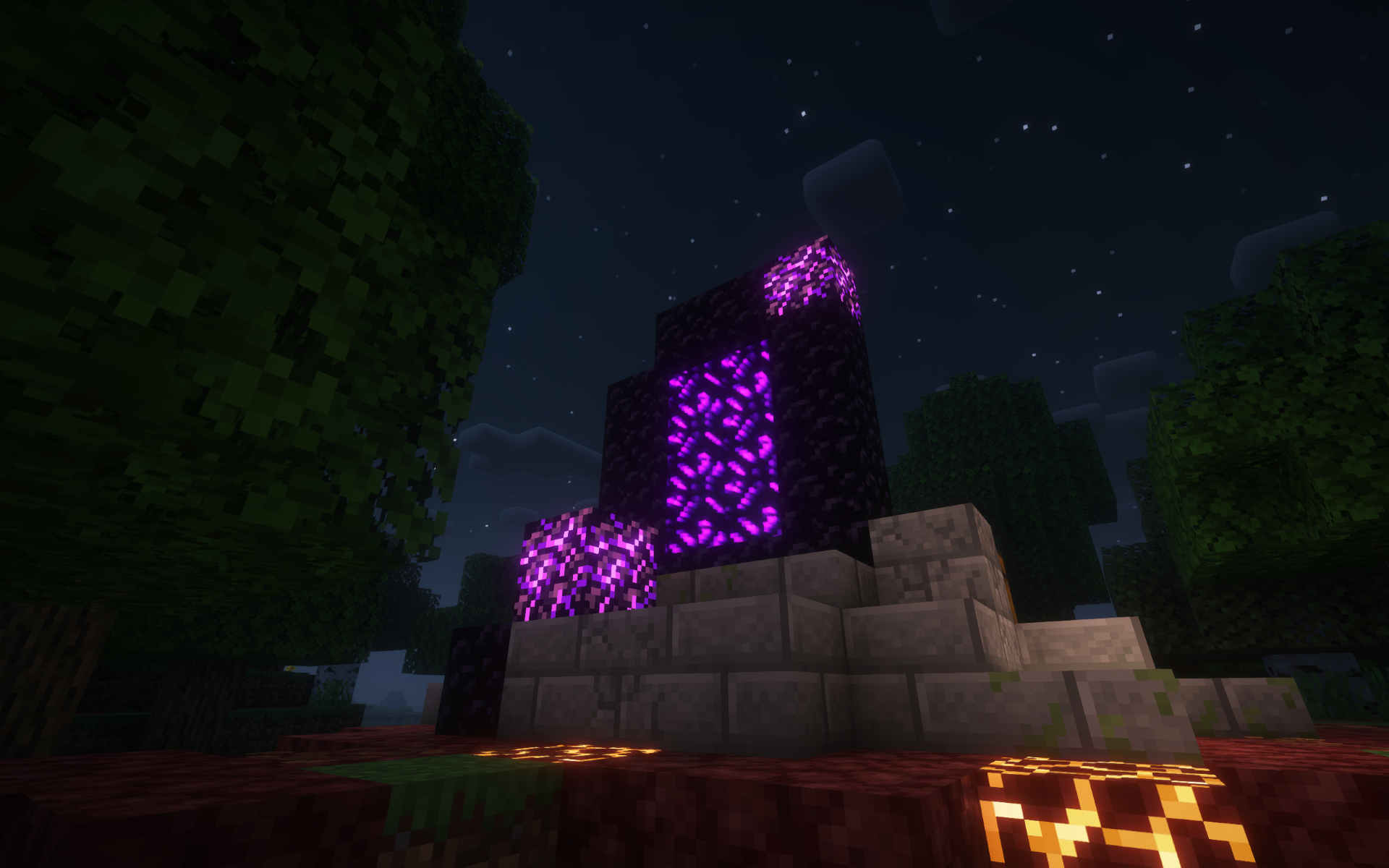
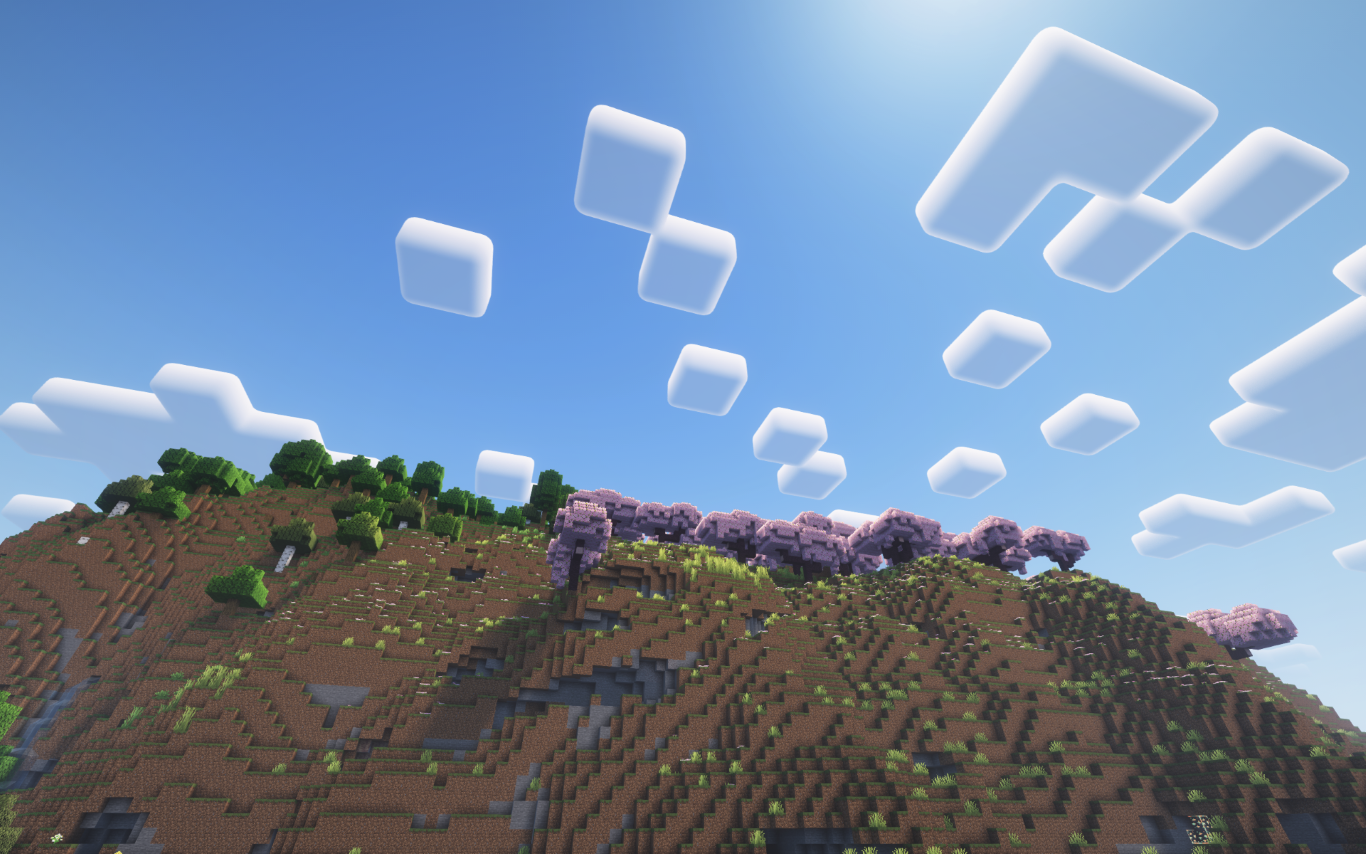
- 🎨 Visual & General Upgrades (shaders, UI, resource packs)
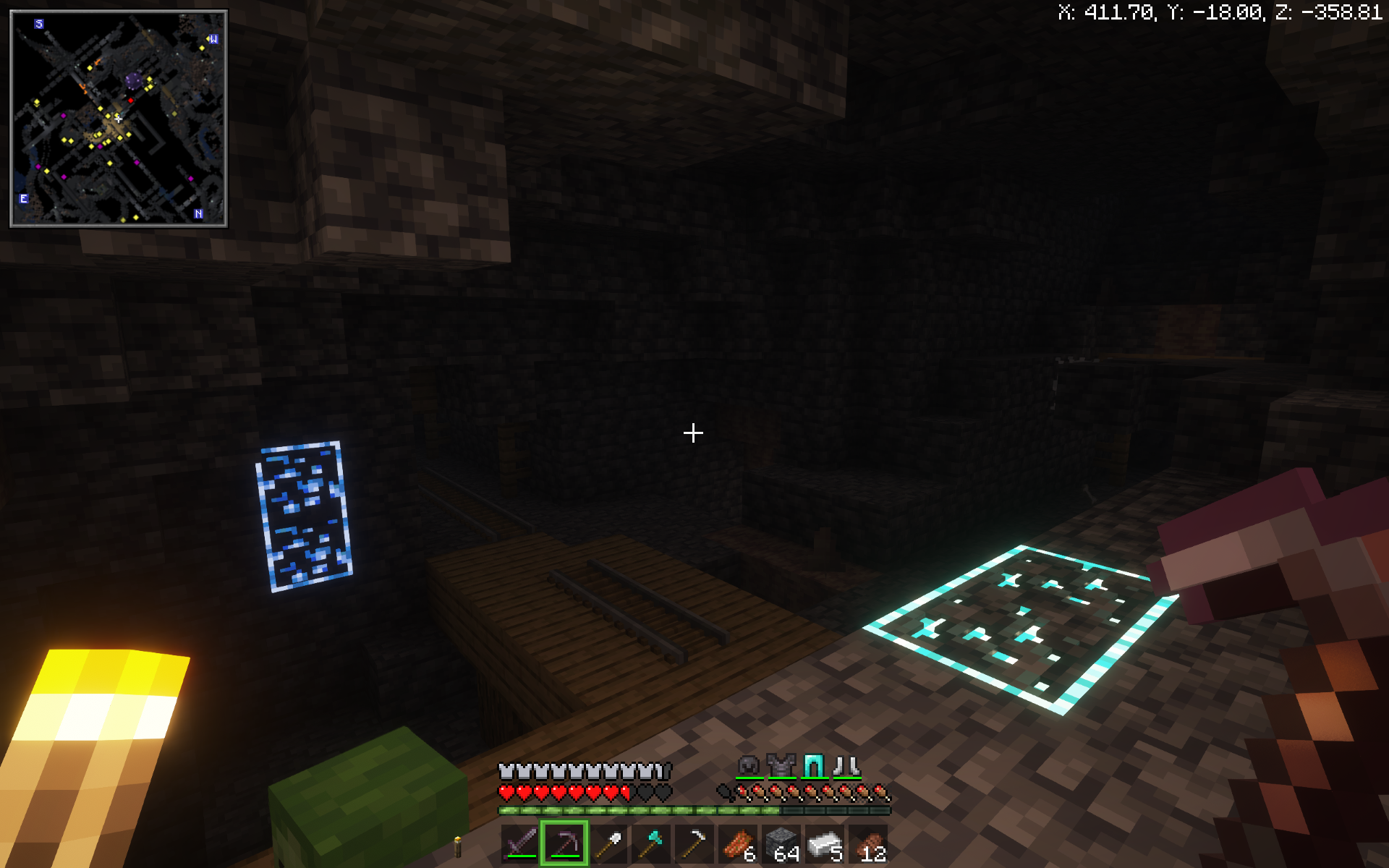
- 🗺️ Built-in Minimap and World Map
- 🛠️ Tools like Replay Mod, Jade, World Edit, and more!
🔧 General Improvements
- ✨ Shaders support — immersive lighting and graphics
- 🖼️ Built-in resource pack installer — drag & drop made easy
- 💡 Dynamic Lights — light up the world with items in hand
- 🧾 Jade HUD — see block/item info instantly
- 📹 Replay Mod — record and replay your gameplay
- 📦 OptiFine-like features — without the mess
- 🧱 WorldEdit — creative building made powerful
- 🧭 Minimap and World Map — never get lost again
- 📜 Improved command block UI — cleaner and more functional
- 🌐 Join servers from older or newer Minecraft versions seamlessly.
⚡ Performance Improvements
- 🧪 Built on Sodium, Lithium and more for max FPS
- 🔄 Smooth gameplay on low-end PCs and high-end rigs alike
🔴 Redstone Improvements
- ⏩ Redstone Tweaks — improve redstone usability and behavior
- 🕹️ Game4speed to slow down and see your builds
🗡️ PvP Improvements
- ⌨️ Keystrokes overlay (disabled by default — toggle on if needed by pressing f10)
- ⏱️ Status effect timers — know when your buffs/debuffs end
- 🎯 UI changes like lower fire and shields to see your opponets while protecting yourself
🎮 But here’s the best part:
Dynamic Client is a hybrid modpack-client, meaning:
- You can add your own favorite mods (like a mod that adds more mobs).
- You can install your own resource packs or data packs to match your vibe.
- You can tweak it, customize it, and truly make it your Minecraft.
- And you can do all these IN GAME!
🔧 How to Install the Dynamic Client on Modrinth
There are two ways to install the Dynamic Client depending on whether you have the Modrinth App installed or not. Follow the guide below for your case:
✅ Case 1: You Have the Modrinth AppInstalled
- Open modrinth app.
- Click on the browse icon on the bar on the left.
- Search for "Dynamic Client".
- Click "install".
- Once installed, click "Play" in the Modrinth App and enjoy the Dynamic Client!
🚫 Case 2: You Don't Have the Modrinth App
- Go to the modrinth website and download the Modrinth App .
- Once downloaded run the installation file.
- After installation Open the Modrinth app.
- Sign into your minecraft/microsoft account
- Click on the browse icon on the bar on the left.
- Search for "Dynamic Client".
- Click "install".
- Once installed, click "Play" in the Modrinth App and enjoy the Dynamic Client!
🙌 Credits
- Massive thanks to all the mod developers whose amazing work powers this client.
Dynamic Client
2025 Core Studios
All Rights Reserved
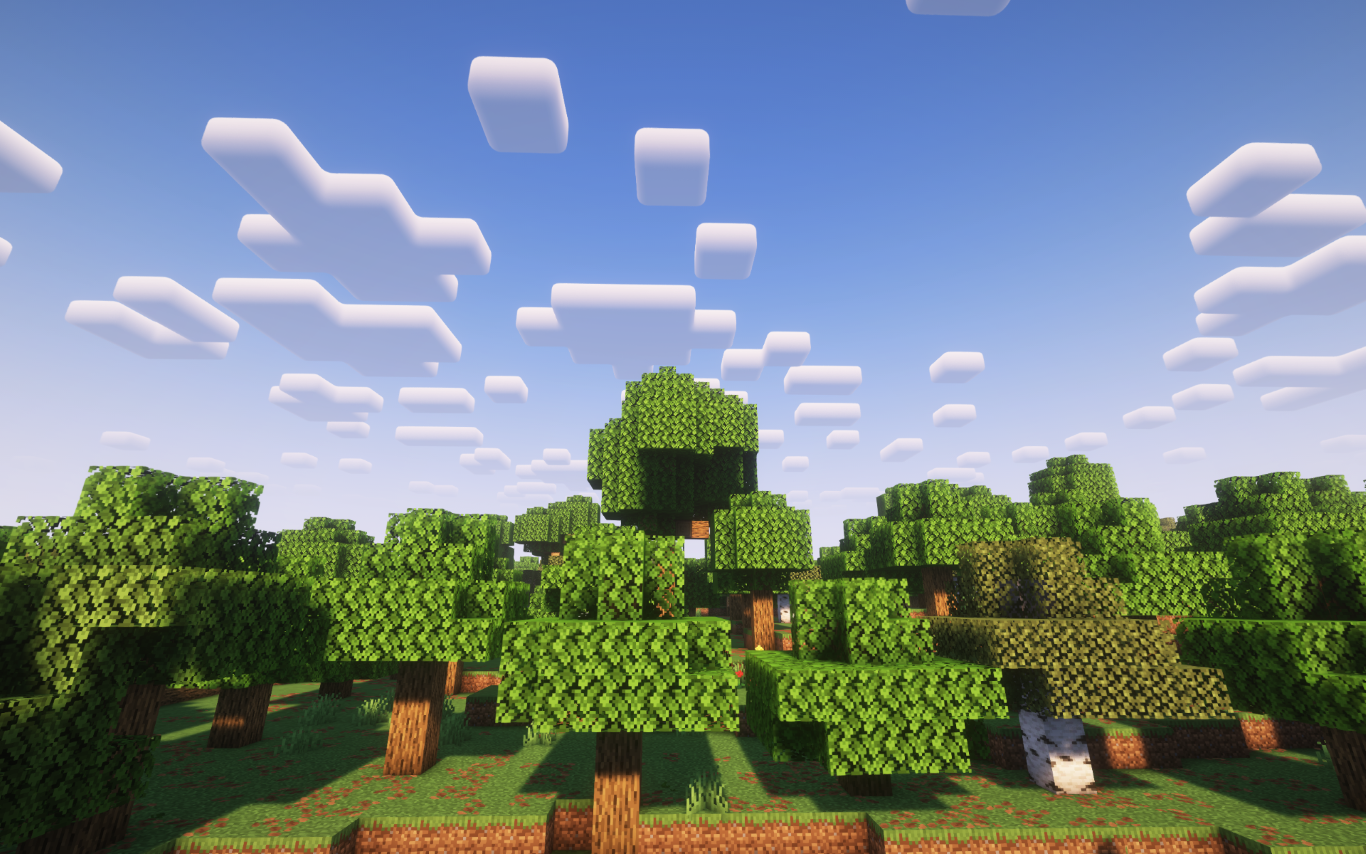
Screenshots
Gallery
Versions
Files
Relations
Project Relations
More like this
Similar Modpacks
Suggestions use data such as tags, dependencies, dependents, descriptions, titles, and more to rank how much they overlap with this modpack.
On ModDex
Community snapshot
By the numbers
Statistics

Want to reach Minecraft players?
We're looking for a server hosting partner to feature here and other parts of the site. Interested? Send us a message!
Get in touchGet it on
Available Platforms
On ModDex
Community snapshot
By the numbers
Statistics
Resources