
Nefix Optimized
No reviews yet
An OPTIMIZED mod pack that will increase PERFORMANCE and FPS even on the WEAKEST devices, as well as simplify and improve your gaming experience
Enhances game performance and optimizes resource usage.
Fabric is a mod loader for versions 1.14+ of Minecraft, particularly popular for client side and optimization mods.
Community voices
Reviews
Click once to include, again to exclude, again to clear
No reviews yet. Be the first to review this project!
Get it on
Available Platforms
 Modrinth
Compatibility
Supported Environments
About
Project Details
For authors
Embed Badge
If you're the author of this project, you can embed a live badge anywhere that supports HTML or Markdown. It updates automatically whenever ratings change.
Use HTML for any page that supports it, or Markdown for README files and Markdown-based descriptions.
Identifiers
Platform IDs
Resources
External Links
About
Description
How does this mod pack work?
This mod pack works very simply. From my own experience, I’ve tested many popular mod packs for optimization, and in many of them I noticed a major problem: CONFLICTS BETWEEN CERTAIN MODS AND SODIUM Such a conflict can lead to a significant drop in FPS, since the same options—such as those in the popular Sodium base mod and the More Culling mod—overlap and perform the same optimization functions, which can cause FPS to drop. but in my mod pack, I’ve checked all the technical aspects of the mods to ensure that each one performs its specific function without causing conflicts. And to my surprise, it turned out to be very lightweight—even I wouldn’t have expected that, given that I was adding 20–30 mods for the same function.
Start of installation
- Download the mod pack for your version of Minecraft
- Open the Modrinth app
- Create a new instance
- Install the build
- Import the build
- Select the downloaded file
- Done
Additions
In addition to all of the above, I’ve also saved my settings so you don’t have to spend a lot of time configuring them when you first launch the game.
So you don’t have to go through all the hassle of testing this modpack as if you were just starting your workday hoping to earn more, I’ve included the results of my independent tests of vanilla graphics, as well as a number of popular shaders, on a fairly underpowered device (full specifications are listed below the text with FPS metrics)
↓BELOW ARE THE RESULTS OF MY SIMPLE INDEPENDENT TESTS↓ 8 chunks
| Pure vanilla Minecraft | Minecraft with sodium | Minecraft with my modpack |
|---|---|---|
| 350-450FPS | 500-600FPS | 600-800+FPS |
↓Shader tests with my mod pack↓ 16 chunks
| Shader name | Graphics preset | FPS result |
|---|---|---|
| AstraLex Shader | High | 75 |
| Solas Shader | Ultra | 60 |
| Photon Shaders | Ultra | 90 |
| Bliss Shader | High | 110 |
| BSL Shader | Ultra | 105 |
| Complementary Reimagined | High | 100 |
| Complementary Unbound | High | 95 |
| Rethinking Voxels | Ultra | 50 |
| MakeUp Ultra Fast 9 | High | 145 |
| Fantasy Reimagined | High | 105 |
| Fantasy Unbound | High | 90 |
| E-LITE shaders 5 | Max | 140 |
| Nostalgia Shader | High | 80 |
| Spooklementary | High | 85 |
| Super Duper Vanilla | Ultra | 140 |
| Visual Vibrance | High | 155 |
| VTXS Shader | Ultra | 65 |
Don’t panic if you notice a big difference in FPS between the vanilla graphics and the shaders—this is because I’m testing this on my laptop. If you have a desktop PC, you’ll get much better performance with the shaders. Also, keep in mind that the graphics card in my laptop is much weaker than an RX 580
In addition to this text result of my tests, you can also go to the "gallery" section and see all the simple tests there
↓My device specifications↓
- CPU - Intel core i5 11400H
- GPU - Nvidia RTX 3050 mobile
- MEM - 16GB DDR4 3200mhz
- SSD - WDC PC SN540
- OS - Windows 11 pro
If your results don't match mine, then idk what could be weaker than the 3050 for laptops frr
All my tests are not a serious confirmation that your FPS will always be as stated in the test, since all my tests are quite simple with a favorable scenario
Translated via DeepL
Screenshots
Gallery
-
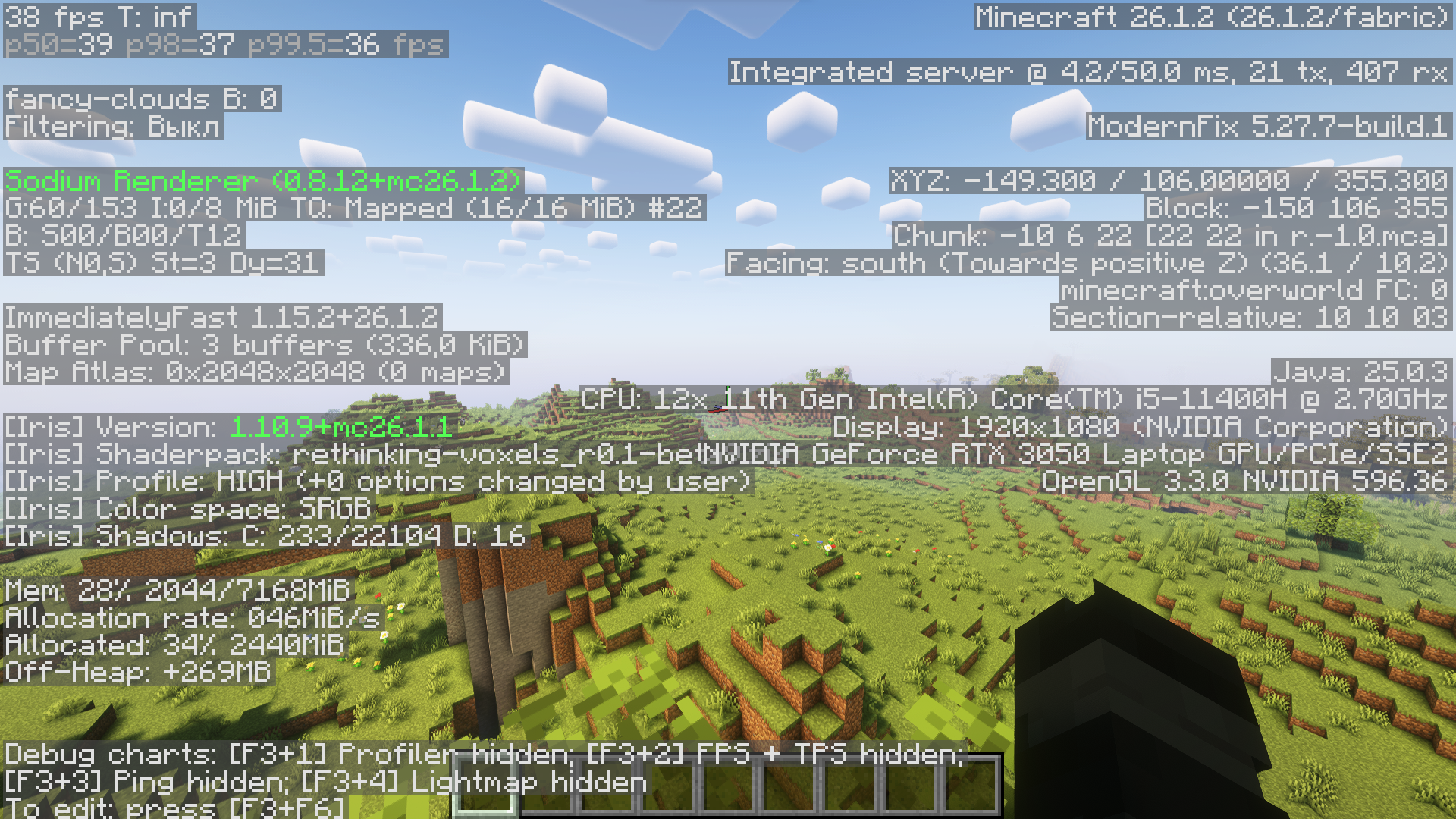 Rethinking Voxels
 -
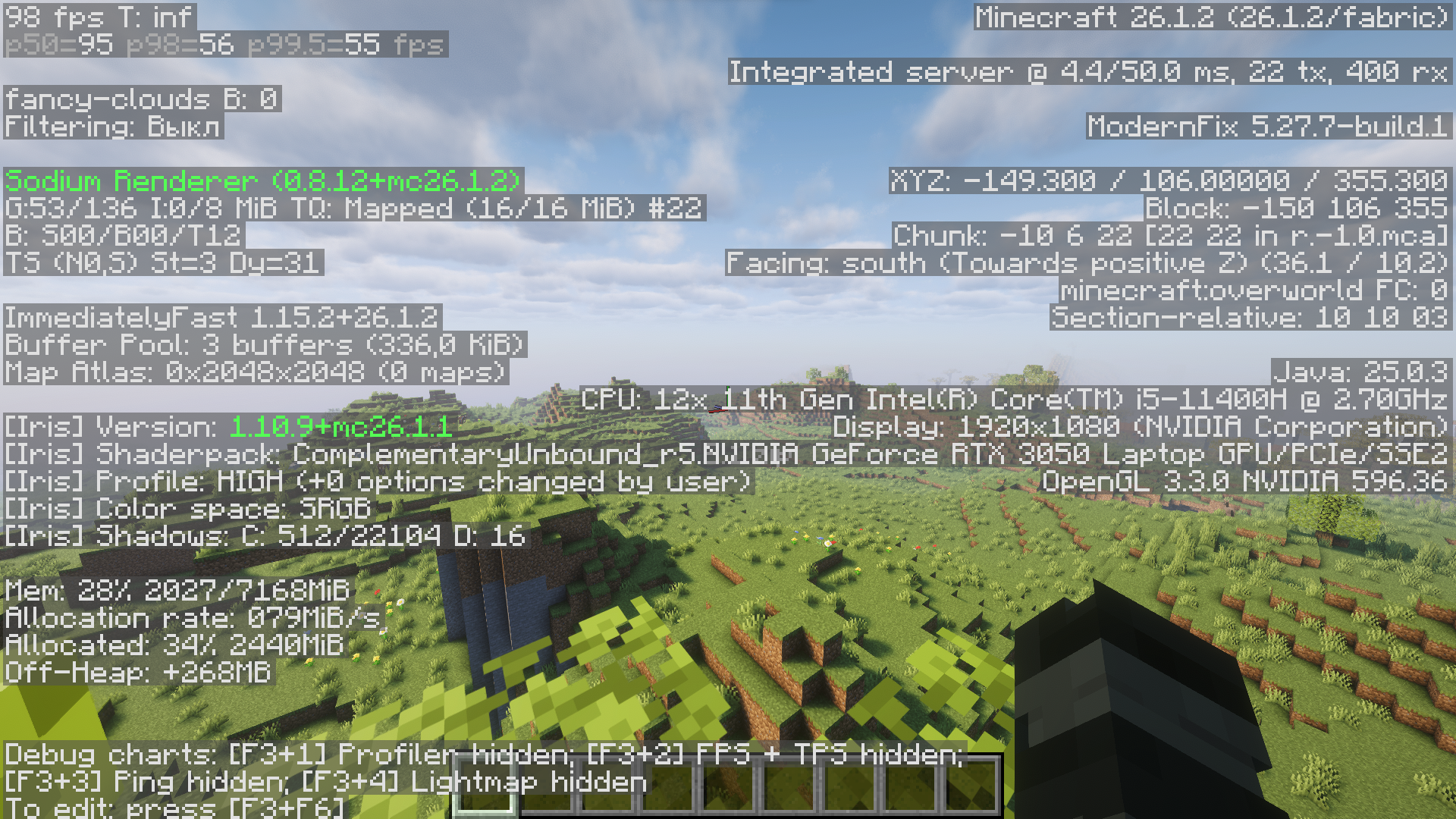 Complementary Unbound
 -
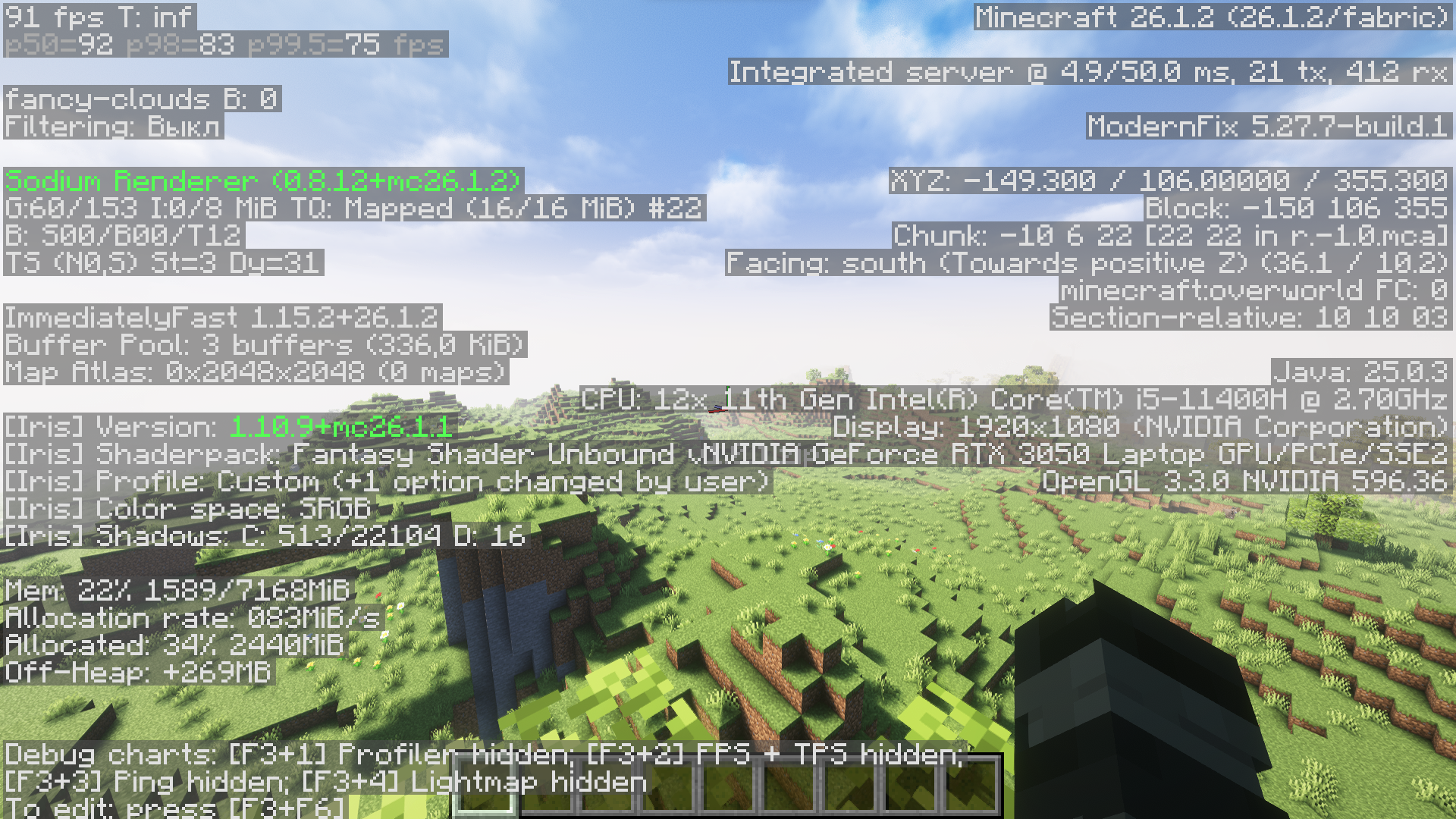 Fantasy Unbound
 -
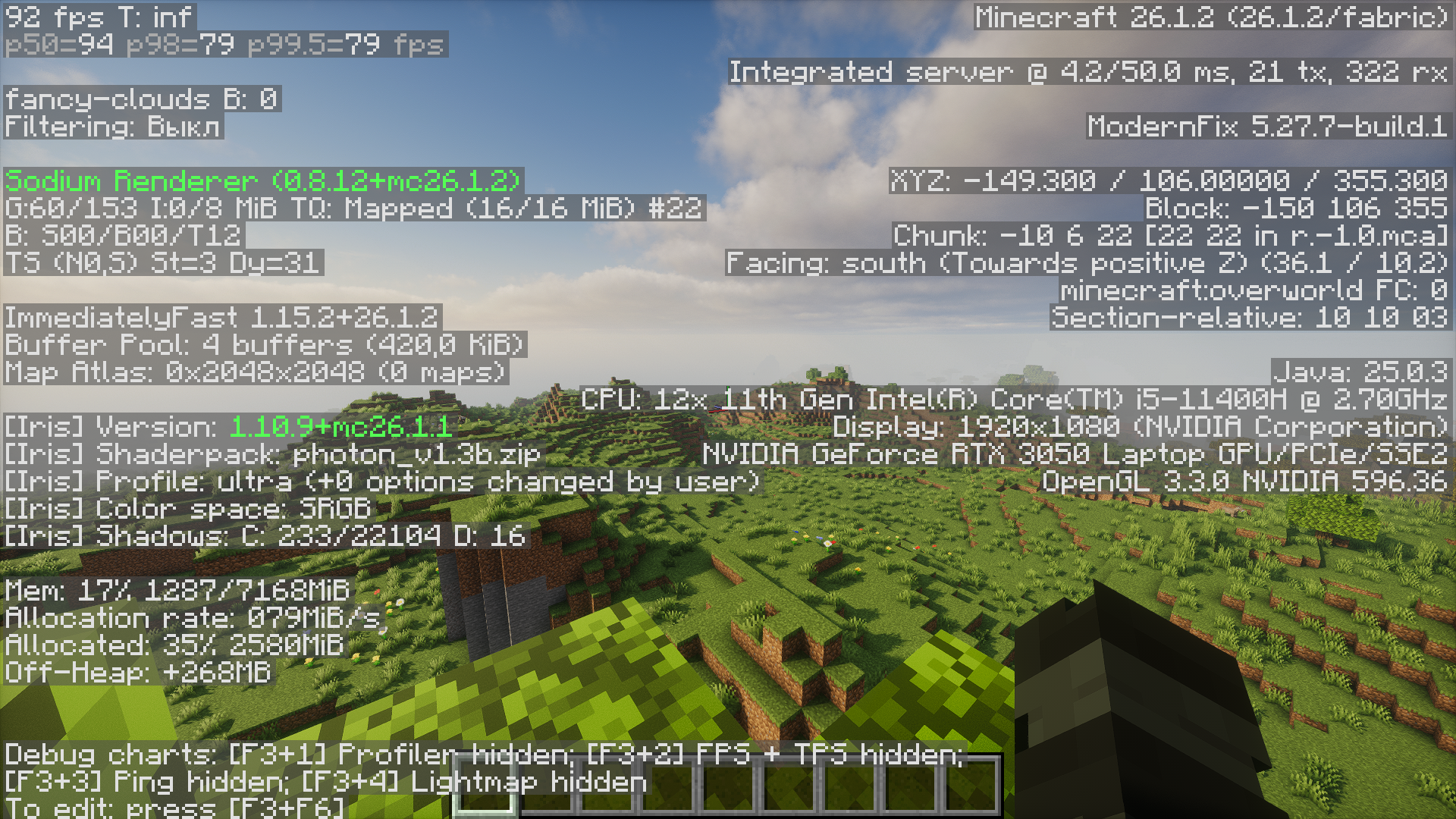 Photon Shaders
 -
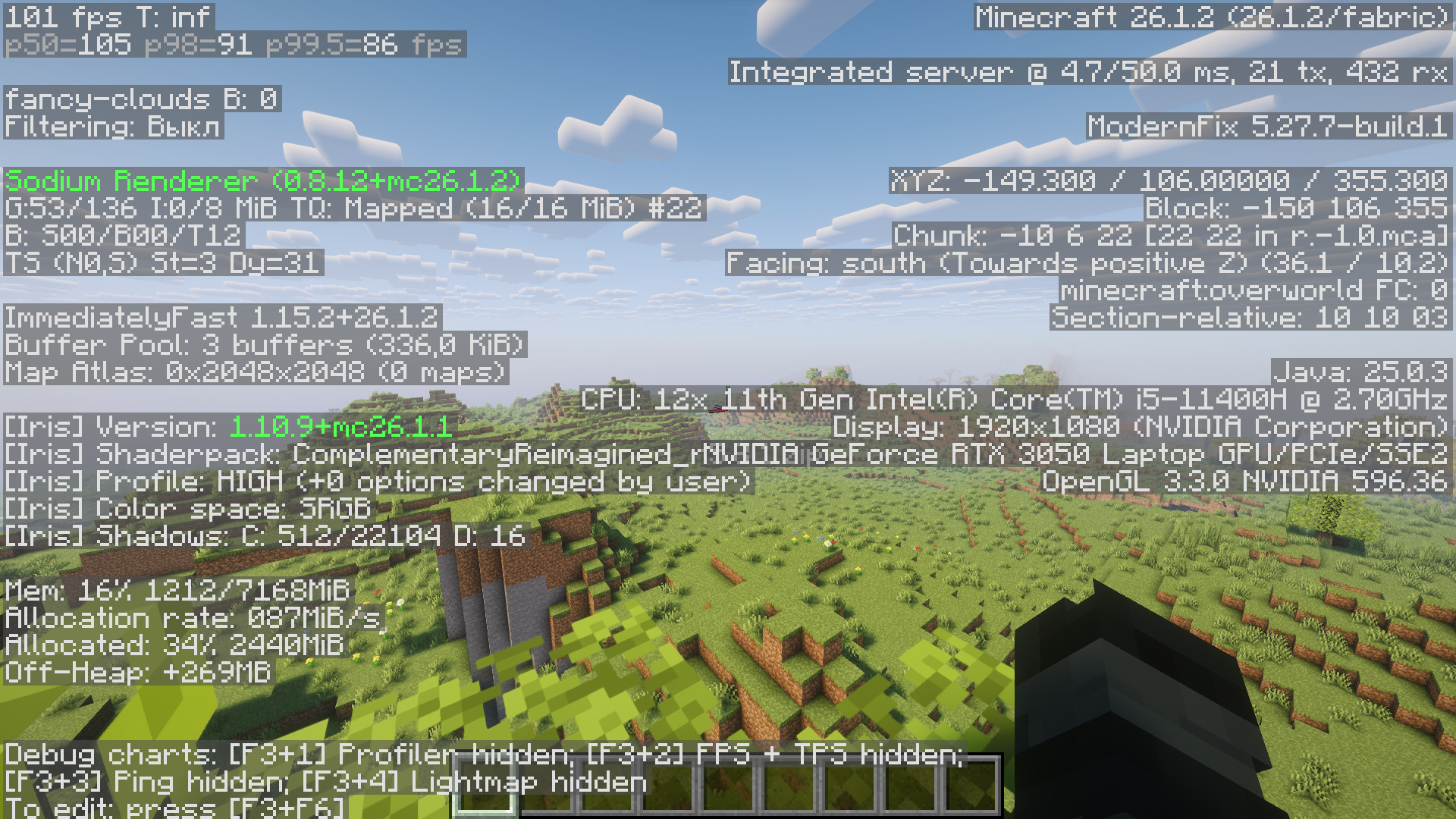 Complementary Reimagined
 -
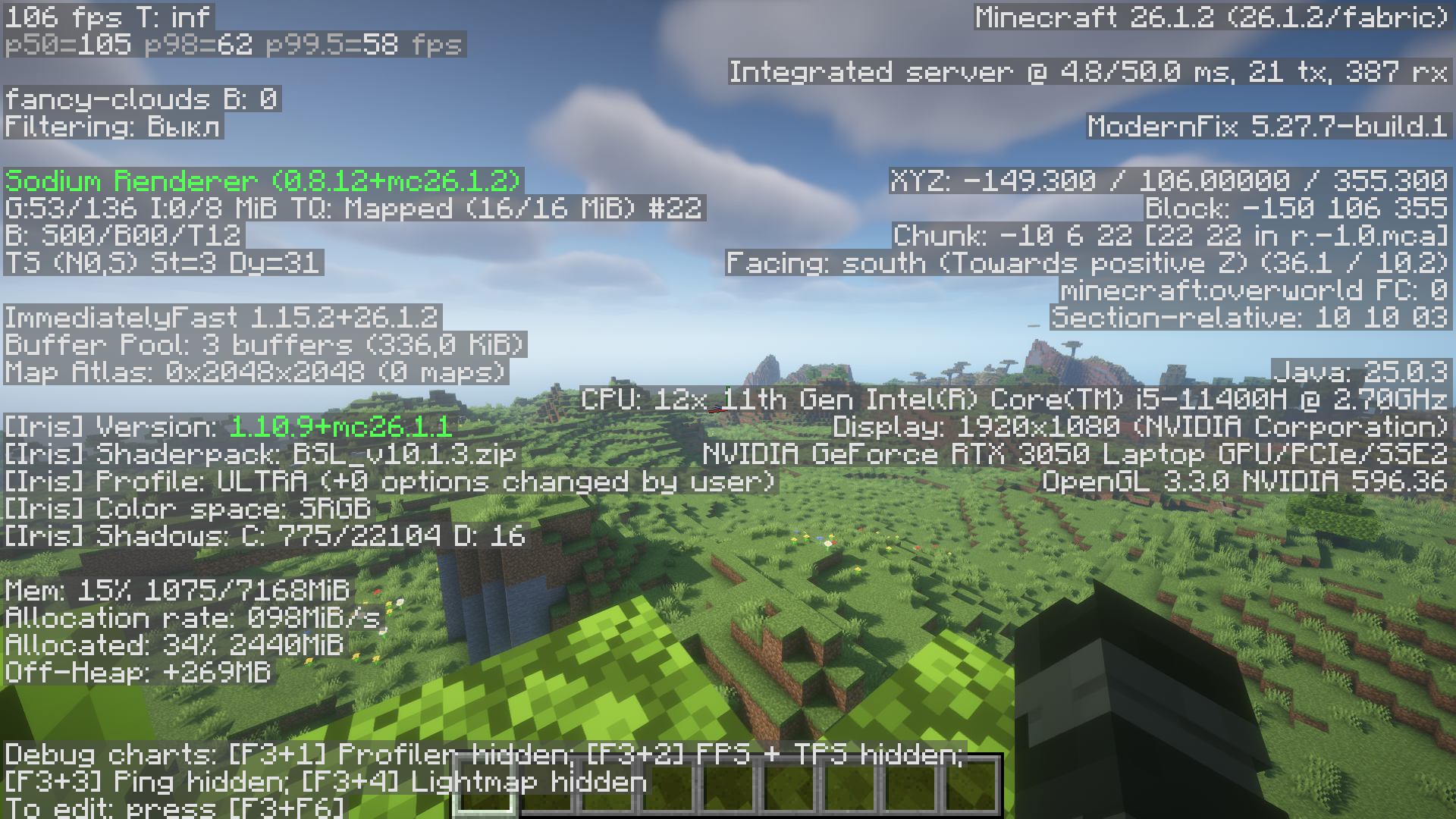 BSL Shader
 -
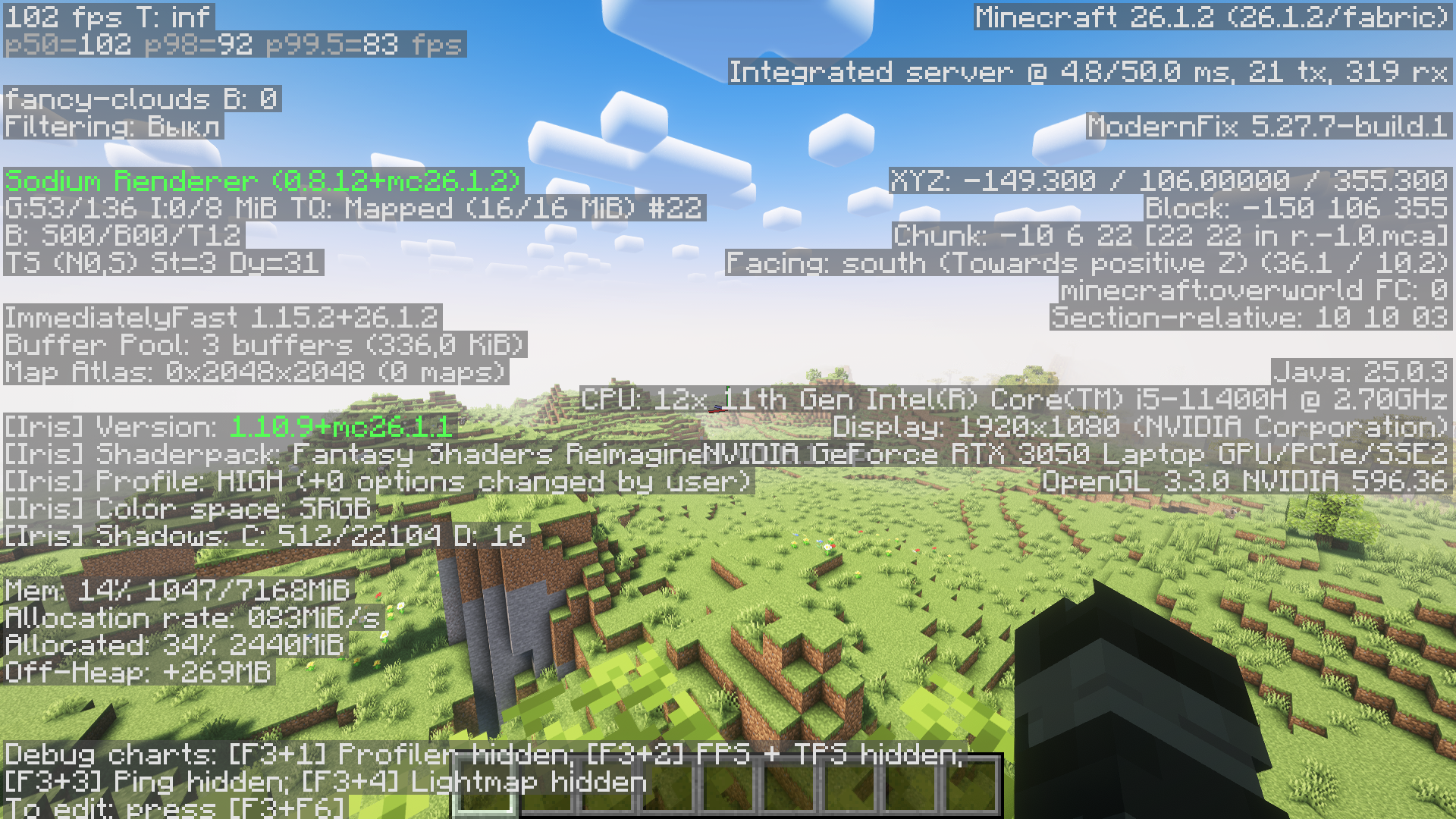 Fantasy Reimagined
 -
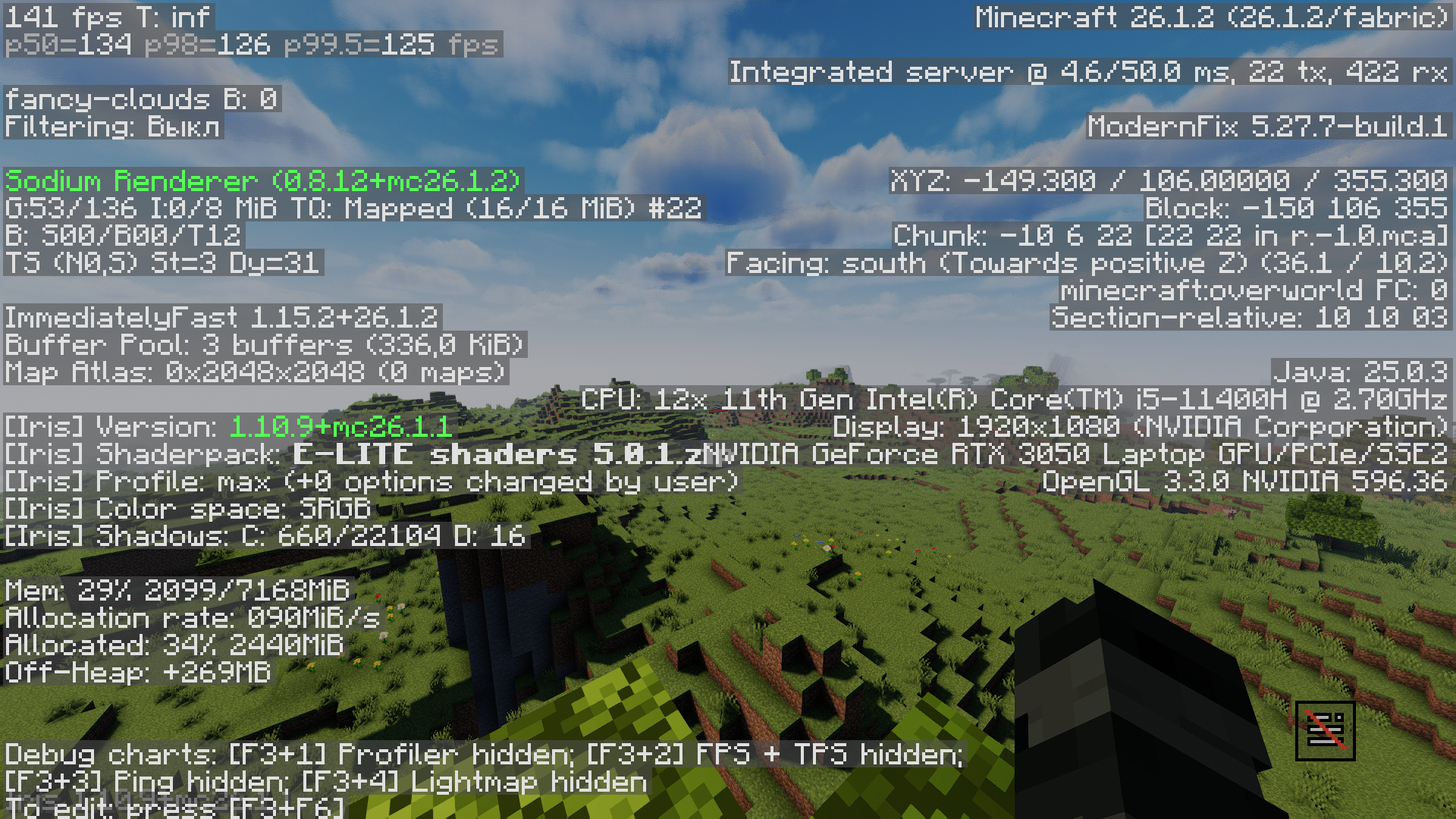 E-LITE shaders 5
 -
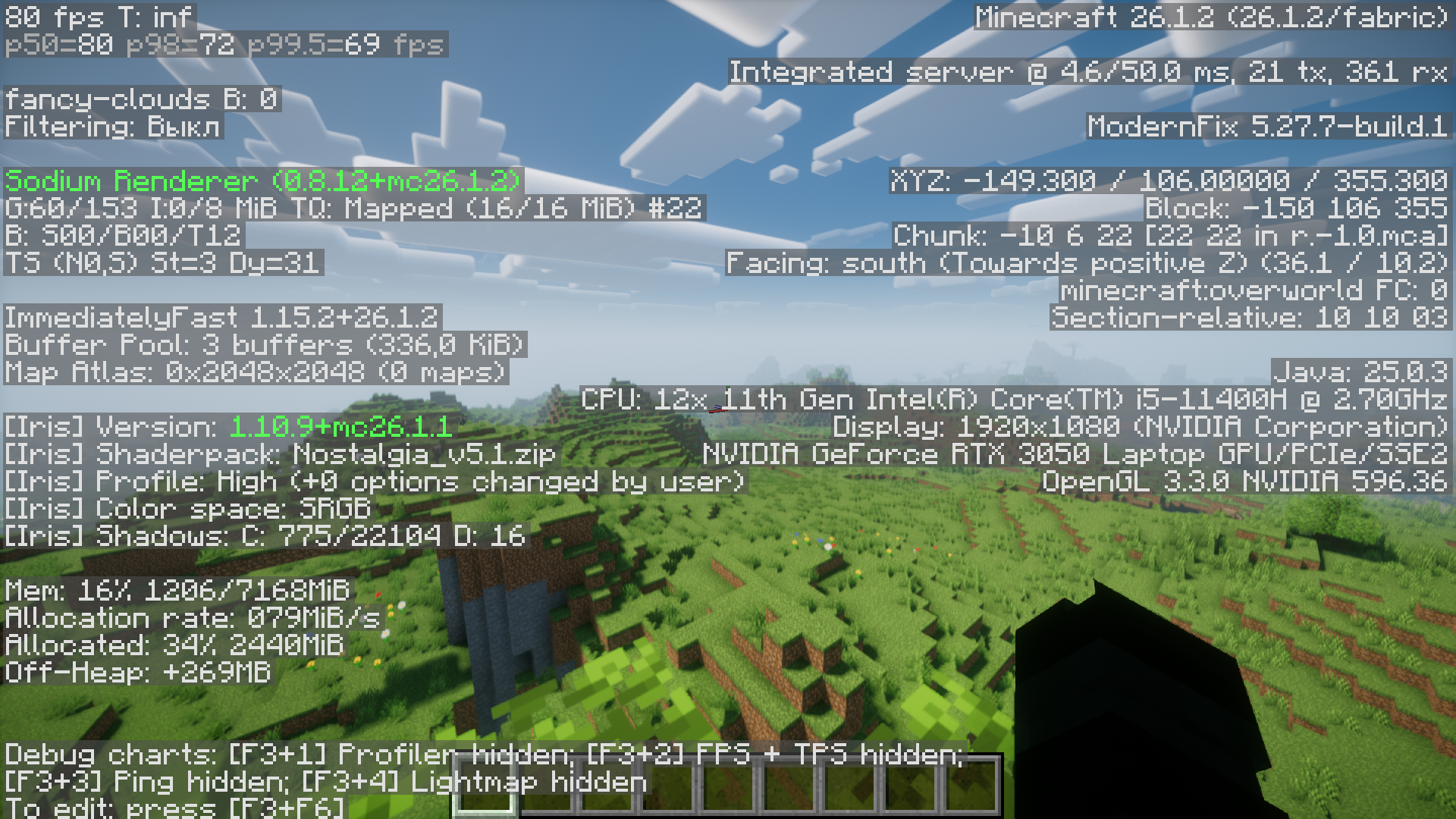 Nostalgia Shader
 -
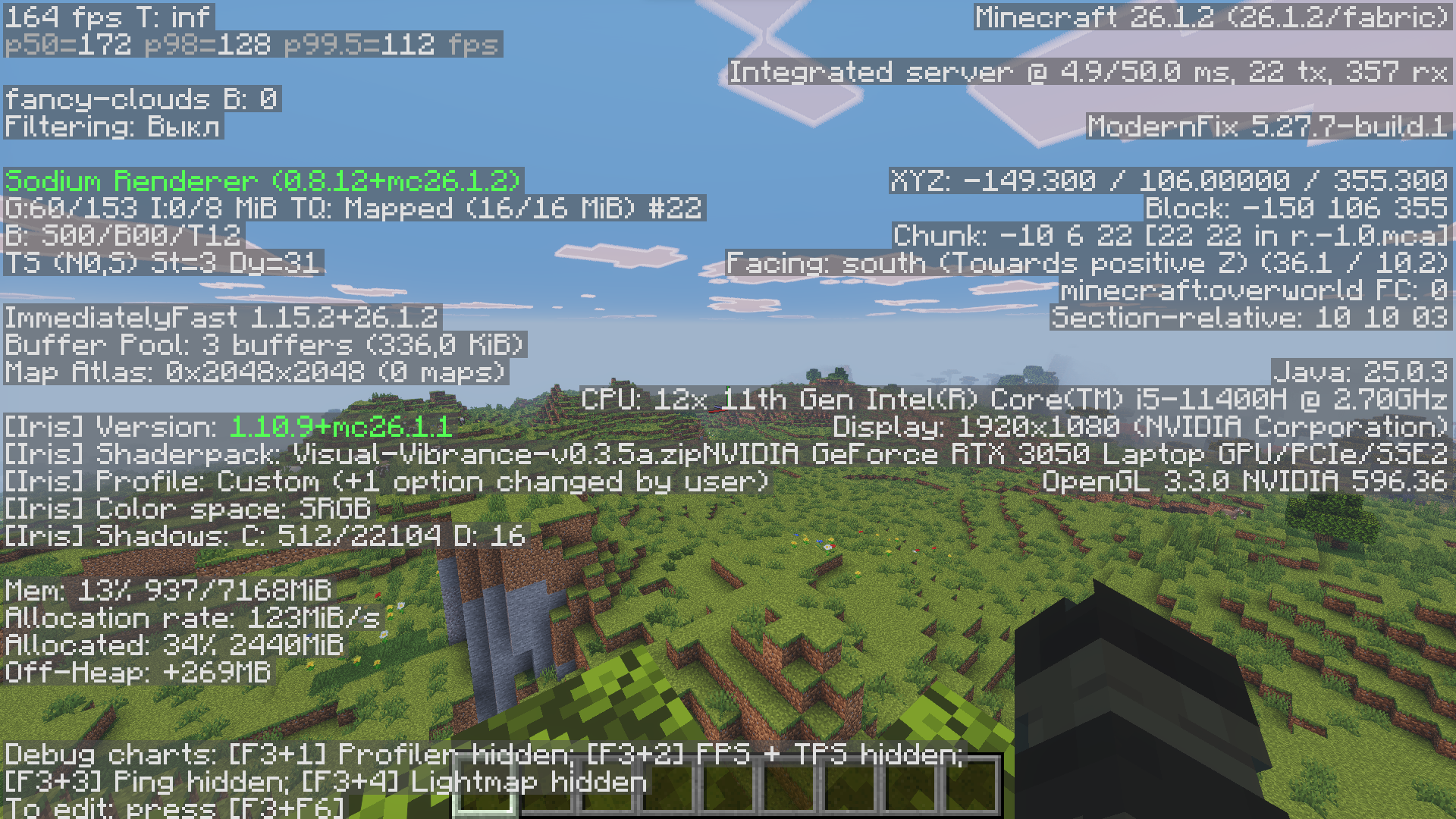 Visual Vibrance
 -
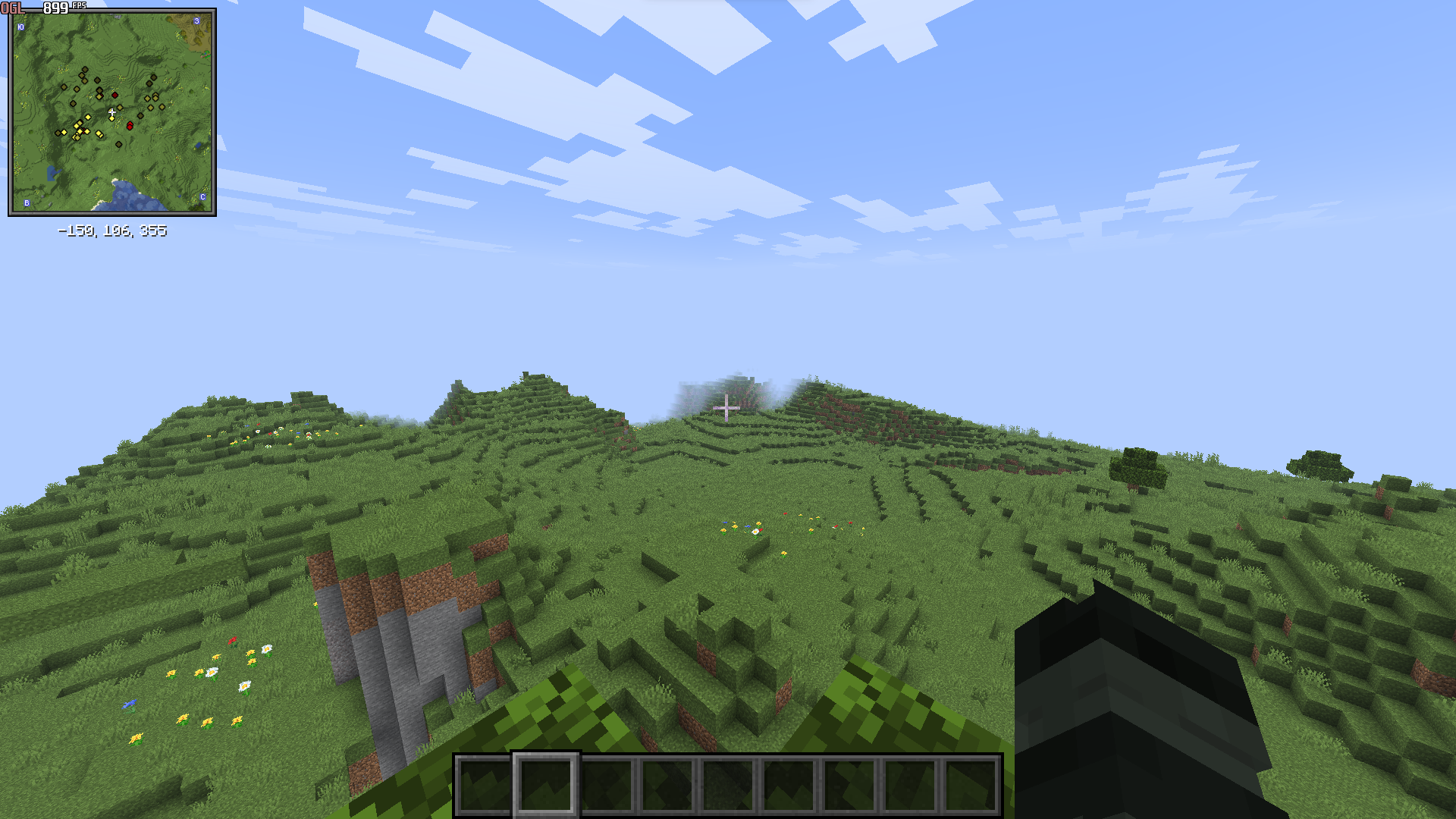 Minecraft with my settings and modpack
 -
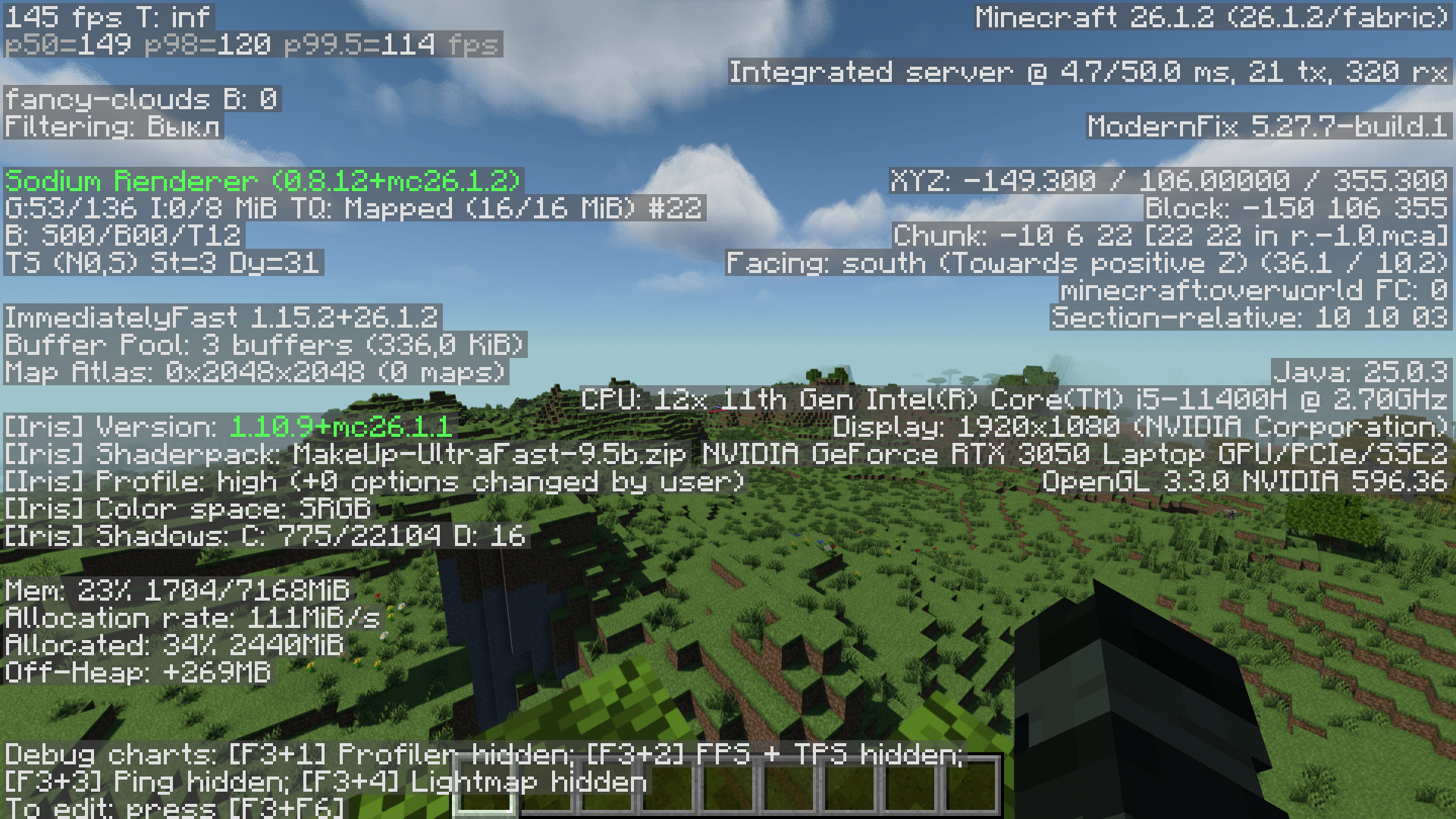 MakeUp Ultra Fast 9
 -
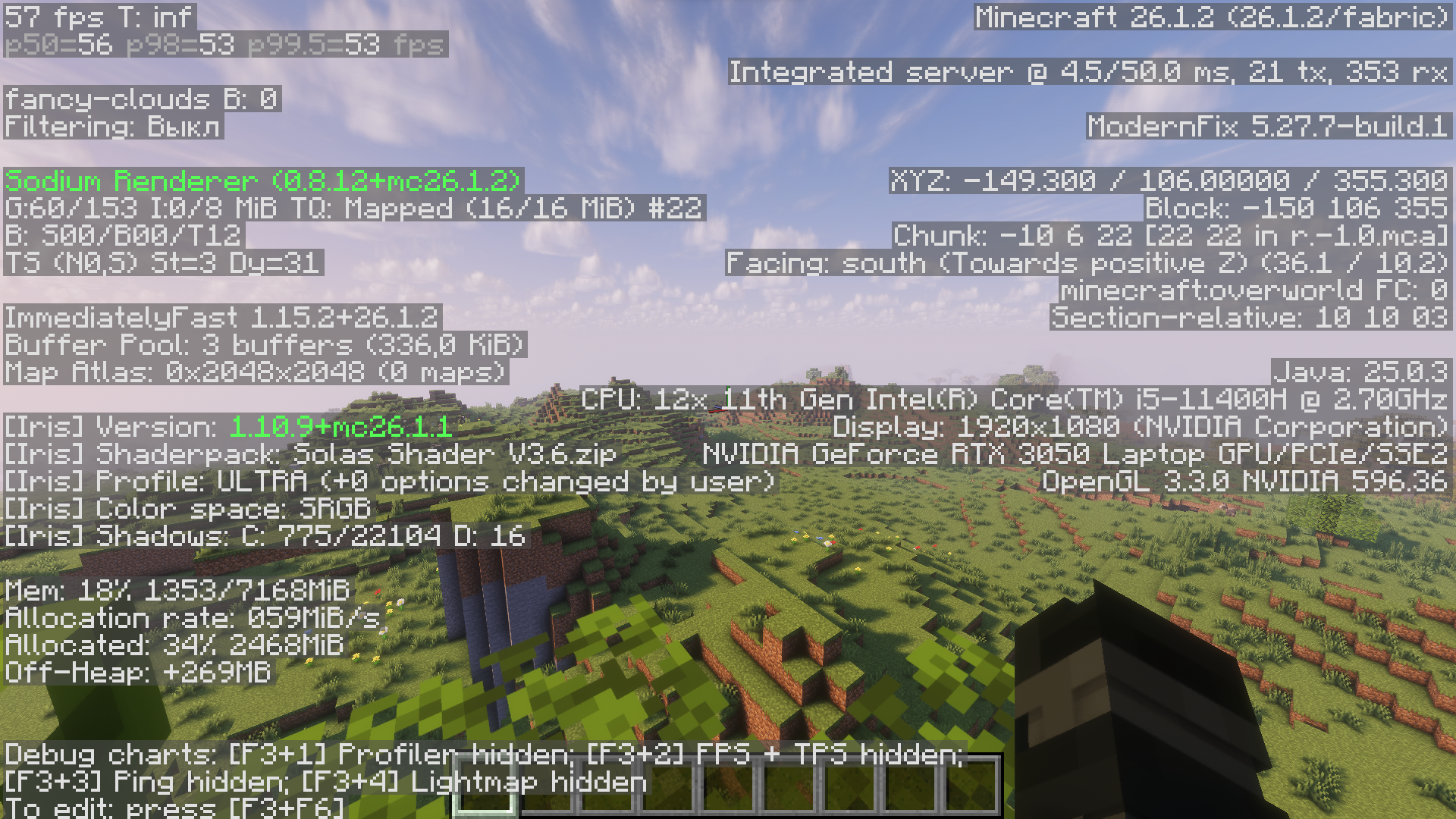 Solas Shader
 -
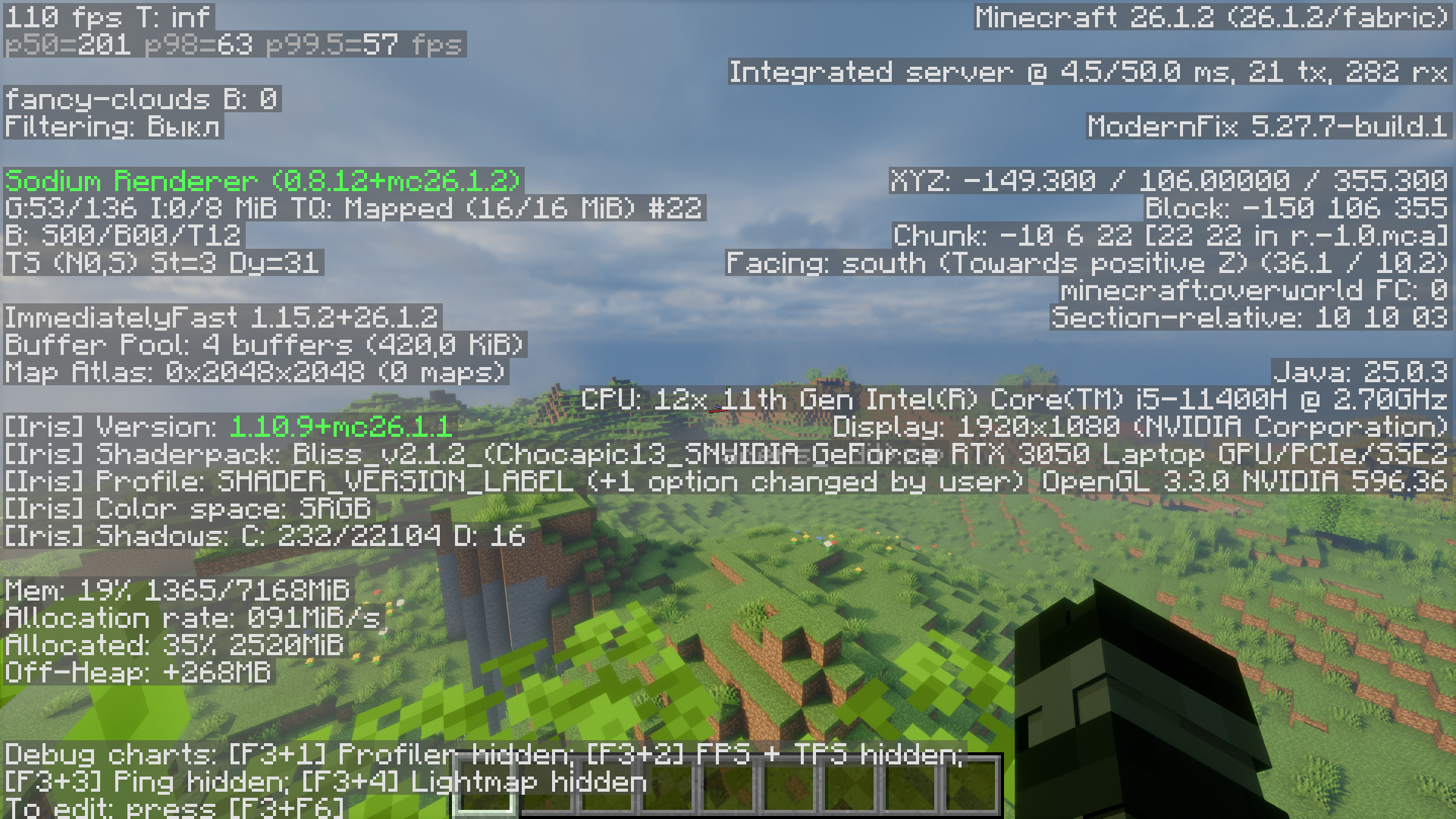 Bliss Shader
 -
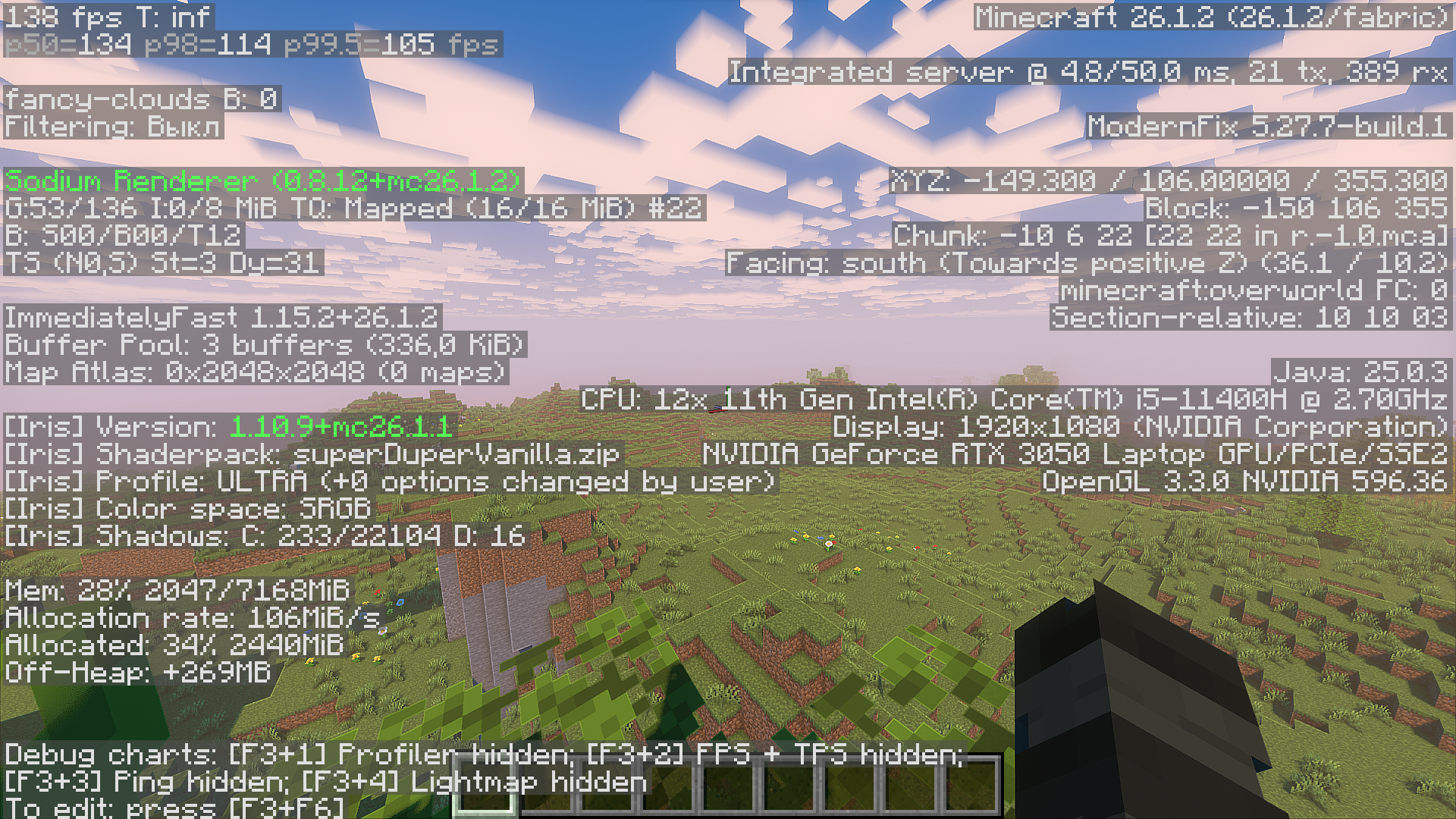 Super Duper Vanilla
 -
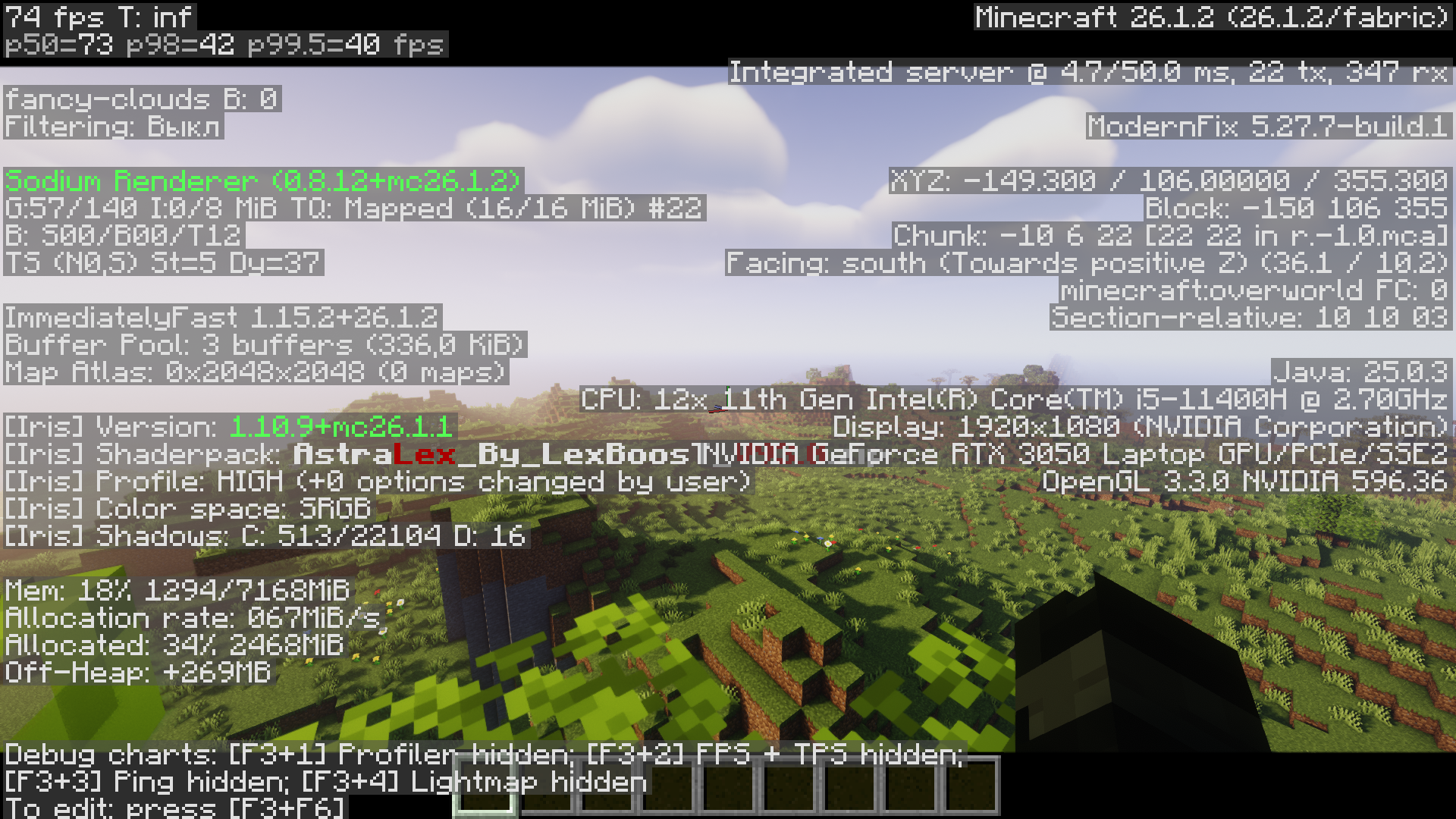 AstraLex Shader
 -
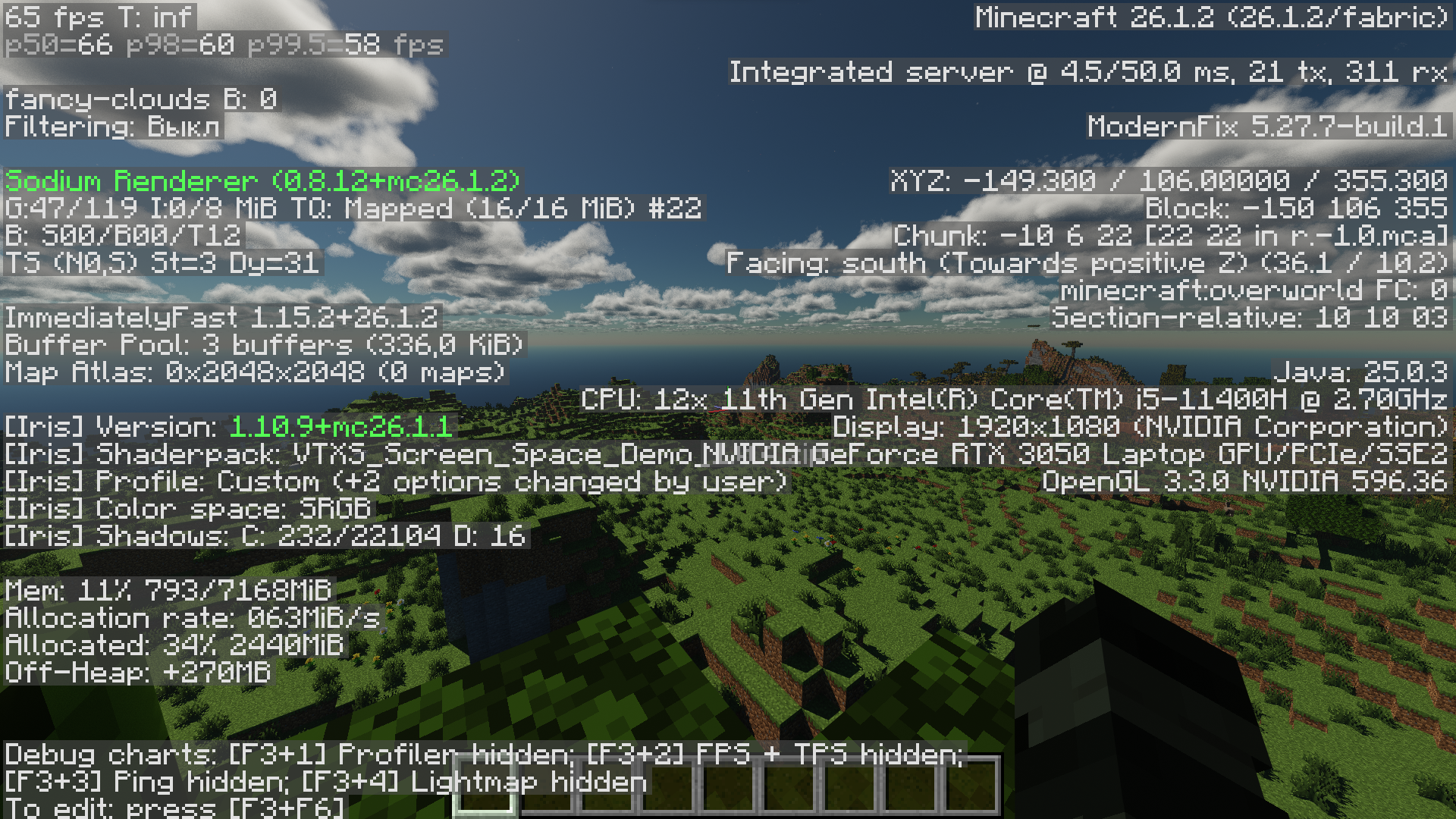 VTXS Shader
 -
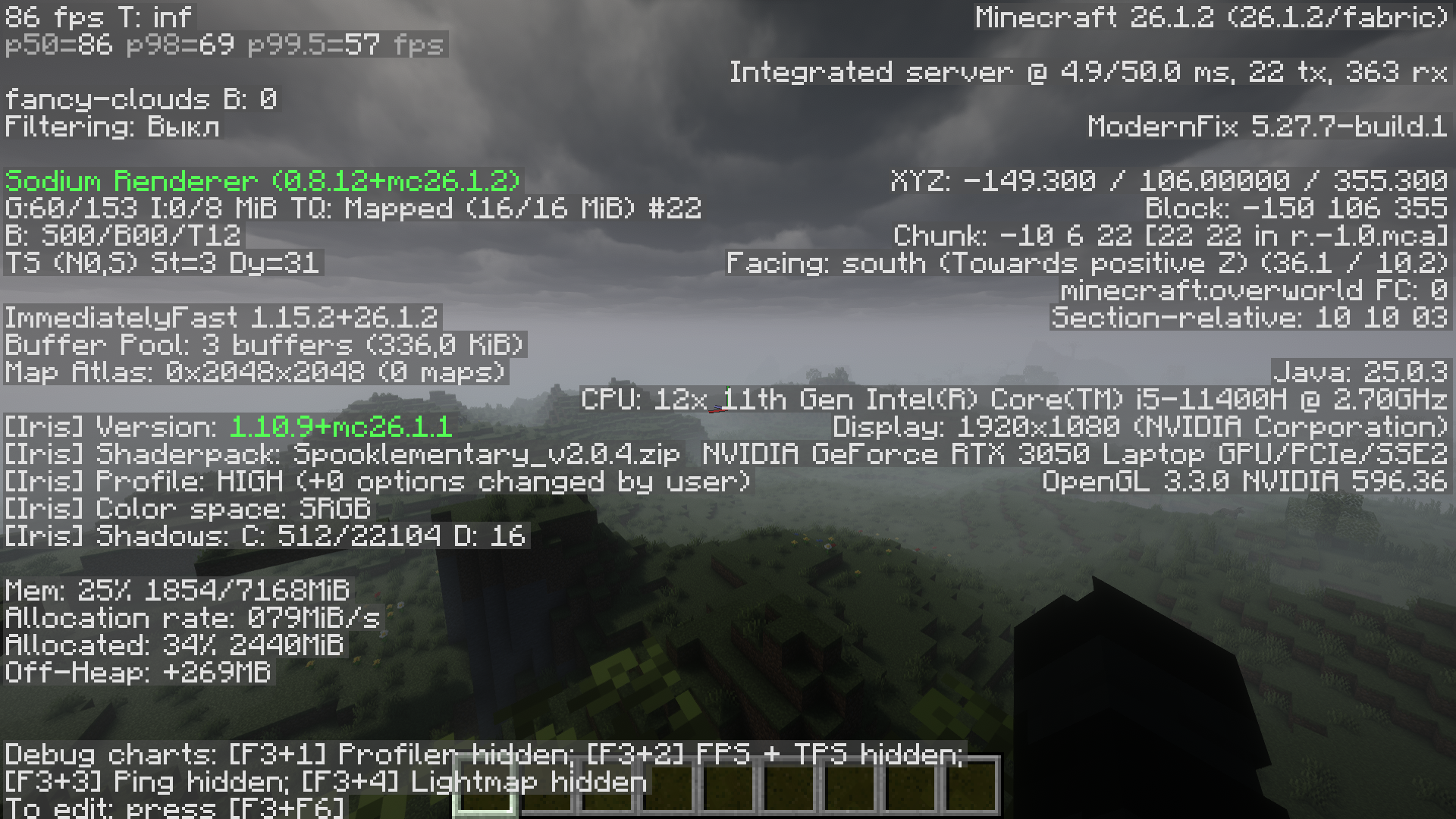 Spooklementary
Versions
Files
Relations
Project Relations
More like this
Similar Modpacks
Suggestions use data such as tags, dependencies, dependents, descriptions, titles, and more to rank how much they overlap with this modpack.
On ModDex
Community snapshot
By the numbers
Statistics

Want to reach Minecraft players?
We're looking for a server hosting partner to feature here and other parts of the site. Interested? Send us a message!
Get in touchGet it on
Available Platforms
On ModDex
Community snapshot
By the numbers
Statistics
Resources