Community listing page, reviews may not be monitored by the author.
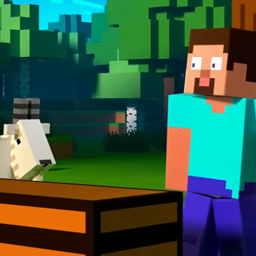
NPC Trailer

No reviews yet
A very simple modpack to make the game look like the trailers!

Community voices
Reviews
No reviews yet. Be the first to review this project!
Get it on
Available Platforms
About
Project Details
For authors
Embed Badge
If you're the author of this project, you can embed a live badge anywhere that supports HTML or Markdown. It updates automatically whenever ratings change.
Use HTML for any page that supports it, or Markdown for README files and Markdown-based descriptions.
Identifiers
Platform IDs
Resources
External Links
About
Description
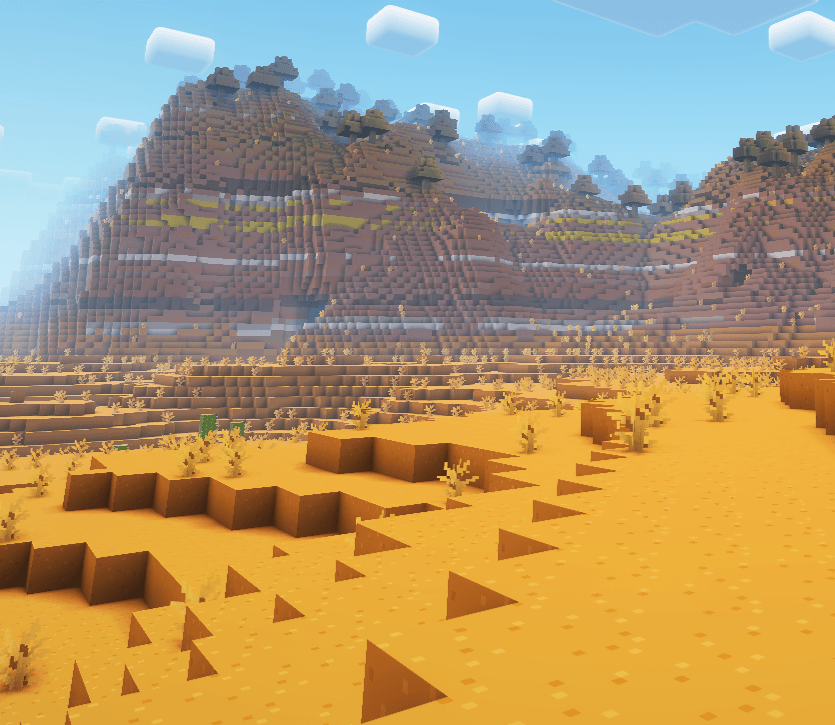
Have you ever seen a Minecraft trailer, and really wished your Minecraft looked like that. Now it does!
This mod pack is very light with only 25 mods (most of them being API's and libraries). It uses a range of popular resource packs such as Fresh Animations, Fresh Moves and Bare Bones to give your minecraft world that trailer feel. It also includes Complimentary Shaders to liven it up.
This modpack only includes client side mods, meaning you an use it on any 1.21 server.
Fixes:
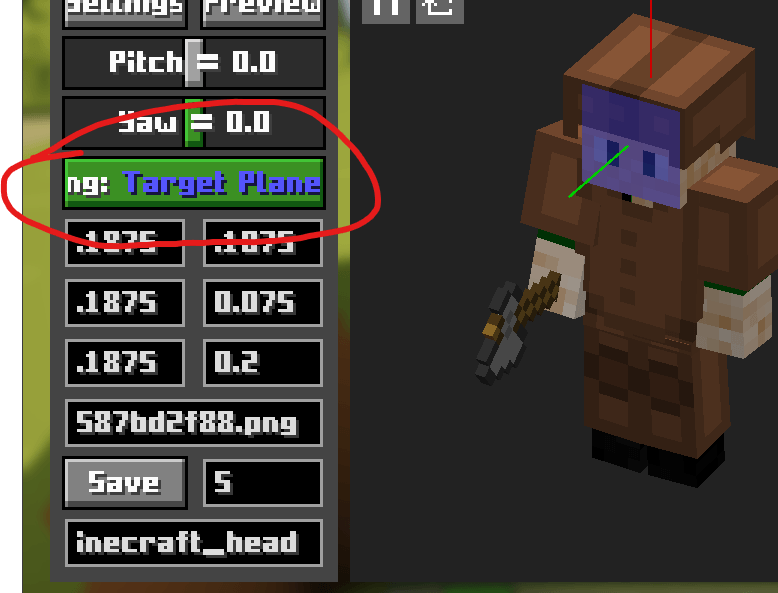
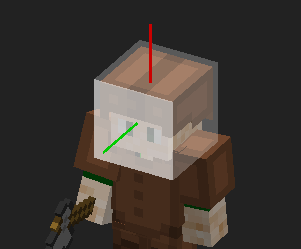
To get real cam to work with your skin, first open the keybind settings and change the keybind of "Open Model View Screen" to something free. Then, exit settings and press that keybind. This will open the special menu. Next you need to find the button that says "Selecting: " (see below) and press it until it says "Selecting: Target Plane". Then, you need to have over your players face and scroll forward while holding down alt until the white highlight changes once, if it changes twice you can scroll backwards. Then, alt click (click while pressing alt) the face of your player. Next, press the selecting button again (it should say "Selecting: Forward Vector") and alt click your players face again. Finally, press the selecting button one last time (it should say "Selecting: Upward Vector") and alt click the top of your players head and then hit save. You can close the menu and press f6 to enable real camera.
notes: The helmet is to show you where the white box should be in line with. The picture on the far left is what it should look like if you followed all the steps and hove rover the head.
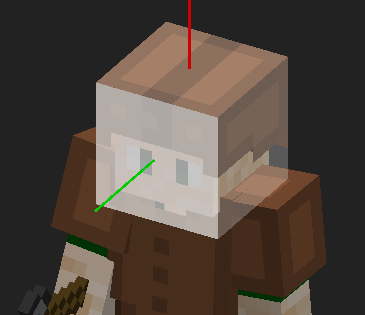
There is a visual glitch for the attach inicator that makes it flicker when able to hit a mob, if anyone figures out haw to fix that, please let me know in the comments so I can post the fix here.
If there are any other bugs and glitches, post them in the comments so I can tell you how to fix them or so you can get help from antoehr user.
Screenshots
Gallery
-
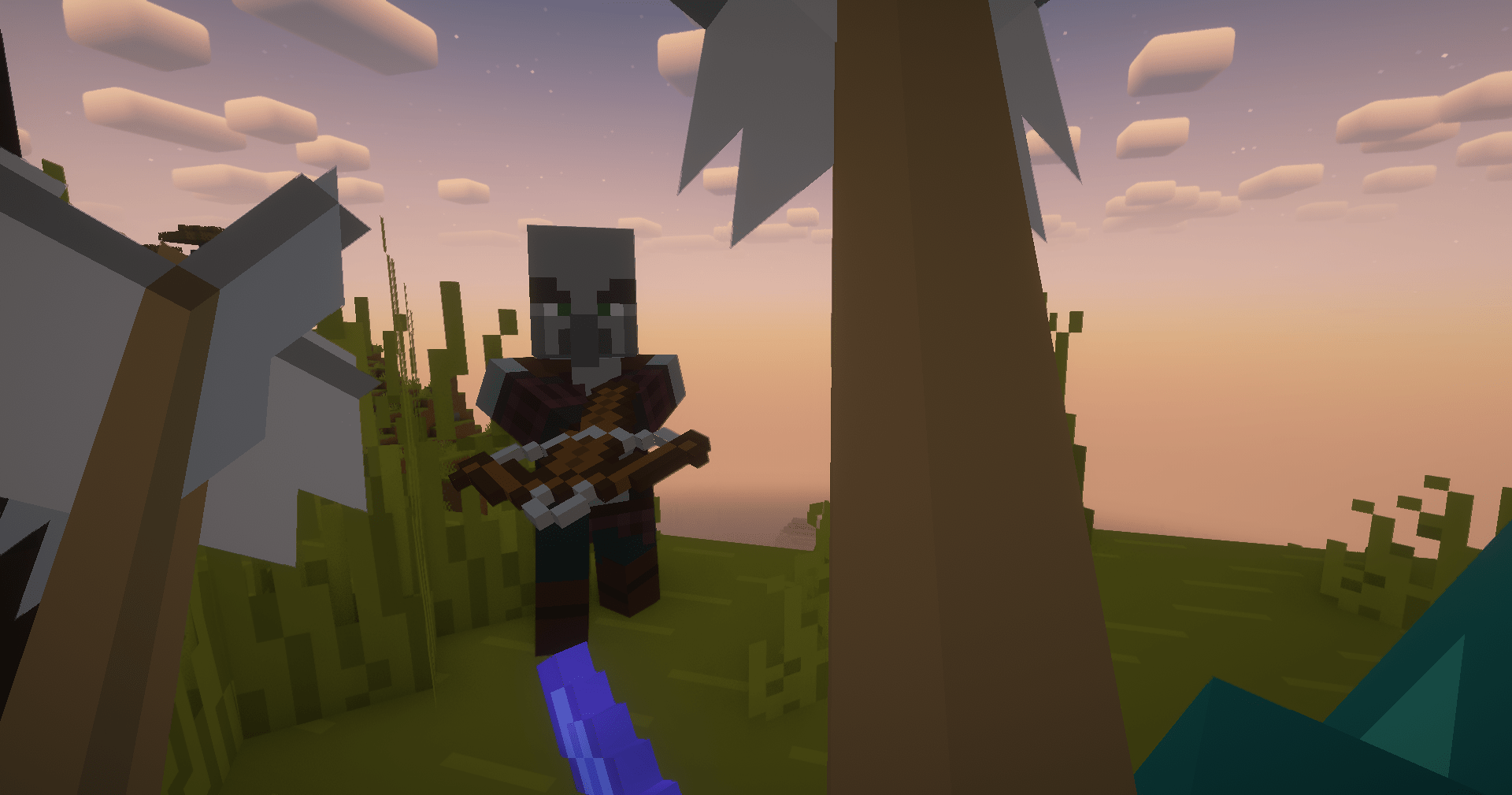 2024-08-11_14.44.00.png 2024-08-11_14.44.00.png
 -
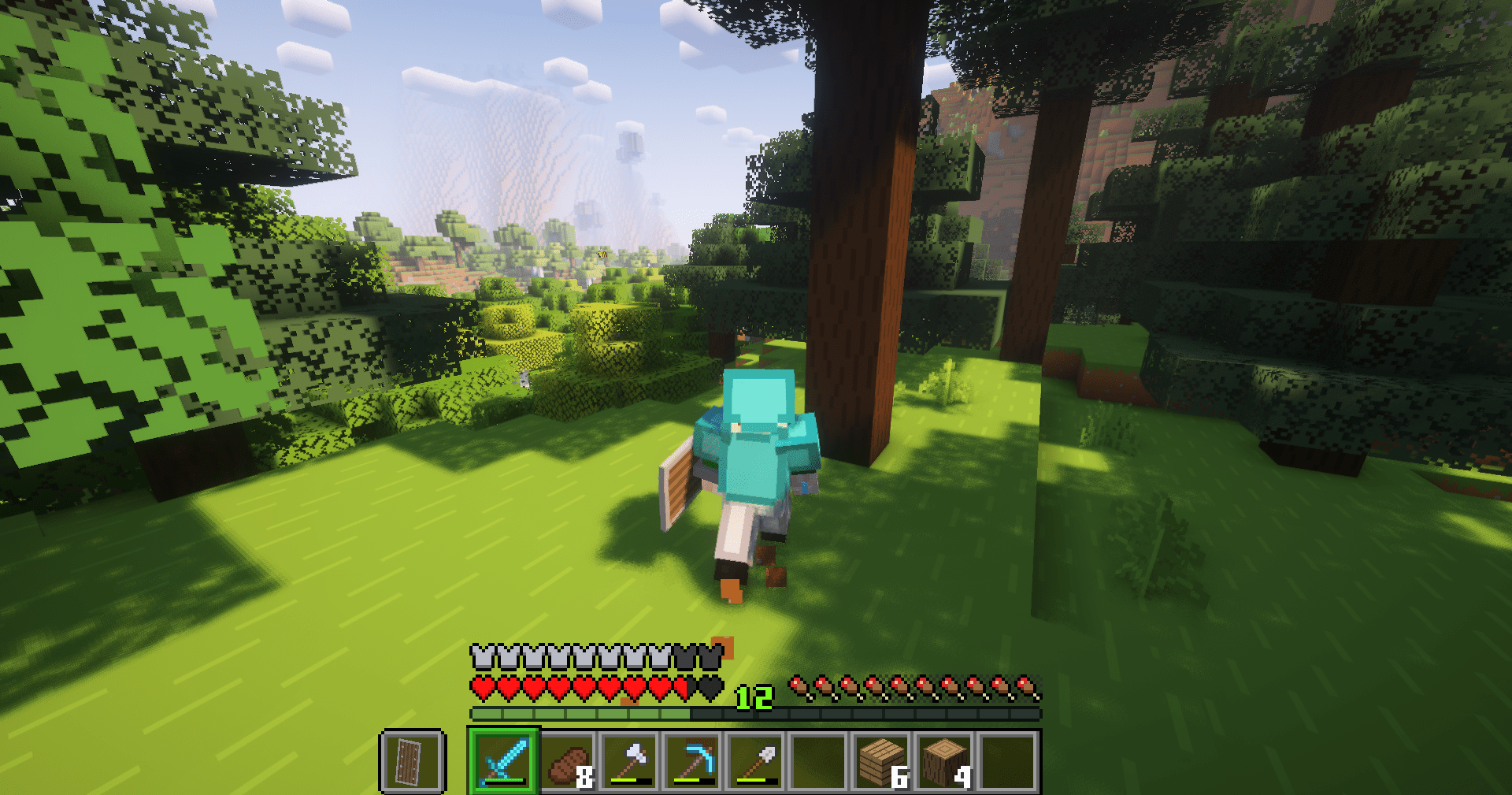 2024-08-11_14.41.50.png 2024-08-11_14.41.50.png
 -
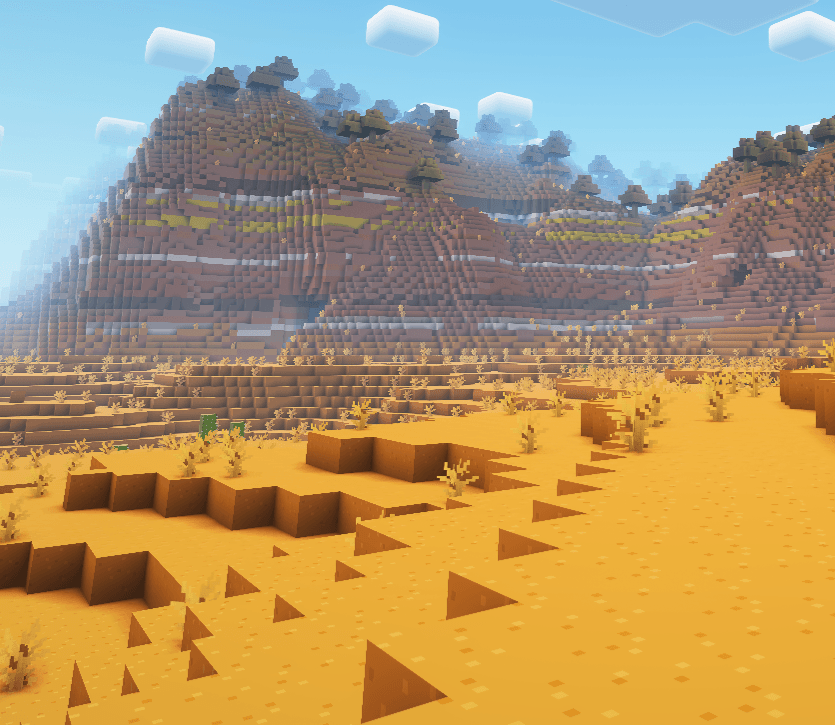 2024-08-11_14.33.55.png 2024-08-11_14.33.55.png
Versions
Files
Relations
Project Relations
More like this
Similar Modpacks
Suggestions use data such as tags, dependencies, dependents, descriptions, titles, and more to rank how much they overlap with this modpack.
On ModDex
Community snapshot
By the numbers
Statistics

Get it on
Available Platforms
On ModDex
Community snapshot
By the numbers
Statistics
Resources