
Community listing page, reviews here may not be monitored by the author.
Optimization Thing - {Template}

No reviews yet
A modpack you can use for your own! i created this so i can have a better time creating other ones without much hastle for optimization, sometimes there might be incompatibilities, use the curseforge terminal for info or spark mod to find out the issue
Community voices
Reviews
No reviews yet. Be the first to review this project!
Get it on
Available Platforms
About
Project Details
For authors
Embed Badge
If you're the author of this project, you can embed a live badge anywhere that supports HTML or Markdown. It updates automatically whenever ratings change.
Use HTML for any page that supports it, or Markdown for README files and Markdown-based descriptions.
Identifiers
Platform IDs
Resources
External Links
About
Description
It's more of a vanilla friendly modpack, there isn't much aside from it, only the fact you can ACTUALLY diagnose the problems using the tools the modpack provides.
I am planning to adding compat with the modpacks i make or you lot in the comments ask for.
Also, extra optimization! i made sure of it!
And of course, any suggestions and changes to the modpack would be very nice, leave me your suggestions and have fun creating your own packing's (i like it).
List of mods for diagnosing problems:
- Spark (use the /spark profiler start for a while and then stop, it will tell you exactly whats the cause of lag)
- Fps overlay (you can tell if something is off with it by seeing the low TPS and MIN FPS spikes)
- NotEnoughCrashes (Tells what caused the crash, and allows you to keep on minecraft without crashing! check the crash folder it created for info)
- Crash Assintant (If you actually crash even if N.E.C is installed this tells you exactly what you need, crashlogs, launcher logs and more stuff that you can find in it's description)
Configuration tips
General
Vsync = OFF
FPS = UNLIMITED
Render Distance = 6 Chunks
Simulation Distance = 8 Chunks
Quality
Graphics = FAST
Clouds = OFF
Weather = FAST
Leaves = FAST
Particles = FAST
Entity Distance = 50% ( not very necessary, only if there is ALOT of entities )
Entity Shadows = OFF
Vignette = OFF
You dont need to add this, just what i use normally and think is the best for performance.
Screenshots
Gallery
-
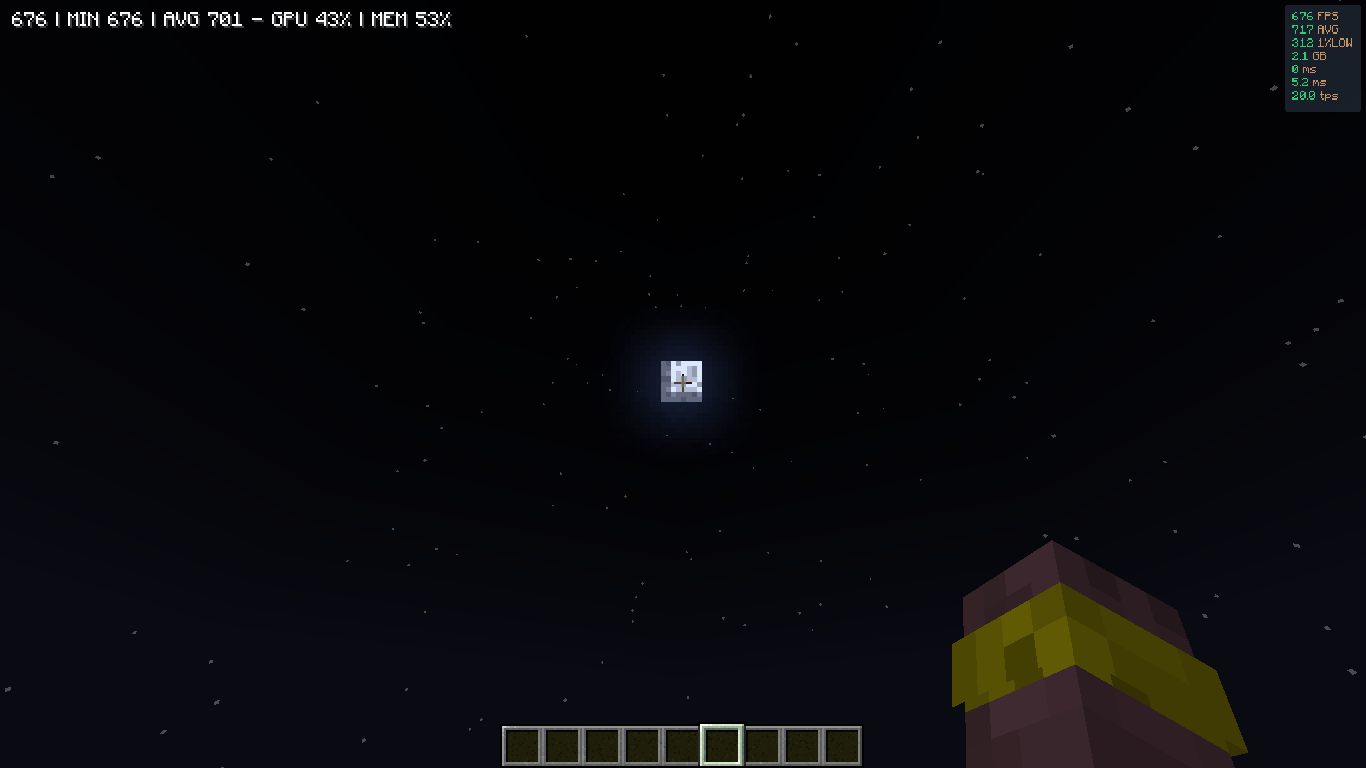 2026-07-27_17.18.02.png 2026-07-27_17.18.02.png
 -
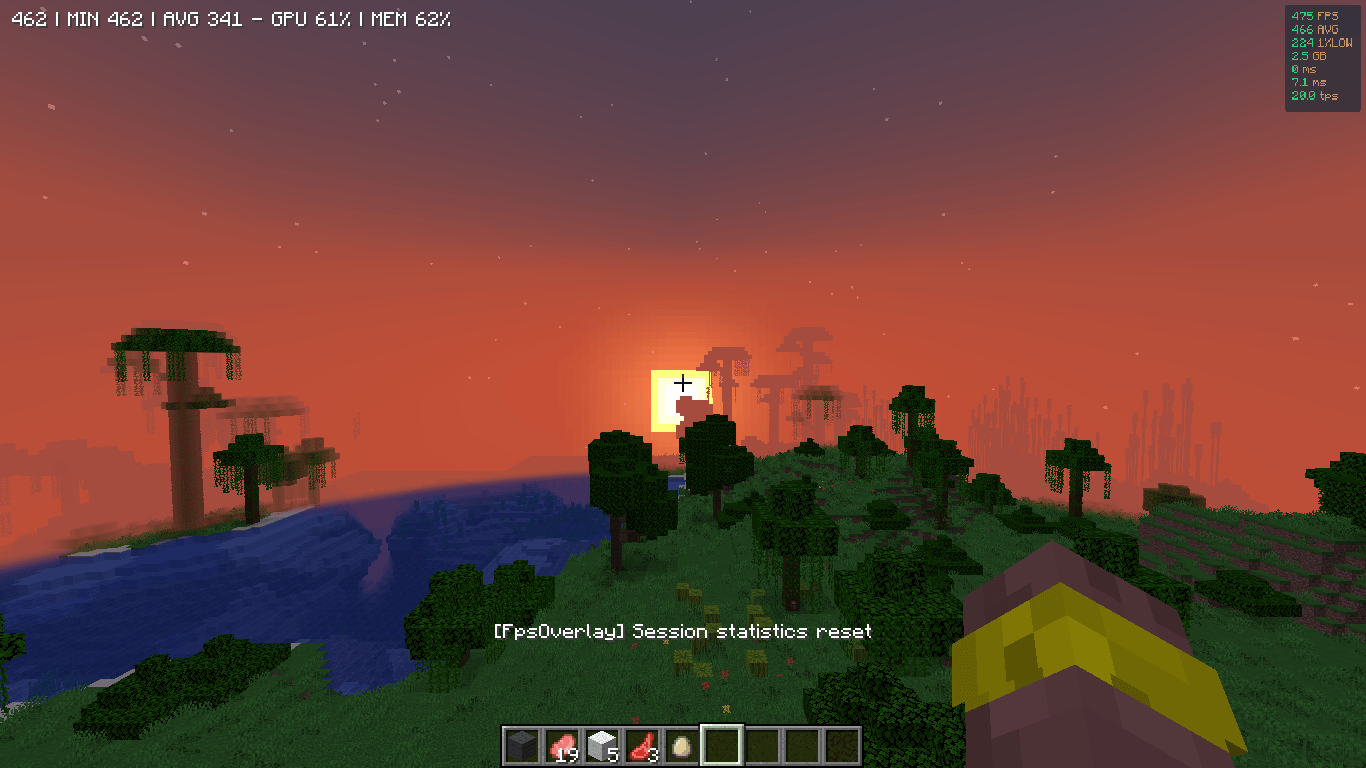 2026-07-27_17.14.22.png 2026-07-27_17.14.22.png
Versions
Files
Relations
Project Relations
More like this
Similar Modpacks
Suggestions use data such as tags, dependencies, dependents, descriptions, titles, and more to rank how much they overlap with this modpack.
On ModDex
Community snapshot
By the numbers
Statistics
Want to reach Minecraft players?
We're looking for a server hosting partner to feature here and other parts of the site. Interested? Send us a message!
Get in touchGet it on
Available Platforms
On ModDex
Community snapshot
By the numbers
Statistics
Resources