
Community listing page, reviews here may not be monitored by the author.
Over Vulkan

No reviews yet
Better performance than sodium using Vulkan rendering. 5x more fps compared to Vanilla.
Community voices
Reviews
No reviews yet. Be the first to review this project!
Get it on
Available Platforms
Compatibility
Supported Environments
Runs entirely on the client. Works on vanilla servers.
About
Project Details
For authors
Embed Badge
If you're the author of this project, you can embed a live badge anywhere that supports HTML or Markdown. It updates automatically whenever ratings change.
Use HTML for any page that supports it, or Markdown for README files and Markdown-based descriptions.
Identifiers
Platform IDs
Resources
External Links
About
Description
Over Vulkan uses a rendering mod called VulkanMod giving it better performance than Sodium. Normal Minecraft uses OpenGL for rendering. Vulkan is a different way of rendering a game, with waaay better performance. Expect around 500% more fps compared to vanilla (Dependent on your hardware).
Example: 200 Vanilla to >1000 Over Vulkan (render distance at 16 Vanilla and 32 for Over Vulkan)
Compatibility
Because this pack uses a different way of rendering, Vulkan, some mods wont be compatible. Mainly mods that adjust major visuals like Distant Horizons. Here is a list (note: this list is outdated, check the VulkanMod discord for an up to date list). It's compatible with servers.
Gameplay
No changes are made to the gameplay, because this pack is designed to be a foundation for your own pack or an optimized version of vanilla.
Requirements
To speed up chunk generation and general performance, a minimum of 2500-3500 Mb allocated memory is recommended. This is dependend on your render distance so playing with lower render distance allows a lower amount of allocated memory.
Installed Modpack > Settings > Java and memory > Memory allocated.
If you are experiencing stuttering, increase allocated memory or decrease render distance from the default 28!
If the modpack crashes on startup, add this to Custom java arguments
-Dorg.lwjgl.system.stackSize=256
Screenshots
Gallery
-
Icon image
-
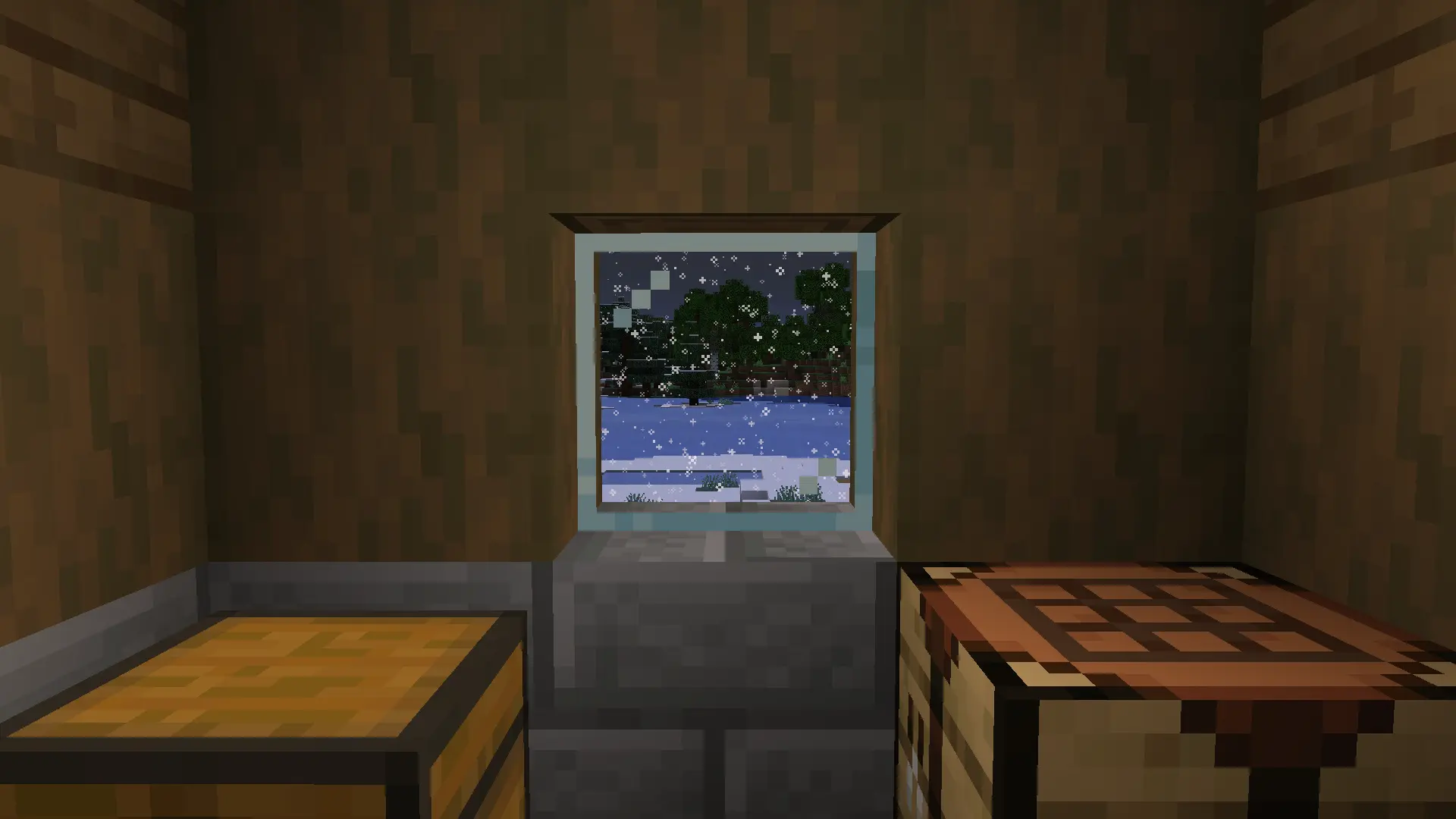 Villager home during snowstorm
Versions
Files
Relations
Project Relations
More like this
Similar Modpacks
Suggestions use data such as tags, dependencies, dependents, descriptions, titles, and more to rank how much they overlap with this modpack.
On ModDex
Community snapshot
By the numbers
Statistics

Want to reach Minecraft players?
We're looking for a server hosting partner to feature here and other parts of the site. Interested? Send us a message!
Get in touchGet it on
Available Platforms
On ModDex
Community snapshot
By the numbers
Statistics
Resources