Polymania!
No reviews yet
Server side perfected. A kitchen-sinky modpack, allowing for fully modded experience without installing a single mod on the client.
Does not follow a specific thematic focus apart from vanilla Minecraft.
Focuses on automation and resource processing through scientific and mechanical means, utilizing systems like electricity (RF/FE/etc), air pressure, or rotation.
Includes a large focus on traversing worlds with enhanced world generation, structures, dungeons, and more for players to find unique loot.
Includes a little of everything without sticking to any one particular type of gameplay or style.
Features machines that process raw materials or automation processes.
Features a method of a programmable language system, ranging from pictographs to real programming languages.
Enhances or adds content related to Illagers, such as new types and behaviors.
Enhances farming mechanics and introduces new crops and livestock.
Ideal for small groups of players or cooperative gameplay.
Fabric is a mod loader for versions 1.14+ of Minecraft, particularly popular for client side and optimization mods.
Community voices
Reviews
Click once to include, again to exclude, again to clear
No reviews yet. Be the first to review this project!
Get it on
Available Platforms
 Modrinth
Compatibility
Supported Environments
About
Project Details
For authors
Embed Badge
If you're the author of this project, you can embed a live badge anywhere that supports HTML or Markdown. It updates automatically whenever ratings change.
Use HTML for any page that supports it, or Markdown for README files and Markdown-based descriptions.
Identifiers
Platform IDs
About
Description

Welcome to Polymania!
Polymania is a kitchen-sinky, Fabric Server-Side modpack, which main goal is to provide the classic modded experience, while being easy to install and use. It's ideal for a server you want to play on with your friends, as the only thing needed is a place to host it and vanilla Minecraft client!
This modpack is contains:
- A full on factory/automation with machinery powered by rotation and logic cables, provided by PolyFactory mod!
- Many new decorative and building blocks blocks for builders from furniture to new bricks and stones! Provided by PolyDecorations, Blockus and others.
- New biomes and structures, thanks to mods and datapacks such as Cliff under a Tree, Traverse, Cinderscape, Enderscape and more.
- New mobs, friendly and aggresive, by Tom's Mobs, Illager Expansion Recrafted and others.
- Programmable computers from ComputerCraft, modified to work server side.
- New plants and food types, provided by Farmer's Delight and others.
- And more!
Installation.
Modpack is available on Modrinth, but can be easily installed on any hosting service that supports custom jars. Naturally it can also be installed on Modrinth Servers using it's builtin modpack installer.
Provided installer (Recommended).
Every release of a modpack provides extra file named server.jar. Just download it and run it like any other Minecraft server (see MC wiki for running it locally, or follow your server hosting tutorial about using custom jars). Only thing you will need to do is to accept Minecraft's eula.
Using mrpack4server.
You can use mrpack4server just as it's described in it's readme.
Officially provided server.jar uses pre-configured version of it set to download the pack, so there should be no functionality difference aside of having to set it up manually.
Other methods.
Other known methods of installing modrinth modpacks include mrpack-installer, itzg/minecraft-server docker image or any other compatible installer, through I wouldn't suggest using them for non-technical users.
Faq
Can I check all recipes somehow? Also can I hide the block names on top of the screen!
Yes! You can use /polydex command to show all available item recipes. Block/Entity names on top of the screen are also
handled by the Polydex. You can read more about it here!
Can I run this modpack on the client/singleplayer?
It might work, but it's not as tested as running this pack on a server. At least for versions 0.3.0-beta.3 and newer it should work. Older versions will be missing mods, if not crash outright. Try for yourself.
Can I use Geyser with this?
Currently? Sadly not. Due to many differences between how java and bedrock handle many technical / datapack / resourcepack features, this modpack won't work correctly with Geyser users. So even if they managed to join, they likely won't see textures and models correctly, while also not being able to use some items and blocks at all.
Does ViaVersion / ViaBackwards work with this?
Heavily depends on versions you use. Generally it might work in some cases, where enough things didn't change, but at least with older versions things will work worse if not at all in case it's missing required behaviour/feature. In case of newer version, it's possible some things won't work due to format / display changes in Minecraft resource pack features, through it should be way more compatible.
Modified mods, included assets and licenses.
Polymania uses forks of mods, which source code/changes you can see check at PolymaniaForks github page. Their usage might change as the pack updates.
Additionally it includes:
- It includes port of Dark Paintings as a datapack/resourcepack combo, which you can find under
config/openloader/data/DarkPaintings.zip. - Modified version of Moss Carpet Overhang resource pack form Vanilla Tweaks, making it cull more when placed on sides of other carpets/blocks. You can find it in
polymer/override_assets/assets/minecraft/(block|item)/moss_carpet.jsonandpolymer/override_assets/assets/minecraft/textures/block/moss_carpet_overlay.png - Unsanded by unascribed, modified to exist as it's own font instead of overriding vanilla. You can find it in
polymer/extra/Unsanded-1.1.1-custom.zip. - Lato Regular Font as an extra usable font. You can find it in
polymer/override_assets/assets/polymania/font/lato. - Tweemoji as emoji's used with Styled Chat. You can find it in
polymer/override_assets/assets/polymania/textures/emoji. - (0.4.4 and older) Fork/Development version of PolyMc by TheEpicBlock and PolyConfig by TheEpicBlock, a translation layer without which this modpack would never exist, which source you can find on GitHub: PolyMc, PolyConfig. You can find them in
mods/PolyMc-(ver).jarandmods/polyconfig-(ver).jar.
You can see the license of these files on provided websites.
Polymania Extras mod (under /mod/ in repo) is provided under LGPLv3
Included jar files might have their own licenses, either included directly in the jar or provided as a field in fabric.mod.json file.
Other files included in modpack are provided under CC BY-NC 4.0.
Screenshots
Gallery
-
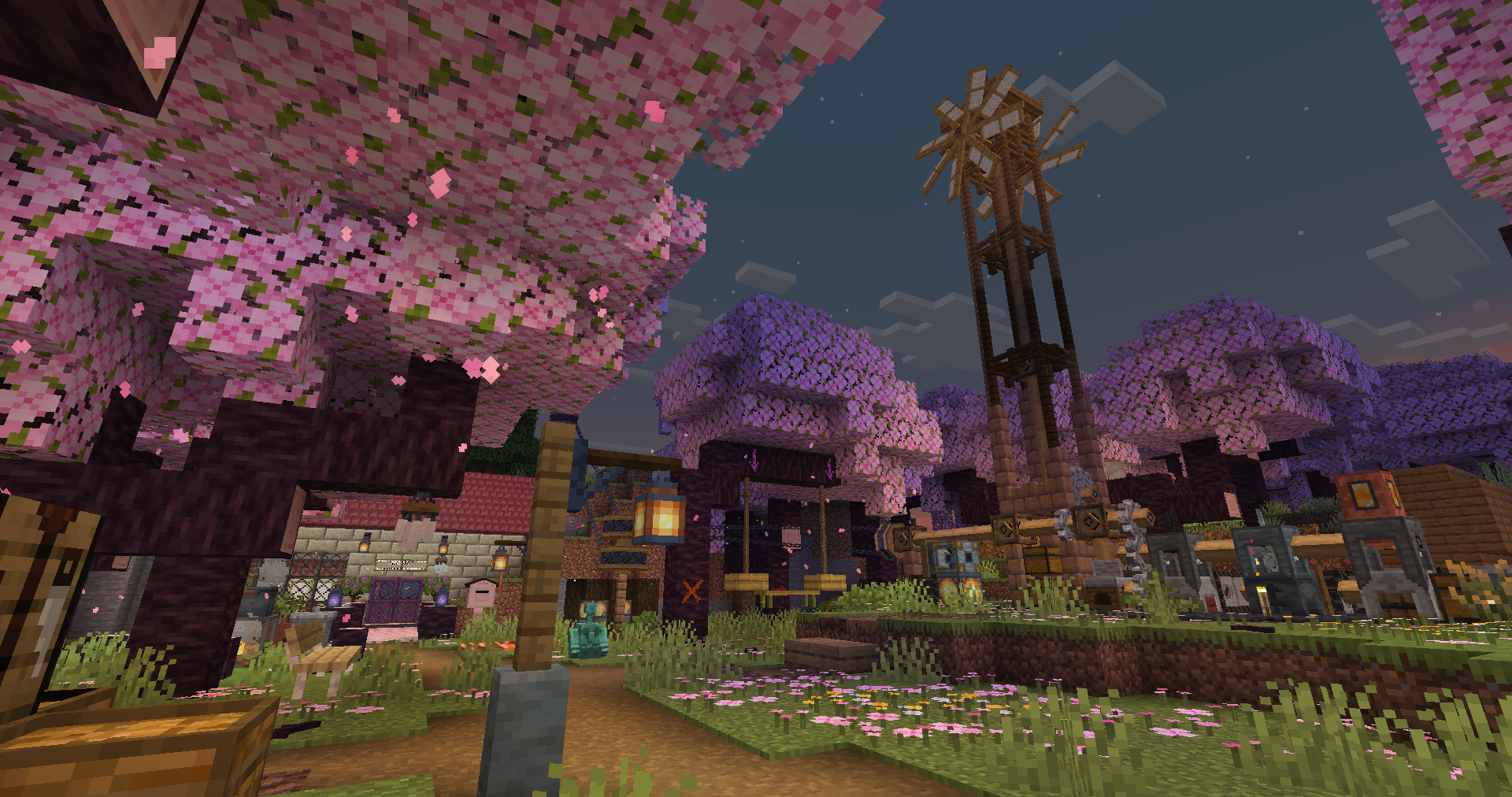
A base in a cherry grove (Machinery) / Player-made
-
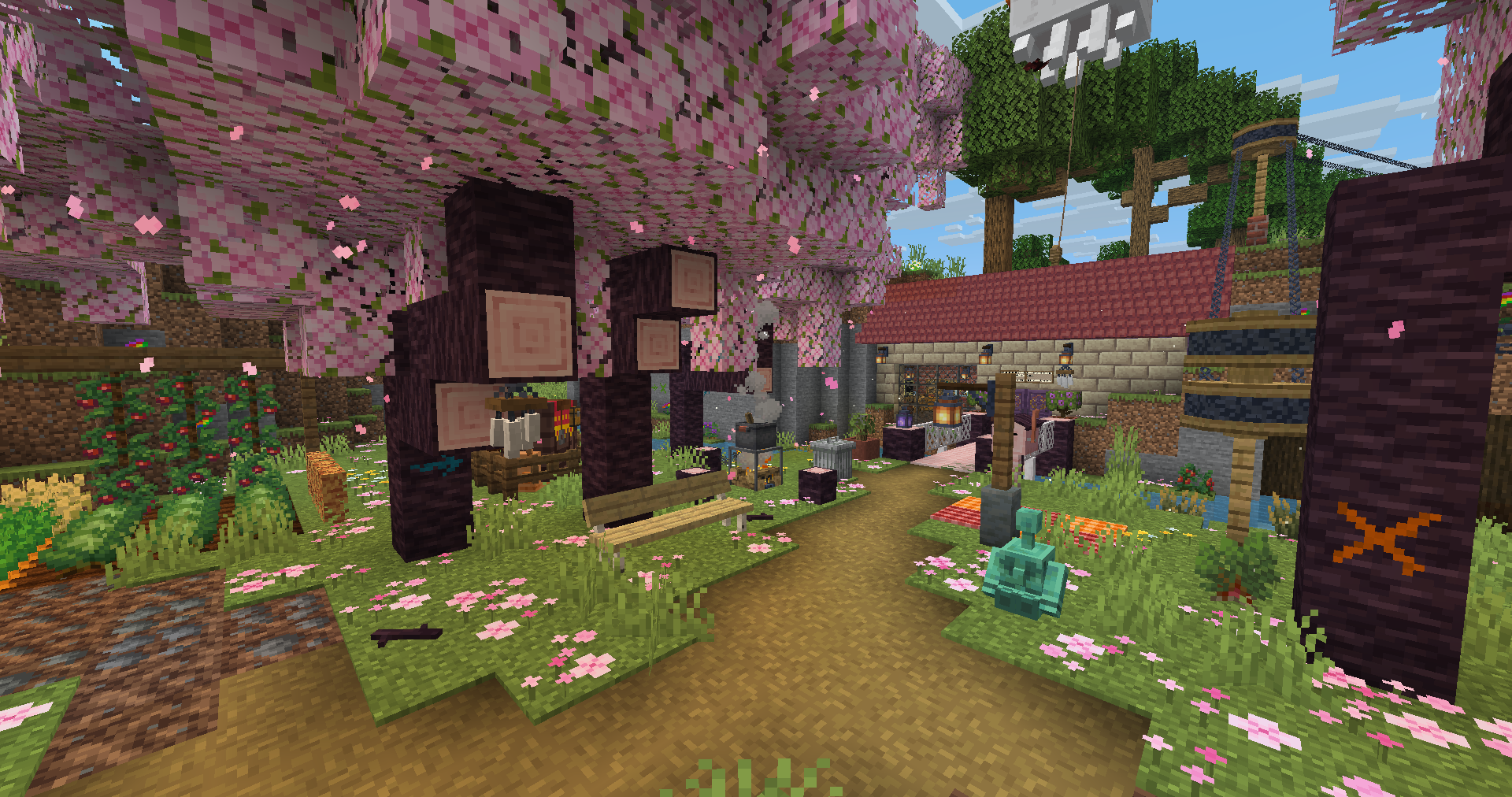 A base in a cherry grove / Player-made
 -
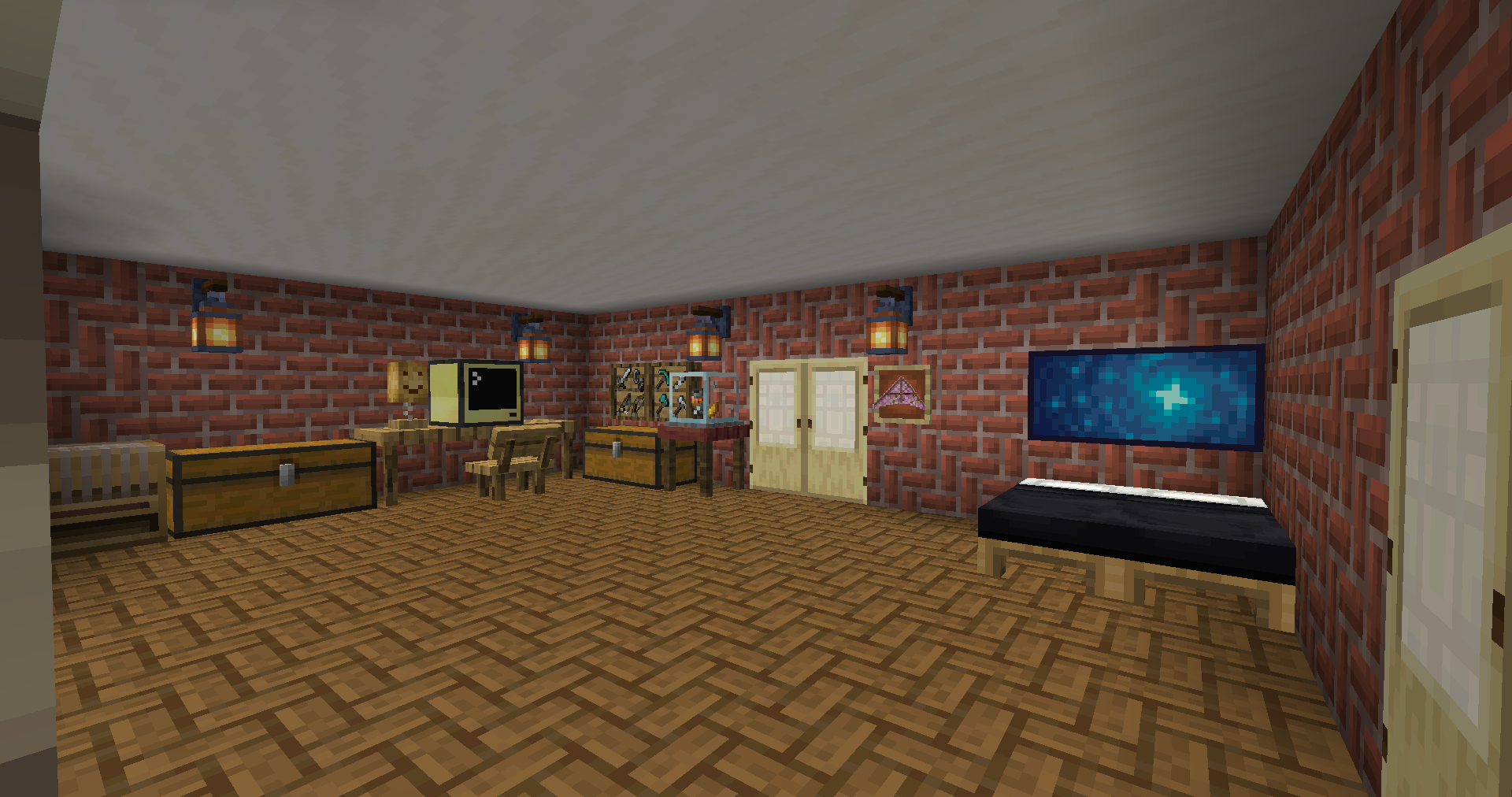 Inside of a base / Player-made
 -
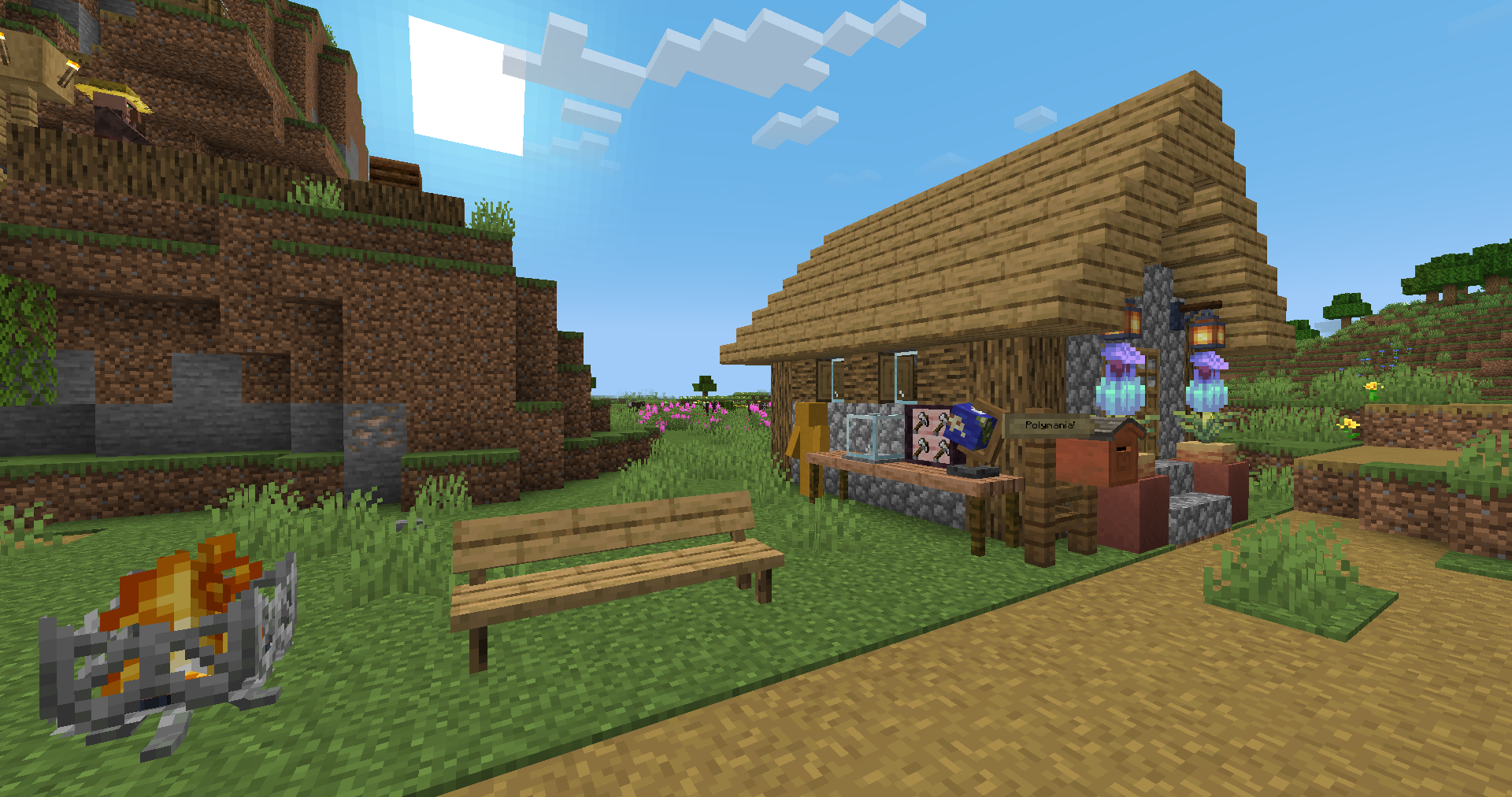 Some blocks from PolyDecorations
 -
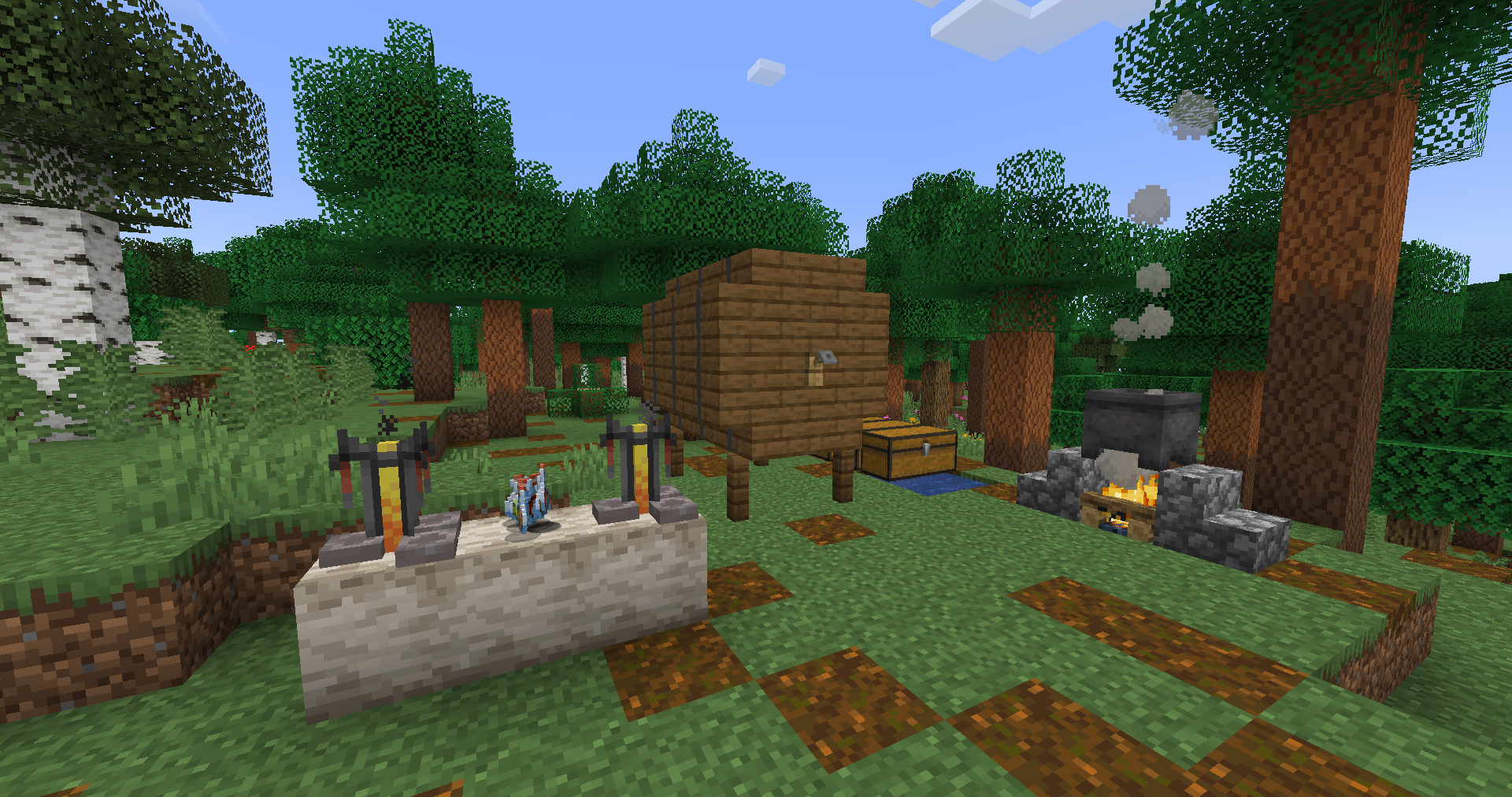 Simple Brewery setup.
 -
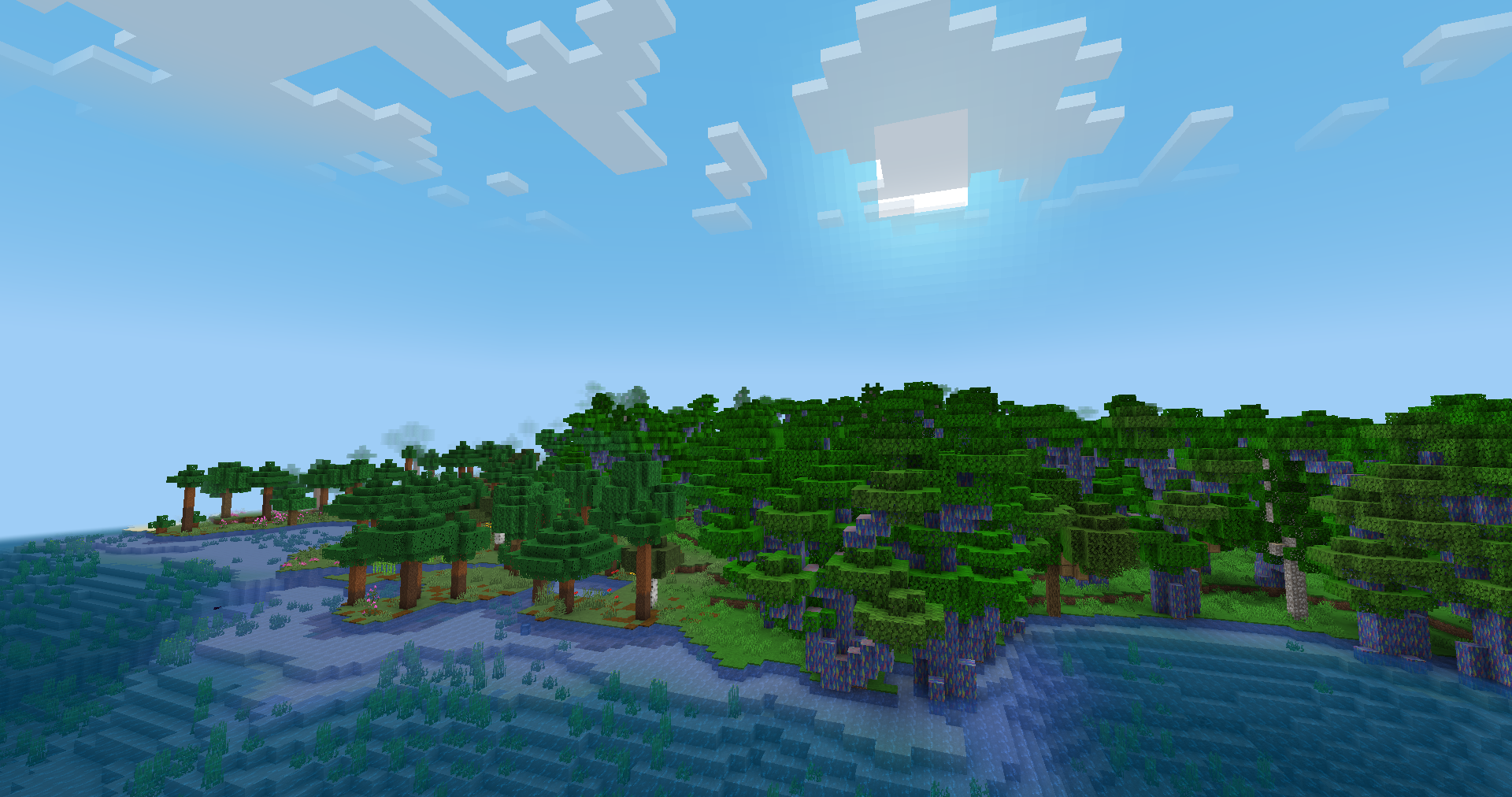
New biomes added by Traverse & Woods and Mires
-
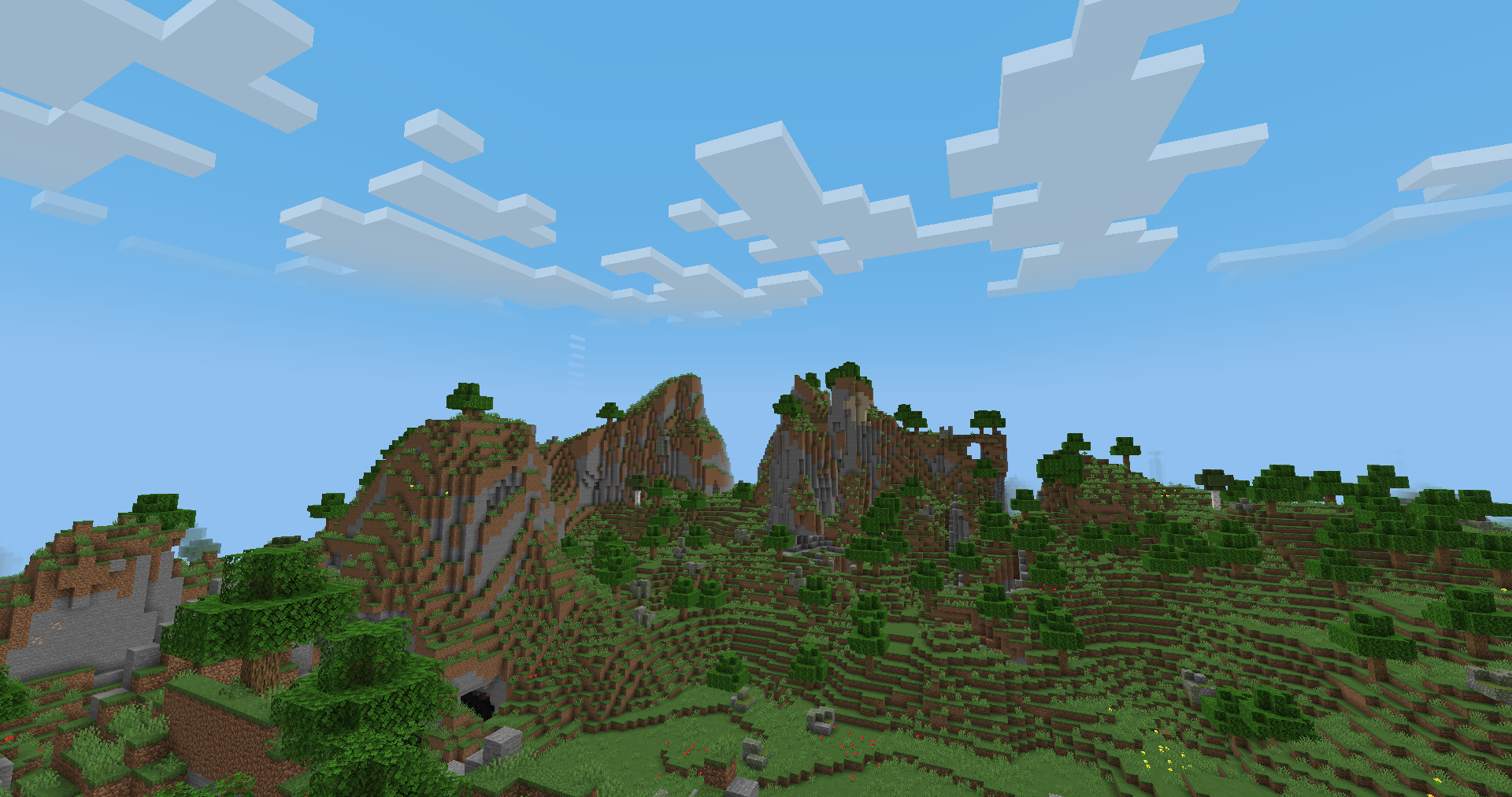 World generation changes from Cliff under a Tree
 -
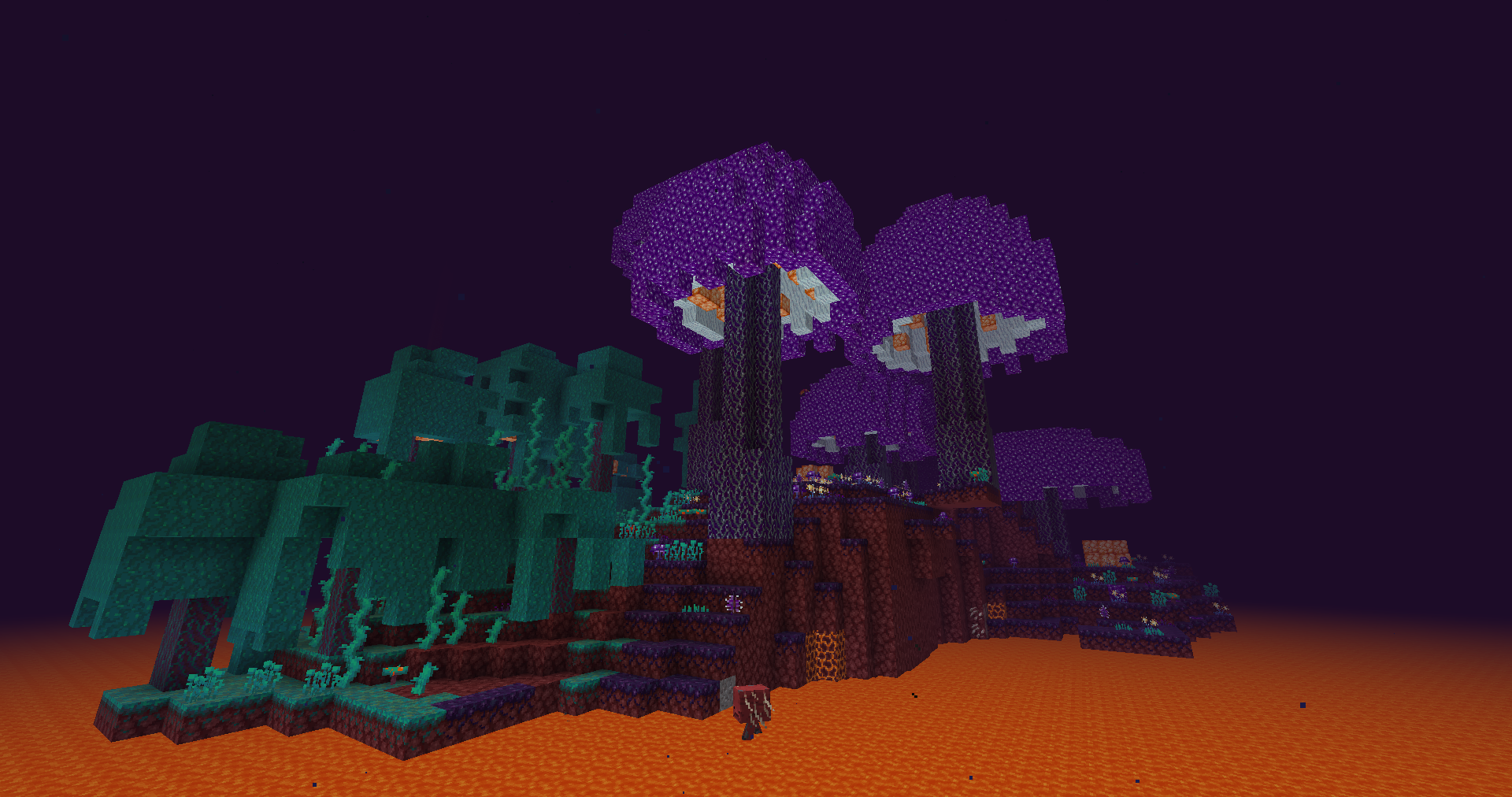
New Nether biomes added by Cinderscapes! [1]
-
![New Nether biomes added by Cinderscapes! [2]](https://cdn.modrinth.com/data/gDvfyRyQ/images/b2215c103dfb9ed0a00bace113942f606c91ee6e.png) New Nether biomes added by Cinderscapes! [2]
New Nether biomes added by Cinderscapes! [2] -
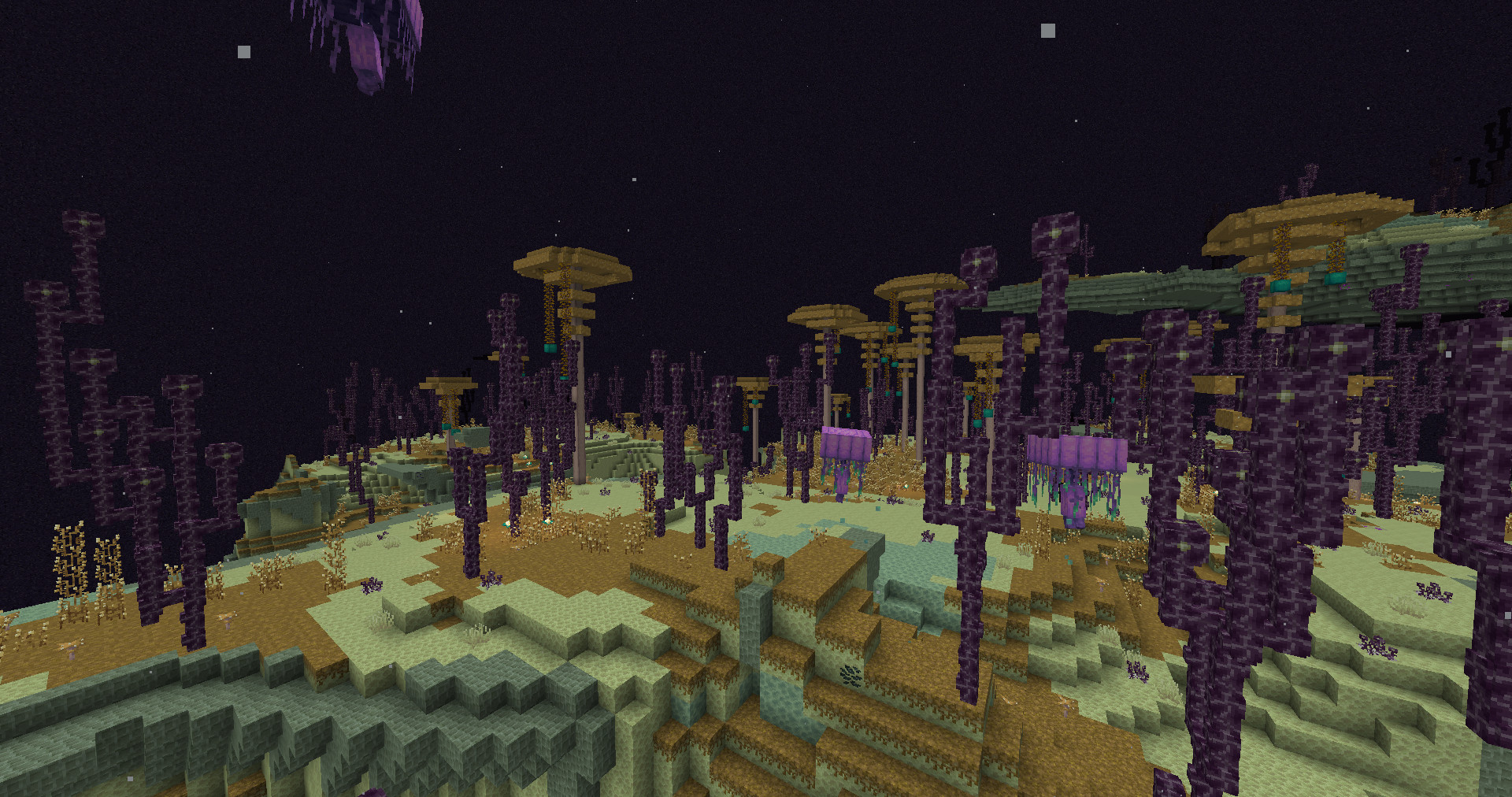 Enderscape's Celestial Grove biome
 -
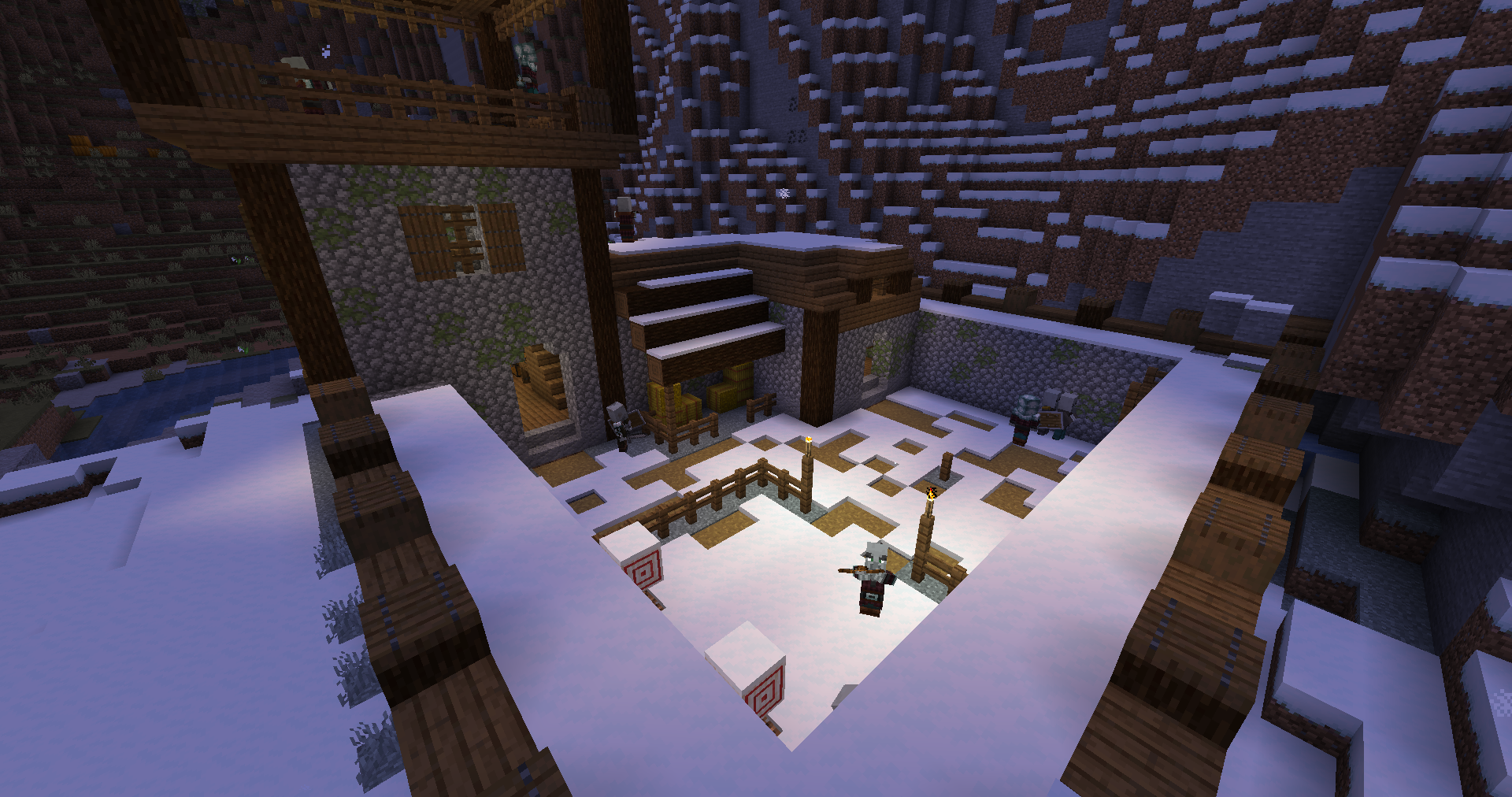 Illager Fort added by Illager Expansion Recrafted
 -
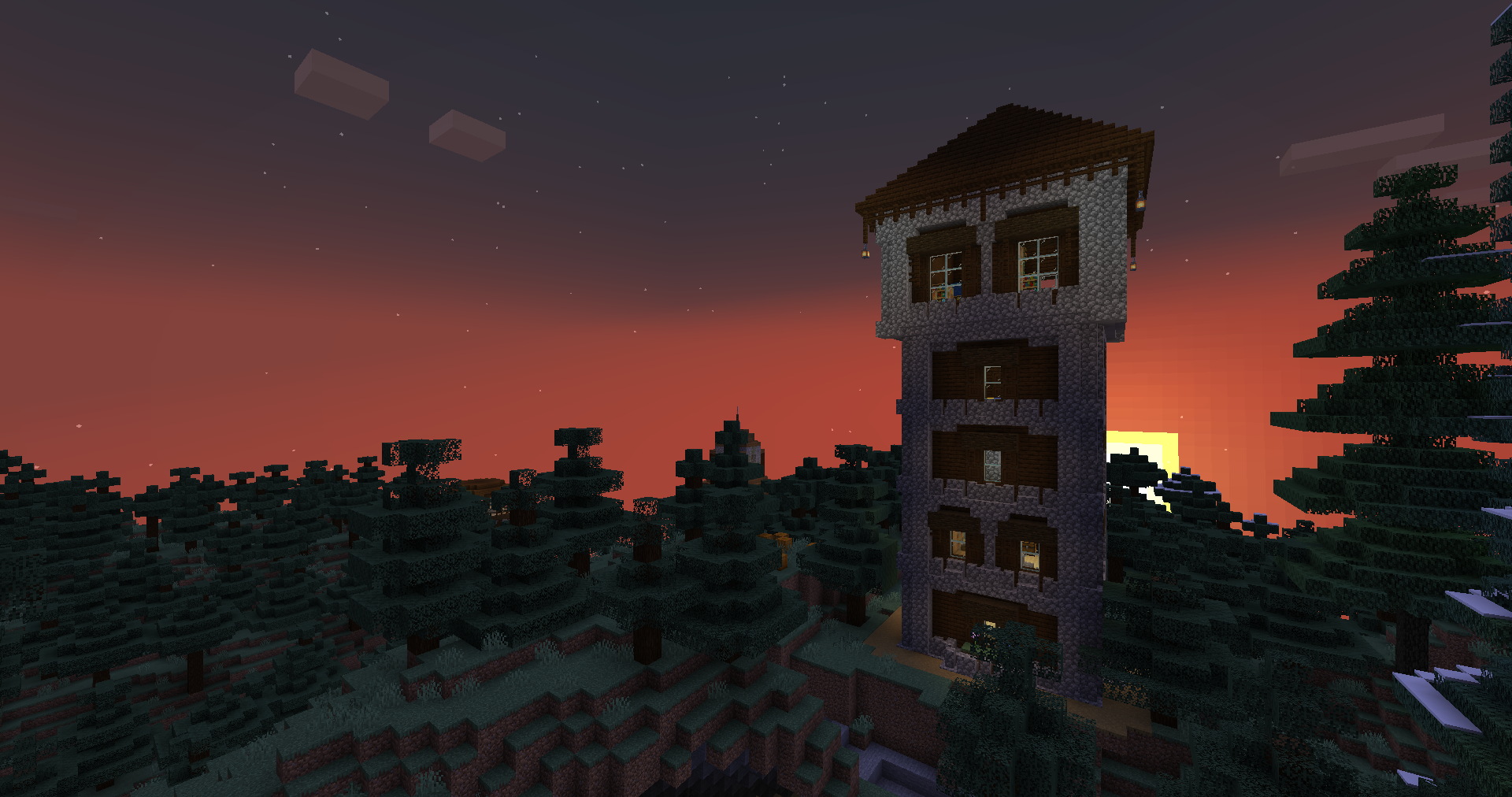 Illager Tower from Illager Expansion Recrafted
 -
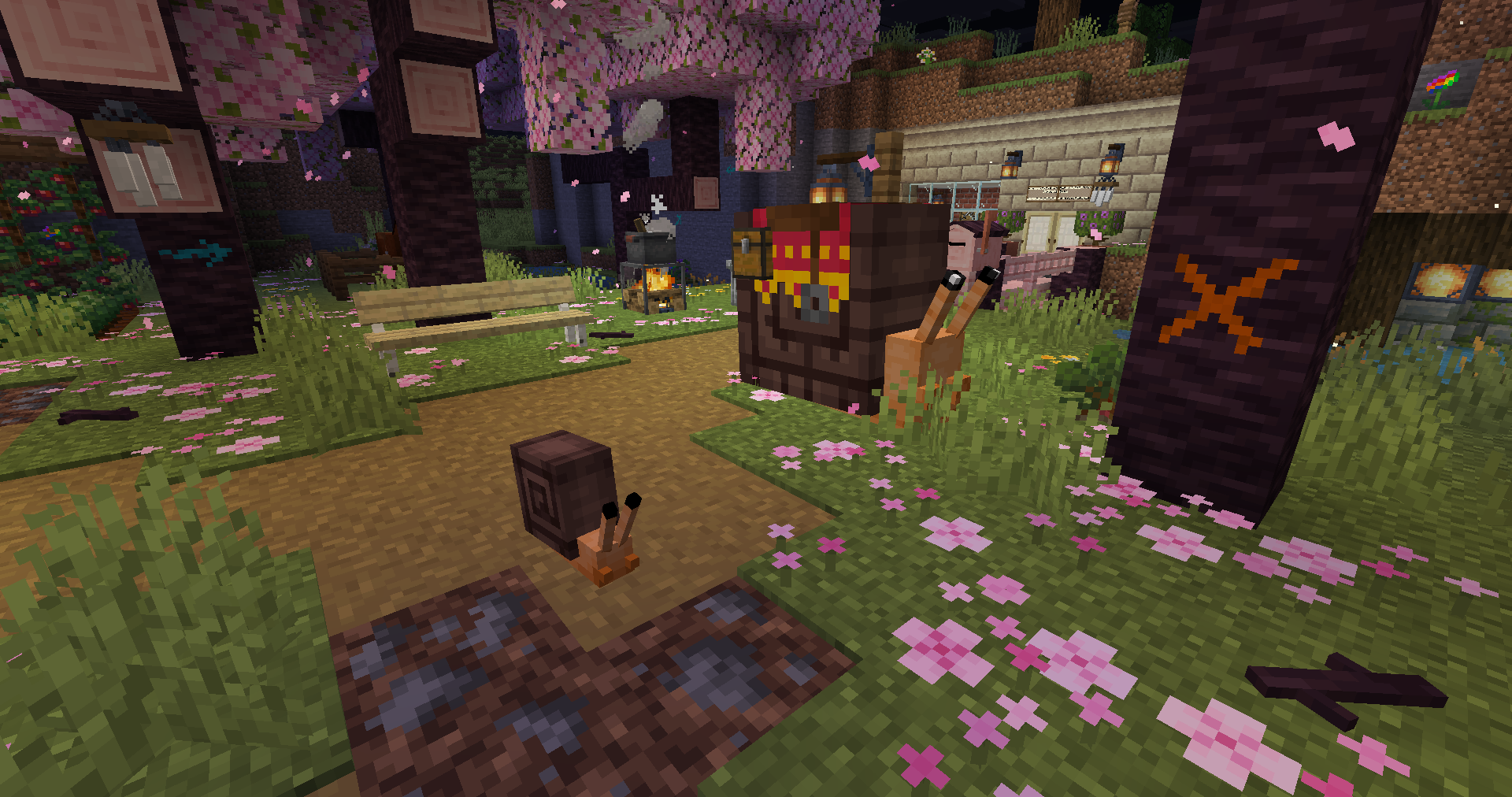 Snails from Lovely Snails
 -
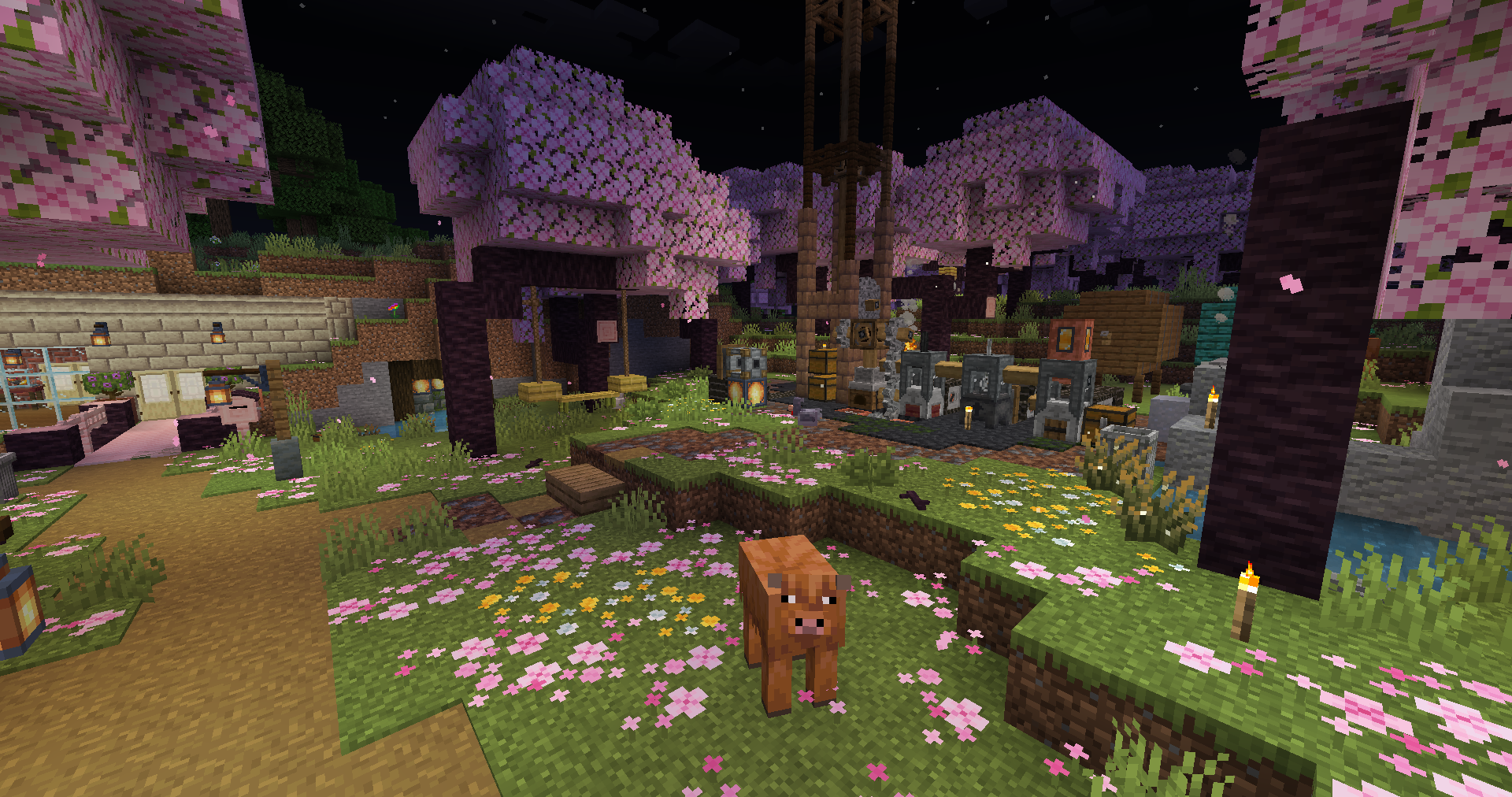 Polymania on 1.21.5
 -
Modpack "Title" icon
-
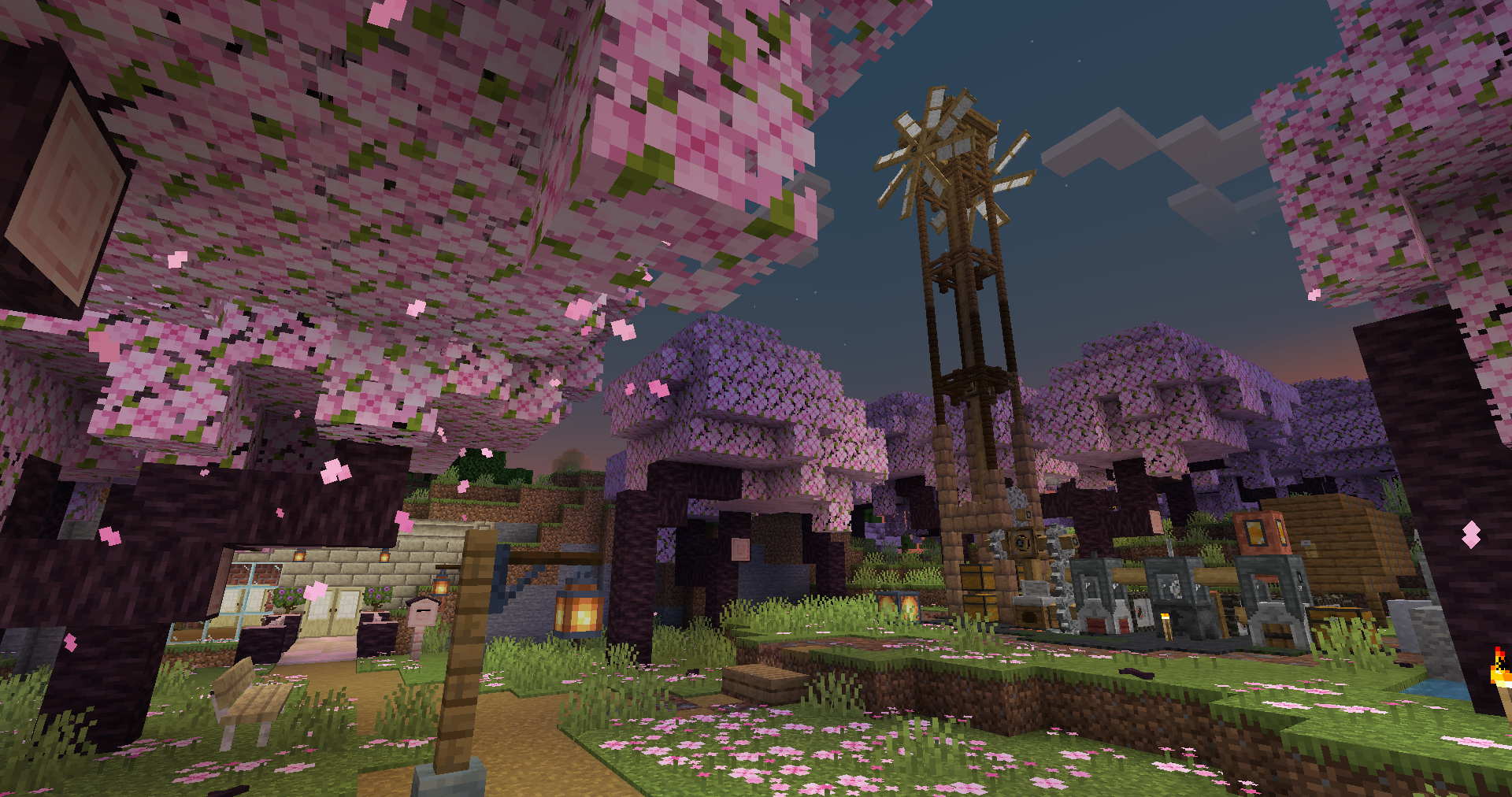 A base in a cherry grove (Machinery) / Player-made (Old image)
 -
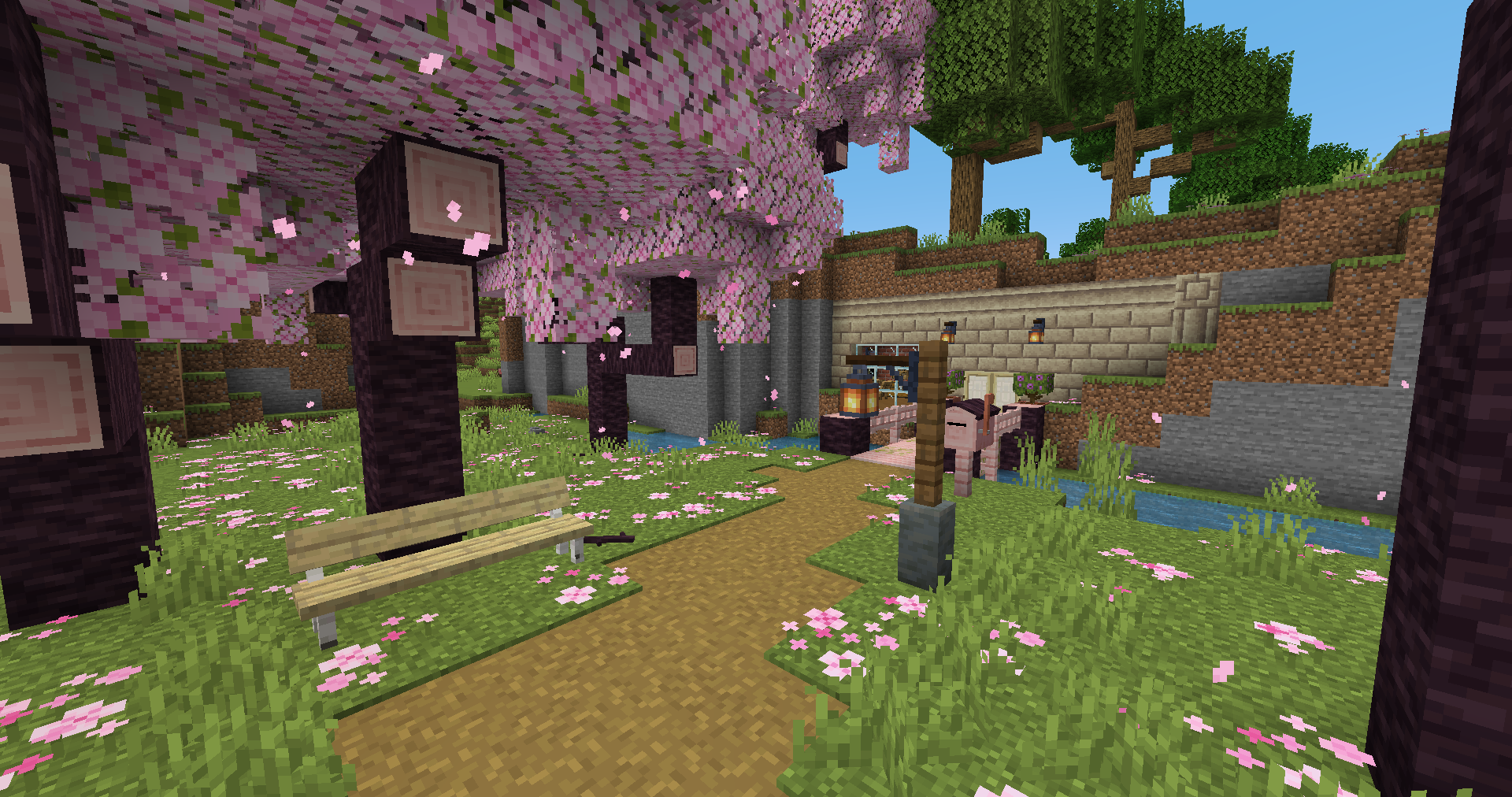 A base in a cherry grove / Player-made (old image)
Versions
Files
Relations
Project Relations
More like this
Similar Modpacks
Suggestions use data such as tags, dependencies, dependents, descriptions, titles, and more to rank how much they overlap with this modpack.
On ModDex
Community snapshot
By the numbers
Statistics

Want to reach Minecraft players?
We're looking for a server hosting partner to feature here and other parts of the site. Interested? Send us a message!
Get in touchGet it on
Available Platforms
On ModDex
Community snapshot
By the numbers