Community listing page, reviews here may not be monitored by the author.
Prehistoric World 2 | Unusual Prehistory 2, Dinosaurs, Quests & More

No reviews yet
An exploration and progression-focused modpack where you'll uncover ancient fossils, revive long-extinct creatures, and explore worlds lost for millions of years.
Community voices
Reviews
No reviews yet. Be the first to review this project!
Get it on
Available Platforms
About
Project Details
For authors
Embed Badge
If you're the author of this project, you can embed a live badge anywhere that supports HTML or Markdown. It updates automatically whenever ratings change.
Use HTML for any page that supports it, or Markdown for README files and Markdown-based descriptions.
Identifiers
Platform IDs
Resources
External Links
About
Description
Prehistoric World 2 is an exploration and progression-focused modpack where you'll uncover ancient fossils, revive long-extinct creatures, and explore worlds that have been lost for millions of years. From towering dinosaurs to Ice Age mammals, every expedition rewards you with new discoveries and new challenges.

Build your own dinosaur sanctuary, explore forgotten dimensions, uncover ancient ruins, and face creatures that once ruled the Earth. Along the way, you'll encounter dangerous predators, powerful bosses, hidden treasures, and countless new places waiting to be explored.
Whether you enjoy collecting prehistoric creatures, building impressive facilities, automating your base, or simply exploring a world full of new content, Prehistoric World 2 offers a complete adventure from beginning to end.
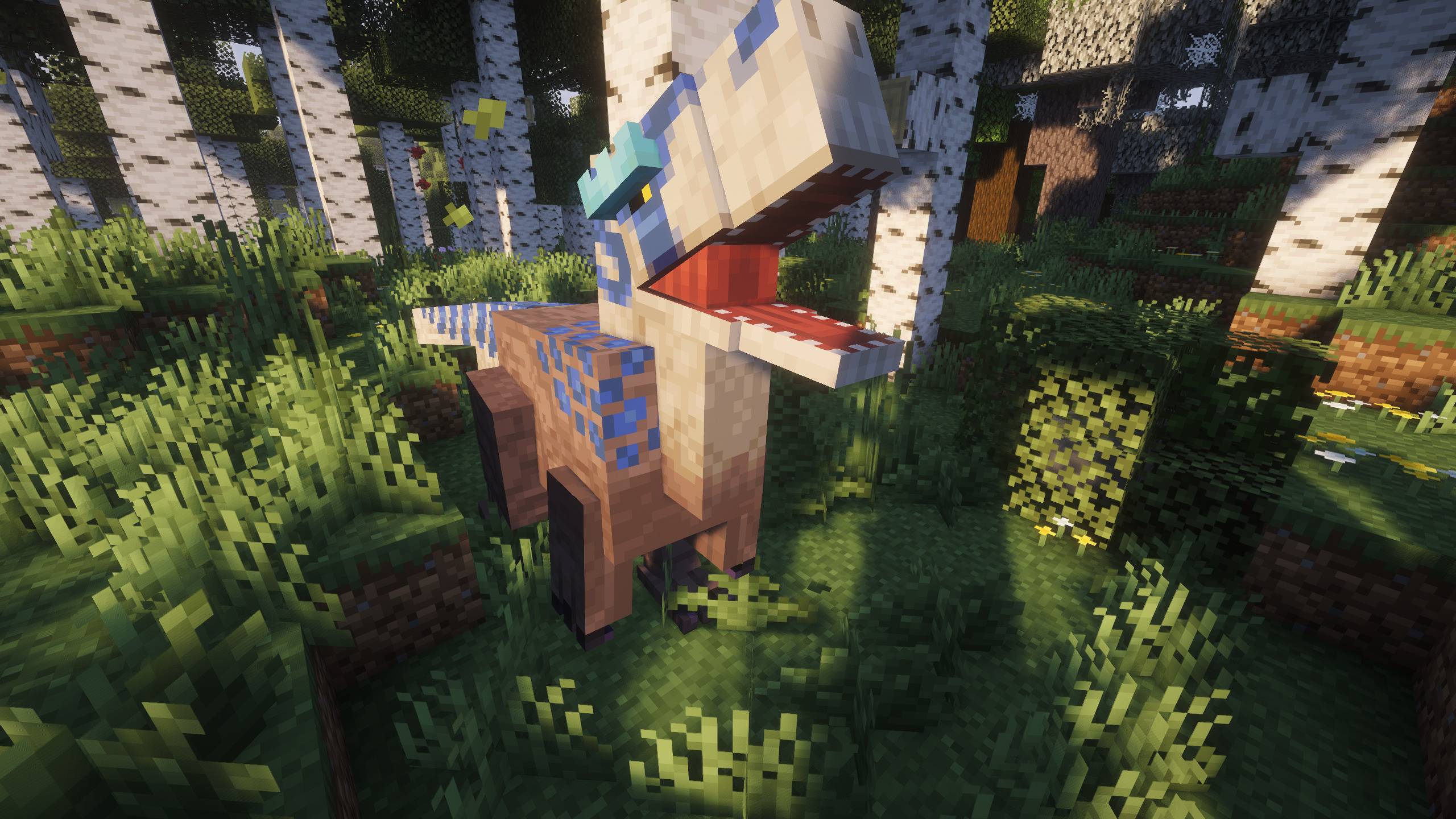
🦖 Revive dinosaurs by excavating fossils, extracting DNA, and bringing dozens of extinct species back to life with Unusual Prehistory 2.
🦣 Travel through prehistoric eras with Unearthed Journey, exploring the Paleogene, Neogene, and Pleistocene, each with its own creatures, resources, and landscapes.
🐘 Encounter even more extinct animals thanks to Wan's Ancient Beasts, Blast From The Past and the dinosaur cave from Alex's Caves.
📖 Progress through hundreds of custom quests that guide you naturally through every major feature of the modpack.
🔫 Protect yourself from dangerous predators using Timeless and Classics Zero (TaCZ), build secure research facilities with SecurityCraft, and automate your base using Create.
🌍 Explore a world full of adventure, including improved world generation, hundreds of structures, powerful bosses, new dimensions like The Aether and The Twilight Forest, Companions, Legendary Monsters, and much more.
✔️ Carefully optimized with performance improvements, visual enhancements, quality-of-life features, and multiplayer support for a smooth gameplay experience.
Do you need a server to play with your friends?

If you're looking for a server to play Prehistoric World 2 or any other modpack with your friends, I highly recommend BisectHosting. I've been using them for many years, and I truly believe it's one of the fastest and most reliable hosting services out there.
If you want to start your own server, you can get 25% off using the code "Lupin" through this link.

Minecraft keeps loading? You enter the world but your FPS is low?
Please make sure to increase the RAM in case you need it, most problems are due to this. If you use the curseforge app, it's as easy as clicking on profile options, uncheck the option to use default memory system and move the bar to the right (at least we recommend 8GB or 8192 MB).
If you see that it is still not enough, increase the RAM more!
Is there an error with your server?
Unfortunately, when setting up a server on your own, or hiring a hosting that I have not recommended, the modpack may not work.
This modpack work perfectly with BisectHosting, so I recommend 100% to hire such hosting. Also, you will get a 25% discount if you do it through this link and use the code "Lupin".
Please note that for this modpack, we recommend a minimum of 8GB of RAM. If you are a large number of players, you should consider increasing the amount of RAM even more.
What files should I copy to the .minecraft folder?
I really recommend you to use the CurseForge app, it is much faster and you avoid errors. Also, if you prefer to do an installation on your own, it is absolutely essential to copy both the "mods" folder and the "config" folder.
Many users forget to copy the "config" folder, this is a really bad thing. The mods in the modpack have been modified, and if you do not copy this folder, you will not be able to enjoy the modifications we have made.

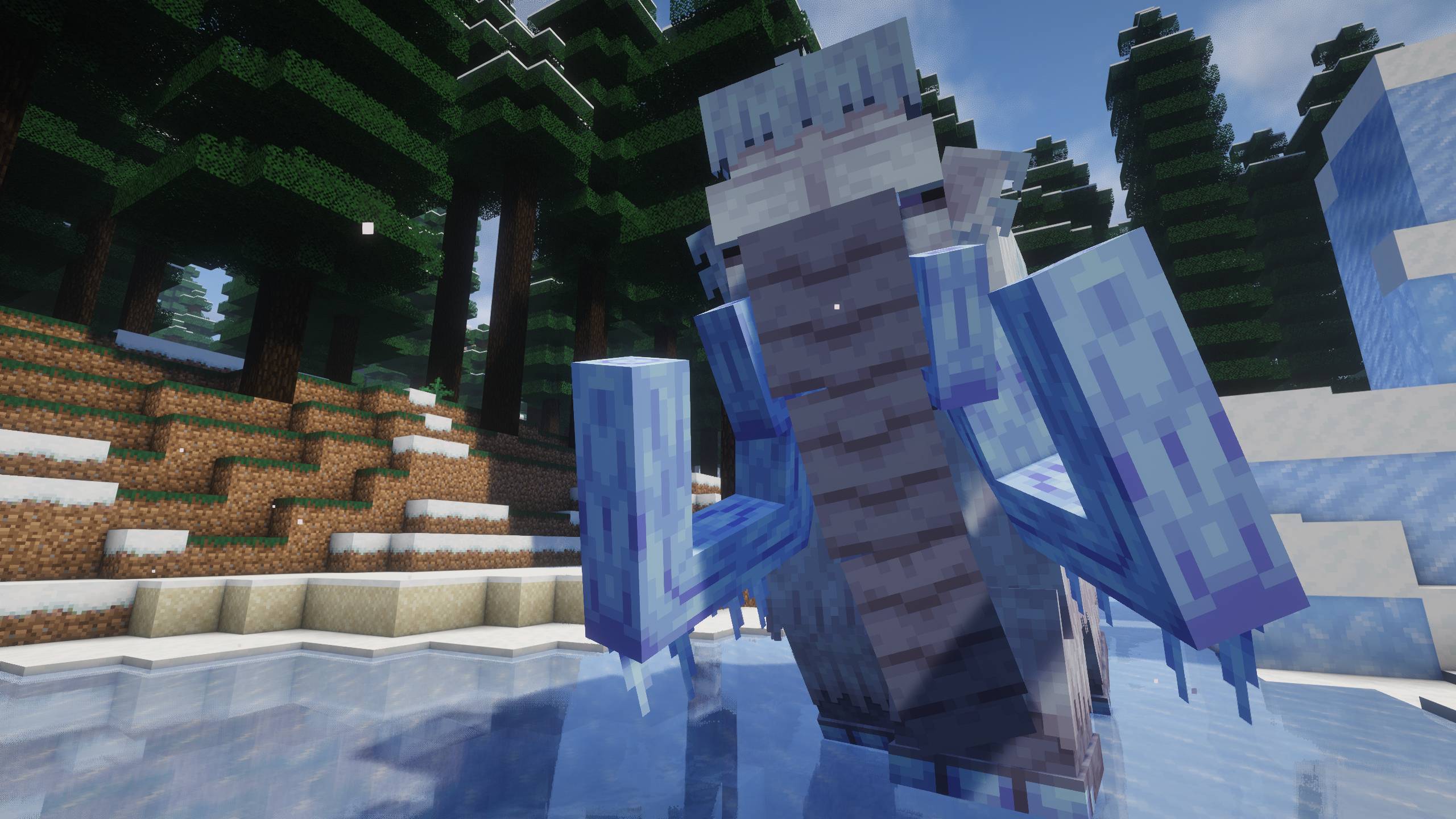
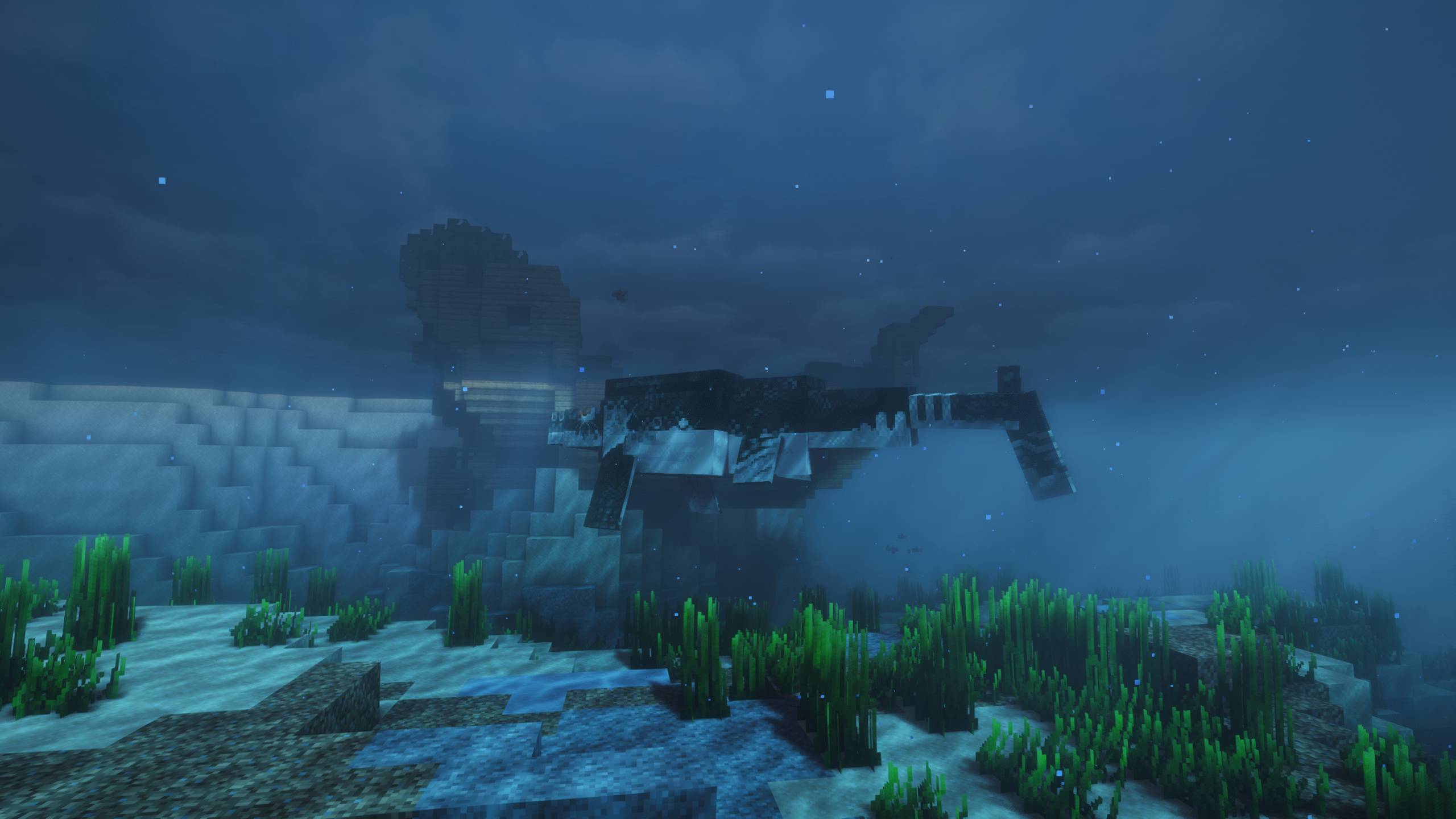
Screenshots
Gallery
-
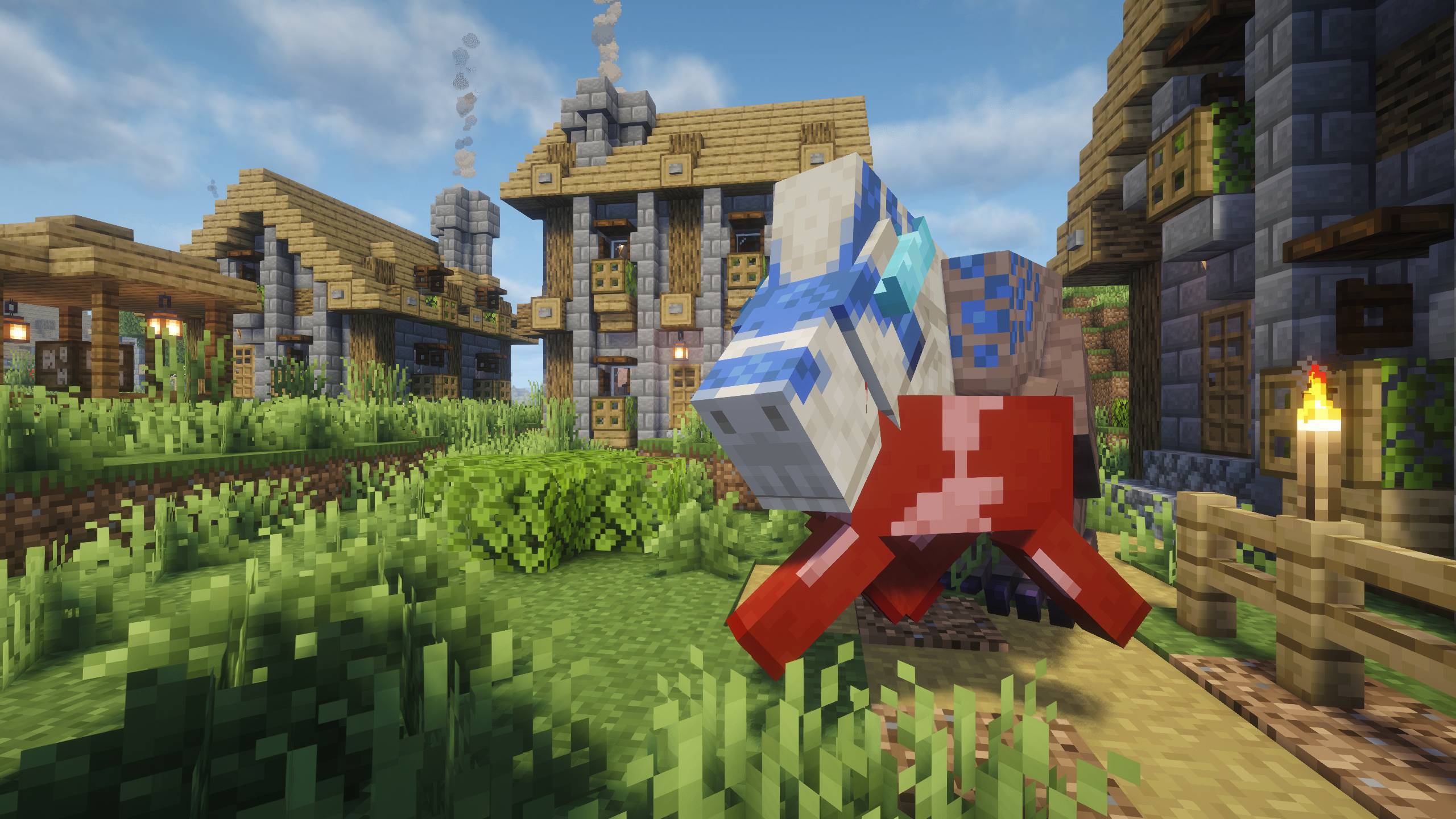 Prehistoric World II
 -
Prehistoric World II
-
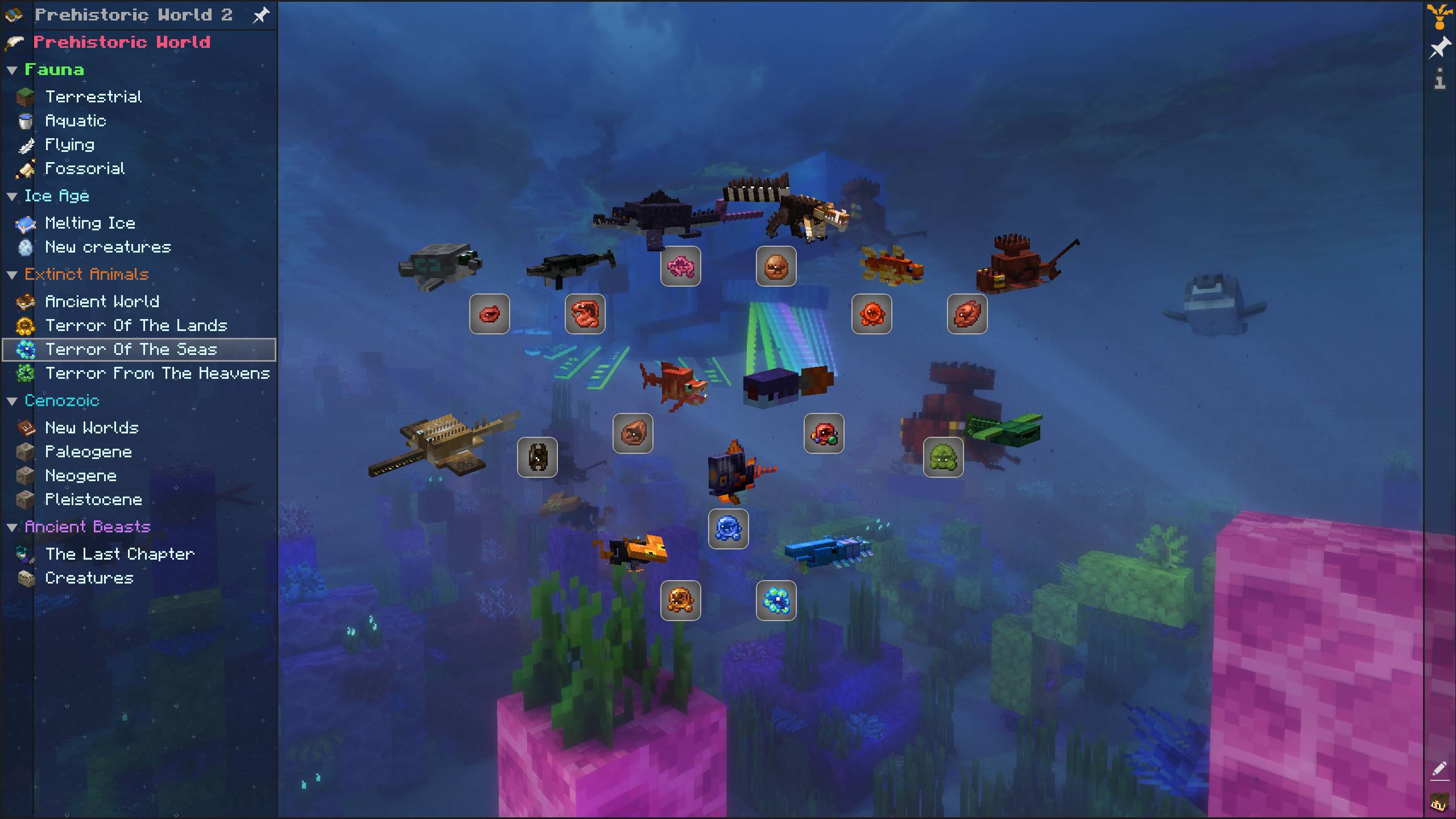 Prehistoric World II
 -
Prehistoric World II
-
Prehistoric World II
-
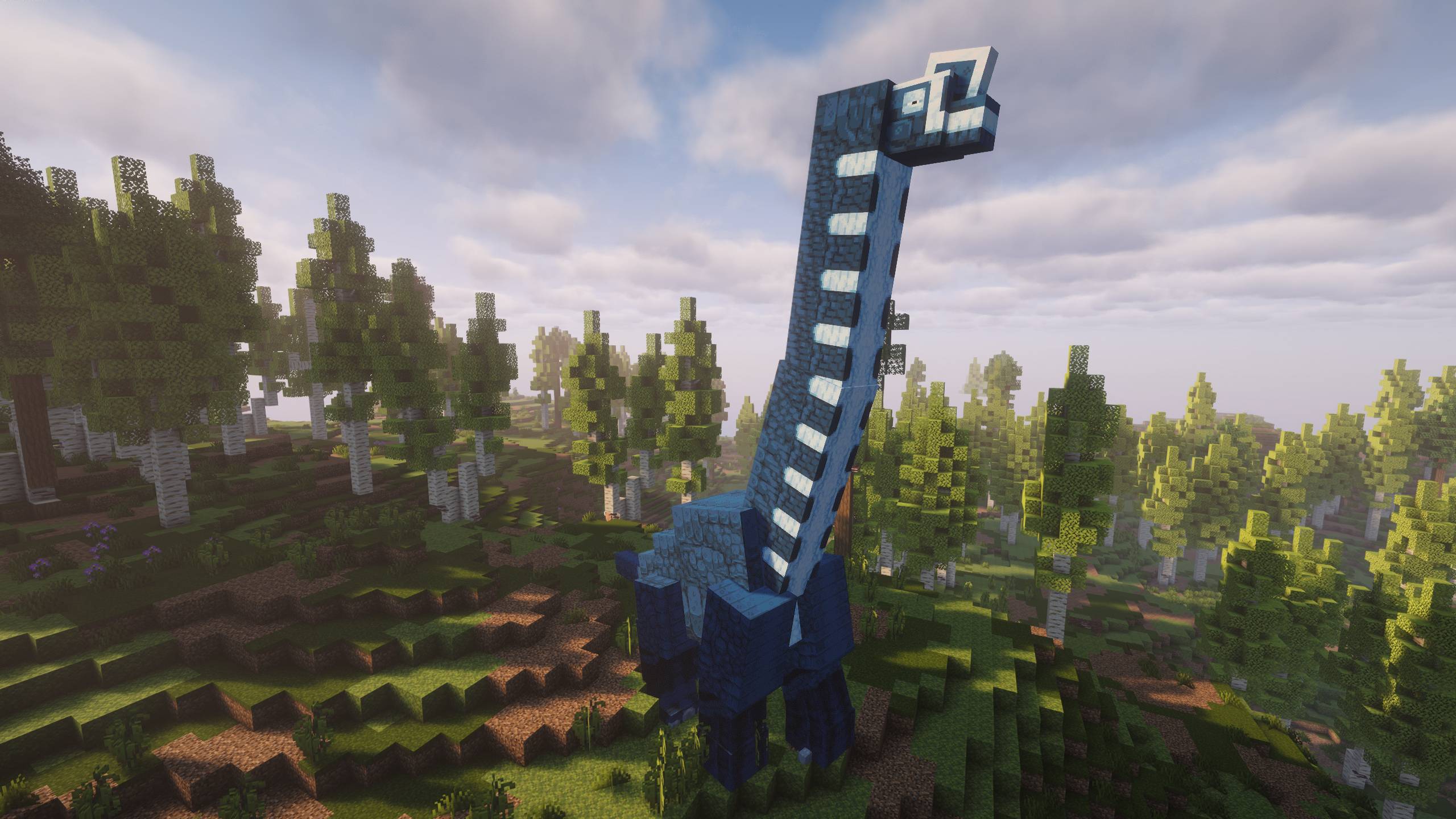 Prehistoric World II
 -
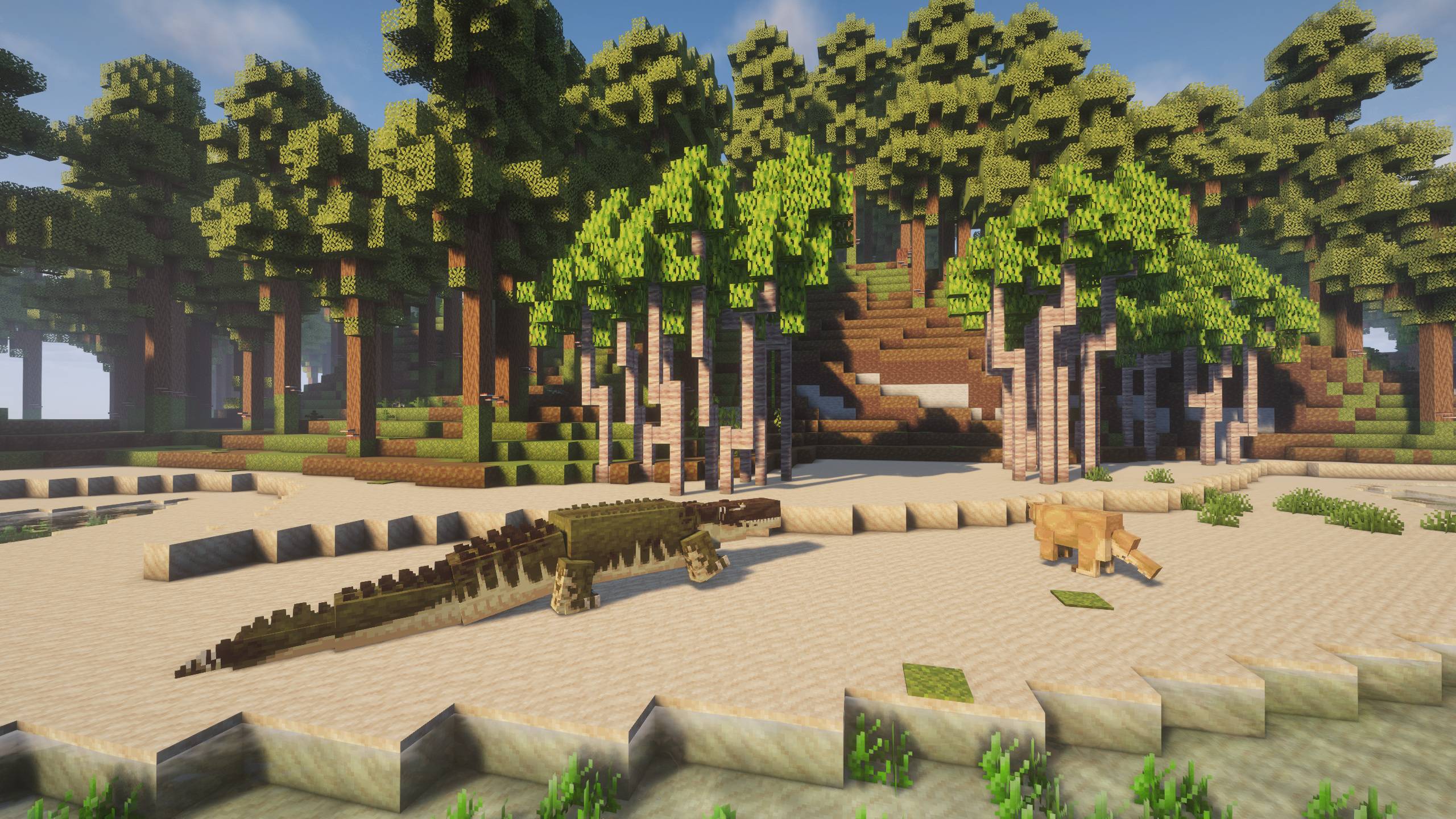 Prehistoric World II
 -
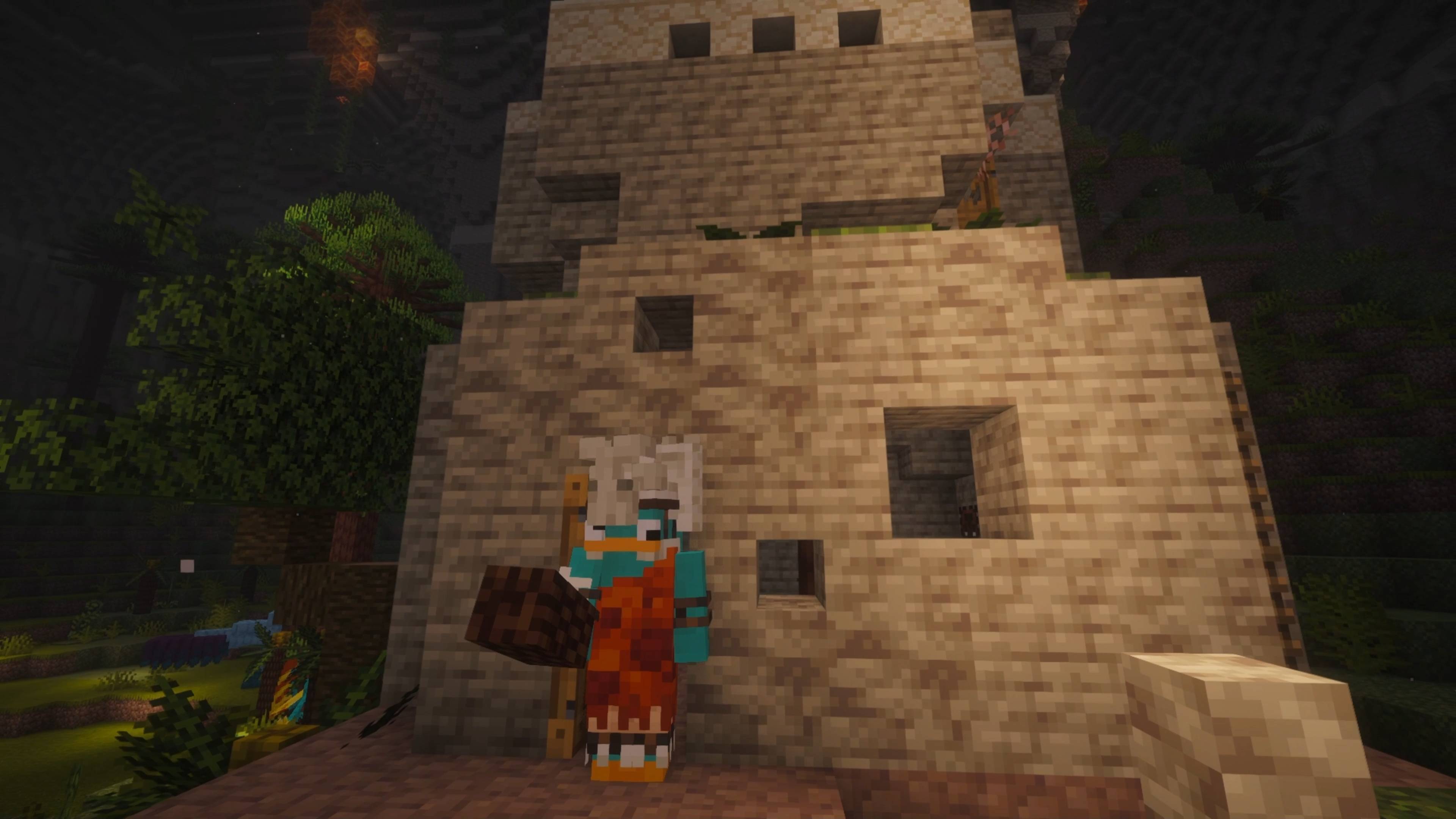 Prehistoric World II
 -
Prehistoric World II
-
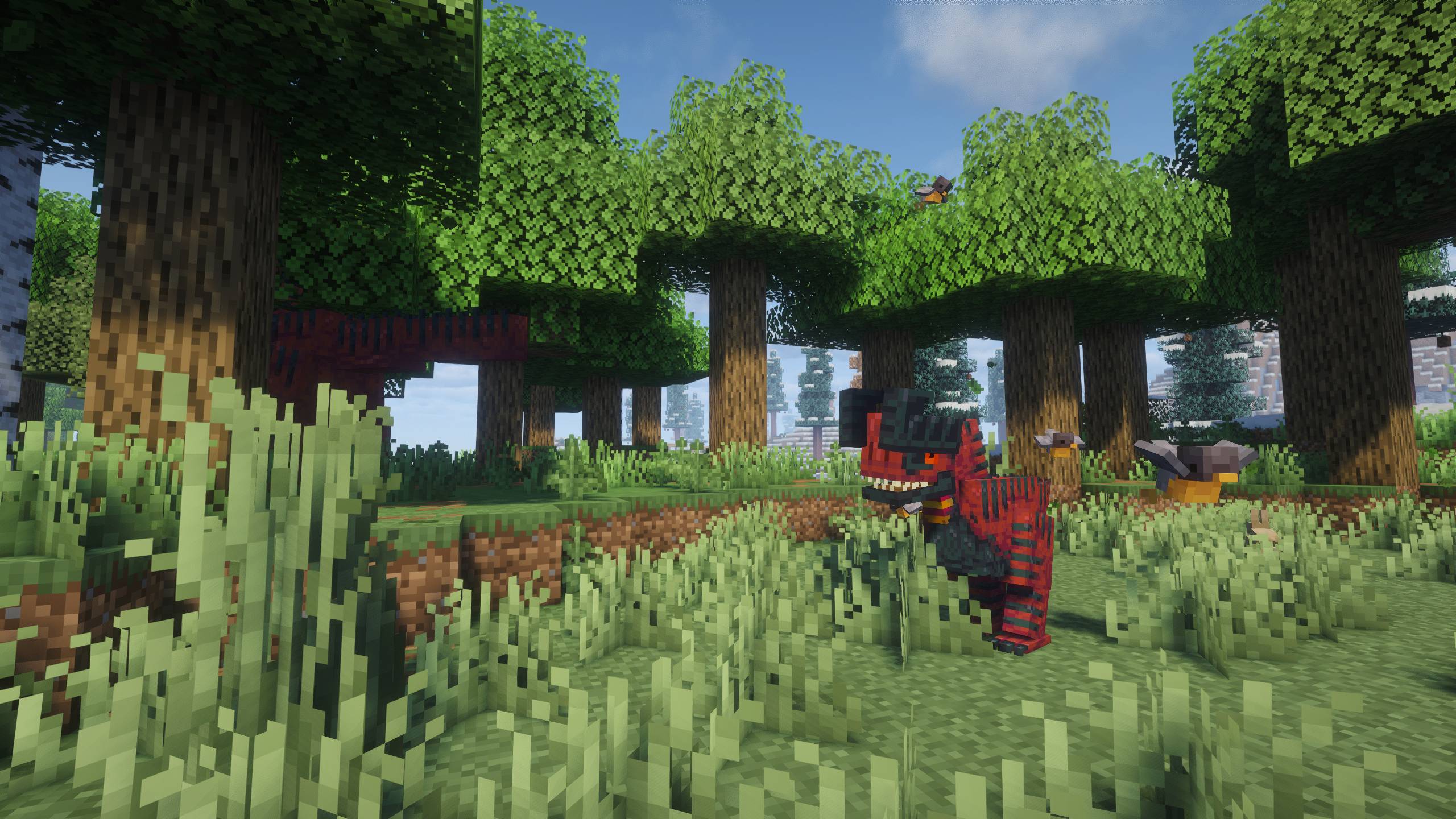 Prehistoric World II
 -
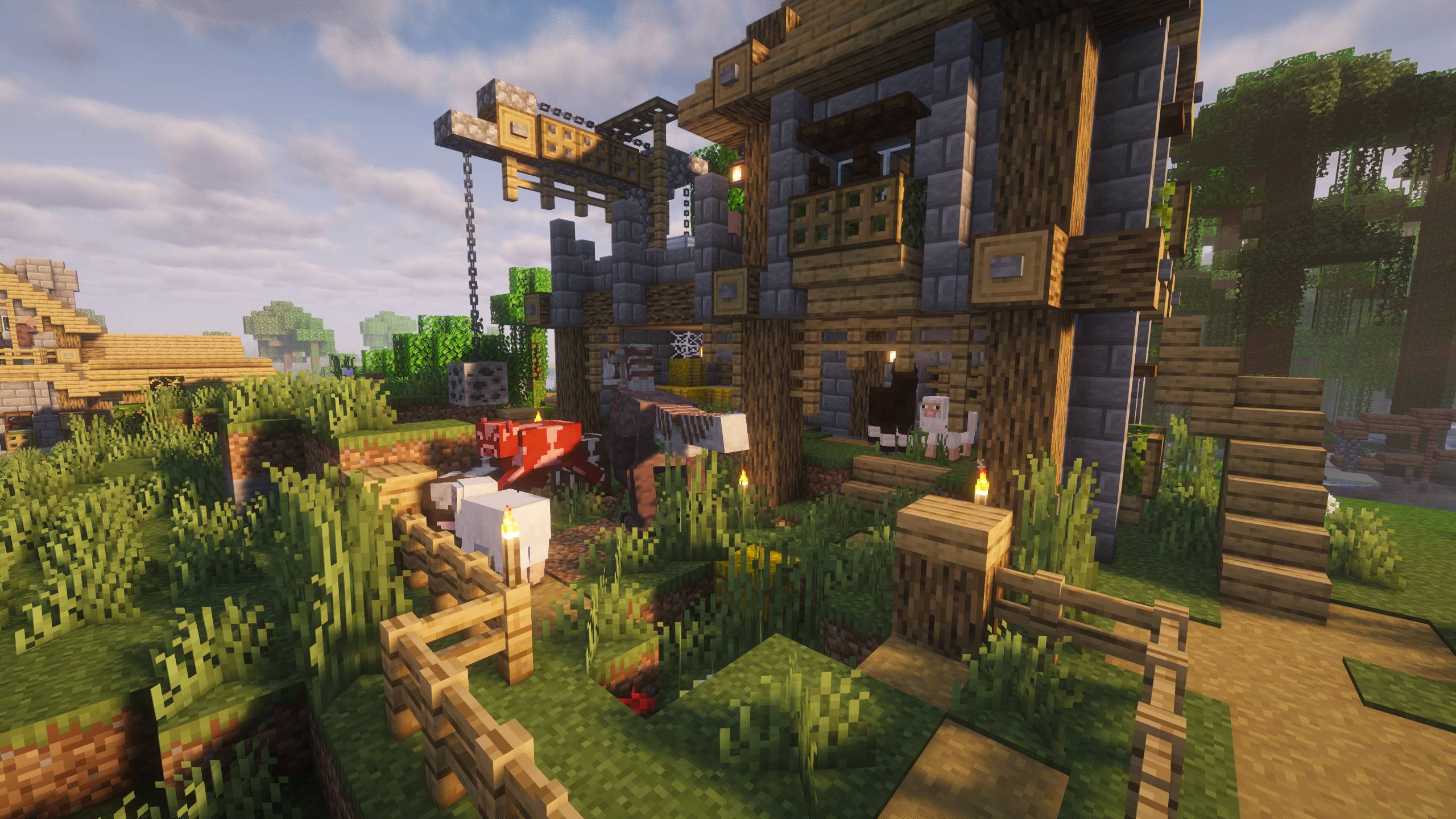 Prehistoric World II
 -
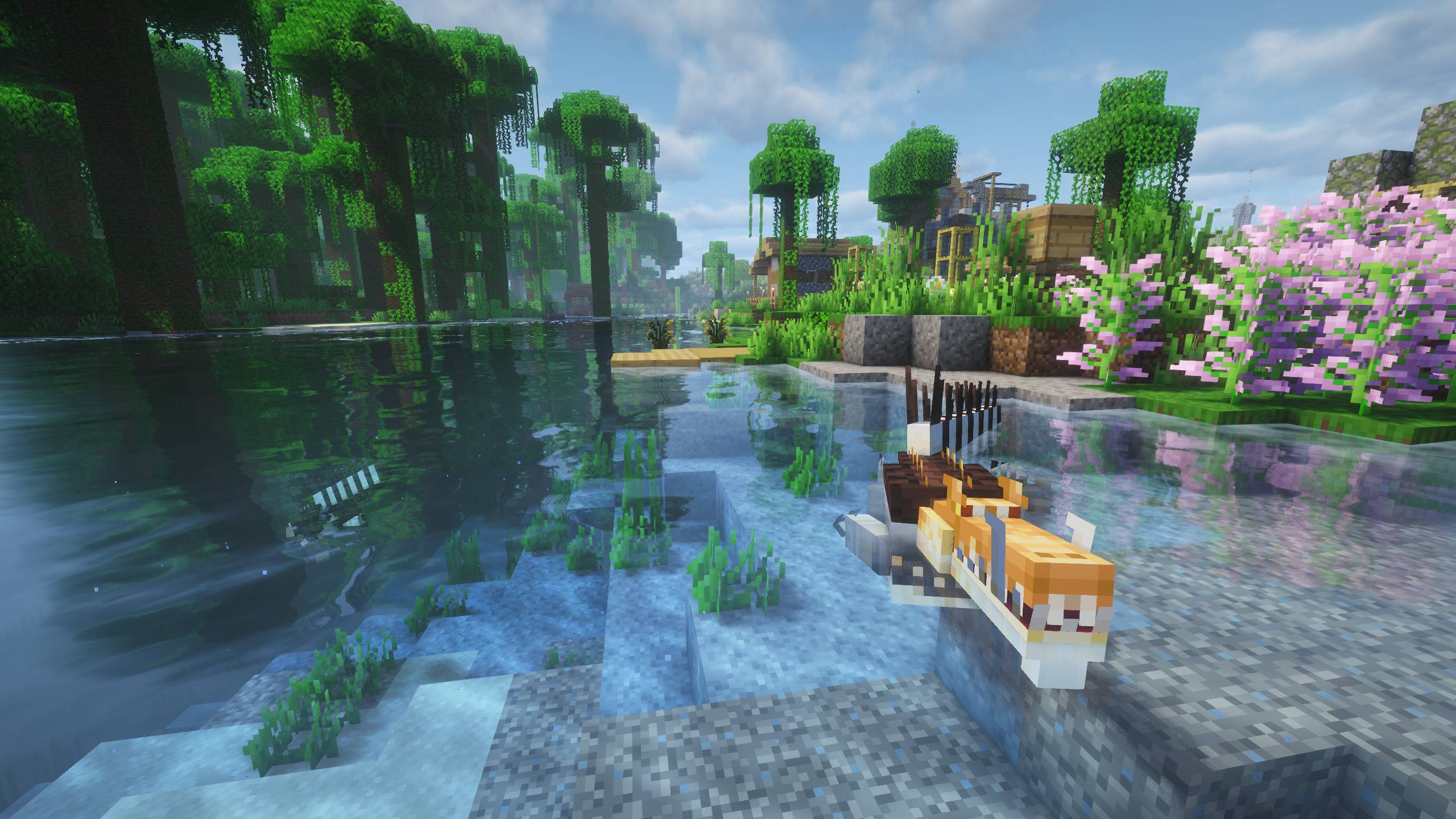 Prehistoric World II
 -
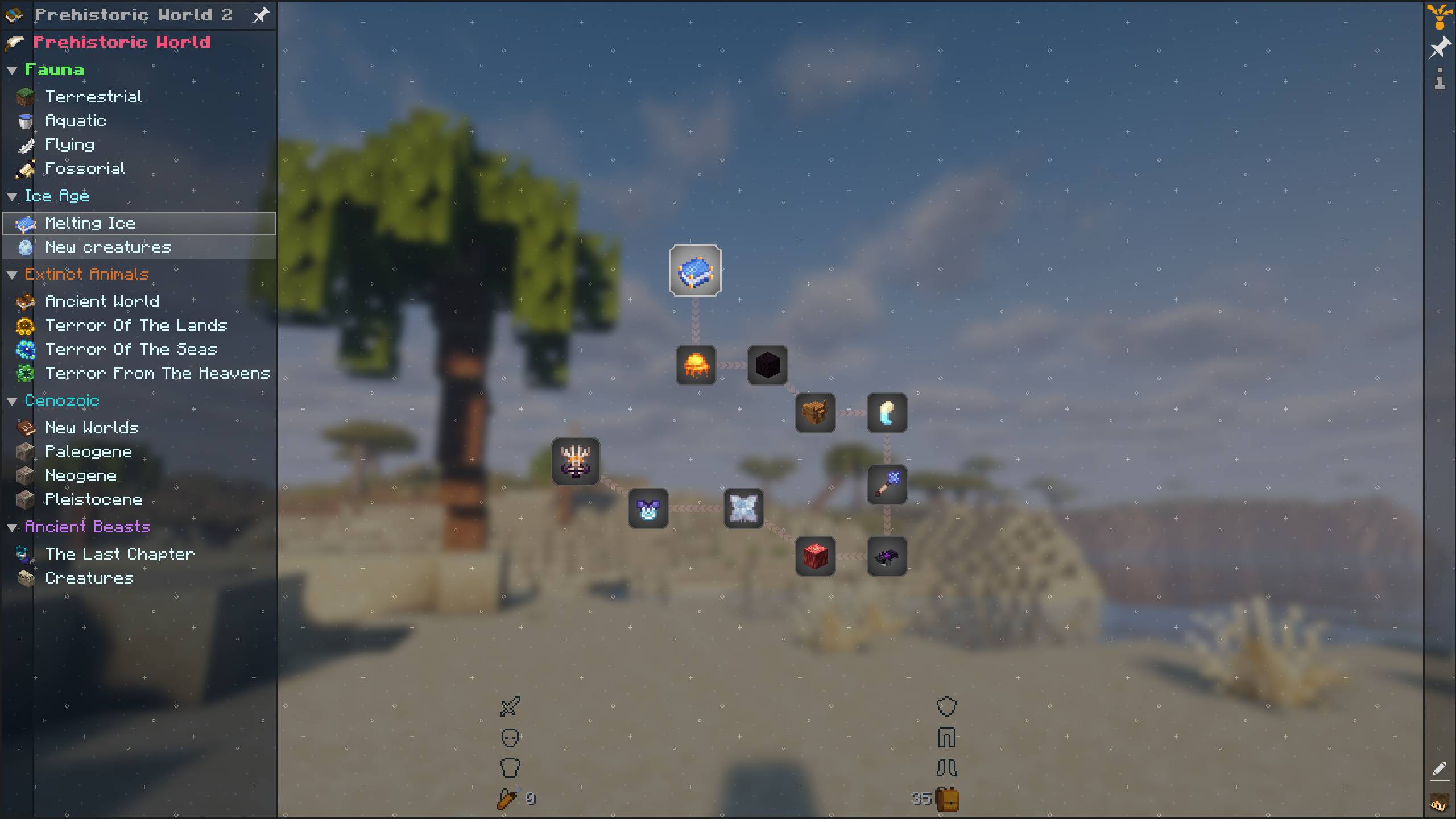 Prehistoric World II
 -
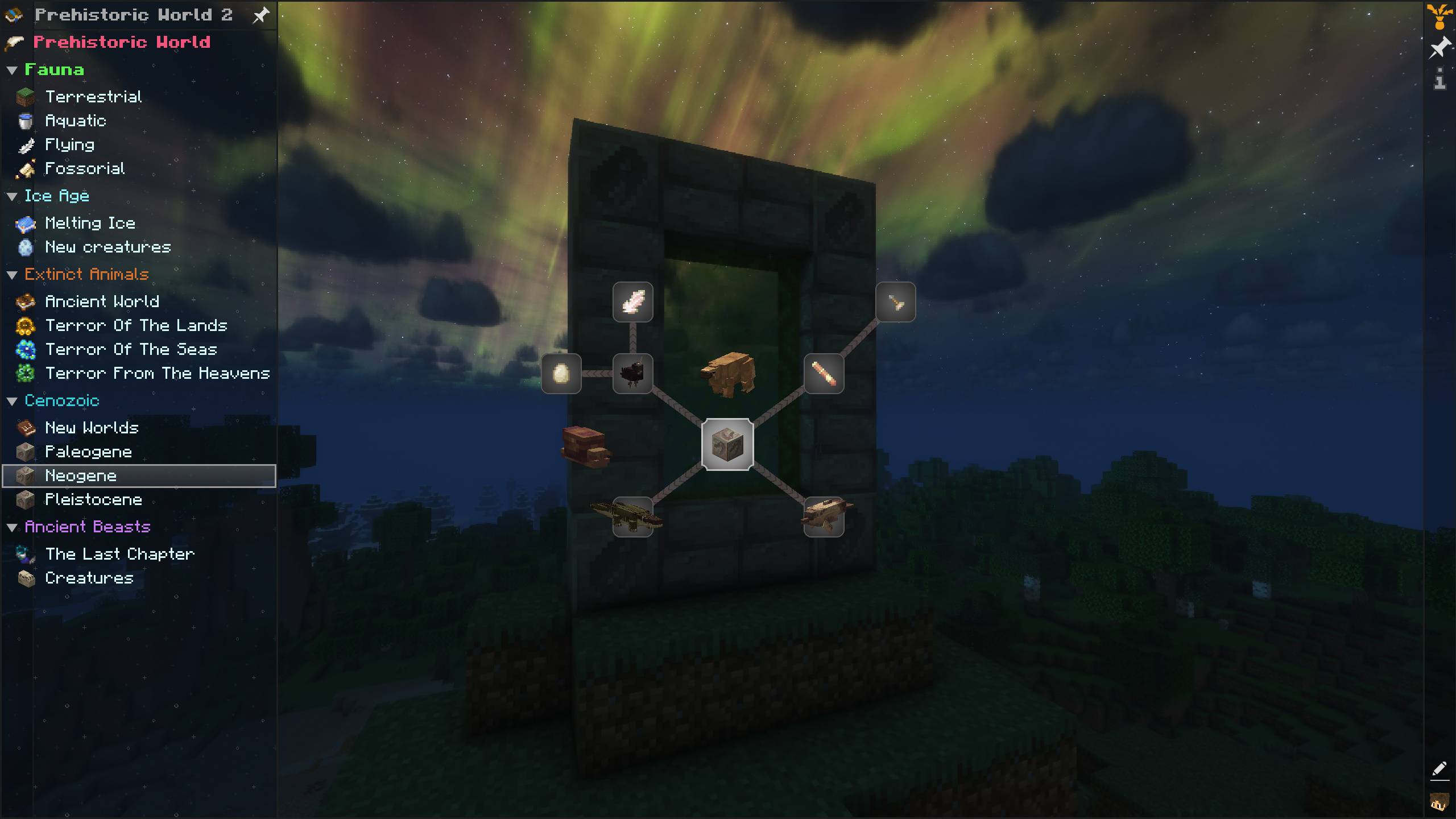 Prehistoric World II
 -
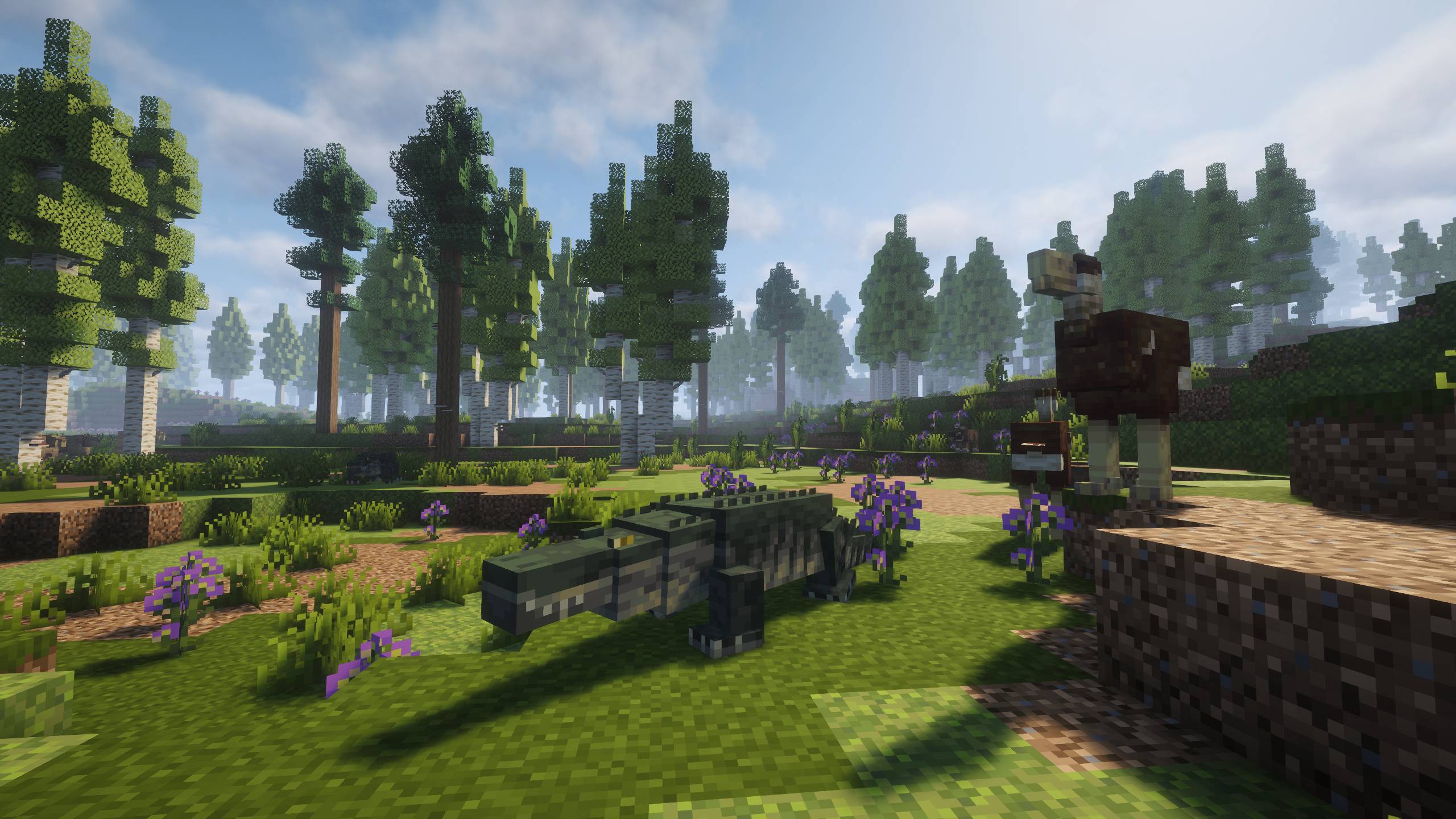 Prehistoric World II
 -
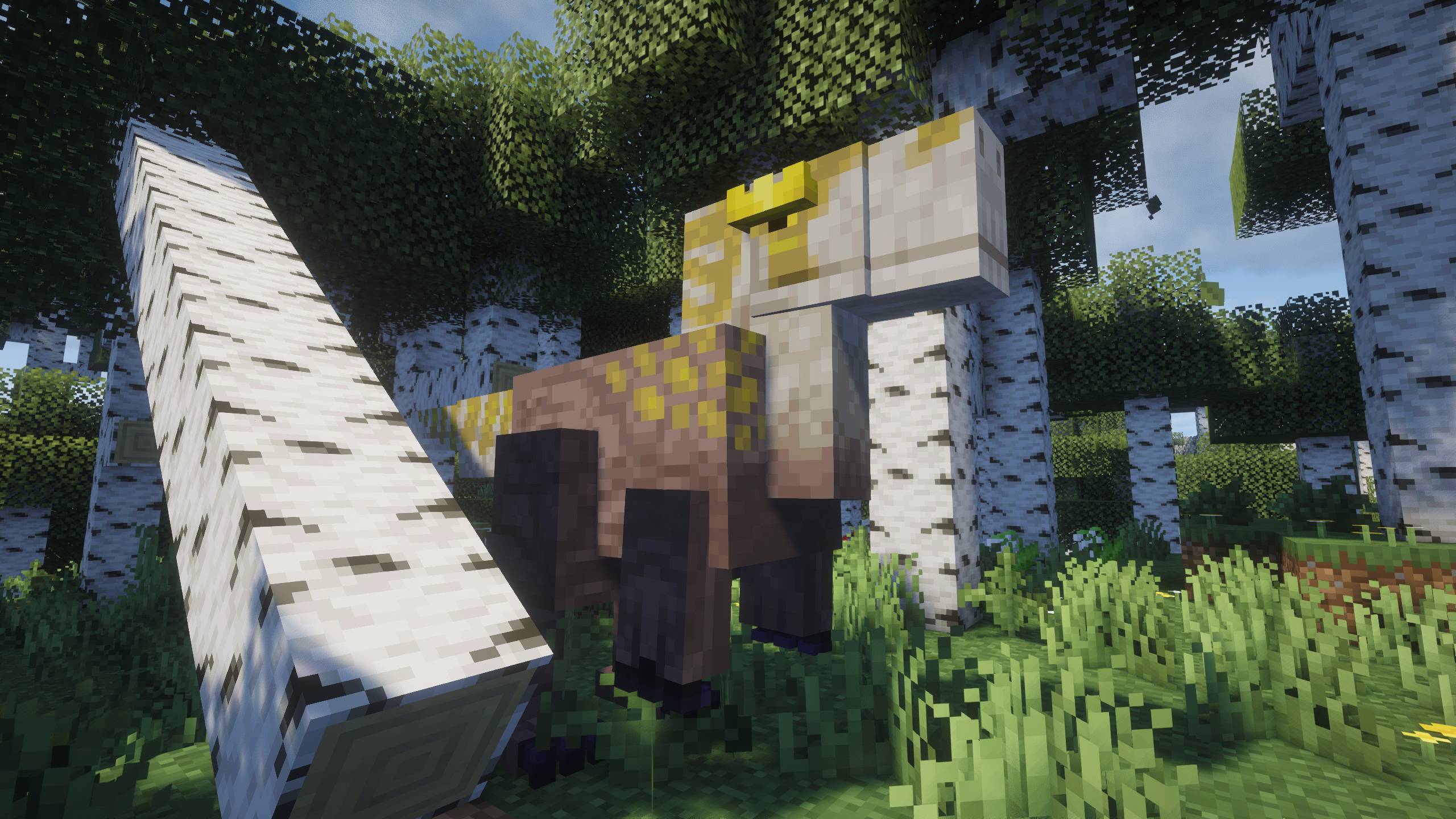 Prehistoric World II
 -
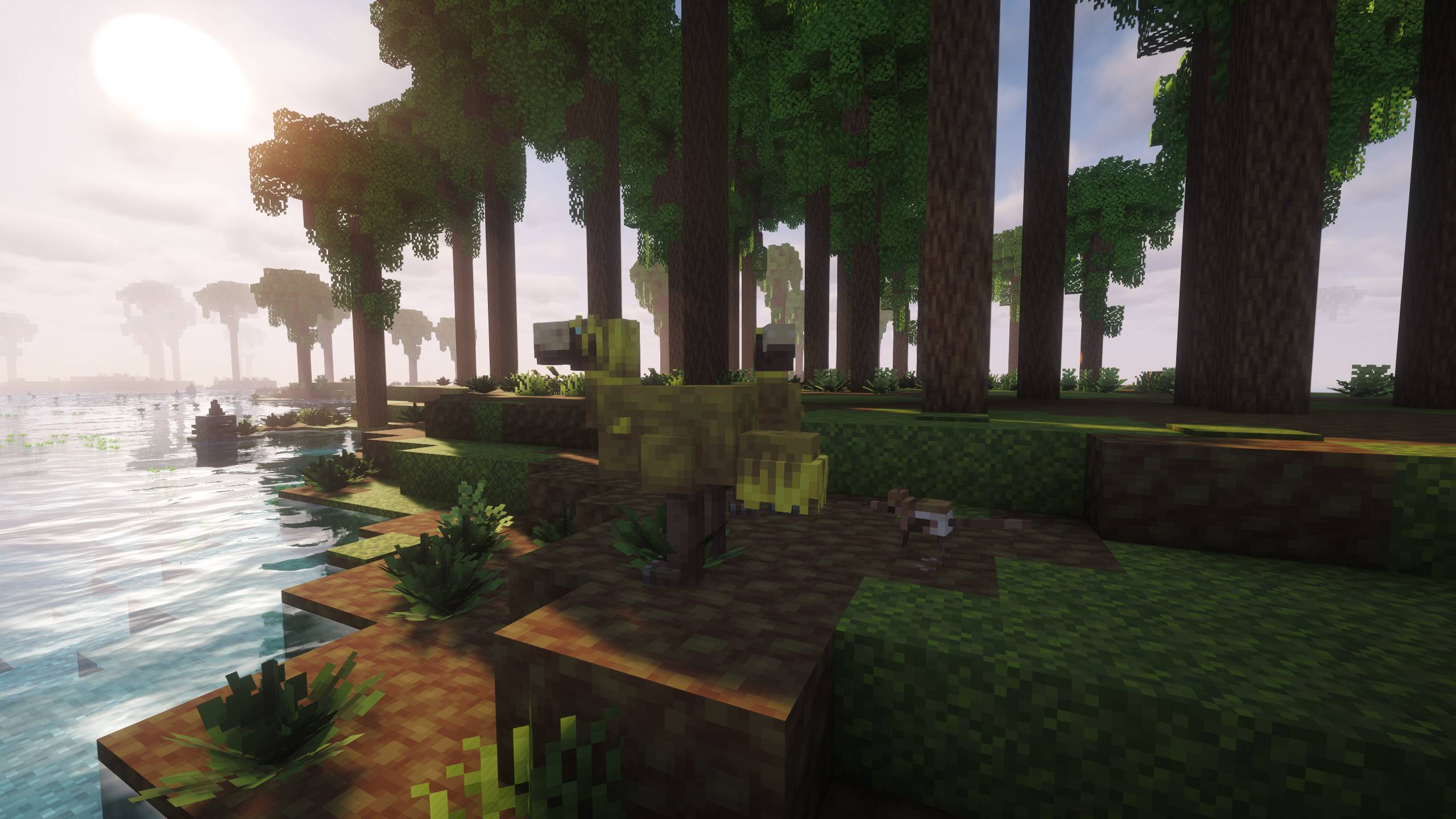 Prehistoric World II
 -
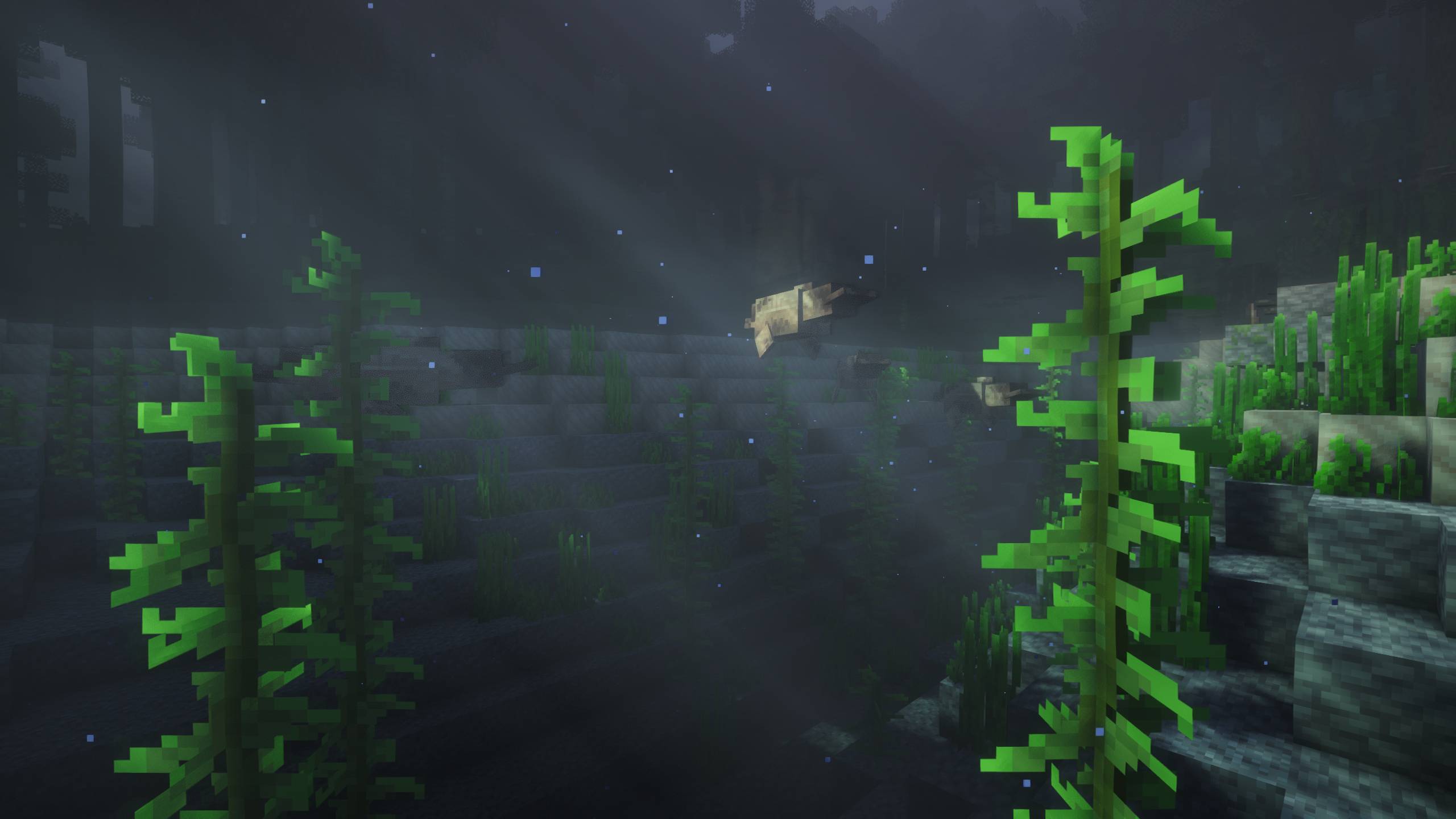 Prehistoric World II
 -
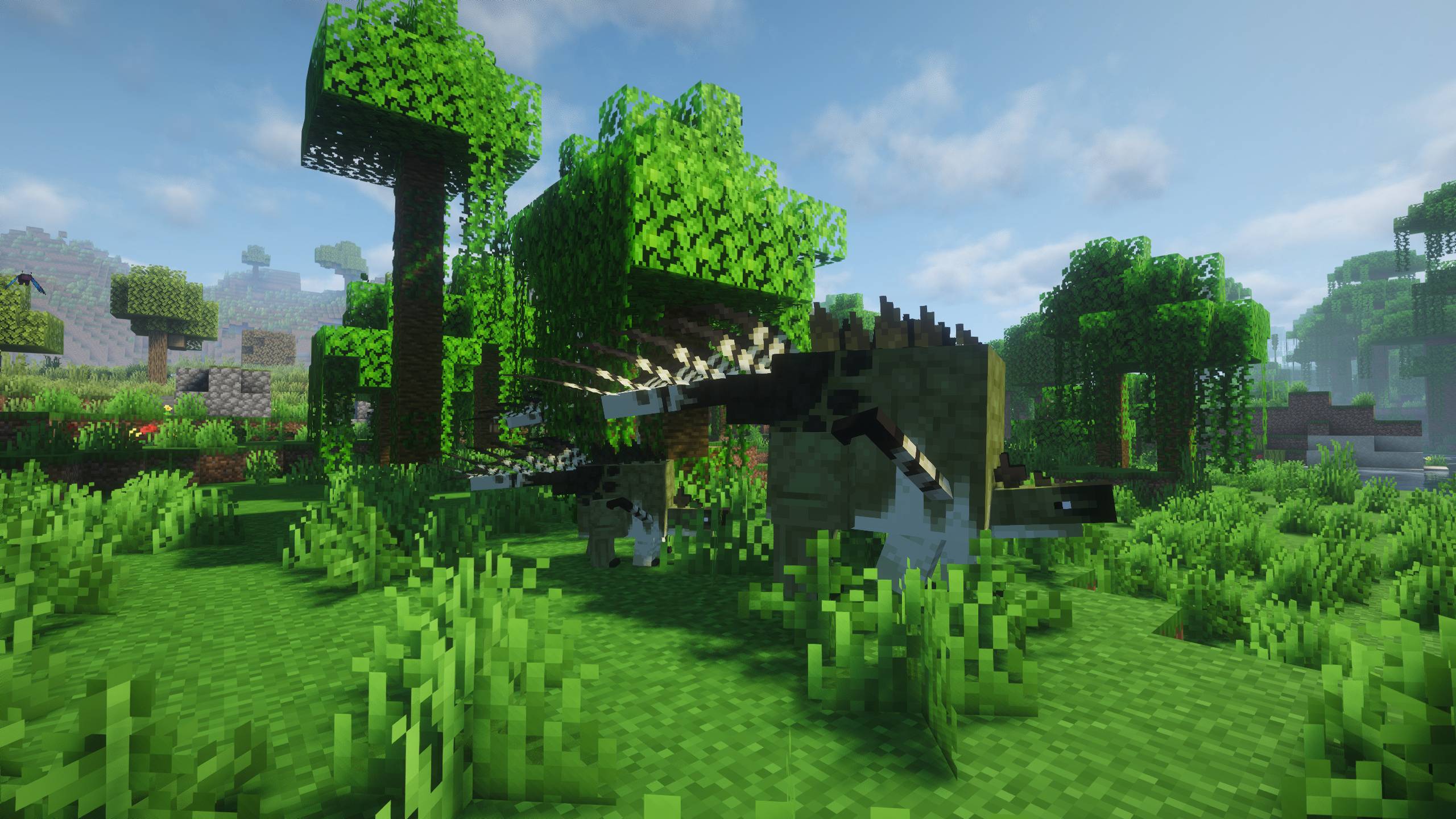 Prehistoric World II
 -
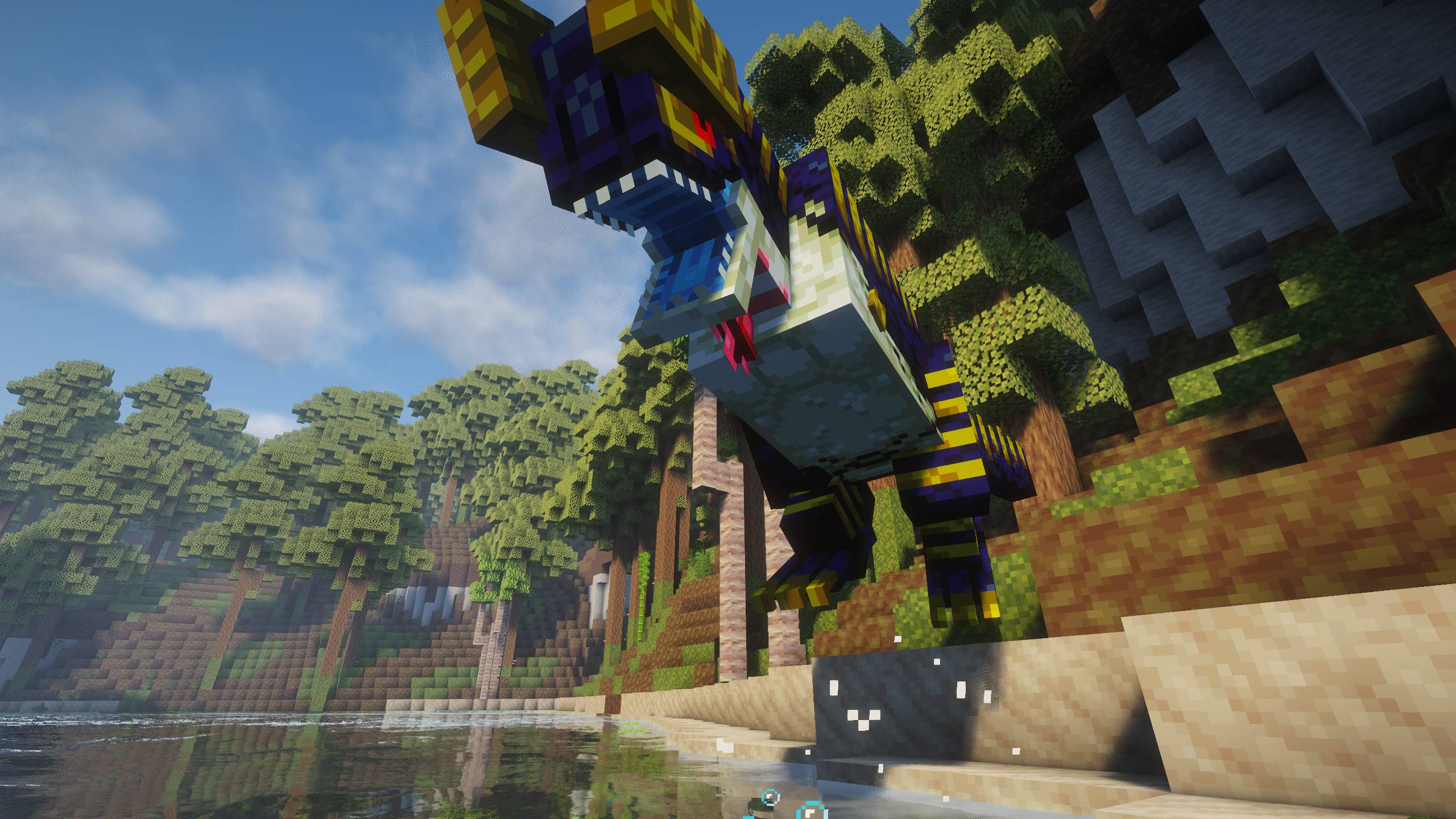 Prehistoric World II
Versions
Files
Relations
Project Relations
More like this
Similar Modpacks
Suggestions use data such as tags, dependencies, dependents, descriptions, titles, and more to rank how much they overlap with this modpack.
- Create Aeronautics - Skybound | Create Aeronautics & Create Addons with Quests
- Tales of the Sunken Sky and Risen Sea
- New Game 3 - Immersive RPG Adventures & RPG Quests
- The Last War - TaCZ Guns And Adventure (Survivor's World with TaCZ Guns) | QUESTS UPDATE!
- Overclock - Tech Automation with Quests | Create, Aeronautics, AE2, Modern Industrialization & More
- Play Together | Multiplayer, Shared Life, Inventory & Progression (Multiplayer Experience with Friends)
- Jurassic Craft Reborn
- Prehistoric World - Dinosaurs, Adventure & Quests | NEW PREHISTORIC UPDATE!
- prehistoric-magic
- ModCraftCZSK
- Immersive Cobblemon | With Distant Horizons, CobbleBrain, Cobblemon Addons & Quests (Cobblemon v1.8)
- Christmas Holidays - Ideal For Festivities | Christmas Quests Update!
On ModDex
Community snapshot
By the numbers
Statistics
Want to reach Minecraft players?
We're looking for a server hosting partner to feature here and other parts of the site. Interested? Send us a message!
Get in touchGet it on
Available Platforms
On ModDex
Community snapshot
By the numbers
Statistics
Resources