
Community listing page, reviews may not be monitored by the author.
PvP Perfect

No reviews yet
A Modpack Trying To Be Unique: Gives Great Performance Whilst Still Keeping The Must Have Mods for Your PvP In Mind.

Community voices
Reviews
No reviews yet. Be the first to review this project!
Get it on
Available Platforms
Compatibility
Supported Environments
Runs entirely on the client. Works on vanilla servers.
About
Project Details
For authors
Embed Badge
If you're the author of this project, you can embed a live badge anywhere that supports HTML or Markdown. It updates automatically whenever ratings change.
Use HTML for any page that supports it, or Markdown for README files and Markdown-based descriptions.
Identifiers
Platform IDs
Resources
External Links
About
Description
PvP Perfect
This isn't just your regular optimization modpack. It's specifically aimed at the PvP community. Not only does it include great optimization mods, but it also comes with essential PvP mods like Shield Fixes, Combat Hitboxes, and more. This already makes the modpack unique, as the most popular packs often overlook PvP, while less known ones tend to have way too many mods that hurt performance and waste resources. This pack also provides preconfigured settings for Sodium and other mods, essential shaders, basic resource packs, and a prepaired server list of the top practive PvP servers.
Benchmarks
This is all in-game test in PvP Club Duels while on 1.21.11 of this modpack. Going to singleplayer or going to other modpack versions (Like 1.21.4) has and will raise FPS greatly. Also using 26.3 with Vulkan can greatly raise FPS on modern systems.
- System 1: Intel i3-N305, IGPU, 8GB DDR4 - ~190 FPS.
- System 2: Intel i7-7700T, IGPU, 8GB DDR4 - ~230 FPS.
- System 3: Intel Core 5 120U, IGPU, 16GB DDR4 - ~260 FPS.
- System 4: Ryzen 5 3550H, 1080 Laptop, 32GB DDR4 - ~270 FPS.
- System 5: Ryzen 5 8640HS, 760M, 8GB DDR5 - ~320 FPS.
- System 6: Intel i5-13420H, 2050, 16GB DDR5 - ~360 FPS.
- System 7: Ryzen 5 4500, Arc B570, 16GB DDR4 - ~370 FPS.
- System 8: Ryzen 5 7535HS, 4060 Laptop, 16GB DDR5 - ~480 FPS.
- System 9: Ryzen 5900X, 3060 TI, 16GB DDR4 - ~740 FPS.
- System 10: Intel 13400F, 4060, 32GB DDR5 - ~850 FPS.
- System 11: Ryzen 5 7600, 4060 Ti, 32GB DDR5 - ~940 FPS.
- System 12: Ryzen 7 8700f, 5060, 16GB DDR5 - ~1130 FPS.
- System 13: Ryzen 7 7800x3D, 4070 Super, 32GB DDR5 - ~1170 FPS.
- System 14: Ryzen 9950x3D, 5090, 64GB DDR5 - ~1770 FPS. (System used for gallery images)
- More to be added. volunteers allowed!
All benchmarks are real results performed by actual people, some benchmarks were taken on older versions of the modpack so benchmarks FPS may be lower than the latest versions.
If you want to leave a personal benchmark, please click the 'Report Issues' under links.
Tweaks (Recommended)
Go to This Link to read the partly indepth list of things to do that can and will help with overall performance. Not just FPS can be effected but also things like RAM usage, stability, and/or tips for low end PC users can be helped with.
Content
Mods
Auto-Enabled Mods:
Mod list is updated to latest Modpack version, including Alpha/Beta.
- AppleSkin
- BadOptimizations
- Better Block Entities 1.21.5 has FastChest and 1.21-1.21.4 have Enhanced Block Entities
- Better Ping Display Not in 1.21.9, not in 26.1 or 26.1.x. 26.2+ has Better Ping Display Remake
- Concurrent Chunk Management Engine Not in 1.21.2
- Client Side Crystals Not in 26.1, 1.21, 1.21.2, or 1.21.3
- Cloth Config API
- Clumps
- Combat Hitboxes
- CursorCentered Fix
- Cubes Without Borders Only 1.21.11 and lower
- Entity Culling
- Fabric API
- Fabric Language Kotlin
- Fast Noise
- FerriteCore
- Forge Config API Port Not in 1.21 or 1.21.1
- GPUBooster Not in 26.3
- ImmediatelyFast
- Iris Shaders Not in 1.21.2
- kennytvs-epic-force-close-loading-screen-mod-for-fabric Not in 1.21.6
- Lithium
- Main Menu Credits
- ModernFix
- Mod Menu
- More Culling
- No Telemetry
- Reese's Sodium Options
- Remove Reloading Screen Not in 1.21 or 1.21.1
- ScalableLux
- Shield Fixes
- Shulker Box Tooltip
- Sodium
- Sodium Extra
- Status Effect Timer
- StutterFix Only 1.21.5 - 1.21.10, 26.1/26.1.1/26.2
- Text Placeholder API
- Totem Tweaks Not in 1.21.7/.9 or 26.3
- ThreadTweak Only 1.21.11 - 1.21.3, 1.21, and 1.21.1
- ukulib
- uku's Armor HUD
- Visible Barriers Not in 1.21.9 or 1.21.2
- Very Many Players
- WalksyLib
- YetAnotherConfigLib
- ZConfig
Count: 46
Auto-Disabled Mods:
These are auto-disabled for players that do not want specific things or do not need the extra little details that can add bloat resulting in more RAM usage/start up times.
- 3D Skin Layers Enable to make players look much better but this may reduce preformance slightly
- Vidalia Enable for 1.8 legacy animations. Only 1.21.4+
- BetterHurtCam Enable if you want more settings for hurt cam past built in accessibility settings
- Chat Patches Enable for chat features
- Gamma Utils Enable if Visible Barriers fullbright doesnt work
- MinecraftCapes Enable to see and use custom capes but beware that some players may use inappropriate capes
- Shield Statuses Enable if you want to see if shields are actually up
- Simple Voice Chat Enable for Voice Chat
- Smooth Scrolling Enable for smooth hotbar swapping, smooth chat animations, etc). Not in 1.21.2
- Tier Tagger Enable to see player tiers. 26.3 has SoraTiers
- ViaFabric Enable all 3 Via mods for swapping versions
- ViaVersion Enable all 3 Via mods for swapping versions
- ViaBackwards Enable all 3 Via mods for swapping versions
- voxy Enable if you want to have higher chunk view distances with slight performance cost, only 1.21.6+
Count: 14
Shaders
Shaders are not supported on 1.21.2
- AstraLex
- Bliss Shaders
- Body Camera
- BSL
- Complementary Reimagined
- Complementary Unbound
- Hysteria
- Lux
- MakeUp Ultra Fast
- Noble
- Photon
- Rethinking Voxels
- Solas
- Spooklementary
- Ushader
- VanillAA
Count: 16
Resource Packs
Count: 7
Resource packs are much more reliable compared to mods. Use when possible. When using a mod, the mod adds startup time, possible issues in the future, and sometimes cause performance problems. Resource packs are much more lightweight and can do much most visual mods can do anyways. To make a simple pack you can use Vanilla Tweaks. You should look for a resource pack before adding your visual mods like BactroMod.
Server List
Count: 11
Trouble Shooting
Fullbright
Do /Visiblebarriers fullbright true. If not working in public servers, turn up brightness in sodium settings to max, then if still not working you can turn off smooth lighting in video settings/quality. If nothing works past this, revert your settings and just enable Gamma Utils.
Particles/Animations
First make sure particles is not set to minimal in video settings/quality. If set on decreased or all and still not showing you can go to video settings/particals and manually enable/disable your choice of particals. Same for animations, go to video settings/animations and select your choices.
Crashing
First, If you select wrong Java Arguments for your PC or is just incombatible, this can cause some crashing. Second, Make sure you did not add any more mods outside of what comes in the pack. If nothing changed then read the fabric message or read the crash log. If hard to understand you can just ask a friend or send it to a clanker to read. Third, If you cant get a clear answer simply install Crash Assistant then when it crashes read the logs it gives. If you still dont understand the logs you can forward it to the Crash Assistant Discord and get help from someone who understands minecraft modding well. Finally, if your issues are specifically with this modpack please report crash logs/any helpful information so I can personally try to fix for future versions. If you do not know where to put the logs please go to the Report Issues link.
jdk.incubator
If you see a error like this:
ErrorPreview

Simply add ( --add-modules jdk.incubator.vector ) to your Java arguments.
DISCLAIMERS
This pack isn't made for just FPS. This modpack aims for a balance of high FPS, PvP ready performance, a great single player experience, compatibility, and most importantly, stability. Many packs boost FPS at the cost of poor stability, which can lead to stutters, lower 1% lows, unreasonable workloads, and issues with other tasks like sharing your screen on Discord.
The latest version is NOT the best for FPS. From my testing, 1.21.4 (3900 FPS) gets about 47% more FPS then 1.21.8 (2650 FPS. Performs equally to 1.21.11). This was tested in a singeplayer superflat void. If you want more FPS then downgrade to 1.21.4. Tested on modpack version 0.2.1, performance can and will increase with later versions
Screenshots
Gallery
-
 FPS Comparison from this modpack to others on 1.21.8. 1.21.8 | v0.1.7 | Performance can and will increase with later releases. PvP perfect - 2273 Fabulously Optimized - 1701 Remarkably Optimized - 1840 FPS Modpack - 1929 Adrenaline - 2147 MAX FPS: Optimized - 2104 Thunder - 1958
-
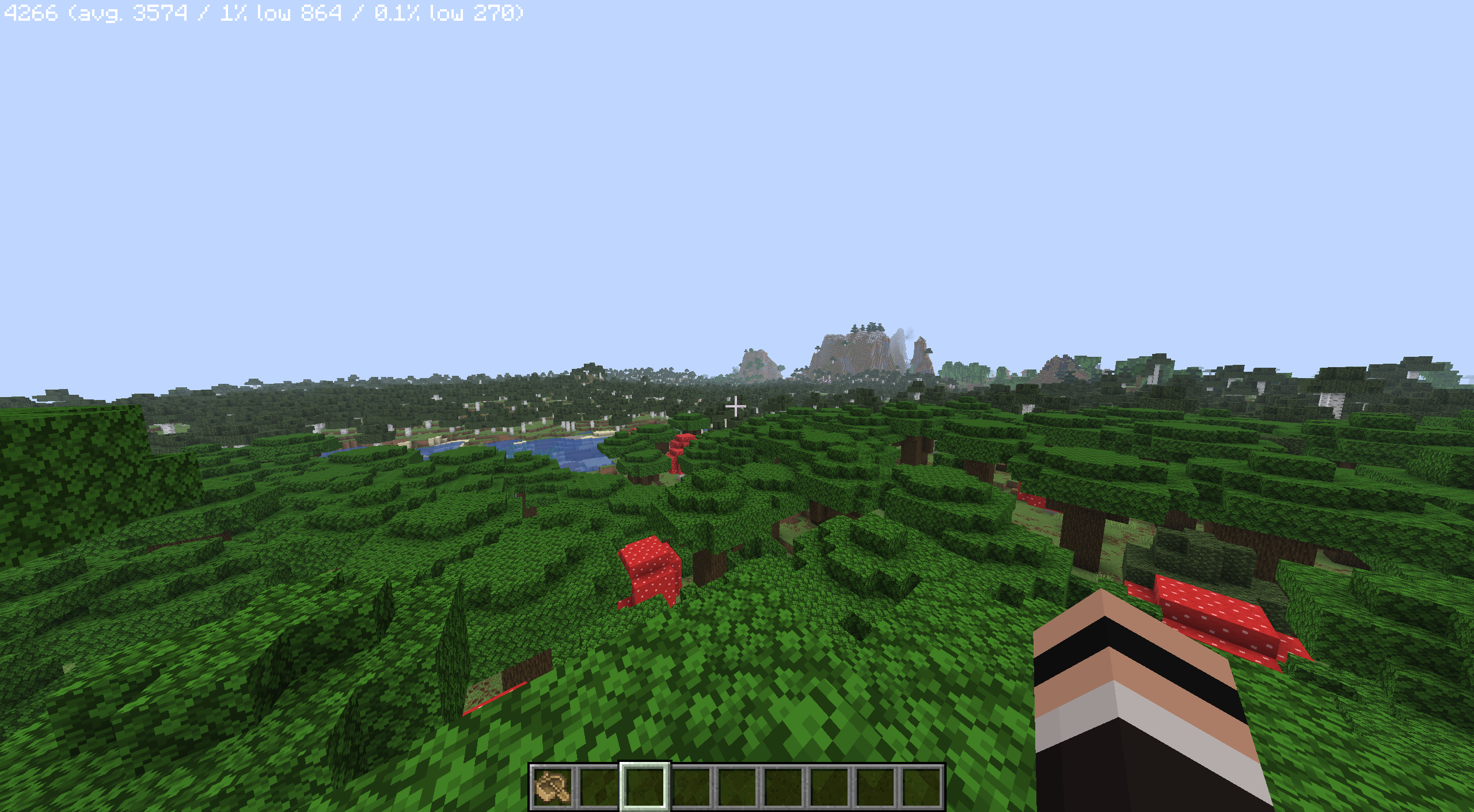 Single Player - 4266 FPS 26.3, Vulkan Rendering, v3.6.3 beta-2.
-
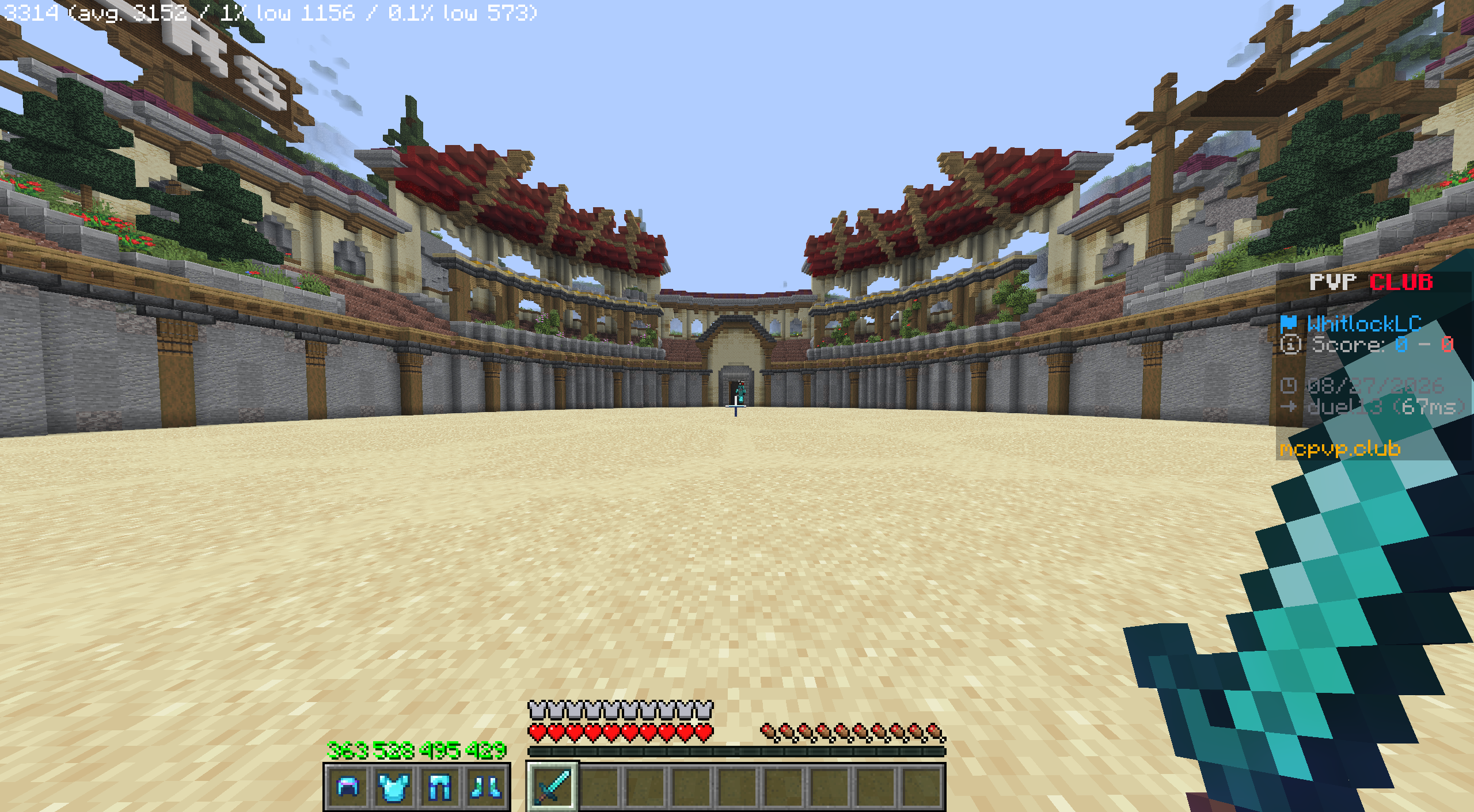 PvP Club Duel - 3314 FPS 26.3, Vulkan Rendering, v3.6.3 beta-2.
-
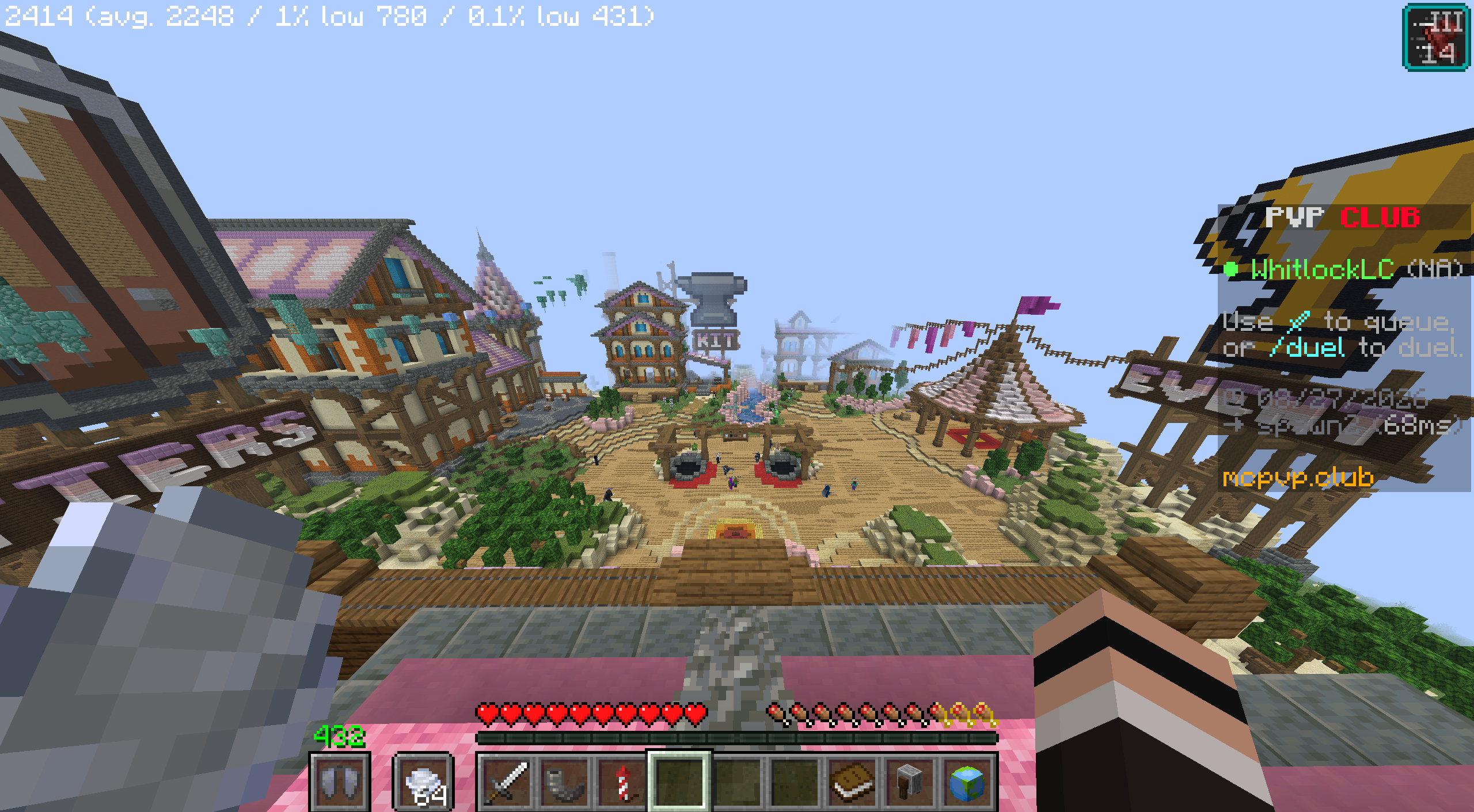 PvP Club Lobby - 2414 FPS 26.3, Vulkan Rendering, v3.6.3 beta-2.
-
 Void World - 7885 FPS 26.3, Vulkan Rendering, v3.6.3 beta-2.
-
 !banner Taken with Rethinking Voxels
Versions
Files
Relations
Project Relations
More like this
Similar Modpacks
Suggestions use data such as tags, dependencies, dependents, descriptions, titles, and more to rank how much they overlap with this modpack.
On ModDex
Community snapshot
By the numbers
Statistics


Get it on
Available Platforms
On ModDex
Community snapshot
By the numbers
Statistics
Resources