
Shotbow MineZ Modpack
No reviews yet
Modpack for the Shotbow.net MineZ
Set in a world after a major catastrophe, focusing on survival, scavenging, and rebuilding in a devastated landscape.
Includes a large focus on traversing worlds with enhanced world generation, structures, dungeons, and more for players to find unique loot.
Centers on surviving in harsh conditions, managing resources, and fending off PvE threats.
Focuses on zombie mobs, often with new types and mechanics.
Generally has one or more public servers available hosted by the community or developers.
Includes quality of life improvements and small tweaks to enhance and customize gameplay.
Enhances game performance and optimizes resource usage.
Fabric is a mod loader for versions 1.14+ of Minecraft, particularly popular for client side and optimization mods.
Community voices
Reviews
Click once to include, again to exclude, again to clear
No reviews yet. Be the first to review this project!
Get it on
Available Platforms
 Modrinth
Compatibility
Supported Environments
About
Project Details
For authors
Embed Badge
If you're the author of this project, you can embed a live badge anywhere that supports HTML or Markdown. It updates automatically whenever ratings change.
Use HTML for any page that supports it, or Markdown for README files and Markdown-based descriptions.
Identifiers
Platform IDs
Resources
External Links
About
Description
MineZ Modpack for Shotbow Server
This modpack is designed for players on the MineZ server hosted by Shotbow. Its goal is to provide optimizations for smoother gameplay and enhance the experience with specially tailored mods and configurations.
What’s included in the modpack?
-
Game Optimization: The modpack includes performance-boosting tools such as Sodium, and other optimization mods, enhancing the game’s performance across a wide range of hardware. With these optimizations, gameplay remains smooth even during intense interactions and large-scale exploration.
-
Minimap with Marked Locations: This modpack integrates a custom minimap (Xaero’s Minimap and Xaero’s Worldmap), specifically configured for MineZ gameplay. Key locations, such as towns, outposts, shrines, and hidden resource spots, are marked on the map. Each location is carefully labeled to help players navigate the MineZ world and locate critical points, shelters, and important resource areas. Most locations are already marked, if any are missing please contact us. Through our discord server Discord Server Link
-
HUD and User Interface Improvements: Additional mods, like EssentialGUI and BetterF3, enhance the user interface to make exploration more intuitive. Modified HUD elements give better access to critical gameplay information.
-
Visual and Audio Enhancements: The modpack includes optimized texture and sound packs that match the atmosphere of MineZ. Textures retain the dark and immersive style of the game world, while sounds add ambiance and provide audio cues for threats or helpful spatial orientation.
-
Configurations for the MineZ Server: All mods and settings are optimized for the shotbow.net server to ensure full compatibility and prevent any synchronization or stability issues. Everything is designed to maximize and enhance the experience of exploring and surviving in the MineZ world.
!!! Distant Horizons Map render !!!
Note if you play on version 1.1.0, 1.1.1 & 1.2.0 HQ+
We recommend turning off the Distant Horizons mod when entering the dungeons and before teleportation to Meridian (Spawn Island) because currently mod does not distinguish that these are different worlds and displays them together!
Below is the instructions on how to do it:
Distant Horizons ON/OFF instruction
- Mod Disabling instructions
Press the
ESCThen buttonsOptionsThen, next to the FOV changing belt, there will be a button with the icon, click it. In the menu that opens, change the value ofEnable RenderingtoFalse
- Mod enabling instructions
Press the
ESCThen buttonsOptionsThen, next to the FOV changing belt, there will be a button with the icon, click it. In the menu that opens, change the value ofEnable RenderingtoTrue
Information about Modpack
This modpack has been approved by the Shotbow.net's Staff team and fully complies with its the server's rules, however it has not been created nor maintained by them.
Controls
-
U- Mods settings -
Y- Essential Emote Wheel -
C- Zoom -
M- World Map -
-- Zoom In Minimap -
=- Zoom Out In Minimap -
L- Waypoint List -
+- New Waypoint -
N- Minimap display settings -
O- Shaderpack Screen -
G- Gamma On/Off
Waypoint Sets (Hold N key to switch)
!!! Not all are added yet !!!-
default (All cities, towns, houses, towers, castles, ruins and some more)
-
Dungeons (All entrances and exits to dungeons)
-
Winter Cave (All locations in Winter Cave system)
-
Swamp Cave (All locations in Swamp Cave system) | Added since Ver: 1.1.1
-
Bosses (All Bosses spawn locations)
-
Others (Locations not assigned to other categories or temporary designations)
Resourcepack (4) & Shaders (1)
Cubic Sun & Moon by JoeFly
Essential UI by KartoffelChipss
Fast Better Grass 1.21 by Fabulously Optimized
MineZ-1.2.0-official [Original download location: github.com]
since modpack version 1.2.0
MineZ-1.2.0-officialreplaced withprereleaseMineZ_Official_Textures-1.2.1
BSL Shaders by CaptTatsu
Complementary Reimagined
Screenshots
Gallery
-
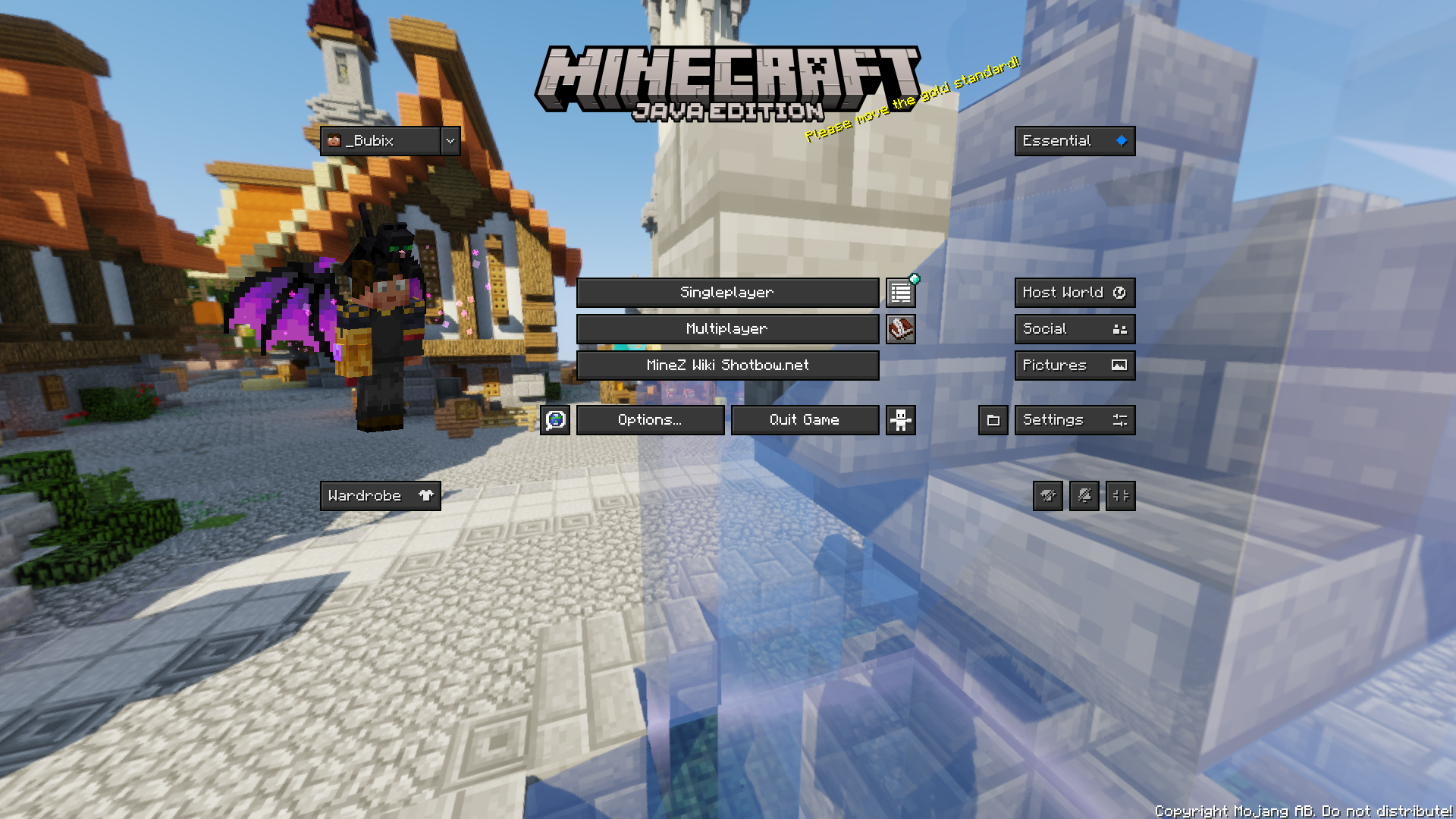 Main game menu
 -
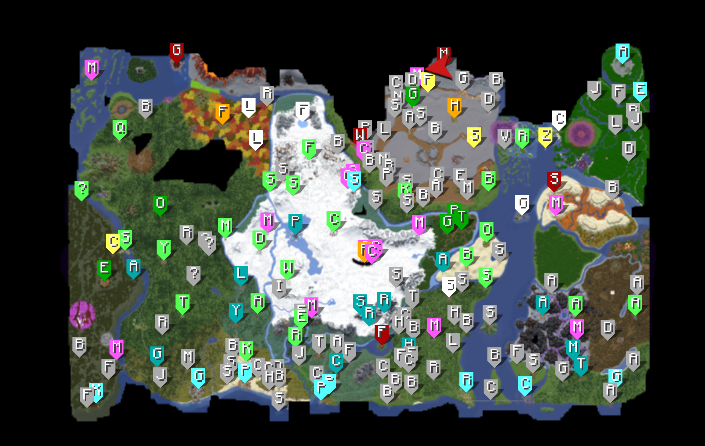 MineZ WorldMap and Waypoints The map of the mineZ wolrd ! Some locations have event style on the map Map status from update: Beta 0.1.3/0.1.4
 -
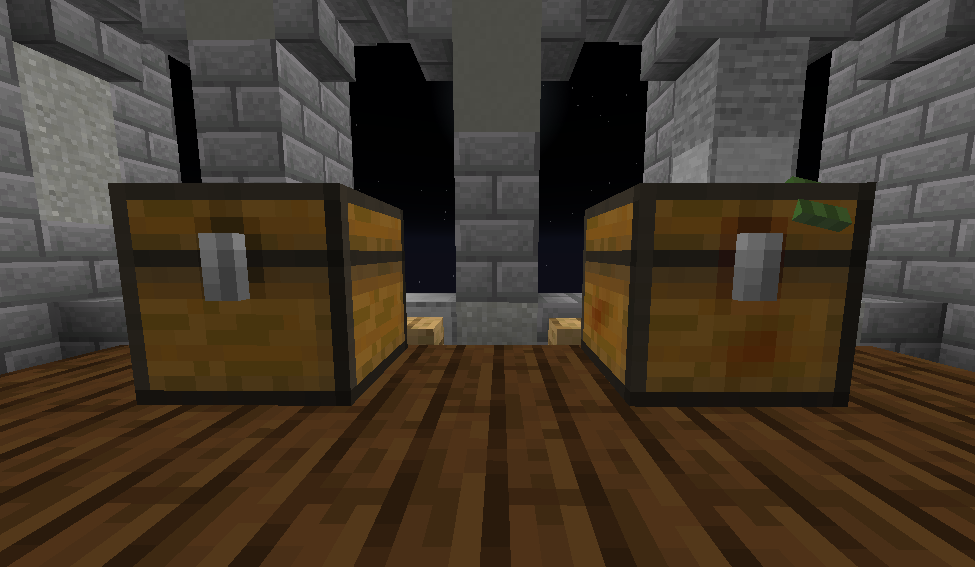 Chest & Trap Chest
 -
 New Scoreboard Added since Beta 0.1.2
 -
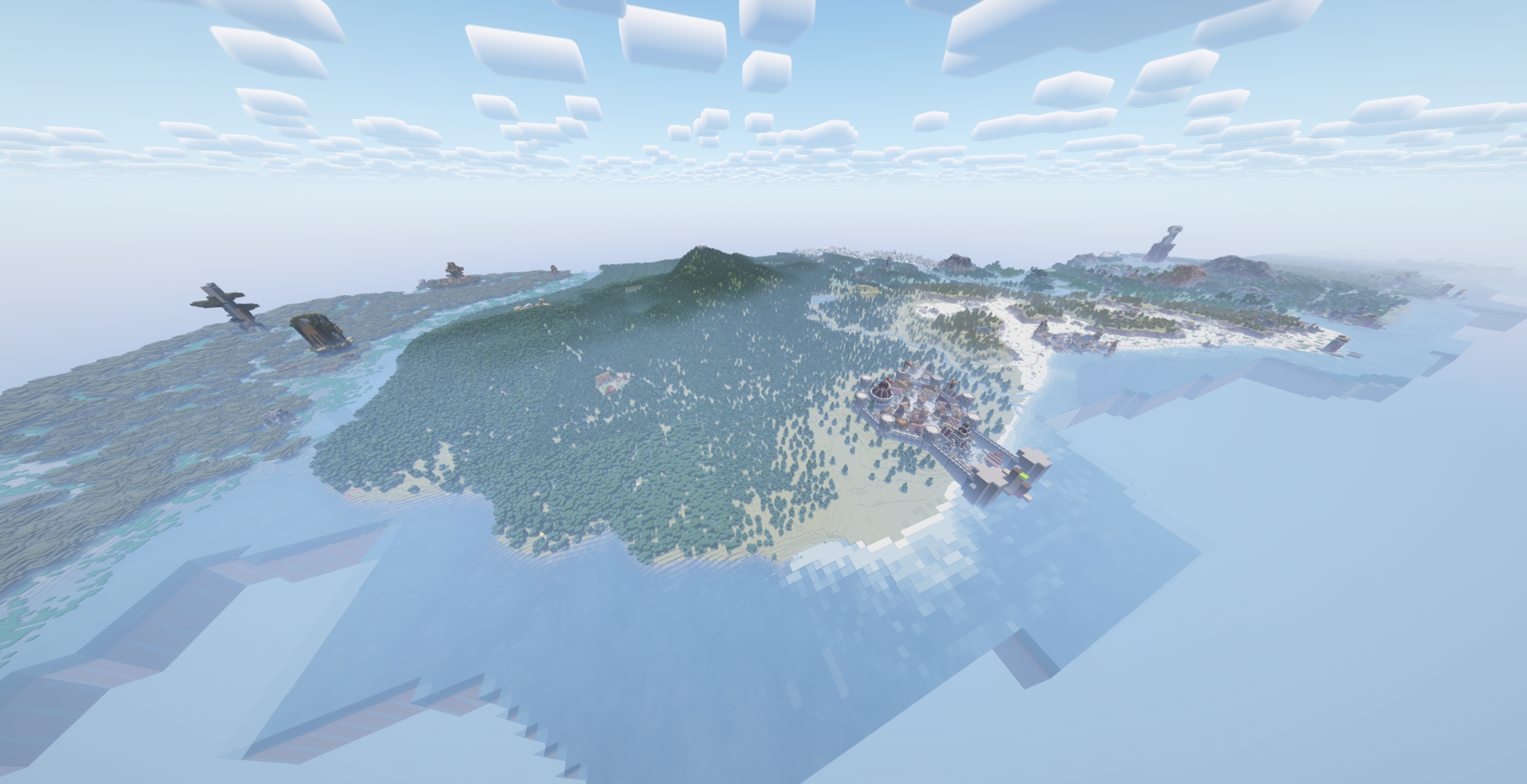 Distant Horizons & Shaders Distant Horizons 2.3.0 and Complementary - Reimagined Shaders Added since Ver: 1.1.0
 -
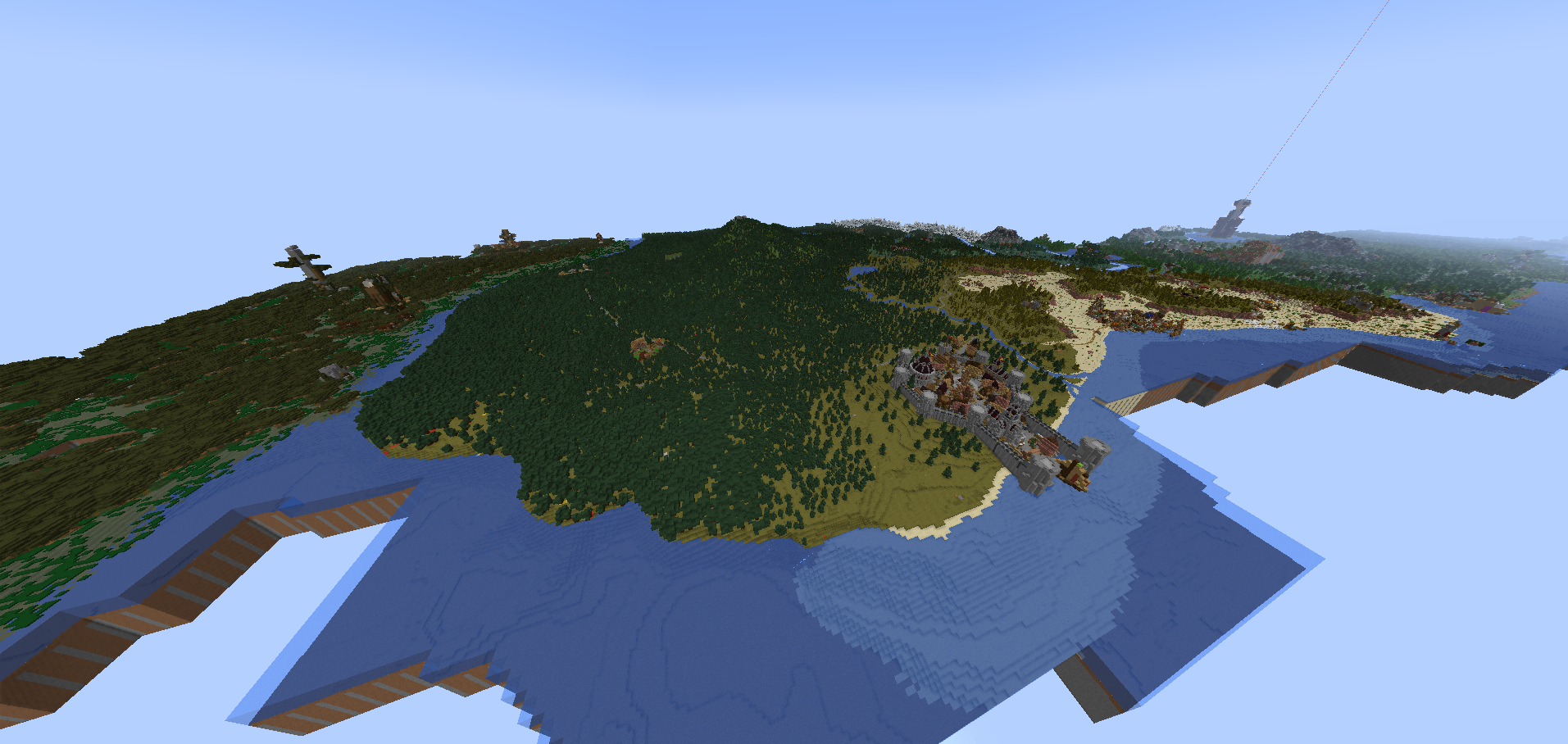 Distant Horizons Distant Horizons 2.3.0 Added since Ver: 1.1.0
Versions
Files
Relations
Project Relations
More like this
Similar Modpacks
Suggestions use data such as tags, dependencies, dependents, descriptions, titles, and more to rank how much they overlap with this modpack.
On ModDex
Community snapshot
By the numbers
Statistics

Want to reach Minecraft players?
We're looking for a server hosting partner to feature here and other parts of the site. Interested? Send us a message!
Get in touchGet it on
Available Platforms
On ModDex
Community snapshot
By the numbers
Statistics
Resources