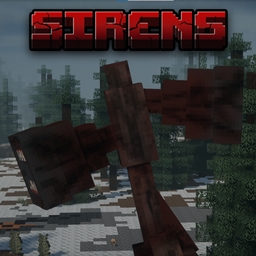
Community listing page, reviews here may not be monitored by the author.
Sirens

No reviews yet
A horror modpack adding Siren Head to Minecraft.

Community voices
Reviews
No reviews yet. Be the first to review this project!
Get it on
Available Platforms
About
Project Details
For authors
Embed Badge
If you're the author of this project, you can embed a live badge anywhere that supports HTML or Markdown. It updates automatically whenever ratings change.
Use HTML for any page that supports it, or Markdown for README files and Markdown-based descriptions.
Identifiers
Platform IDs
Resources
External Links
About
Description
I only assembled this modpack. None of the included mods are owned by me; all rights belong to their respective authors.
Modpack adds Siren Head along with other QOL mods that make the experience even better.
This reading is gonna be really boring but I suggest you go through it for the best experience.
First off I will tell you that whichever worldgen of the modpack you download, it will not change the gameplay drastically. The TECTONICGEN makes the world more vanilla-like, yet more realistic terrain. The BIOMEGEN makes the world have many new biomes and blocks, yet flatter and a bit more unrealistic. It's up to you but wont make much of a difference.
Second, for shaders I highly suggest you use Hysteria or Insanity. These are the main horror shaders that can be found on Curseforge. If you don't feel like using these shaders, simply download a different shader off of the Curseforge website (into your downloads folder on your device), and drag it into the "shaderpacks" folder in your profile's directory (keep it a .zip file, do not extract it). To do this, open the profile from the Curseforge app (no idea how to help you if you use base Minecraft Launcher), then click on the 3 dots somewhere near the play button for the profile. It should give you a few options, click "Open Folder" with the folder icon. This will take you to the profile's directory. In this is where you will see the folder named "shaderpacks" in which we mentioned earlier. Since I have installed shaders on the profile already, the folder will be there, if not then you did something wrong. Now just open the folder "shaderpacks" and drag the .zip file for the shader you want into it and close it. You do not have to relaunch your game when manually putting shaderpacks (or resourcepacks) in their folders, just close the folders and give Minecraft a second to register them, then they should show up in the "Shaders" tab in the video settings.
Thats all I really had, most of it was on how to install shaders. The modpack is pretty simple and should run pretty well. I run an RX 6600 GPU and idrk for the CPU, I know I have 32 gigs of RAM and have 8 allocated to Minecraft. I run a good 70+ FPS with these specs with shaders and a 20 chunk render distance, I do not optimise my game as well as it could be optimized. I'm sure that if you tried you could top 100 FPS with the same specs. My PC was quite a budget build, so I'm sure that most will be able to run the pack without issues.
Thanks for playing,
Medktz
Screenshots
Gallery
-
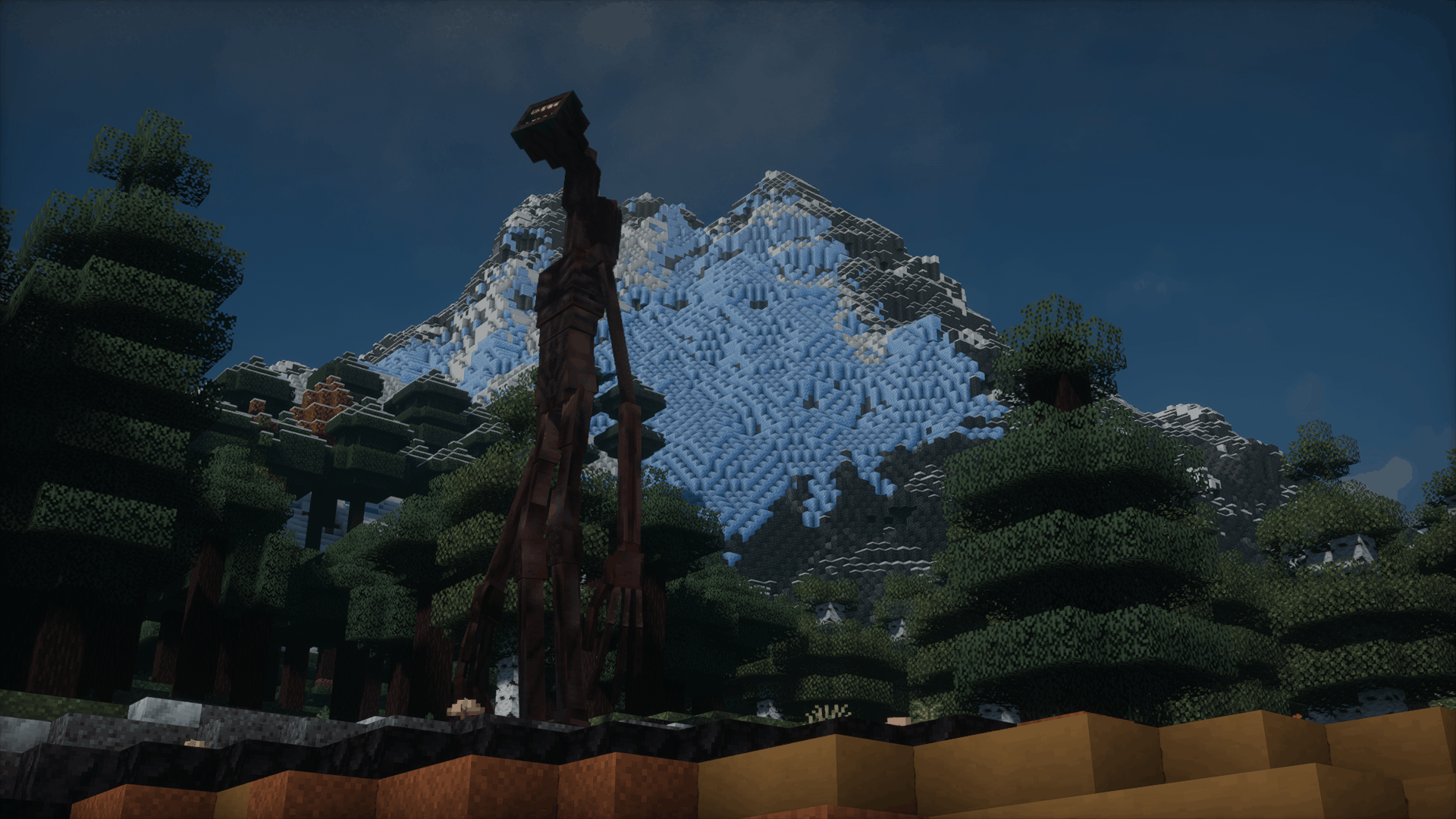 2026-02-24_17.45.55 (1).png 2026-02-24_17.45.55 (1).png
 -
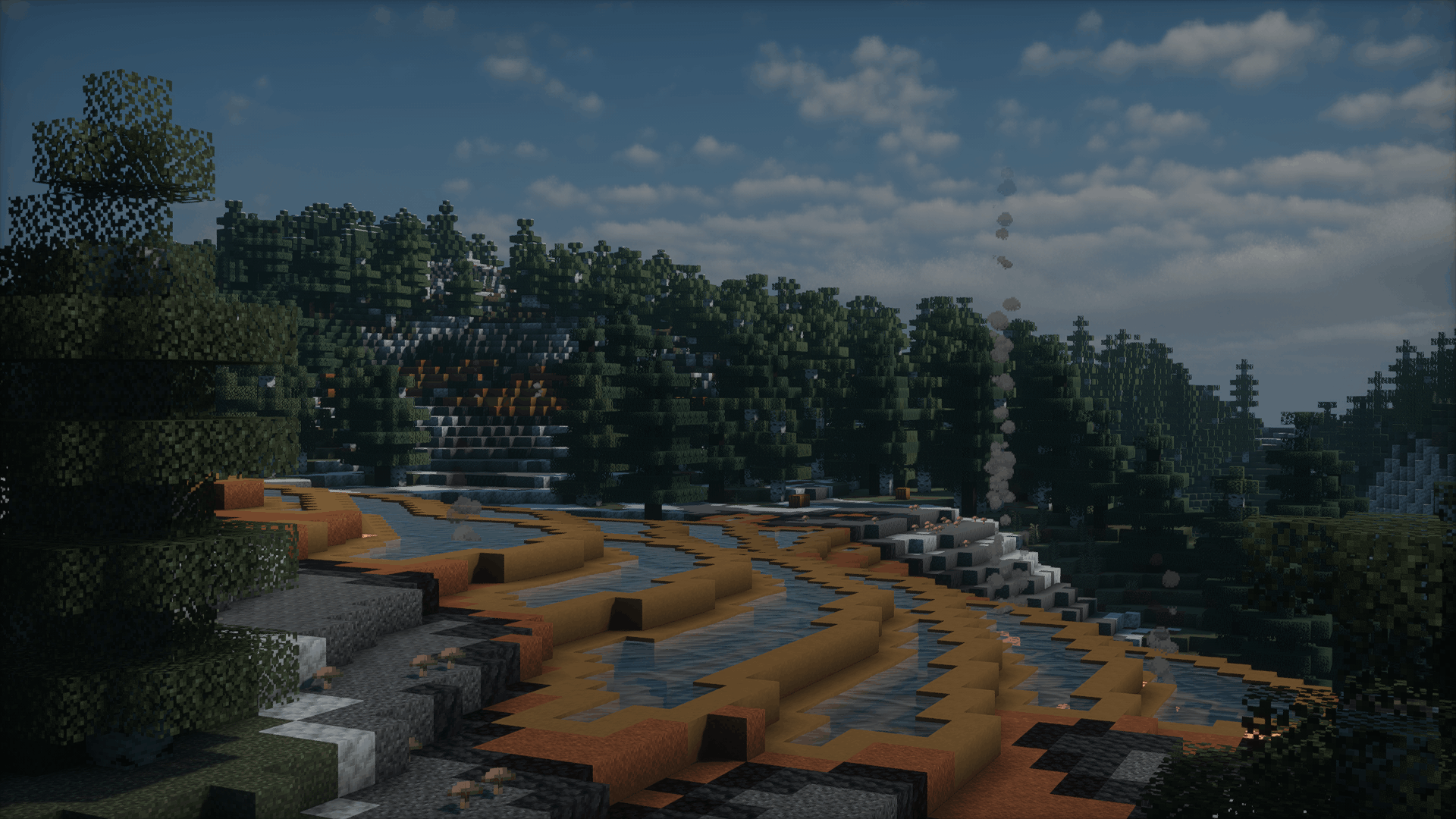 2026-02-24_17.45.44 (1).png 2026-02-24_17.45.44 (1).png
 -
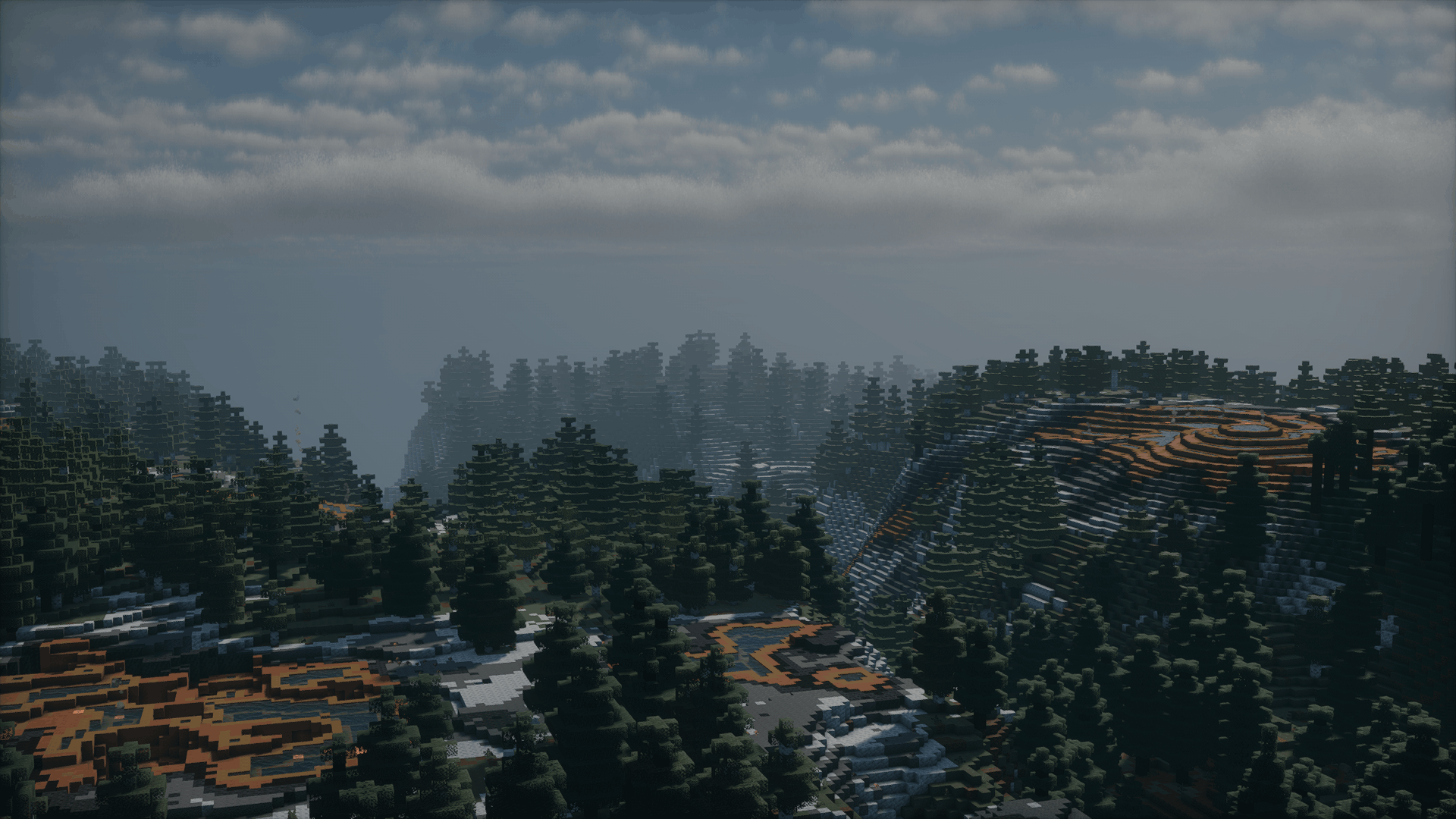 2026-02-24_17.45.31 (1).png 2026-02-24_17.45.31 (1).png
 -
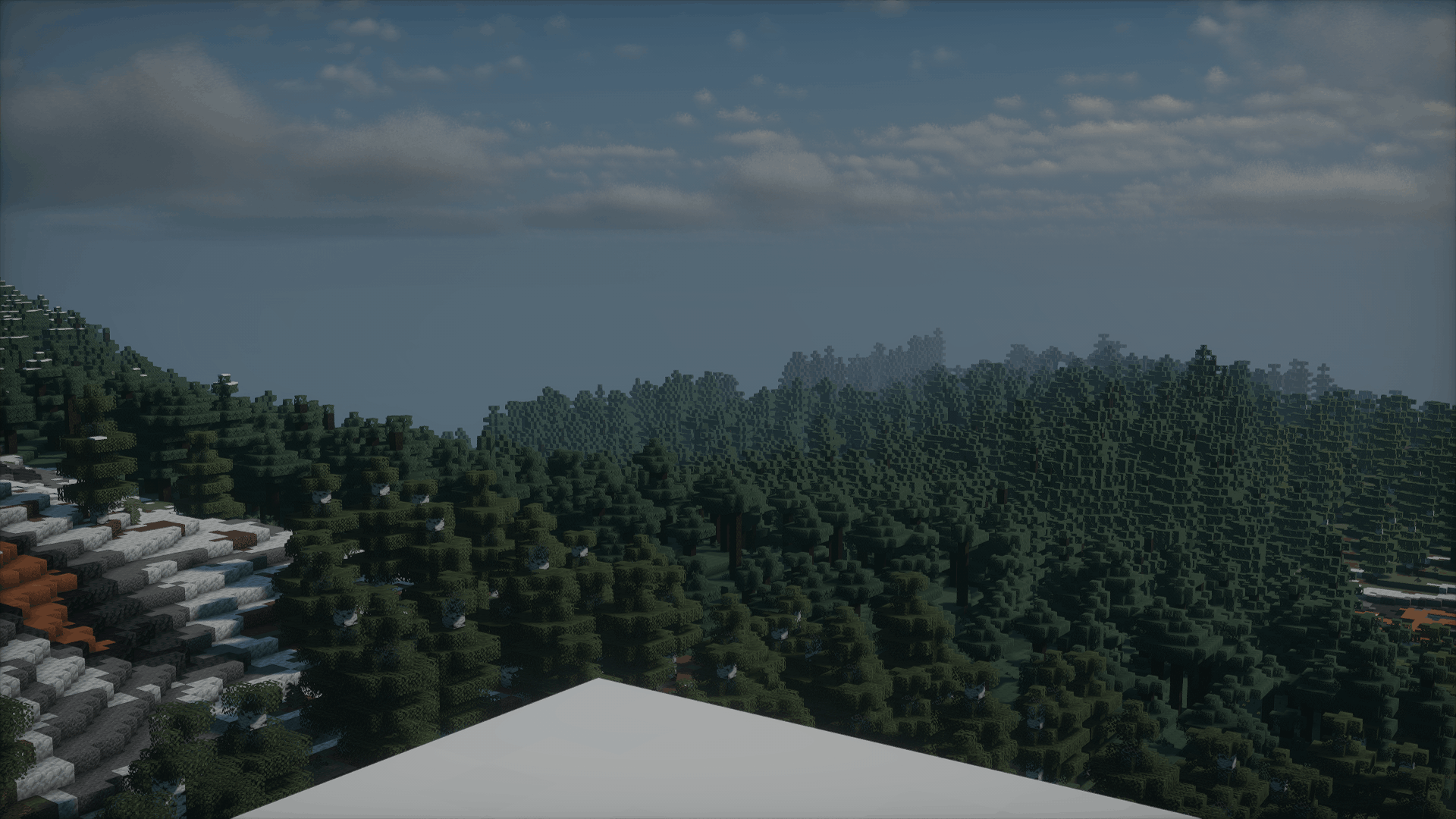 2026-02-24_17.45.09 (1).png 2026-02-24_17.45.09 (1).png
 -
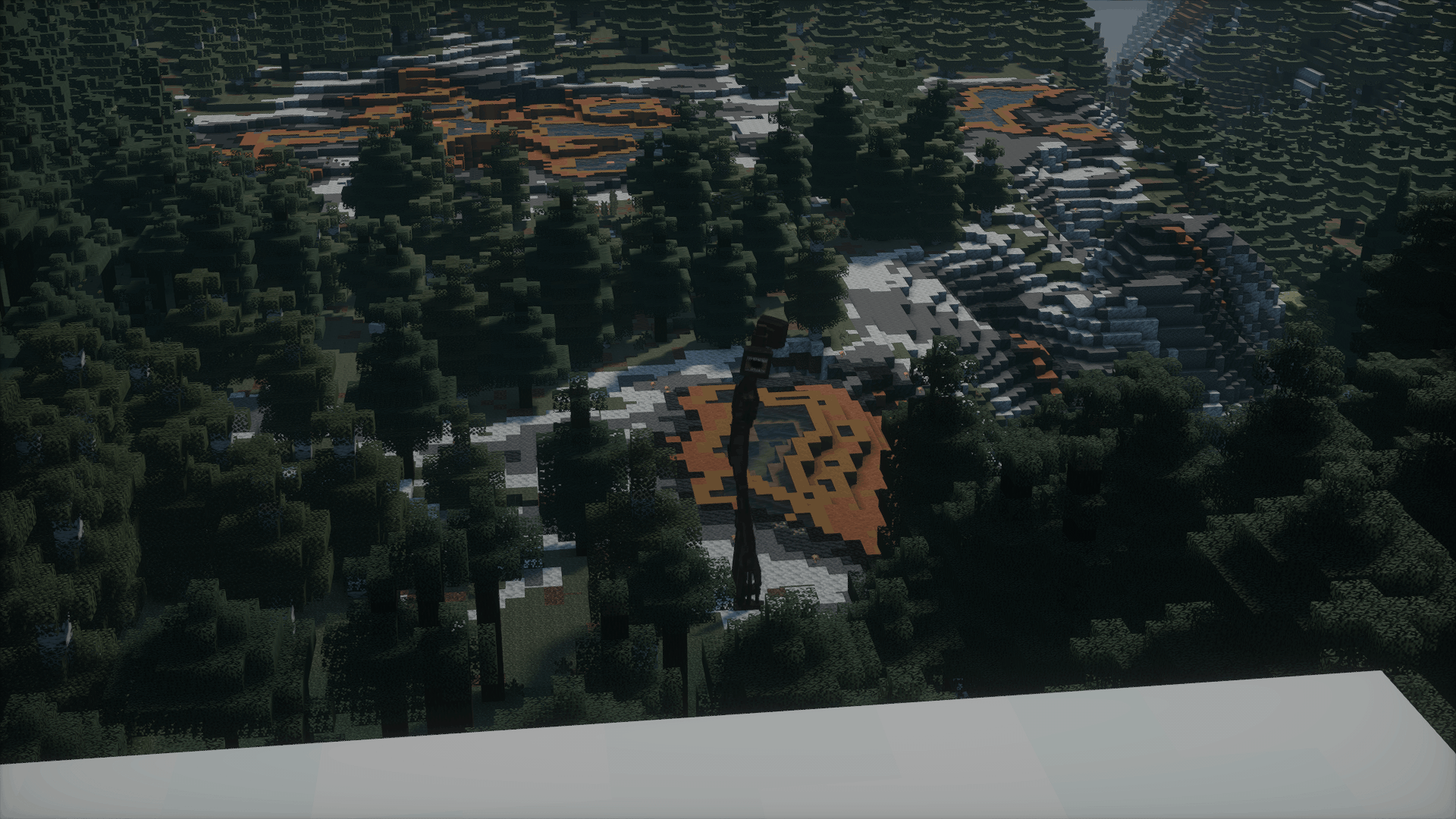 2026-02-24_17.45.02 (1).png 2026-02-24_17.45.02 (1).png
 -
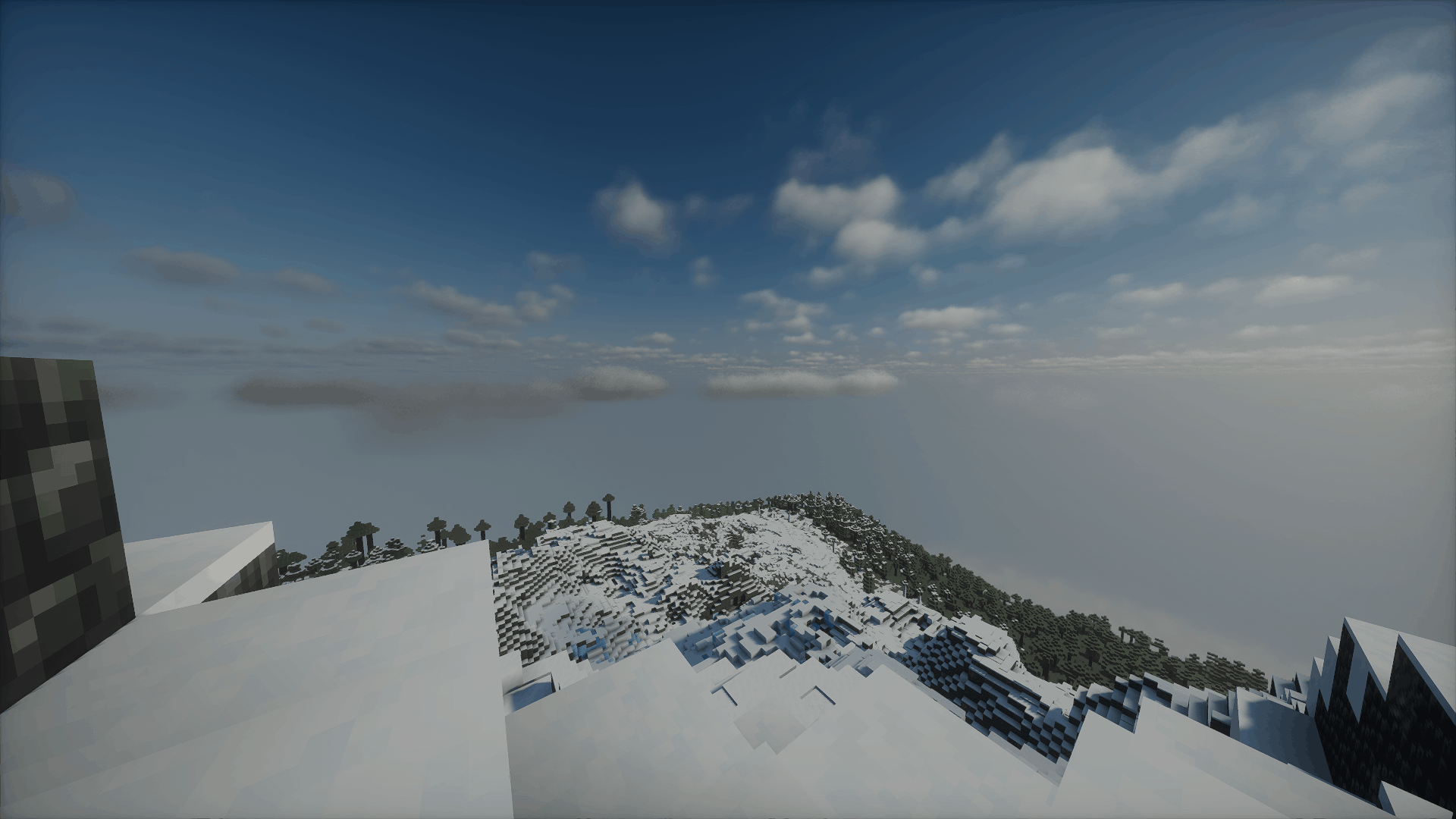 2026-02-24_17.43.55 (1).png 2026-02-24_17.43.55 (1).png
 -
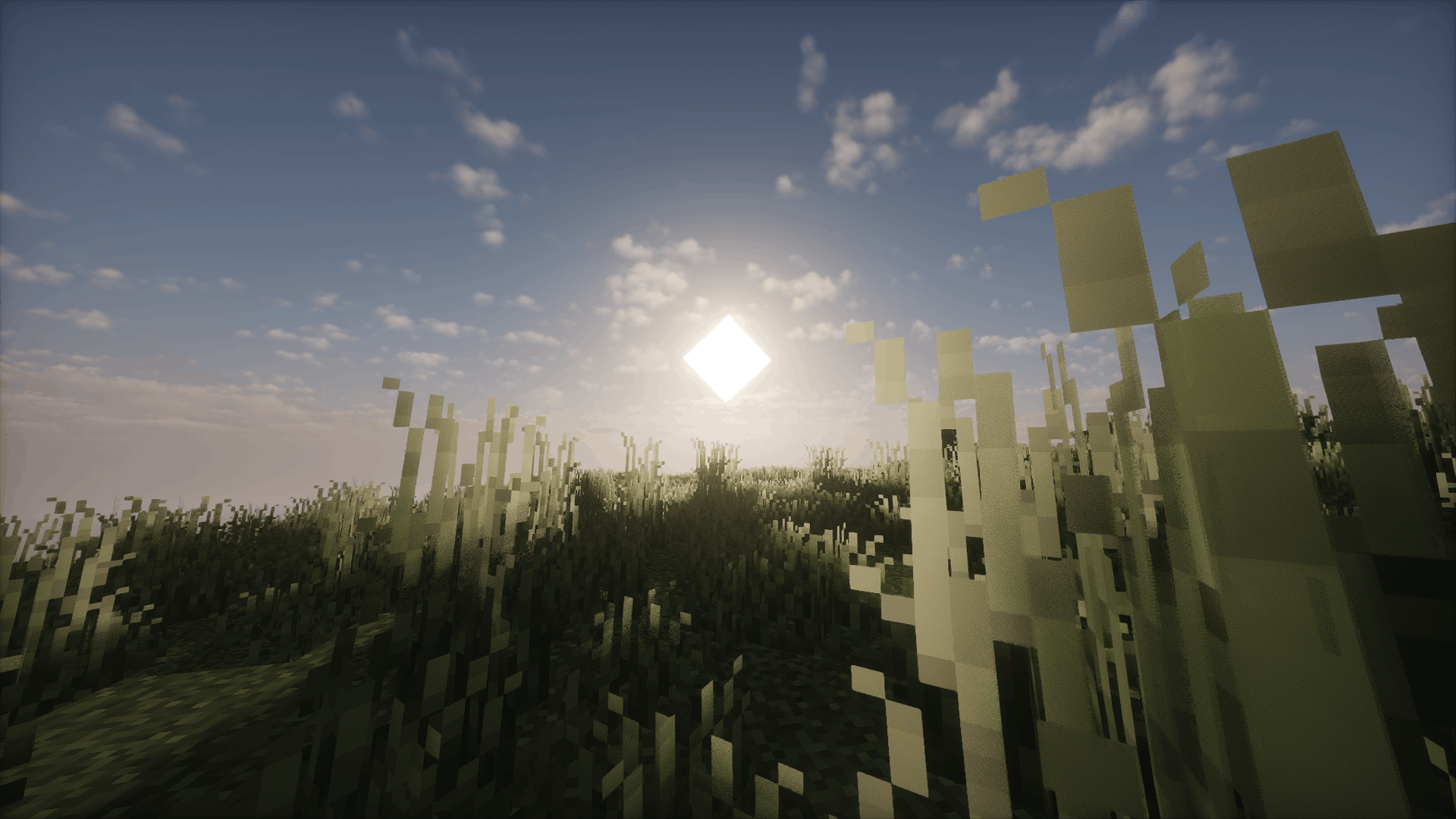 2026-02-24_17.20.39 (1).png 2026-02-24_17.20.39 (1).png
 -
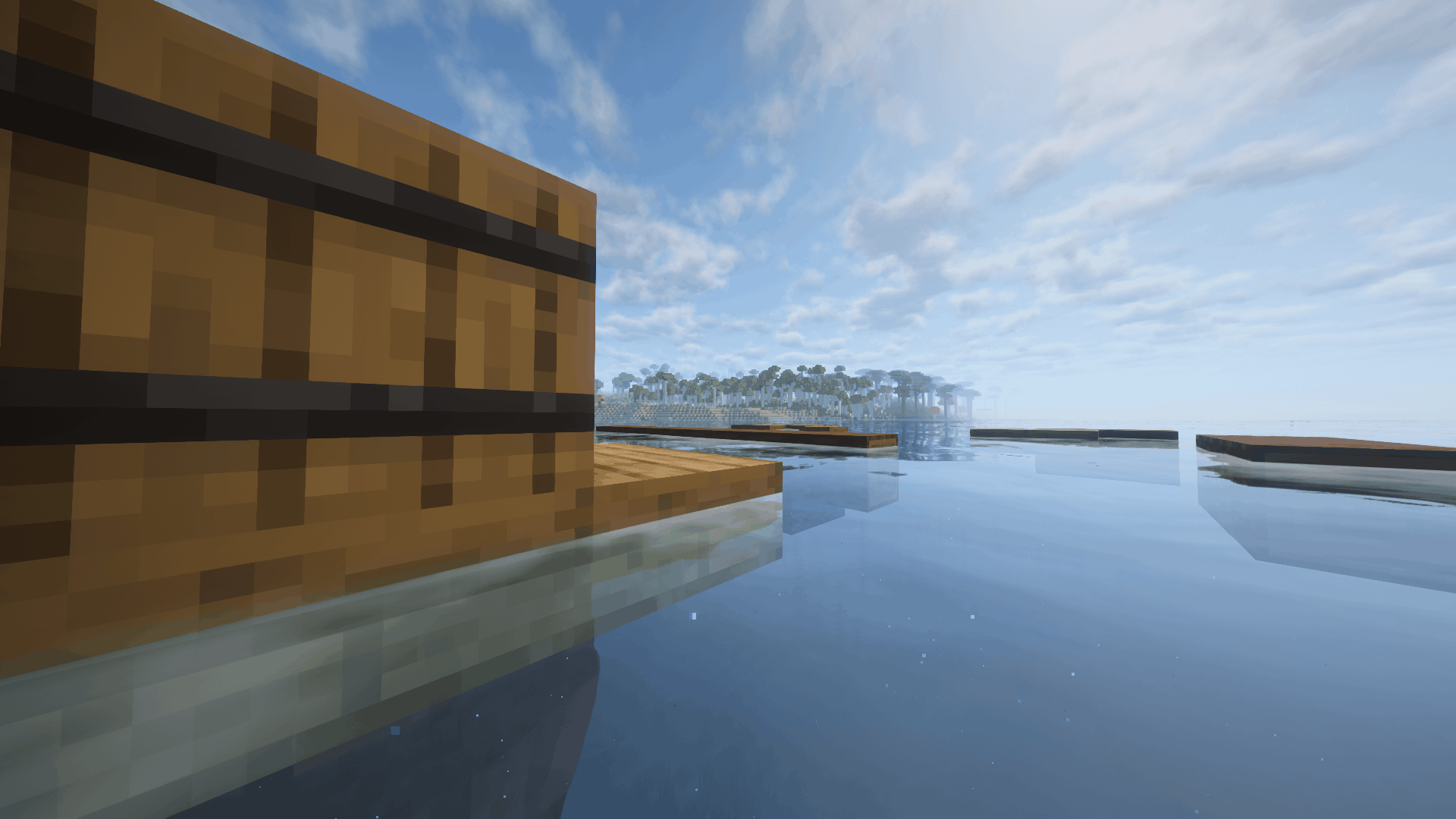 2026-02-24_17.26.17 (1).png 2026-02-24_17.26.17 (1).png
 -
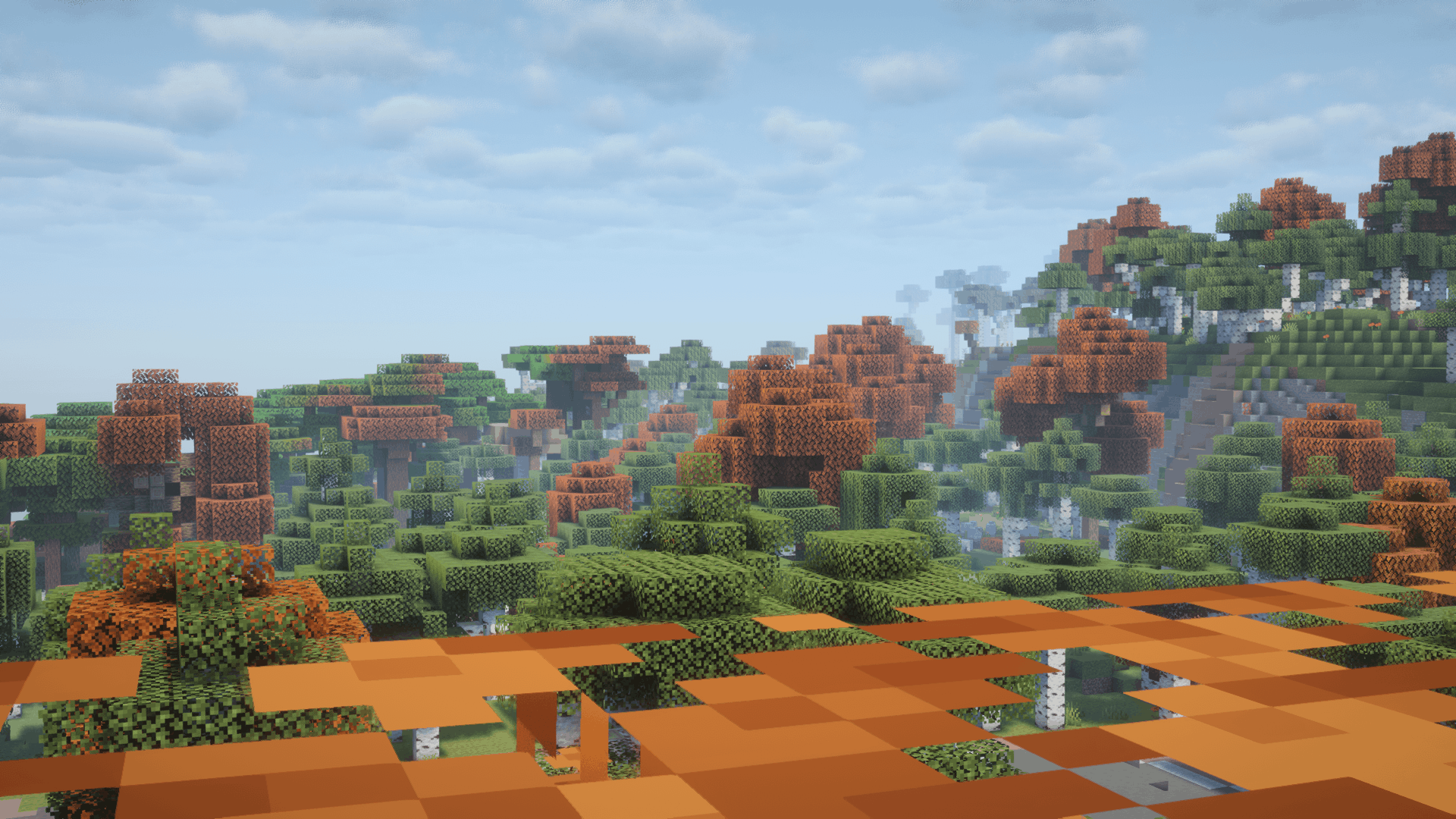 2026-02-24_17.25.32 (1).png 2026-02-24_17.25.32 (1).png
 -
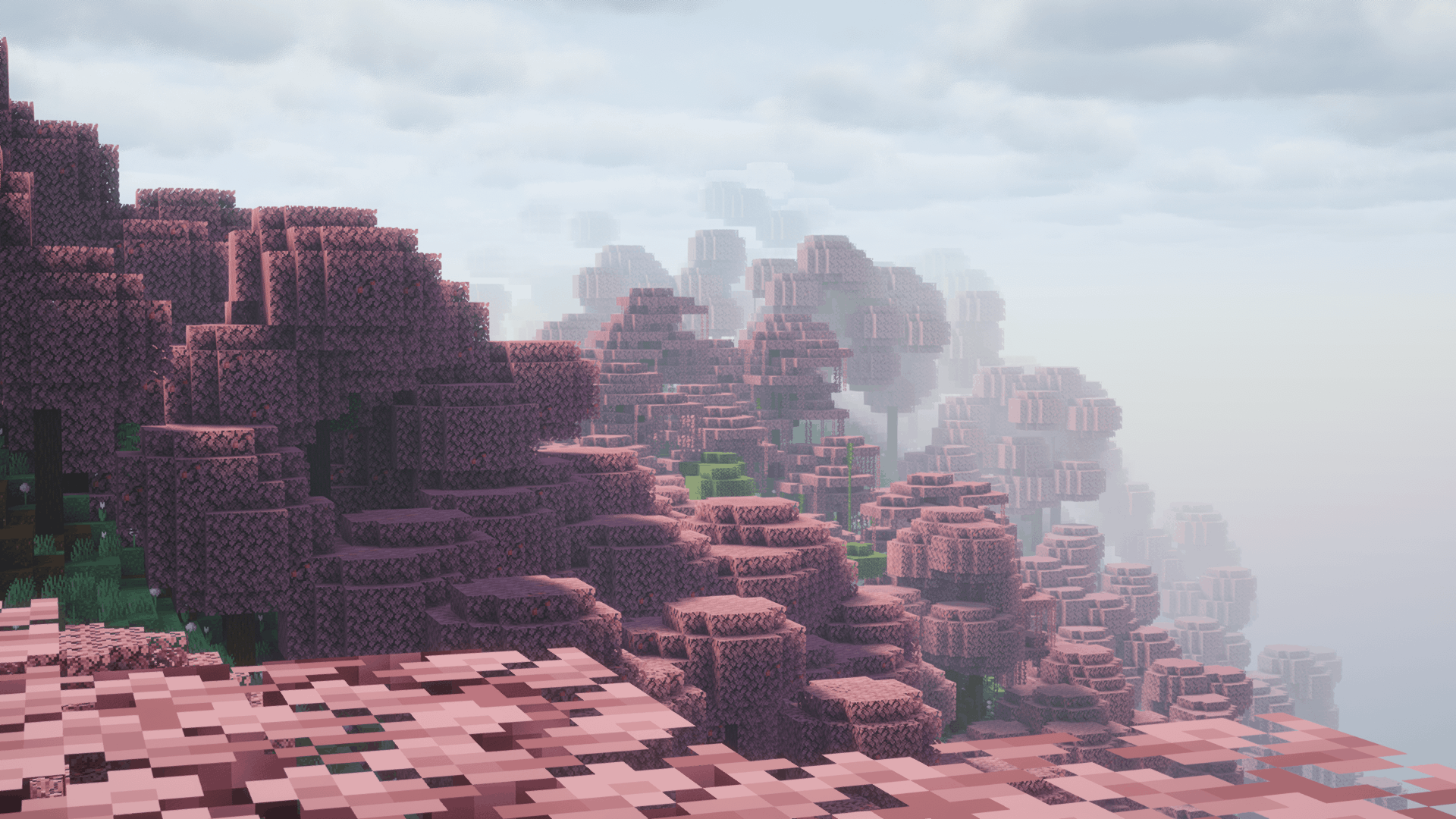 2026-02-24_17.25.11 (1).png 2026-02-24_17.25.11 (1).png
 -
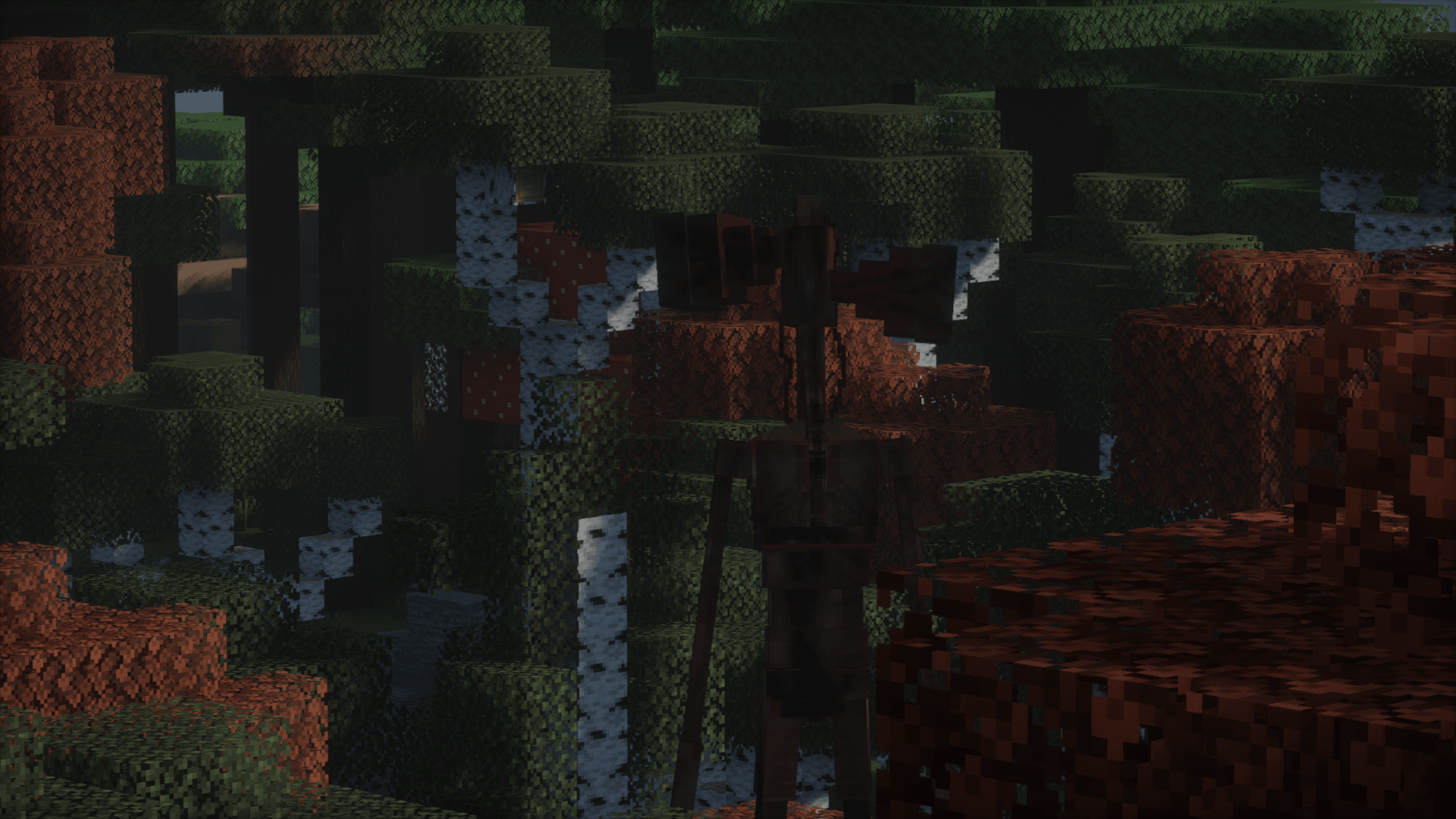 2026-02-24_17.23.42 (1).png 2026-02-24_17.23.42 (1).png
 -
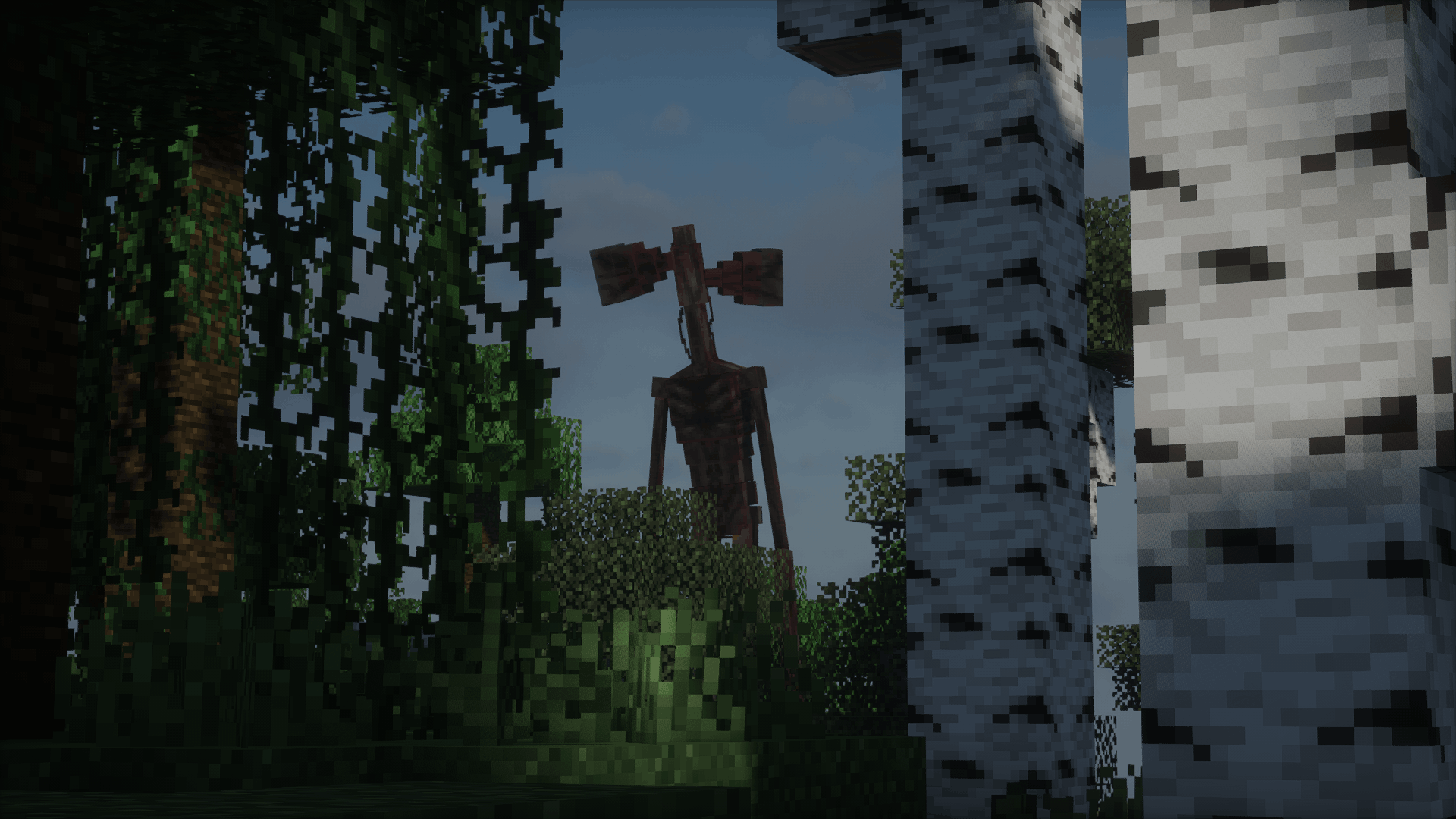 2026-02-24_17.23.20 (1).png 2026-02-24_17.23.20 (1).png
 -
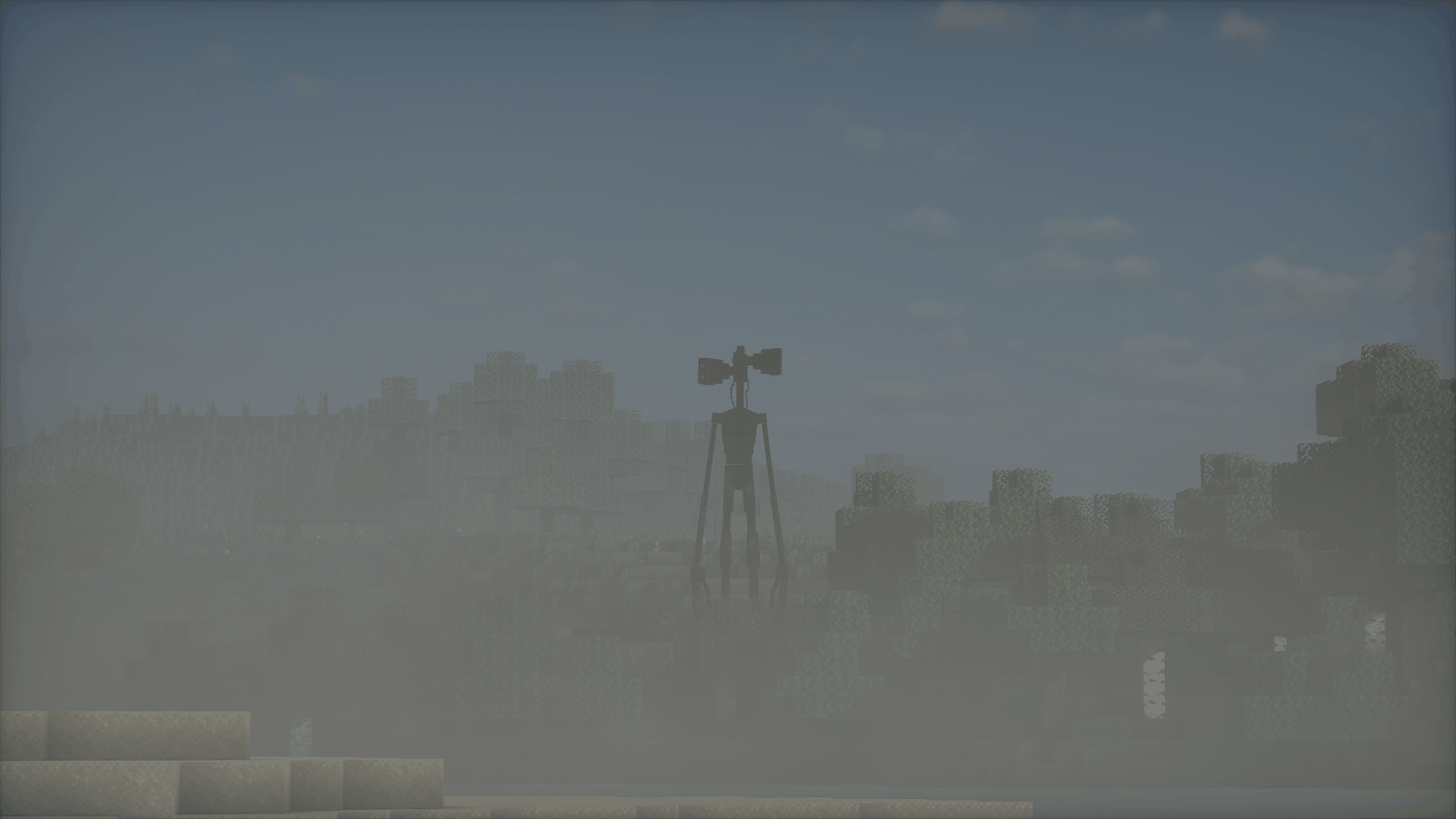 2026-02-24_17.22.59 (1).png 2026-02-24_17.22.59 (1).png
 -
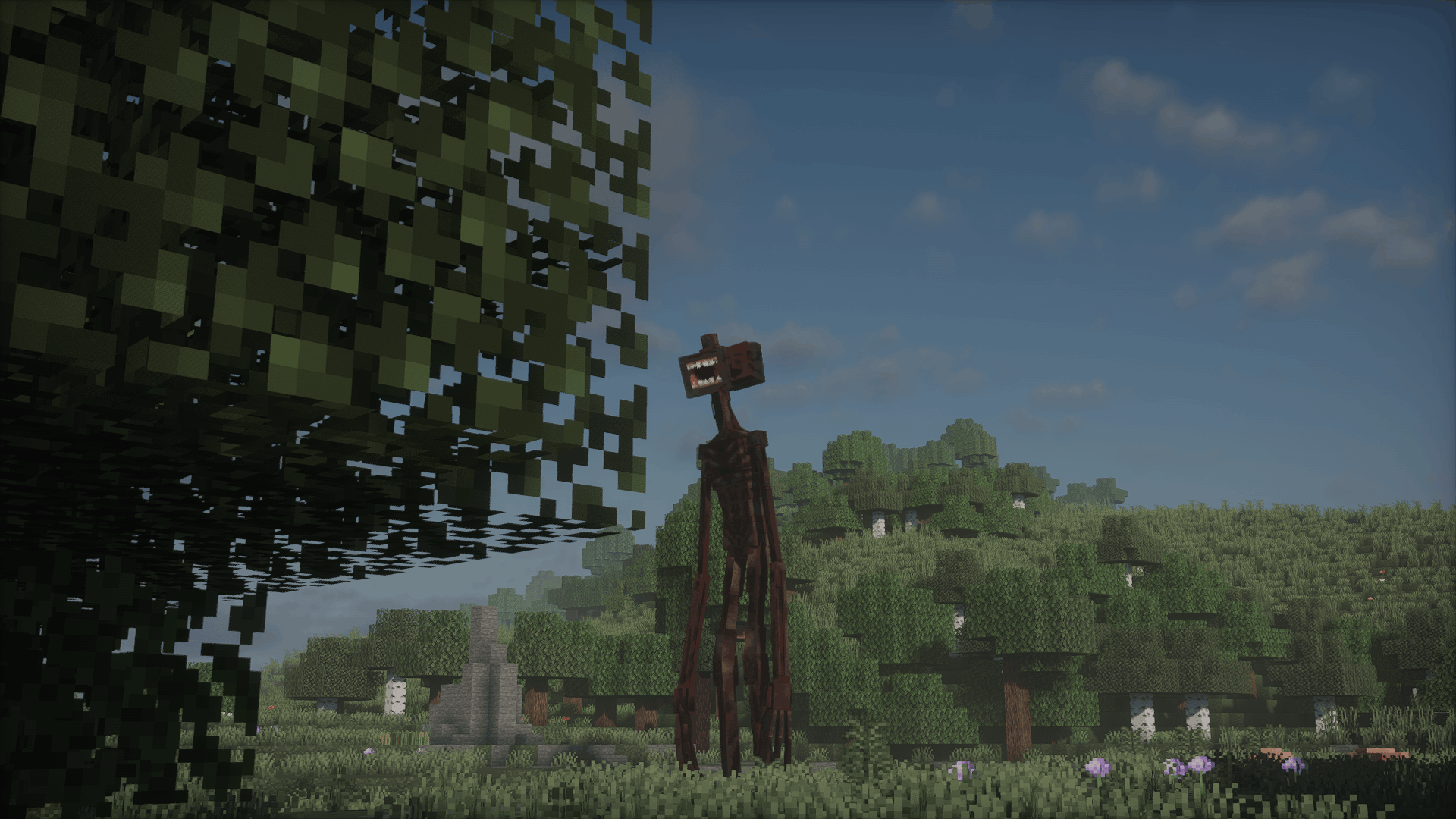 2026-02-24_17.22.21 (1).png 2026-02-24_17.22.21 (1).png
 -
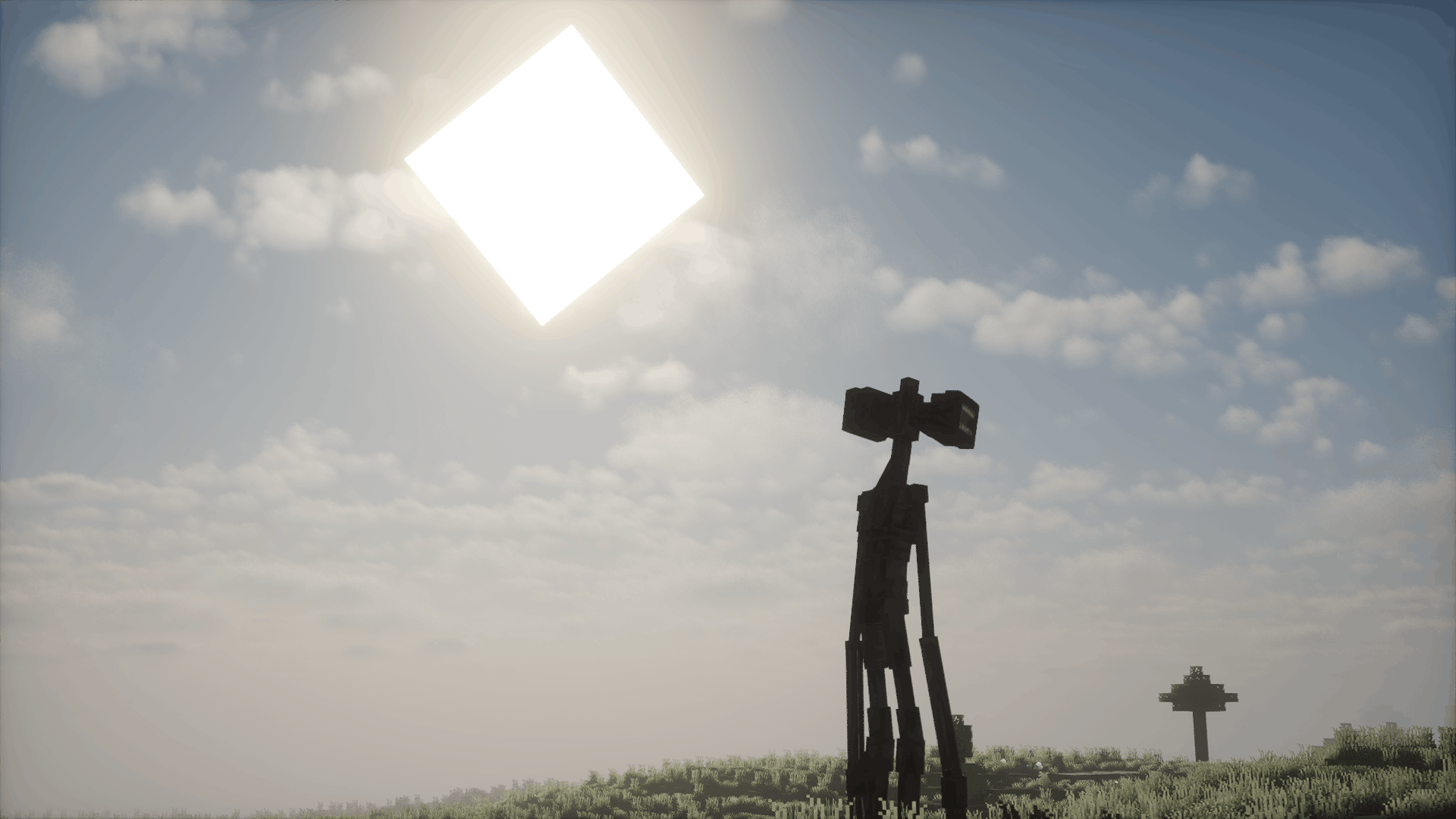 2026-02-24_17.21.59 (1).png 2026-02-24_17.21.59 (1).png
Versions
Files
Relations
Project Relations
More like this
Similar Modpacks
Suggestions use data such as tags, dependencies, dependents, descriptions, titles, and more to rank how much they overlap with this modpack.
On ModDex
Community snapshot
By the numbers
Statistics
 (opens in a new tab)
Get it on
Available Platforms
On ModDex
Community snapshot
By the numbers
Statistics
Resources