
Community listing page, reviews here may not be monitored by the author.
Smooth Pack


No reviews yet
A Performance Modpack for the most FPS with some Quality of Life mods
Community voices
Reviews
No reviews yet. Be the first to review this project!
Get it on
Available Platforms
Compatibility
Supported Environments
Runs entirely on the client. Works on vanilla servers.
About
Project Details
For authors
Embed Badge
If you're the author of this project, you can embed a live badge anywhere that supports HTML or Markdown. It updates automatically whenever ratings change.
Use HTML for any page that supports it, or Markdown for README files and Markdown-based descriptions.
Identifiers
Platform IDs
Resources
External Links
About
Description
A lot of work and fine-tuning has gone into this modpack. If you notice anything that doesn’t work properly or something you don’t like, please let me know so it can be improved.
If everything runs well for you, feel free to share it with your friends and help the modpack reach a wider audience.
Below are settings for performance from Low to God
Discord(I'm trying to fix the bugs as soon as possible)
If you want the modpack on Modrinth
For recommendations on graphics settings, see Help at the bottom of the page.
What are the plans for this modpack?
This modpack will also be released in expansions. PVP (for PVP and based on Smooth pack) and NEW (adds new things, based on Smooth pack extra but with new features that are no longer vanilla with new blocks. However, it should still feel reasonably vanilla). Maybe the modpack will also be released for 1.21.10, 1.21, and 1.20.1, and maybe sometime in the future for Neoforge.
This modpack will now focus only on performance. There used to be an expansion, but it is no longer being updated. However, the modpack itself will still be expanded to support other versions.
Why should I use the modpack at all?
You get significantly higher FPS than in Vanilla (my FPS in pictures) with a few quality-of-life mods and total smoothness
Credits:
Credits go to all mod developers who made this modpack possible. Thank you for your work!
Compatibility:
This modpack works on servers. Nevertheless, you should always check whether the servers prohibit things like zoom or similar, but these mods are not really that critical.
Help, I have a bug or an idea!
If you encounter any issues with this modpack, feel free to join the Discord and report bugs in the Bugs channel. Ideas and suggestions are also welcome in the Ideas channel.
How much RAM should I allocate to this modpack?
Minimum RAM: 1.5 GB
Good RAM: 1.5-4 GB
Maximum RAM: 4-8(10) GB
Important:
When you go to Mods, you will now see a mod called Bobby. This mod allows you to set your render distance above 32 in the graphics settings. It lets you see further on servers, but in single player, never set the render distance above 32 , otherwise it will lag extremely!!
Best Settings for Best settings for different performance settings
These settings are recommended
Potato Settings:
1. Render Distance=8
2. Simulation Distance=5
3. Clouds=Fast
4. Cloud Distance=24
5. See throgh leaves=OFF
6. Weather Effect=3
7. Particles=Minimal
8. Biome Blend=NONE
9. Entity Distance=50-75%
10. Entity Shadows=Off
11. Mipmap Levels=0x
Very Low Settings:
1. Render Distance=10
2. Simulation Distance=7
3. Clouds=Fast
4. Cloud Distance=32
5. See throgh leaves=OFF
6. Weather Effect=5
7. Particles=Minimal
8. Biome Blend=3x3
9. Entity Distance=50-75%
10. Entity Shadows=Off
11. Mipmap Levels=0x
Low Settings(Default Setting):
1. Render Distance=14
2. Simulation Distance=8
3. Clouds=Fast
4. Cloud Distance=48
5. See throgh leaves=OFF
6. Weather Effect=5
7. Particles=Decreased
8. Biome Blend=5x5
9. Entity Distance=75%
10. Entity Shadows=Off
11. Mipmap Levels=1x
Medium Settings:
1. Render Distance=18
2. Simulation Distance=10
3. Clouds=Fast
4. Cloud Distance=64
5. See throgh leaves=ON
6. Weather Effect=7
7. Particles=Decreased
8. Biome Blend=9x9
9. Entity Distance=100%
10. Entity Shadows=ON
11. Mipmap Levels=2x
High Settings:
1. Render Distance=24
2. Simulation Distance=16
3. Clouds=Fancy
4. Cloud Distance=80
5. See throgh leaves=ON
6. Weather Effect=10
7. Particles=Decreased
8. Biome Blend=11x11
9. Entity Distance=100%
10. Entity Shadows=ON
11. Mipmap Levels=3x
Ultra Settings:
1. Render Distance=32
2. Simulation Distance=20
3. Clouds=Fancy
4. Cloud Distance=96
5. See throgh leaves=ON
6. Weather Effect=10
7. Particles=All
8. Biome Blend=13x13
9. Entity Distance=125-150%
10. Entity Shadows=ON
11. Mipmap Levels=4x
God Settings:
1. Render Distance=32
2. Simulation Distance=26
3. Clouds=Fancy
4. Cloud Distance=128
5. See throgh leaves=ON
6. Weather Effect=10
7. Particles=All
8. Biome Blend=15x15
9. Entity Distance=150-200%
10. Entity Shadows=ON
11. Mipmap Levels=4x
A lot of work and fine-tuning has gone into this modpack. If you notice anything that doesn’t work properly or something you don’t like, please let me know so it can be improved.
If everything runs well for you, feel free to share it with your friends and help the modpack reach a wider audience.
For recommendations on graphics settings, see Help at the bottom of the page.

If you're running a version earlier than 3.0.0, delete the modpack and reinstall it (remember to back up your worlds in the “saves” folder)
What are the plans for this modpack?
On Modrnith, there will only be a PvP version and one for Neofoge, but not Extra or New.
This modpack will now focus only on performance. There used to be an expansion on Curseforge, but it is no longer being updated. However, the modpack itself will still be expanded to support other versions.
Curseforge
Why should I use the modpack at all?
You get significantly higher FPS than in Vanilla (my FPS in pictures) with a few quality-of-life mods and total smoothness
Credits:
Credits go to all mod developers who made this modpack possible. Thank you for your work!
Compatibility:
This modpack works on servers. Nevertheless, you should always check whether the servers prohibit things like zoom or similar, but these mods are not really that critical.
Help, I have a bug or an idea!
If you encounter any issues with this modpack, feel free to join the Discord and report bugs in the Bugs channel. Ideas and suggestions are also welcome in the Ideas channel.
How much RAM should I allocate to this modpack?
- Minimum RAM: 1.5 GB
- Good RAM: 1.5-4 GB
- Maximum RAM: 4-8(10) GB
Important:
When you go to Mods, you will now see a mod called Bobby. This mod allows you to set your render distance above 32 in the graphics settings. It lets you see further on servers, but in single player, never set the render distance above 32 , otherwise it will lag extremely!!
different performance settings
These settings are recommended
Potato Settings:
- Render Distance=8
- Simulation Distance=5
- Clouds=Fast
- Cloud Distance=24
- See throgh leaves=OFF
- Weather Effect=3
- Particles=Minimal
- Biome Blend=NONE
- Entity Distance=50-75%
- Entity Shadows=Off
- Mipmap Levels=0x
Very Low Settings:
- Render Distance=10
- Simulation Distance=7
- Clouds=Fast
- Cloud Distance=32
- See throgh leaves=OFF
- Weather Effect=5
- Particles=Minimal
- Biome Blend=3x3
- Entity Distance=50-75%
- Entity Shadows=Off
- Mipmap Levels=0x
Low Settings(Default Setting):
- Render Distance=14
- Simulation Distance=8
- Clouds=Fast
- Cloud Distance=48
- See throgh leaves=OFF
- Weather Effect=5
- Particles=Decreased
- Biome Blend=5x5
- Entity Distance=75%
- Entity Shadows=Off
- Mipmap Levels=1x
Medium Settings:
- Render Distance=18
- Simulation Distance=10
- Clouds=Fast
- Cloud Distance=64
- See throgh leaves=ON
- Weather Effect=7
- Particles=Decreased
- Biome Blend=9x9
- Entity Distance=100%
- Entity Shadows=ON
- Mipmap Levels=2x
High Settings:
- Render Distance=24
- Simulation Distance=16
- Clouds=Fancy
- Cloud Distance=80
- See throgh leaves=ON
- Weather Effect=10
- Particles=Decreased
- Biome Blend=11x11
- Entity Distance=100%
- Entity Shadows=ON
- Mipmap Levels=3x
Ultra Settings:
- Render Distance=32
- Simulation Distance=20
- Clouds=Fancy
- Cloud Distance=96
- See throgh leaves=ON
- Weather Effect=10
- Particles=All
- Biome Blend=13x13
- Entity Distance=125-150%
- Entity Shadows=ON
- Mipmap Levels=4x
God Settings:
- Render Distance=32
- Simulation Distance=26
- Clouds=Fancy
- Cloud Distance=128
- See throgh leaves=ON
- Weather Effect=10
- Particles=All
- Biome Blend=15x15
- Entity Distance=150-200%
- Entity Shadows=ON
- Mipmap Levels=4x
Screenshots
Gallery
-
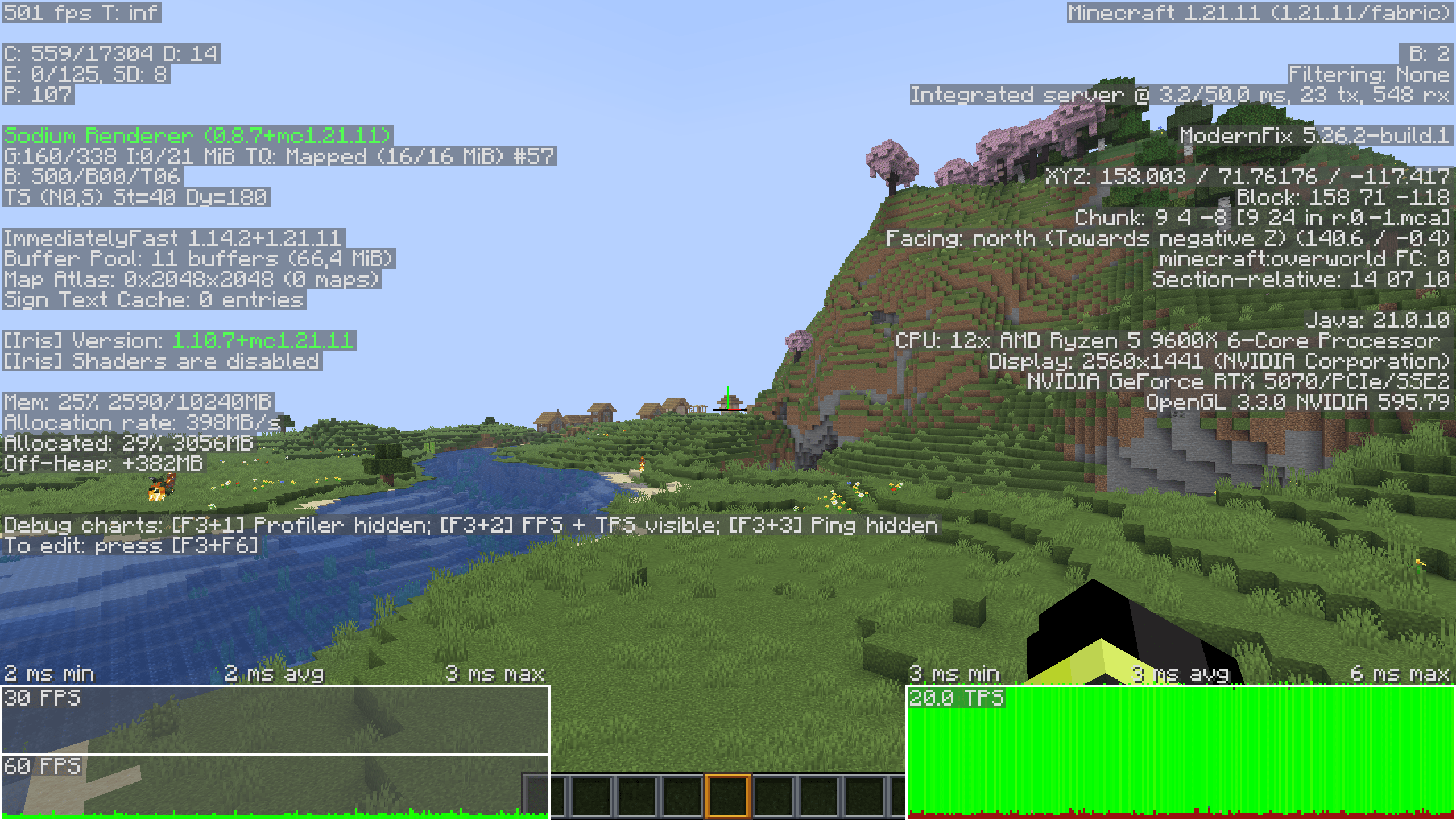 F3 Menu Because of the F3 menu, the FPS is significantly lower. I was referring to the two tables at the bottom.
 -
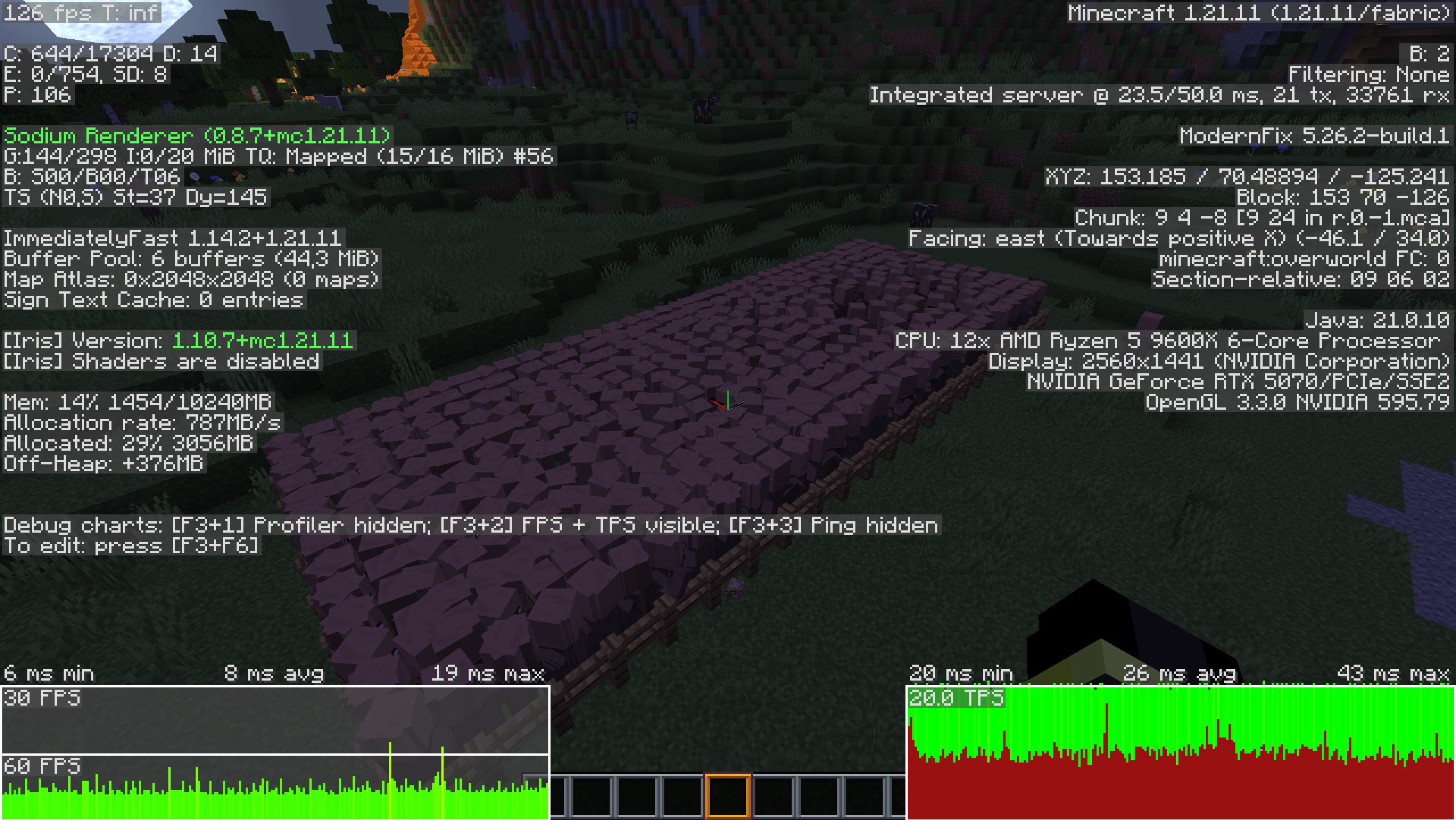 F3 Menu Don't worry about the FPS! The F3 menu makes it lag more, but it's still amazing for so many villagers
 -
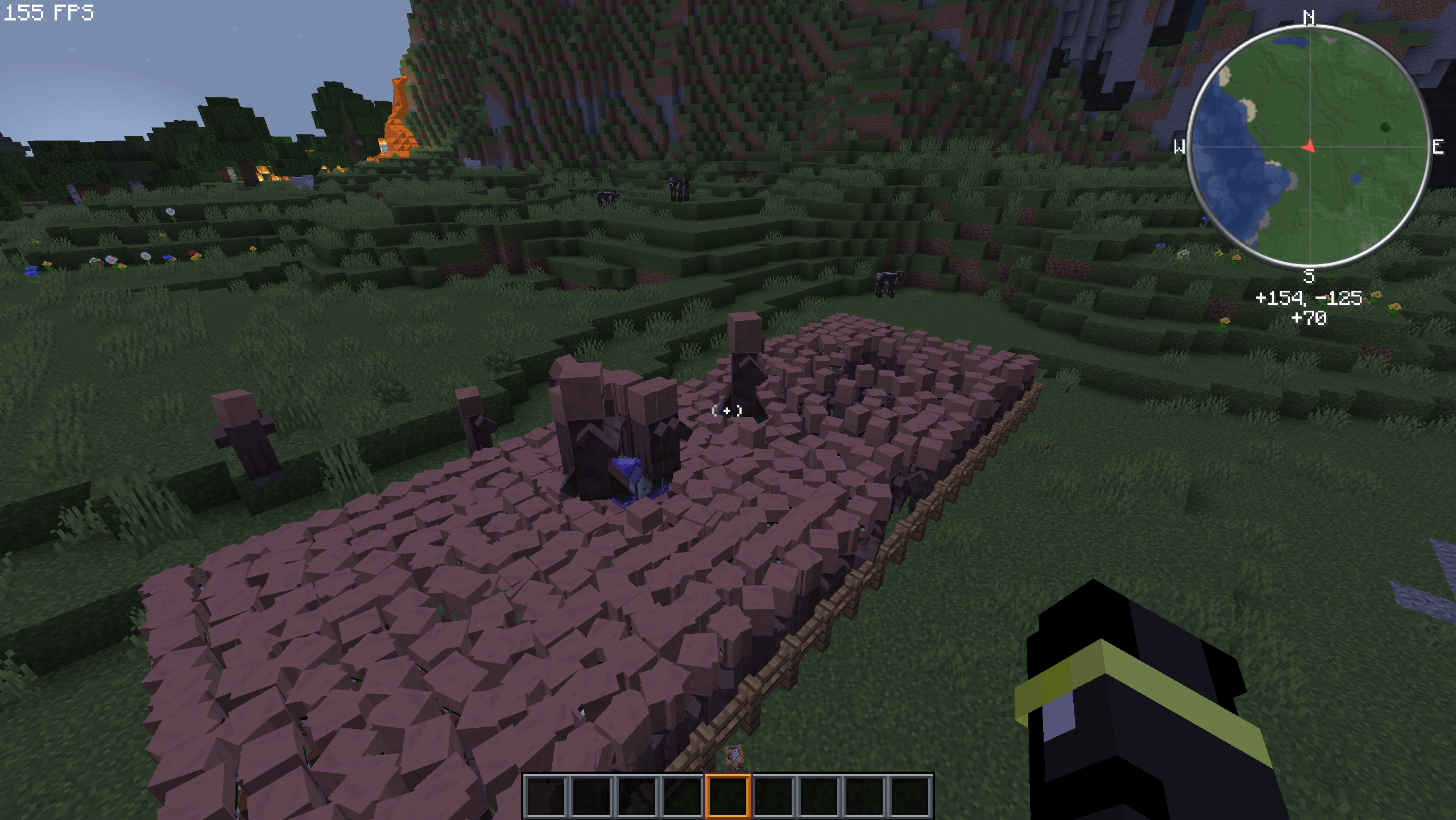 So many villagers! Even so, the game still runs smoothly(SMOOTH PACK)
 -
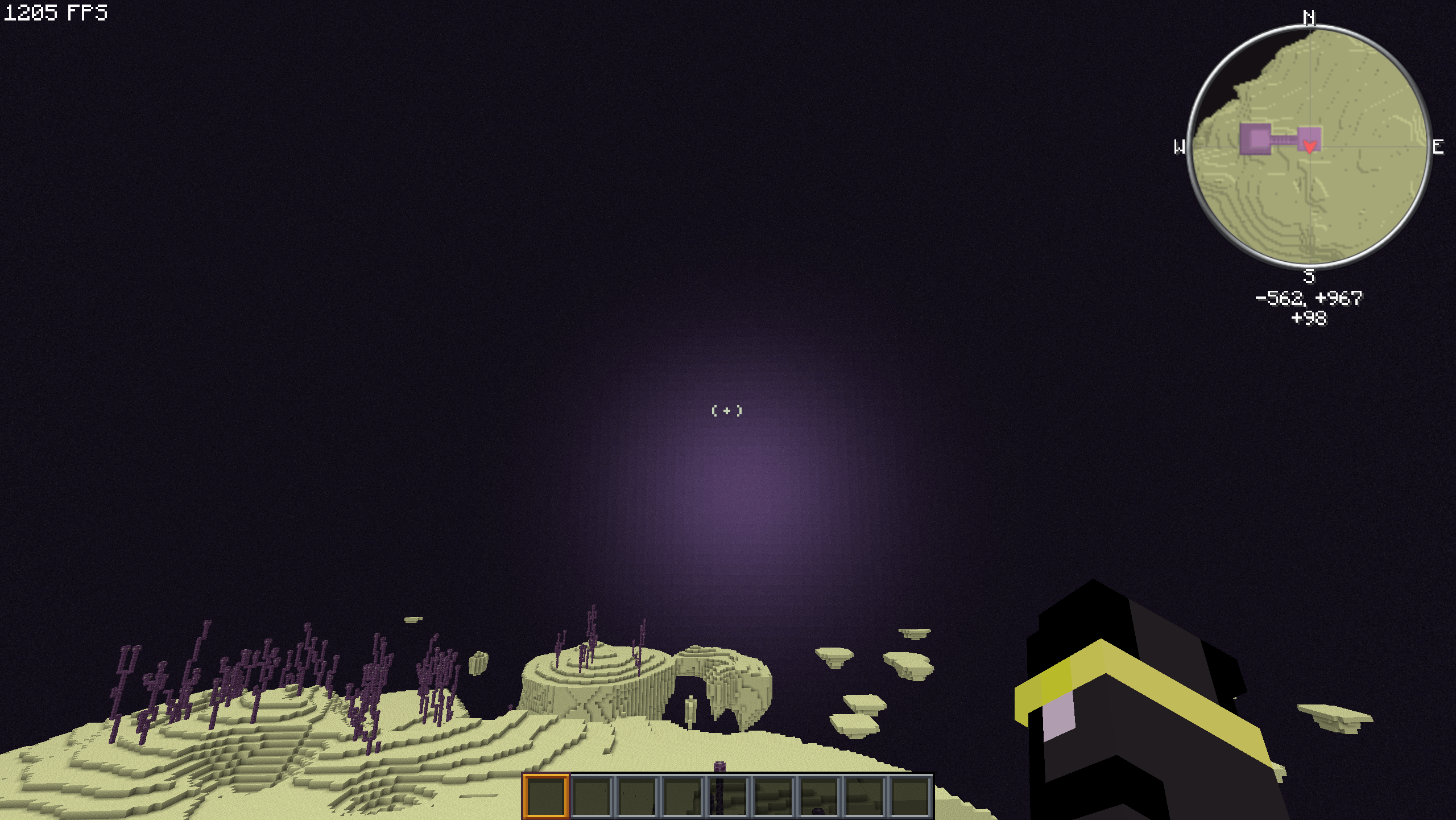 The New End flash What are you trying to tell us, Mojang?
 -
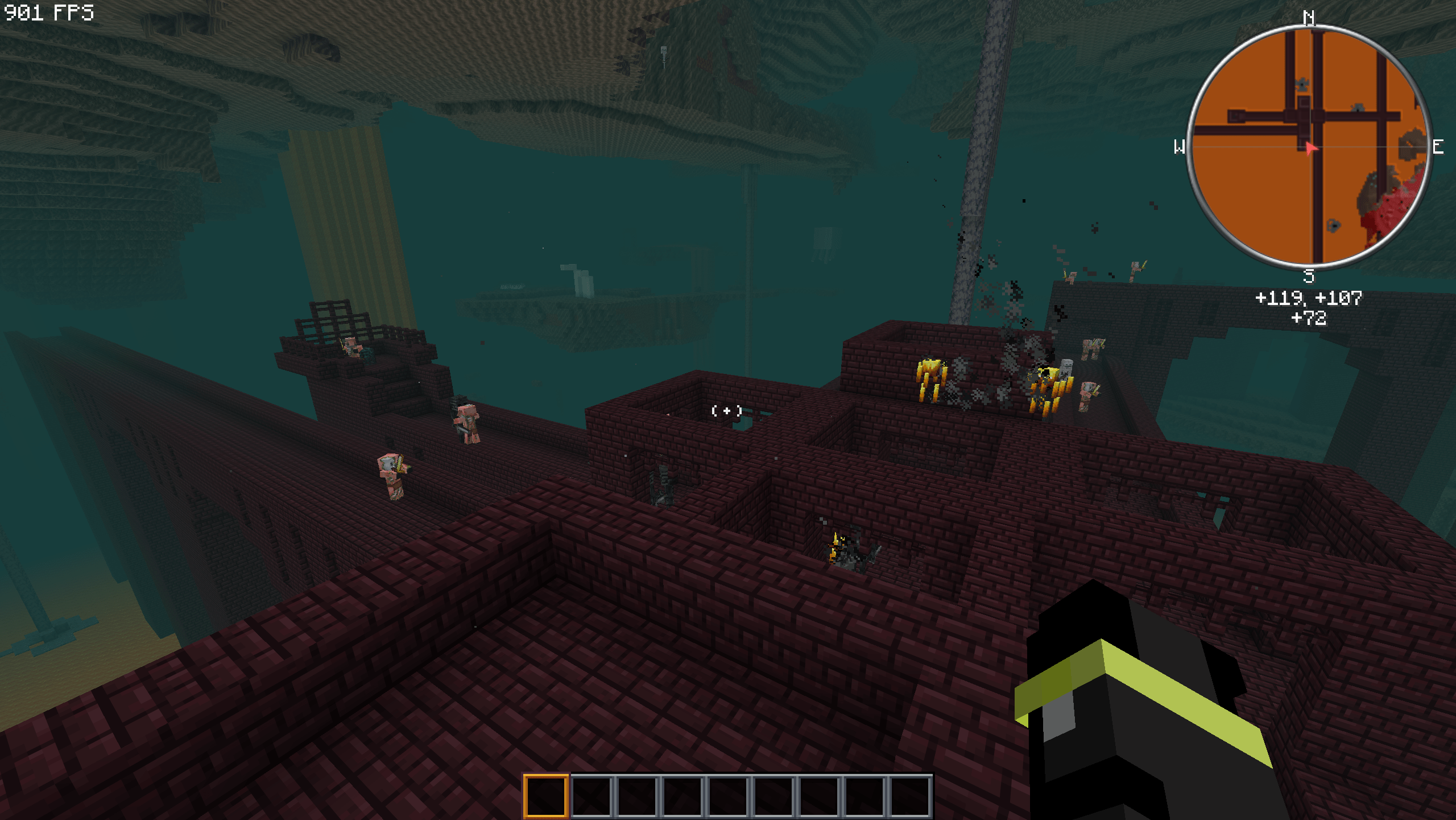 In the Nether! I like Blazerods:-)
 -
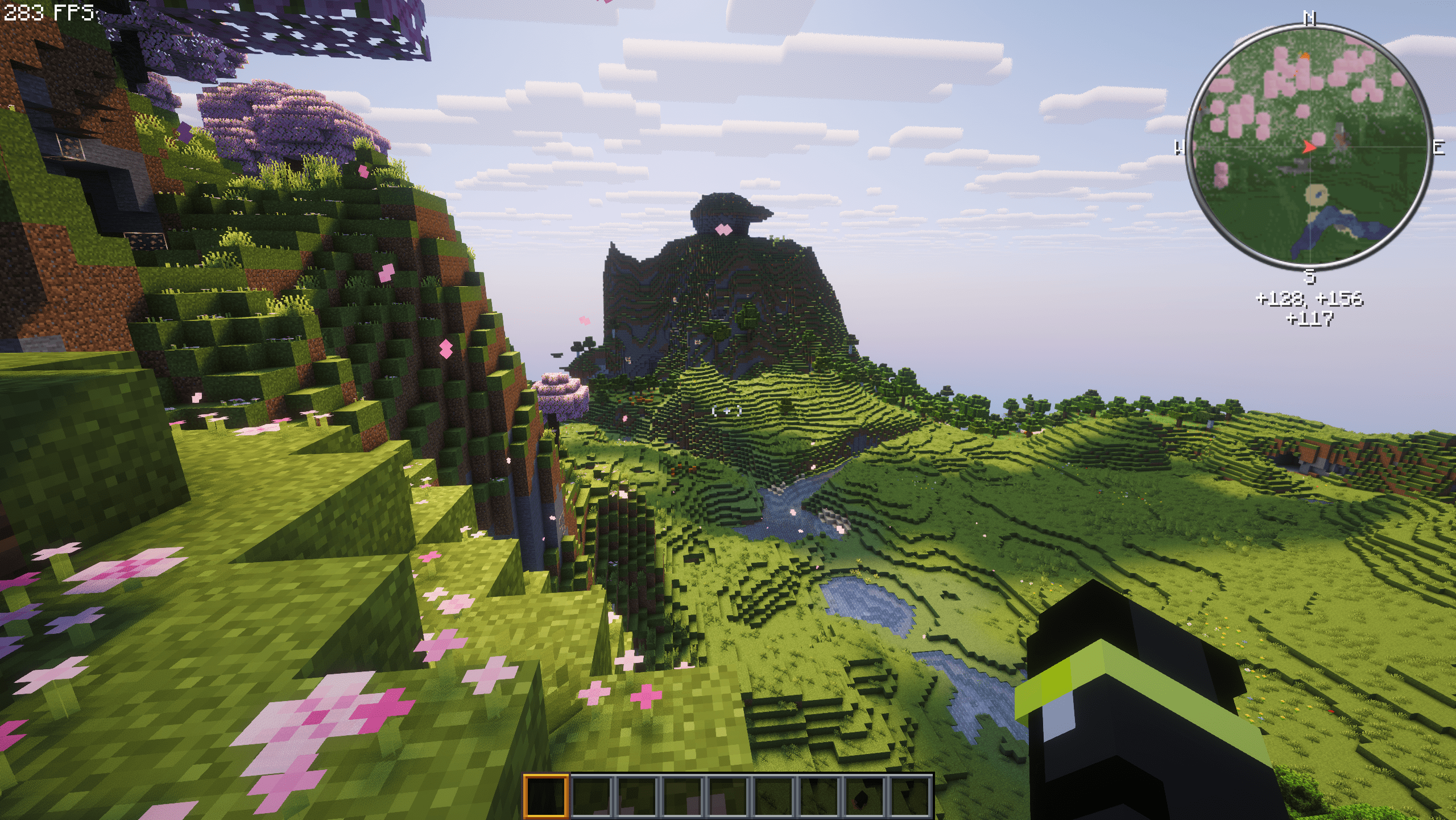 With the High end Shader With Complementary
 -
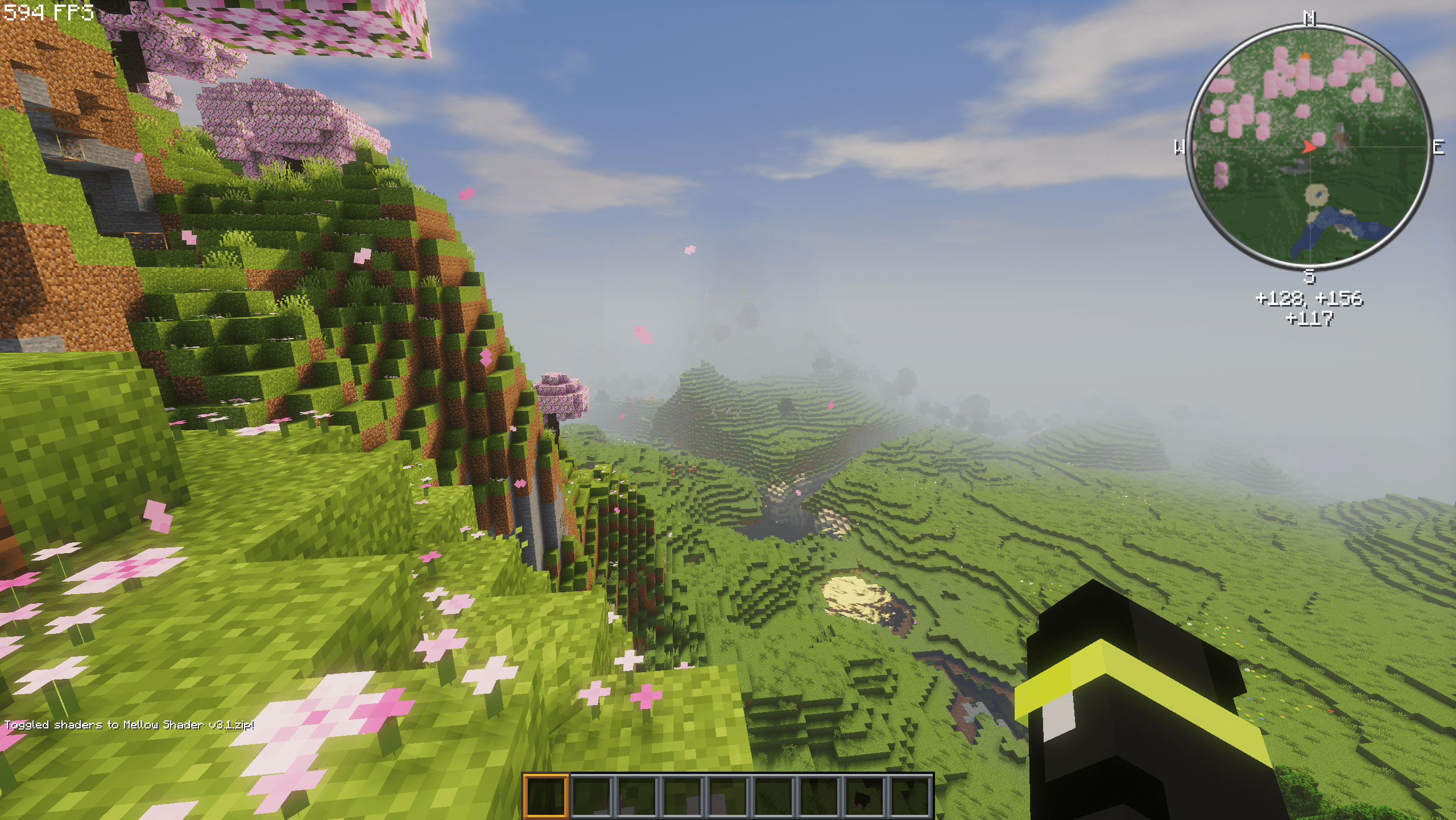 With a low end Shader Mellow Shader with default Modpack Settings
 -
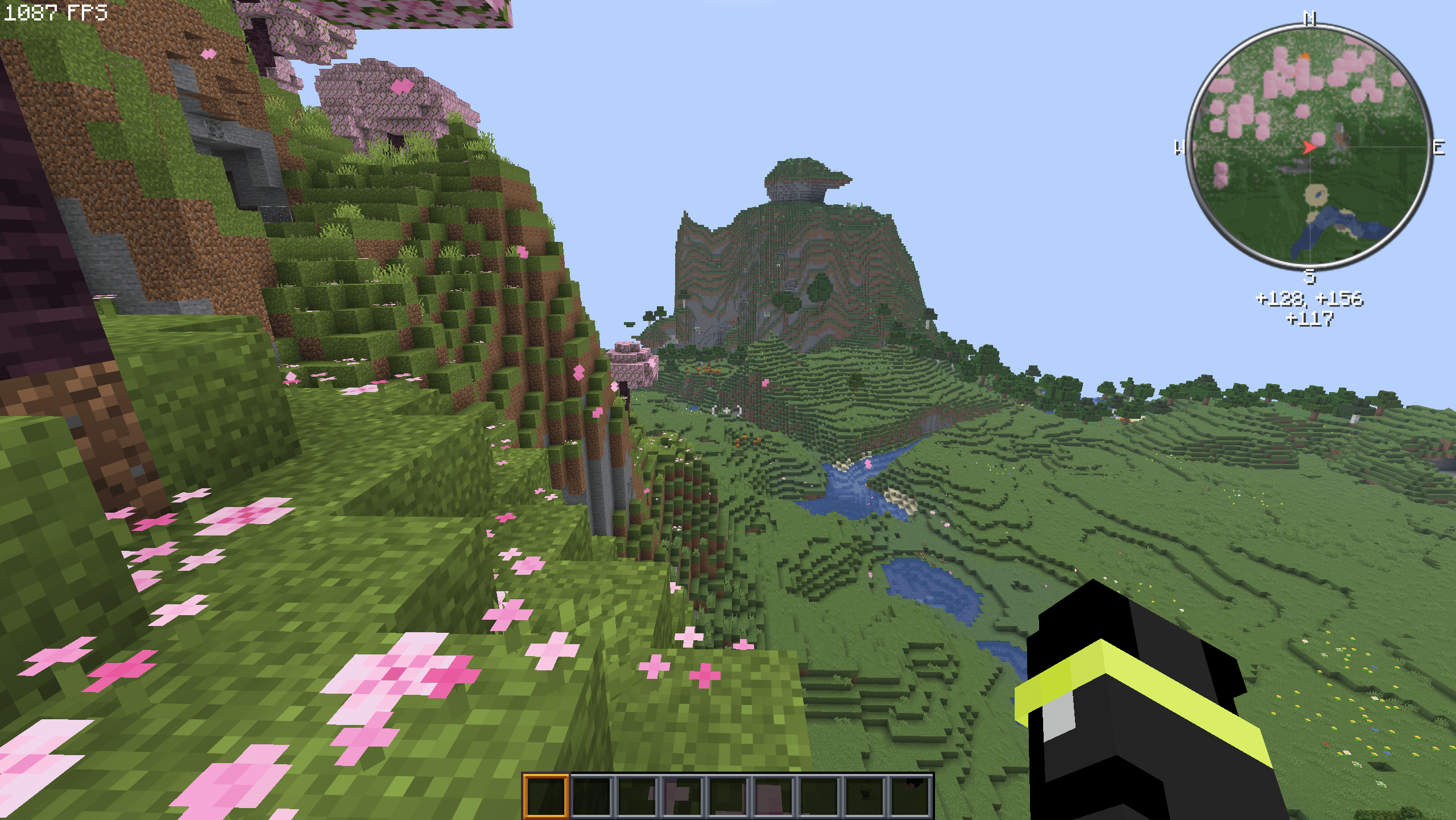 Realy High FPS With default settings
 -
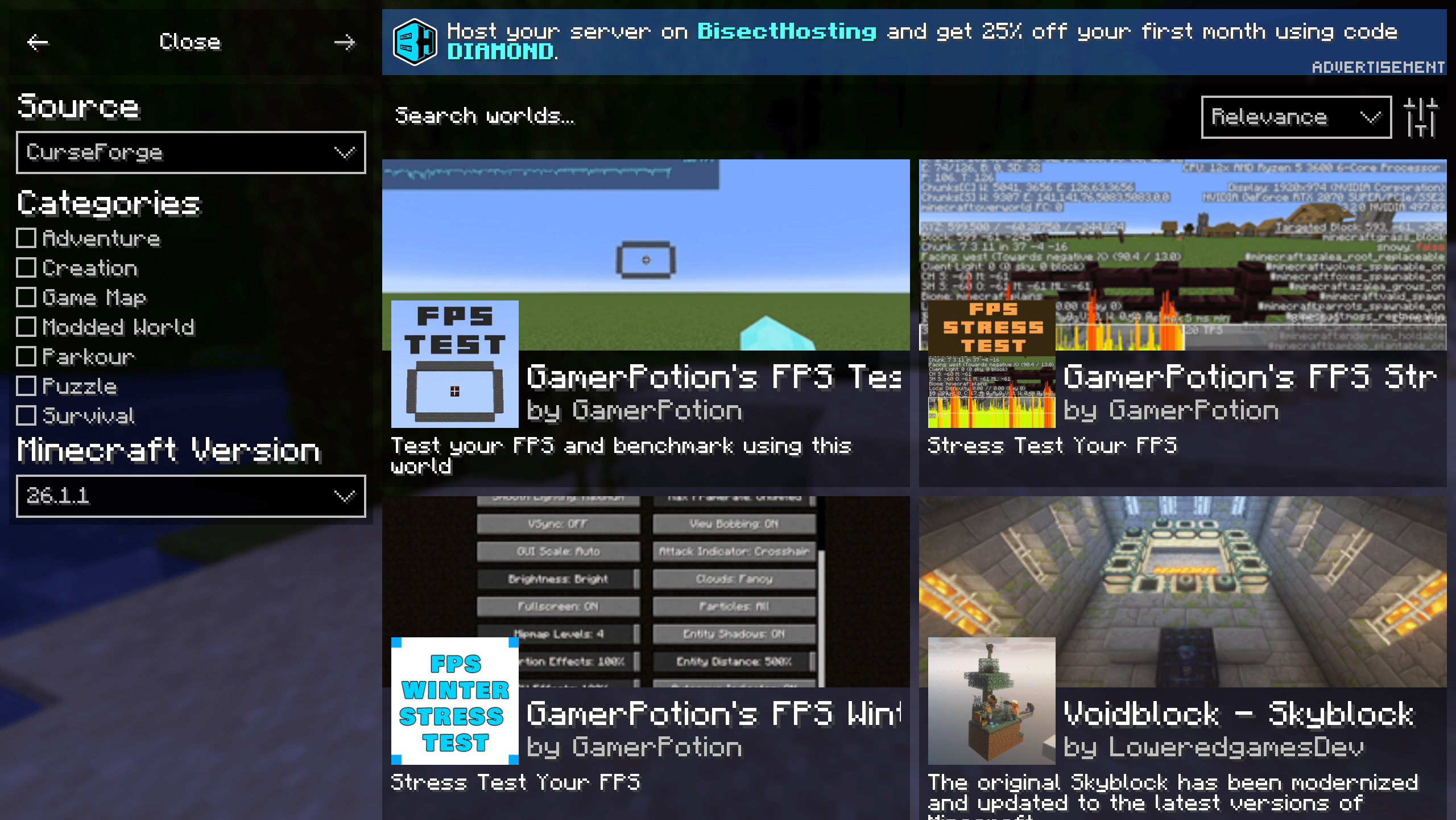 Search for Maps and More With this mod, you can also add and update texture packs
-
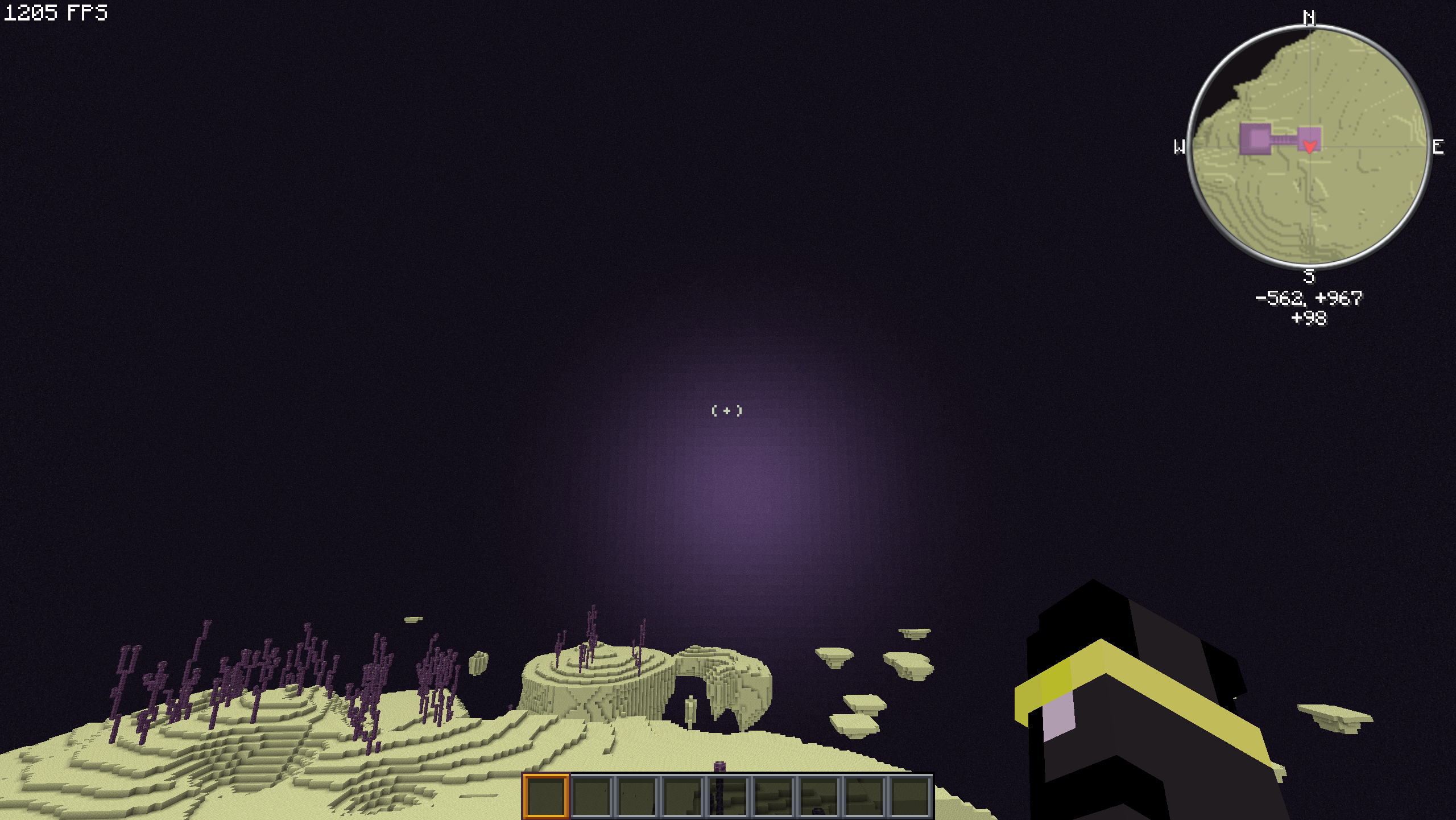 The New End flash What are you trying to tell us, Mojang?
 -
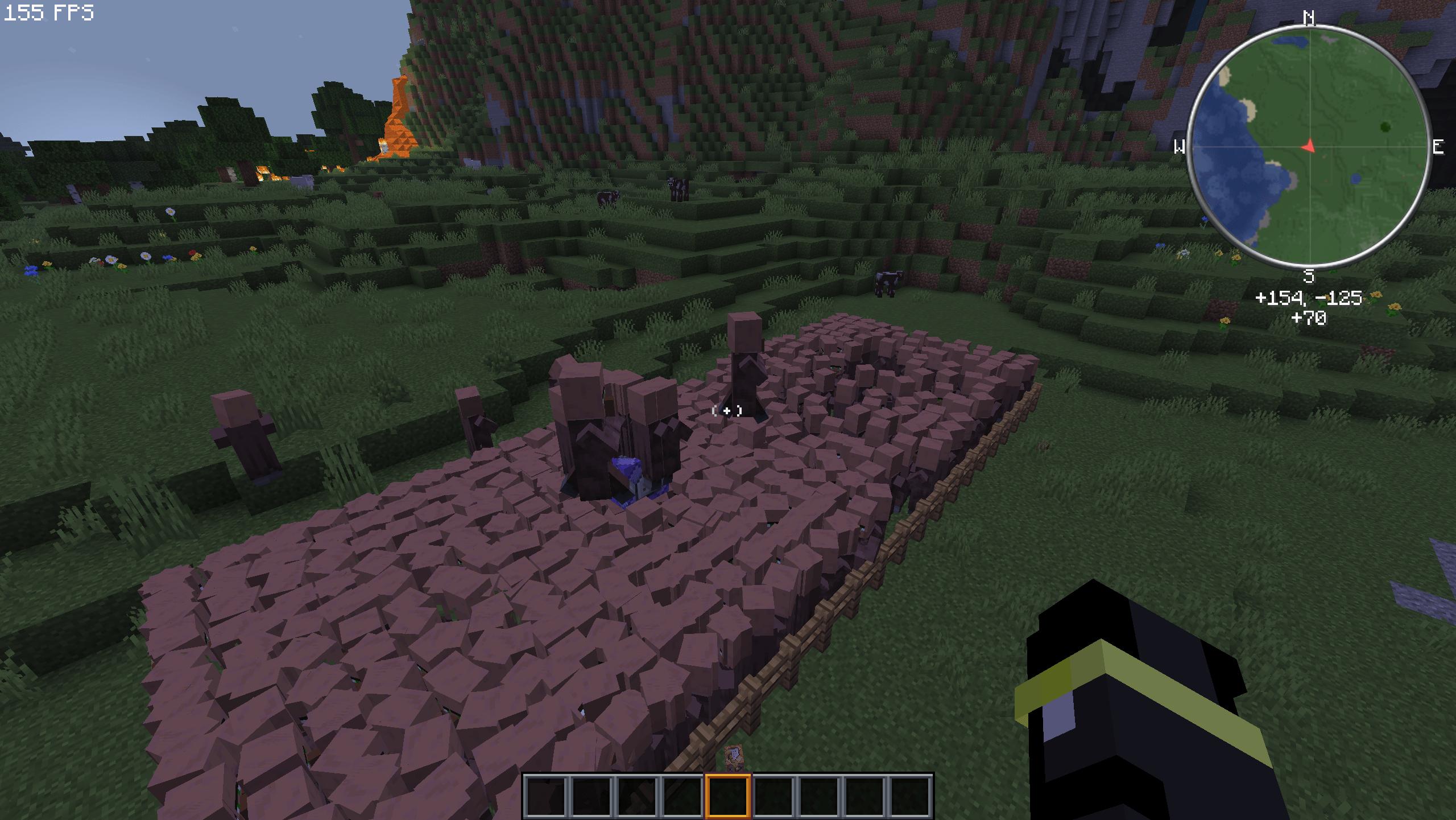 So many villagers! Even so, the game still runs smoothly(SMOOTH PACK)
 -
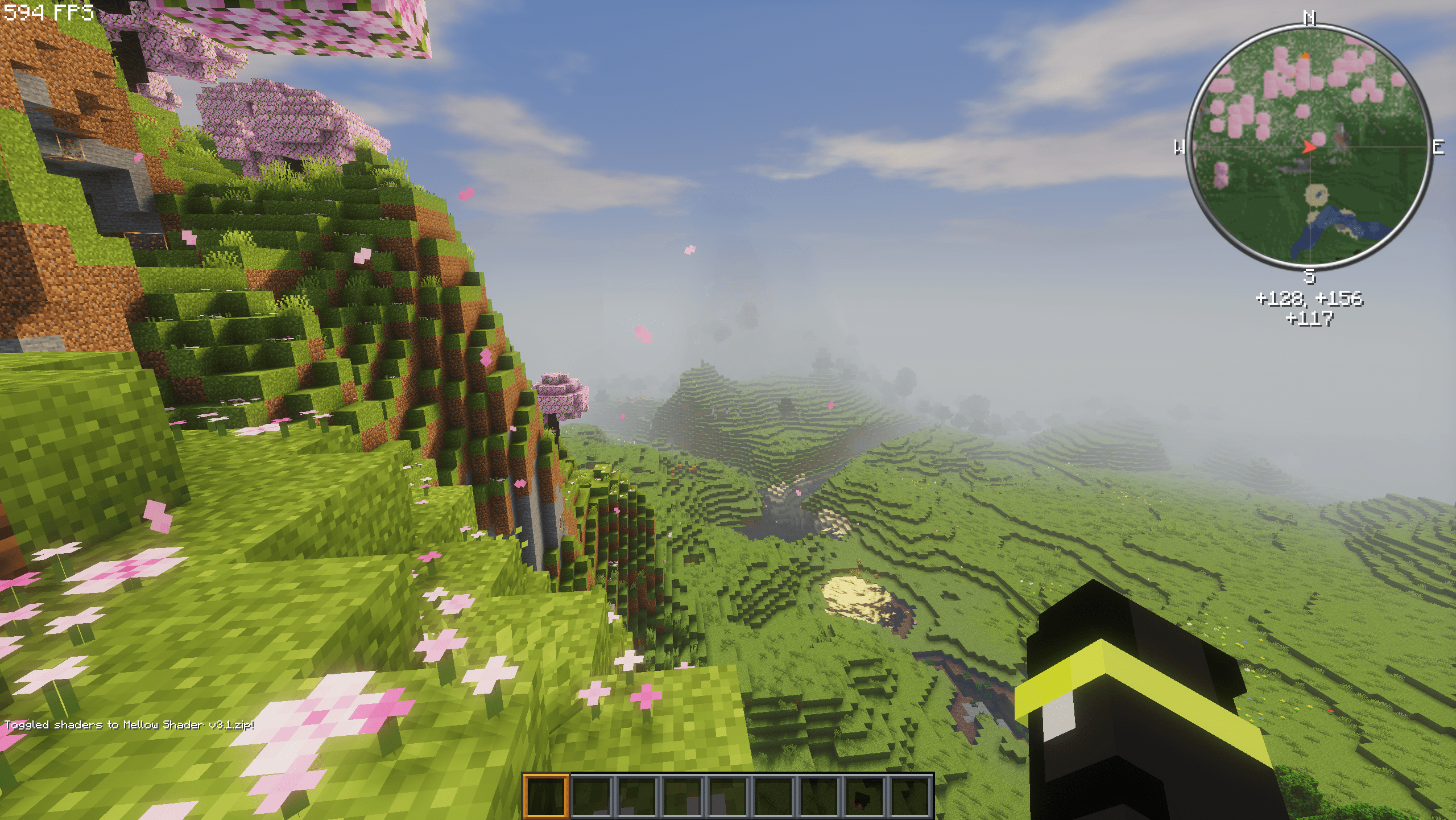 With a low end Shader Mellow Shader with default Modpack Settings
 -
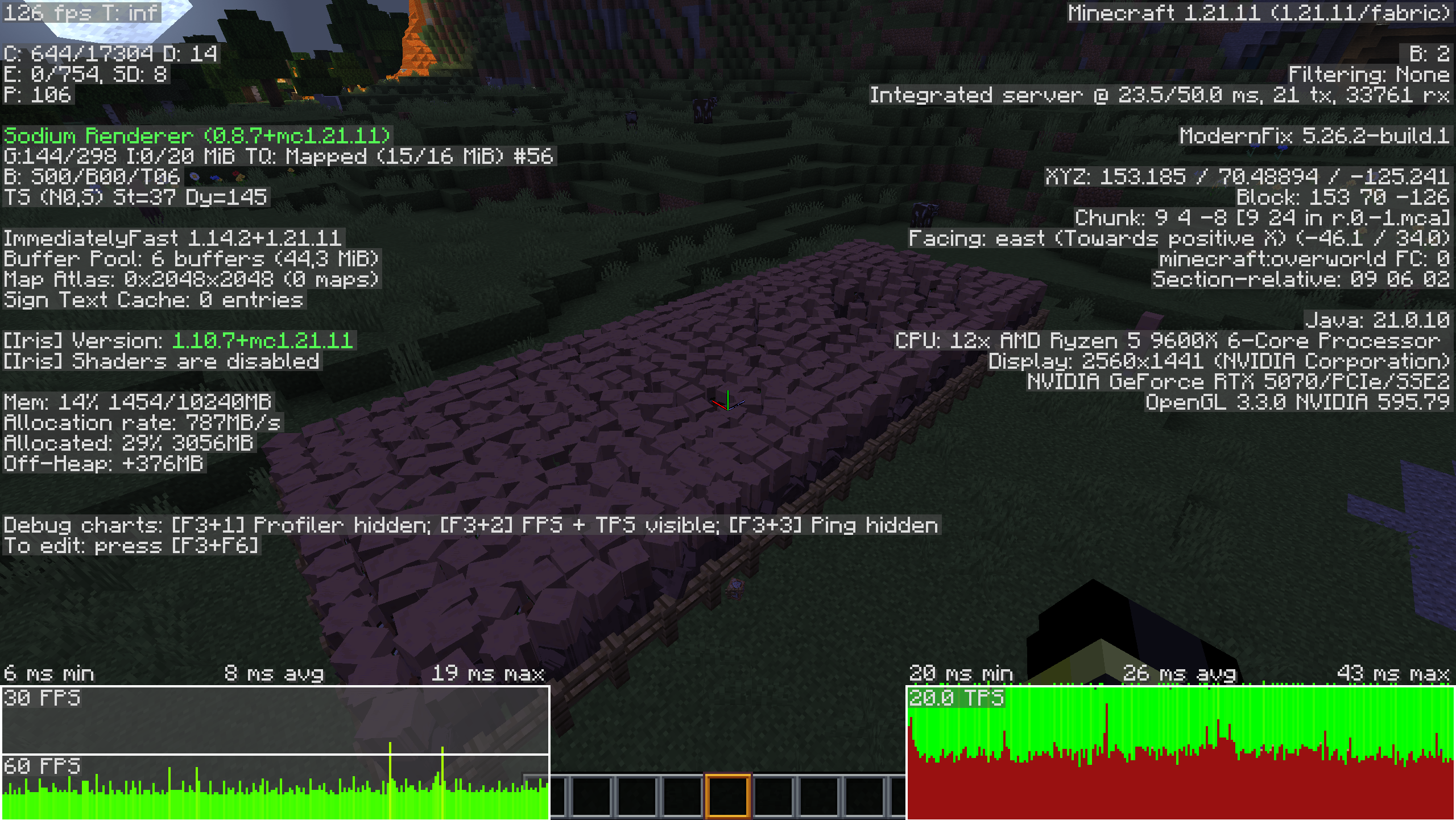 F3 Data Don't worry about the FPS! The F3 menu makes it lag more, but it's still amazing for so many villagers
 -
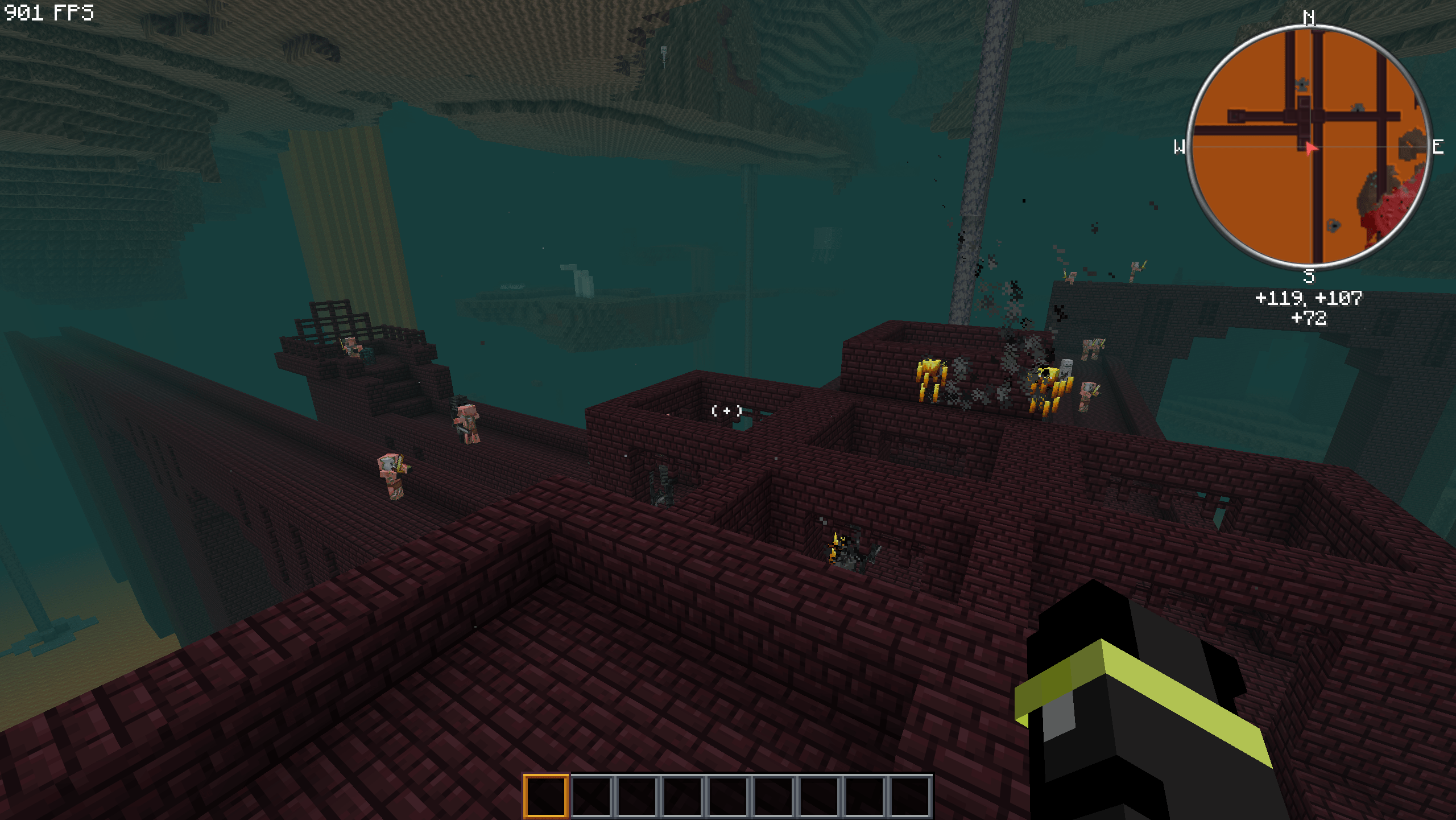 In the Nether! I like Blazerods:-)
 -
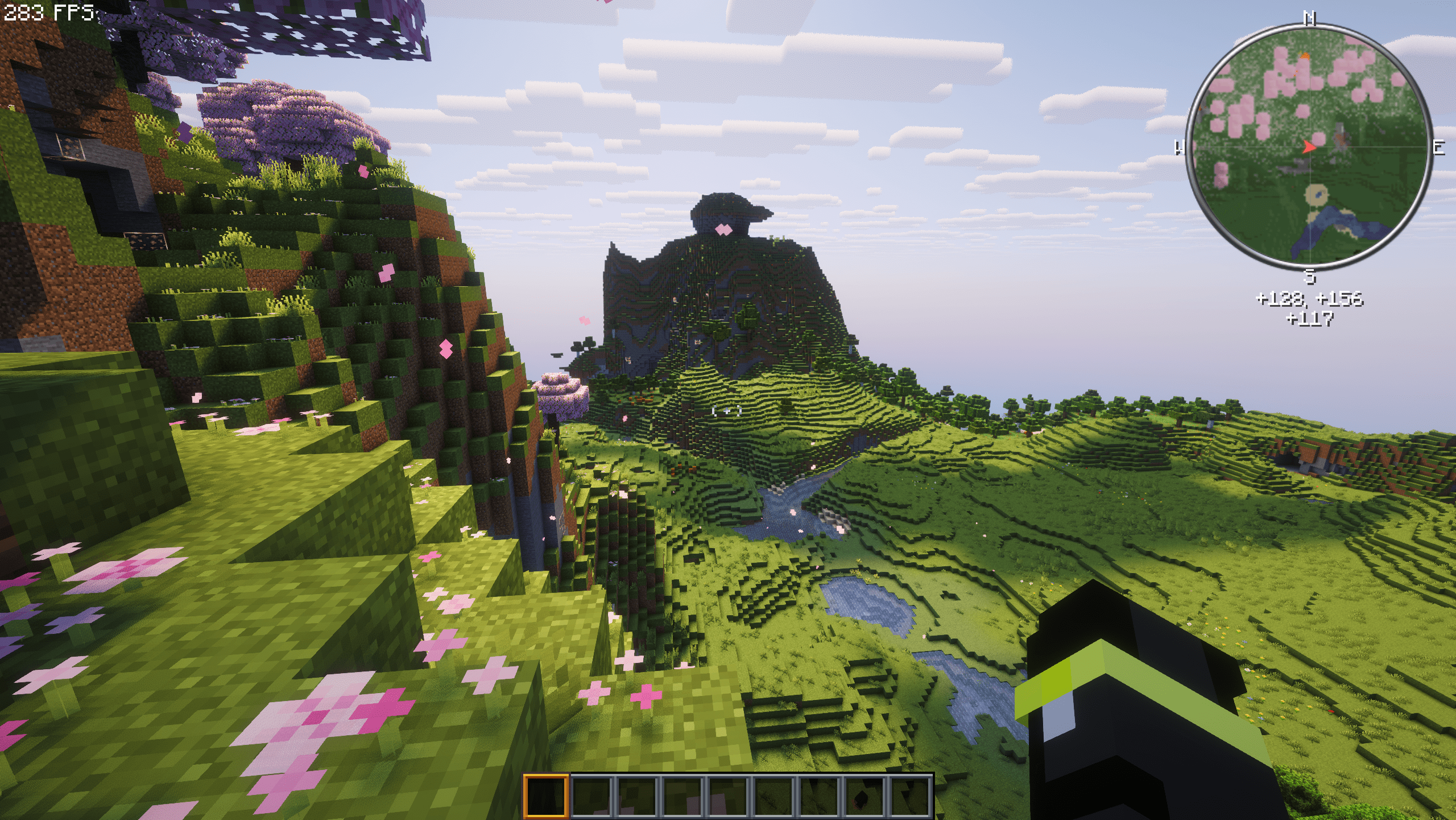 With the High end Shader With Complementary
 -
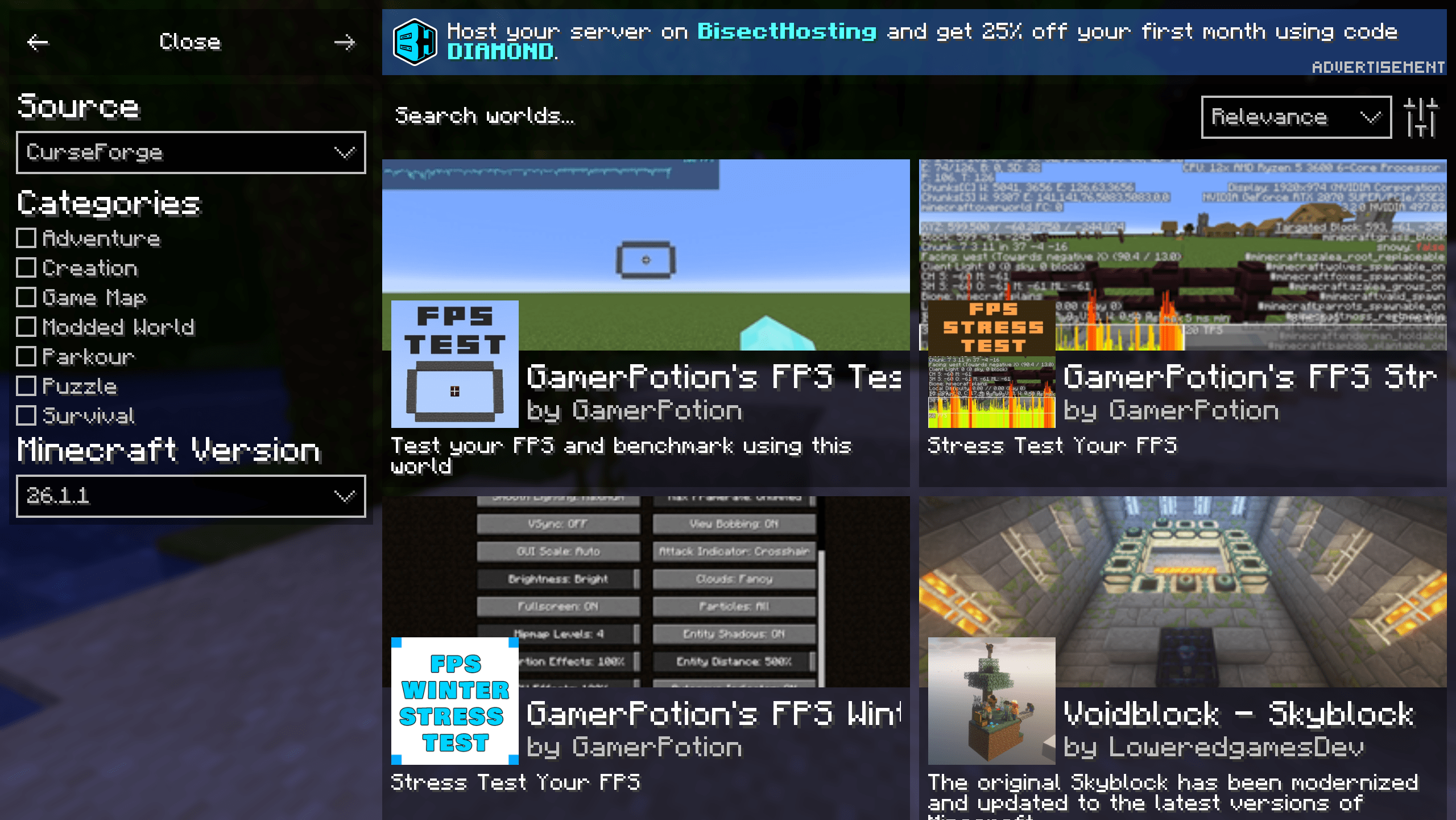 Search for Maps and More With this mod, you can also add and update texture packs
 -
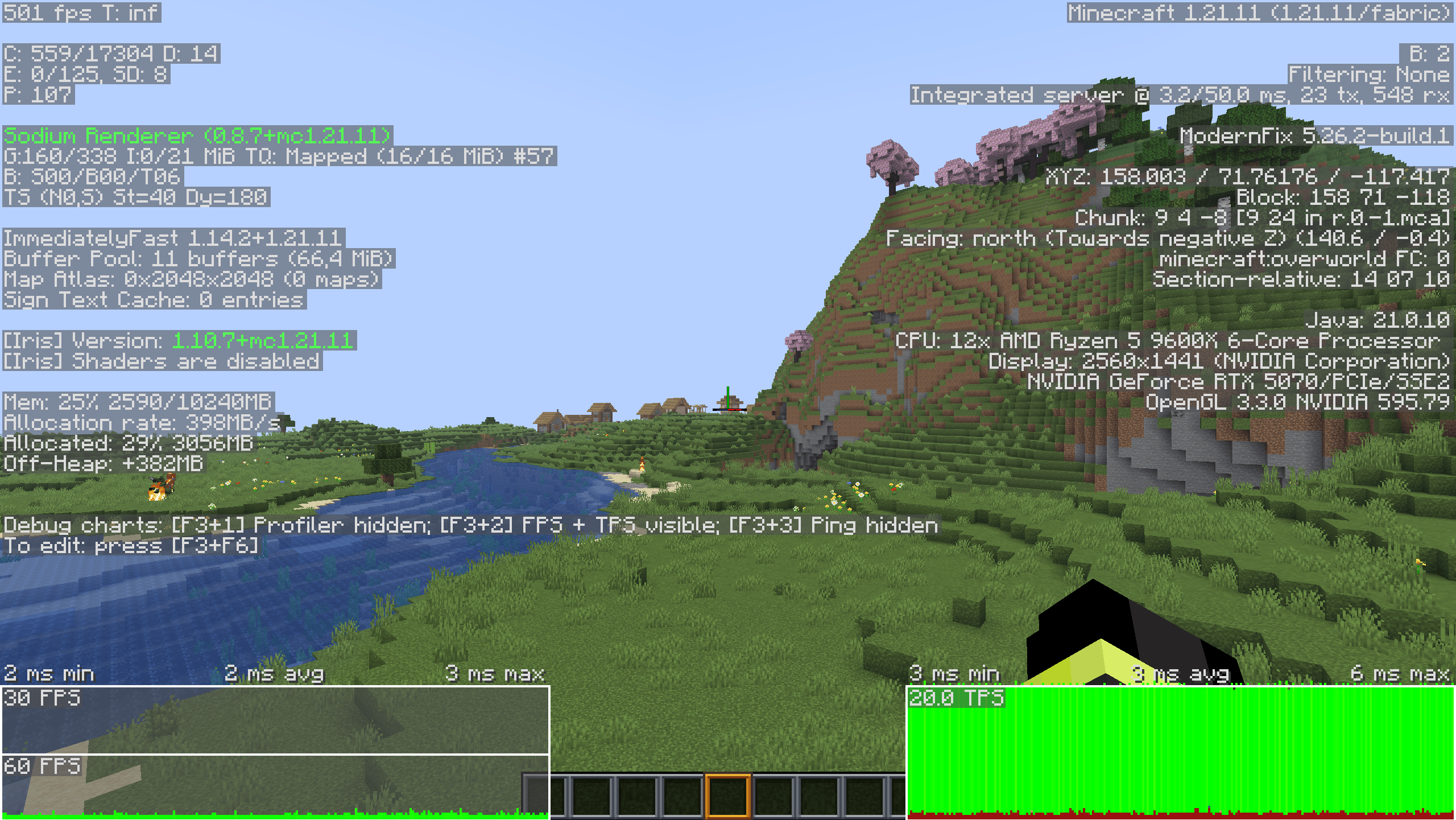 F3 Menu Because of the F3 menu, the FPS is significantly lower. I was referring to the two tables at the bottom.
 -
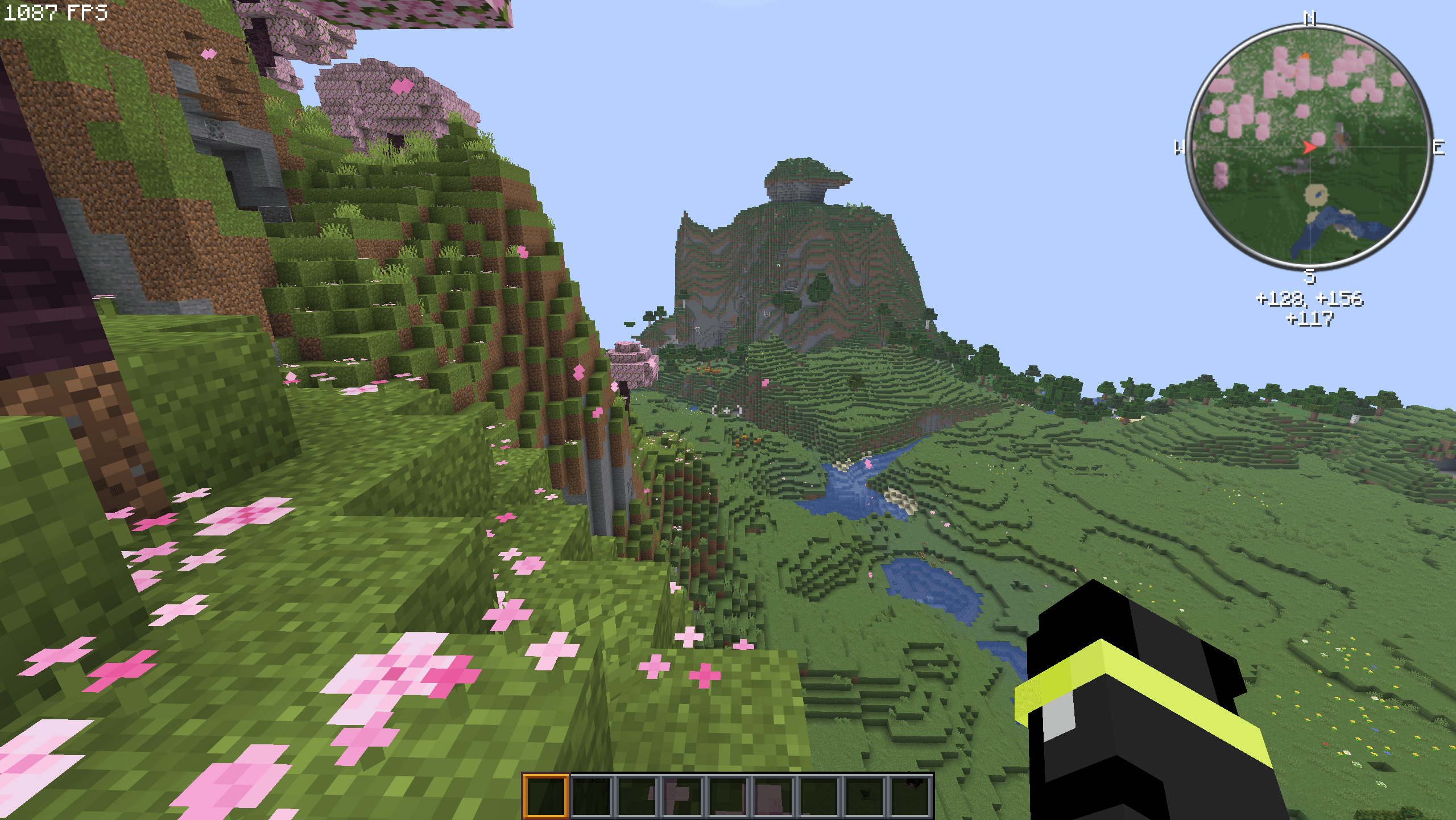 Realy High FPS With default settings
Versions
Files
Relations
Project Relations
More like this
Similar Modpacks
Suggestions use data such as tags, dependencies, dependents, descriptions, titles, and more to rank how much they overlap with this modpack.
On ModDex
Community snapshot
By the numbers
Statistics
Want to reach Minecraft players?
We're looking for a server hosting partner to feature here and other parts of the site. Interested? Send us a message!
Get in touchGet it on
Available Platforms
On ModDex
Community snapshot
By the numbers
Statistics
Resources