
Community listing page, reviews here may not be monitored by the author.
SMPCaves Clientside Modpack

No reviews yet
• our allowed mods • nice to have QoL Mods • Performance enhancing Mods • Modpack is used by the Community of the SMPCaves.de Minecraft Server •
Community voices
Reviews
No reviews yet. Be the first to review this project!
Get it on
Available Platforms
Compatibility
Supported Environments
Runs entirely on the client. Works on vanilla servers.
About
Project Details
For authors
Embed Badge
If you're the author of this project, you can embed a live badge anywhere that supports HTML or Markdown. It updates automatically whenever ratings change.
Use HTML for any page that supports it, or Markdown for README files and Markdown-based descriptions.
Identifiers
Platform IDs
Resources
External Links
About
Description
SMPCaves Clientside Modpack
contains:
- allowed mods
- QoL Mods
- Performance Mods
More Details about SMPCaves:
Server Version: 1.21.10
Server IP: SMPCaves.de
✓ no Mods (optional Clientside Modpack) ✓ Custom Texturepack ✓ Additional Enchantments ✓ Advanced Structures (Ancient Cities, Bastions) ✓ Enhanced Biomes ✓ Open worlds: Overworld, (Nether & End will be opened at some point later) ✓ Discord ✓ small and friendly community ✓ Events (Minigames, Build Projects, etc.)
Installation Guide:
Modrinth setup
(If you already used Modrith you can skip the following steps)
-
Download the Modrinth App and install it
-
Sign in with your Microsoft-Account you use for playing Minecraft
-
In the Modrinth App, go to Settings->Java Settings and click on
install recommendedfor both java locations
Modpack setup:
- Download the newest version
- In the Modrinth App click on
Create Profileand then onFrom File - Click on
Import from fileand upload your downloaded .mrpack file - Before starting, you might have to adjust your Java Memory at Libary->ModpackName->Options->Java for better performance
- Click Play :)
Update Guide:
(Do this if you are updating this Modpack to a newer version)
Automatic Modpack Update:
If you dont need to change any mods just leave the modpack locked and it will update automatically.
Manual Modpack Update:
If you want change mods and also update the modpack while keeping your old keybinds, worldmap, settings etc. do the following:
- Do all steps from the Modpack setup above
- for keybinds and vanilla options copy the
<YourOldModProfileFolder>\options.txtto<YourNewModProfileFolder> - for worldmap and waypoints copy the
<YourOldModProfileFolder>\xaerofolder,<YourOldModProfileFolder>\XaeroWorldmapfolder,<YourOldModProfileFolder>\XaeroWaypointsfolder to<YourNewModProfileFolder>and the<YourOldModProfileFolder>\config\xaerominimap.txtfile,<YourOldModProfileFolder>\config\xaeroworldmap.txtfile,<YourOldModProfileFolder>\config\xaeroworldmap-common.txtfile to the<YourNewModProfileFolder>\configfolder - for all other mod settings copy
<YourNewModProfileFolder>\configfolder to<YourNewModProfileFolder>folder - for saved servers copy
<YourOldModProfileFolder>\servers.datfile to ```<YourNewModProfileFolder> - for world saves copy
<YourOldModProfileFolder>\savesfolder to<YourNewModProfileFolder>
Important News:
- Some Mods aren't updated to
1.21.10yet. You might have to enable them at some point later.
Note:
- deactivated mods are not updated to
1.21.10yet - You might have to adjust your keybinds
Old Season 3 Trailer:
Currently in Season 4 (opened October 2025)
Screenshots
Gallery
-
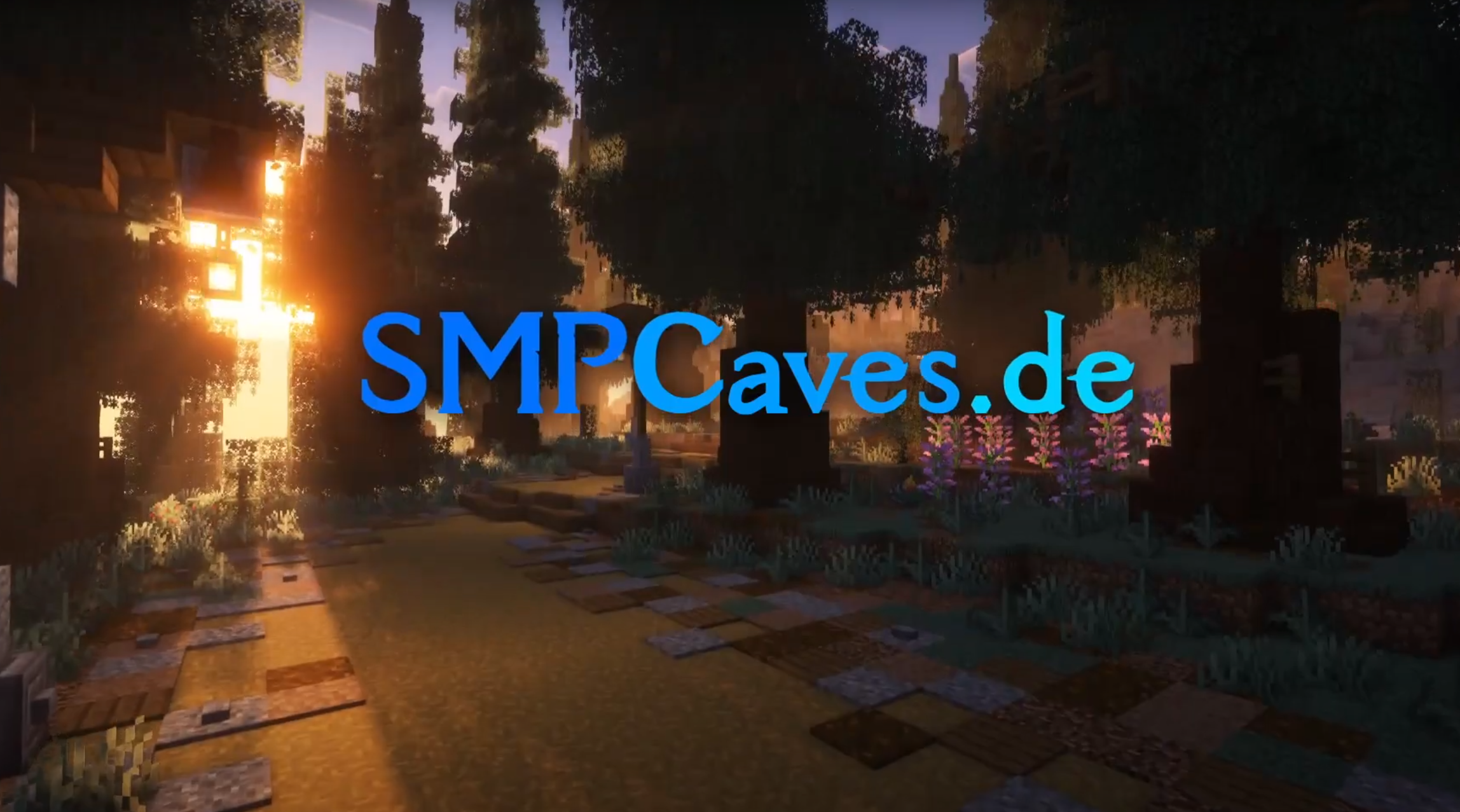 SMPCaves Server Version: 1.20.4 ---- Server IP: SMPCaves.de ---- Currently in Season 3 (opened June 2023)
Versions
Files
Relations
Project Relations
More like this
Similar Modpacks
Suggestions use data such as tags, dependencies, dependents, descriptions, titles, and more to rank how much they overlap with this modpack.
On ModDex
Community snapshot
By the numbers
Statistics

Want to reach Minecraft players?
We're looking for a server hosting partner to feature here and other parts of the site. Interested? Send us a message!
Get in touchGet it on
Available Platforms
On ModDex
Community snapshot
By the numbers
Statistics
Resources