![Snott's [Epic Fight] RPG v1.1](https://media.forgecdn.net/avatars/thumbnails/2110/416/256/256/639273326269408445.jpg)
Community listing page, reviews may not be monitored by the author.
Snott's [Epic Fight] RPG v1.1

No reviews yet
This is a sandbox survival modpack designed for solo play or multiplayer sessions with friends. There are no quests within this modpack by design, just open-ended gameplay.

Community voices
Reviews
No reviews yet. Be the first to review this project!
Get it on
Available Platforms
About
Project Details
For authors
Embed Badge
If you're the author of this project, you can embed a live badge anywhere that supports HTML or Markdown. It updates automatically whenever ratings change.
Use HTML for any page that supports it, or Markdown for README files and Markdown-based descriptions.
Identifiers
Platform IDs
Resources
External Links
About
Description
Read Everything Below!
Pure Combat & Exploration.
Whether you’re playing solo or hosting a world with friends, thank you for checking out my creation!
Introduction (Important Things To Know Beforehand Below)
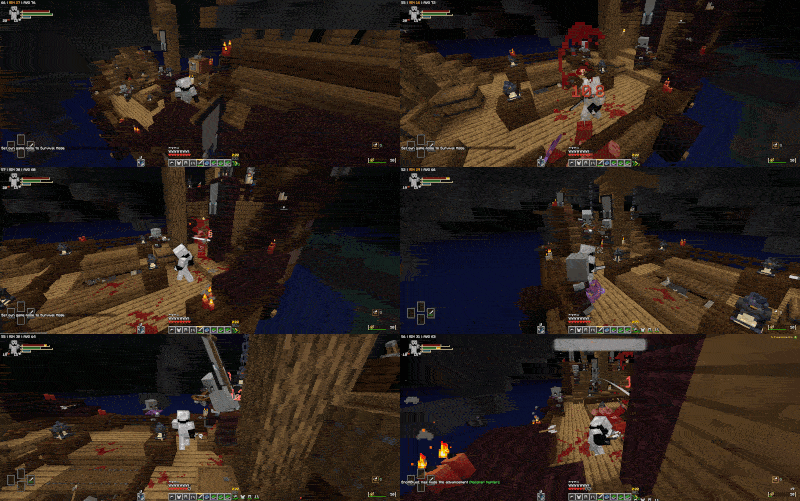
1. RAM Allocation & Performance
For optimal performance, it is highly recommended to allocate 9280 MB of RAM within your profile options and toggle off V-Sync in the in-game Video Settings. You can set your frame rate cap to 120 FPS or Unlimited depending on your preference. If you experience persistent stuttering a few minutes after generating new terrain, lower your graphics settings to "Fast" and disable shaders if performance remains heavy.
2. Keybind Setup
This pack includes a lot of custom controls, but you can easily filter them using the search bar in the Key Binds section. Skim through and set up what you need. Any controls you don't plan to use can be moved to unused function keys like F6 or F8 to avoid keybind overlaps.
3. Combat & Perspectives
Melee combat requires the third-person perspective to use Epic Fight movesets and mechanics. While ranged weapons (such as bows and magic wands among other non-melee items) still function in first-person, switching to first-person will automatically drop your combat stance and revert your controls back to a traditional, vanilla-style feel, making building, crafting, and interacting with the world easier.
4. (Very Important): Configurations & Mod Updates
To preserve stability and performance, please keep the following in mind:
Do Not Alter Settings: Pre-configured mod settings are balanced specifically for this pack. Changing them can disrupt compatibility between mods.
Do Not Update Individual Mods: Updating mods outside of official modpack releases can cause immediate crashes or save corruption.
Ignore In-Game Update Prompts: If a mod displays an in-game update notification, decline or ignore it.
5. Resource Packs
(Stick to the Default 8): Only enable the 8 resource packs provided within this modpack to maintain visual consistency.
Ignore "Incompatible" Warnings: A few packs may show red text warning they are incompatible. This is just a version flag mismatch, they are fully compatible and function without issue, so you can safely click through the prompt.
Load Order Matters: Make sure Fresh Animations x Epic Fight Compat is always loaded below (Fresh Animations: Emissive) to prevent mob animation and visual glitches.
6. Epic Fight Mode Toggle
Do Not Toggle Manually: Perspective switching automatically toggles your stance (as detailed in #3).
Rebind the Toggle Key: Change the default Epic Fight mode-toggle keybind to an unused key like F6 or F8 to prevent accidental inputs.
7. Character Creation (Minecraft Comes Alive)
When you first load into a new world, you'll be prompted to set up your character through Minecraft Comes Alive. It is strongly recommended to select the "Vanilla" option. Choosing custom sizes or villager traits whilst using the "villager" option button, can cause armor models to float or clip awkwardly, and non-standard character heights will alter Epic Fight hitboxes, animations, and combat feel. Selecting "Vanilla" ensures everything functions exactly as intended.
8. Disabled Mobs & JEI Drops
Intentional Mob Removals: A few specific mobs have been intentionally disabled from spawning because they didn't fit the flow or scope of the pack.
JEI Items: If you see a mob drop or craftable item in JEI (Just Enough Items) that requires a specific mob you can't find anywhere in the world, this is by design.
Why They Still Appear in JEI: Complete recipe hiding via the Object Obliteration mod, was omitted to save project development time for core optimization, but the missing spawns are completely intentional.
Closing Thoughts
With all that in mind, I really hope you come to enjoy this modpack for what it is! I know questlines are super popular and heavily demanded in modpacks, but for now, the focus is strictly on pure sandbox survival. Curating and configuring 600+ mods to fit a specific theme while keeping everything running smoothly was its own challenge, and building a full narrative focused quest system from scratch would take just as long.
Jump in, explore, and please leave a comment on the page to let me know what you think. Your feedback is very much appreciated!
Screenshots
Gallery
-
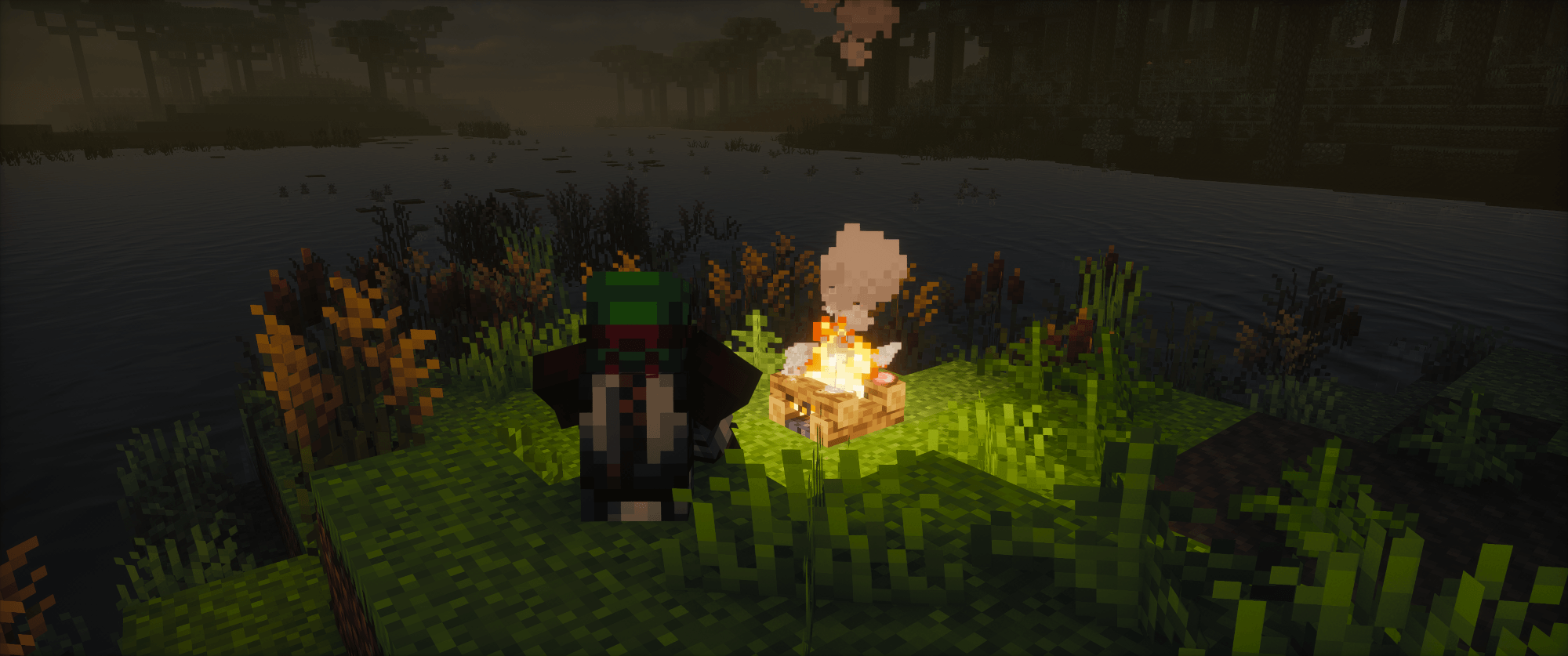 image-attachment_0de77691-e17d-4250-9d88-00b4c4c51e25.png A Peaceful Campfire
 -
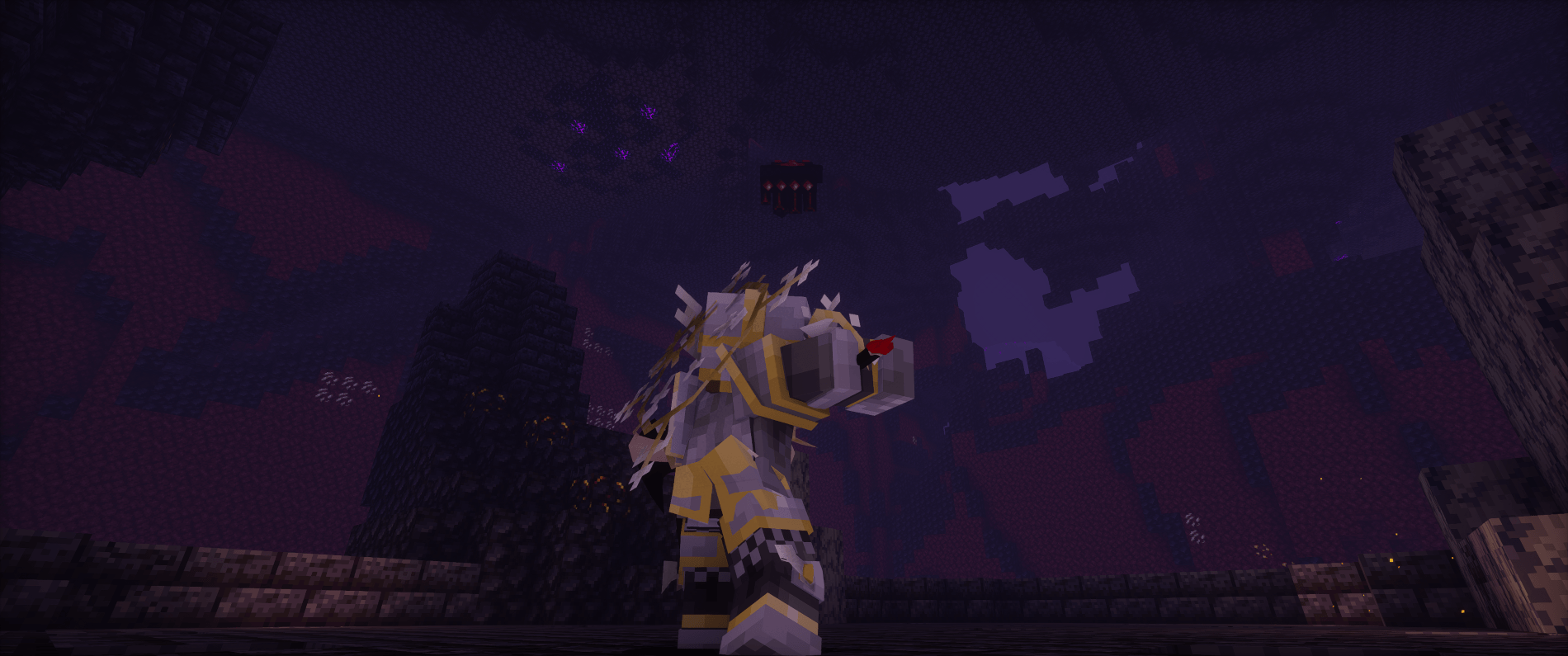 image-attachment_bdb1af0f-dc0e-428d-95dd-1417733888a7.png Defeating The Nether Gauntlet
 -
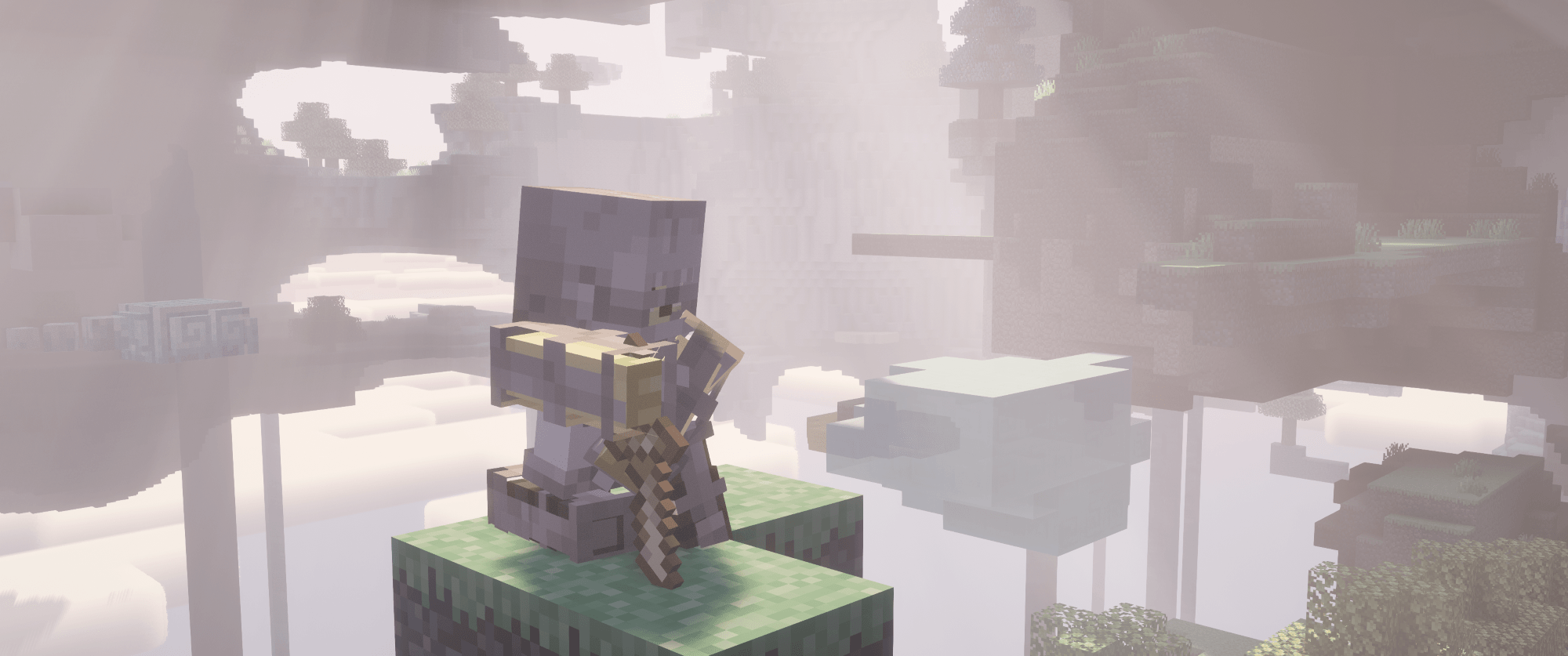 image-attachment_2297dbcf-1899-4d50-833f-f80cf624194b.png Exploring The Aether
Versions
Files
Relations
Project Relations
More like this
Similar Modpacks
Suggestions use data such as tags, dependencies, dependents, descriptions, titles, and more to rank how much they overlap with this modpack.
On ModDex
Community snapshot
By the numbers
Statistics

Get it on
Available Platforms
On ModDex
Community snapshot
By the numbers
Statistics
Resources