
Community listing page, reviews here may not be monitored by the author.
Spirited & Friends

No reviews yet
Create machines, build farms, and practice witchcraft all in the theme of vanilla Minecraft
Community voices
Reviews
No reviews yet. Be the first to review this project!
Get it on
Available Platforms
About
Project Details
For authors
Embed Badge
If you're the author of this project, you can embed a live badge anywhere that supports HTML or Markdown. It updates automatically whenever ratings change.
Use HTML for any page that supports it, or Markdown for README files and Markdown-based descriptions.
Identifiers
Platform IDs
Resources
External Links
About
Description

This is a personal forge modpack combining a few key, large feature-set mods for machines, farming, and witchcraft for my home server.
The goal of Spirited & Friends is to build on the general vanilla feeling of Minecraft using modpacks that make sense: farming mods that improve the enjoyment of farming and cooking in Minecraft, machines that don't look out of place in the vanilla world, and magic mods that build on the game's existing feel of witches. Additional mods also give players a reason to explore with new biomes, mobs, and structures.
If you're looking for a modpack that'll be updated frequently, then this isn't it. Spirited & Friends was created for my own home server and friends. That said, I will use versioning so you shouldn't be disrupted by using the modpack. New major versions will be new versions of Minecraft, new minor versions will be breaking changes (which I'll describe in the changelog), and new revision versions will be non-breaking updates to mods within the modpack.
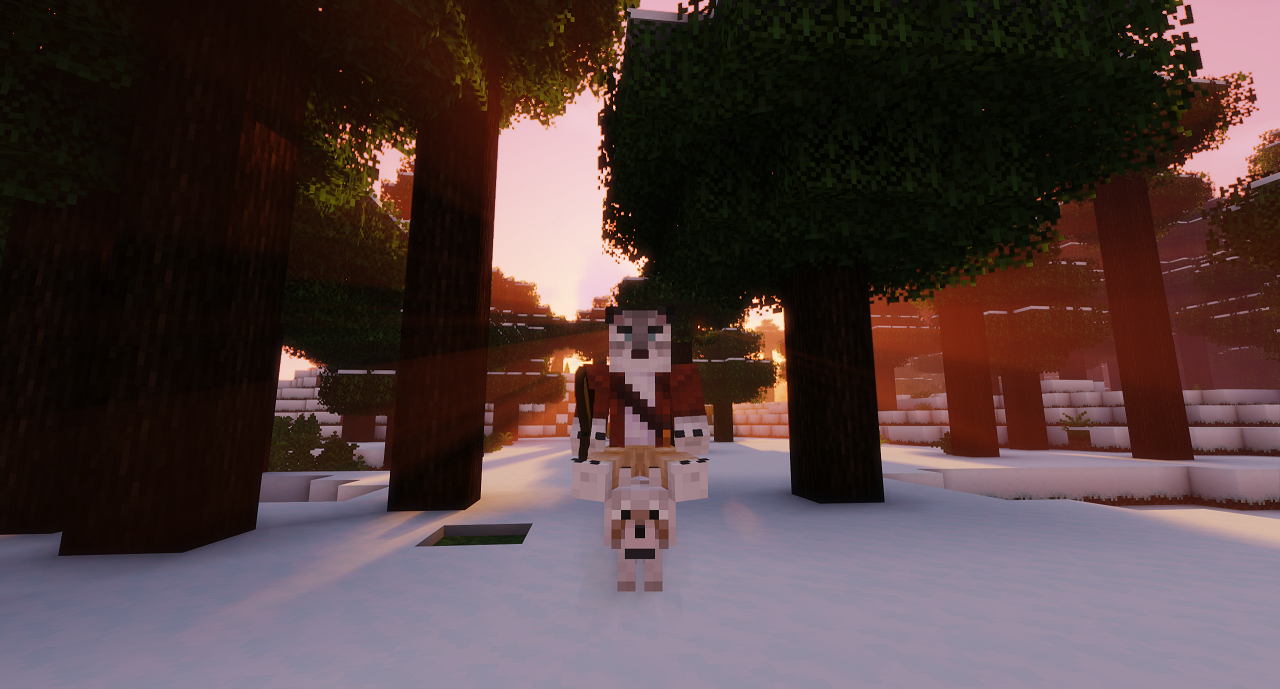
Multiplayer Servers
The modpack runs fine in both single player and multiplayer worlds as of v1.1.0. As it stands, running a server works as long as you remove BetterF3 from the server mods folder (the server compatibility check will still work). You may run into some issues with looting chests for some mods (loot for those mods won't show up). I reported the loot table issues, but it'll take some time for mods to fix problems and push updates.
Resource Packs
This modpack includes some resource packs which require Optifine. Not having Optifine installed won't break the game, though. Included resource packs improve the feel of the game with Embellished Stone UI themes using Stoneborn, improved textures using Stay True, new music disks using Medieval Music, etc. Resource packs that would otherwise break without Optifine (We Don't Bite) are disabled by default and can be enabled after installing Optifine.
Installing Optifine
Optifine generally doesn't give permission to modpack makers to include their mod in modpacks. To install Optifine in CurseForge, start by downloading the installer for Minecraft 1.18.1.Make sure you have Java Runtime installed. Then, double click on the downloaded JAR file and:
- Step 1: Open CurseForge and click on the three dots button next to the play button for Spirited & Friends.
- Step 2: Select "Open Folder". In the window that pops up, navigate up two levels to the Minecraft folder. Then, open the Install folder.
- Step 3: Copy the path of that folder (Alt+D, and then Ctrl+C).
- Step 4: Double click on the downloaded Optifine JAR file.
- Step 5: Click the dots button and paste into the address bar (Ctrl+V).
- Step 6: Click Open, and then click Extract. It will ask you where to extract to.
- Step 7: Open CurseForge and click on the three dots button again next to the play button for Spirited & Friends.
- Step 8: Click on the Mods folder. Then, copy that path (Alt+D, and then Ctrl+C) and paste that into the extract path for Optifine. Your extract file path should look like "<your install directory>\minecraft\Instances\Spirited & Friends\mods\OptiFine_1.18.1_HD_U_H4_MOD.jar" (or whatever the name of the OptiFine version is).
There are some issues with selecting a new shaderpack in the new version. Once you select a shaderpack, restart the game to avoid weird artifacting and OpenGL issues. The shaderpack used in the screenshot above is Sildur's Vibrant Shaders. You can place shaderpacks in "shaderpacks" folder (Open CurseForge and click on the three dots button next to the play button for Spirited & Friends to find this folder).
Mods List
Excluding library and utility mods, this modpack features the following:
- Advanced Netherite
- Advancement Frames
- Advancement Plaques
- Alex's Mobs
- Ambient Environment
- Amplified Nether
- Angel Ring
- Aquaculture 2
- Awesome Dungeon Edition Ocean
- Awesome Flooring
- Better Advancements
- Chat Heads
- Cosmetic Armor Reworked
- Create
- Croptopia
- Custom fences and walls
- Dash
- Doggy Talents
- Drink Beer
- Ears (+Snouts/Muzzles, Tails, Horns, Wings, and More)
- Easy Emerald Tools & More
- Easy Piglins
- Easy Villagers
- Exline's Sushi
- Farmer's Delight
- Floral Enchantment
- Glassential
- Goblin Traders
- Gravestones
- Hexerei
- Just Mob Heads
- Just Player Heads
- KleeSlabs
- Leap
- Let Sleeping Dogs Lie
- Macaw's Bridges
- Macaw's Doors
- Macaw's Fences and Walls
- Macaw's Lights and Lamps
- Macaw's Paintings
- Macaw'sTrapdoors
- Macaw's Windows
- MrCrayfish's Furniture
- Nature's Compass
- Path to Dirt
- Quark
- Repurposed Structures
- Save Your Pets
- Simple Planes
- Skeleton Horse Spawns
- Snow Under Trees
- Snow! Real Magic!
- Snowballs Freeze Mobs
- Starter Kit
- Supplementaries
- Terralith 2.0
- Tiny Skeletons
- Trading Post
- Visual Workbench
- Water Strainer
- Weapon Throw
- World Pregenerator
- World Edit
- Xaero's Minimap & World Map
- Zetter Painting
- Zombie Horse Spawn
Screenshots
Gallery
-
Cover
-
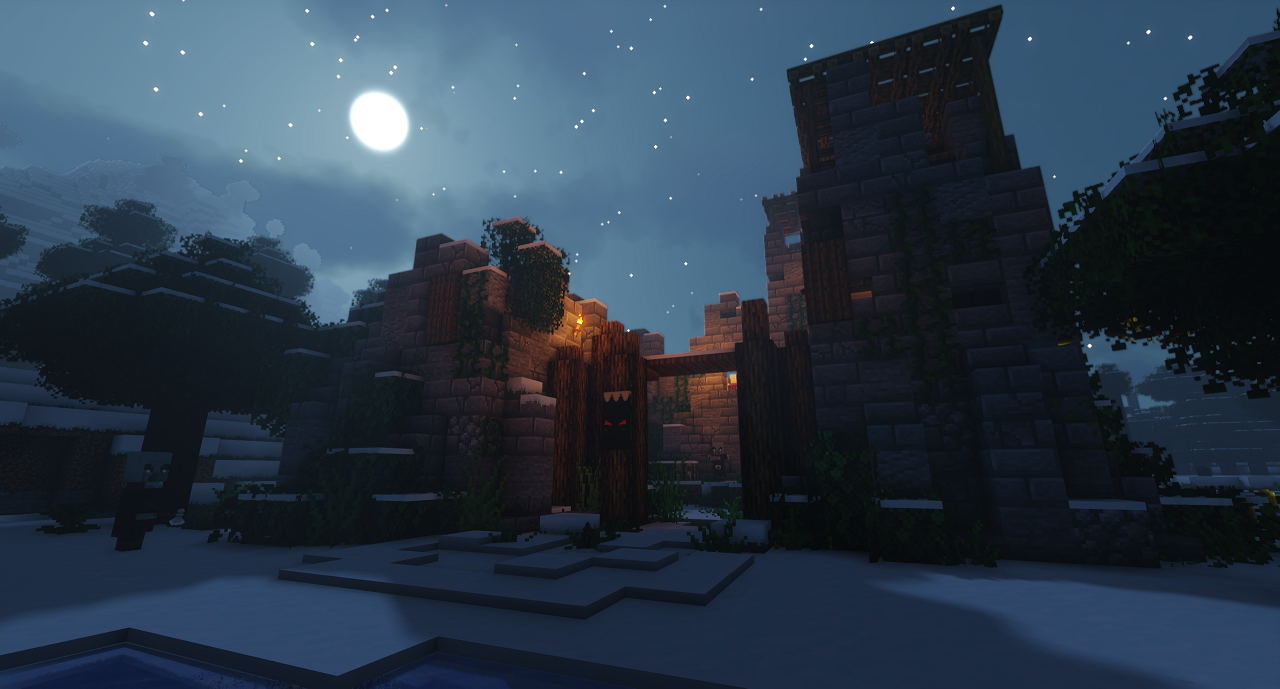 Fortress
 -
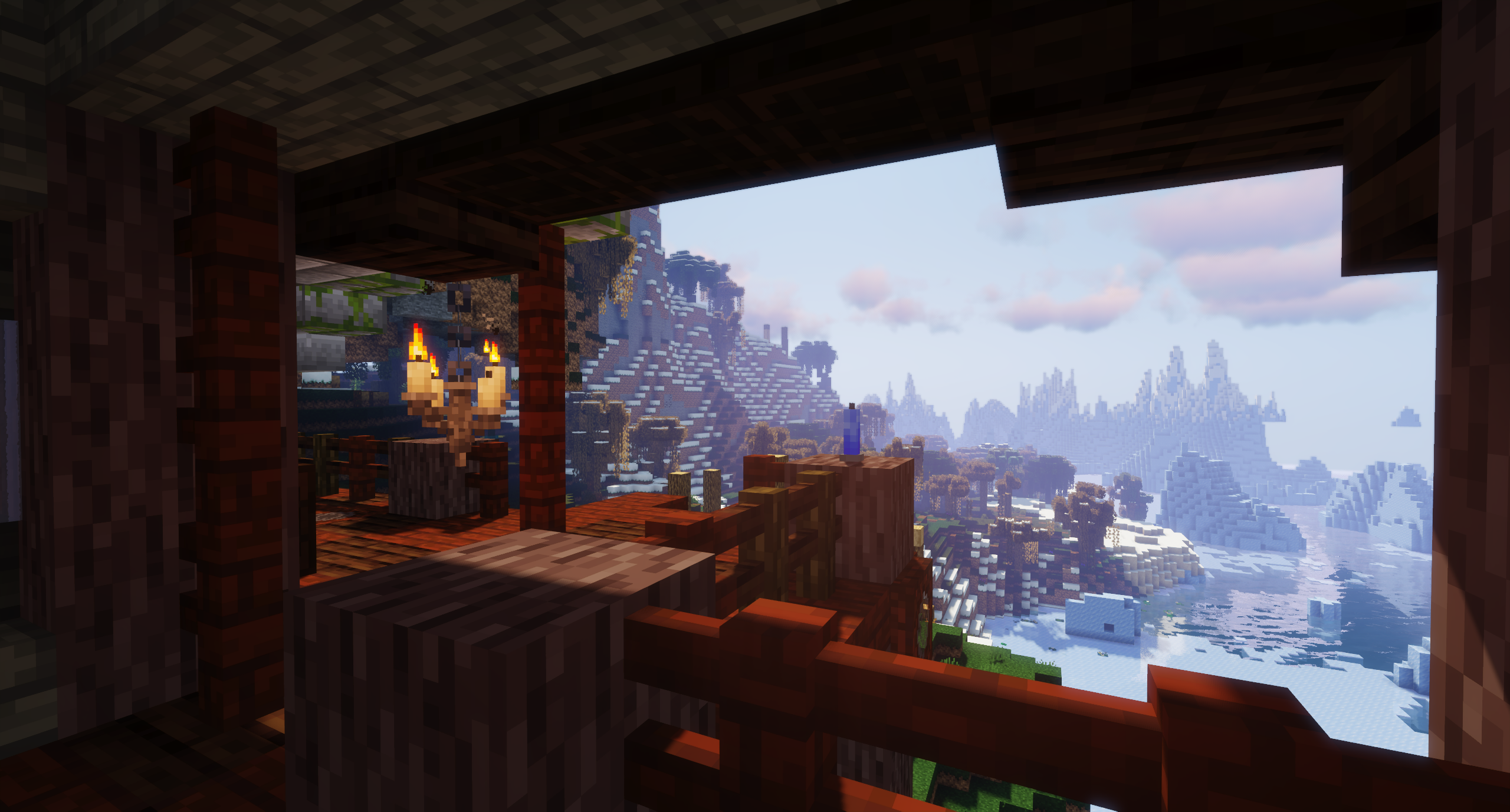 Cover
Cover -
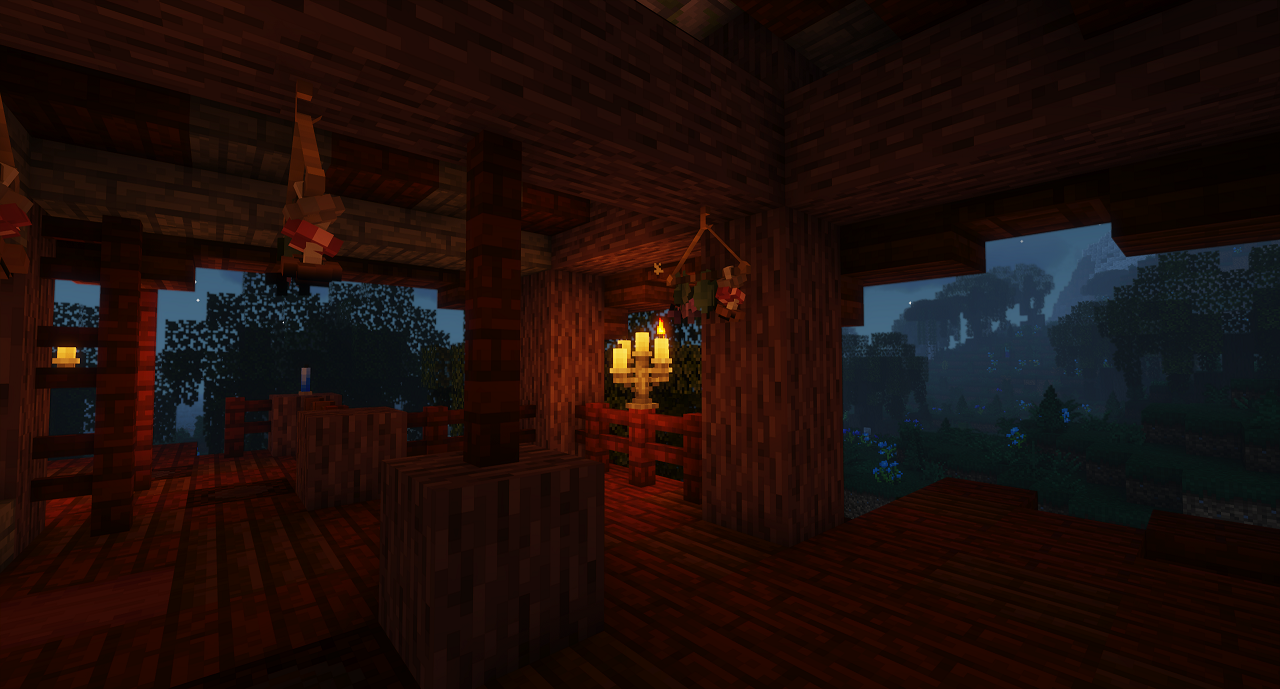 Witchcraft
 -
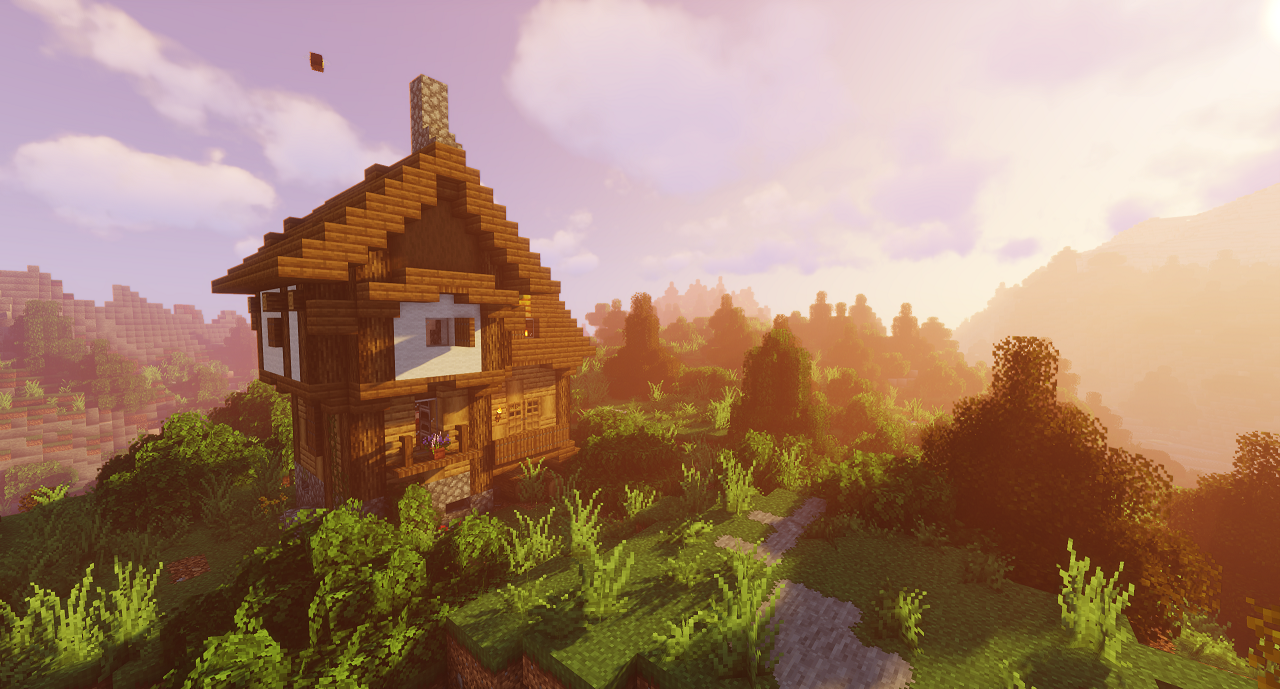 Structures
 -
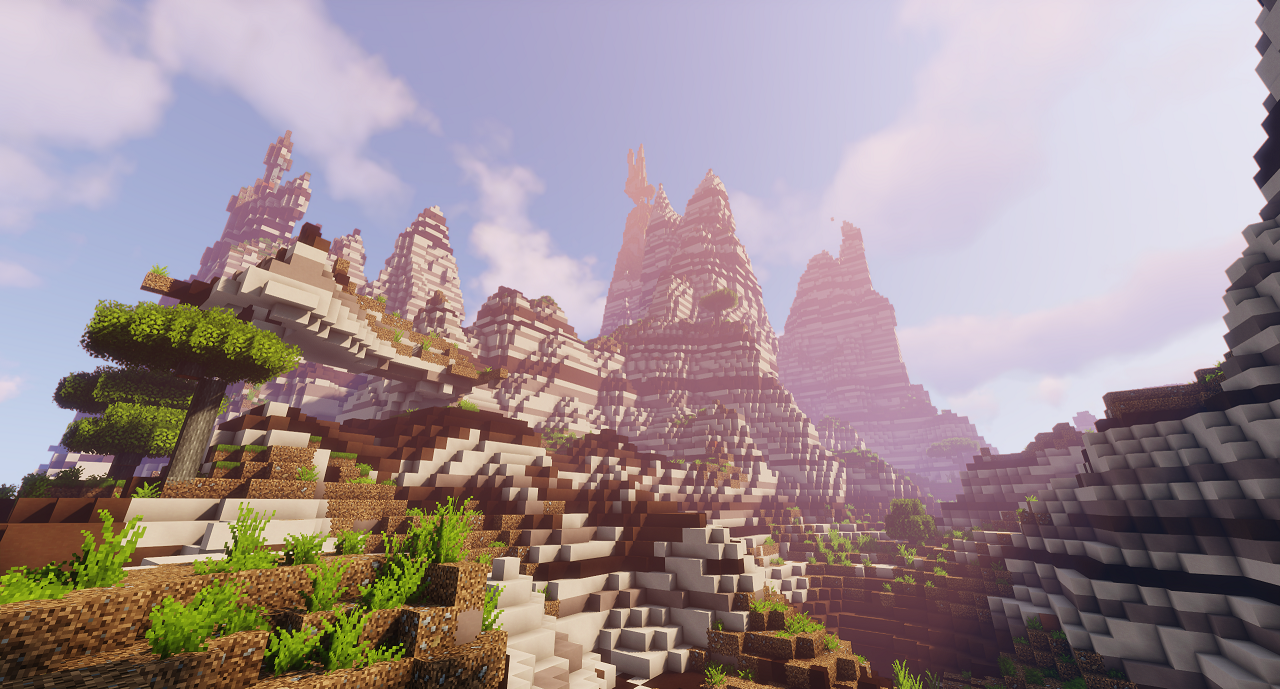 Biomes
 -
Logo
Versions
Files
Relations
Project Relations
More like this
Similar Modpacks
Suggestions use data such as tags, dependencies, dependents, descriptions, titles, and more to rank how much they overlap with this modpack.
On ModDex
Community snapshot
By the numbers
Statistics
Want to reach Minecraft players?
We're looking for a server hosting partner to feature here and other parts of the site. Interested? Send us a message!
Get in touchGet it on
Available Platforms
On ModDex
Community snapshot
By the numbers
Statistics
Resources