
Community listing page, reviews may not be monitored by the author.
SkyRealms Pack

No reviews yet
A pack crafted for playing SkyRealms, @ skyrealms.games

Community voices
Reviews
No reviews yet. Be the first to review this project!
Get it on
Available Platforms
About
Project Details
For authors
Embed Badge
If you're the author of this project, you can embed a live badge anywhere that supports HTML or Markdown. It updates automatically whenever ratings change.
Use HTML for any page that supports it, or Markdown for README files and Markdown-based descriptions.
Identifiers
Platform IDs
Resources
External Links
About
Description
This is a simple is fan/community created pack designed for playing the SkyRealms server @play.skyrealms.games and is not affiliated with SkyRealms.
I am open to suggestions for configuration and mods, but please make sure they're allowed.
Mods Included: (if you believe any are against the rules, please comment and they will be removed.)
- AppleSkin
- Armor Chroma
- Better Advancements
- BetterFPS
- Better Invalid Session
- Chunk Animator
- Client Tweaks (with allowed config)
- Controlling
- CraftPresence
- CustomCrosshairMod
- CustomLoadingScreen
- CustomMainMenu
- CustomNausea
- CustomWindowTitle
- Dynamic Surroundings
- Fancy Block Particles
- FoamFix
- FPSReducer (for afking)
- Fullscreen Windowed
- HWYLA + Harvestability
- Indicatia (HUD for potions and armor)
- InventoryX
- ItemPhysic
- JEI
- MouseTweaks (with allowed config)
- Neat
- NoNightVisionFlashing
- No Recipe Book
- OptiFine (you must install this yourself, see OptiFine Installation below.)
- Re-Auth
- ResourceLoader
- ShulkerBoxViewer
- SmartHUD
- SmoothFont
- TimeHUD
- VanillaFix
- Xaero's Minimap (fair-play)
OptiFine Installation:
- Download the OptiFine jar
- Navigate to the pack in Twitch (or skip if you are using another launcher)
- Click on the Settings Gear -> Open Folder (once installed)
- Open the 'mods' folder
- Copy or drag the OptiFine jar into the mods folder
- Launch the pack and test out the Video Settings option and zoom.
Screenshots
Gallery
-
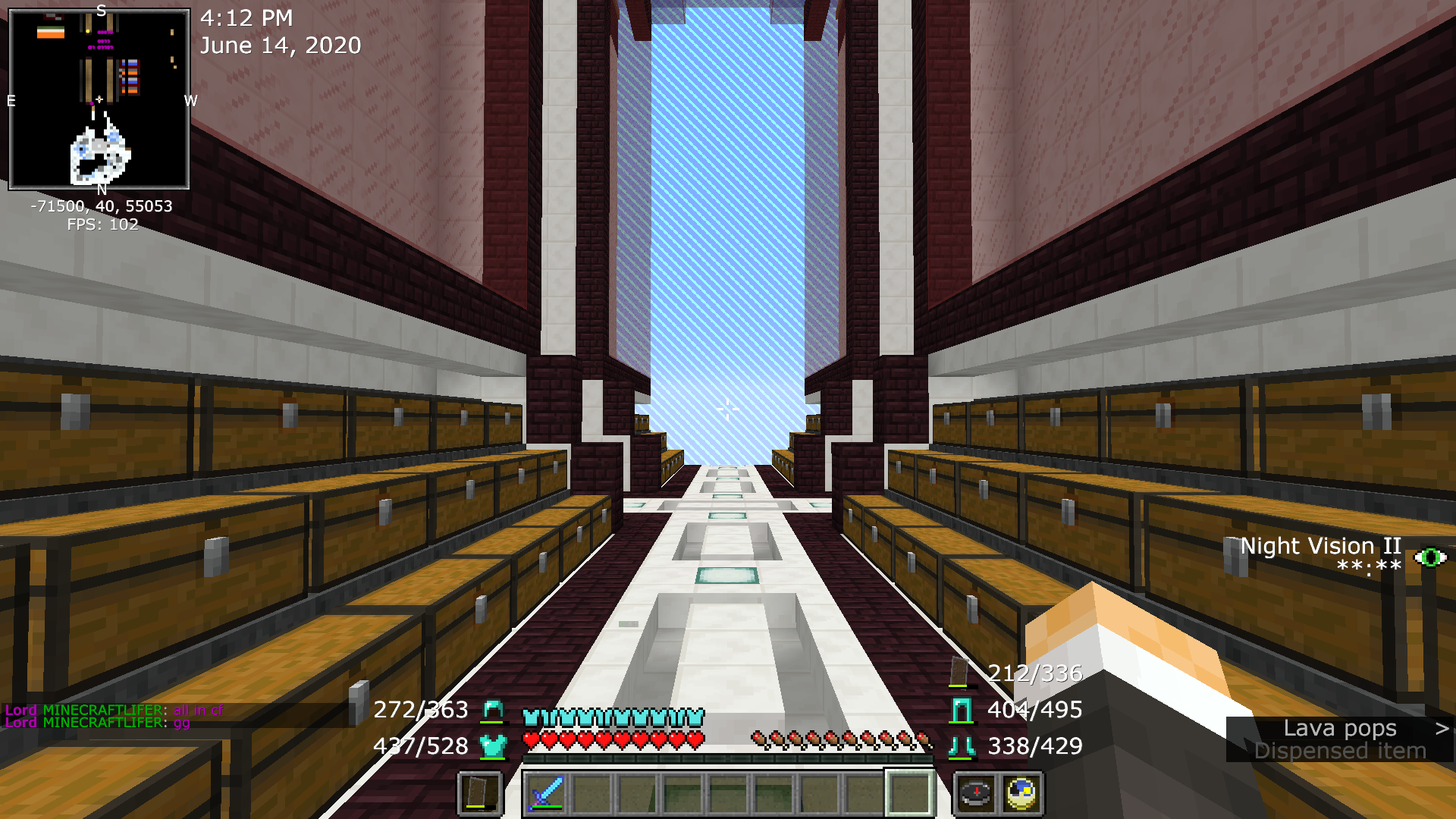 HUD Elements
 -
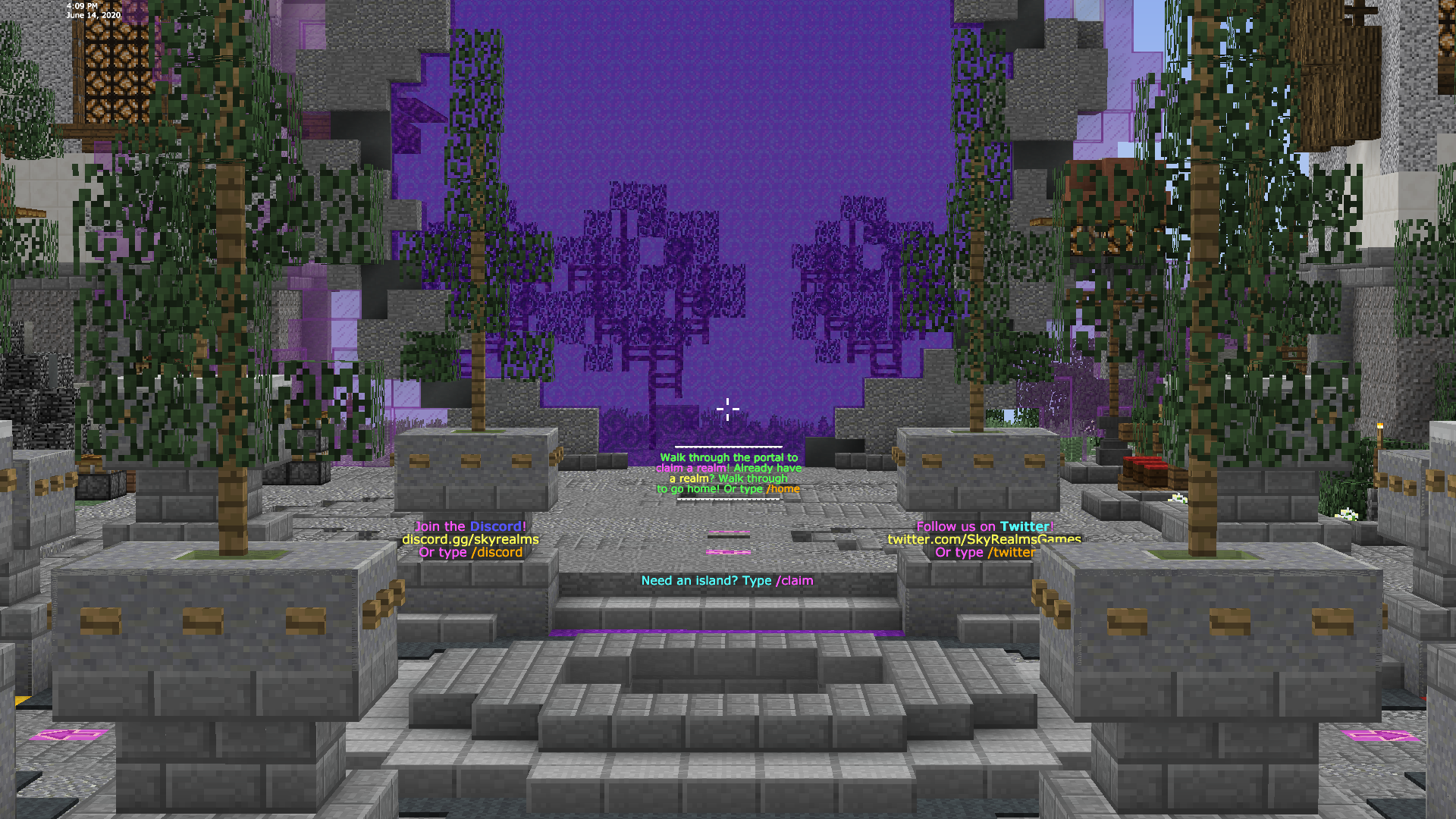 Spawn
Spawn -
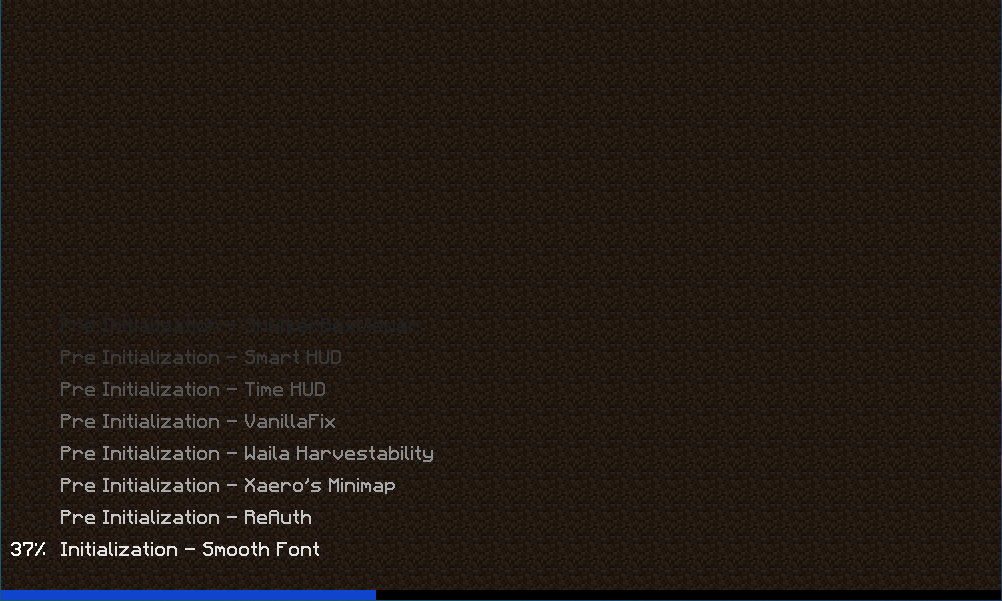 Early Loading (by custom loading screen)
 -
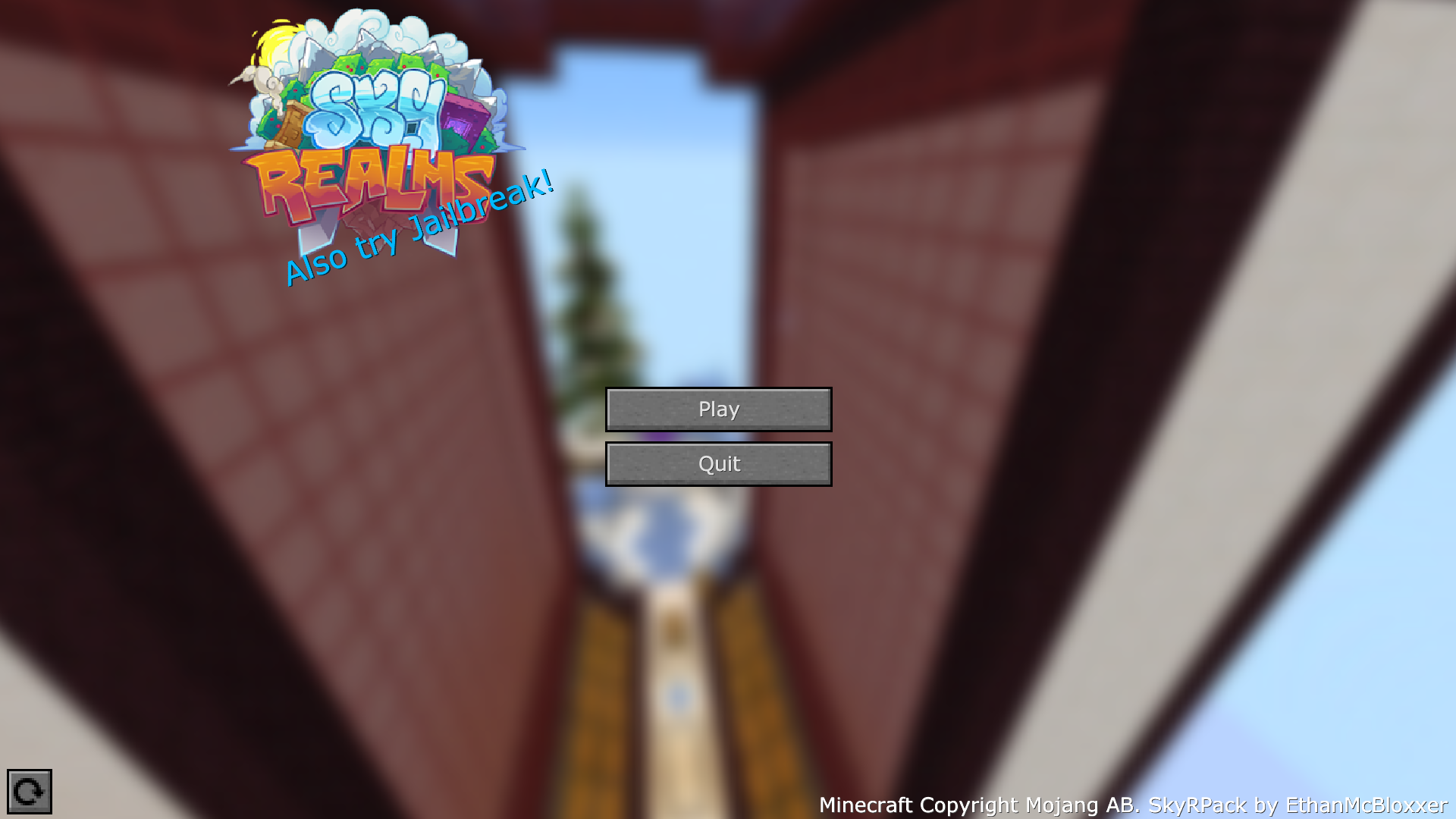 Main Menu May be updated eventually
Versions
Files
Relations
Project Relations
More like this
Similar Modpacks
Suggestions use data such as tags, dependencies, dependents, descriptions, titles, and more to rank how much they overlap with this modpack.
On ModDex
Community snapshot
By the numbers
Statistics
 (opens in a new tab)
Get it on
Available Platforms
On ModDex
Community snapshot
By the numbers
Statistics
Resources