Community listing page, reviews may not be monitored by the author.


Community voices
Reviews
No reviews yet. Be the first to review this project!
Get it on
Available Platforms
About
Project Details
For authors
Embed Badge
If you're the author of this project, you can embed a live badge anywhere that supports HTML or Markdown. It updates automatically whenever ratings change.
Use HTML for any page that supports it, or Markdown for README files and Markdown-based descriptions.
Identifiers
Platform IDs
Resources
External Links
About
Description
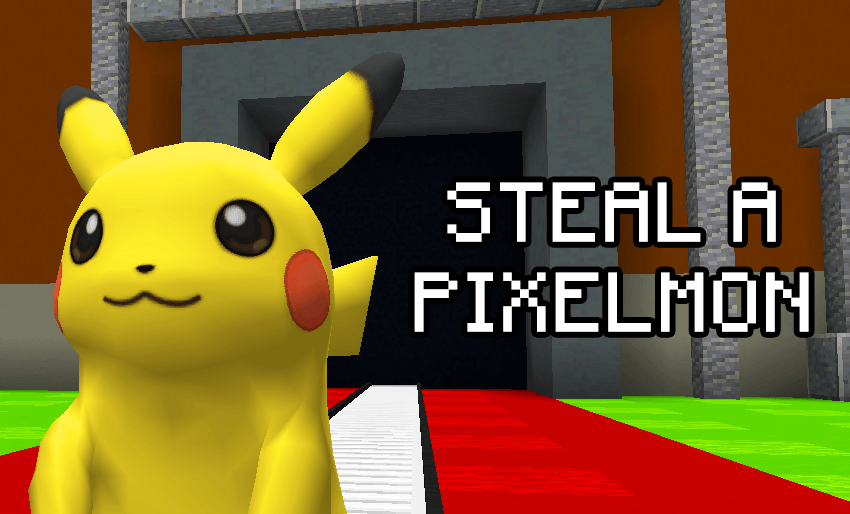
Official modpack for playing the map “Steal a Pixelmon”
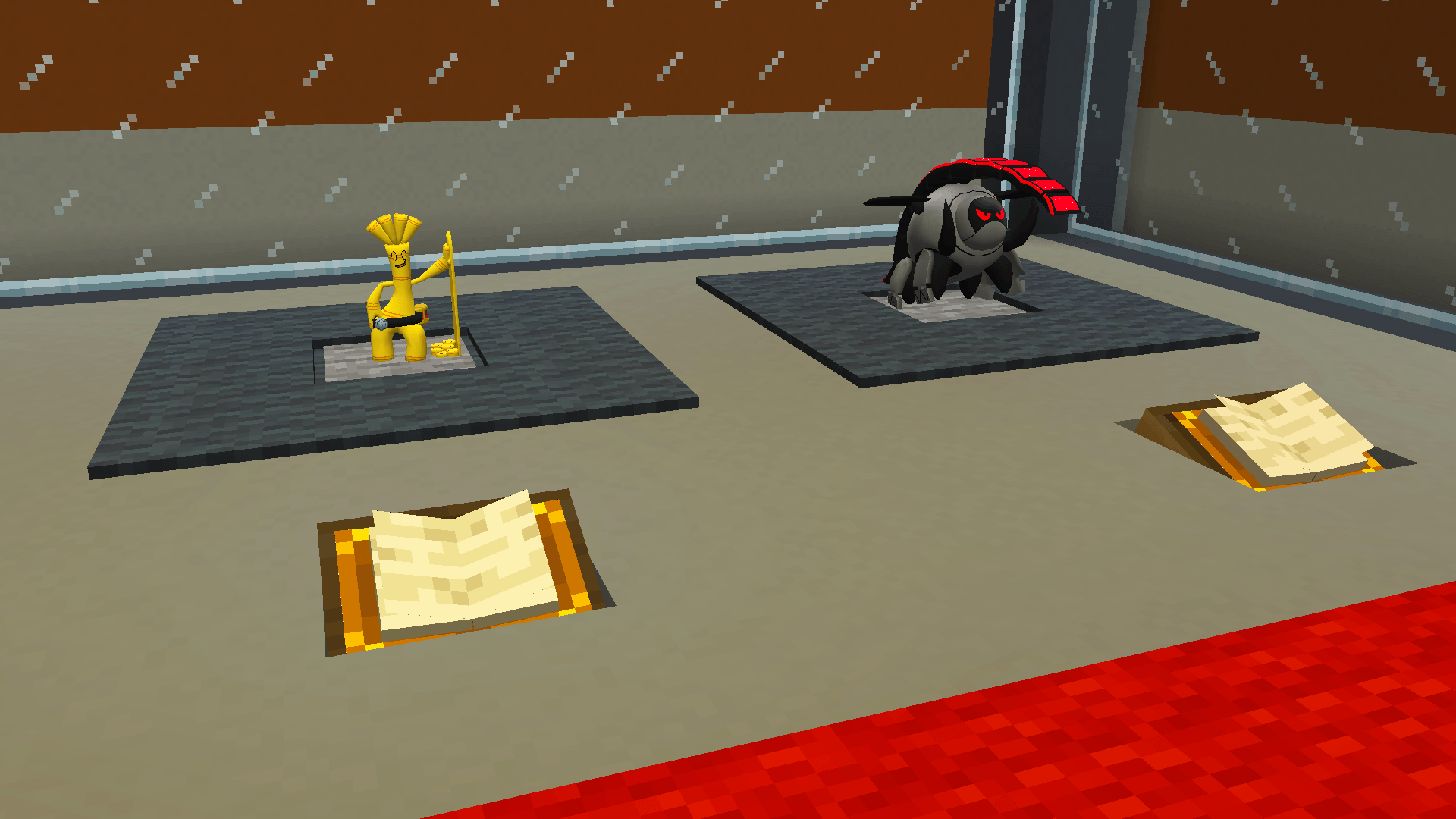
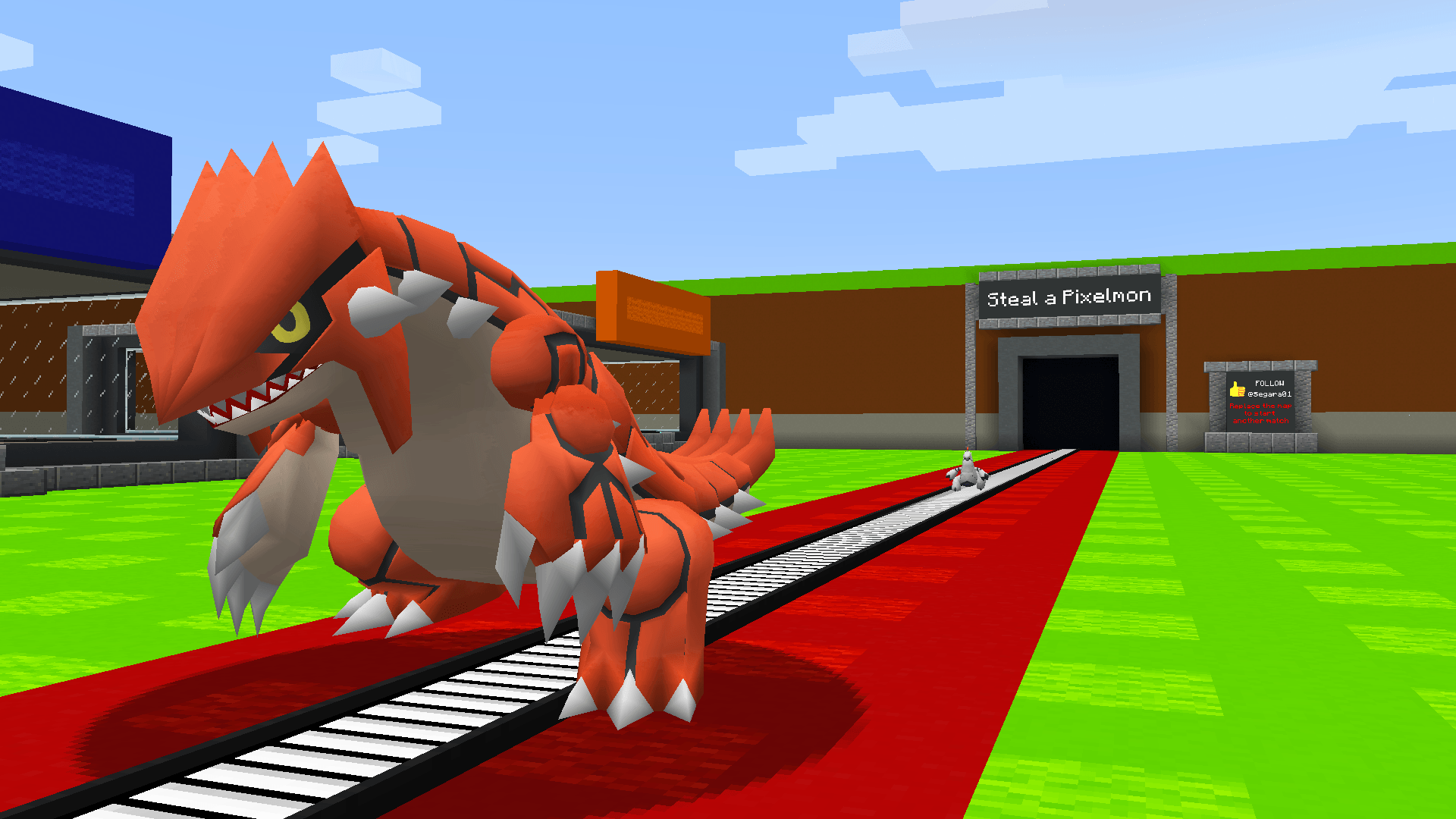
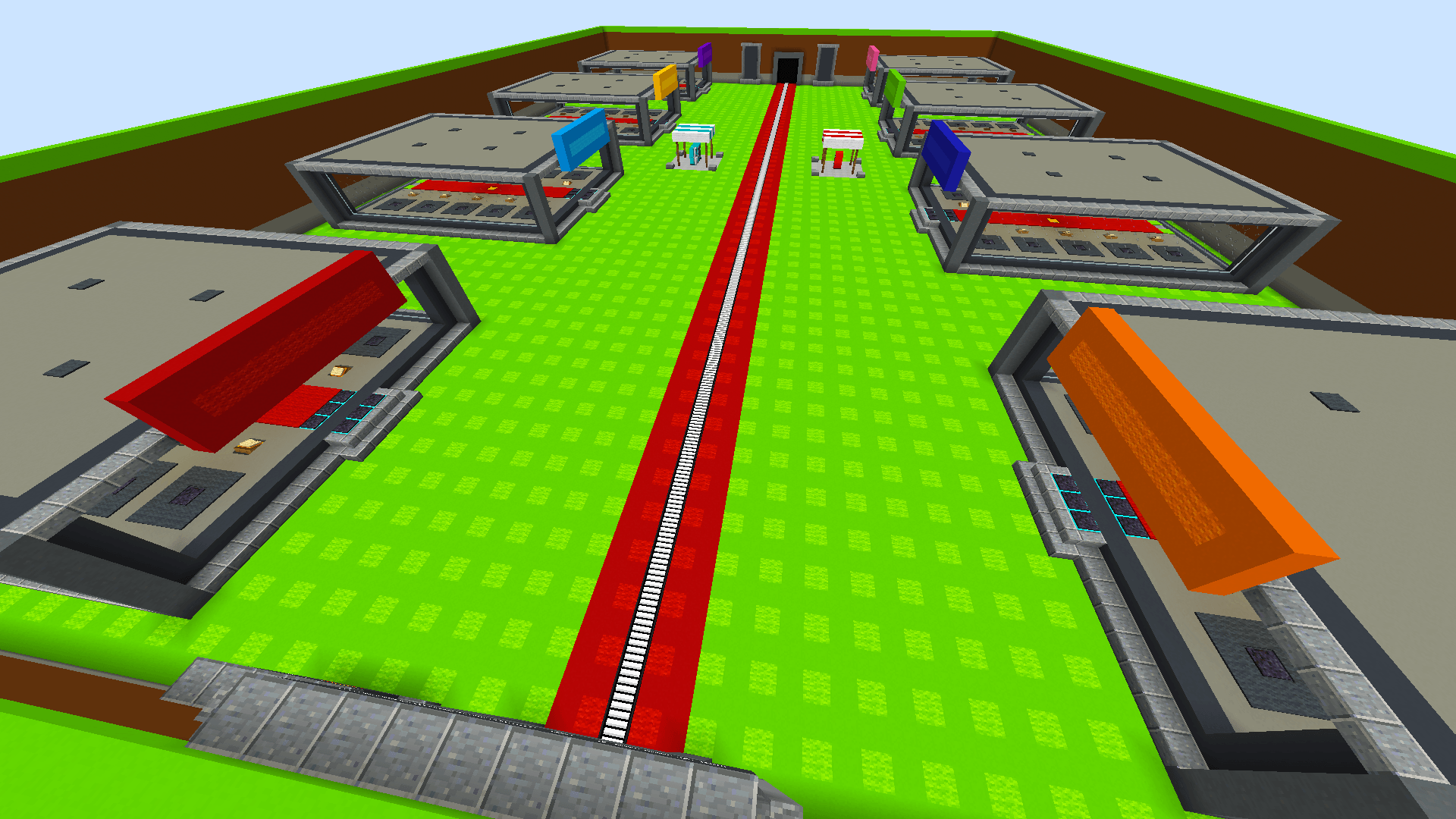
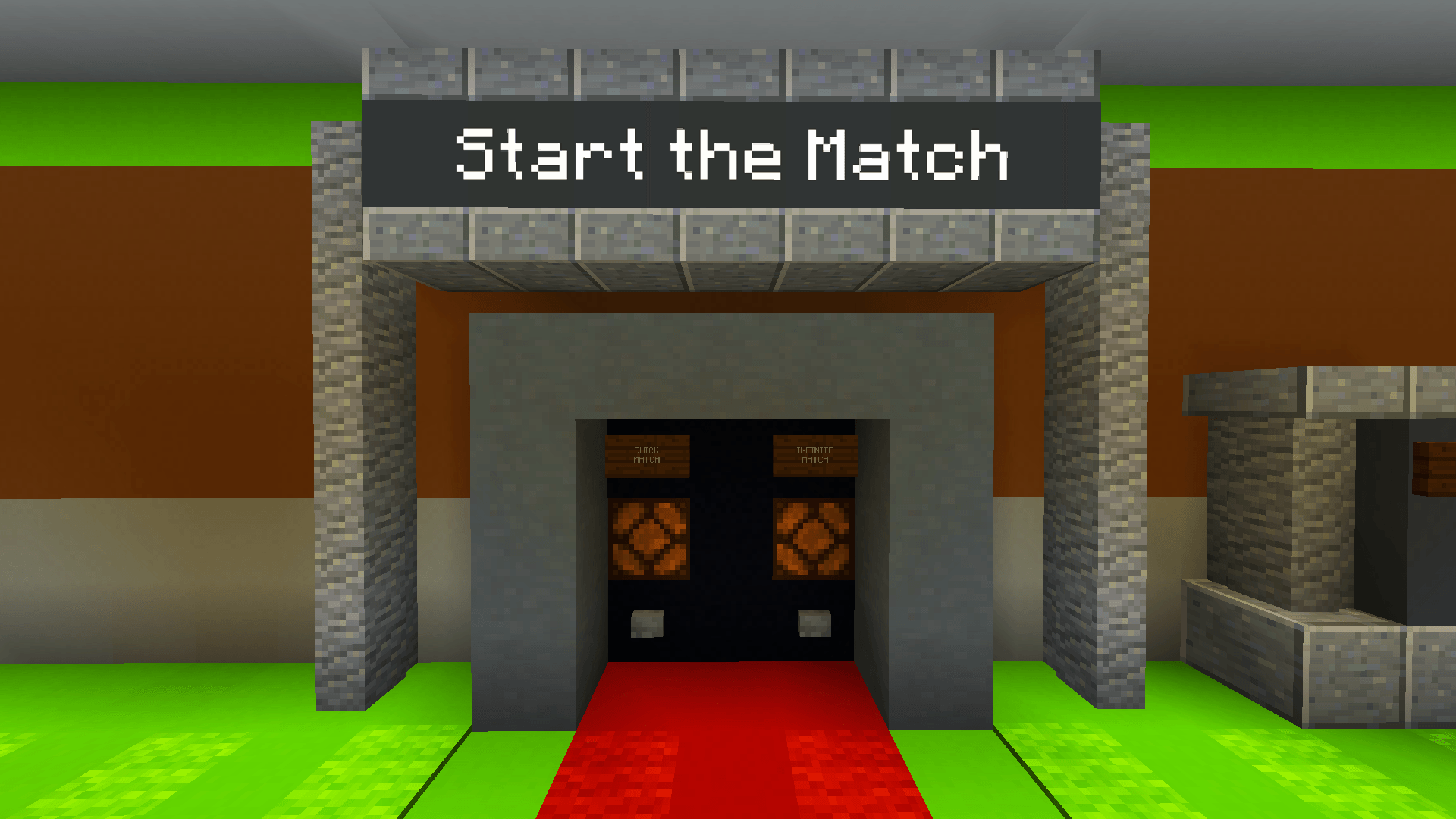
If you know the mini-game Steal a Brainrot, this modpack recreates that same experience in Minecraft using Pixelmon.
This pack contains the exact mods and configuration files used by the map author so you get the intended mechanics and balance - ideal for LAN or small server play with friends.
What you get
- Fully prepared mod environment for the map (manifest will download all mods automatically, including Pixelmon).
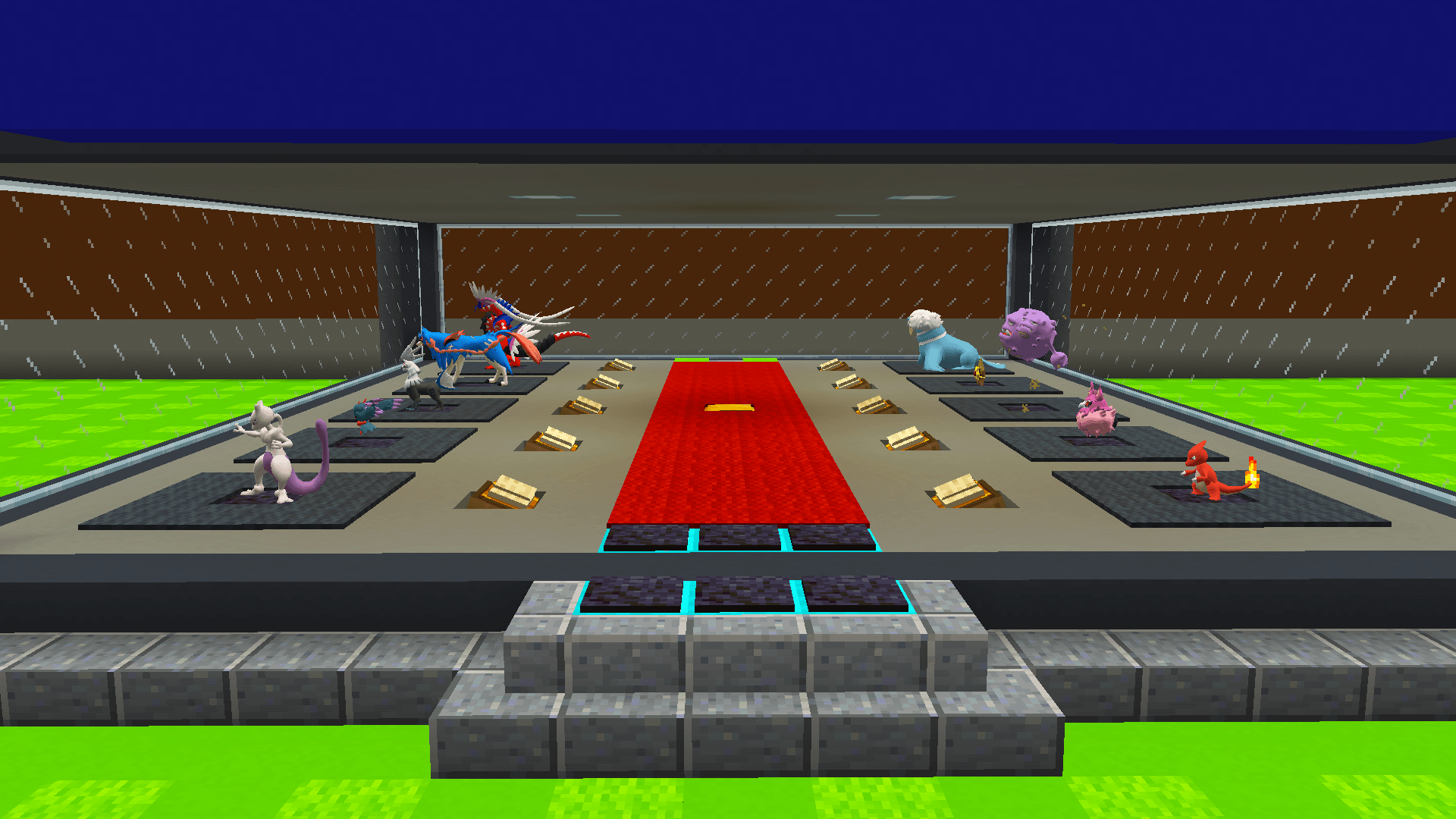
- All gameplay systems supported: conveyor spawns, stasis mechanics, custom vending, no-drop rules, base protections, timers, spawn logic and more.
- Minimal, clear steps to get started quickly.
Note: This modpack does not include the Steal a Pixelmon map, the Brainrot data pack, or the Brainrot resource pack. These are sold separately (see links below).
How to obtain the map, Data Pack and Resource Pack
- Minigame Map (world save) -
$12.99
Buy (USD): Steal a Pixelmon - Minigame Map | BuiltByBit
Buy (Brazil - PIX): Steal a Pixelmon - Minigame Map - Brainrot Data Pack + Resource Pack -
$9.99
This bundle includes both the Data Pack (adds the Brainrot mobs) and the Resource Pack (models & textures required to see them).
Buy (USD): Brainrot Pixelmon - Data Pack | BuiltByBit
Buy (Brazil - PIX): Brainrot Pixelmon - Data Pack
Quick install - Client (recommended)
-
Open CurseForge Launcher → Install / Import this modpack profile. The launcher will download all mods automatically.
-
Download the map file from BuiltByBit and extract the world folder
Steal_a_Pixelmon/to:%appdata%/.minecraft/saves/ -
If you purchased the Data Pack + Resource Pack:
Put Brainrot_Datapack.zip into:
%appdata%/.minecraft/saves/Steal_a_Pixelmon/datapacks/Put Brainrot_Resource_Pack.zip into:
%appdata%/.minecraft/resourcepacks/In Minecraft: Options → Resource Packs → move it to Selected (enable it).
-
Launch Minecraft with the modpack profile and open the world. If the datapack doesn’t appear immediately, run:
/reload.
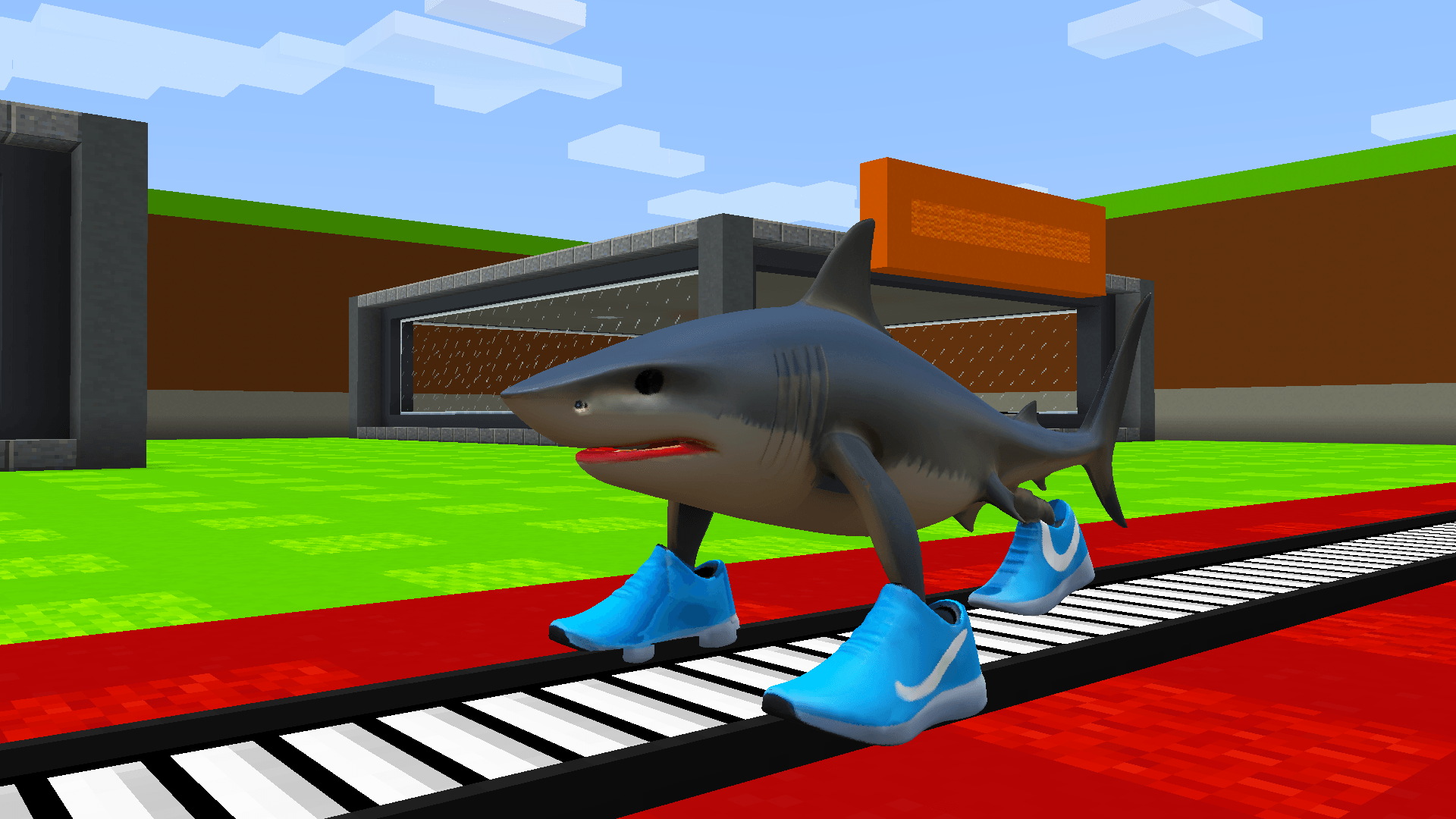
Result: Map systems work as intended. If you installed the Data Pack + Resource Pack, the Brainrot mobs (Tralalero Tralala and Tung Tung Tung Sahur) will spawn and render correctly.
Quick install - Server
-
Install the same modpack on your Forge server (import the manifest / use the same mods + configs).
-
Copy the world to the server
world/folder or uploadSteal_a_Pixelmon/to the server’ssaves/equivalent. -
Place
Brainrot_Datapack.zipinto:world/datapacks/(orsaves/Steal_a_Pixelmon/datapacks/depending on server layout). -
Resource Pack delivery (recommended):
HostBrainrot_Resource_Pack.zipon a public HTTPS URL (GitHub Releases, S3, etc.).
Add these lines to yourserver.properties:resource-pack=https://yourhost.com/Brainrot_Resource_Pack.zip
resource-pack-sha1=<SHA1_HEX_OF_FILE>
To generate the SHA1:
Windows (PowerShell/CMD):CertUtil -hashfile "Brainrot_Resource_Pack.zip" SHA1
Linux/macOS:sha1sum Brainrot_Resource_Pack.ziporshasum -a 1 Brainrot_Resource_Pack.zip
Restart server. Players connecting will be prompted to accept the pack and, if they accept, the textures load automatically.
If you can’t host an HTTPS link, instruct players to download and installBrainrot_Resource_Pack.zipinto their%appdata%/.minecraft/resourcepacks/and enable it manually. -
Set
enable-command-block=trueinserver.properties. Recommendedview-distance: 6–8. Server RAM: 8 GB+ for stable multiplayer.
Important notes & troubleshooting
- Pixelmon is included via the modpack manifest - you do not need to install Pixelmon separately if you import this profile.
- Do not mix mod versions - use the modpack profile to avoid crashes.
- If the map crashes at launch, check
mods_list.txt, clearconfig/(backup first) and restart. Provide crash logs when requesting help. - If Brainrot mobs are invisible or pink, the Resource Pack is not enabled for that player. Every player must enable it.
- Datapack must be placed in the correct
datapacks/folder for the world (singleplayer or server).
Links & support
- Buy map (USD): Steal a Pixelmon - Minigame Map | BuiltByBit -
$12.99 - Buy map (PIX/BRL): Steal a Pixelmon - Minigame Map -
R$12.99 - Buy Data Pack + Resource Pack (USD): Brainrot Pixelmon - Data Pack | BuiltByBit -
$9.99 - Buy Data Pack + Resource Pack (PIX/BRL): Brainrot Pixelmon - Data Pack -
R$9.99 - Official Modpack (CurseForge): this project page / profile
- Support / Contact: Discord
- Creator: Segara - YouTube
License & server rules
- Personal use only. Redistribution or resale of files without permission is prohibited.
- Public/monetized servers must purchase a separate server license - contact the author via Discord for terms.
Screenshots
Gallery
-
 10.png 10.png
 -
 9.png 9.png
 -
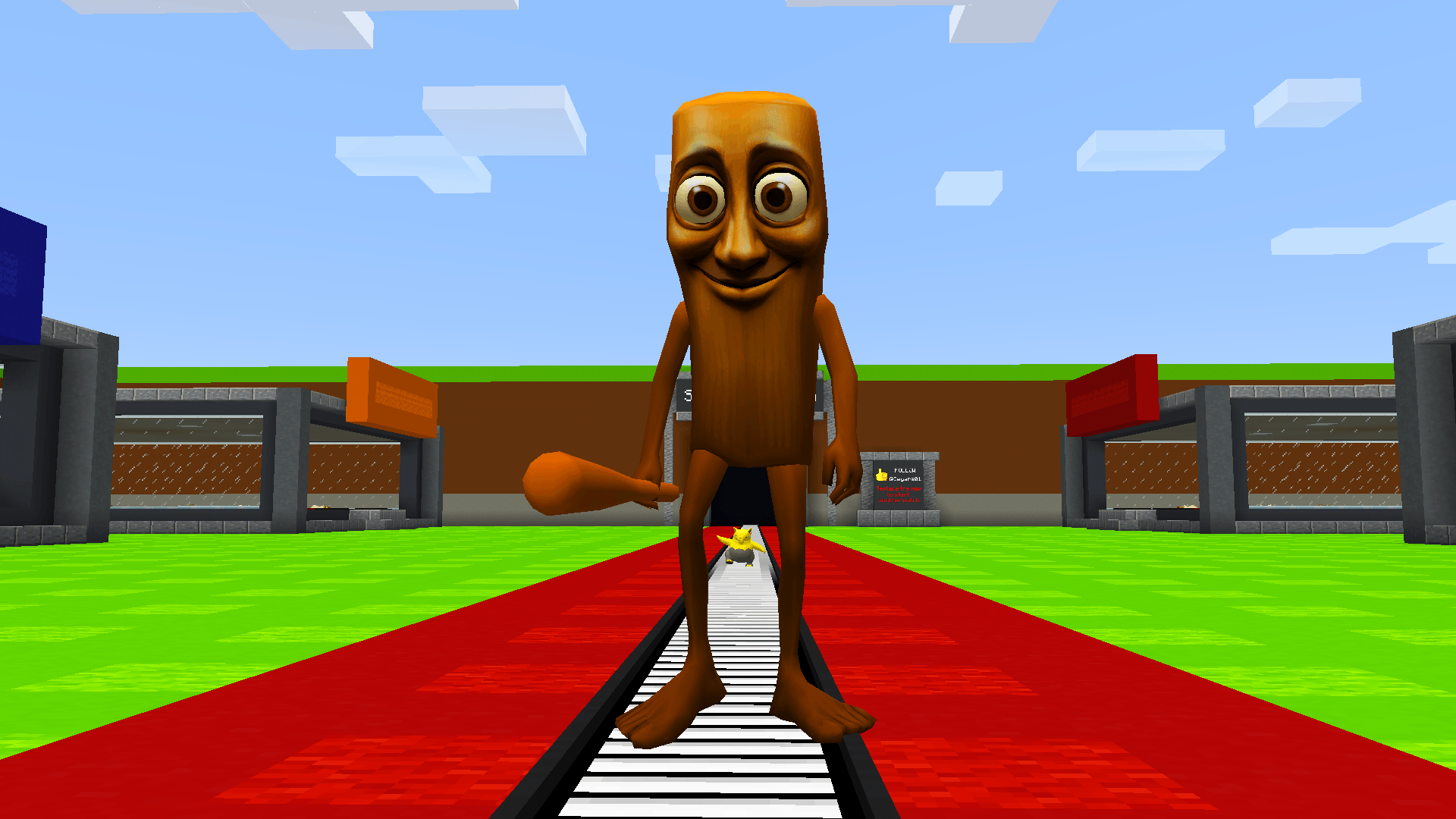 8.png 8.png
 -
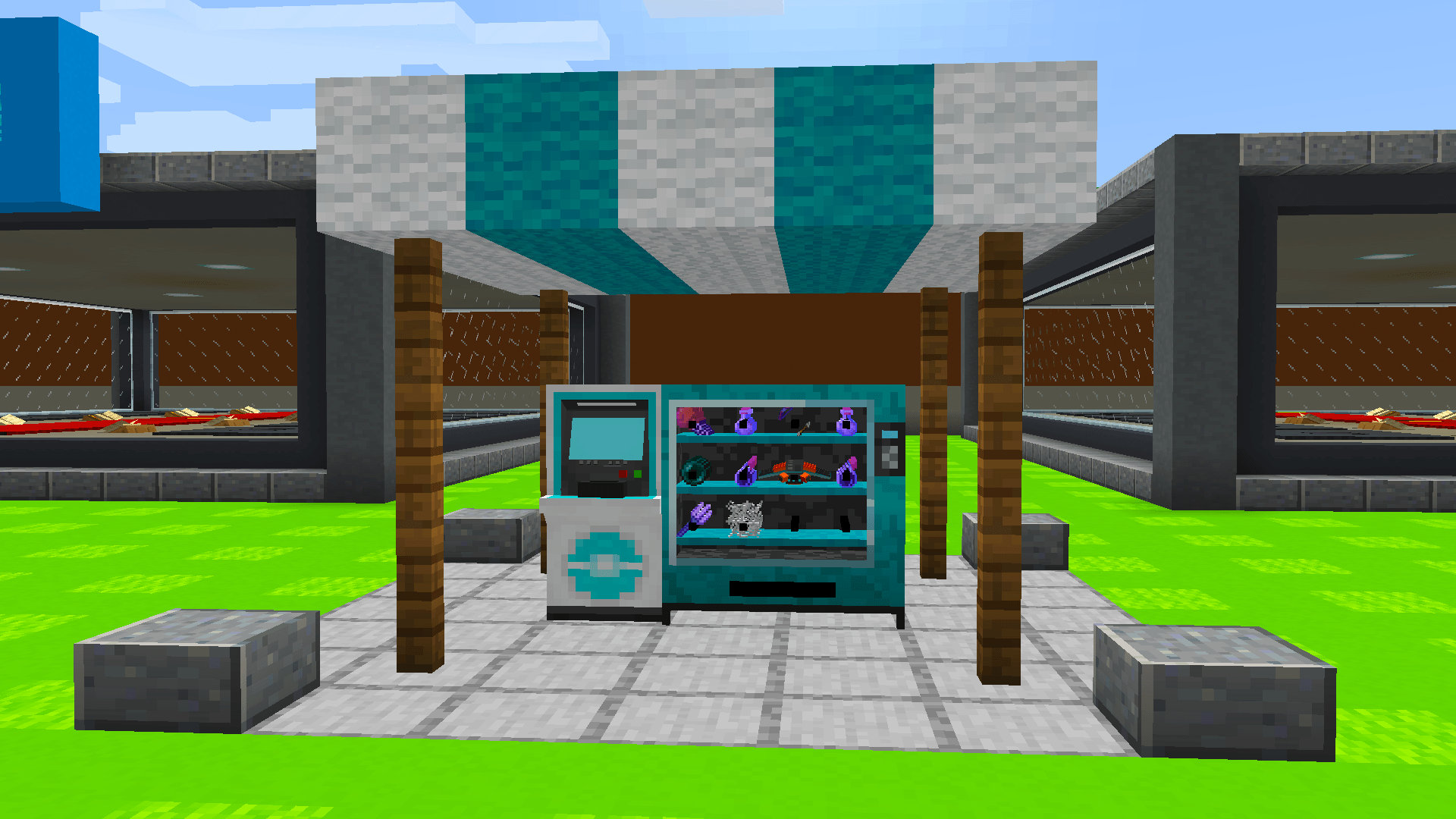 7.png 7.png
 -
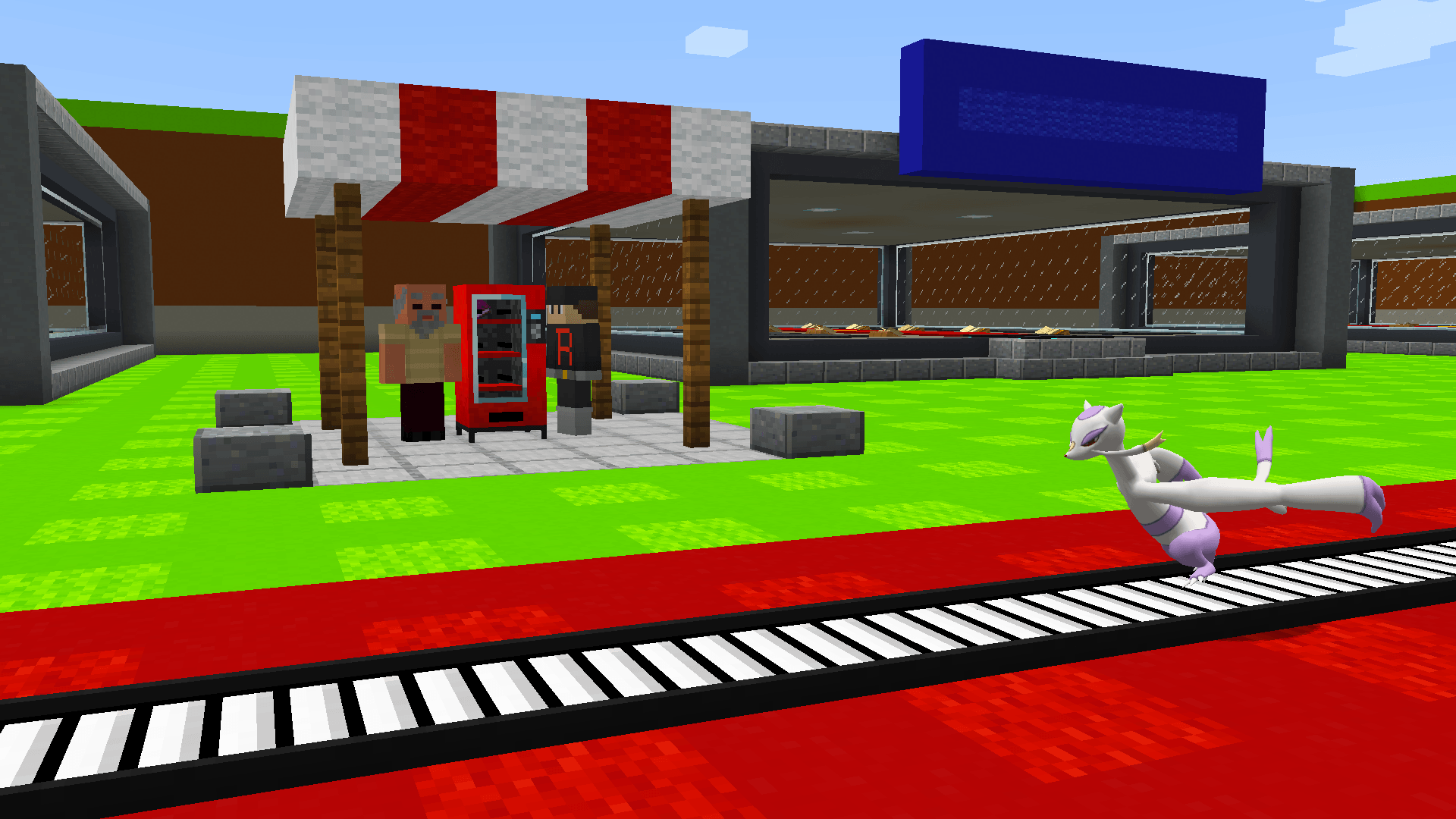 6.png 6.png
 -
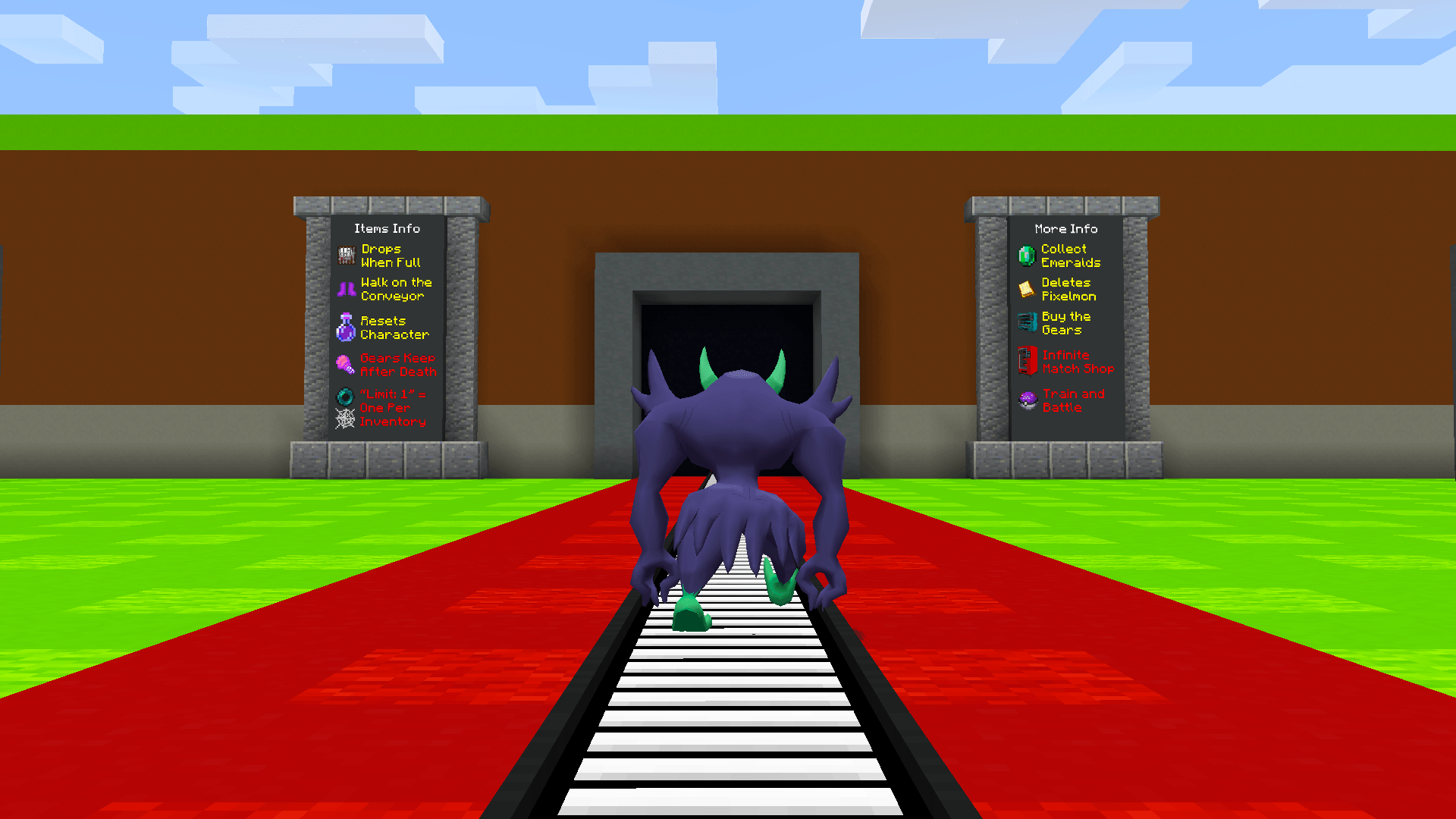 5.png 5.png
 -
 4.png 4.png
 -
 3.png 3.png
 -
 2.png 2.png
 -
 1.png 1.png
 -
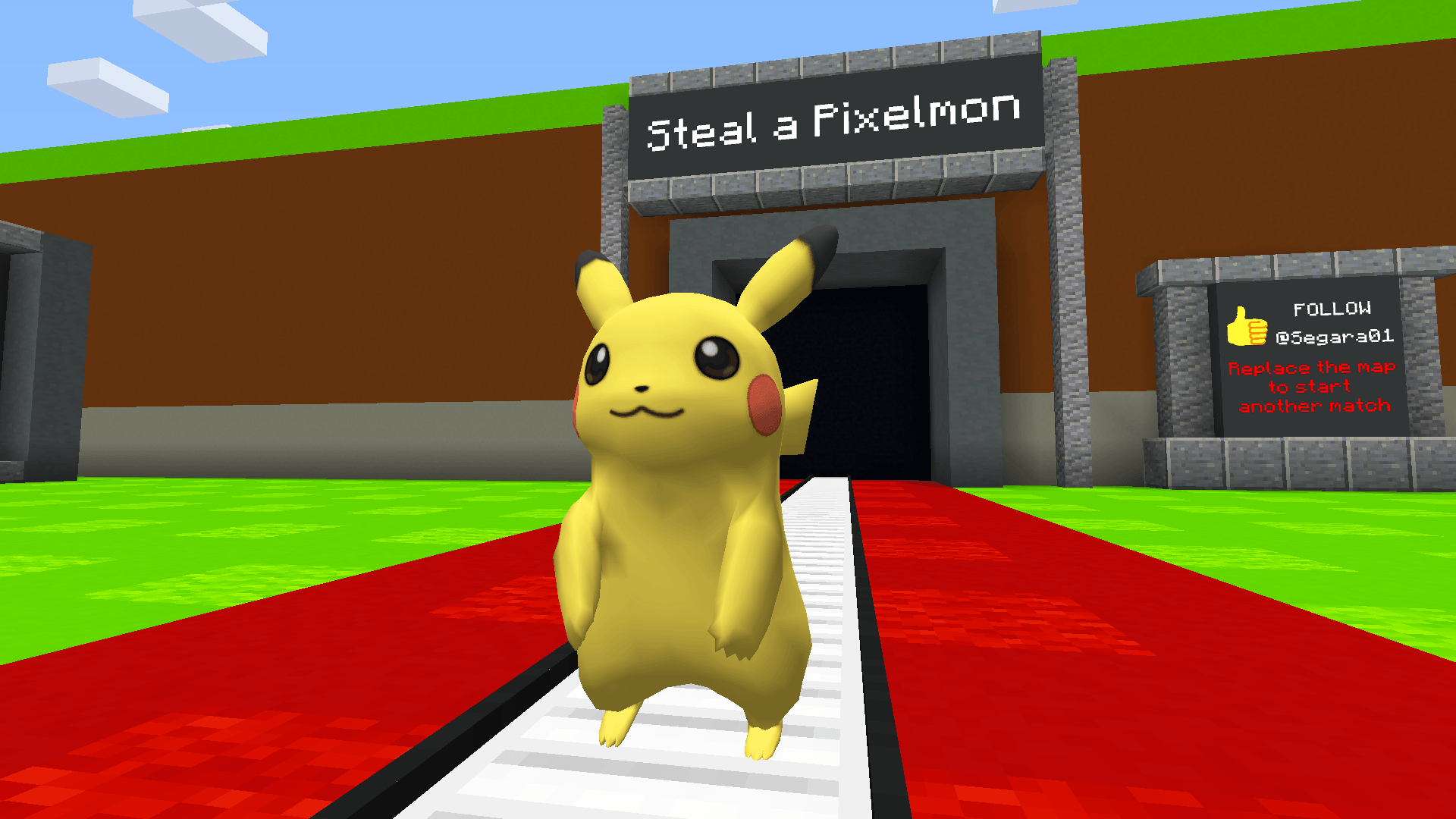 0.png 0.png
Versions
Files
Relations
Project Relations
More like this
Similar Modpacks
Suggestions use data such as tags, dependencies, dependents, descriptions, titles, and more to rank how much they overlap with this modpack.
On ModDex
Community snapshot
By the numbers
Statistics

Get it on
Available Platforms
On ModDex
Community snapshot
By the numbers
Statistics
Resources