
Community listing page, reviews here may not be monitored by the author.
Steam Deck Optimized

No reviews yet
Modded Minecraft optimized for the Steamdeck
Community voices
Reviews
No reviews yet. Be the first to review this project!
Get it on
Available Platforms
Compatibility
Supported Environments
Works on the client or the server alone, but does more when on both.
About
Project Details
For authors
Embed Badge
If you're the author of this project, you can embed a live badge anywhere that supports HTML or Markdown. It updates automatically whenever ratings change.
Use HTML for any page that supports it, or Markdown for README files and Markdown-based descriptions.
Identifiers
Platform IDs
Resources
External Links
About
Description
🎮 Steam Deck Optimized (Fabric)
A lightweight Fabric modpack built specifically for the Steam Deck. Designed to deliver high FPS, full controller integration, sleek visuals with light shaders, and essential Quality-of-Life mods without killing your battery.
Features
- Vulkan Engine (
VulkanMod) – Uses Vulkan instead of OpenGL for massive performance gains on Steam Deck hardware. - Native Deck Controls (
Controlify) – Full controller support with native Steam Deck button glyphs and analog control. - Minimal Built-in Shaders (
Beryl) – Subtle lighting, dynamic shadows, and clean visuals with minimal performance hit. - Overhauled World Gen (
Terralith) – Beautiful vanilla-style terrain and biomes. - Dynamic Audio (
Sound Physics Remastered+AmbientSounds) – Realistic cave acoustics, echoes, and background ambience. - QoL Essentials – Dynamic lighting, 3D skin layers, AppleSkin, Jade, JEI, Xaero's World Map, Zoomify, and more.
Performance (Steam Deck LCD 256GB)
- FPS: 70 – 100 FPS average (after ~5 minutes of chunk generation).
- Frametimes: Rock solid frametimes thanks to Lithium, C2ME, and ScalableLux.
- Battery: Optimized for low power usage compared to traditional Iris/OptiFine setups.
Mod List
Performance & Rendering
- VulkanMod & Vulkan Border Fix – Vulkan rendering backend for SteamOS.
- Beryl – Light shader support under Vulkan.
- C2ME – Multithreaded chunk loading.
- Lithium & BadOptimizations – Core game logic and server-side optimizations.
- Entity Culling & Clumps – Hides unseen entities and groups XP orbs.
- FerriteCore – Reduces RAM usage.
- ScalableLux & Noisium – Fast lighting and terrain calculations.
- Dynamic FPS – Reduces resource usage when unfocused.
Controls & UI
- Controlify – Deck controller integration & keybindings.
- Mod Menu, Cloth Config & YACL – In-game settings menus.
- BetterF3 – Cleaner debug screen.
- Jade & JEI – Item recipes and block info overlay.
- AppleSkin, Chat Heads & Blur – Food stats, player head icons, and menu blur.
Visuals, Sound & World
- Terralith – Custom world generation without adding new blocks.
- Sound Physics Remastered & AmbientSounds – Reverb, acoustics, and environmental audio.
- Continuity, Visuality & 3D Skin Layers – Connected textures, subtle particle effects, and 3D skins.
- LambDynamicLights – Handheld light sources (torches, lanterns).
- Xaero's World Map – Fast and clean world map.
- Zoomify – Smooth zoom key.
How to Install
Since the modrinth launcher has a few issues on SteamOS, i reccomend using Prism Launcher:
- Switch to desktop mode
- install prism launcher via Discover (the build in app store)
- Import the .mrpack
- create a shortcut for the mincraft installation
Make sure the shortuct program is
flatpackand The arguments are"run" "org.prismlauncher.PrismLauncher" "--launch "YOUR_INSTALLATION NAME""
- Import the .desktop shortcut into steam
- Launch the game
Recommended Settings
The Modpack comes with preset settings for better performance. Feel free to change them
Screenshots
Gallery
-
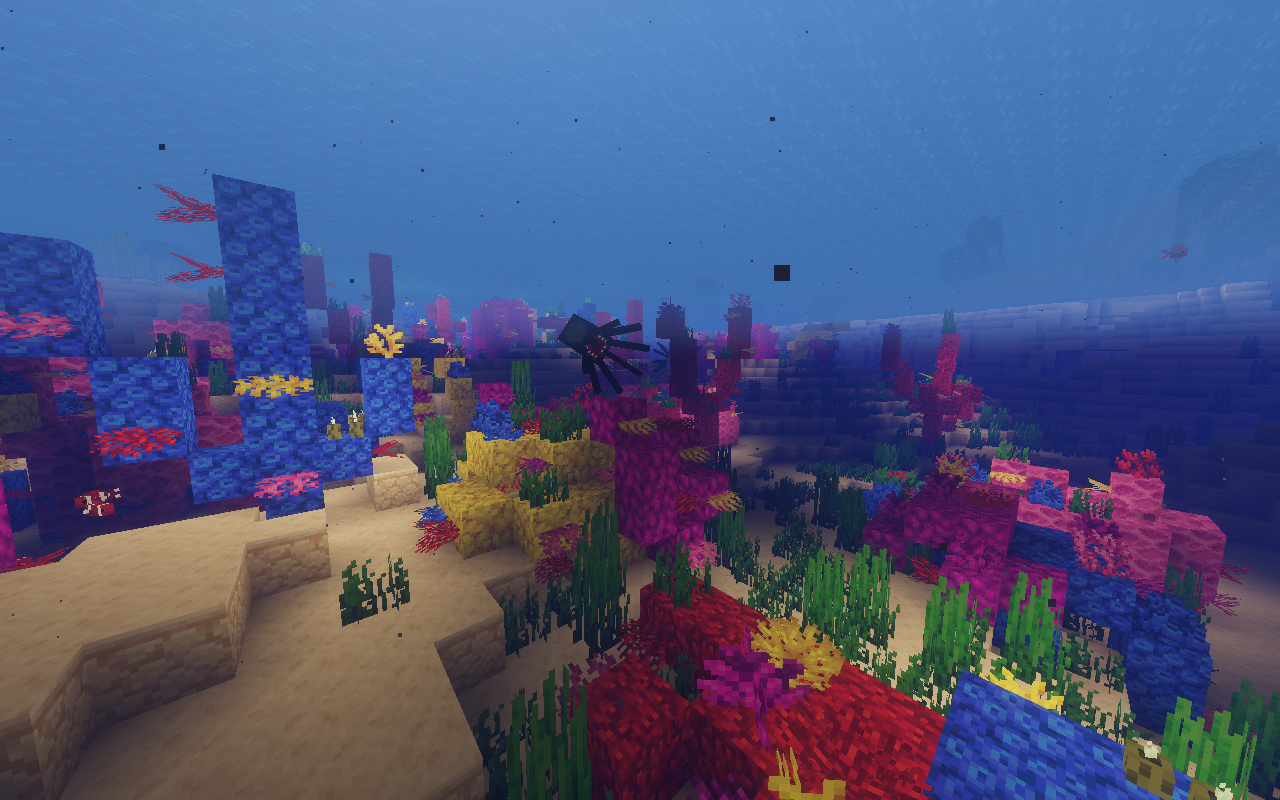 Ingame Screenshot
 -
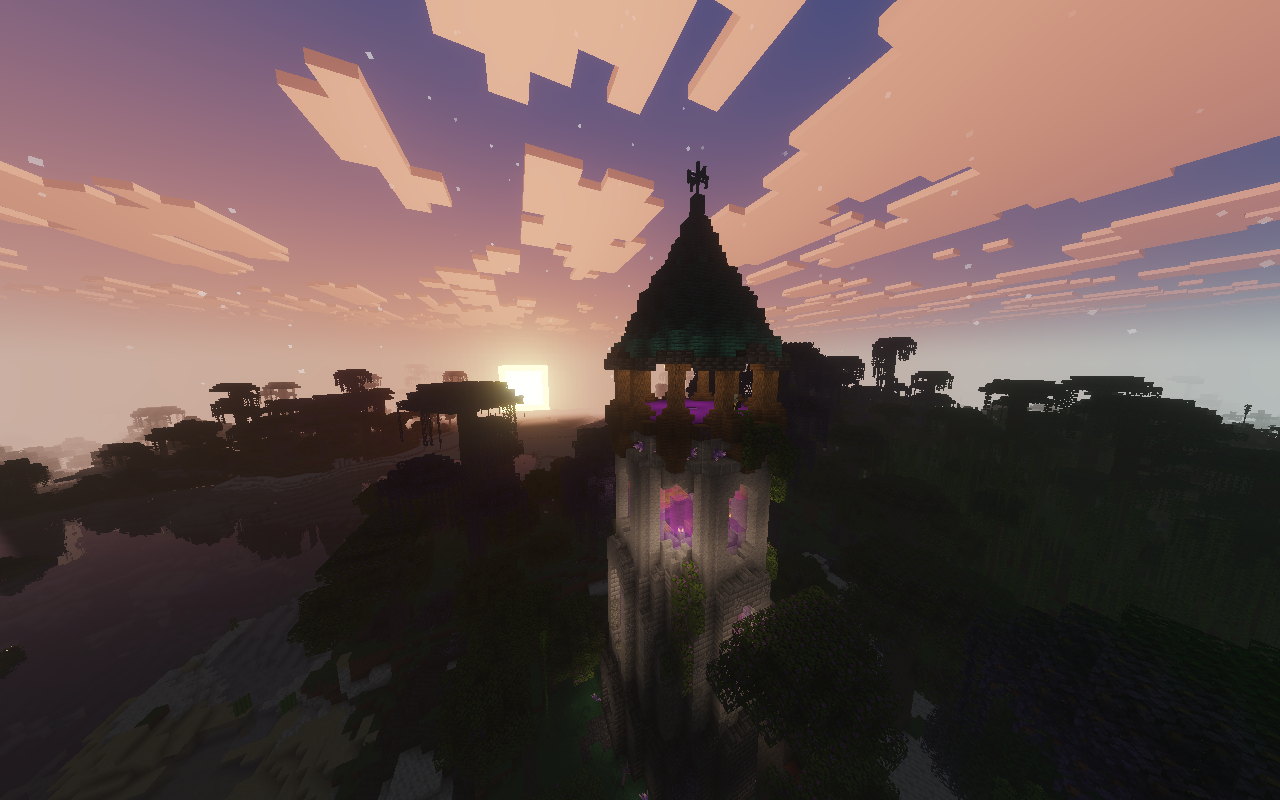 Ingame Screenshot
 -
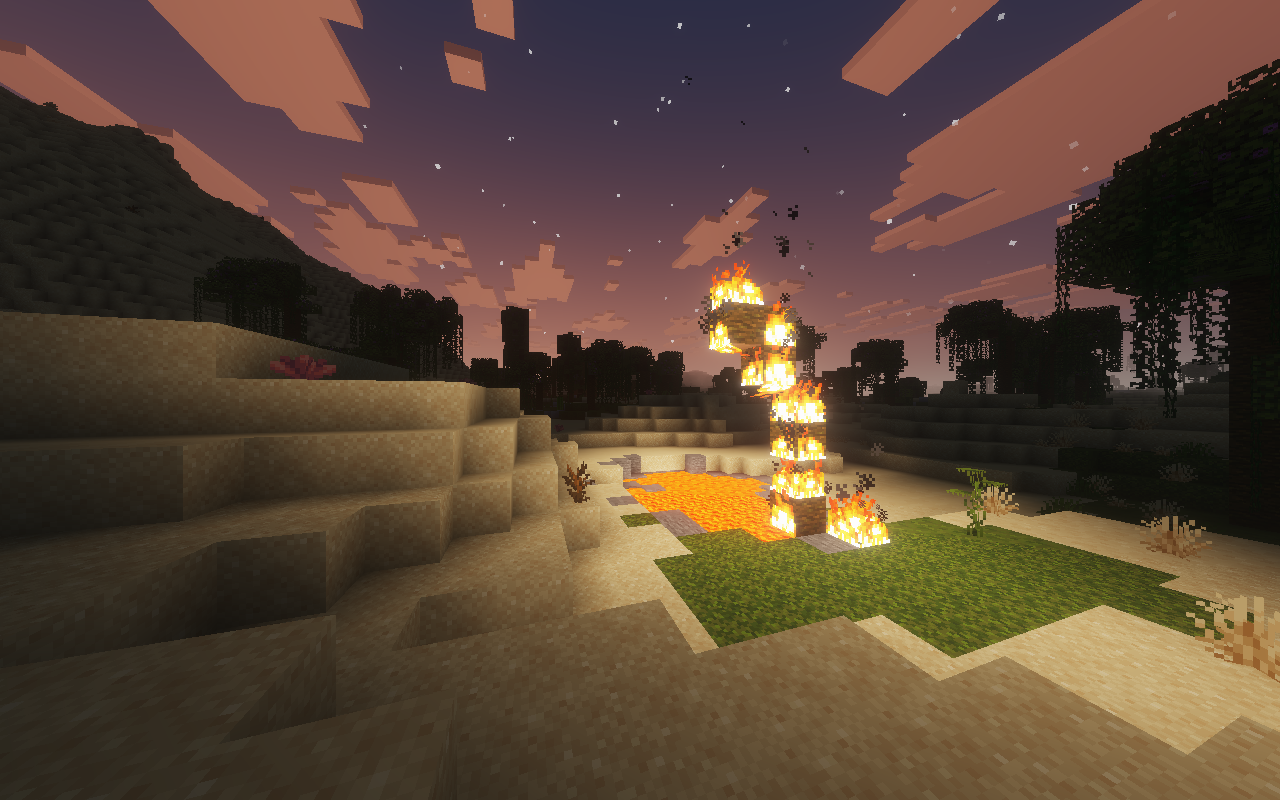 Ingame Screenshot
 -
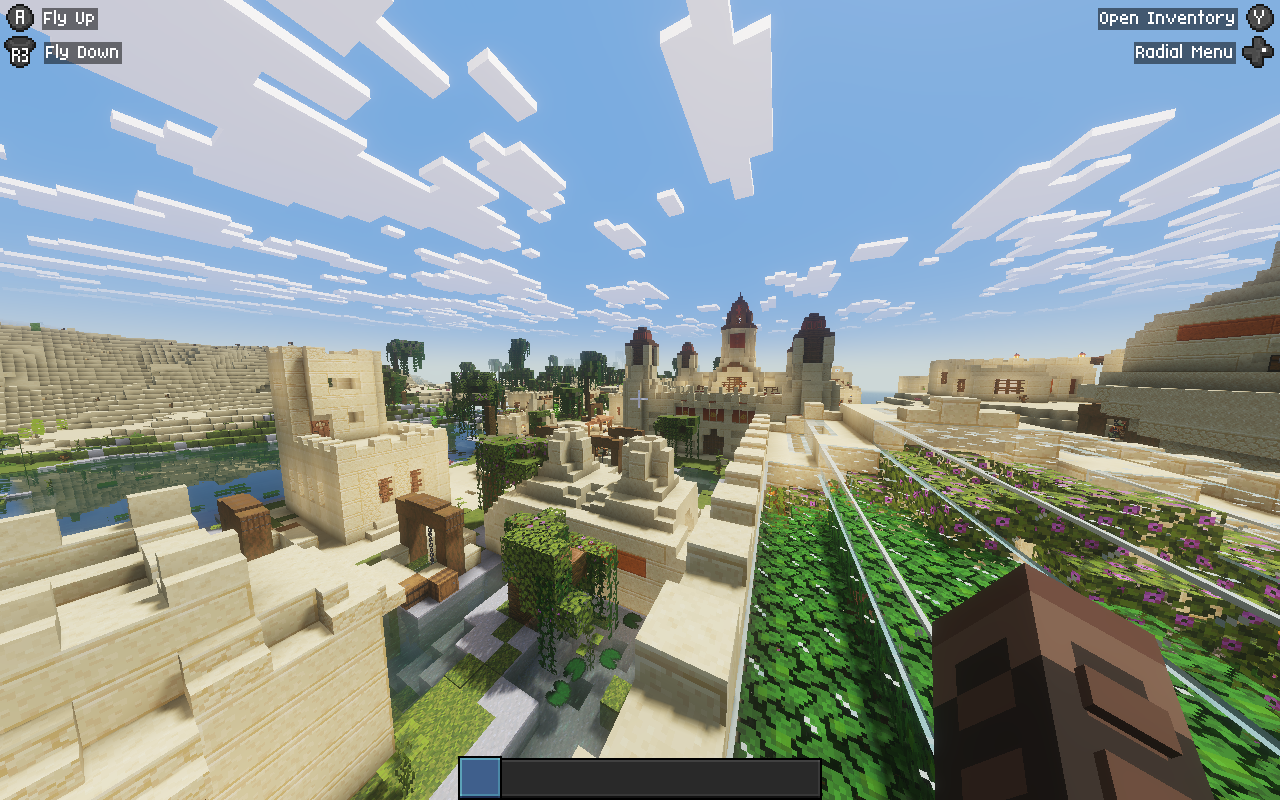 Ingame Screenshot
Versions
Files
Relations
Project Relations
More like this
Similar Modpacks
Suggestions use data such as tags, dependencies, dependents, descriptions, titles, and more to rank how much they overlap with this modpack.
On ModDex
Community snapshot
By the numbers
Statistics

Want to reach Minecraft players?
We're looking for a server hosting partner to feature here and other parts of the site. Interested? Send us a message!
Get in touchGet it on
Available Platforms
On ModDex
Community snapshot
By the numbers
Statistics
Resources