Community listing page, reviews here may not be monitored by the author.
Survivalcore (See Description)

No reviews yet
A full revamp of Minecraft's survival gamemode with a greater challenge and improved immersion.
Community voices
Reviews
No reviews yet. Be the first to review this project!
Get it on
Available Platforms
About
Project Details
For authors
Embed Badge
If you're the author of this project, you can embed a live badge anywhere that supports HTML or Markdown. It updates automatically whenever ratings change.
Use HTML for any page that supports it, or Markdown for README files and Markdown-based descriptions.
Identifiers
Platform IDs
Resources
External Links
About
Description
If playing any version below 2.0 You must download Optifine! (See download guide below)
PHOTOSENSITIVITY/MOTION WARNING, This modpack contains alot of heavy camera effects!
Have you ever wanted Minecraft Survival to feel more immersive than it does? This modpack is for you!
This modpack changes the way Minecraft survival is played to make it much more challenging and WAY more immersive!
Either try your hand at building from the ground up in singleplayer or create a world for you and your friends to play in and
attempt to fight off the brutality of Mother Nature together!
Mother nature will not always work in your favor. You will die at some point.
Do not edit the mods, resource packs, or shaders in this modpack if given the option to!
All Credit goes to the mod creators of mods in this pack. I did not make the mods, I simply put the modpack together and tweaked everything to make them work.
Key Features:
- All New Soundtrack (credits to their respective owners)
- Body Tempature
- Diet System
- Overworld Seasons
- Overhauled Overworld
- Advanced cooking system
- Thirst
- Stamina
- Body Types
- Dodging Mechanic
- Revamped Hunger
- Advanced Health
- Improved Day/Night Cycle
- Immersive First Person
- Revamped Nether
- Improved End/Void Dimension
- Harder Dragon Fight
- Harder Wither Fight
- Multiplayer Support (Server not required)
- Proximity Voice Chat
- Audio physics
- Upgradable Perks and Specializations
- Lots of new animals
- Overhauled Combat
- Improved Farming
- Lots of QOL changes
- Smarter Mobs
- Advanced sleeping system
- Extremely interactive world
Official Discord: https://discord.gg/tgB2aWkDT3
Known issues:
When playing on monitors above 1080p, the stamina bar will be offset from the center of the screen. This can be fixed by manually editing the stamina bar position in the mod config. (StaminaOfTheWIld)
When interacting with a bellows block, the game will freeze. For this reason, the bellows block should be unobtainable.
Stamina may sometimes start draining indefinitely. This is fixed by reopening the world or using a mount (for some reason).
The Rambutan fruit causes minor block lag when growing several trees in the overworld.
When using other shaders, the game will fail to render properly.
When placing the Blackboard, the game will crash.
Keep Inventory may not always work properly.
Optifine Install Guide For Versions Below 2.0 (After installing modpack):
Visit the Optifine website using this link
Download the jar file via the download button and place it on your desktop.
In the curseforge launcher, click on the modpack (not the play button)! (If you have the modpack description open, skip this step)
Now click on the 3-dots menu next to the play button and choose "Open Folder"
In the folder that just opened, open the "mods" folder.
Drag the jar file you downloaded into the mods folder.
You are now ready to begin your adventure.
Screenshots
Gallery
-
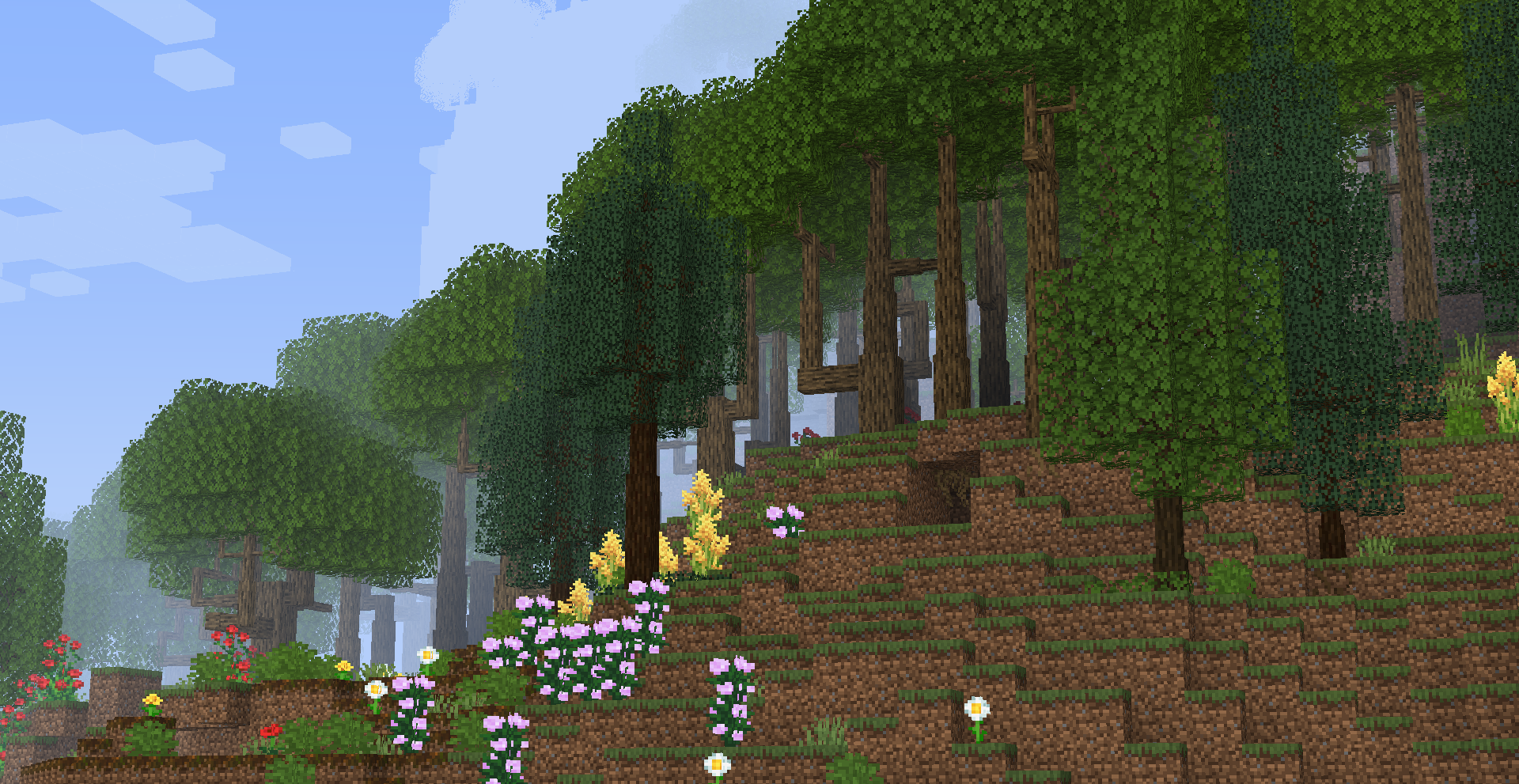 Landscape This is a small preview of one of the countless landscapes you can discover
 -
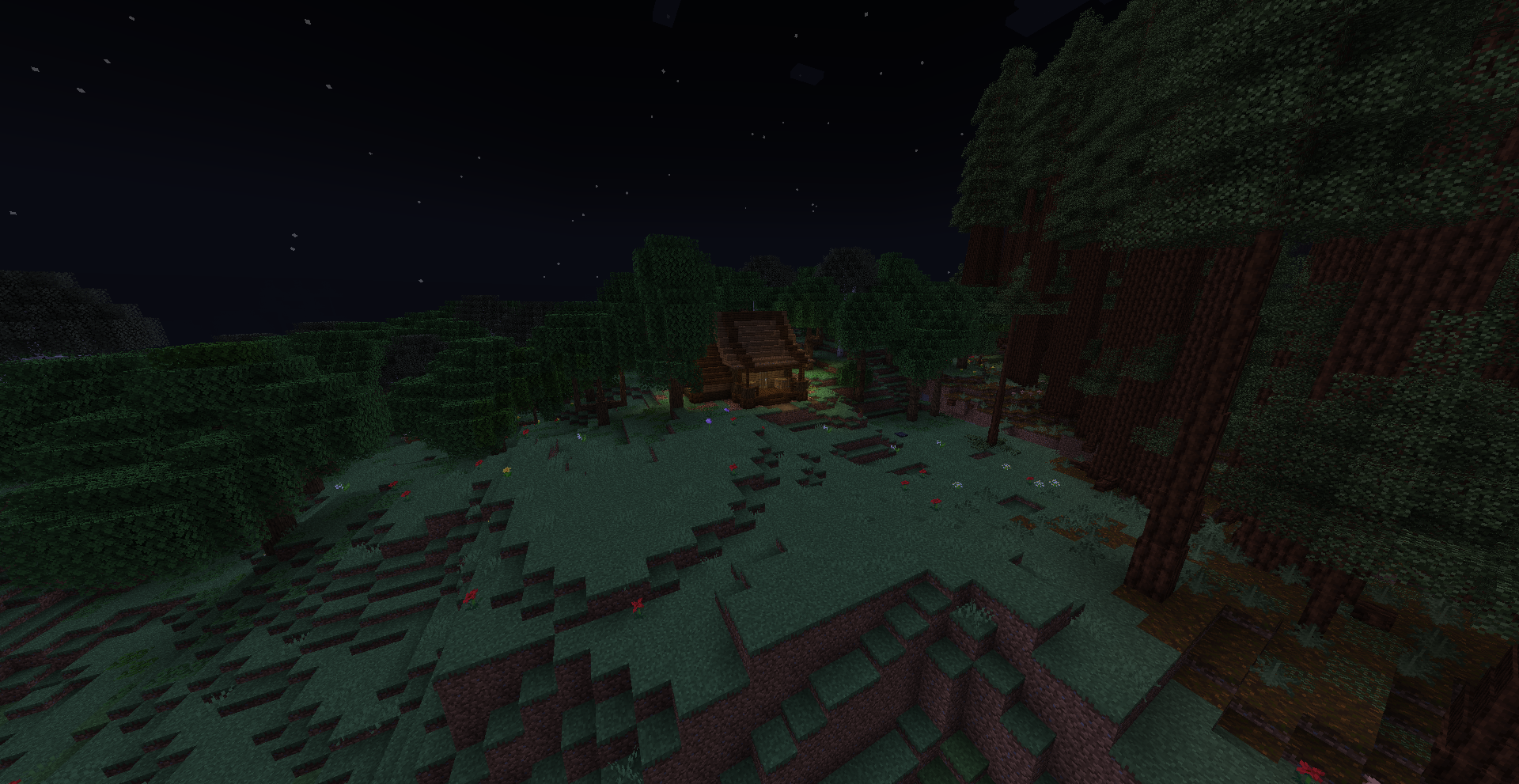 Dynamic Nighttime Light Nighttime during a full moon. See the other picture for new moon comparison.
 -
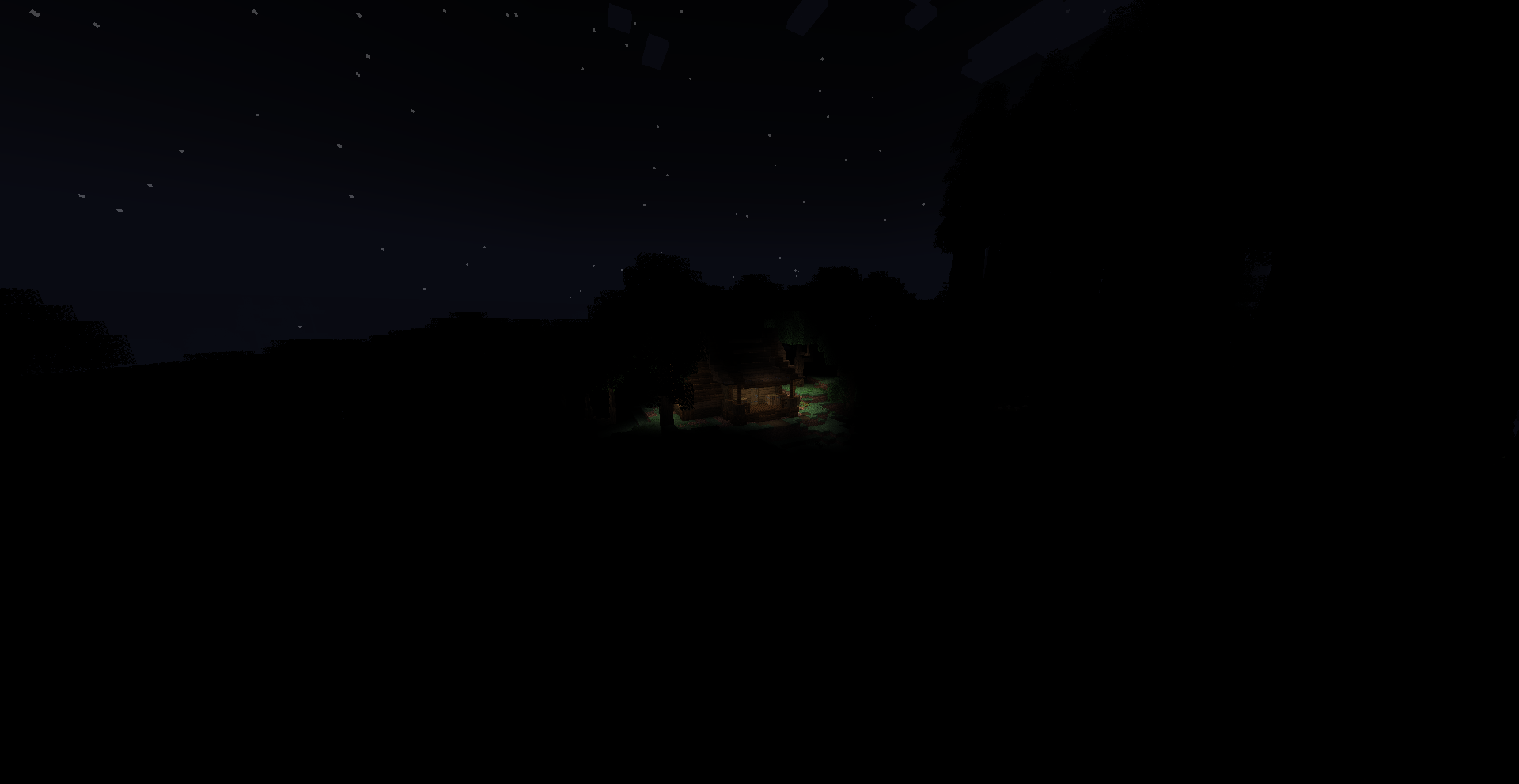 Dynamic Nighttime Light Nighttime during a new moon. See the other picture for full moon comparison.
 -
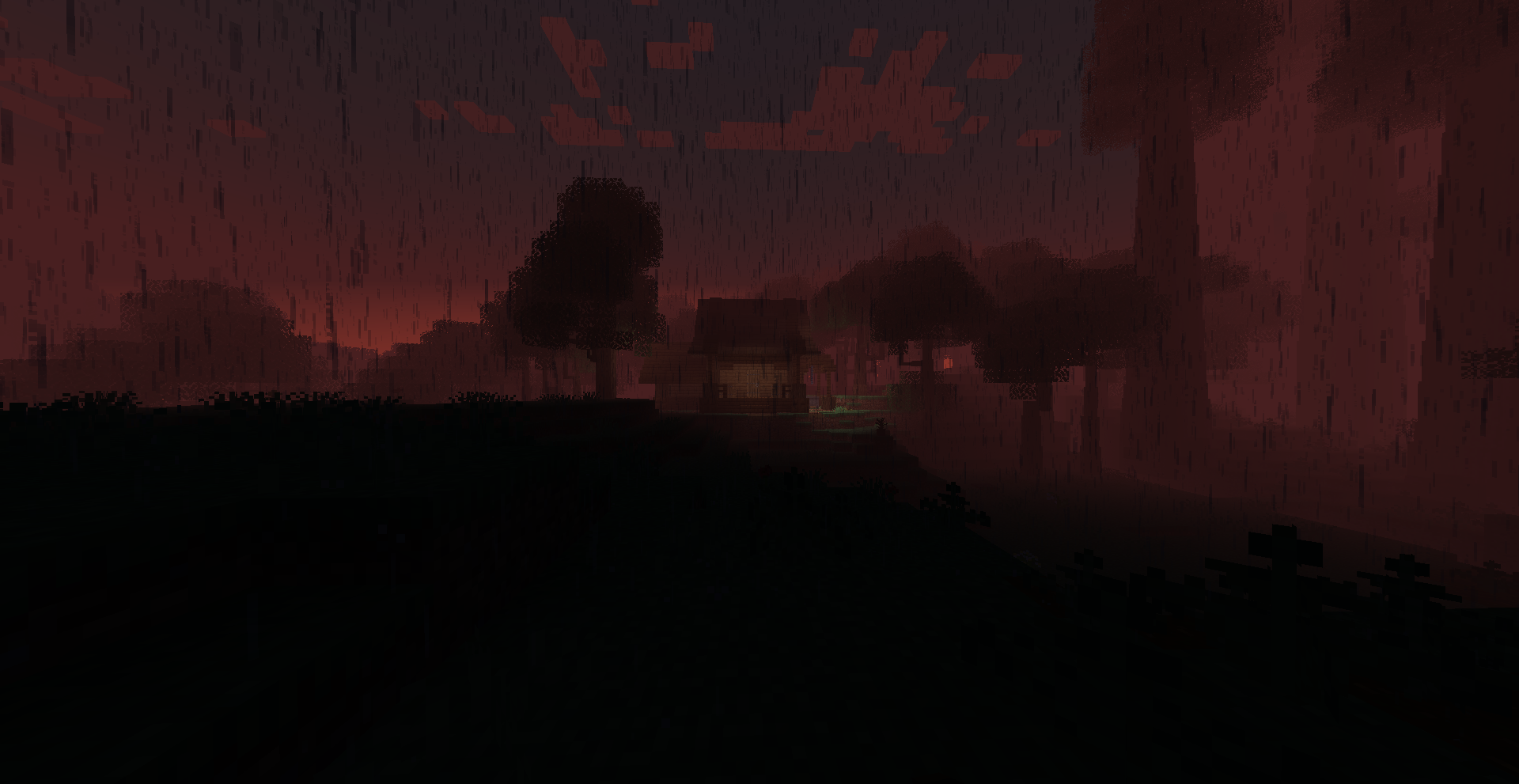 Dynamic Fog Render fog stretching further toward the player as it adapts to the time of day or altitude (render distance does not change)
 -
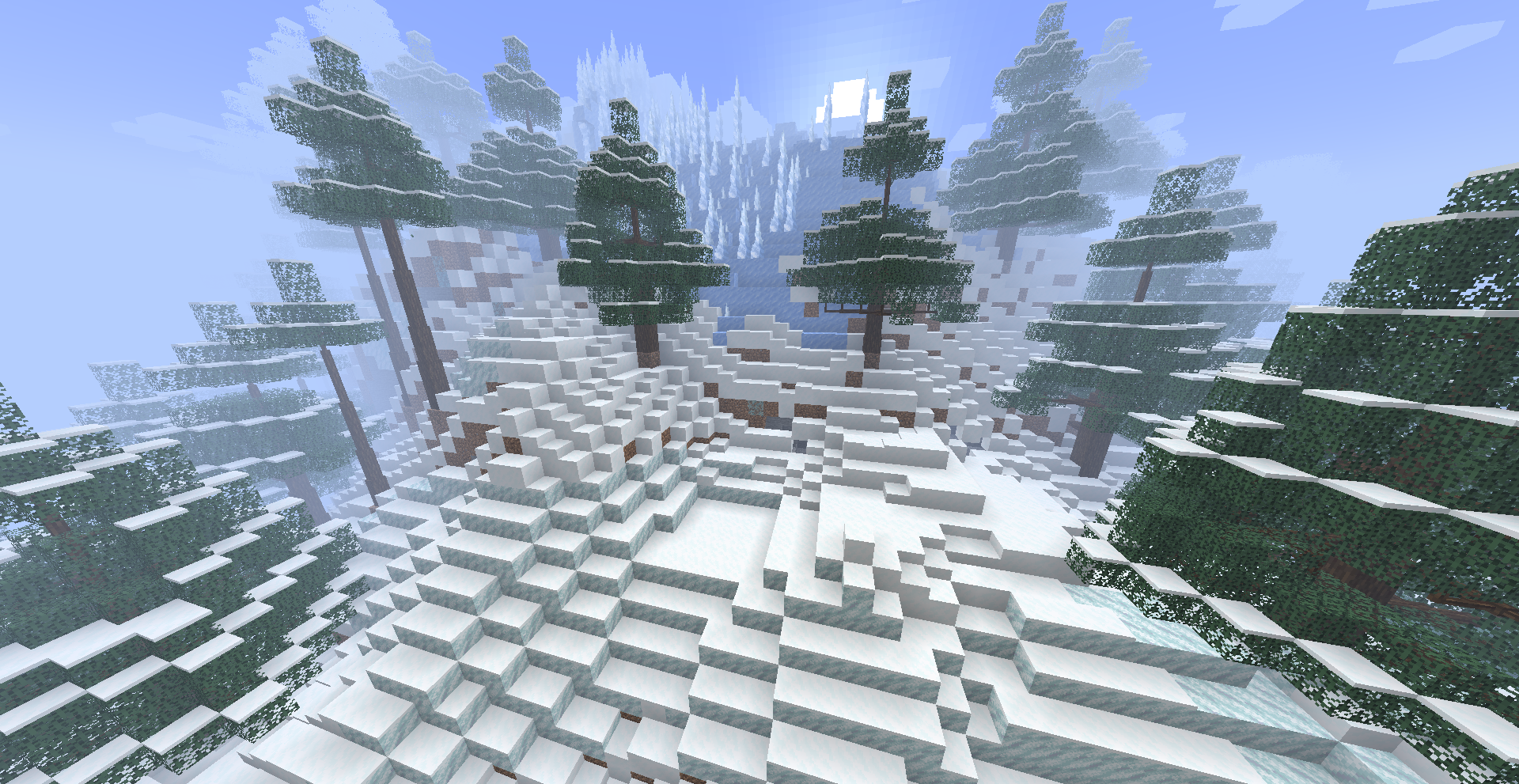 Landscape A small portion of frozen peaks. Covered in layers of ice spikes, permafrost, powdered snow, and more.
 -
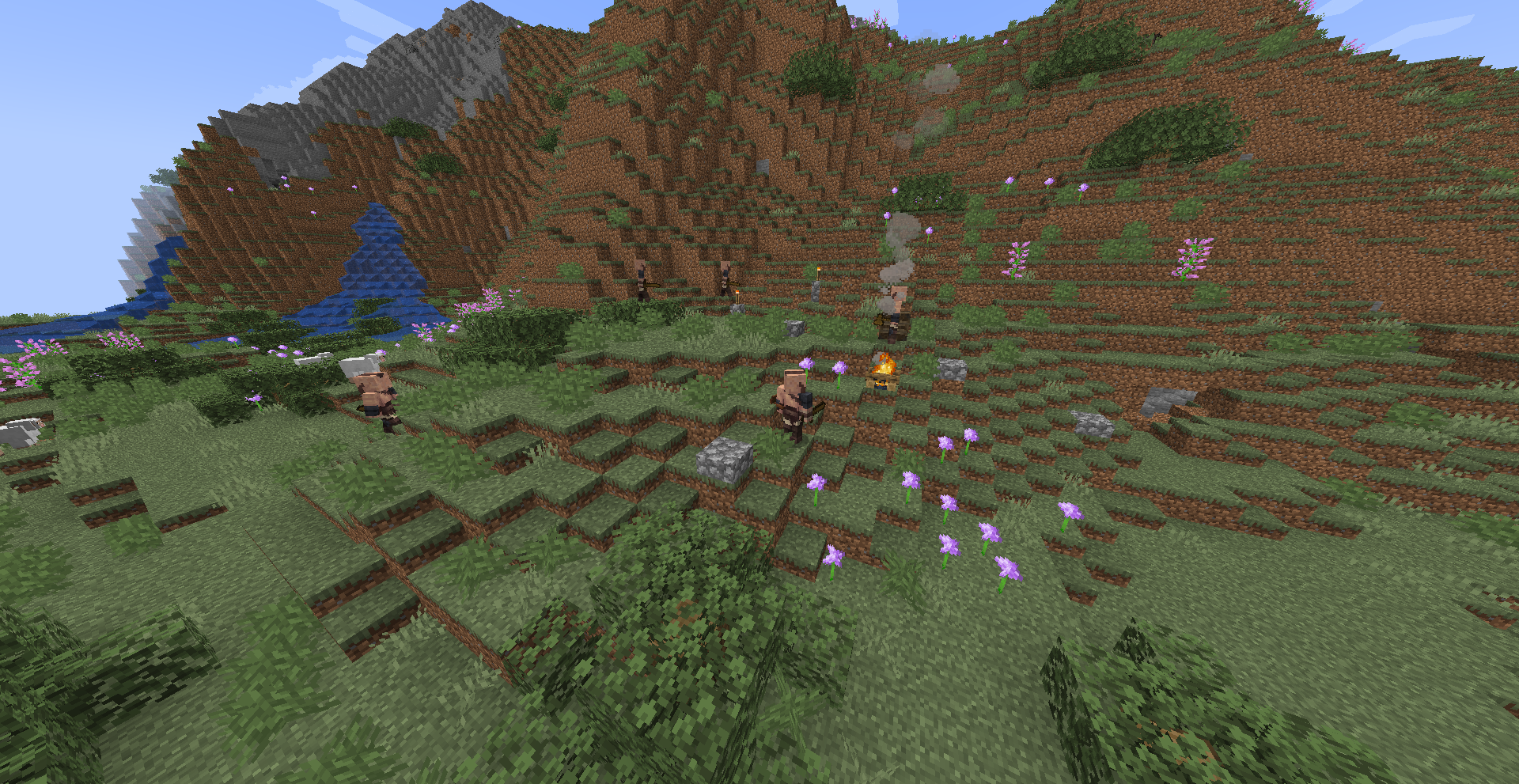 Bandits/Barbarians The common bandit. Notorious for spreading quickly and tricking villagers.
 -
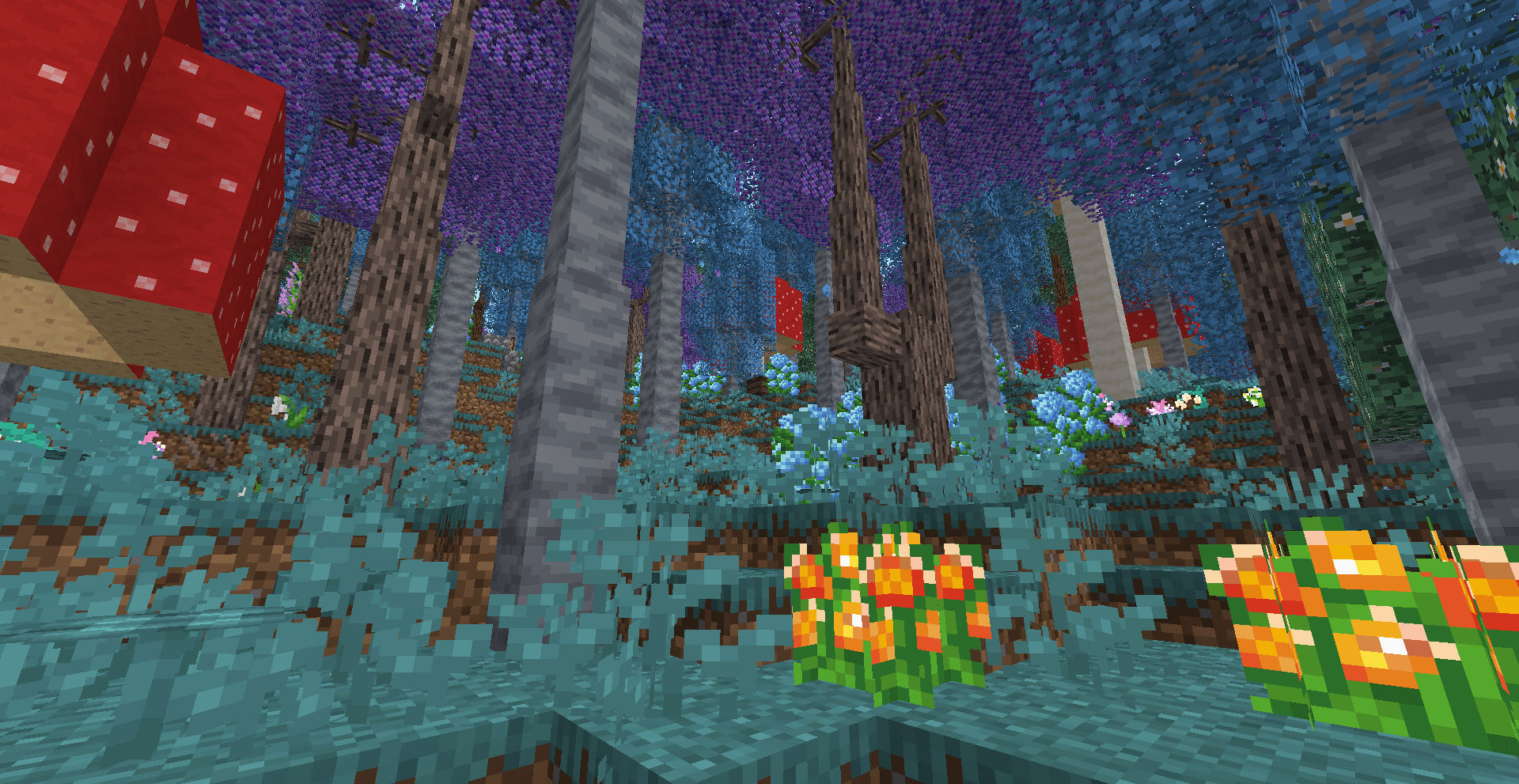 A Unique Forest A unique forest with some wild salmonberries
 -
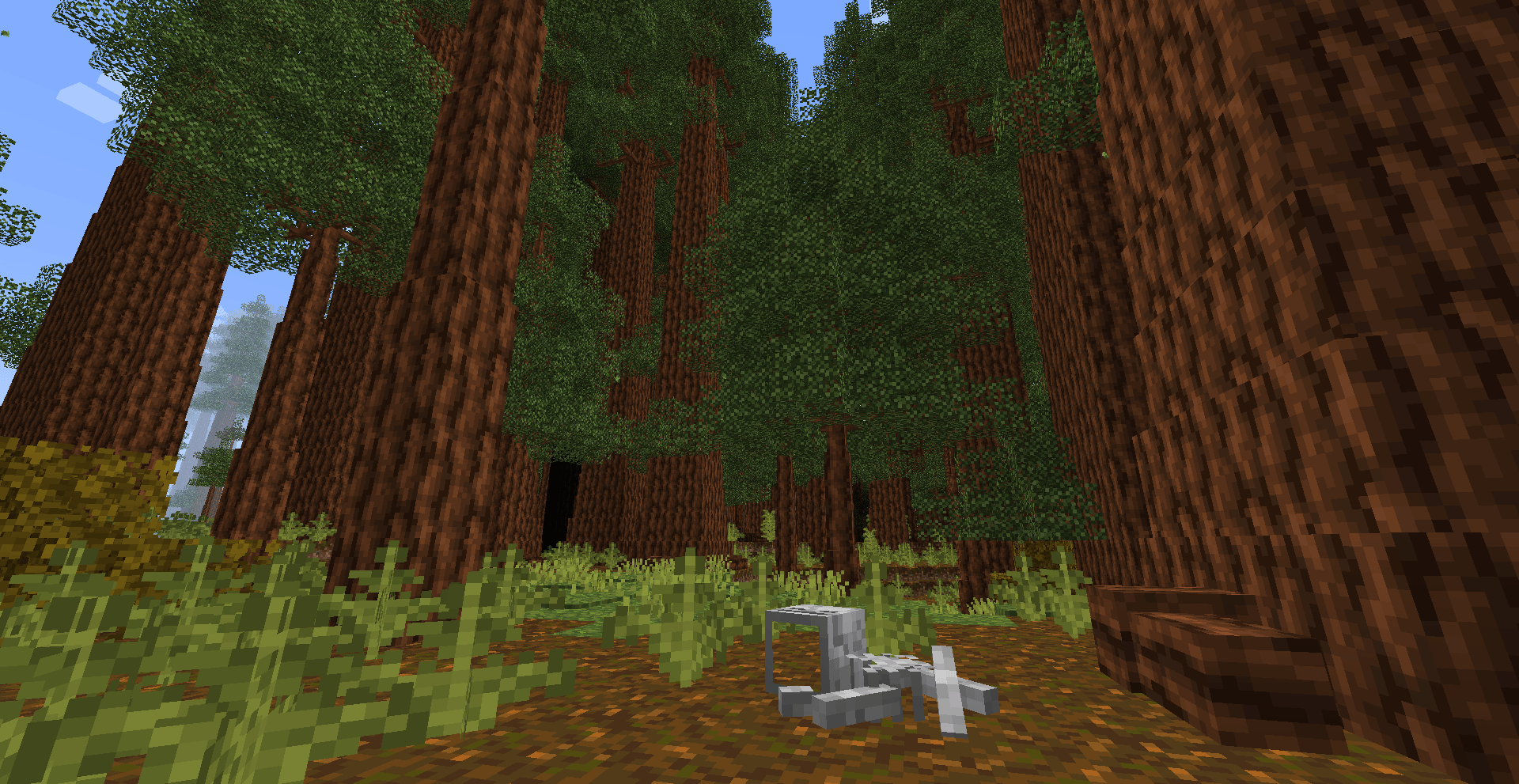 Redwood Remains A Redwood forest with the remains of a player's corpse. Who knows how long it's been there?
 -
 Ocean Drop-off The terrifying transition from ocean to deep ocean.
 -
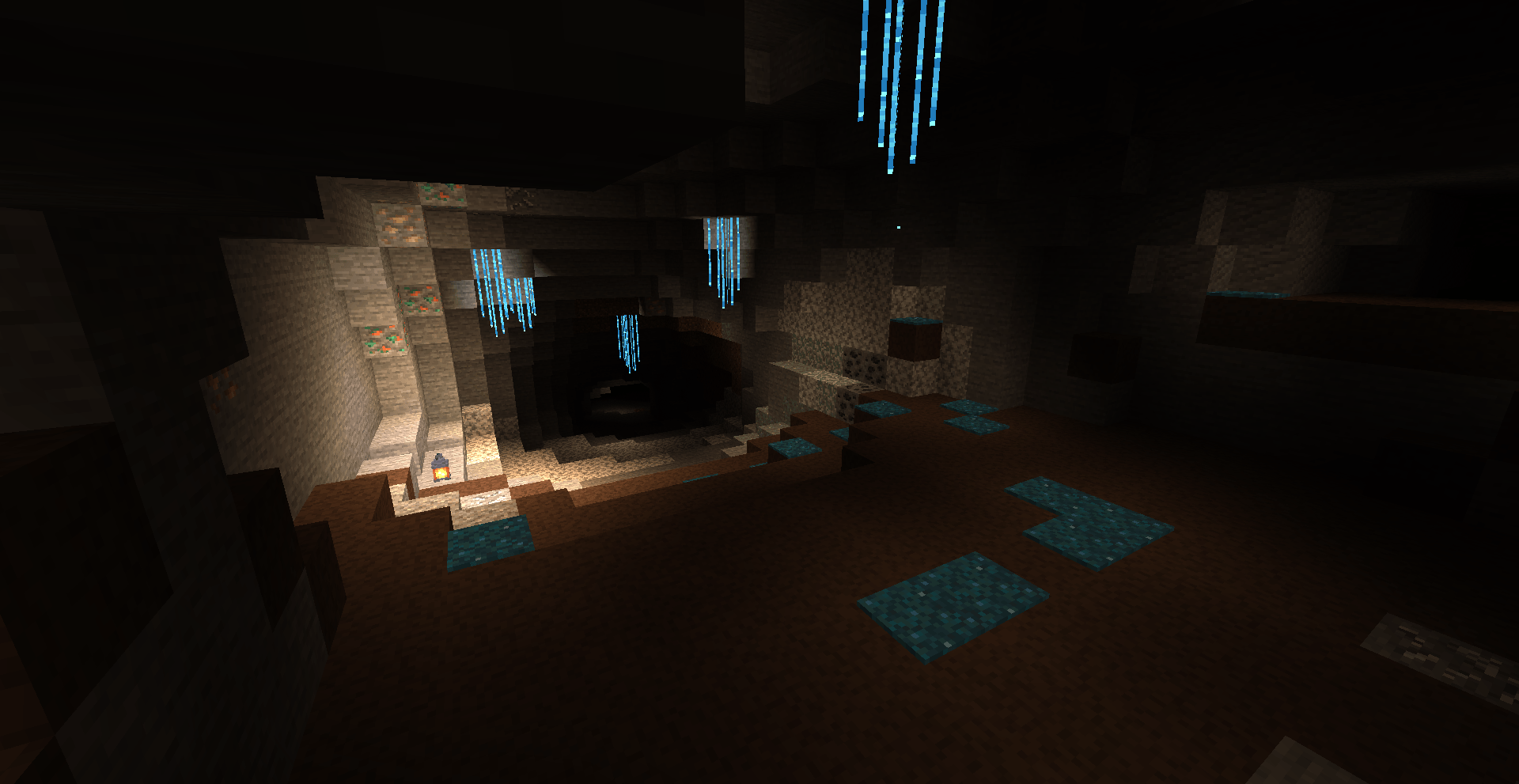 Glowing Caves A portion of the glowing grotto with a bright lantern
 -
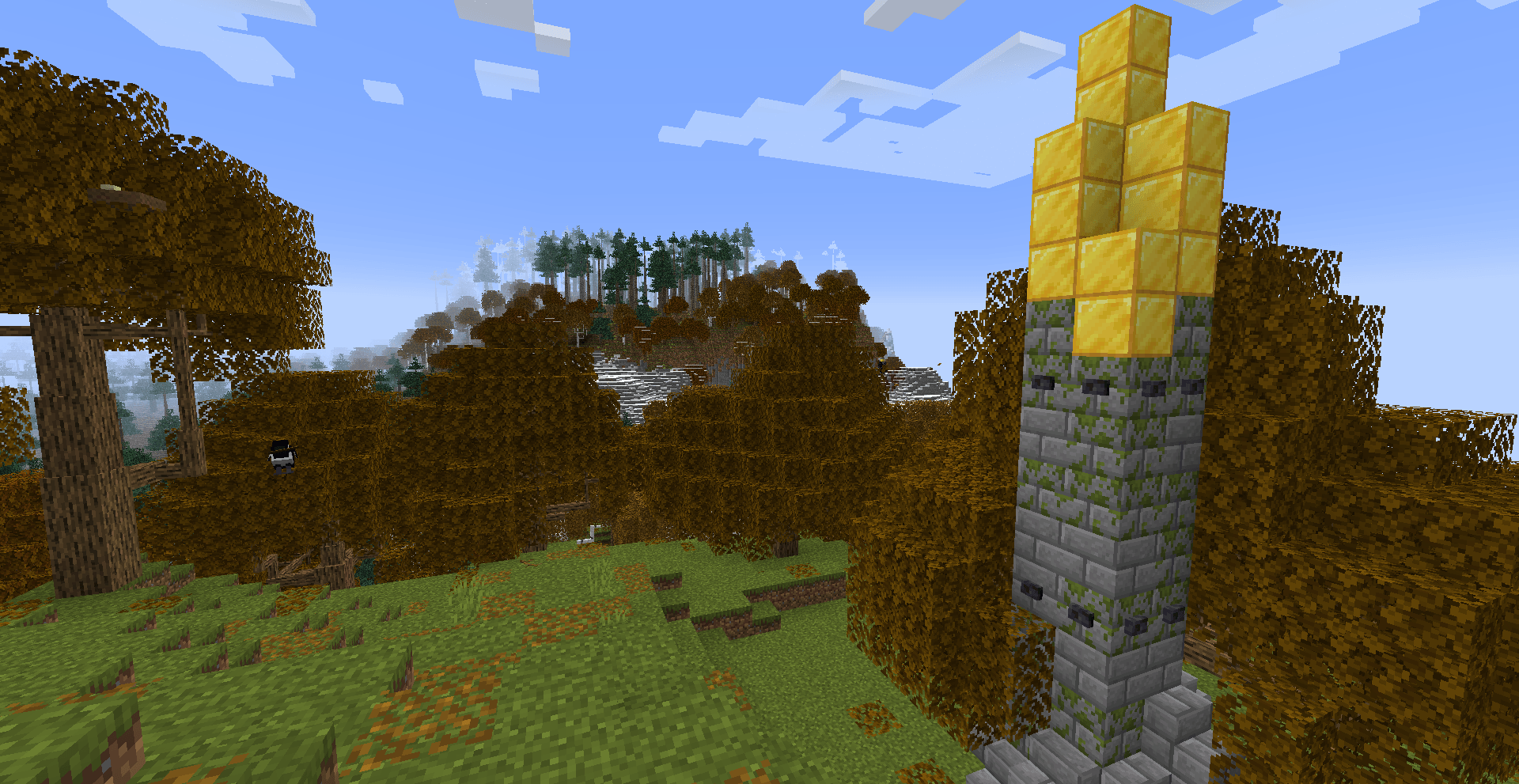 Landscape A strange gold-capped monolith overlooking a cold horizon.
 -
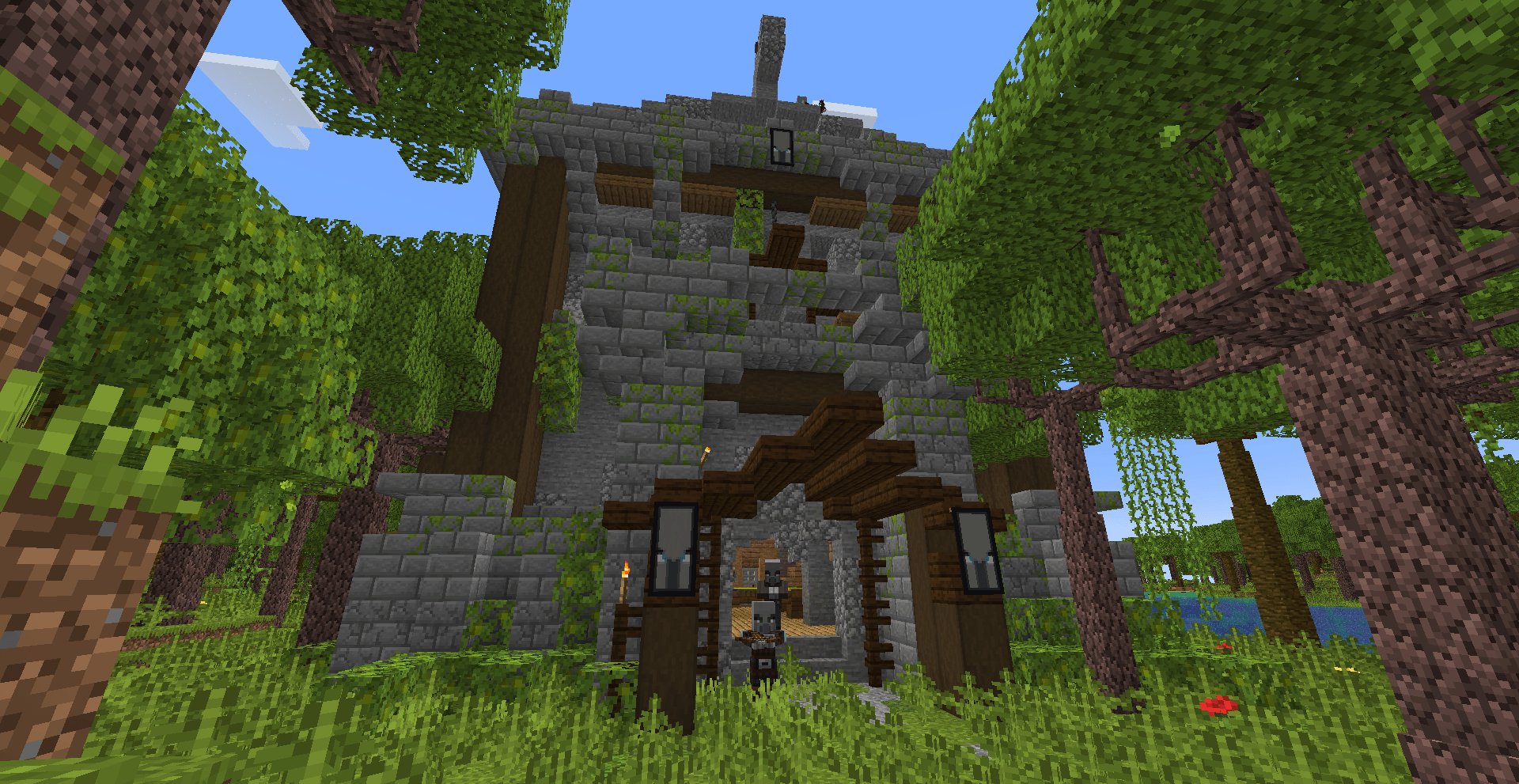 Dangerous Pillager Base A pillager base shrouded in the haze of a hot tropic forest. what could they be hiding?
 -
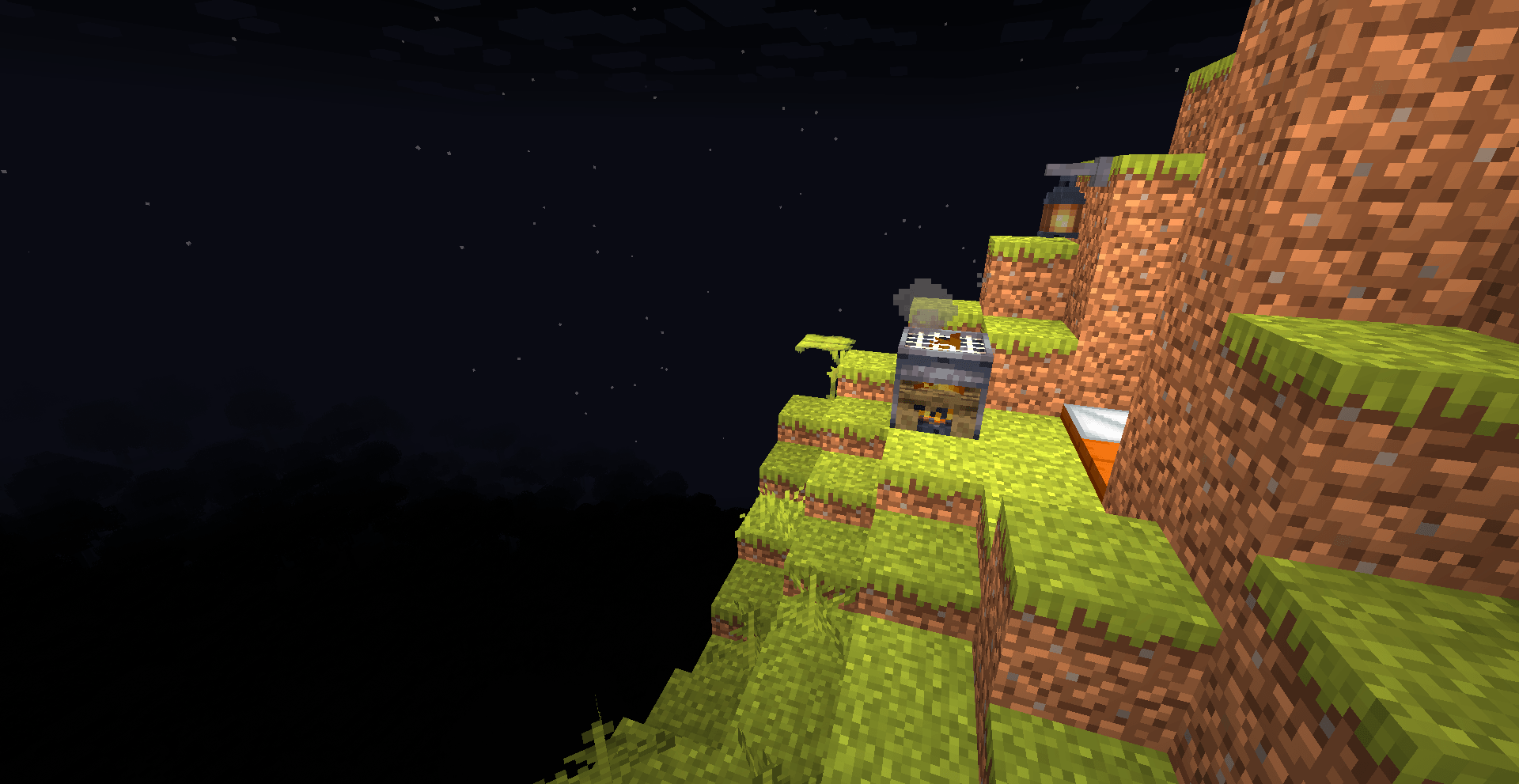 Lonely Campsite A Sleeping Bag, Grill, Campfire, and Lantern. Topped with an endless sleeping horizon.
 -
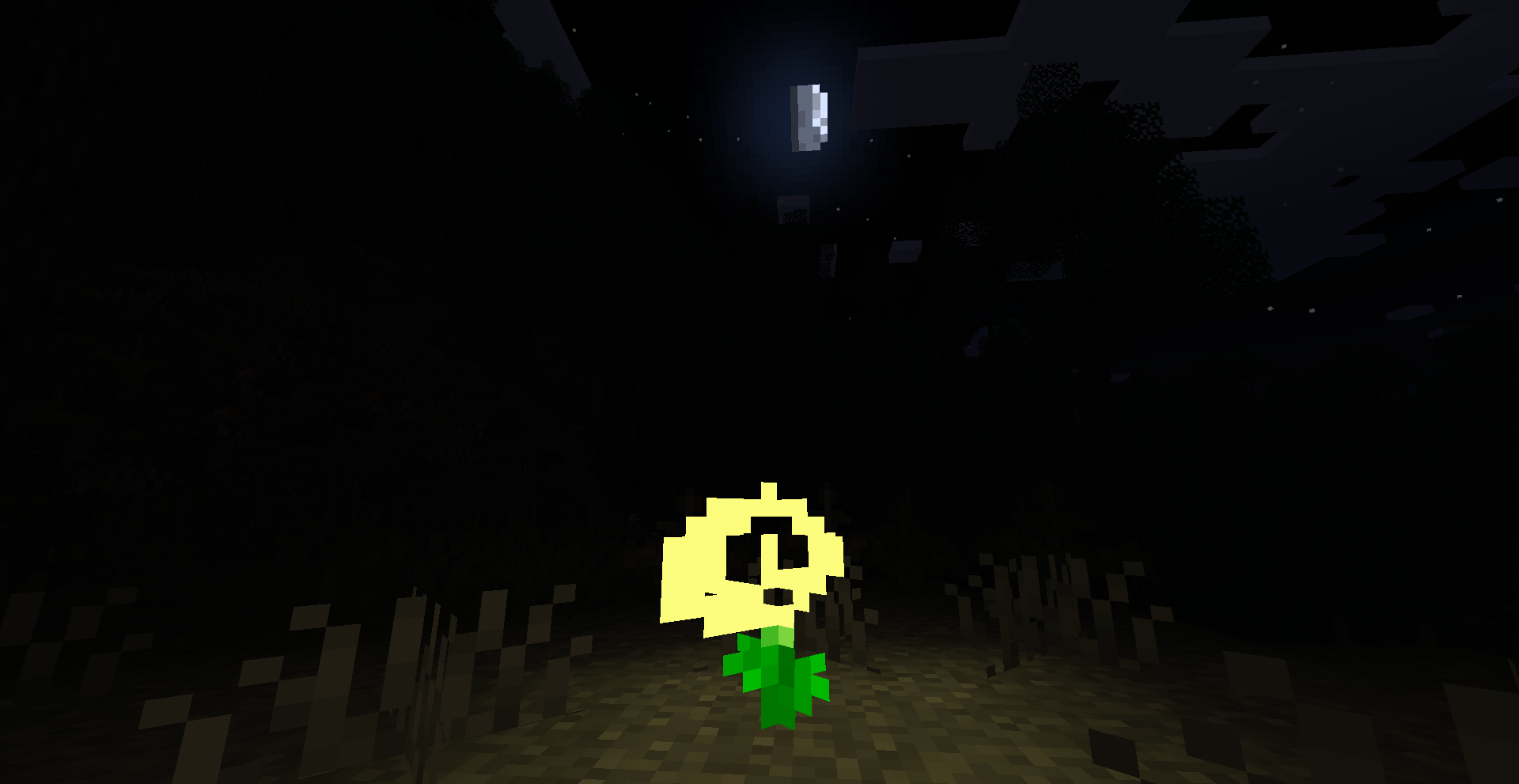 The Healing Plant A Healing Plant glistening in the night.
 -
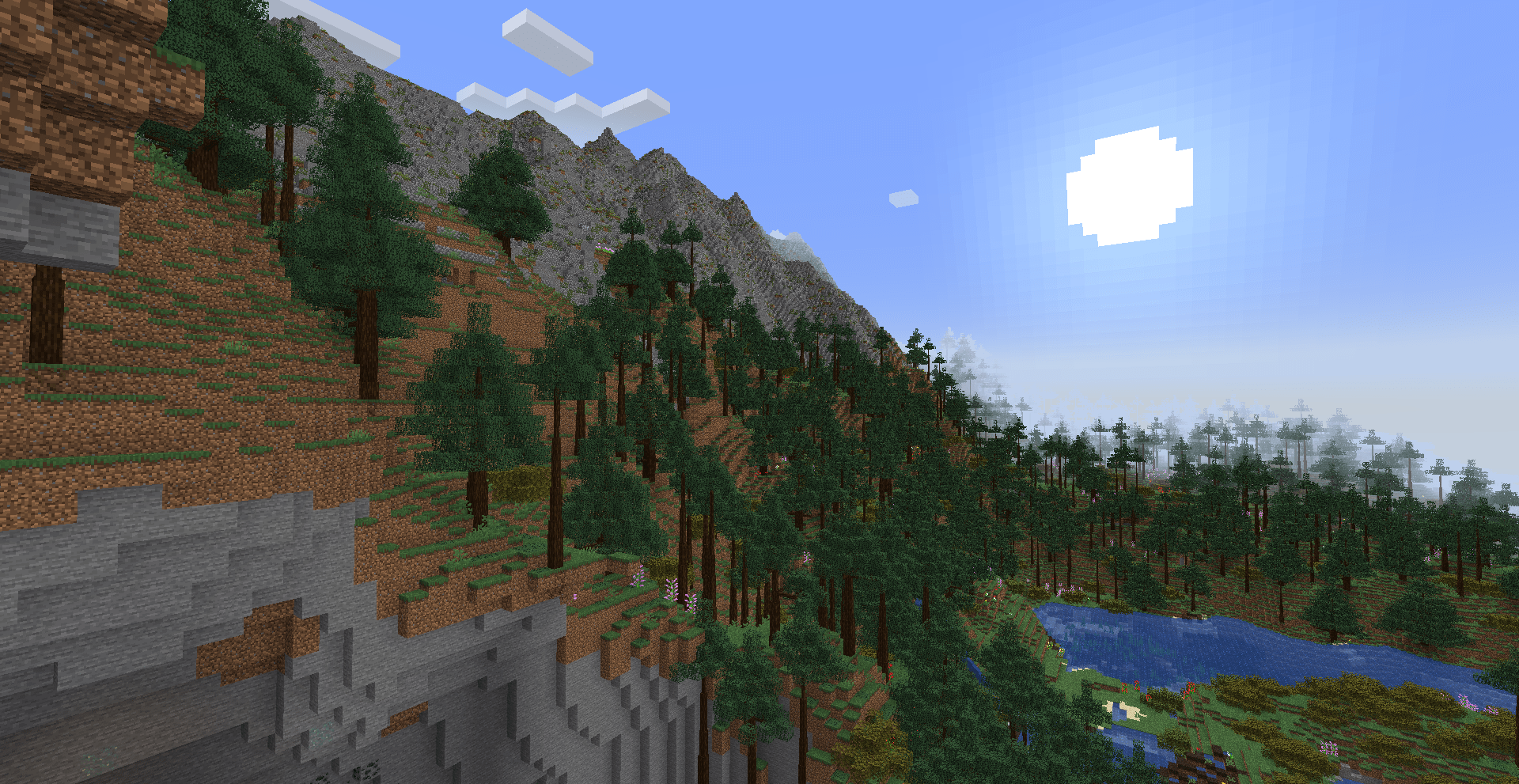 Large Landscape A Spruce Wooded mountainside with a cragrock peak barely touching the clouds.
 -
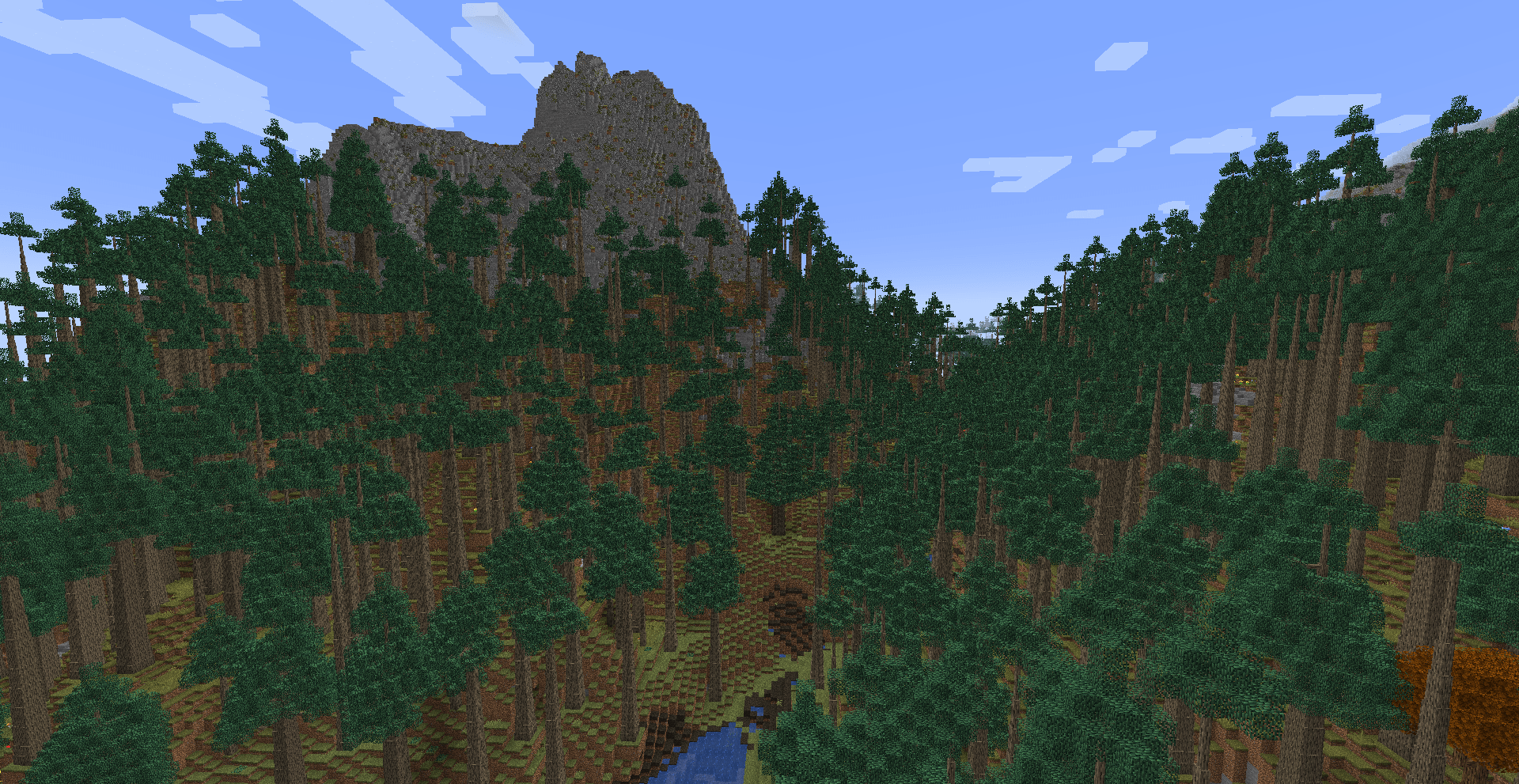 Large Landscape A Firwood Forest with a unique dip overlooked by a stony peak.
 -
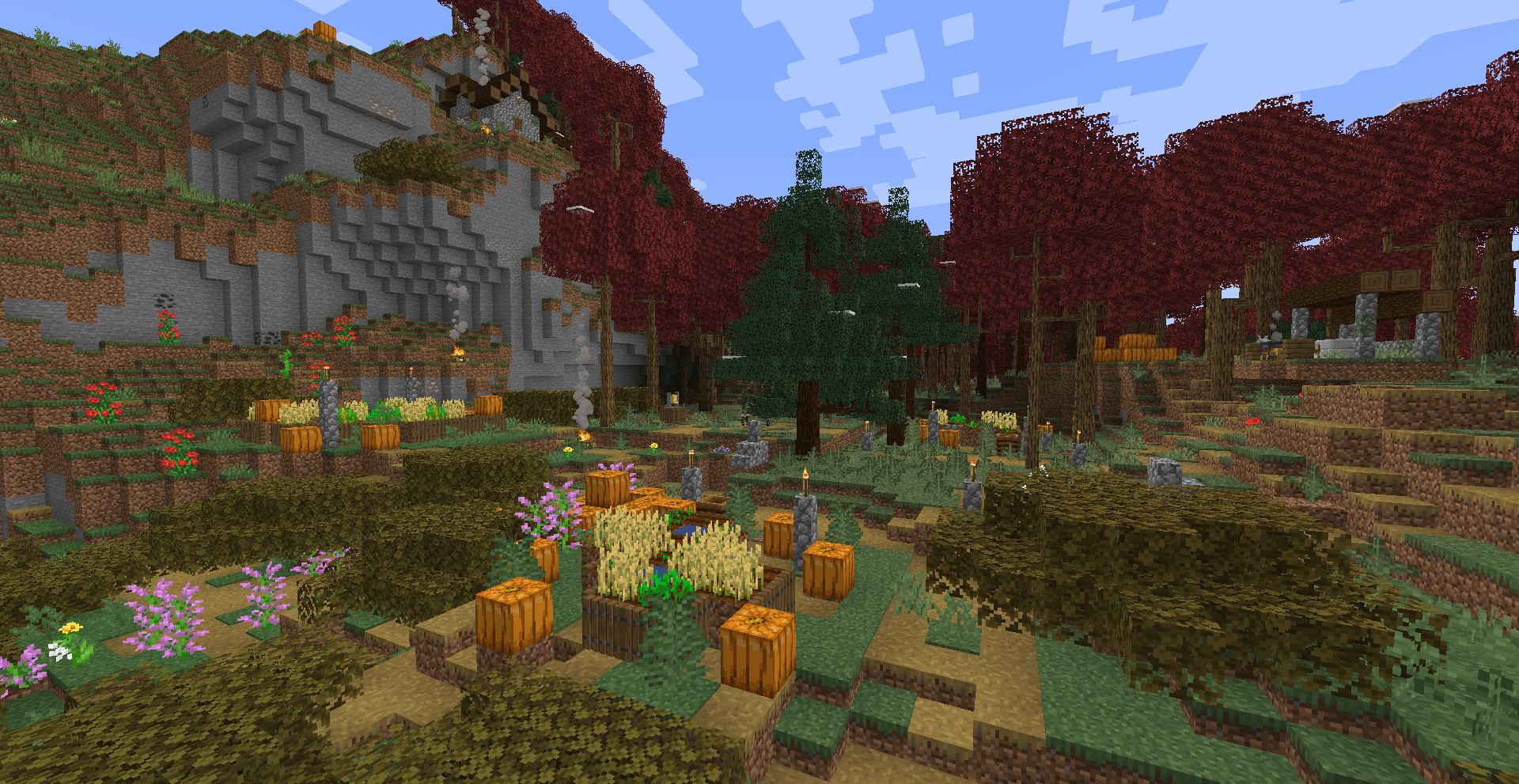 Lonely Villager A grilling station, a few farms, and a house on a hill. Sitting right on the edge of a Maple Forest.
 -
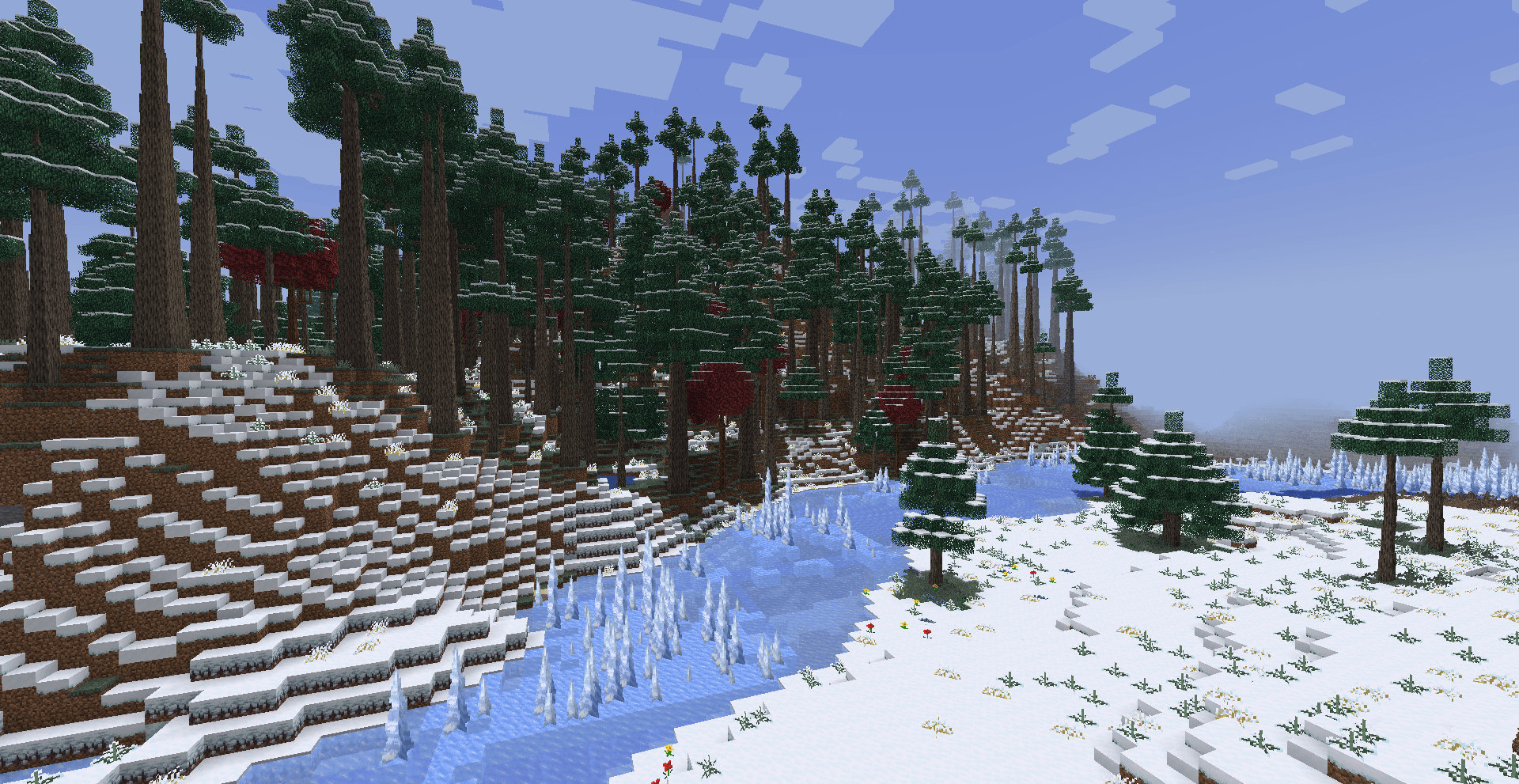 Large Landscape An icy mountain edge and a snowy plain separated by a fully frozen river.
 -
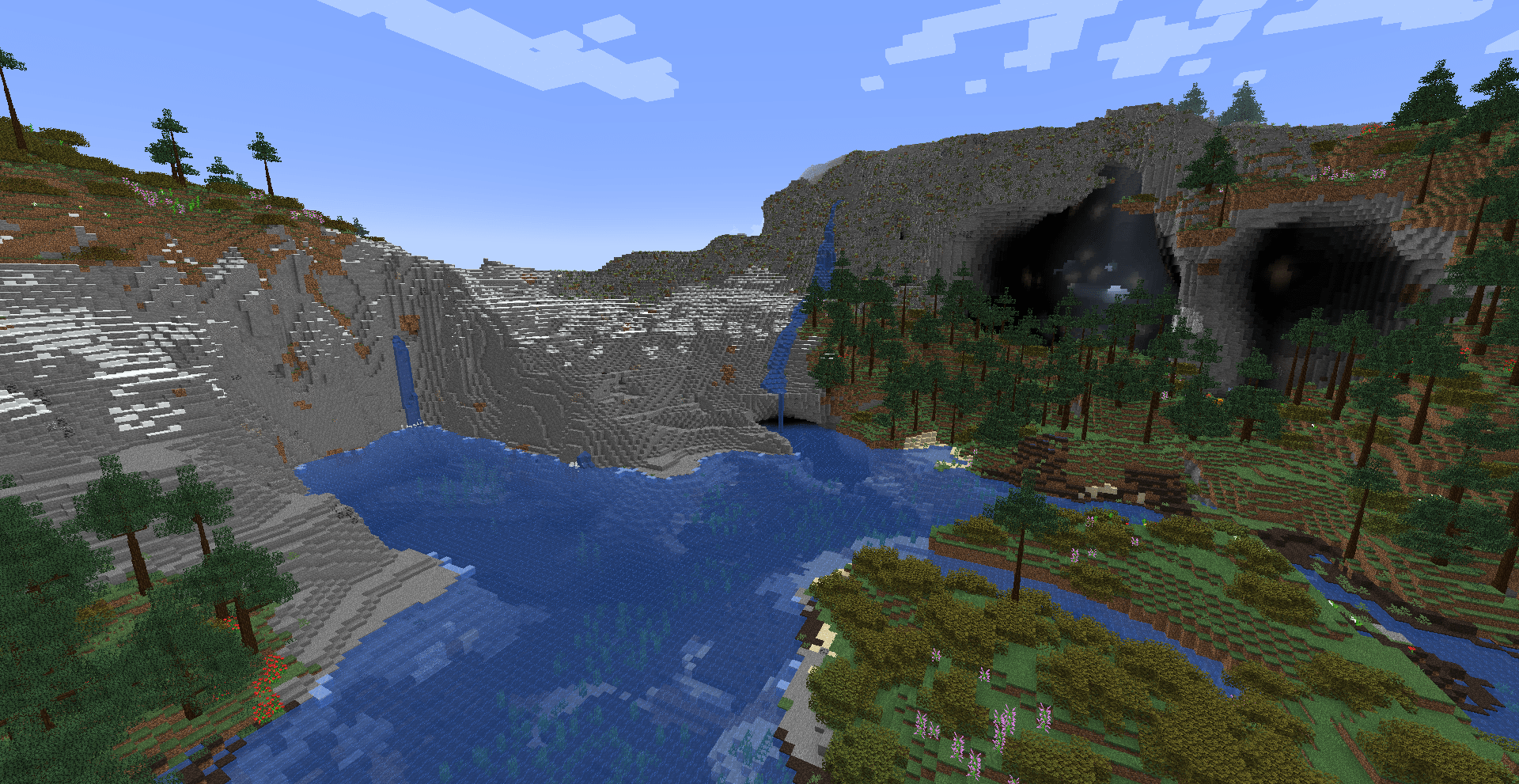 Large Landscape A unique formation of hills and lakes with a mountain face appearing to have caverns as eyes.
 -
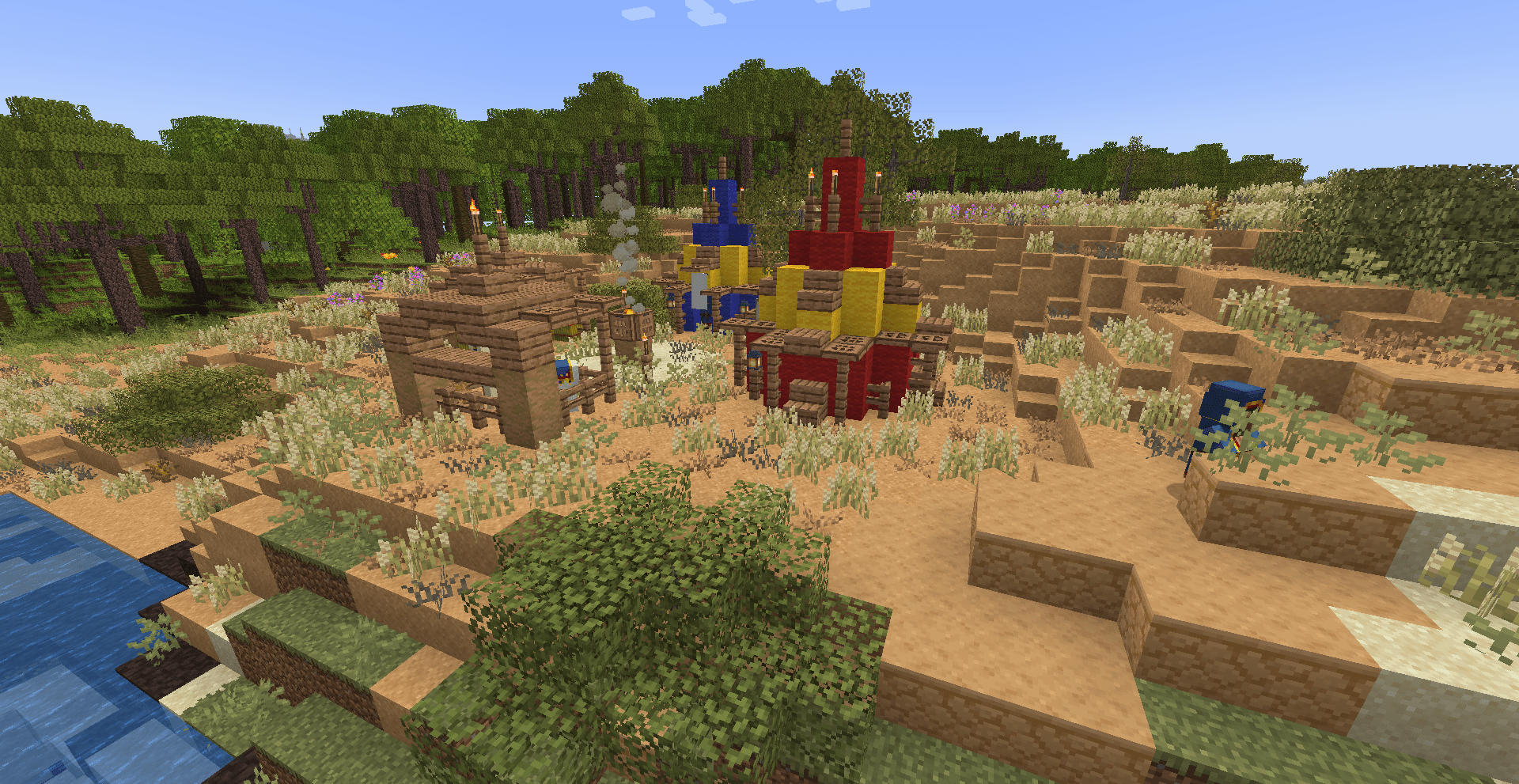 Wandering Trader Camp A wandering trader campsite in a hot secluded area
Versions
Files
Relations
Project Relations
More like this
Similar Modpacks
Suggestions use data such as tags, dependencies, dependents, descriptions, titles, and more to rank how much they overlap with this modpack.
On ModDex
Community snapshot
By the numbers
Statistics
Want to reach Minecraft players?
We're looking for a server hosting partner to feature here and other parts of the site. Interested? Send us a message!
Get in touchGet it on
Available Platforms
On ModDex
Community snapshot
By the numbers
Statistics
Resources