
Swilia's Usage ModPack
No reviews yet
Modpack with more mods
Enhances game performance and optimizes resource usage.
Fabric is a mod loader for versions 1.14+ of Minecraft, particularly popular for client side and optimization mods.
Community voices
Reviews
Click once to include, again to exclude, again to clear
No reviews yet. Be the first to review this project!
Get it on
Available Platforms
 Modrinth
Compatibility
Supported Environments
About
Project Details
For authors
Embed Badge
If you're the author of this project, you can embed a live badge anywhere that supports HTML or Markdown. It updates automatically whenever ratings change.
Use HTML for any page that supports it, or Markdown for README files and Markdown-based descriptions.
Identifiers
Platform IDs
Resources
External Links
About
Description

Swilla's Usage modpack is a v1.21.4 only modpack that isn't for optimizing, but to give an experience, making it a difference from the rest
See the Installation Instructions when installing the modpack, for launchers that can't support downloading from modrinth, you may need to use the installing the modpack Externally
Here's how it compares
| Feature | Fabulously Optimized | Simply Optimized | Remarkably Optimized | Performium | Sodium Plus | Swilla's Usage ModPack |
|---|---|---|---|---|---|---|
| Mojang Screen Removed (Game Boot) | ❌ | ❌ | ❌ | ❌ | ❌ | ✅ |
| Minecraft Options Configured By Default | ❌ | 🟨 | 🟨 | 🟨 | 🟪 | ✅ |
| Loading Terrain Removed | ❌ | ❌ | ❌ | ✅ | ❌ | ✅ |
| Fast Quitting Worlds (Quit Fast Mod) | ✅ | ❌ | ❌ | ❌ | ❌ | ✅ |
| Resource Pack Screen (Changing Packs) Removed | ✅ | ❌ | ❌ | ❌ | ❌ | ✅ |
| Zoom way better (Zoomify) | ✅ | ❌ | ✅ | ❌ | ❌ | ✅ |
| Mod Menu | ✅ | ❌ | ✅ | ✅ | ✅ | ✅ |
| Server Resource Pack Control | ❌ | ❌ | ❌ | ❌ | ❌ | ✅ |
| Pack Downloader and many more in-game | ❌ | ❌ | ✅ | ✅ | ❌ | ✅ |
| Resource Explorer (Resource Pack Folder Viewer) | ❌ | ❌ | ❌ | ❌ | ❌ | ✅ |
Notes
Tested on version 1.21+ only, on modpack versions:
Fabulosly Optimized - Fabulously Optimized 6.5.0-beta.10
Simply Optimized - Simply Optimized 1.21.4-2.0.1
Remarkably Optimized - Remarkably Optimized 1.13.1
Performium - Performium v1.1.0-Release+1
Sodium Plus - Sodium Plus 2.3.1-beta.1
Section 2 for Sodium Plus - Configured but not the music or etc
Section 2 for Remarkably Optimized - GUI Scale is not configured (Defaults to auto), And there's only the built in Frabic Packs with Resource Packs from a Mod Only
Section 2 of Performium - Barely Configured, but not the FOV, neither the Resource Packs that cames with the modpack are enabled
Section 2 of Simply Optimized - GUI Scale set to 3, nothing else
But what does change even?
Worlds
It Removes "Loading Terrain..." forever and ever (And Loads Fast!) when changing worlds/creating worlds, so it doesn't feel like a pain to watch


When saving worlds, you will be already at the menu, as the world is saved in the background (Shown at the top right)

Resource Packs
It removes the Mojang/Loading screen when changing any resource pack, so you can move while it loads on the background

Server Resource Packs
You can control the way Server Resource Packs are, not from the usual "Accept or don't connect", you can either Ignore (Accepts but doesn't apply - Works on servers) Accept it, but with a check if you want the server to override (Change) the existing resources from your enabled Resource Packs on your client!

Game Launching
The game will boot in the menu instantly, as because of the Loading Screen and The Mojang Logo is removed!

Other
HUD and UI
The UI is from Catppuccin UI While if you want, you can apply the Etsan's Better Hotbar or AxeFactor for PvP!*


*On Versions starting 1.2 and above, not v1.2 (Beta 1) and below
Flashback built in
If you want to record your gameplays, Flashback is built in here, you simply need to Start The Recording

Download DataPacks/Resource Packs/Shaders/etc...
You can download worlds*, resource packs, shaders and other stuff in-game, from modrinth or curseforge!

*Worlds are CurseForge Only
Information when looking in a block
I mean, you can see which block is even if its from a resource pack

Player Heads
Player Heads will show on chat when they chat, or with server messages

Pre-Built in Worlds
The ModPack Comes with prebuilt in worlds to test already the modpack**!

*
*The modpack will take a while to extract before downloading mods
*Worlds from CurseForge:
Medieval Port City by ForgiaDeiBuilder & Millenniar
Voidblock by LoweredgamesDev
Xbox Tutorial 31 by noxgame1230
Hello there... did you ready need to scroll down?
Well, this modpack is built from a single person, if you enjoyed using the modpack you can consider donating to my Ko-Fi if you want me to continue working!
Screenshots
Gallery
-
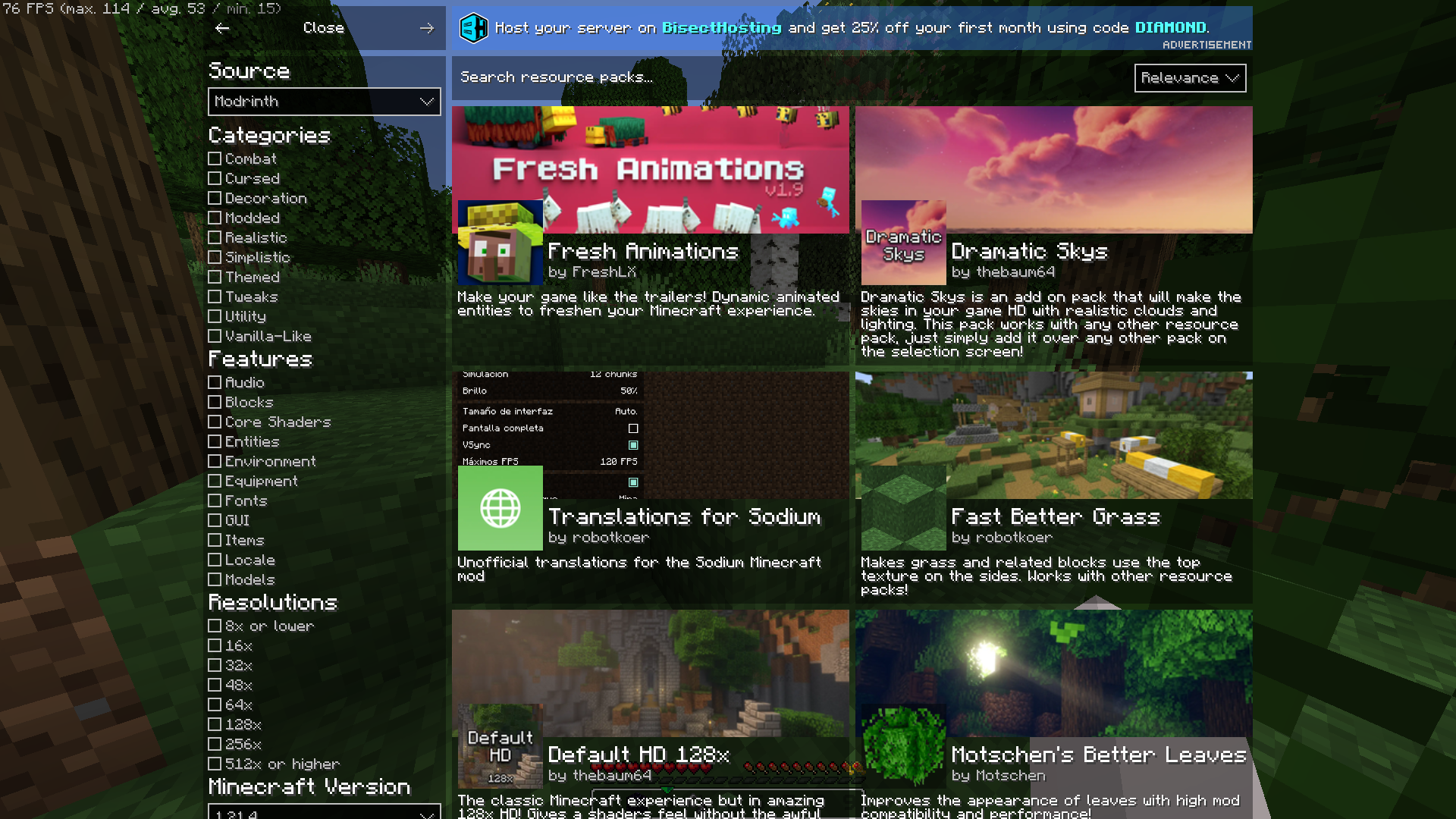 Resource Pack Searcher
 -
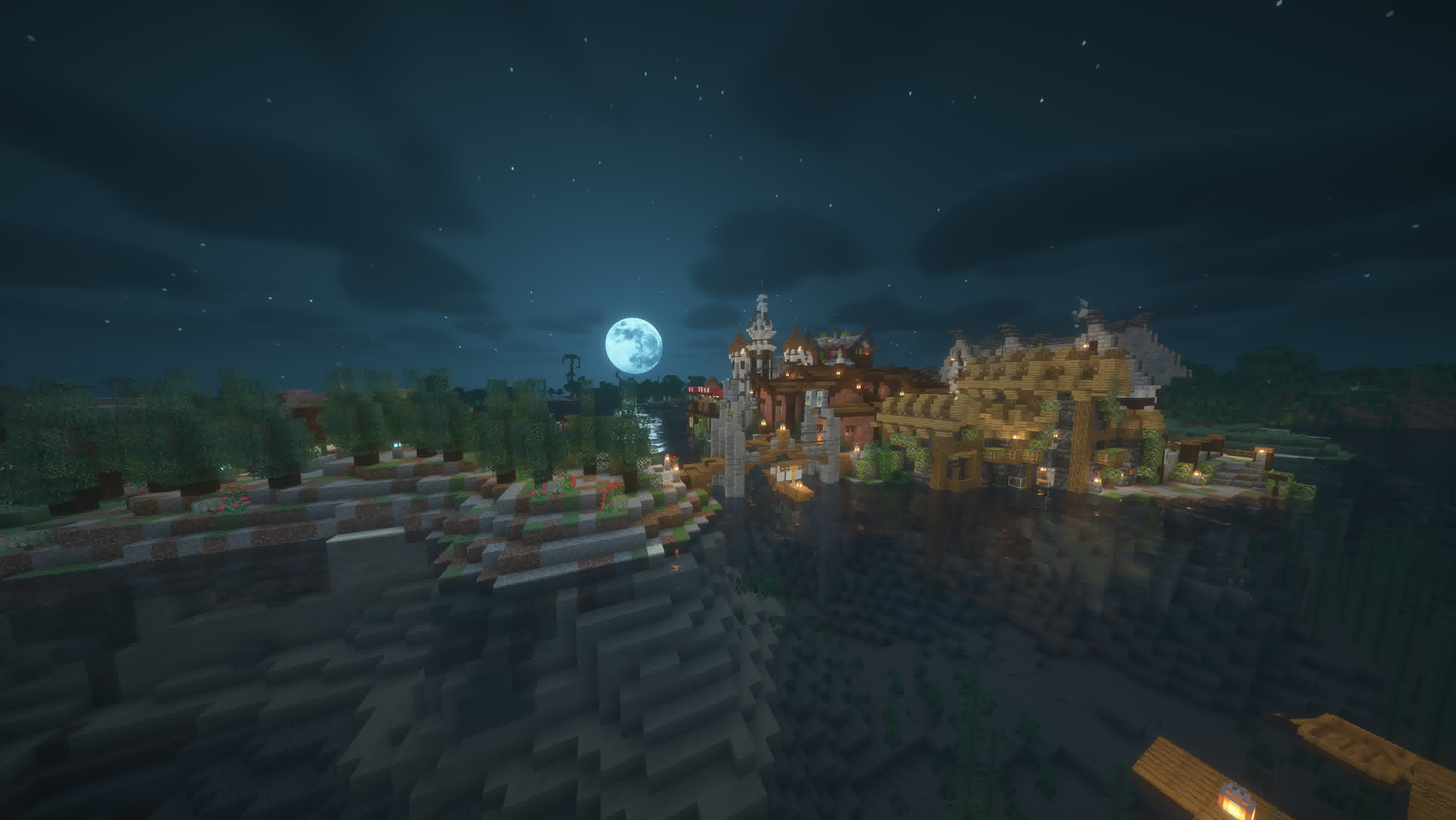 Background
Versions
Files
Relations
Project Relations
More like this
Similar Modpacks
Suggestions use data such as tags, dependencies, dependents, descriptions, titles, and more to rank how much they overlap with this modpack.
On ModDex
Community snapshot
By the numbers
Statistics

Want to reach Minecraft players?
We're looking for a server hosting partner to feature here and other parts of the site. Interested? Send us a message!
Get in touchGet it on
Available Platforms
On ModDex
Community snapshot
By the numbers
Statistics
Resources