Community listing page, reviews here may not be monitored by the author.
Tensura Neo Otherworld

No reviews yet
A Tensura-themed adventure modpack.

Community voices
Reviews
No reviews yet. Be the first to review this project!
Get it on
Available Platforms
About
Project Details
For authors
Embed Badge
If you're the author of this project, you can embed a live badge anywhere that supports HTML or Markdown. It updates automatically whenever ratings change.
Use HTML for any page that supports it, or Markdown for README files and Markdown-based descriptions.
Identifiers
Platform IDs
Resources
External Links
About
Description


Welcome to this magic adventure modpack featuring magical skills and diverse races! When your life comes to an end, you will be reincarnated into a brand-new other world, where you can choose your race and set out to explore the unknown. Filled with curiosity and lingering doubts, you will gradually uncover the truths hidden within this world. What secrets await you? Can you survive in this strange realm, build a city of your own, and ultimately ascend to the throne of the Demon King?

The modpack features over 200 mods, bringing together a collection of classic and cutting-edge adventure mods: not only timeless classics like The Twilight Forest, L_Ender's Cataclysm, Ice and Fire, and Mowzie's Mobs, but also newer mods like Eternal Starlight and Accessories & Relics, injecting fresh experiences and possibilities into the adventure.a vast variety of biomes, creatures, and structures await your exploration. And of course, there's an accompanying quest book to teach us how to play.

- Hundreds of skills and dozens of races will drive you crazy
- The quest content is clear and easy to understand
- Mainly features magical adventure elements
- Optimized frame rate runs smoothly without lag
Q: How do I disable certain race models? A: Open the config folder, locate the tensura_tno-client.toml file, and change the setting from true to false.
Q: How do I join the official server? A: You can join directly, but a premium Minecraft account is required. Also, ensure the Beyond_Adventures mod is updated to the latest version.
Q: Is the TNO modpack still being updated? A: Yes, but the update schedule has changed from weekly to monthly.
Q: What languages does the modpack ftbq support currently?
A: Simplified Chinese and English. If you changed the language to another language and FTB Quests is displaying the wrong language, click the Settings button in the bottom-right corner of the quest book to open Edit File. Then find Fallback Language and change it to en_us

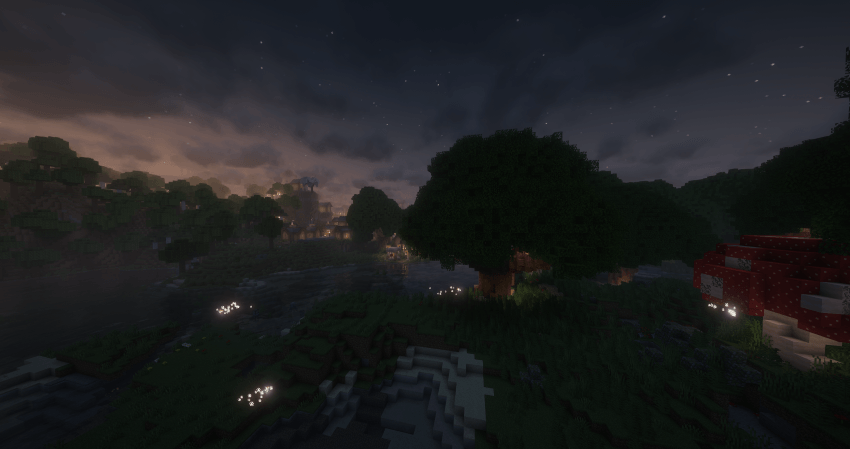
Screenshots
Gallery
-
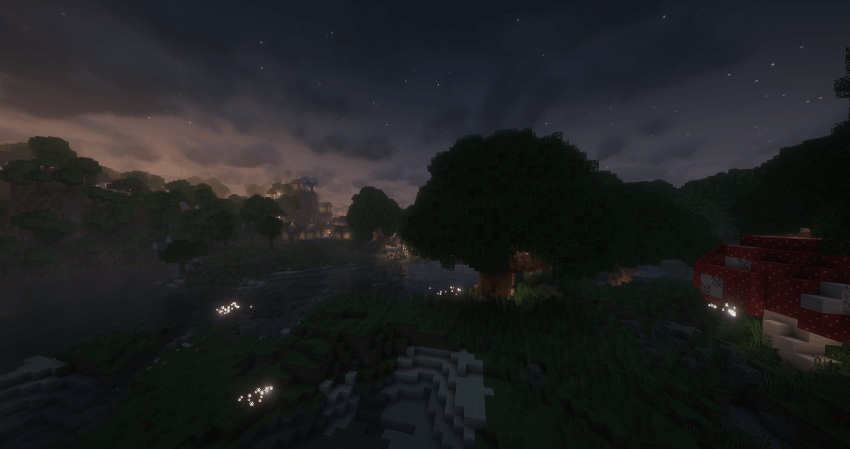 2026-03-05_21.11.18.png 2026-03-05_21.11.18.png
 -
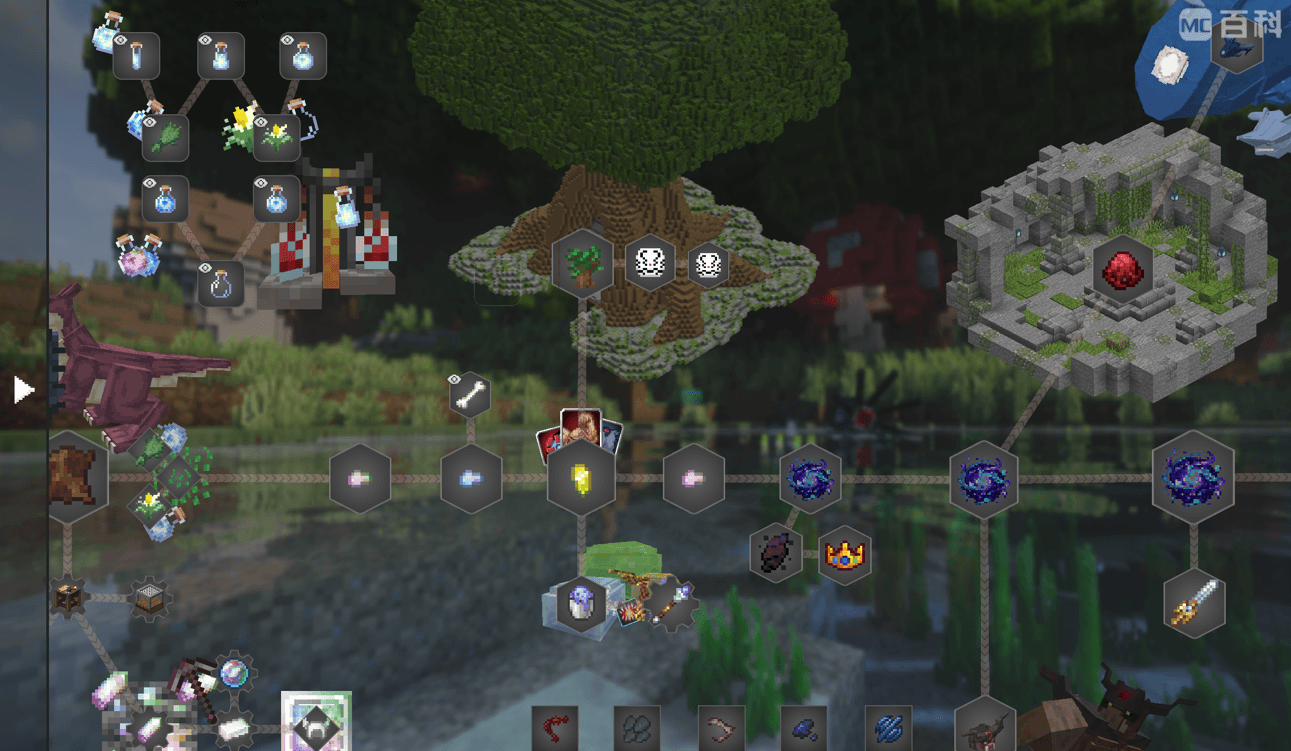 1775107510_100846_lOzi.png 1775107510_100846_lOzi.png
 -
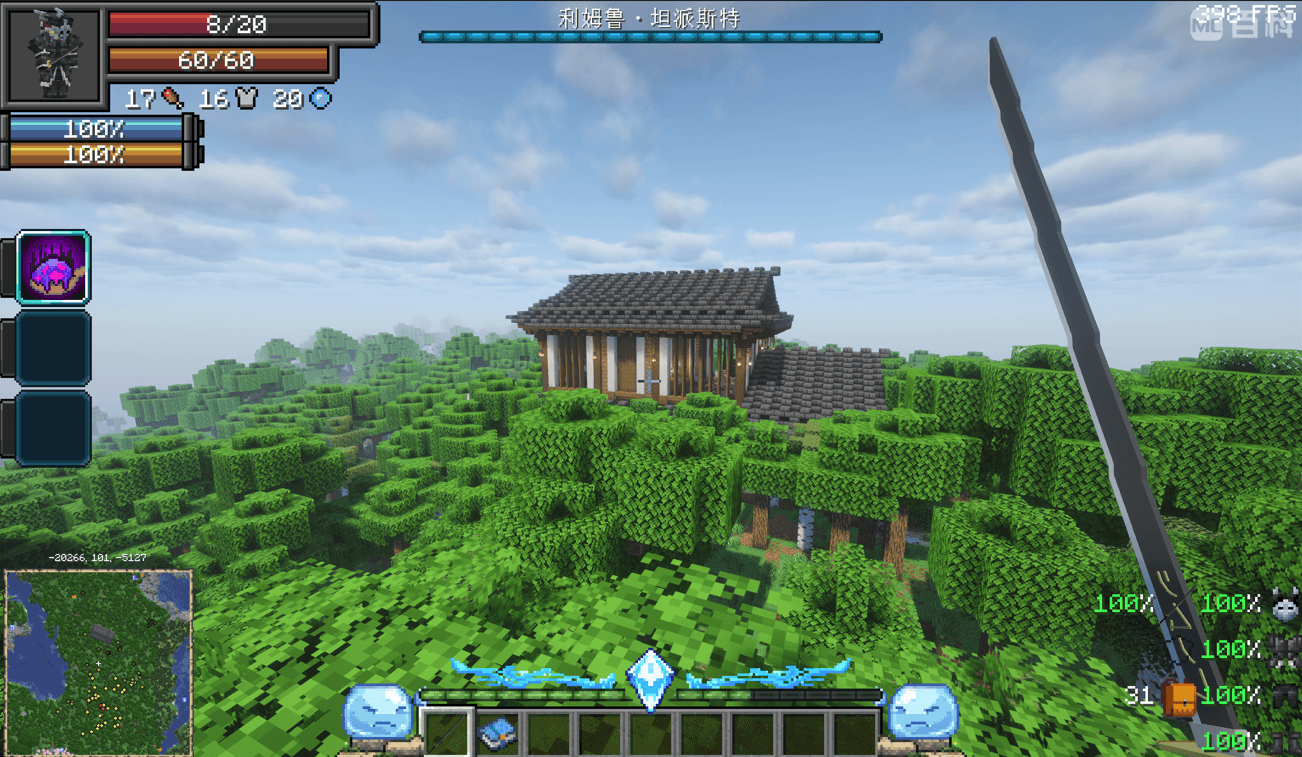 1775107536_100846_jgTn.png 1775107536_100846_jgTn.png
Versions
Files
Relations
Project Relations
More like this
Similar Modpacks
Suggestions use data such as tags, dependencies, dependents, descriptions, titles, and more to rank how much they overlap with this modpack.
On ModDex
Community snapshot
By the numbers
Statistics
 (opens in a new tab)
Get it on
Available Platforms
On ModDex
Community snapshot
By the numbers
Statistics
Resources